How to setup a logo for pdf exports
1. Navigate to web.firecoach.app
2. Log in with your Firecoach account
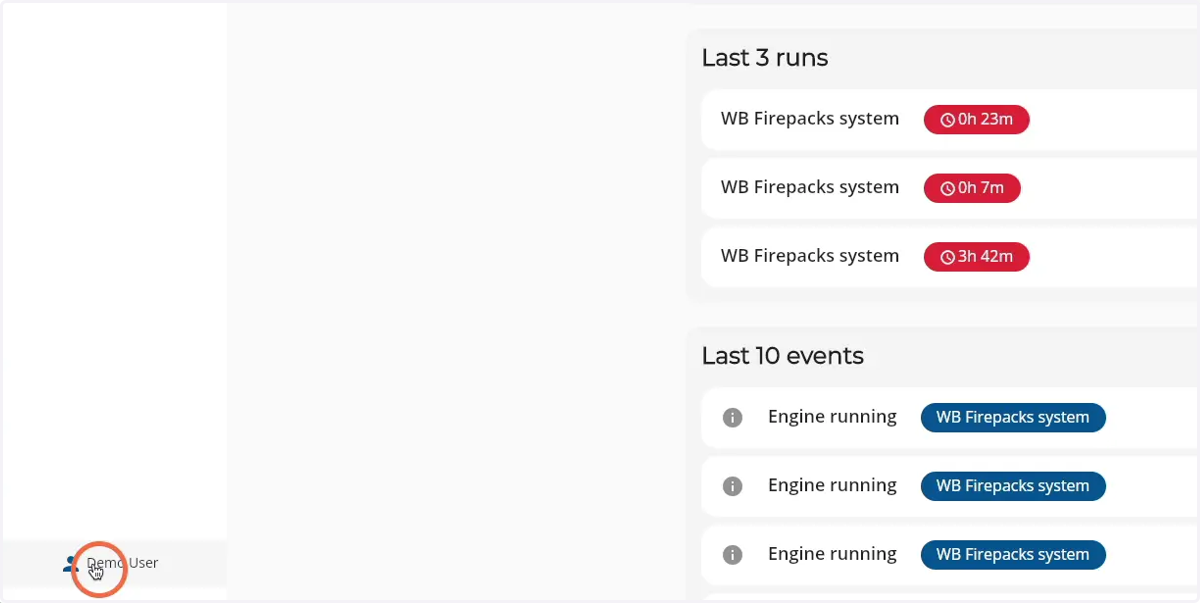
3. Click on your account name
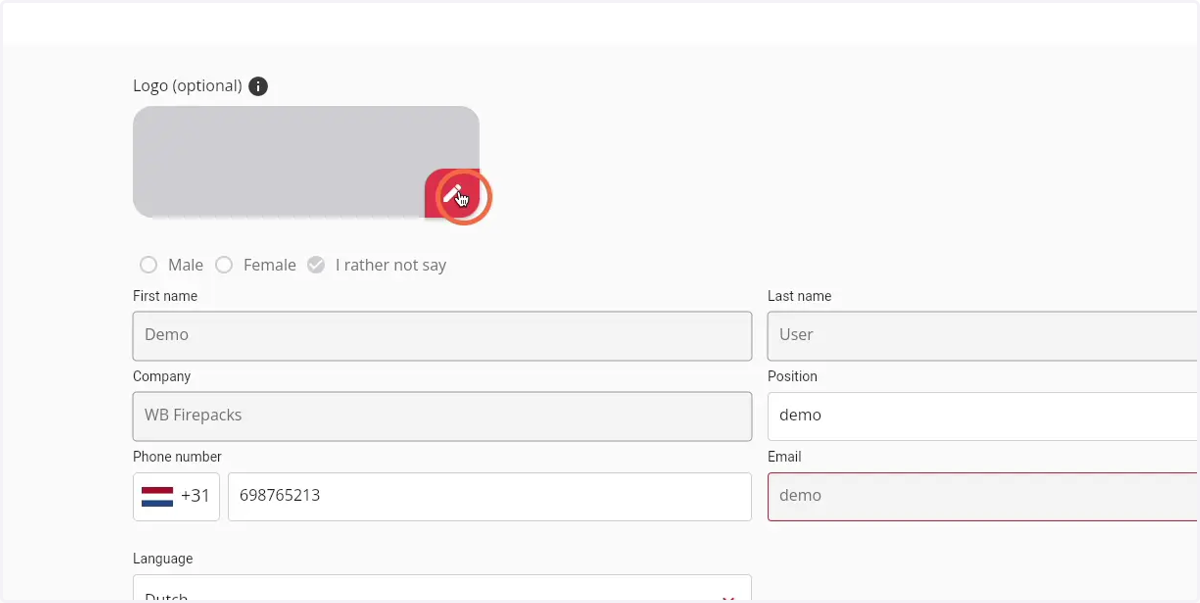
4. Click on the 'Pen' icon to open a file browser and select an image
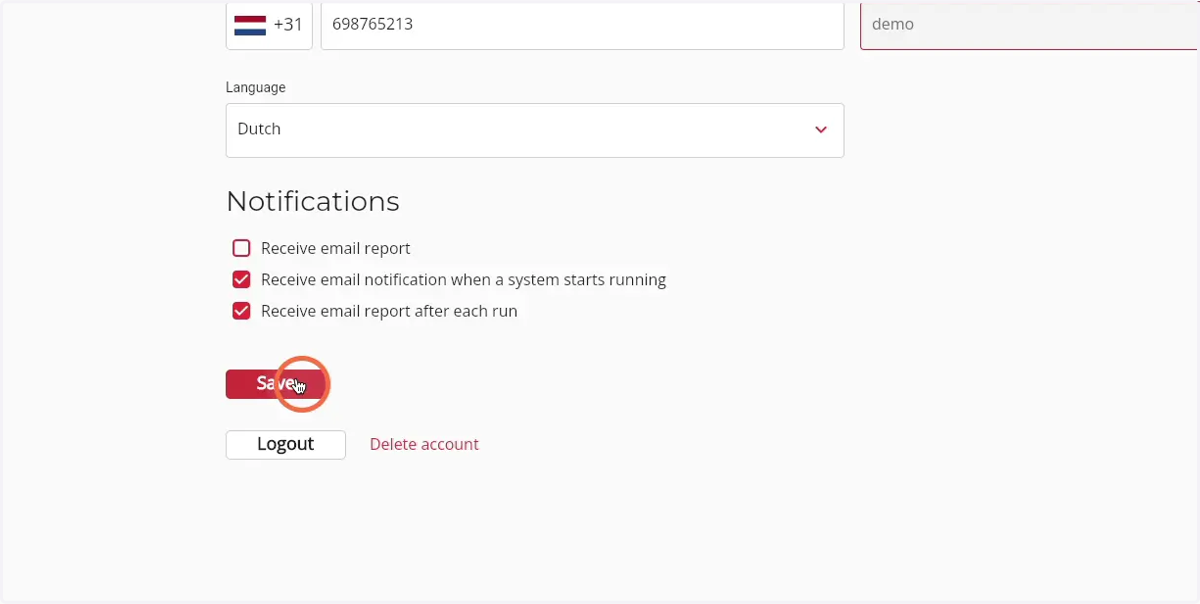
5. Click 'Save' to save the changes made and add the logo to the PDF exports