LOS Pricing: Product Update
You can now add a label to the different dates in LOS Pricing!
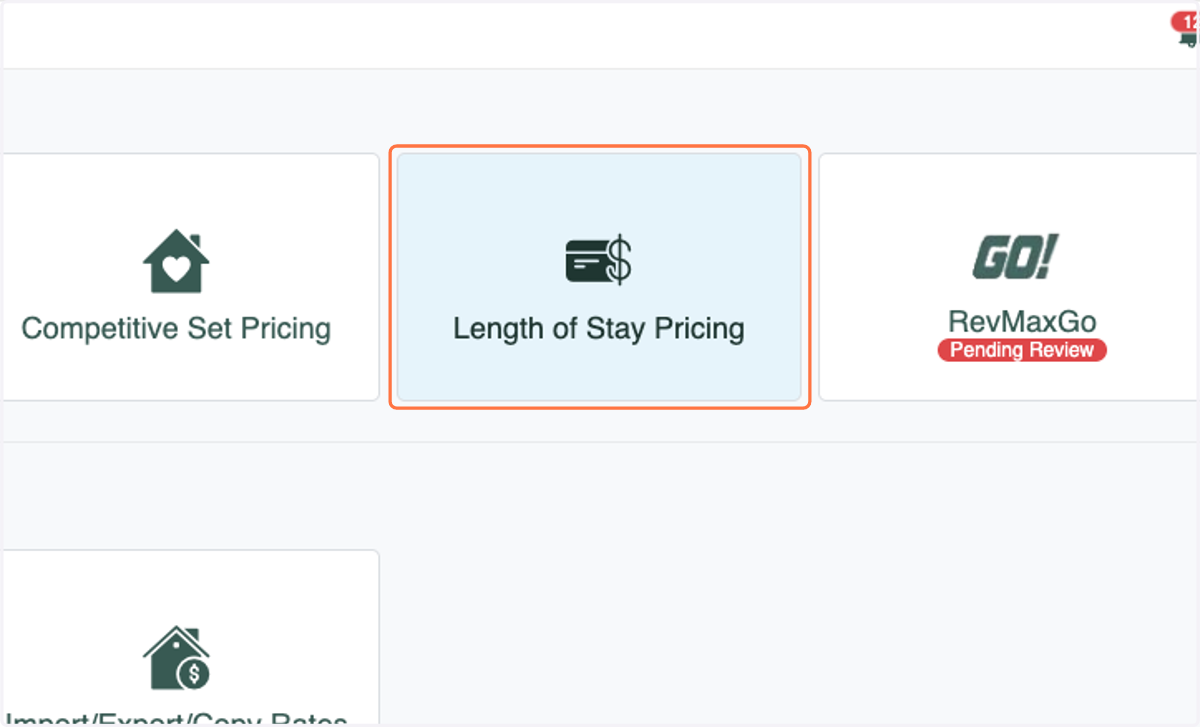
1. Click on Length of Stay Pricing from the Dynamic Pricing Rules page
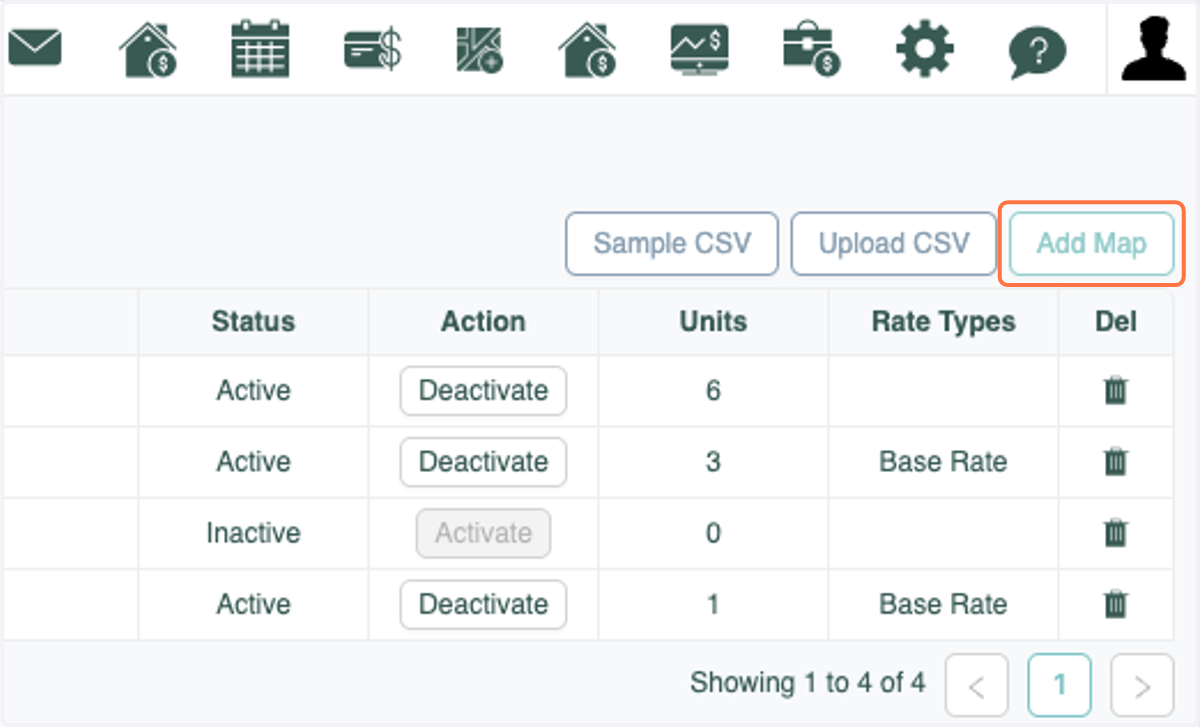
2. Click on Add Map or Edit an exist map
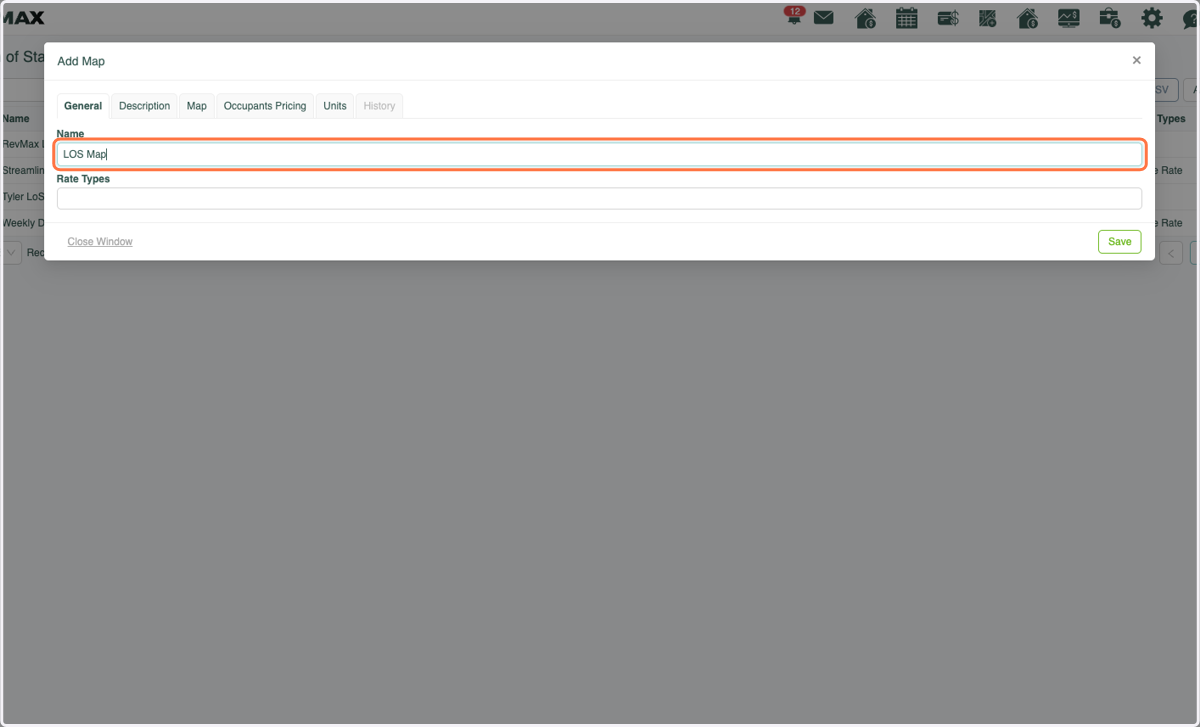
3. Name your LOS Map if creating a new one
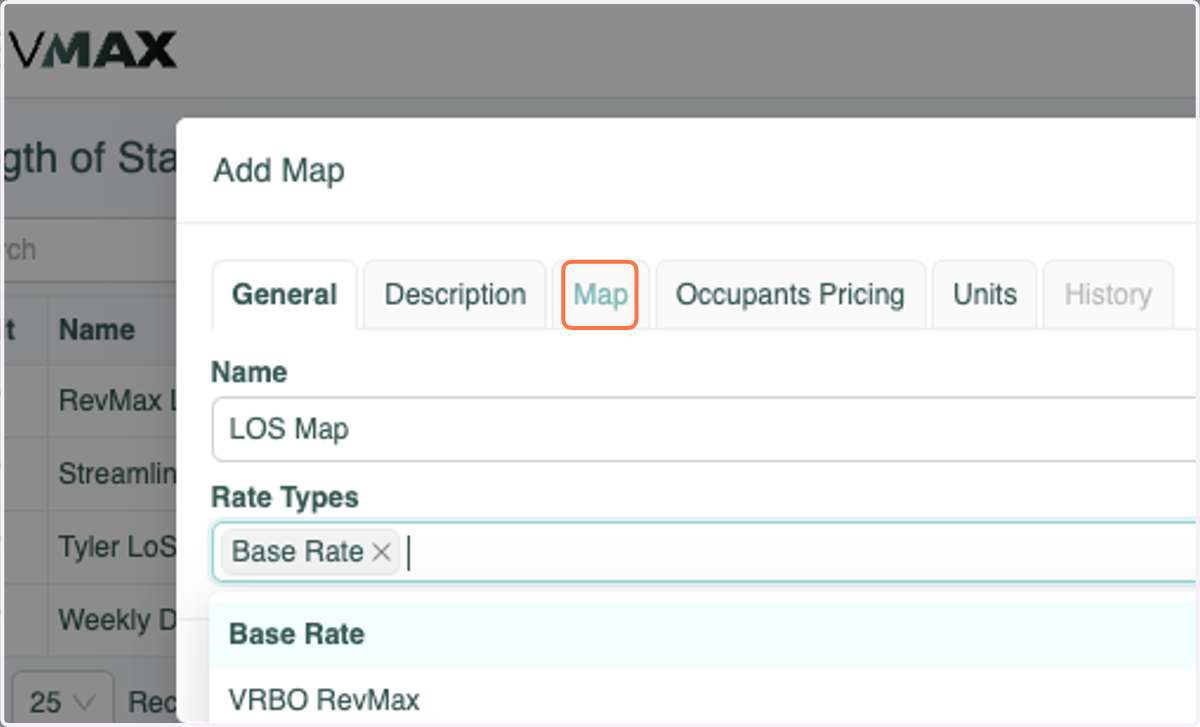
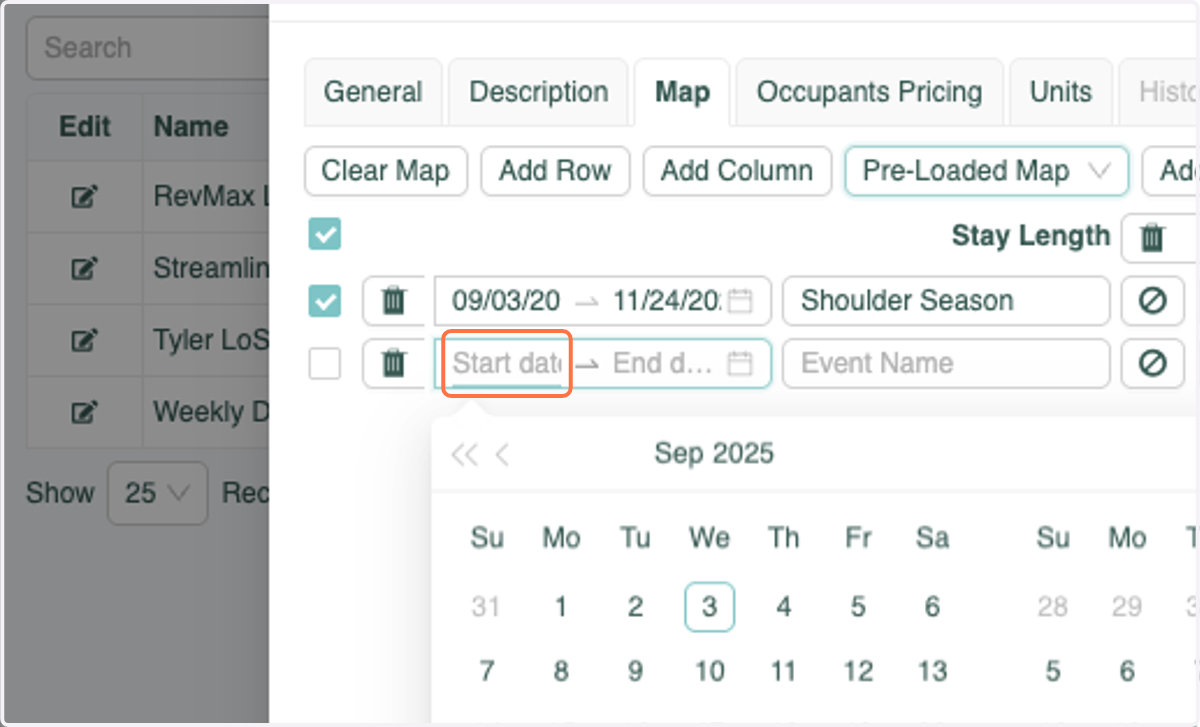
4. Click on the Map tab
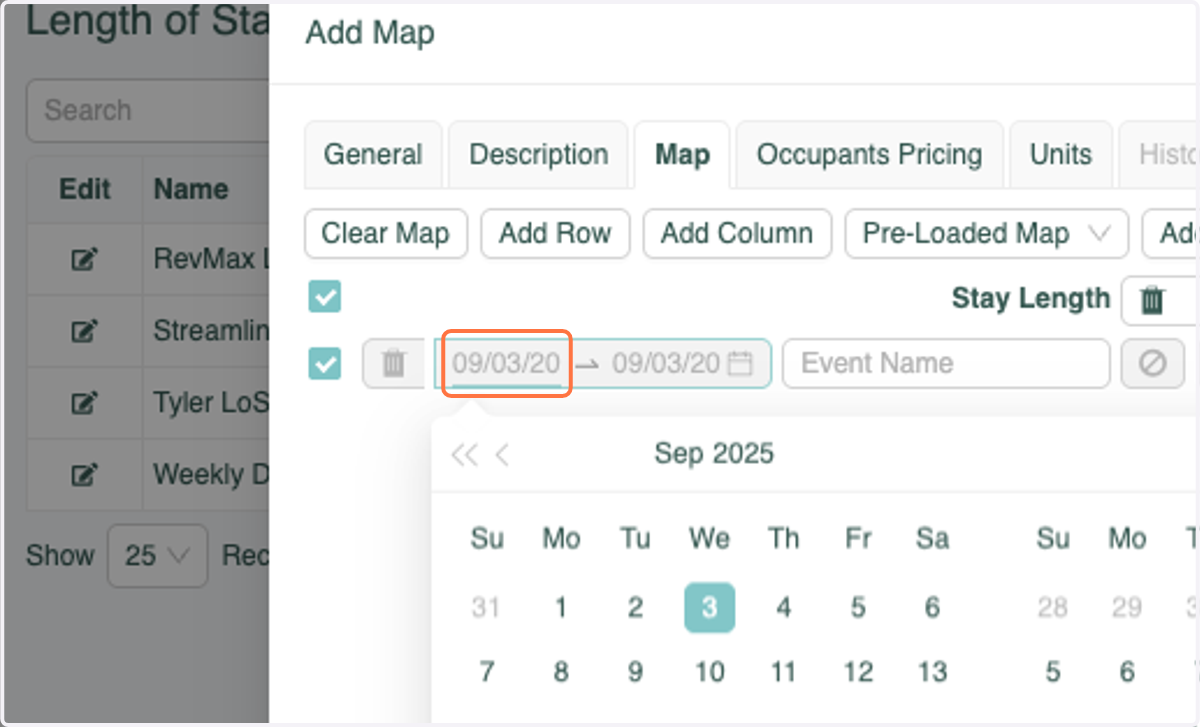
5. Enter the dates you would like to add an LOS strategy for
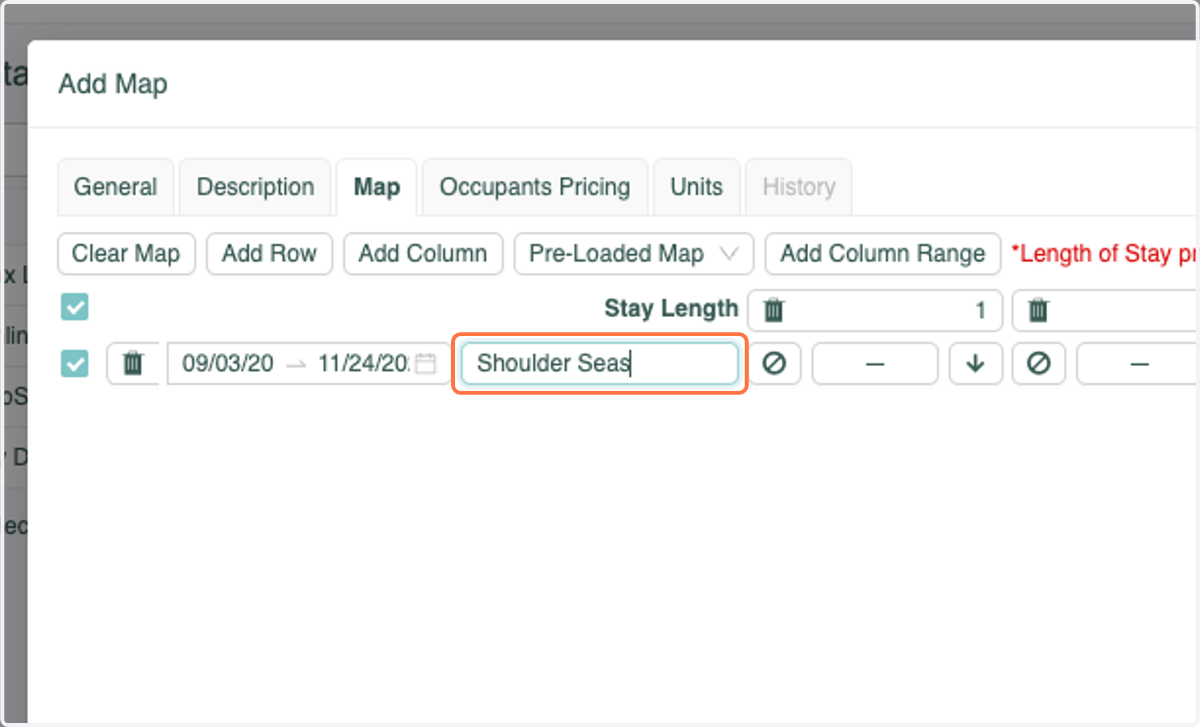
6. Enter a label for those dates
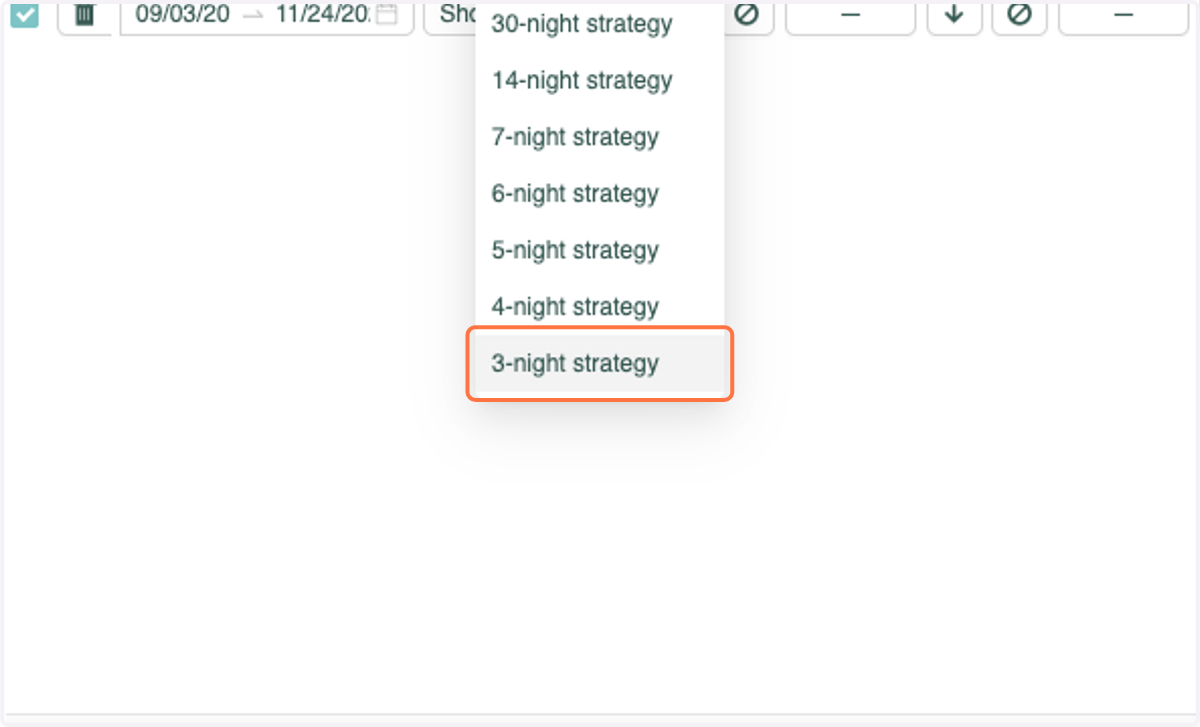
7. Select your strategy
8. Rinse & Repeat!
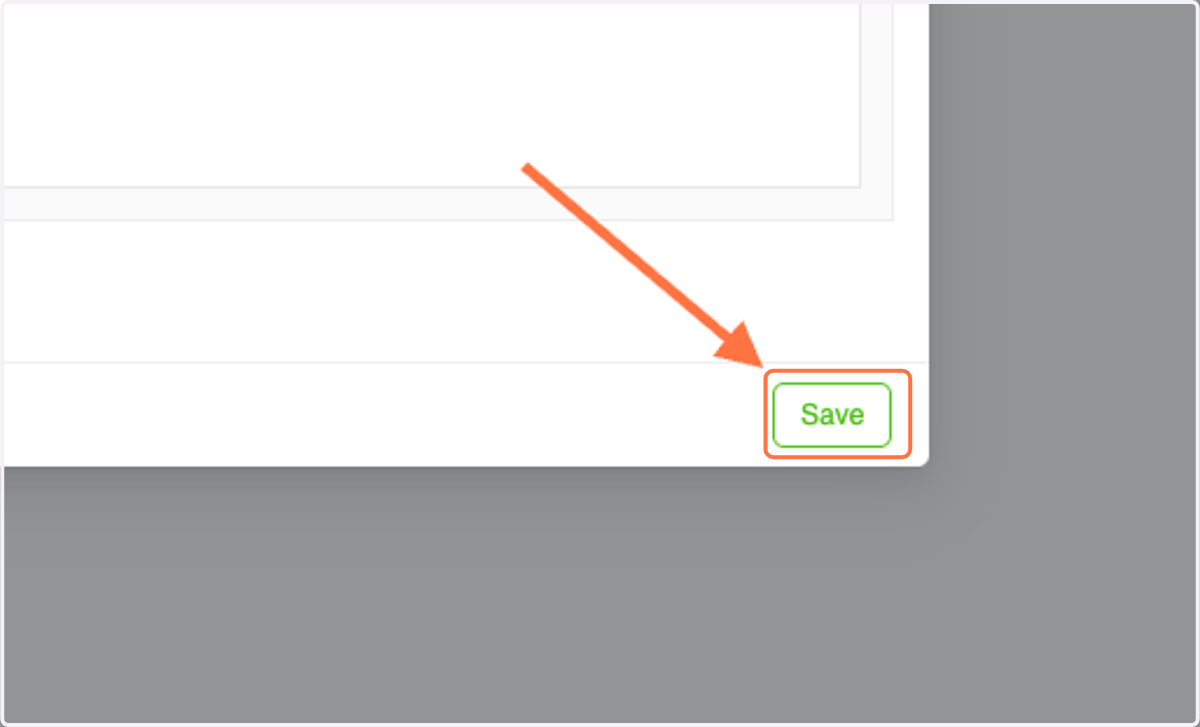
9. Don't forget to click Save when you're done!