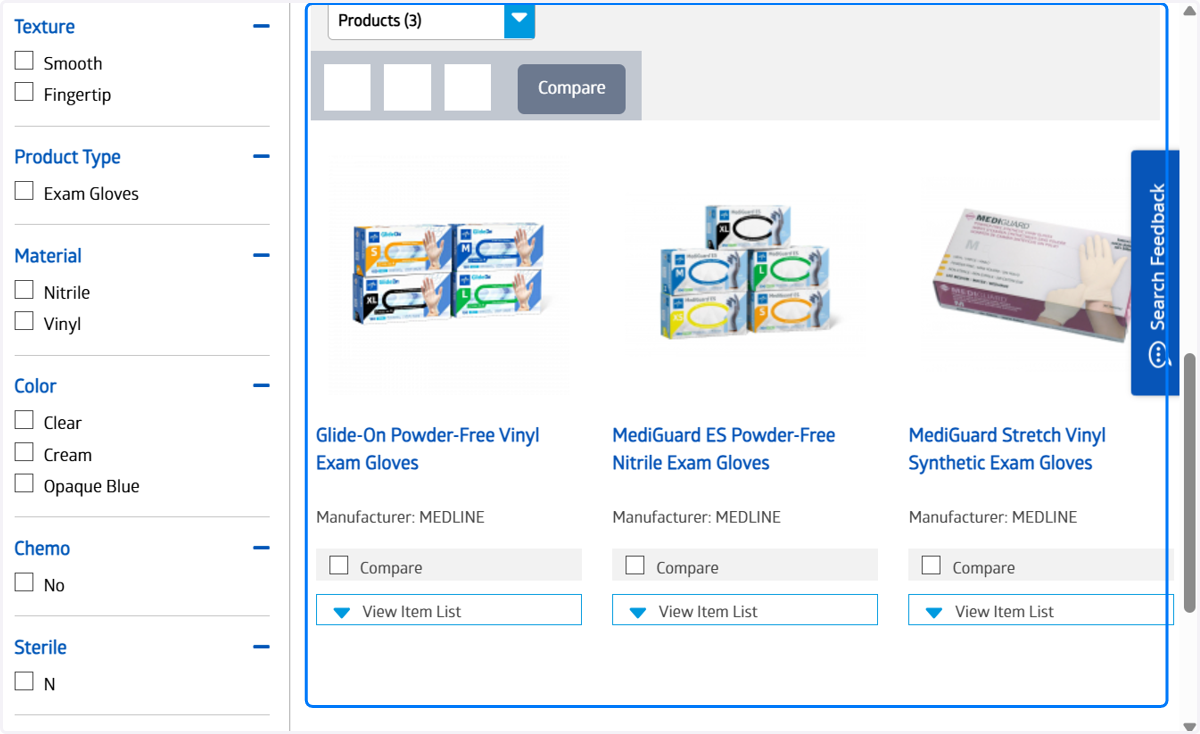
Search Products on Medline.com through BV Marketplace Punchout
Medline.com | Medline Industries, Inc.
1. Choose or type your Community

2. Click on Search

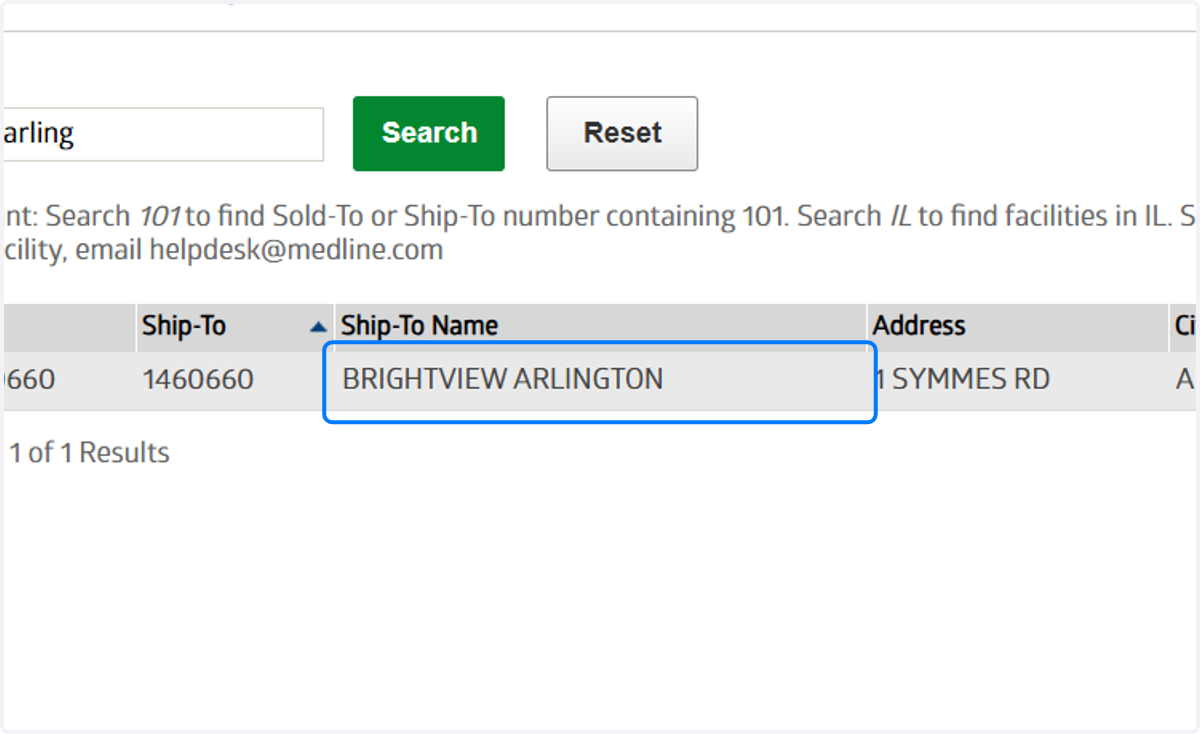
3. Click on your Community
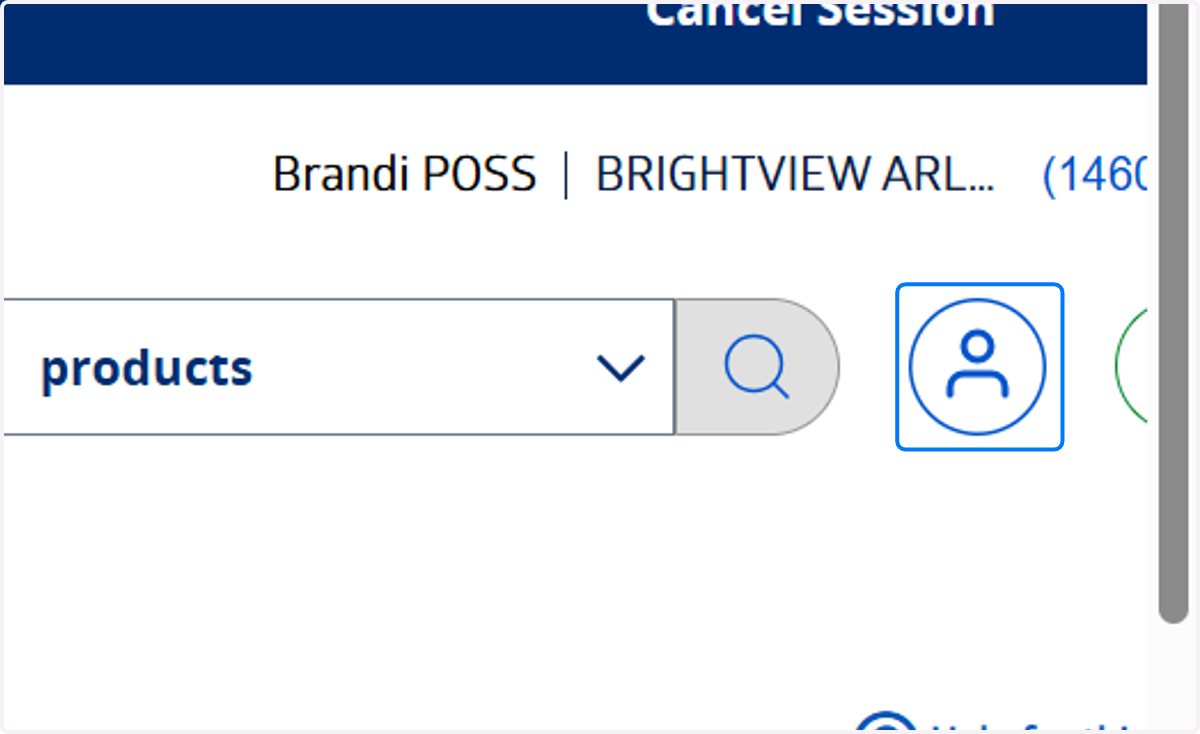
4. Click on person icon under your name (Account Menu)
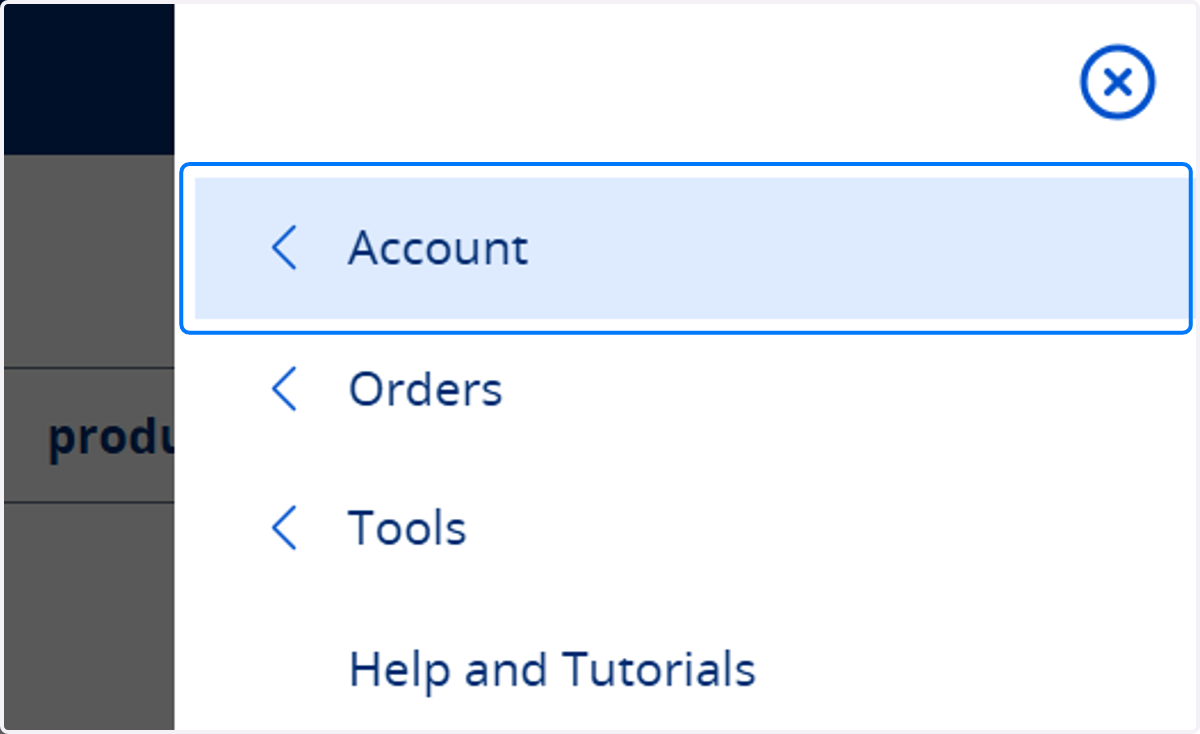
5. Click on Account
6. Click on Formulary Items
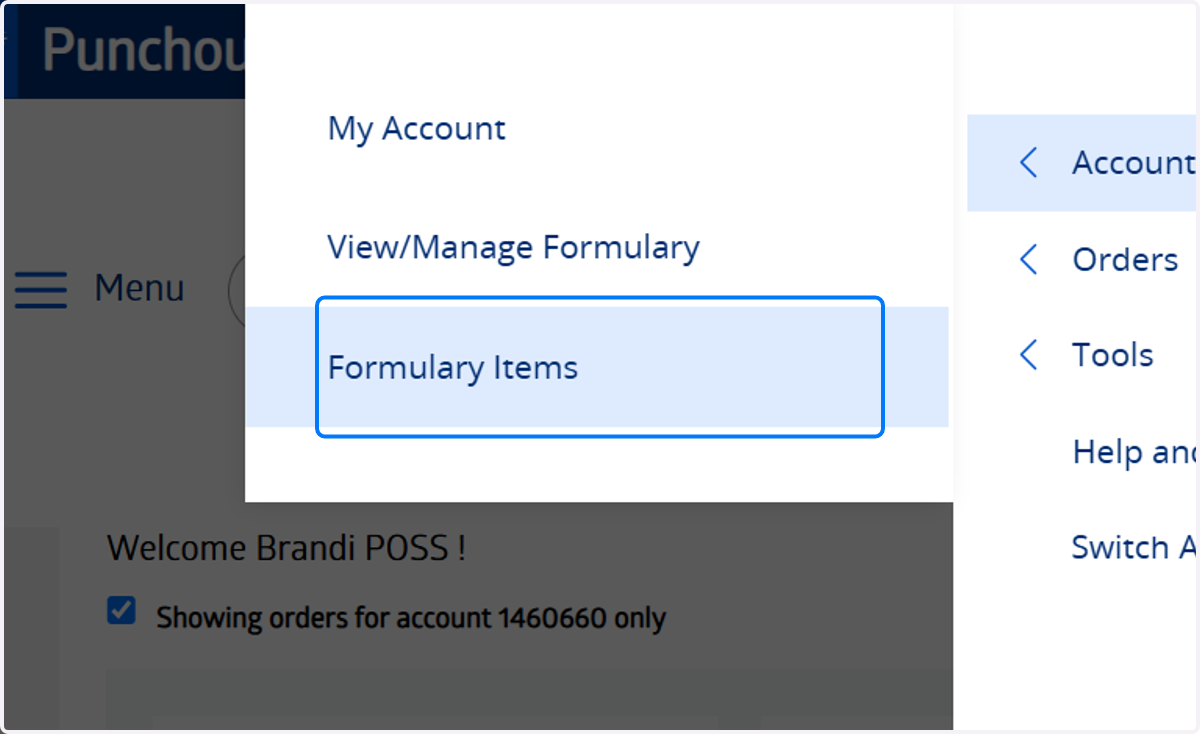
7. A list of all formulary items will show up

8. You can also search in the box next to "Menu" for items you are looking for

9. Click on Submit Search

10. The search results will show a list of Formulary items available