1.17 How can my client download images into a Dropbox folder?
Scenic Route 2
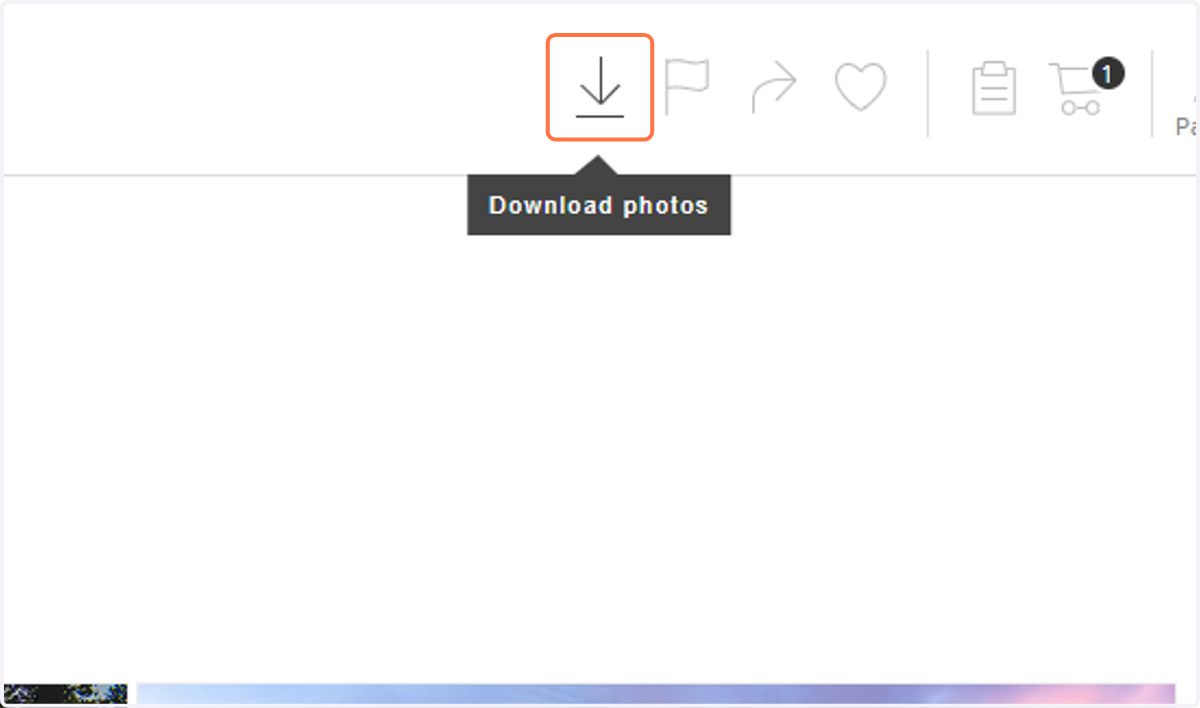
1. Begin by clicking on the downward facing arrow in the navigation bar to start downloading the images. You can also select to download each image individually.
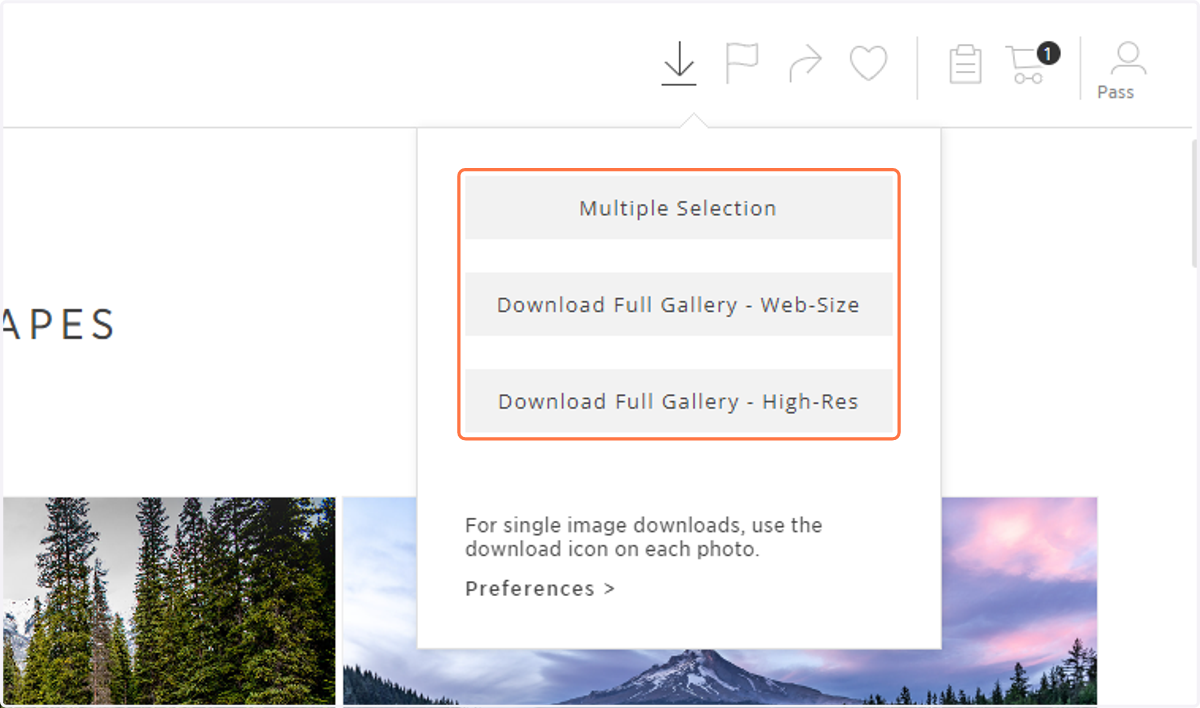
2. Select the size you would like to download (available sizes vary upon the gallery download settings).
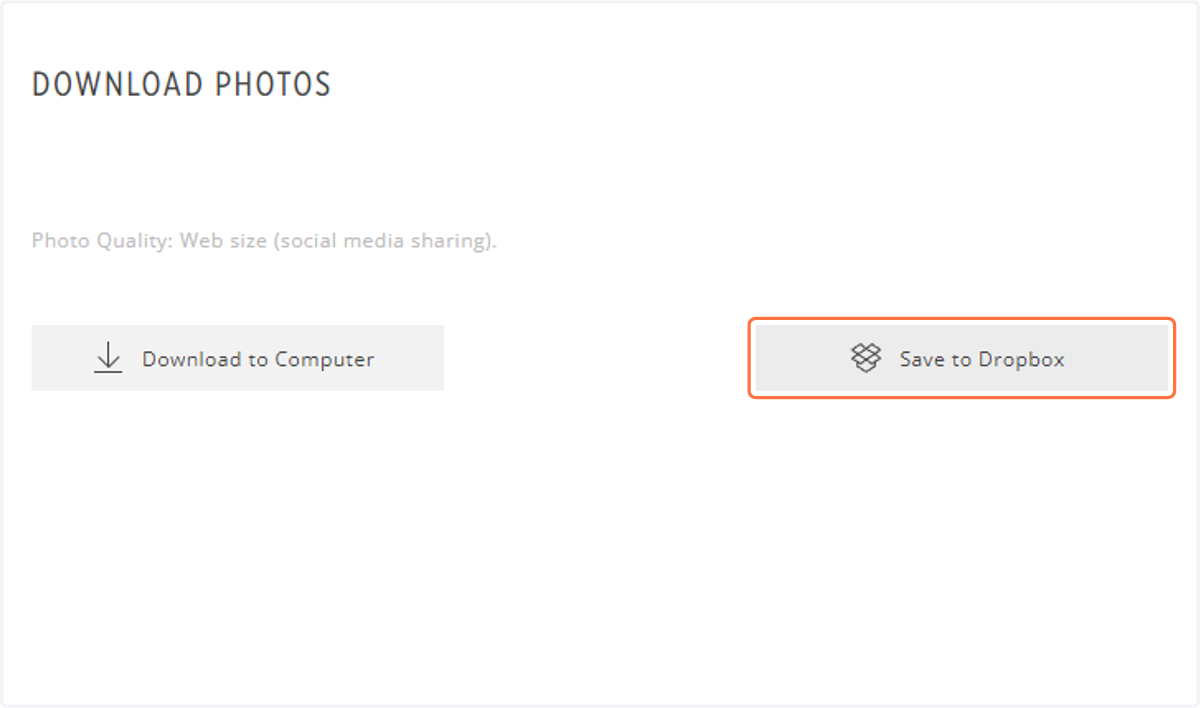
3. Click on Save to Dropbox
Dropbox
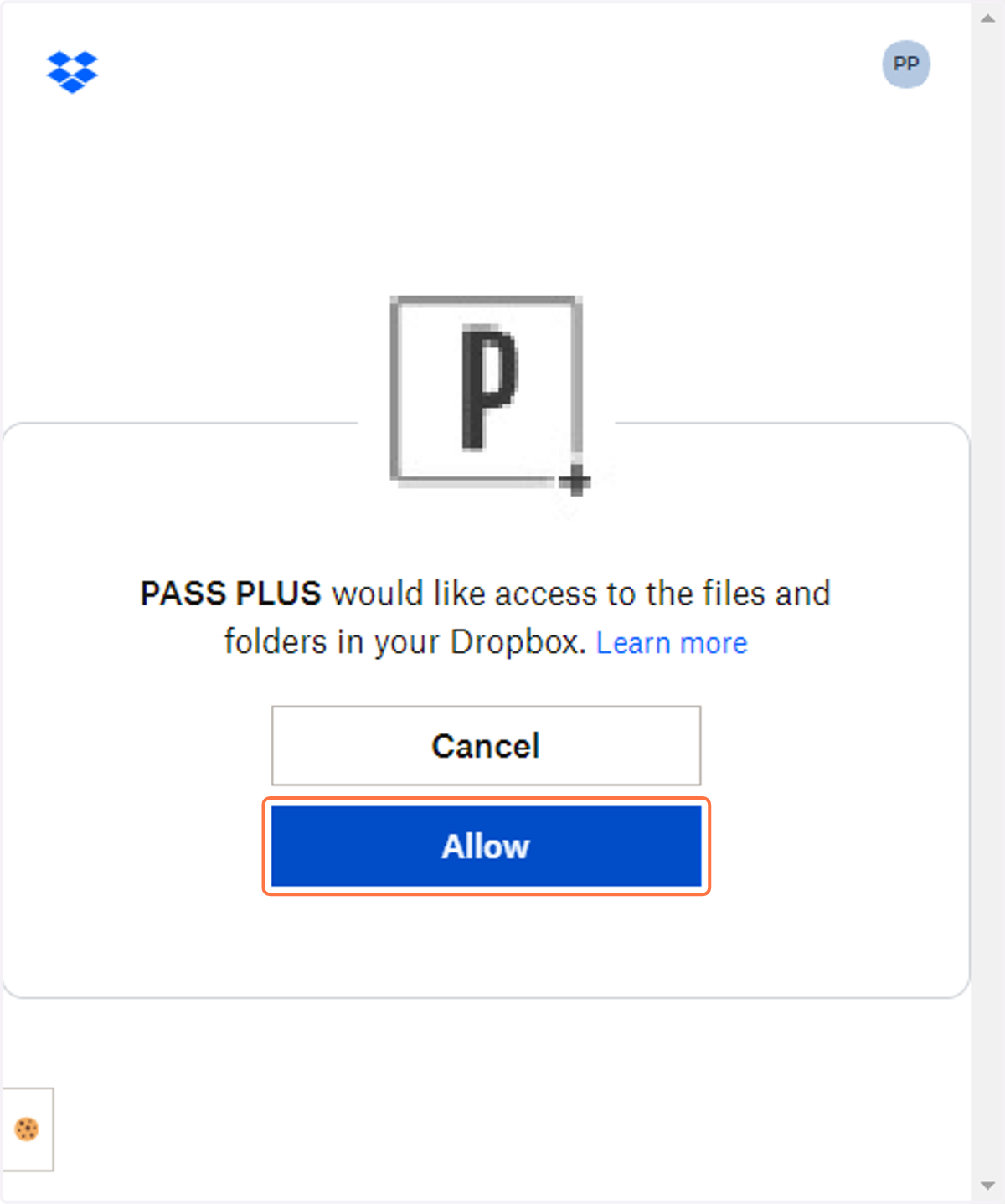
4. Sign in to your Dropbox account and click on Allow to connect Pass Gallery to Dropbox.