Assigning Multiple Bills at One Time
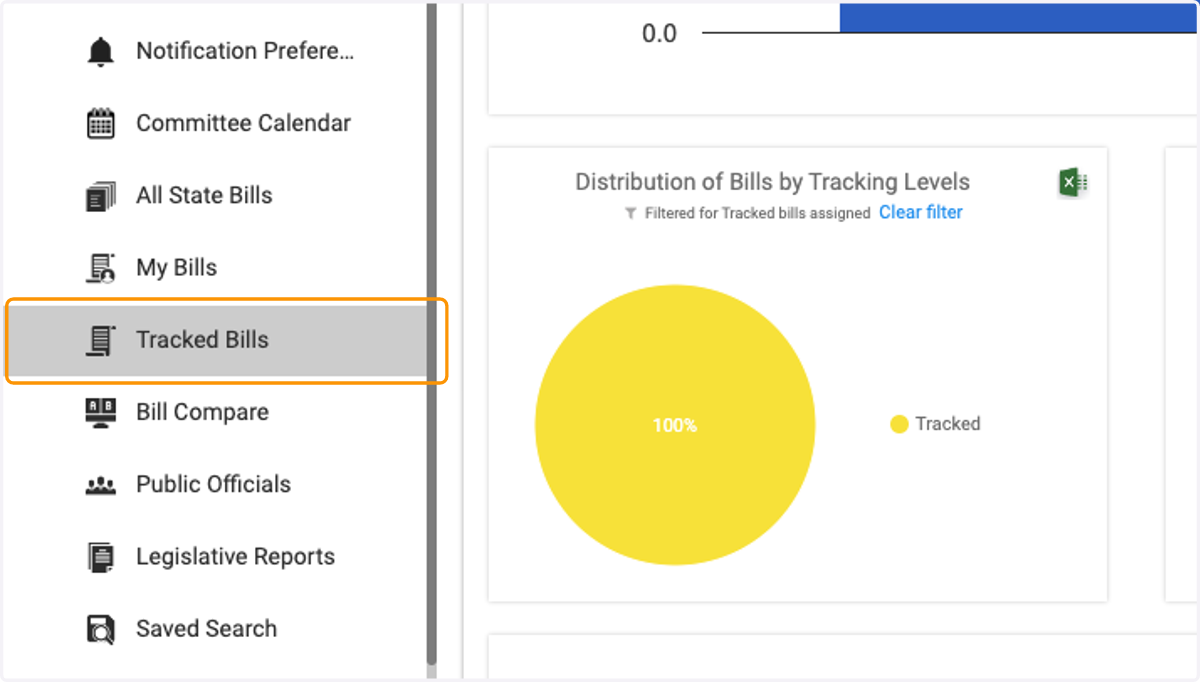
1. Click on Tracked Bills
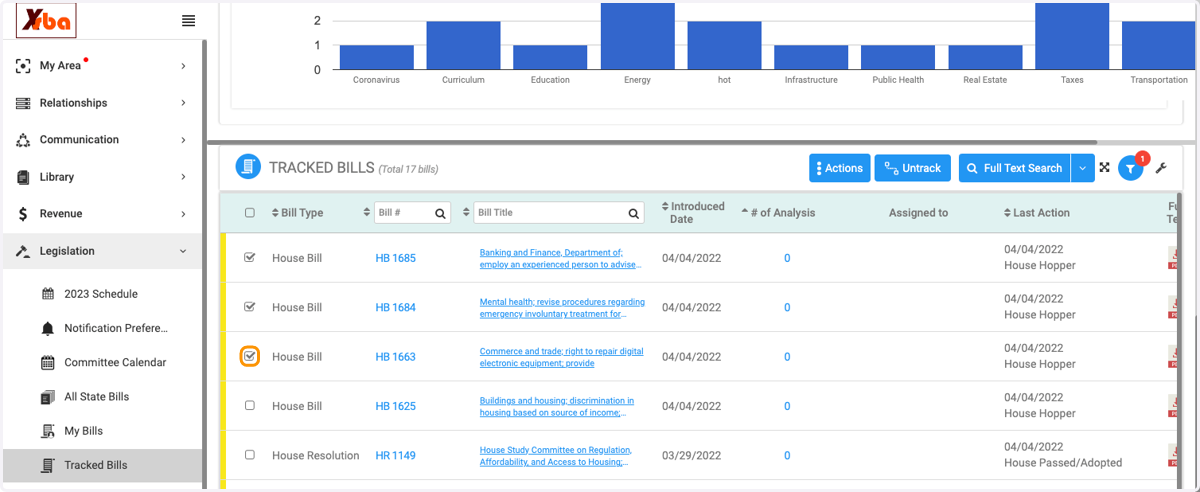
2. Scroll down to the list of tracked bills beneath the 'Tracked Bills: Summary' graphics and click the check box next to all of the desired bills
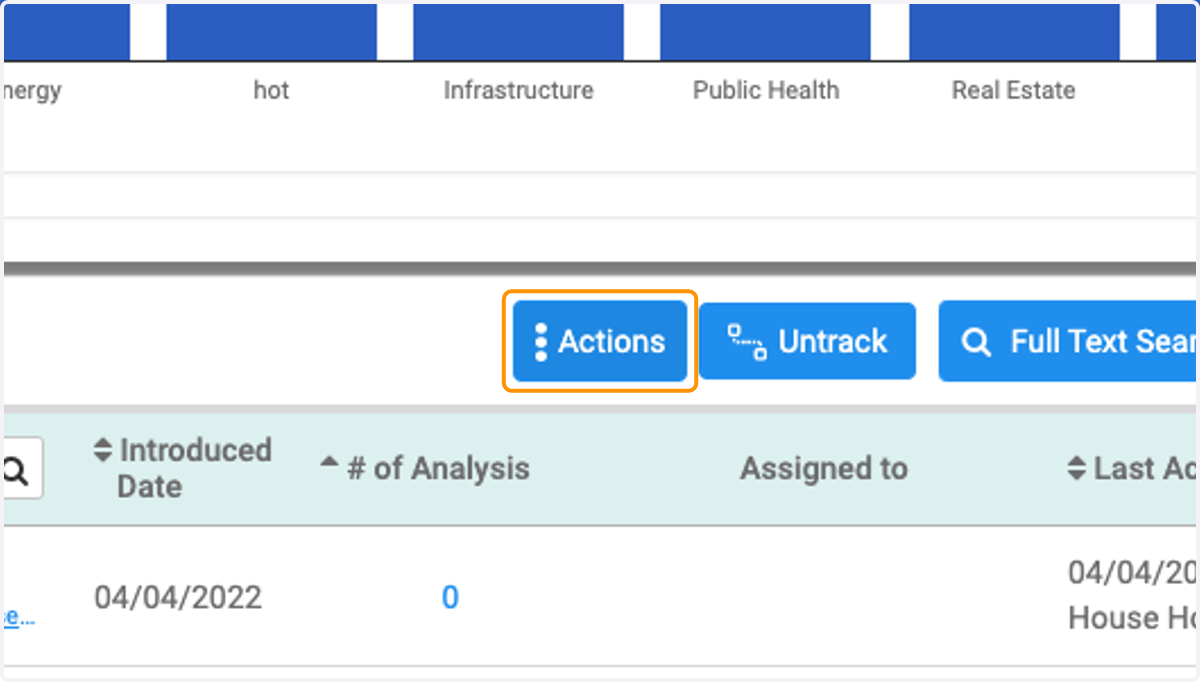
3. Click on Actions
4. Click on the drop-down associated with the 'Assign To' line item
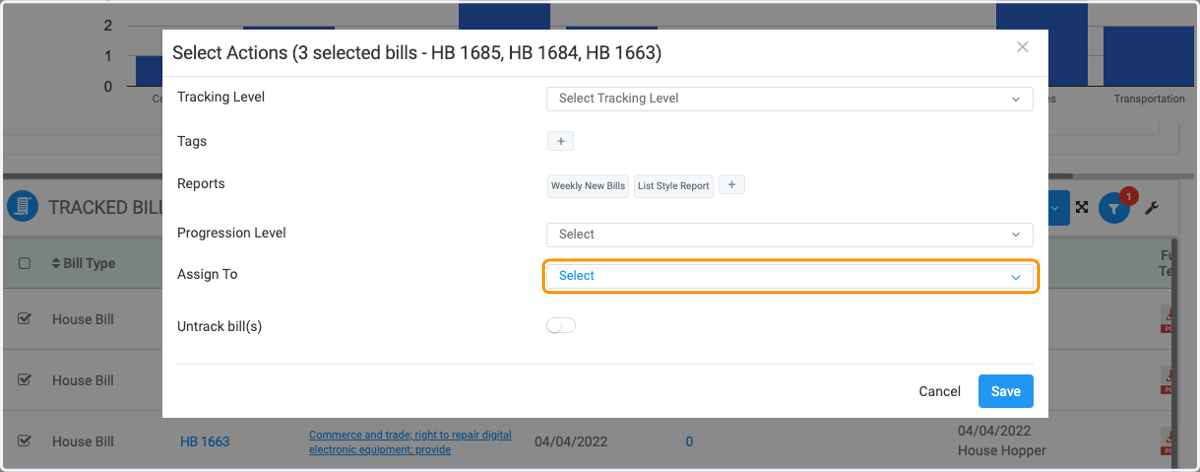
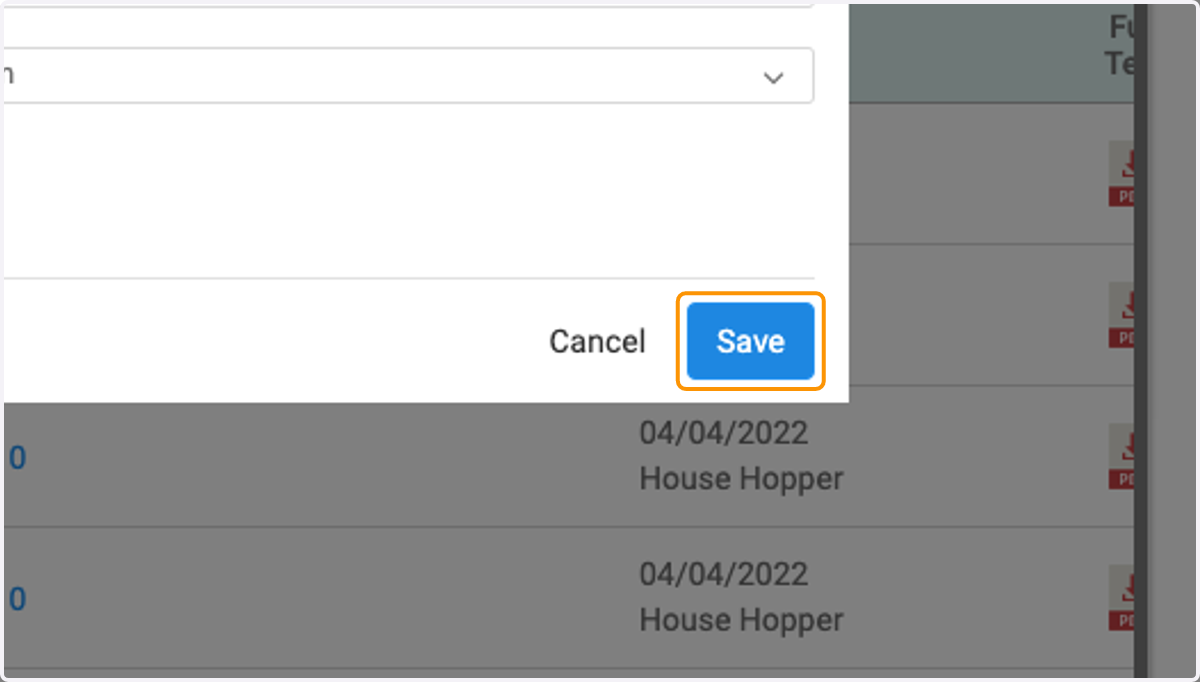
5. Select all desired users and/or groups and then click 'Save' to save the selected bill assignees
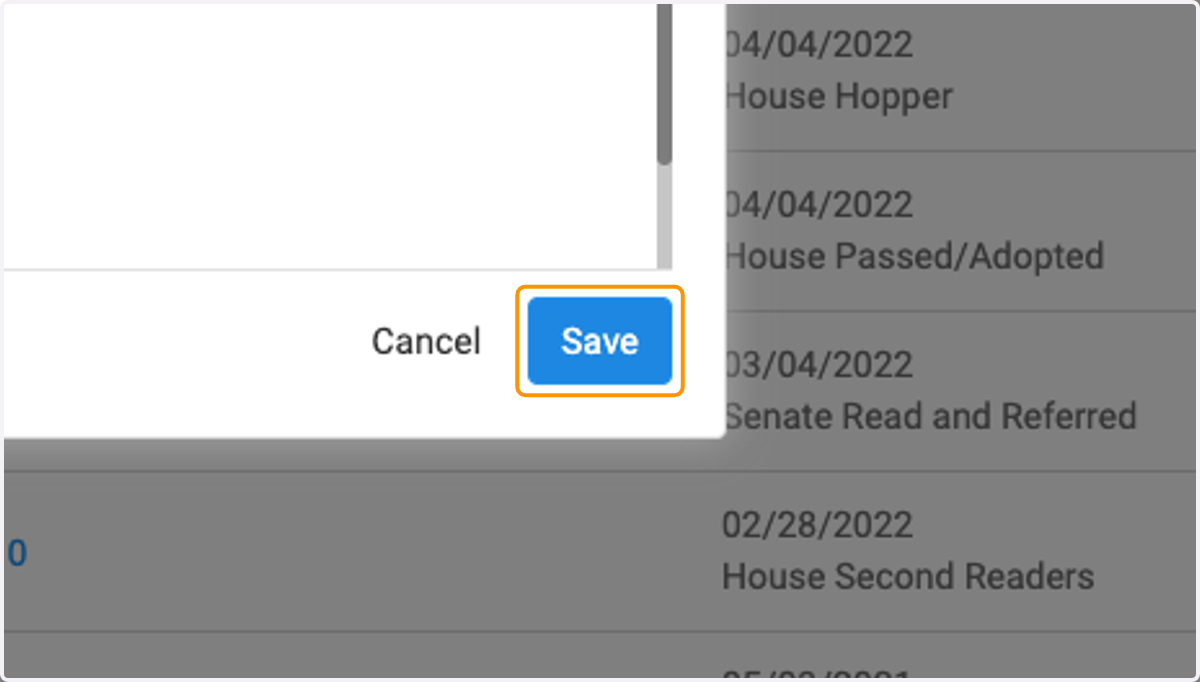
6. Click on 'Save' once more to finalize the change