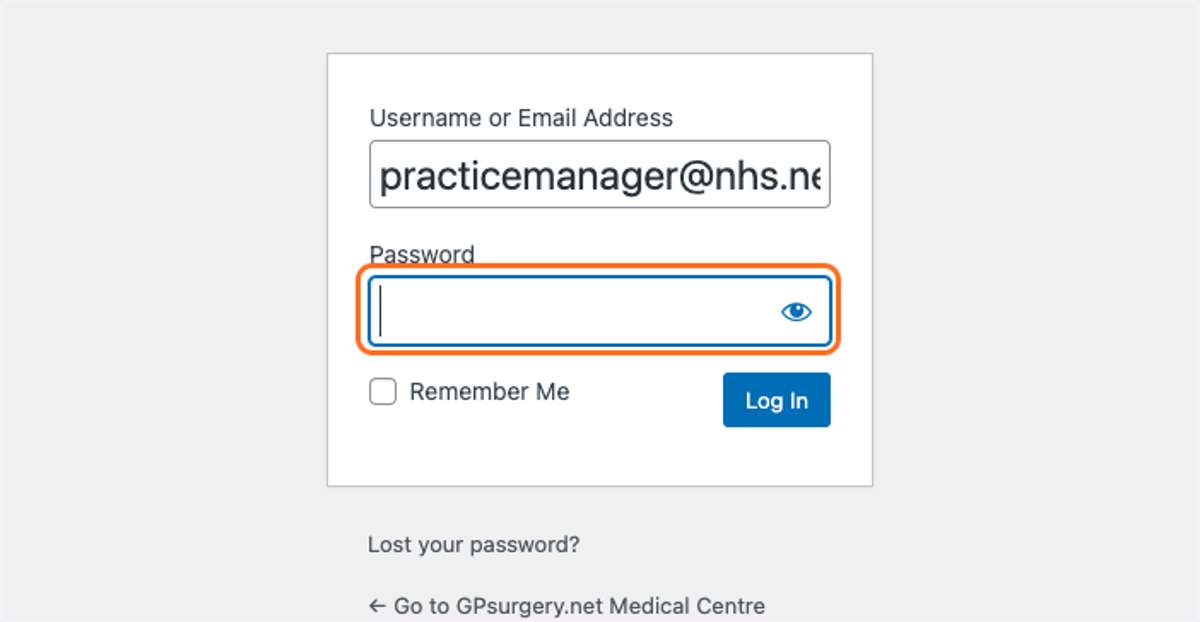
Lost your password?
If you have forgotten your password, use this tutorial to learn how to set a new password. You can move through the tutorial at your own pace using the Next button below.
1. Go to your website homepage.
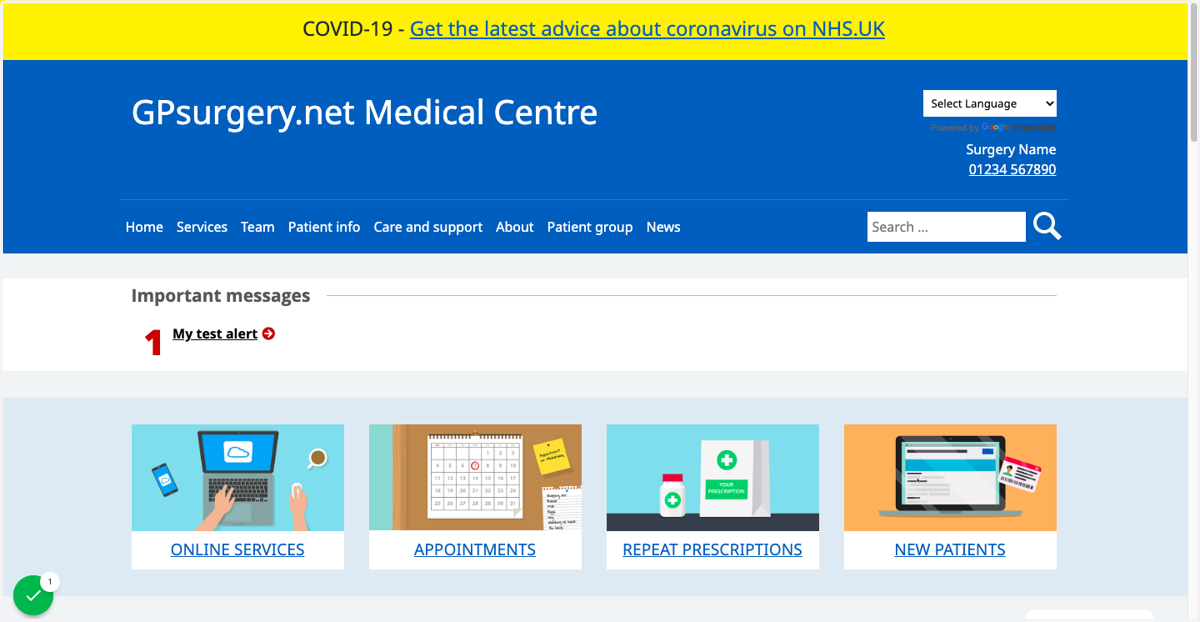
2. Click in the address bar and add /admin to your website address.
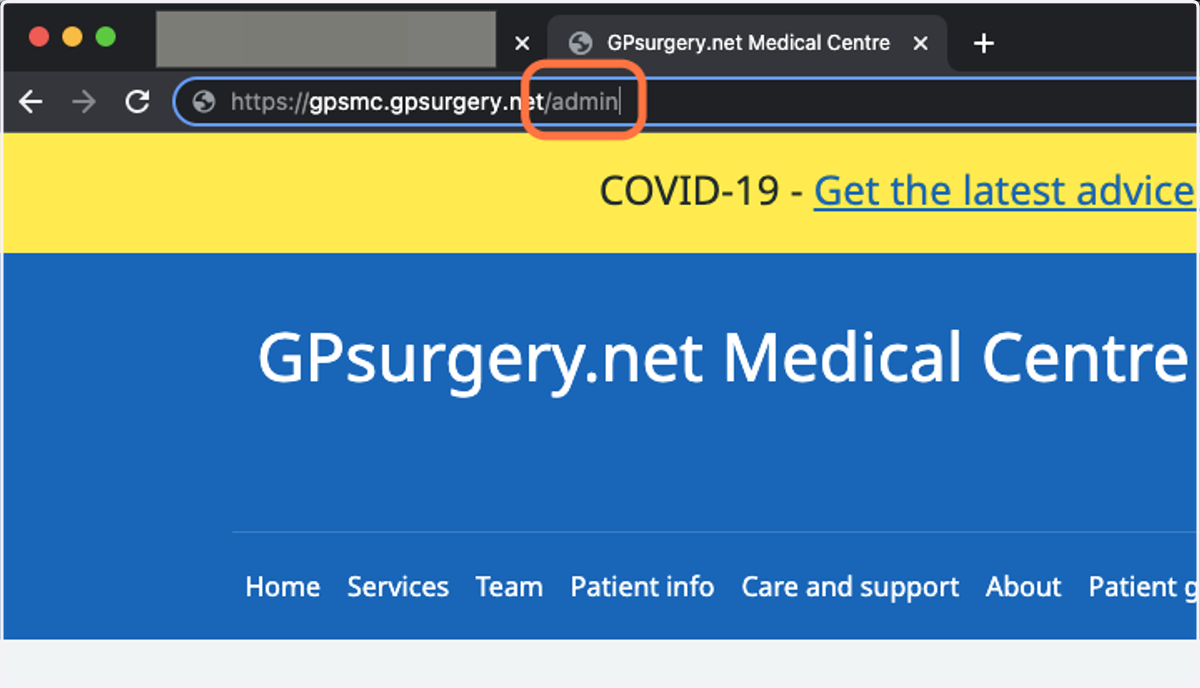
3. Click the Lost your password? link.
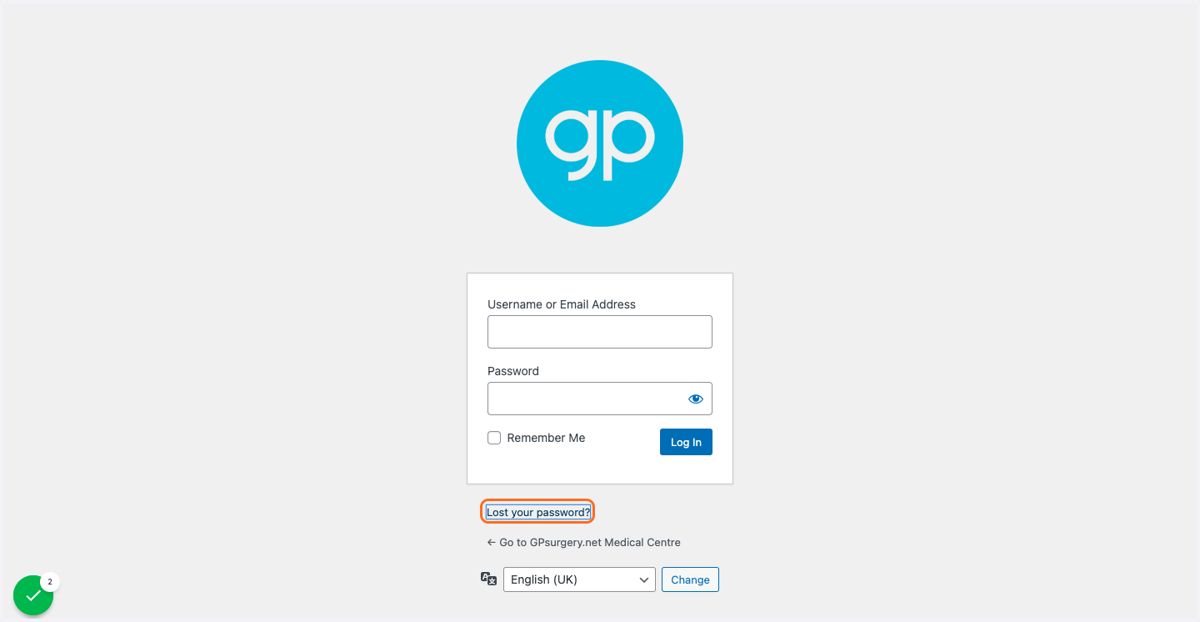
4. In the Username or Email Address box, type your NHS email address.
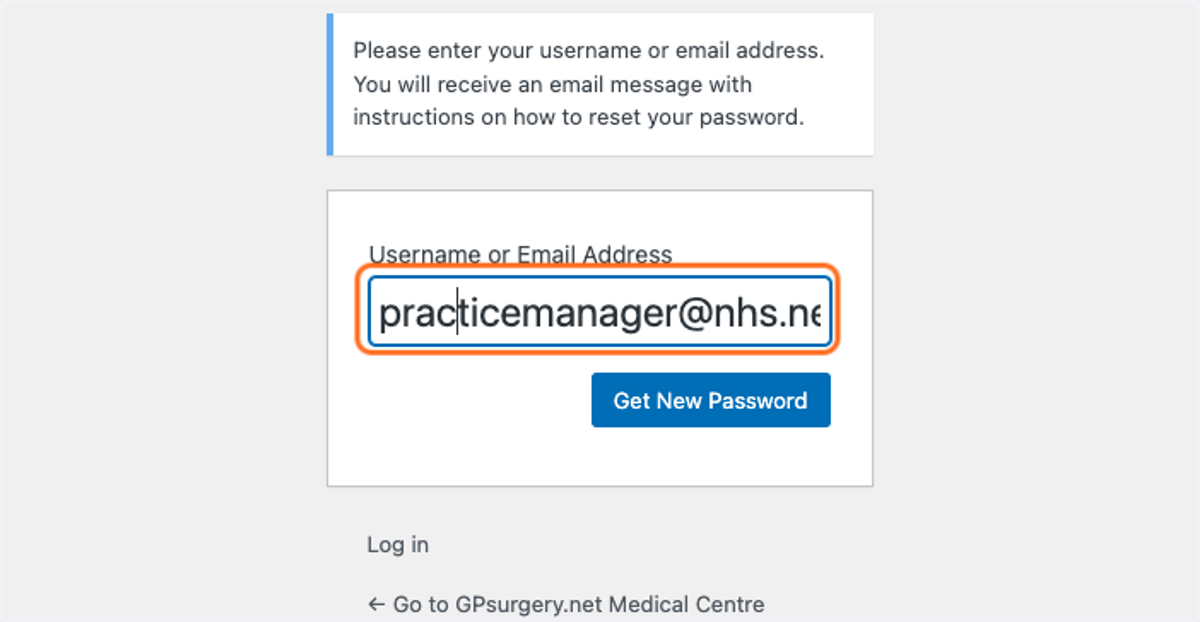
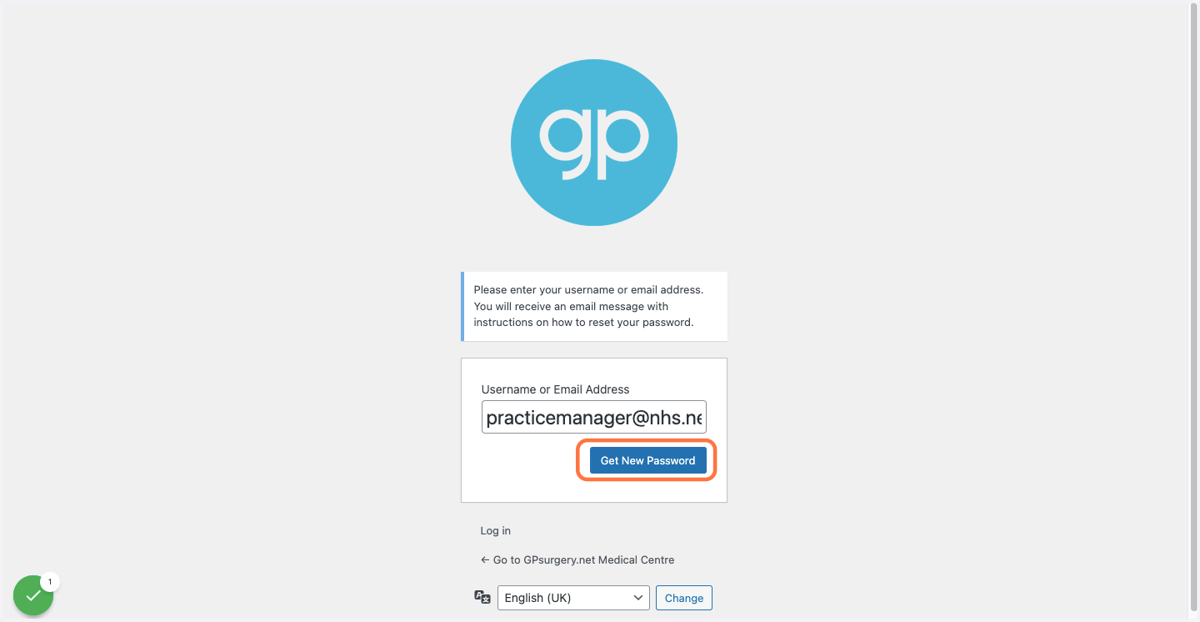
5. Click the blue Get New Password button.
This will send an email to you. Check your emails, and click the reset your password link that you receive.
6. When you follow the link emailed to you, you will arrive at the reset your password page.
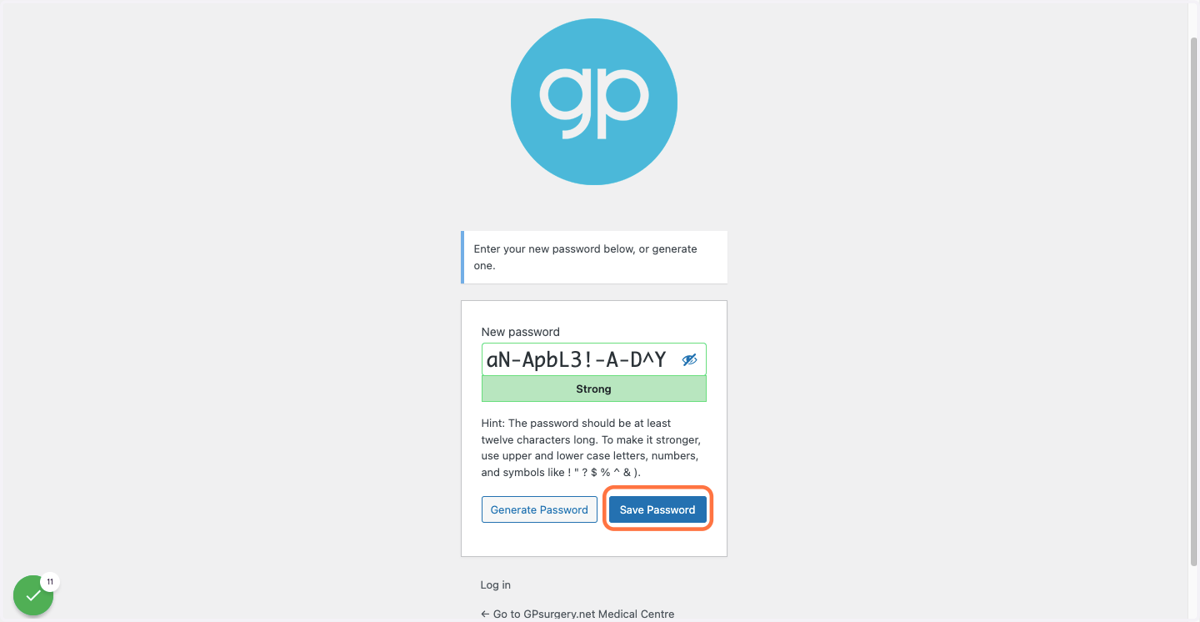
An automatically-generated strong password will already be in the box. You can use this, or...
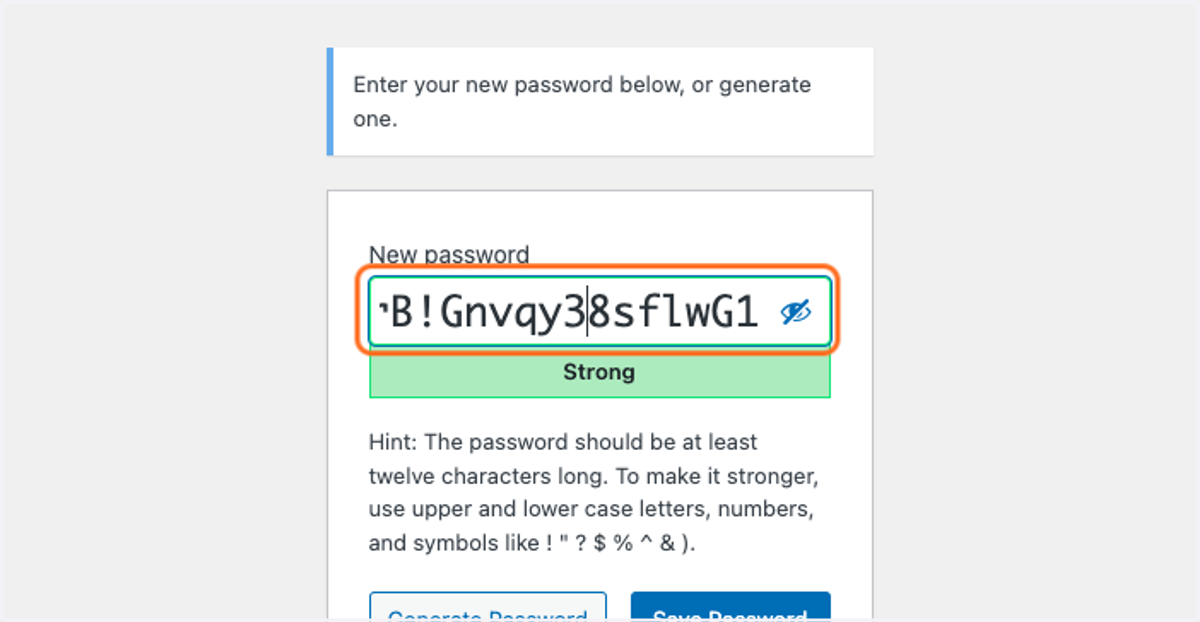
7. Set your own password in the New Password field.
Use a mixture of uppercase and lowercase letters, symbols and numbers to ensure that your password is strong.
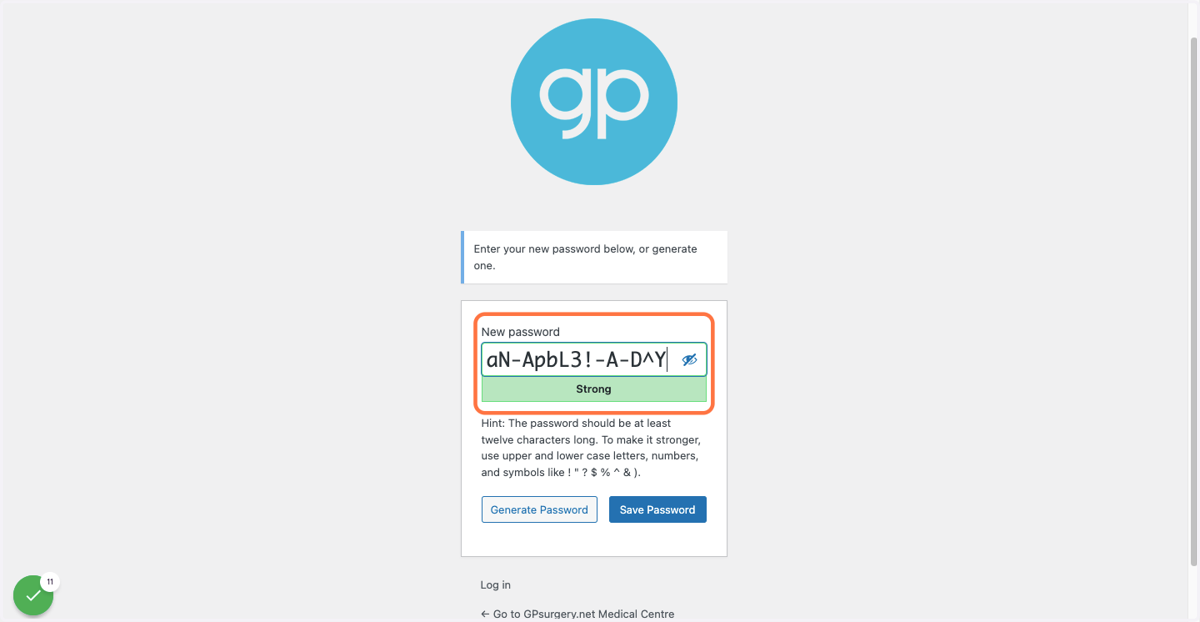
8. Click the blue Save Password button.
9. Now, when you log in, you will be able to use your new password.