Archiving a User - Connect Platform
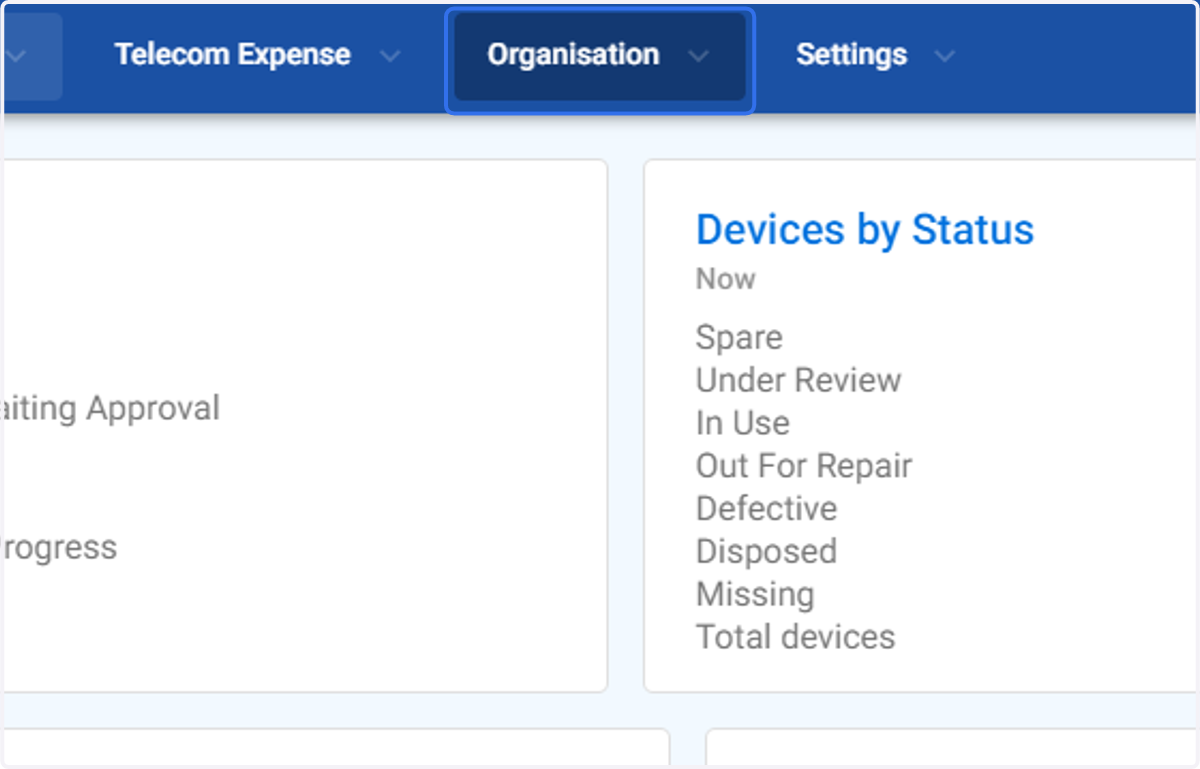
1. Click on Organisation
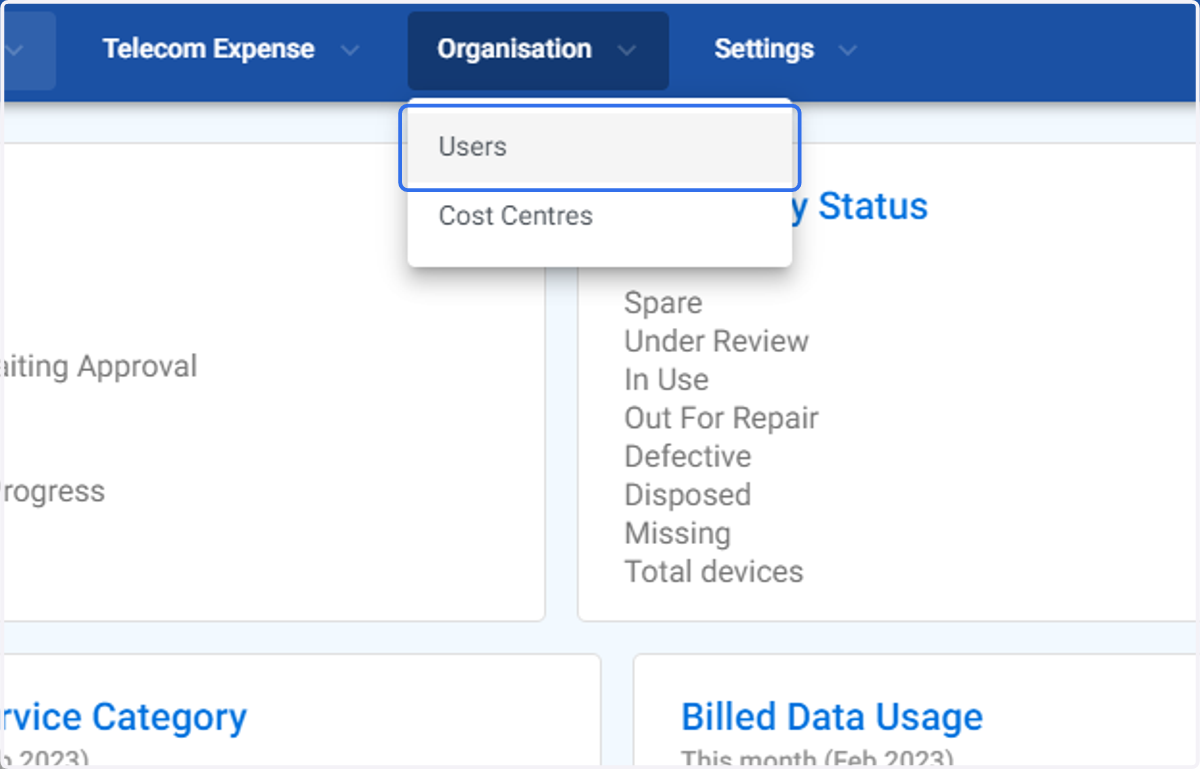
2. Click on Users
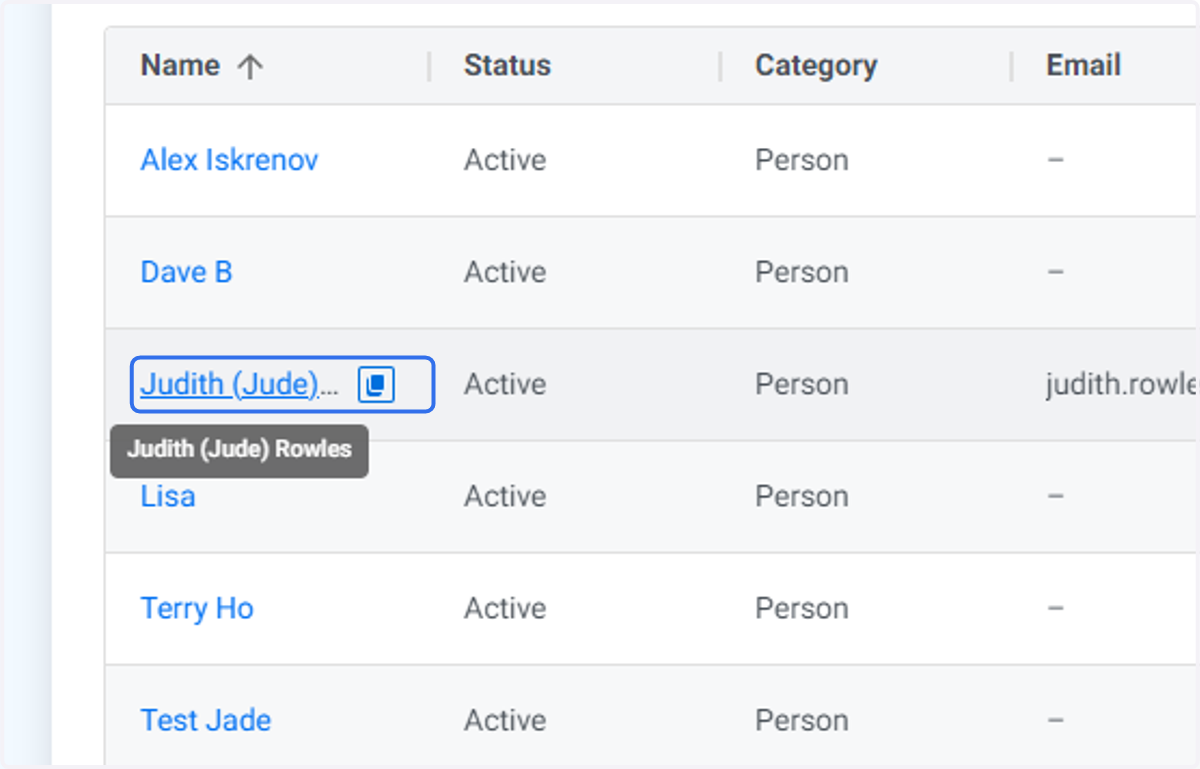
3. Click on the user yoou wish to Archive
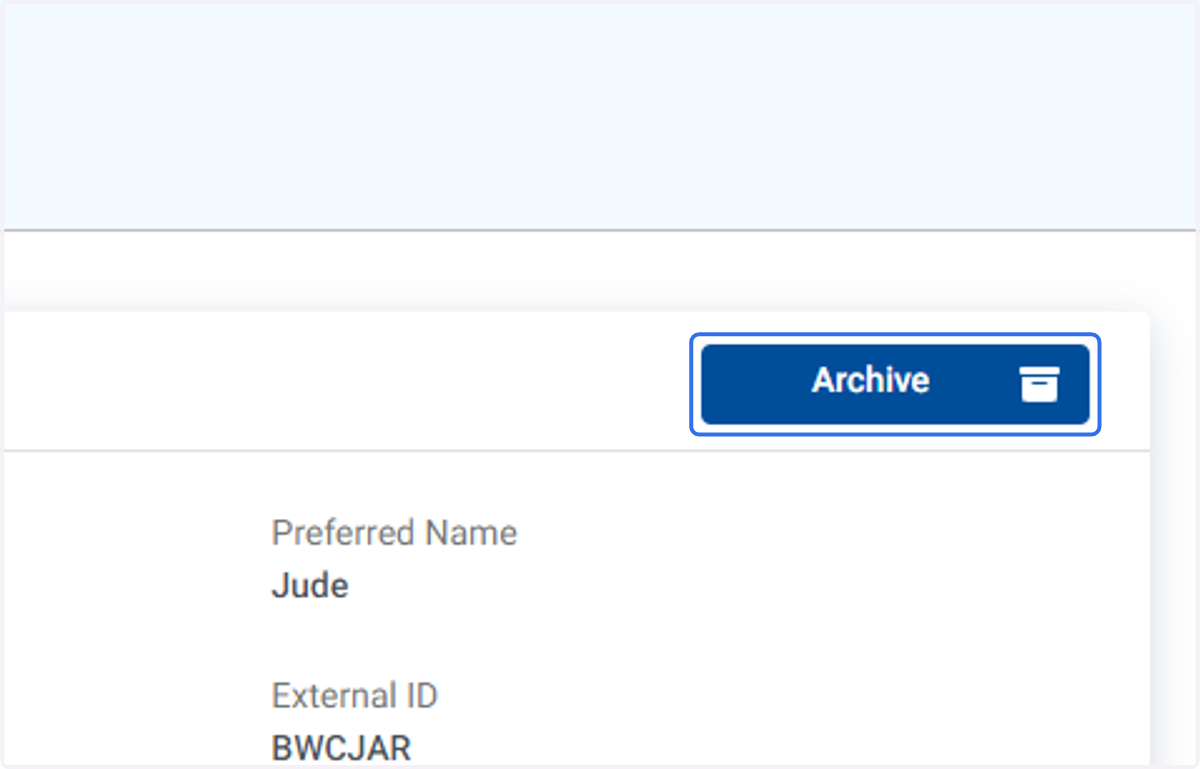
4. Click on Archive
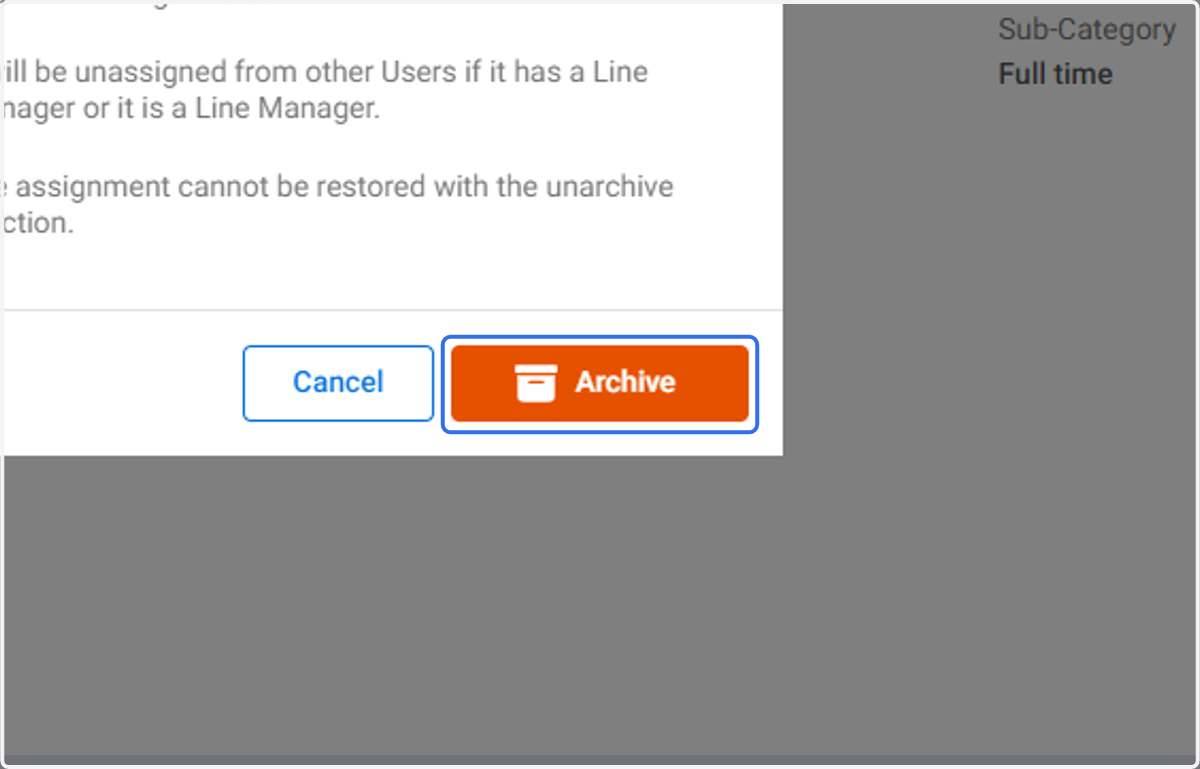
5. The following warning screen will appear. Please read before proceeding. Assignments can not be restored once the user record is archived. Select Cancel if you are unsure.
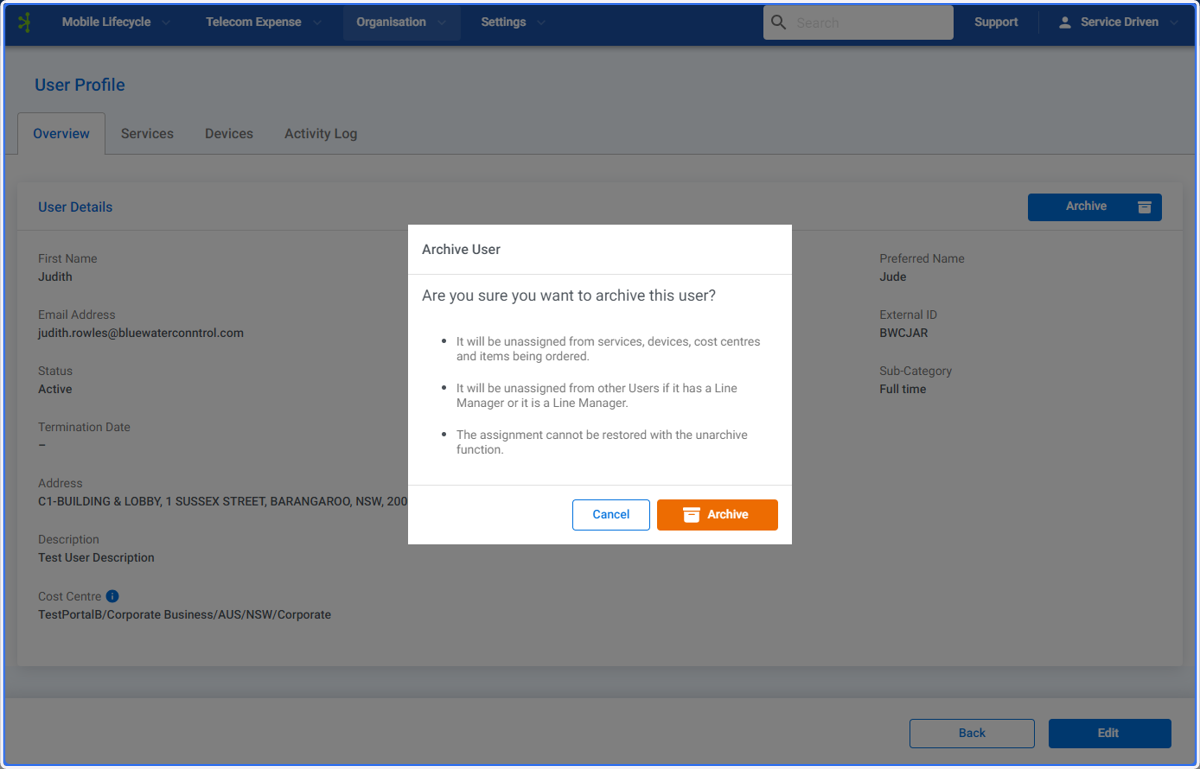
6. Click on Archive if you wish to proceed