Managing Activity Feed Permissions
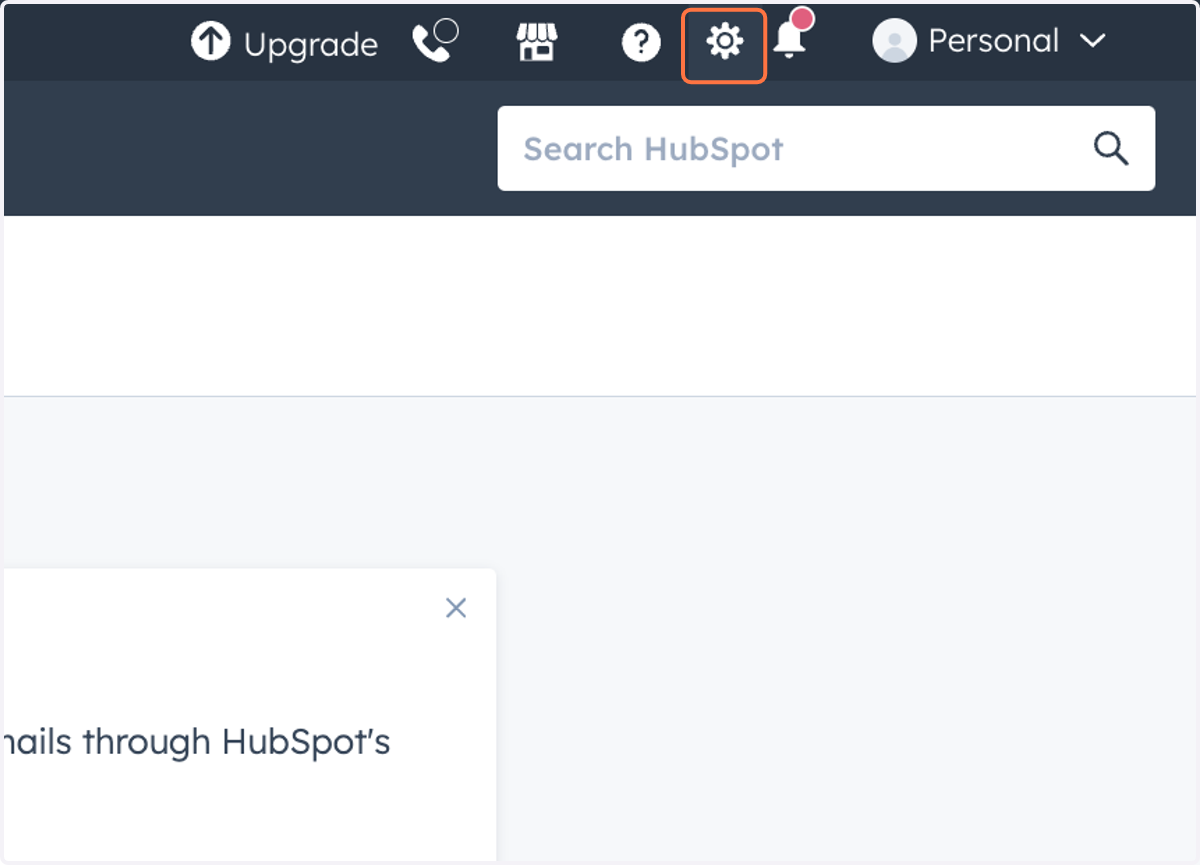
1. Click on Settings
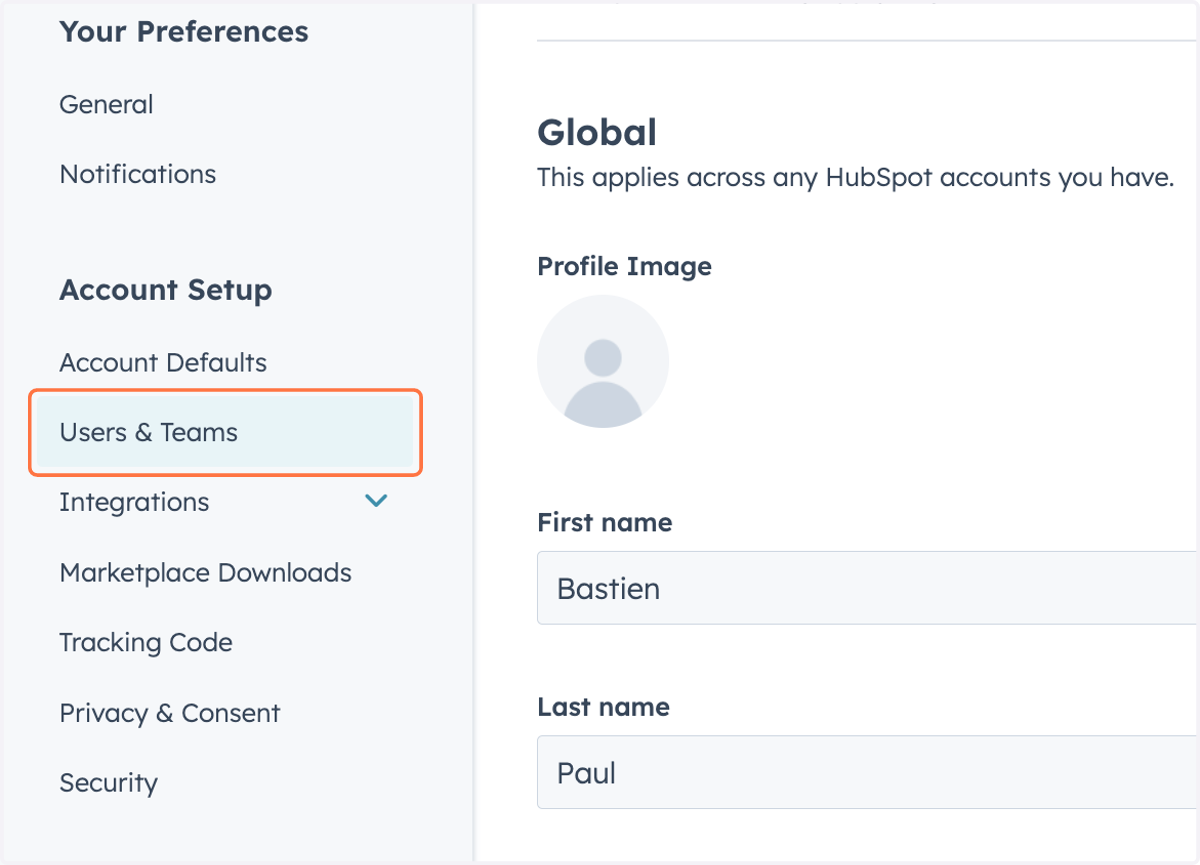
2. Click on Users & Teams
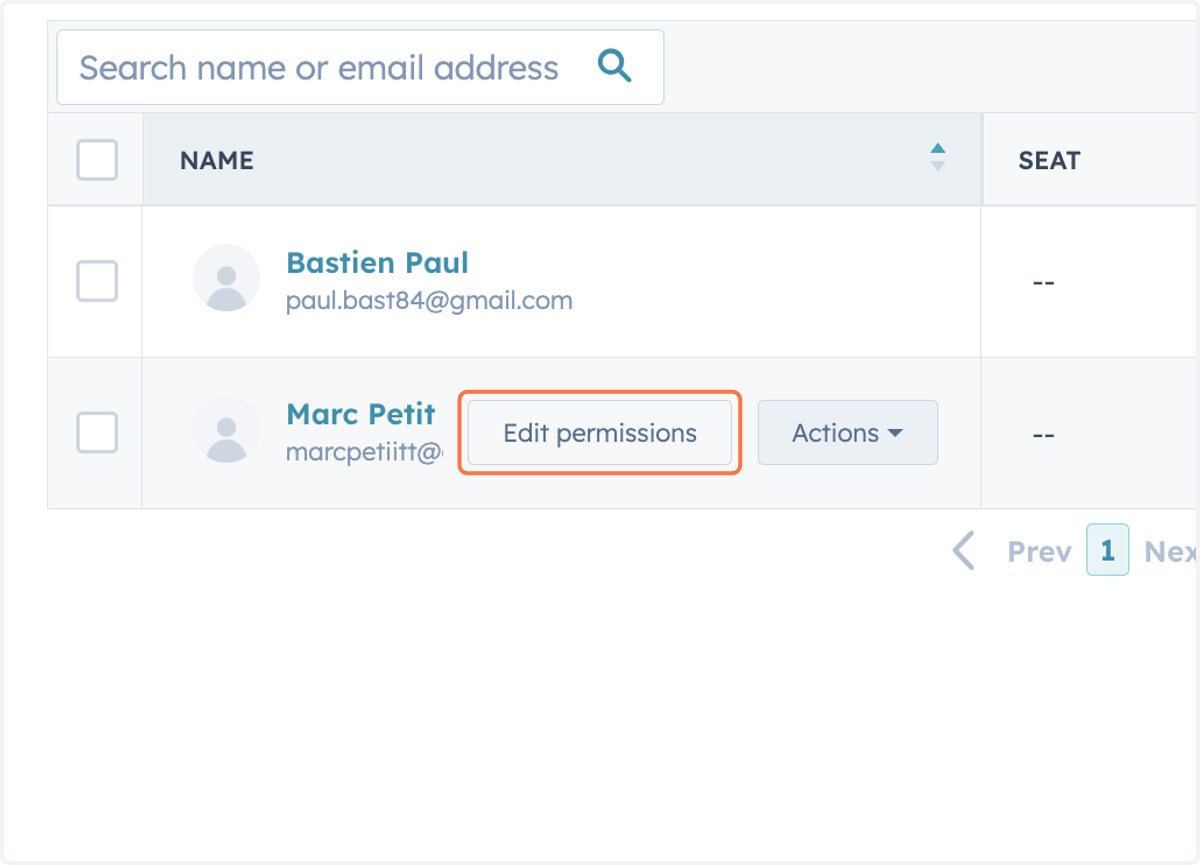
3. Click on Edit permissions
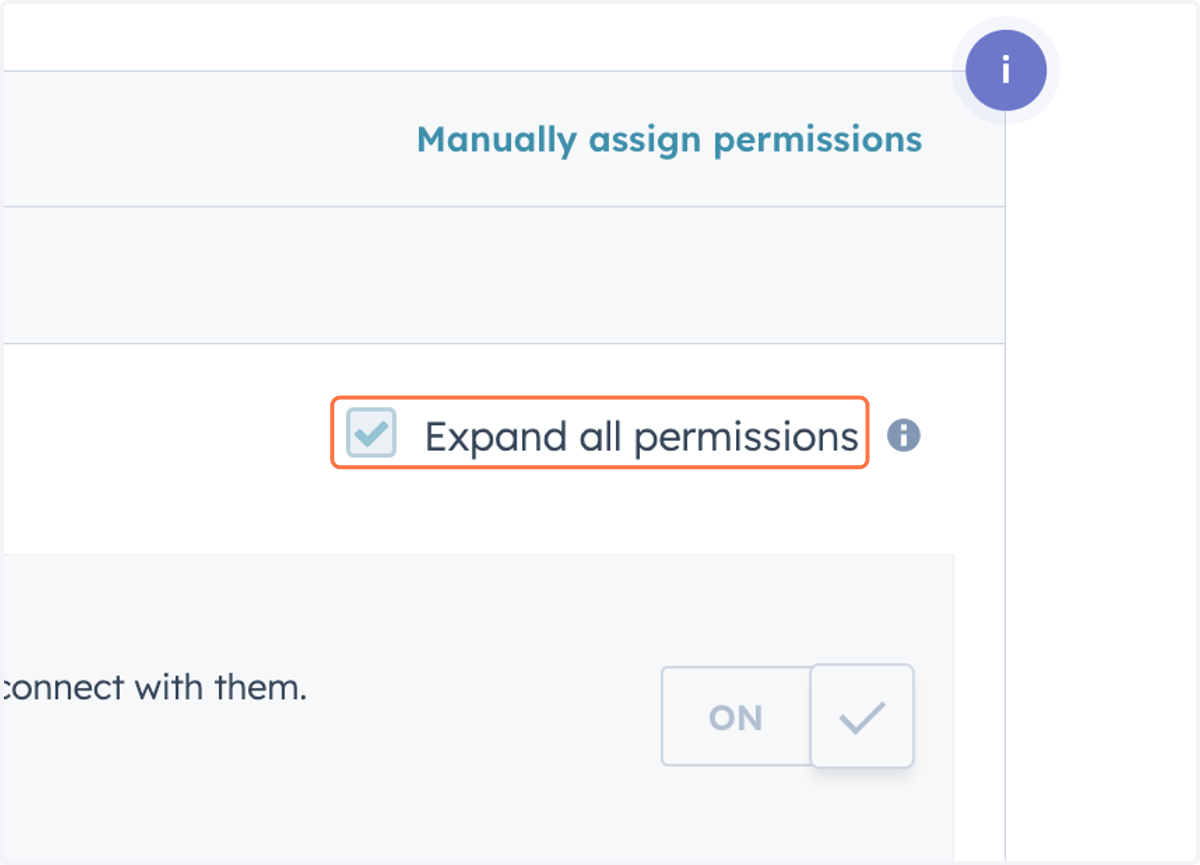
4. Check Expand all permissions
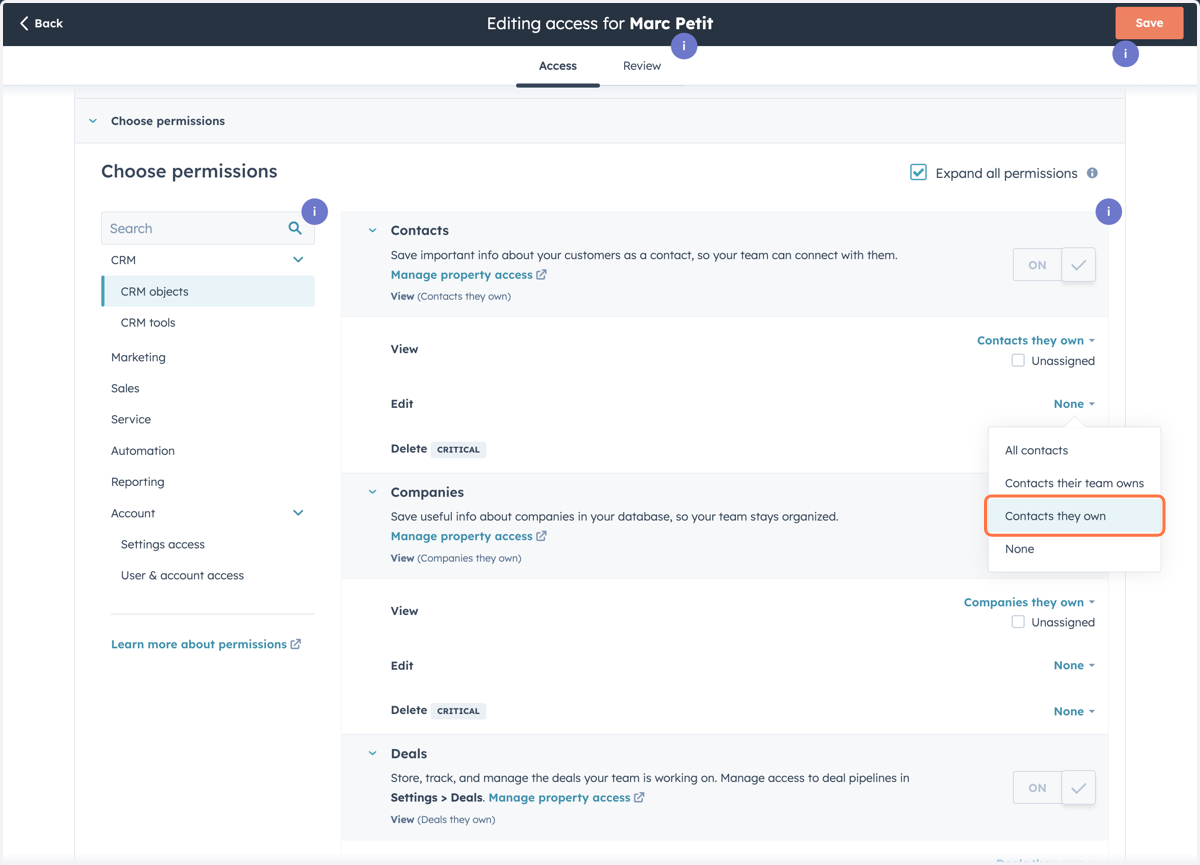
5. Click on Contacts they own
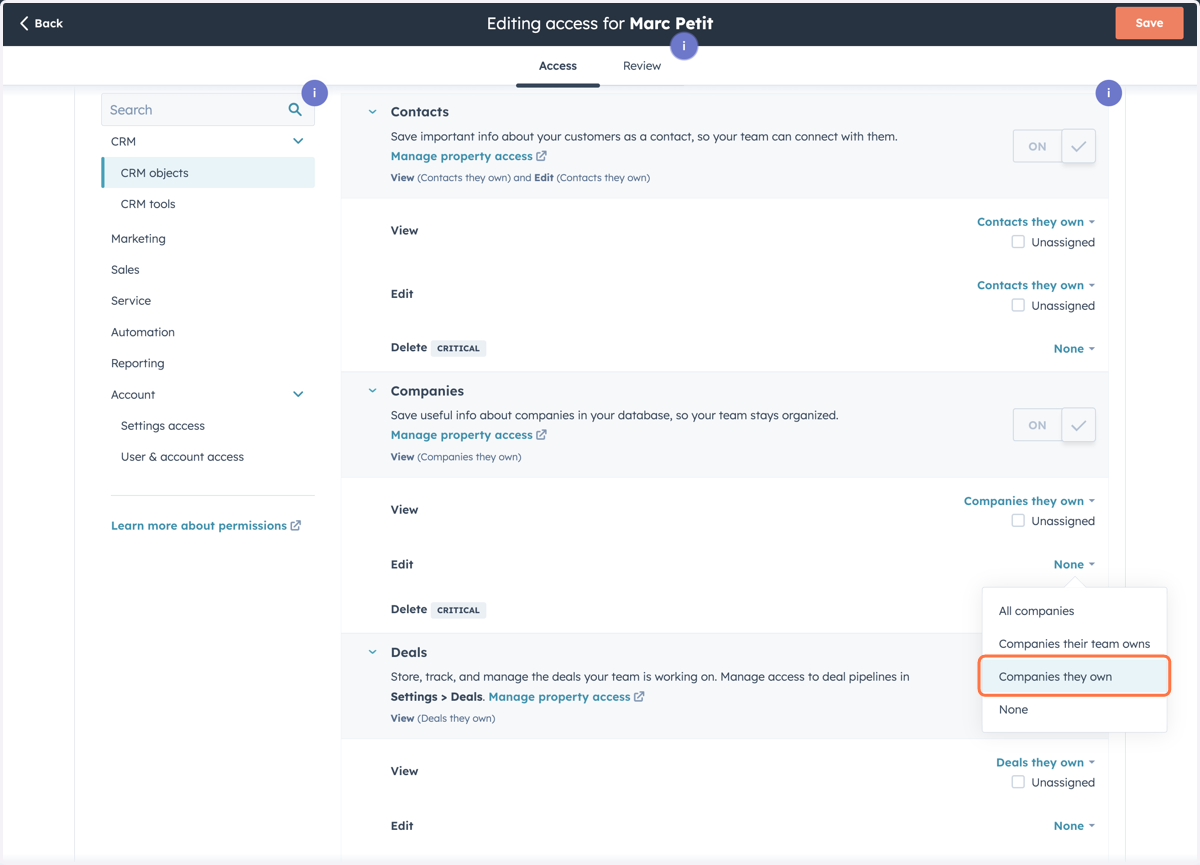
6. Click on Companies they own
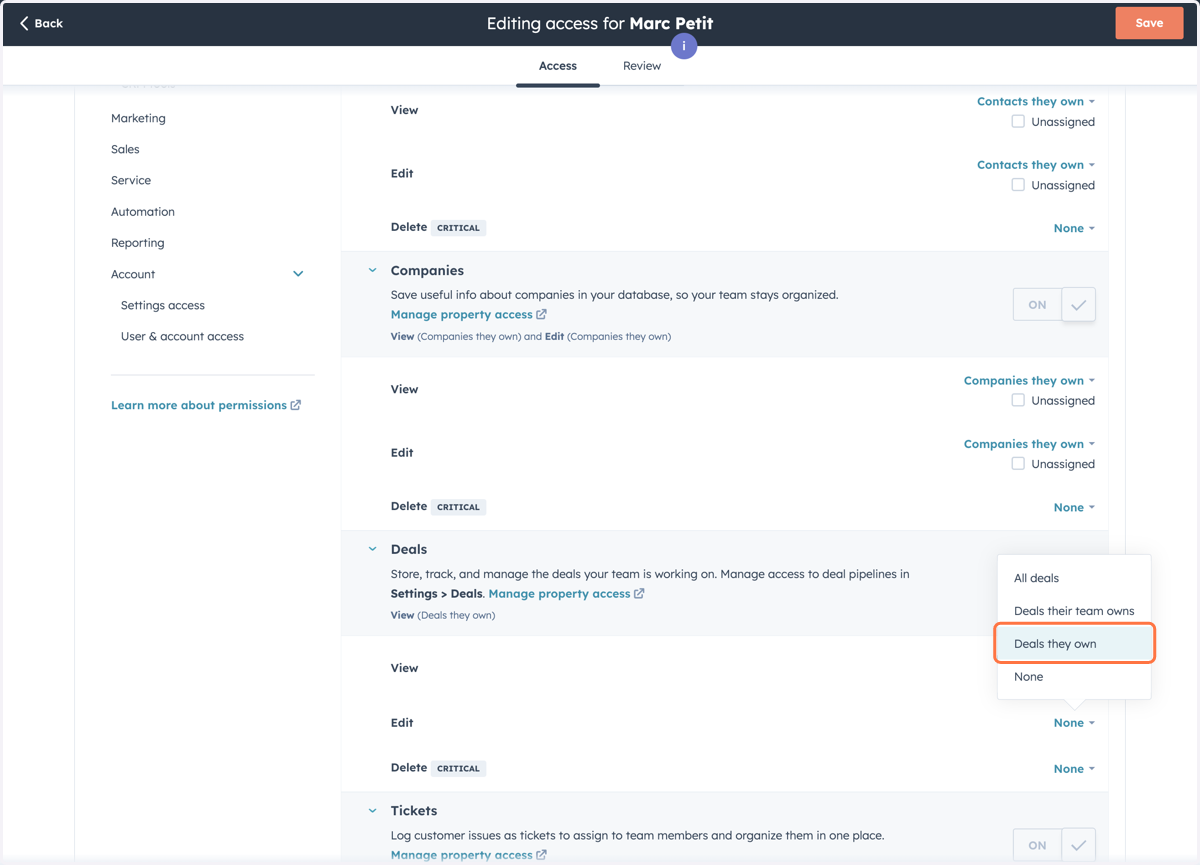
7. Click on Deals they own
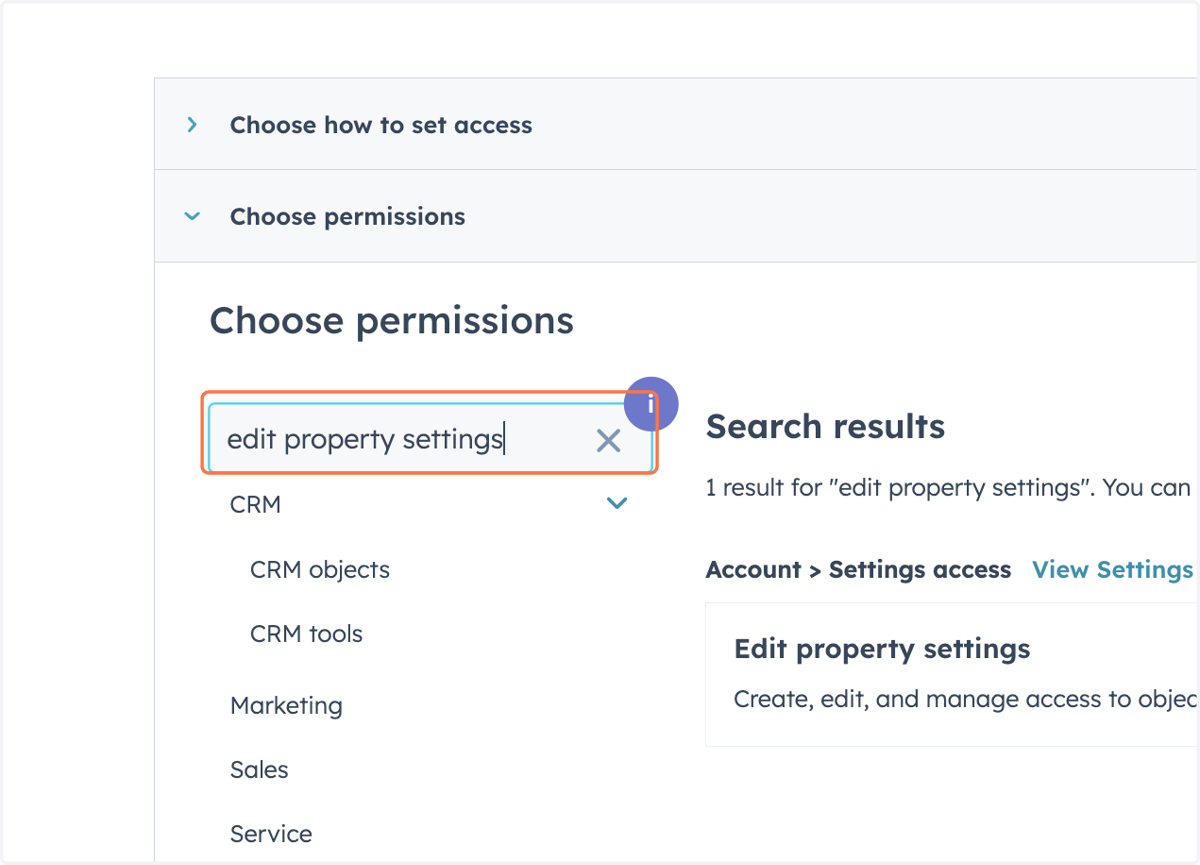
8. Type "edit property settings"
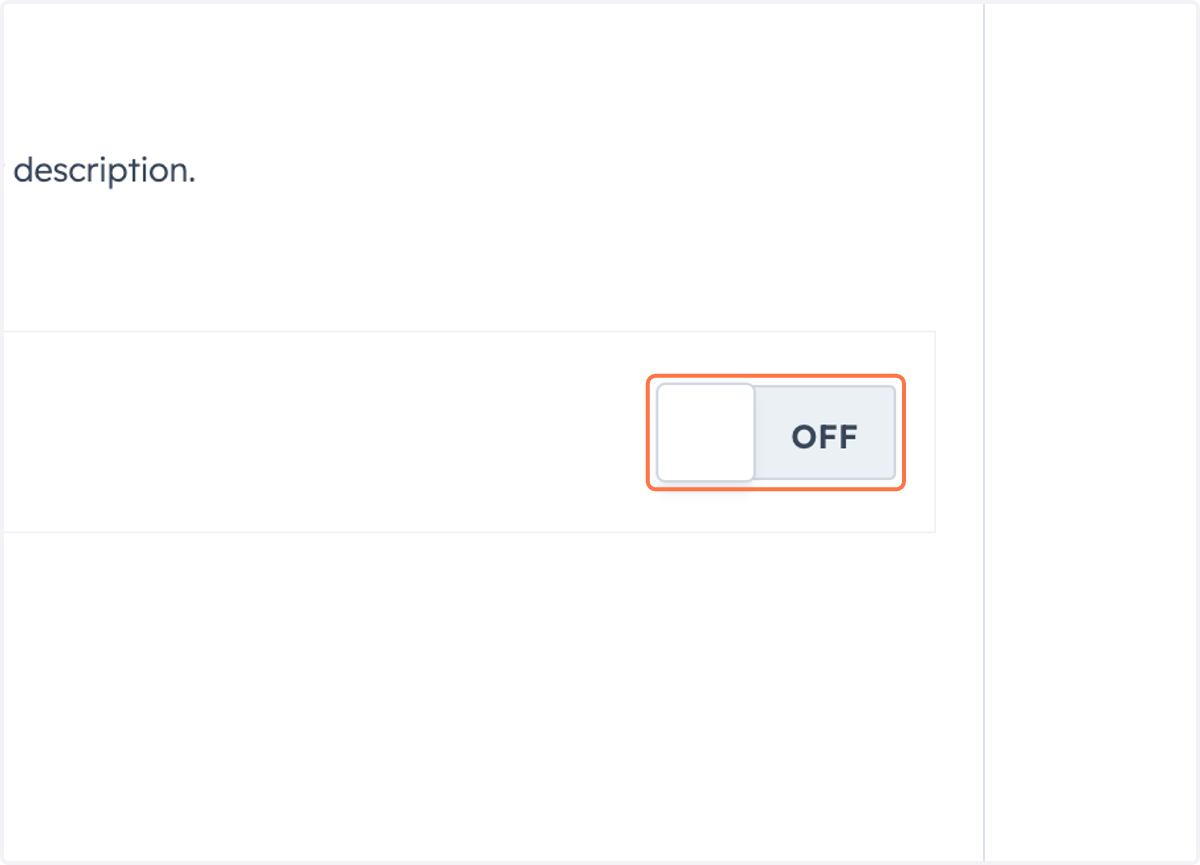
9. Click on OFF
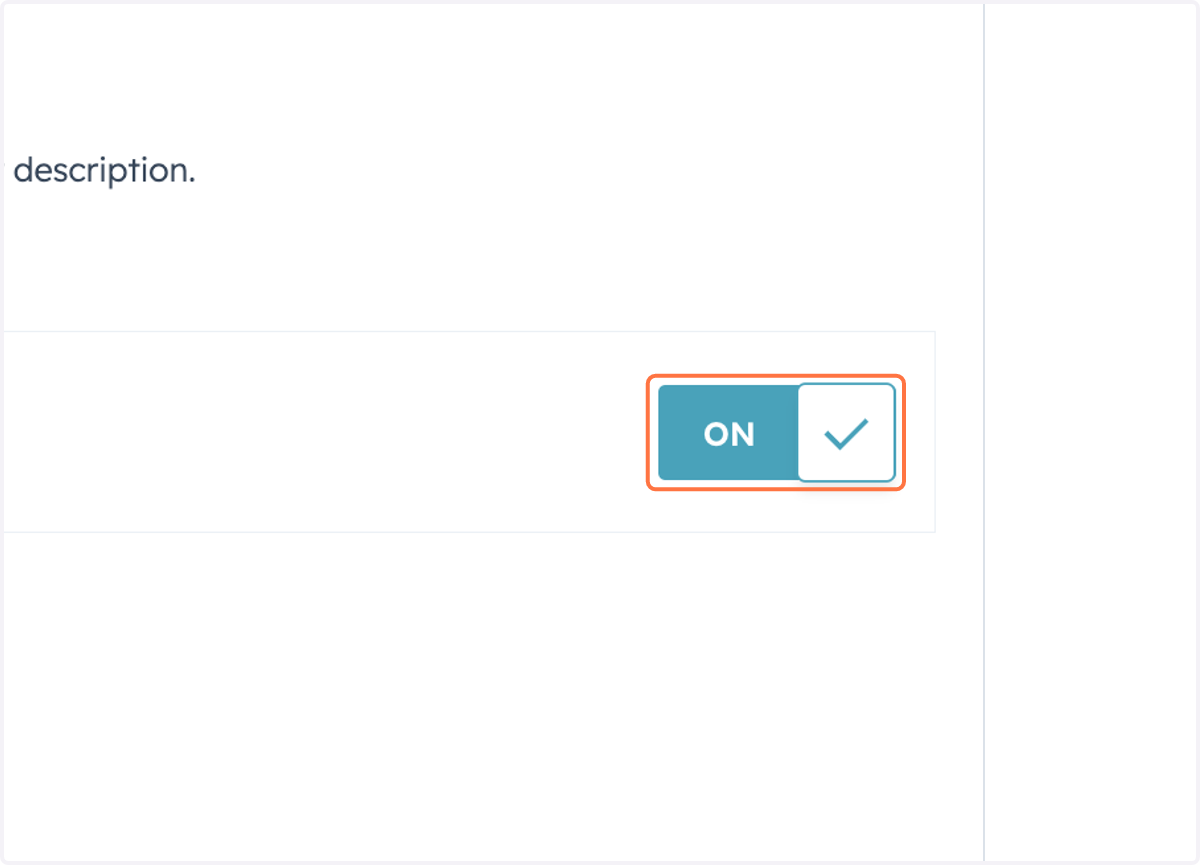
10. Check ON
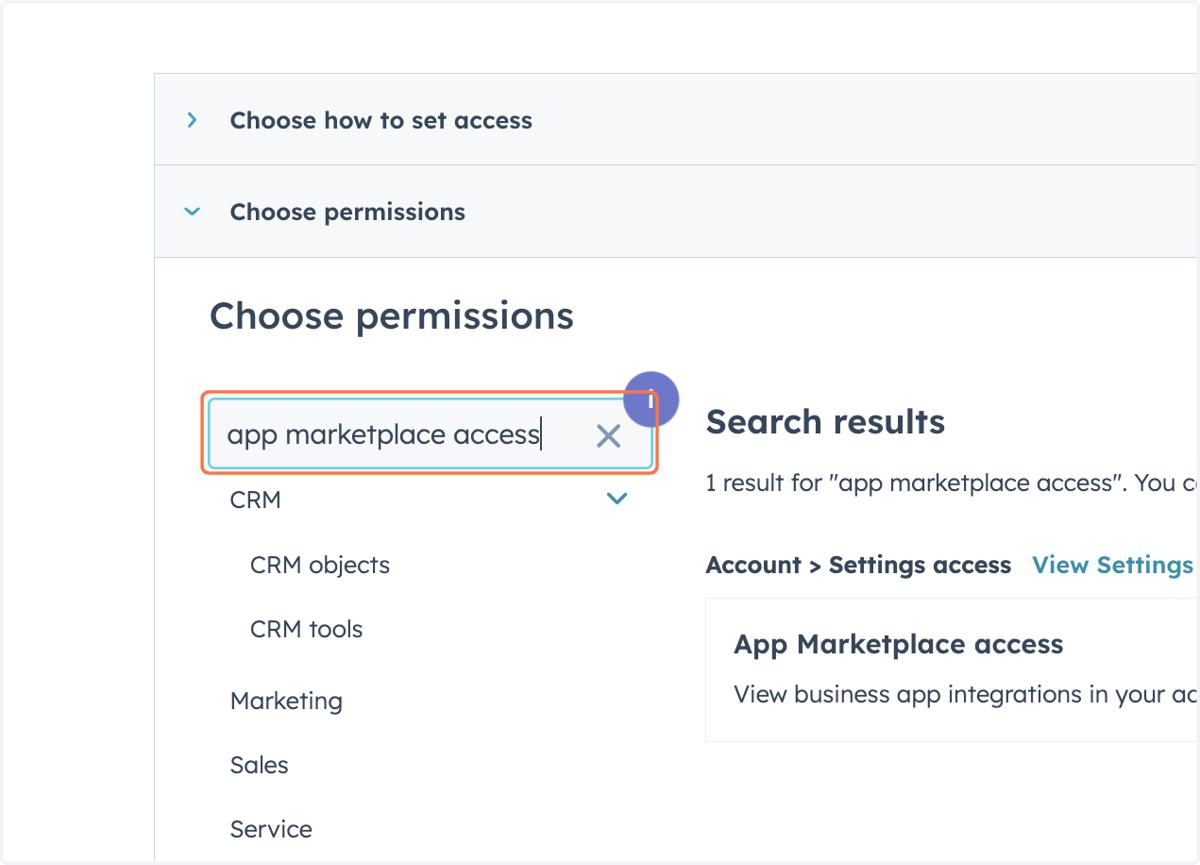
11. Type "app marketplace access"
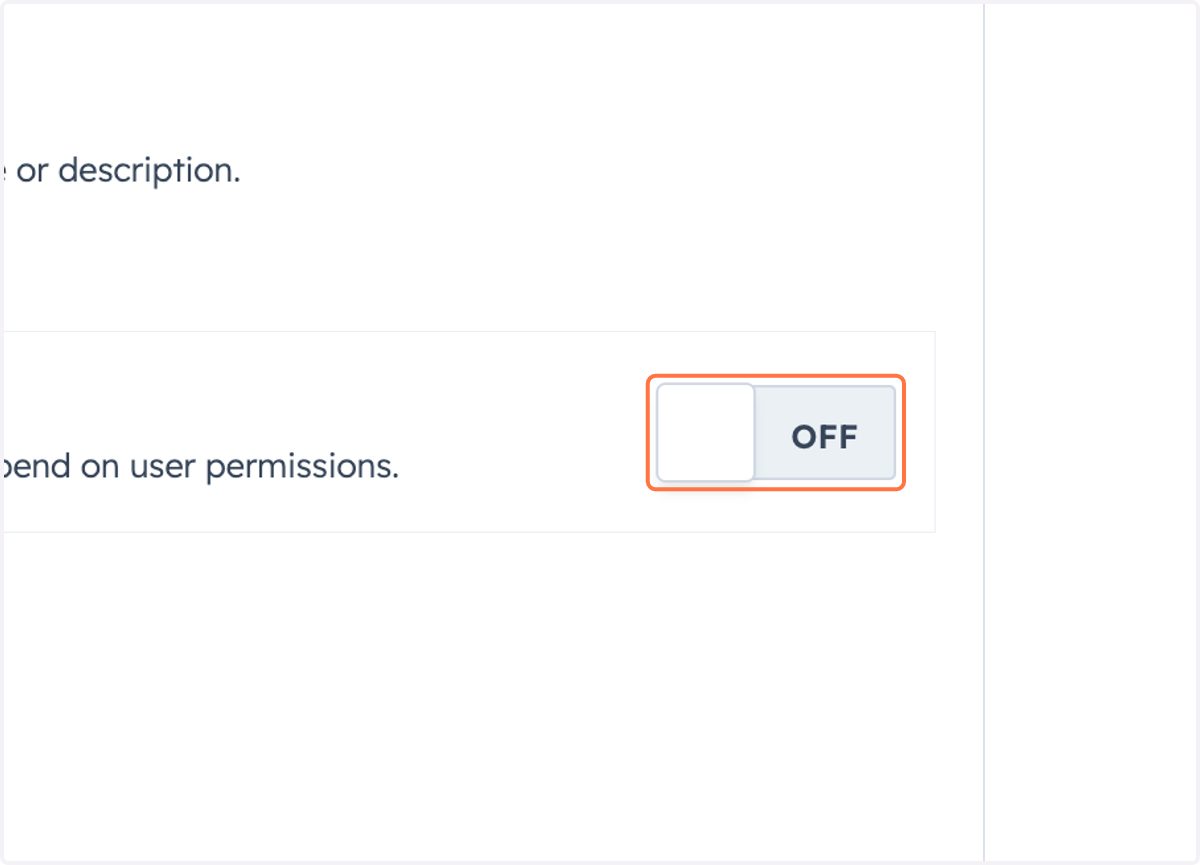
12. Click on OFF
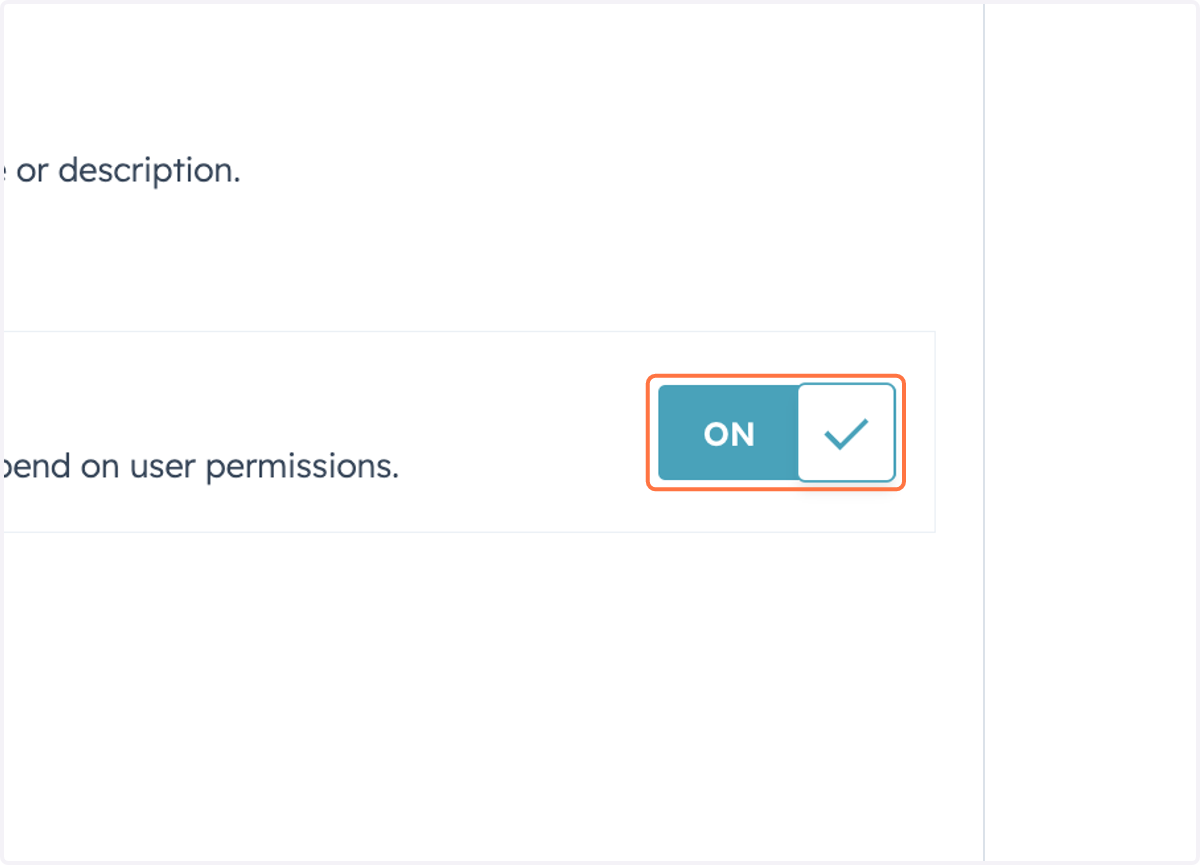
13. Check ON
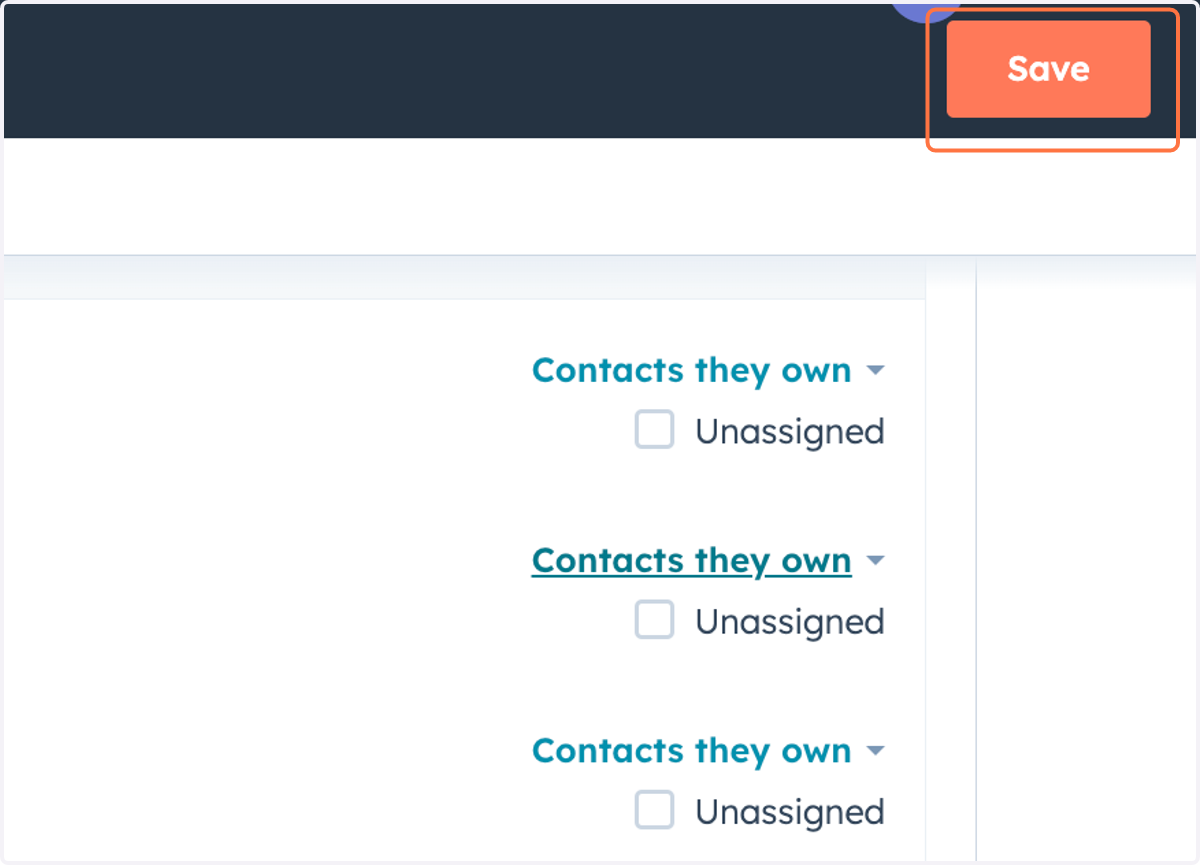
14. Click on Save