Baileys Discount: How to Apply to Subscription
Barking Heads & Meowing Heads
Visit our homepage
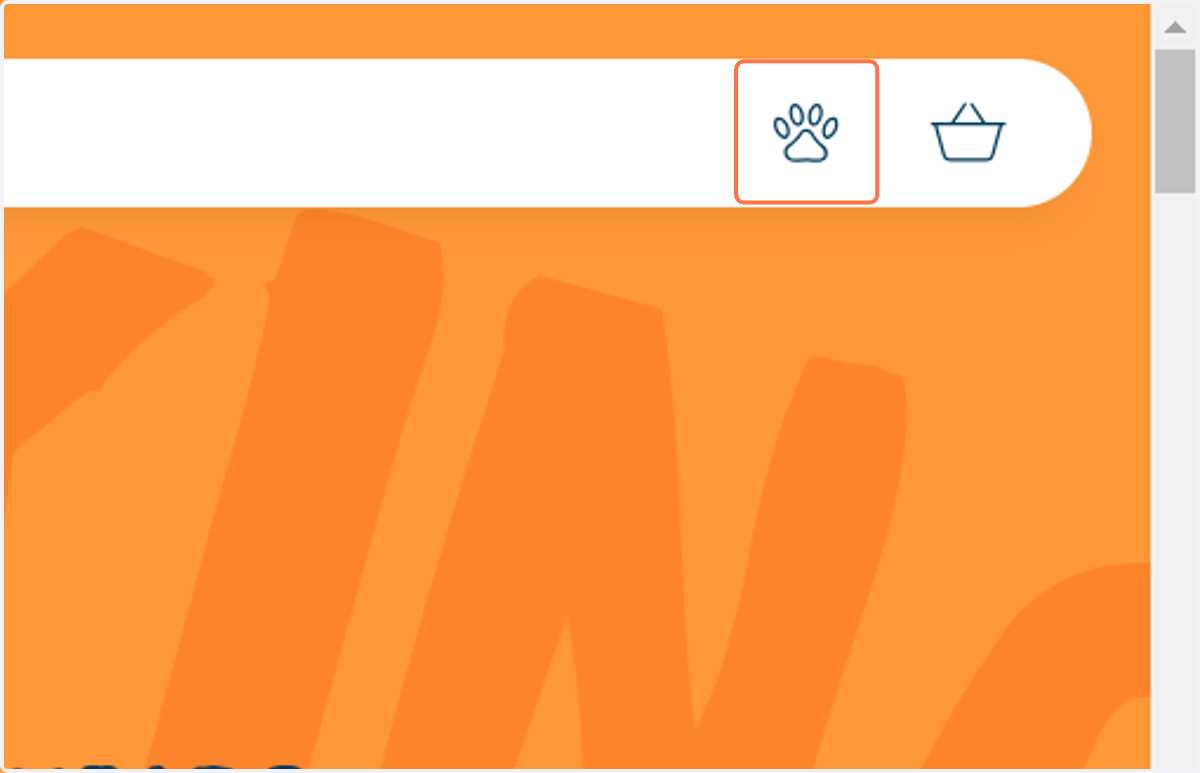
1. Click on Account
Indicated by the paw print icon
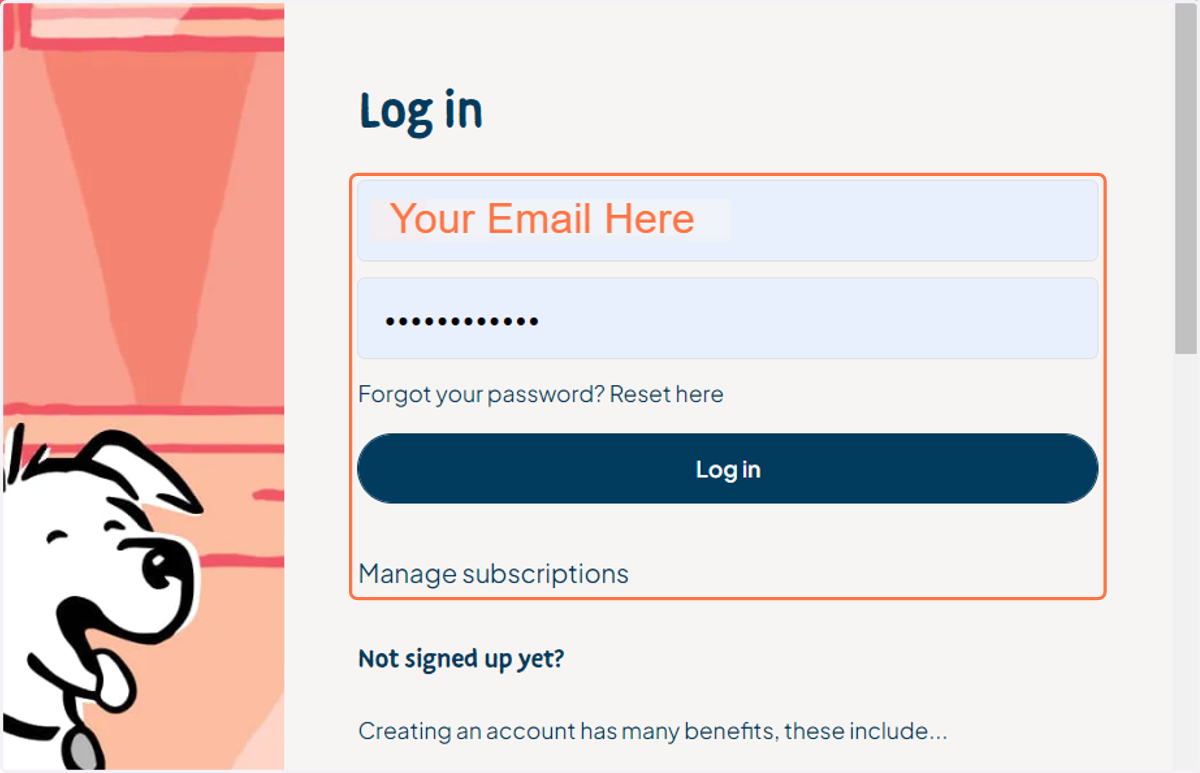
2. Type your account email address and password
Haven't got a password yet? You may need to activate your account first - see: https://barkingheads.co.uk/tools/recurring/get-subscription-access
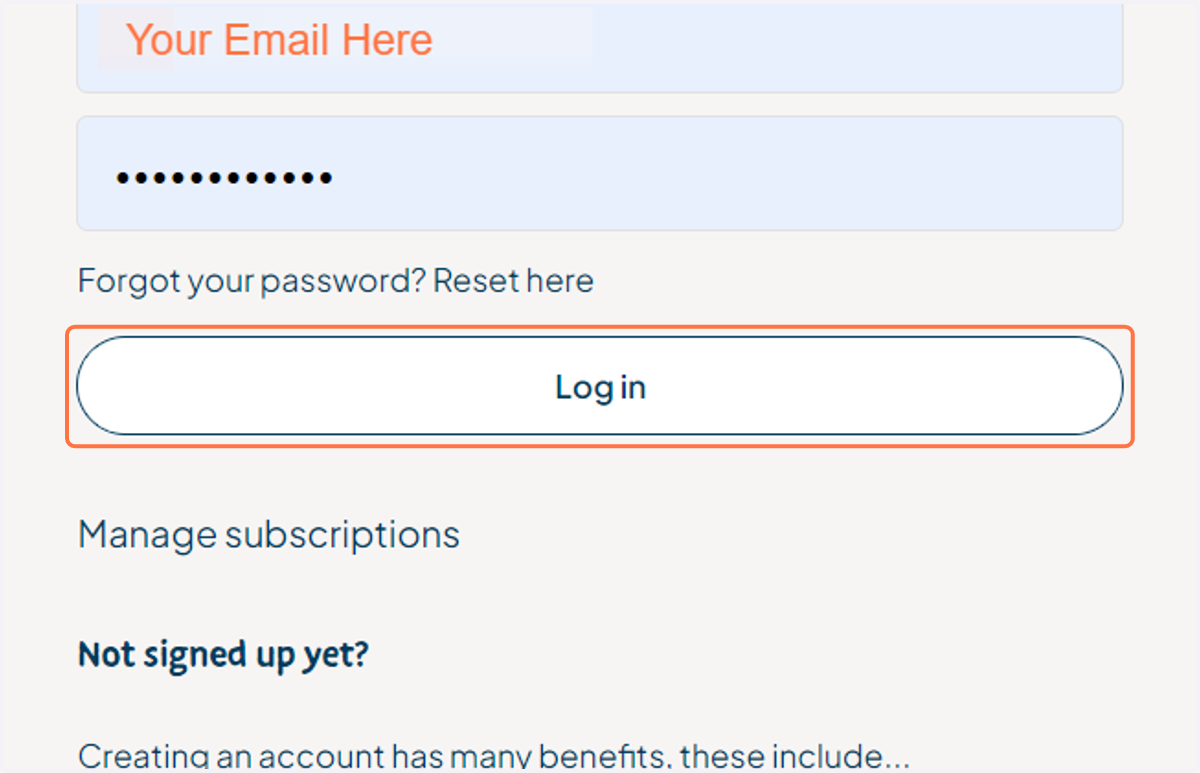
3. Click on Log in
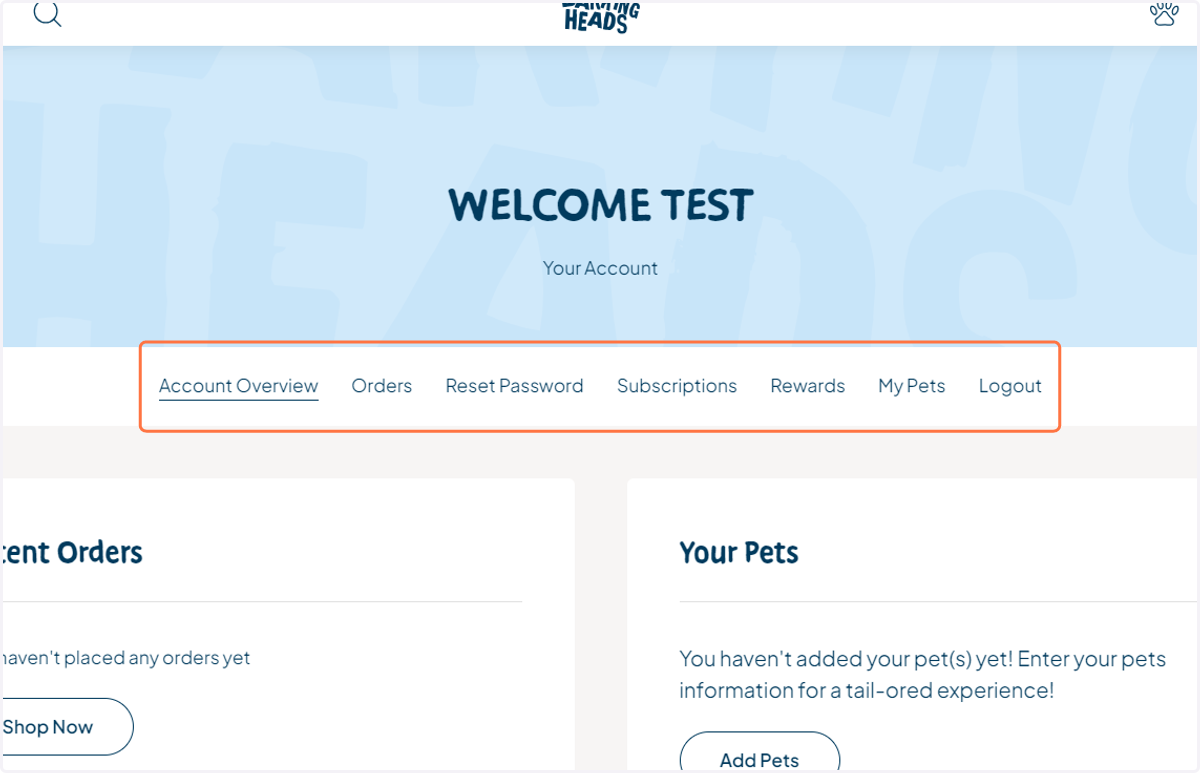
4. View the main navigation area of your account
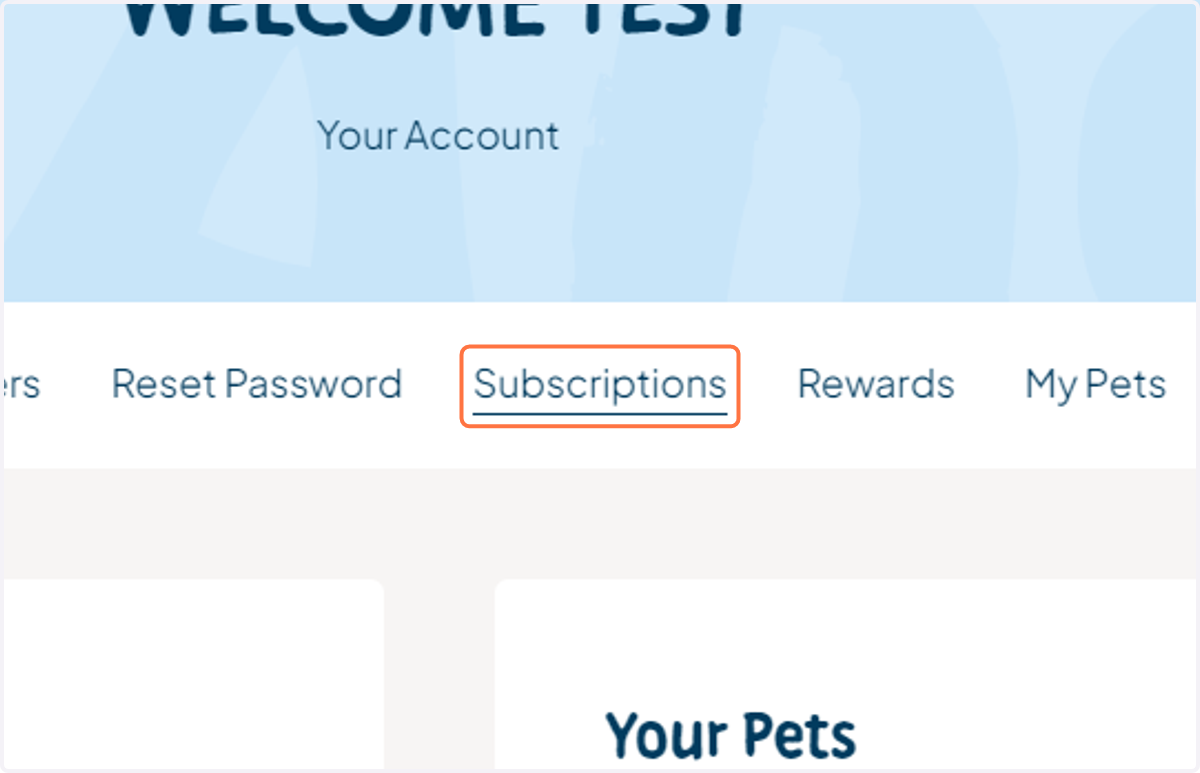
5. Click on Subscriptions
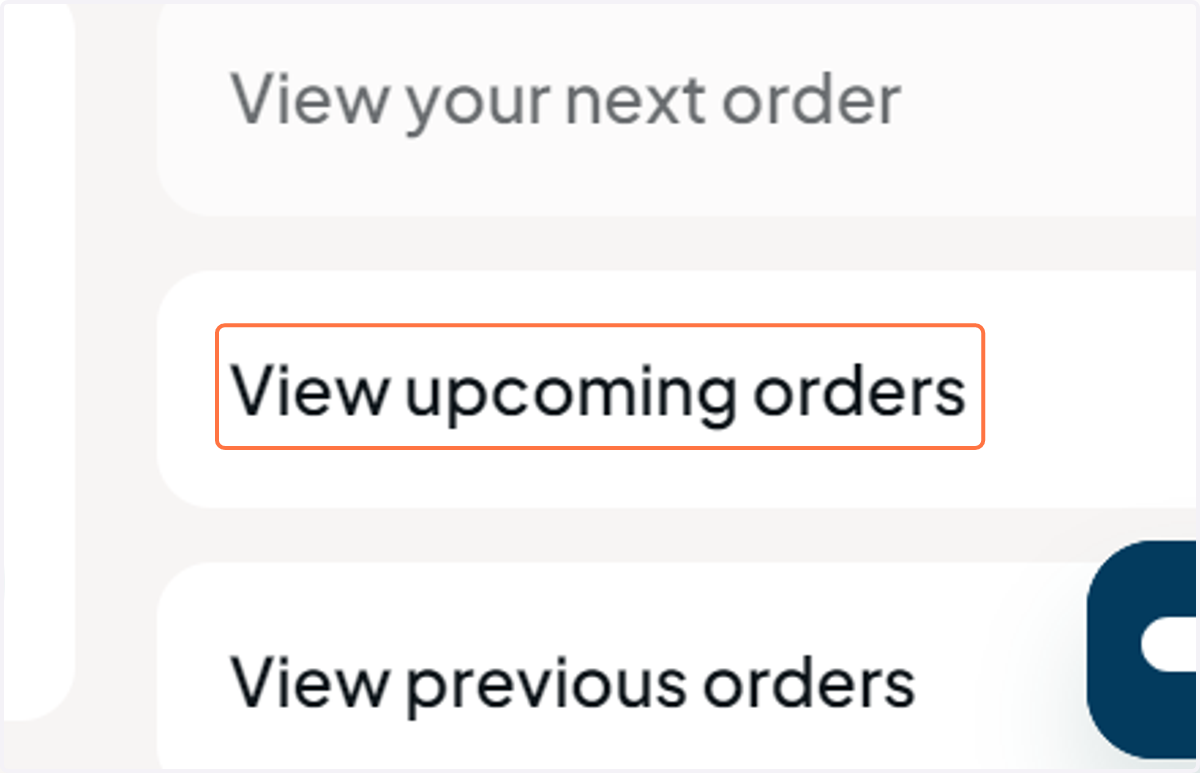
6. Click on View upcoming orders
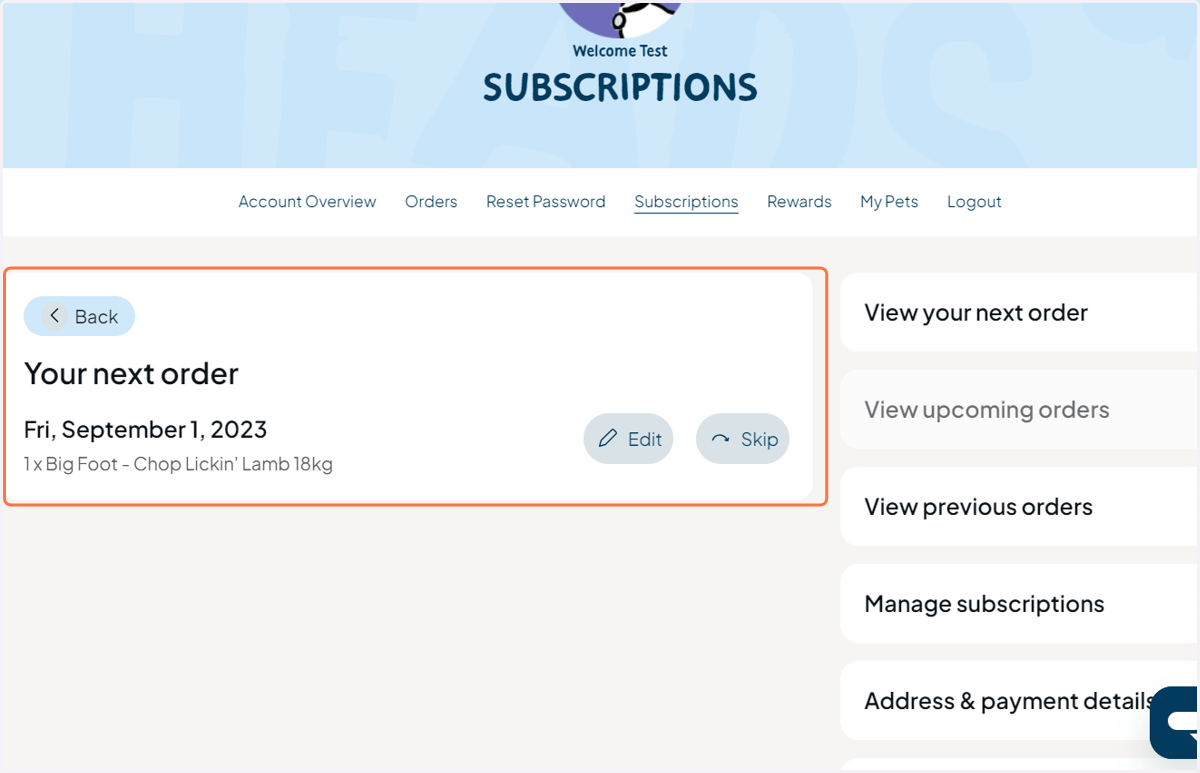
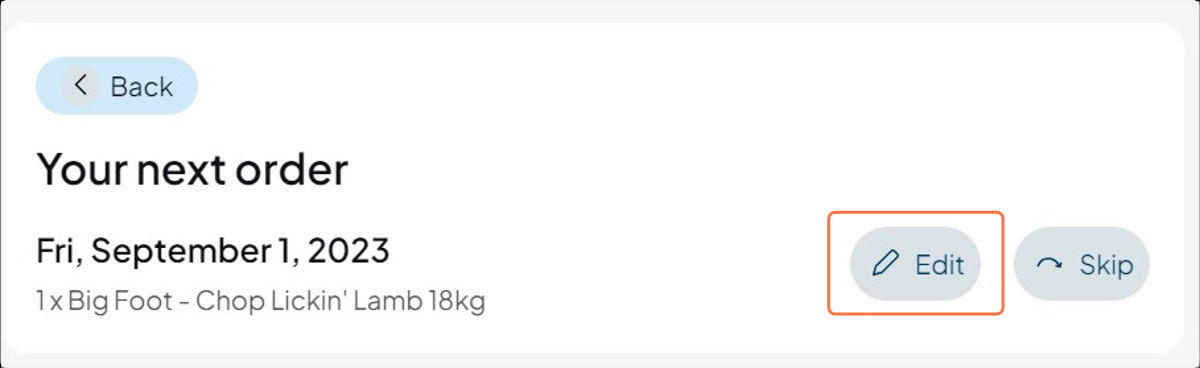
7. View the 'Your next order'
The voucher will apply discount to the next soonest order in your schedule, and will be the soonest date
8. Click on Edit
9. View the order details
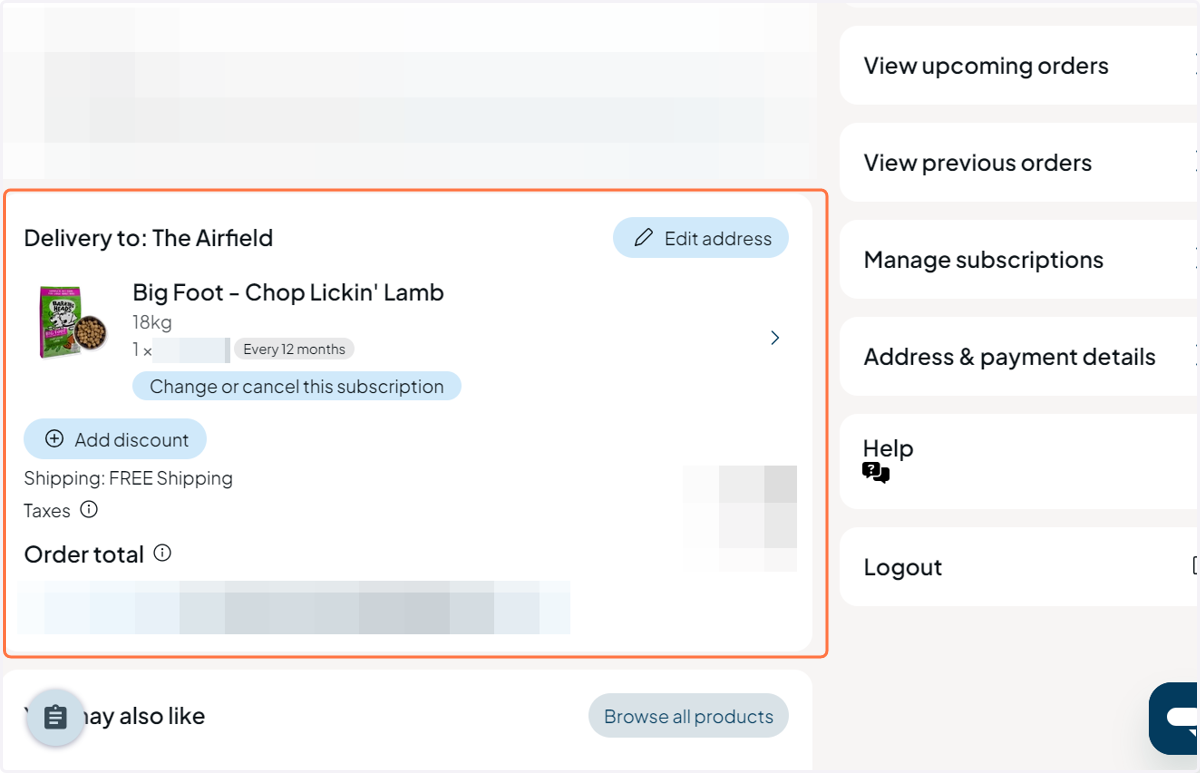
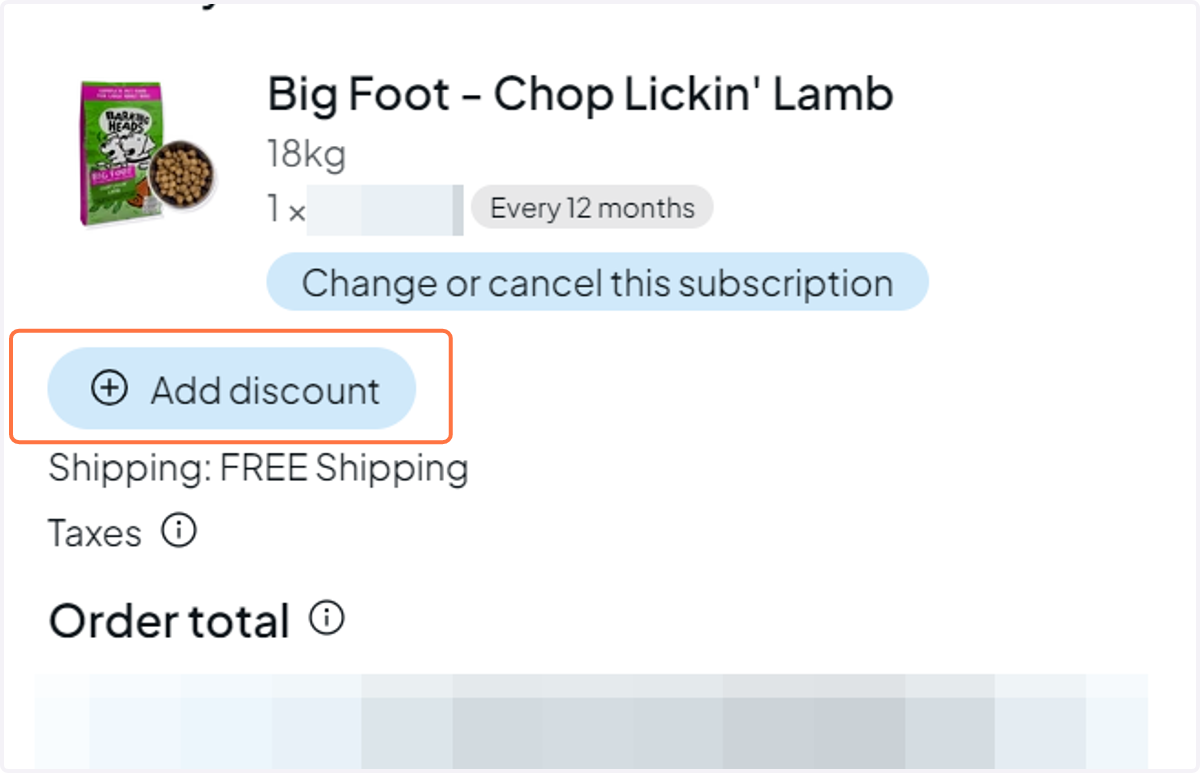
10. Click on Add discount
11. Witness the APPLY A DISCOUNT CODE window opens
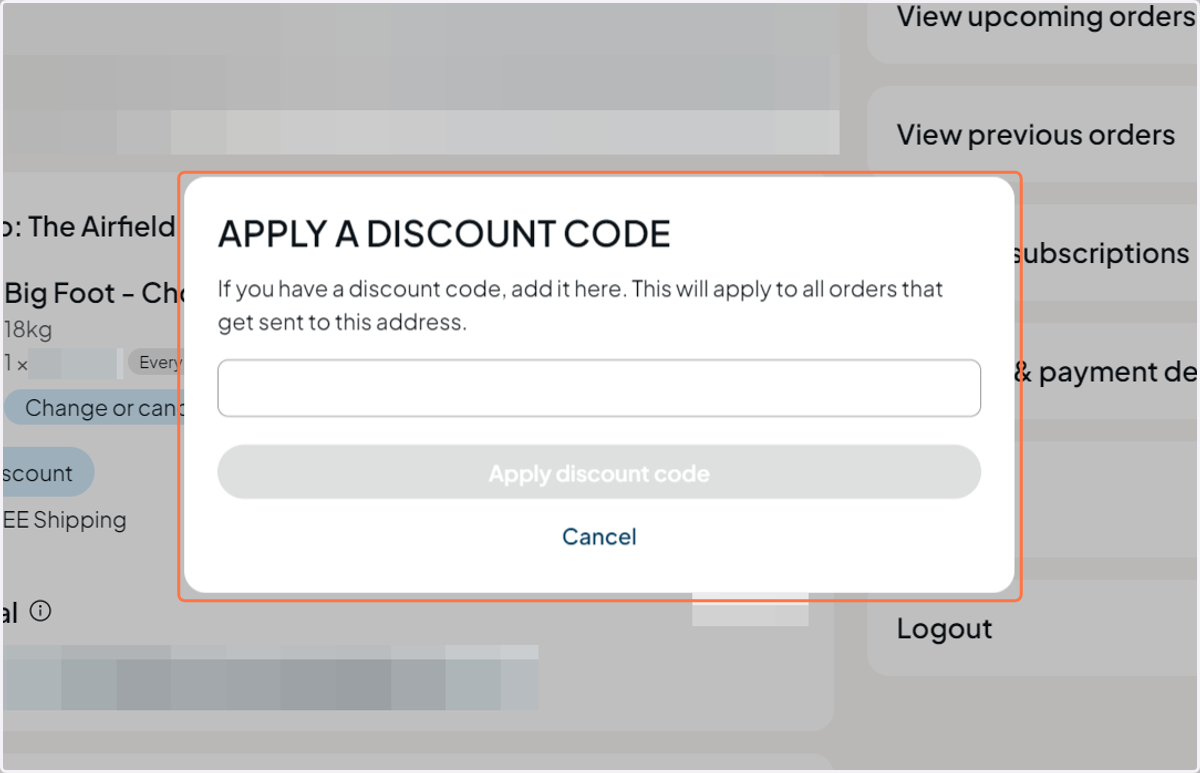
12. Type your code into the field provided
Using the copy/paste feature of your device, when making note of the code should make this step quicker and more accurate.
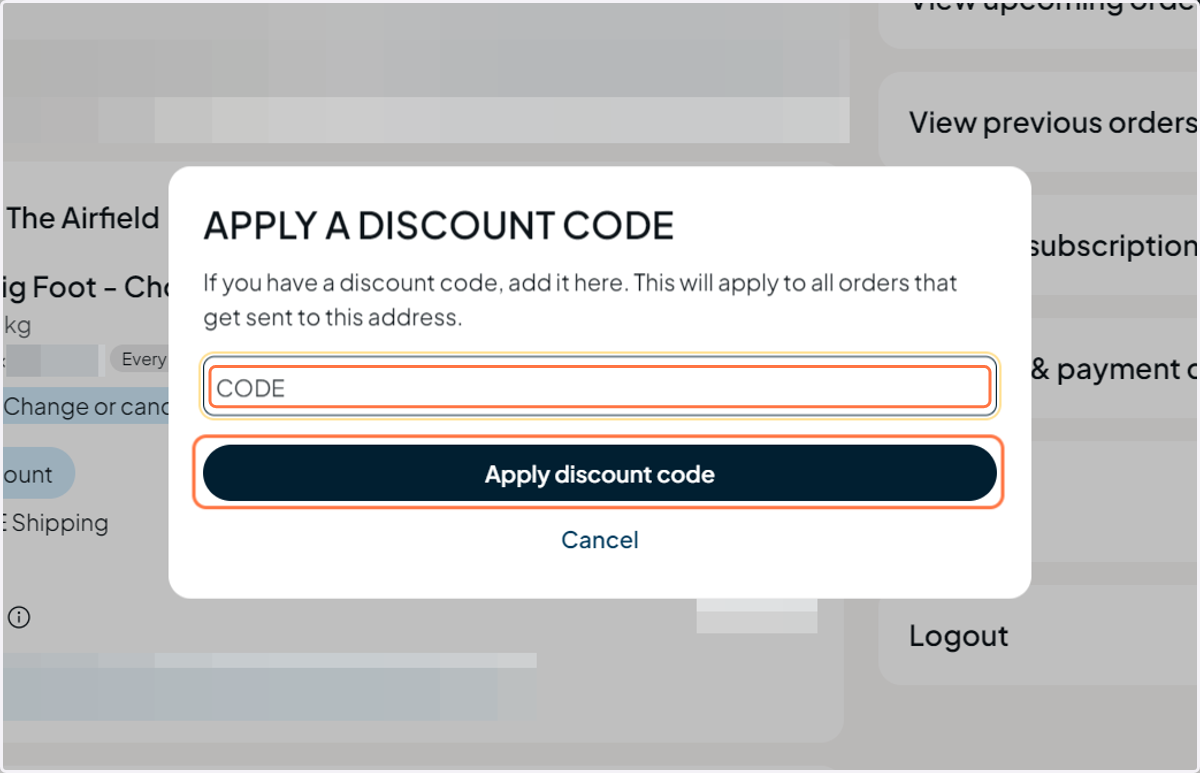
13. Click on Apply discount code
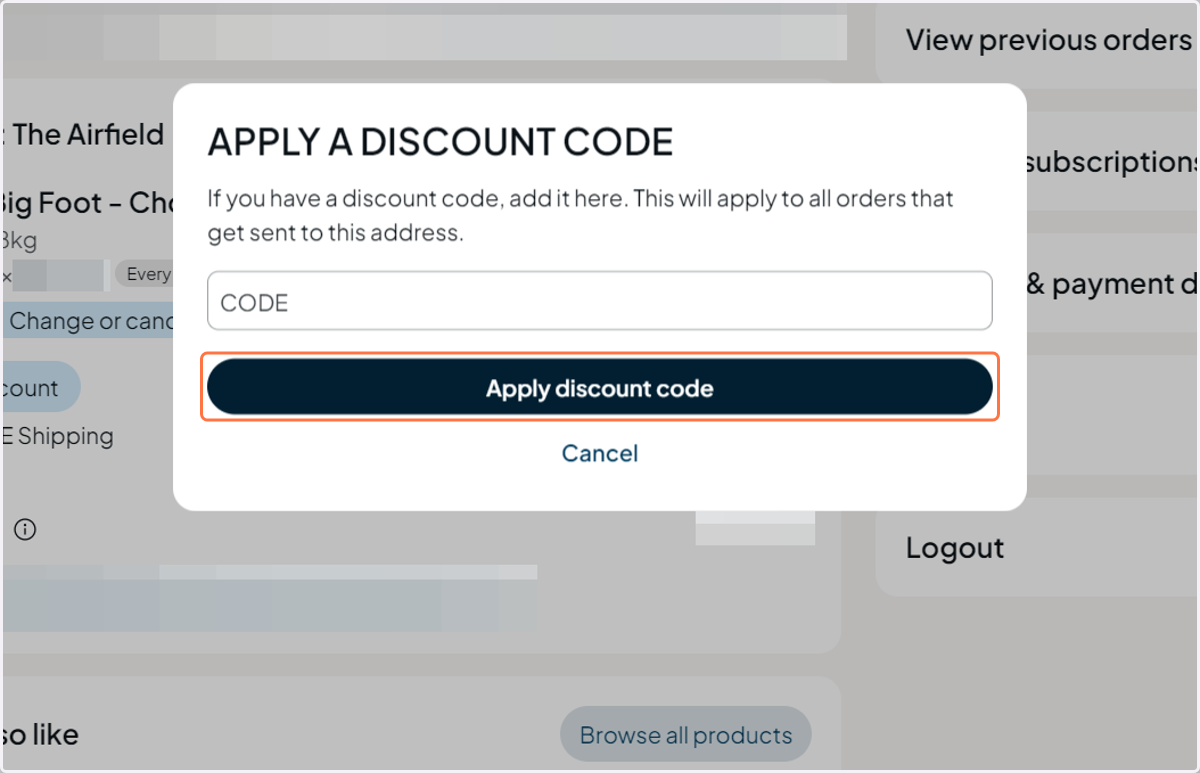
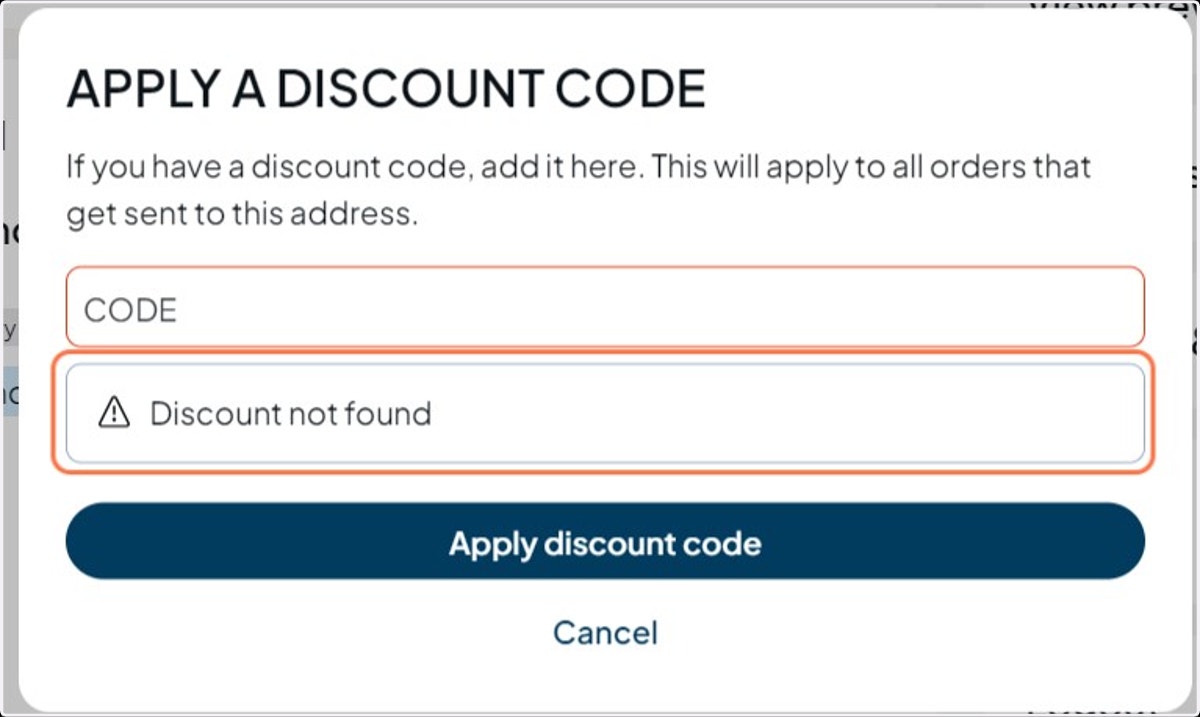
14. If it fails, it may return an error message like this
This may suggest that the code you entered was incorrect. Please check the letters, numbers and/ or symbols to see if a numerical digit has been entered instead of an alphabetical figure, or vice versa.