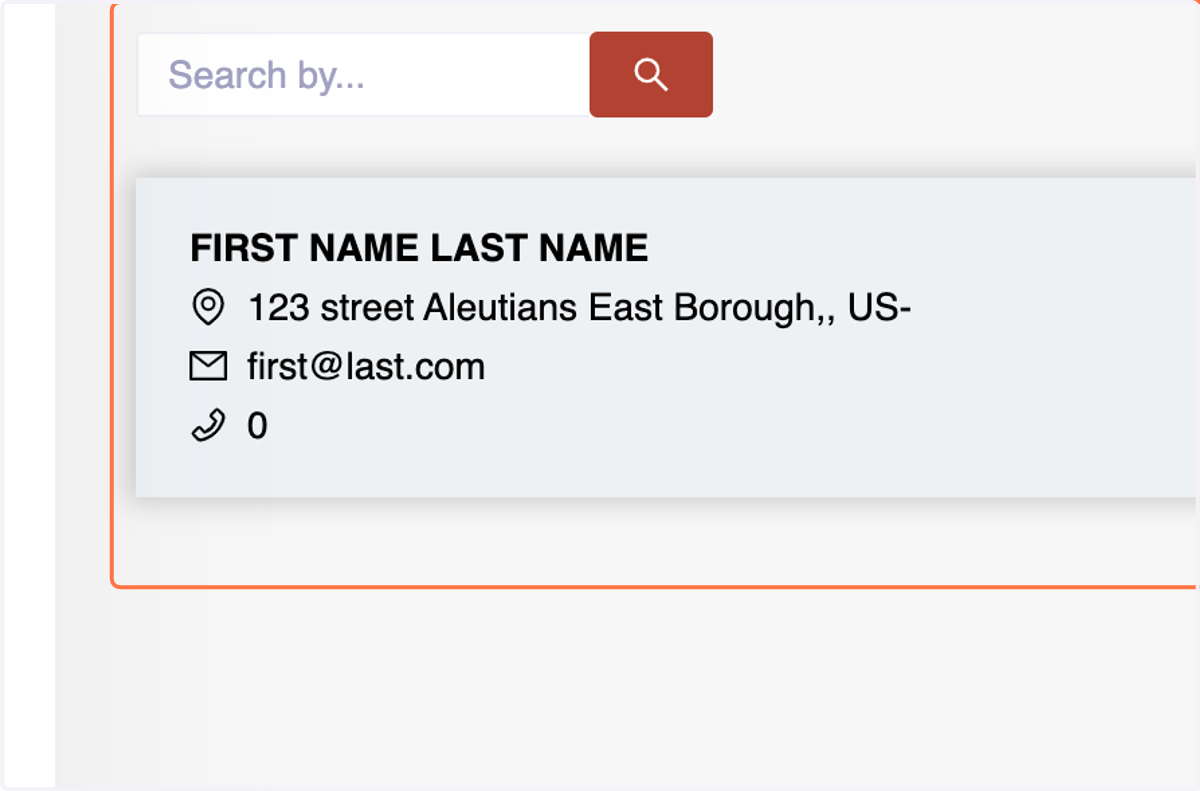
Menu: Contacts {"Creating Employees"}
The Number Accounting System is a robust platform with features tailored for efficient business management. One vital aspect is the Contact Section, divided into three subsections: Suppliers, Customers, and Employees. In this guide, we'll focus on the Employee menu, specifically designed for managing workforce details.
Employee Menu:
The Employee menu in the Number Accounting System is a dedicated space for creating and managing employee profiles within your organization. It facilitates efficient record-keeping of essential employee information, ensuring accurate payroll processing and seamless management of human resources.
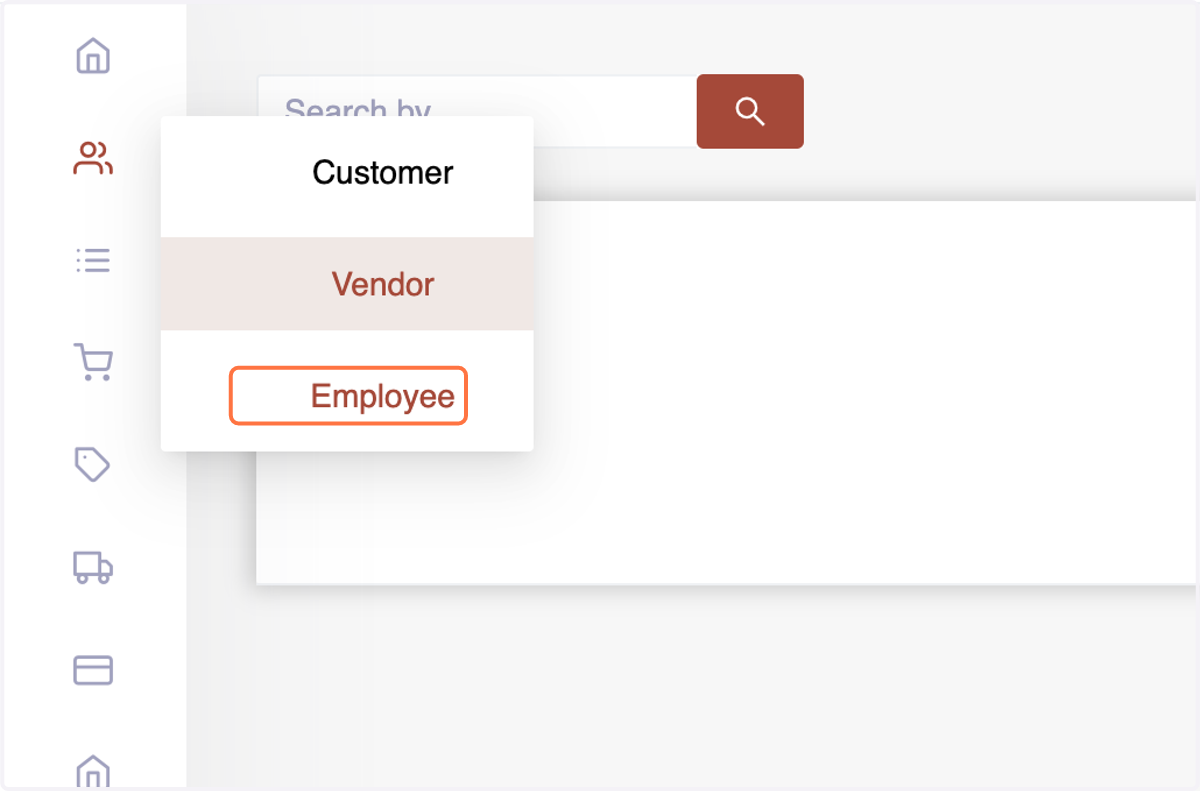
1. Navigate to the "Contact" menu where supplier, customer, and employee details are stored.
Choose the "Employees" subsection, the specific area for creating and managing employee profiles.
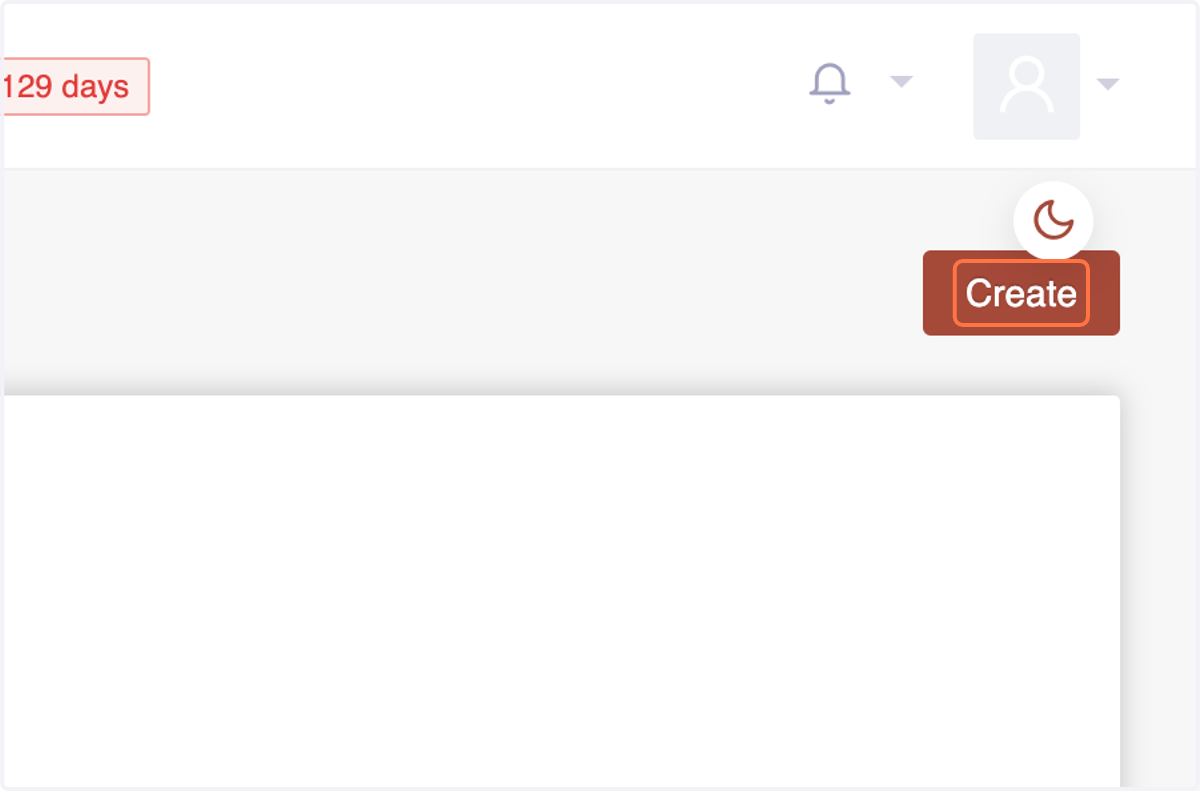
2. Initiate the process by selecting "Create"
3. Enter essential details in the straightforward form:First Name
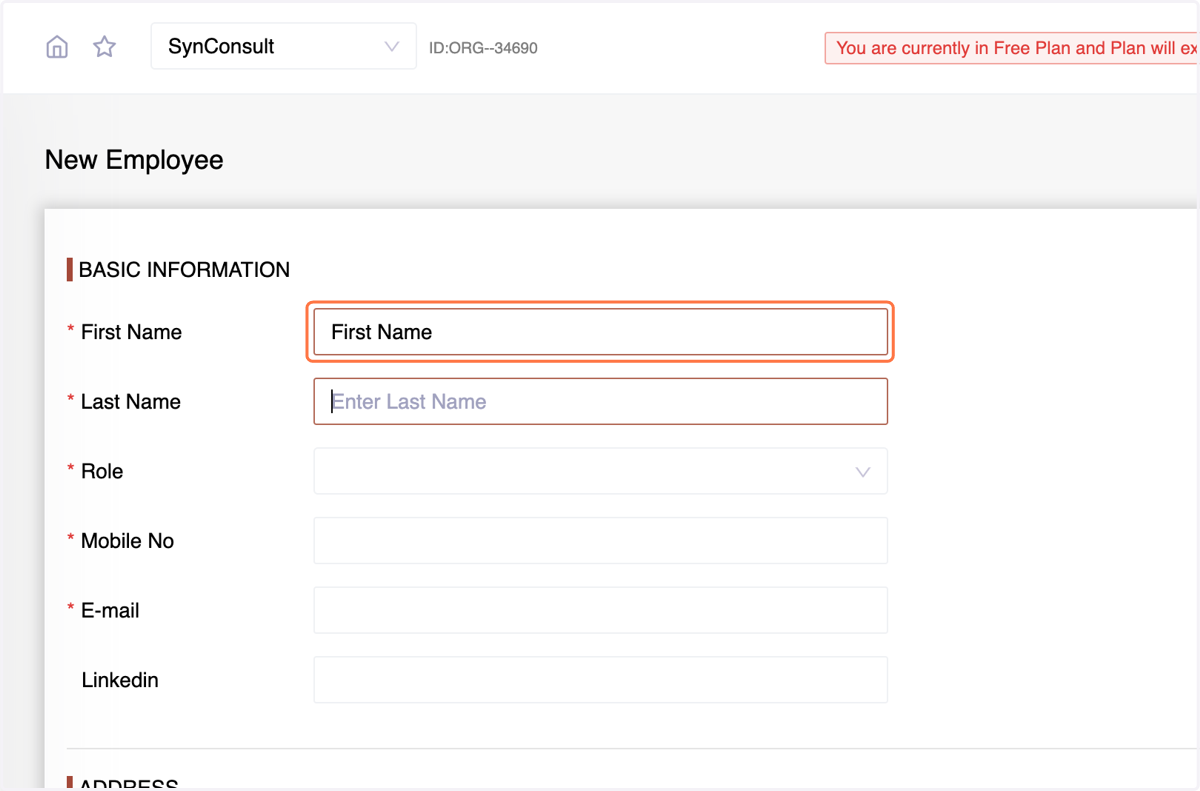
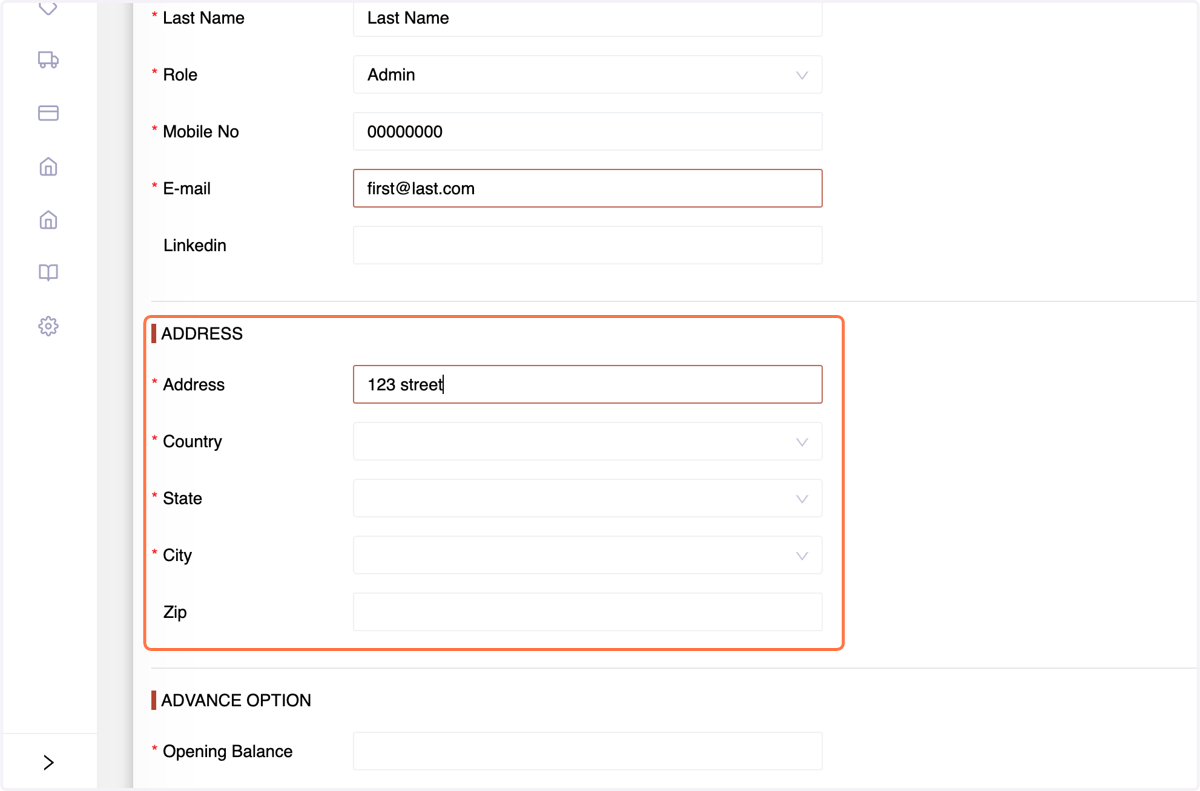
4. Enter the Last Name
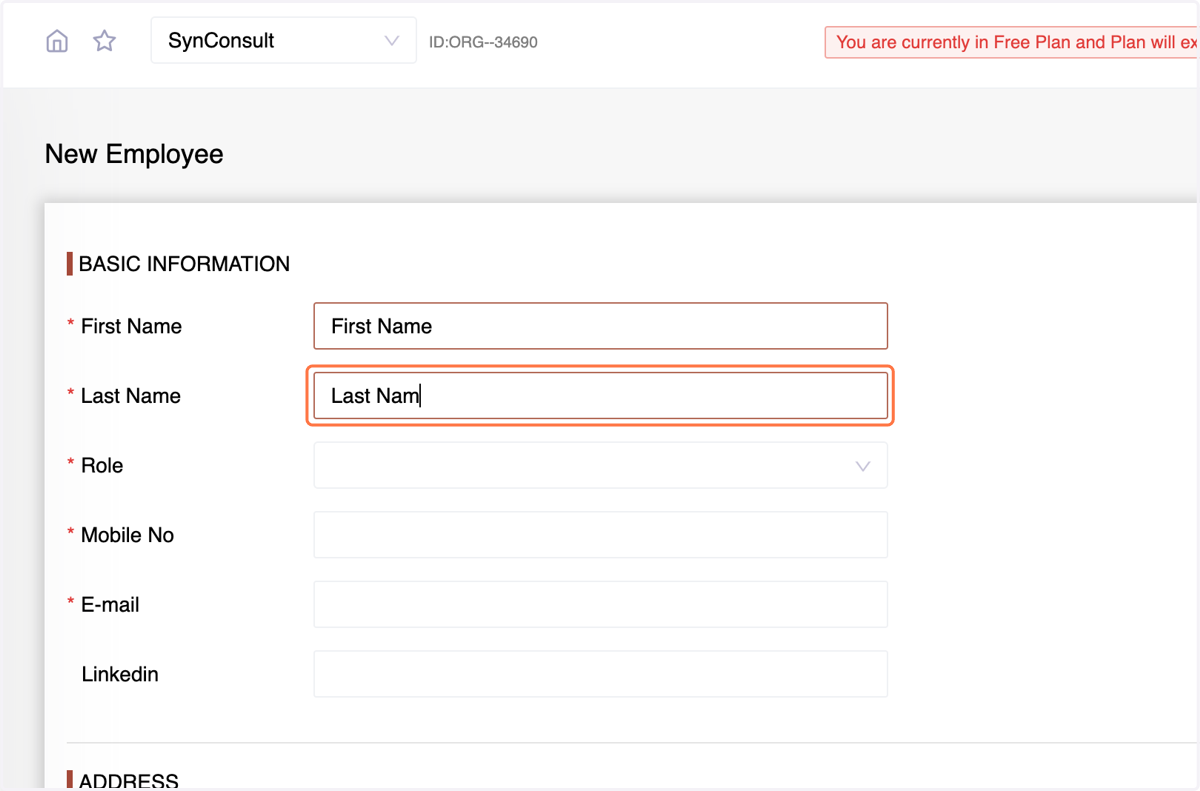
5. Enter The Role assigned.
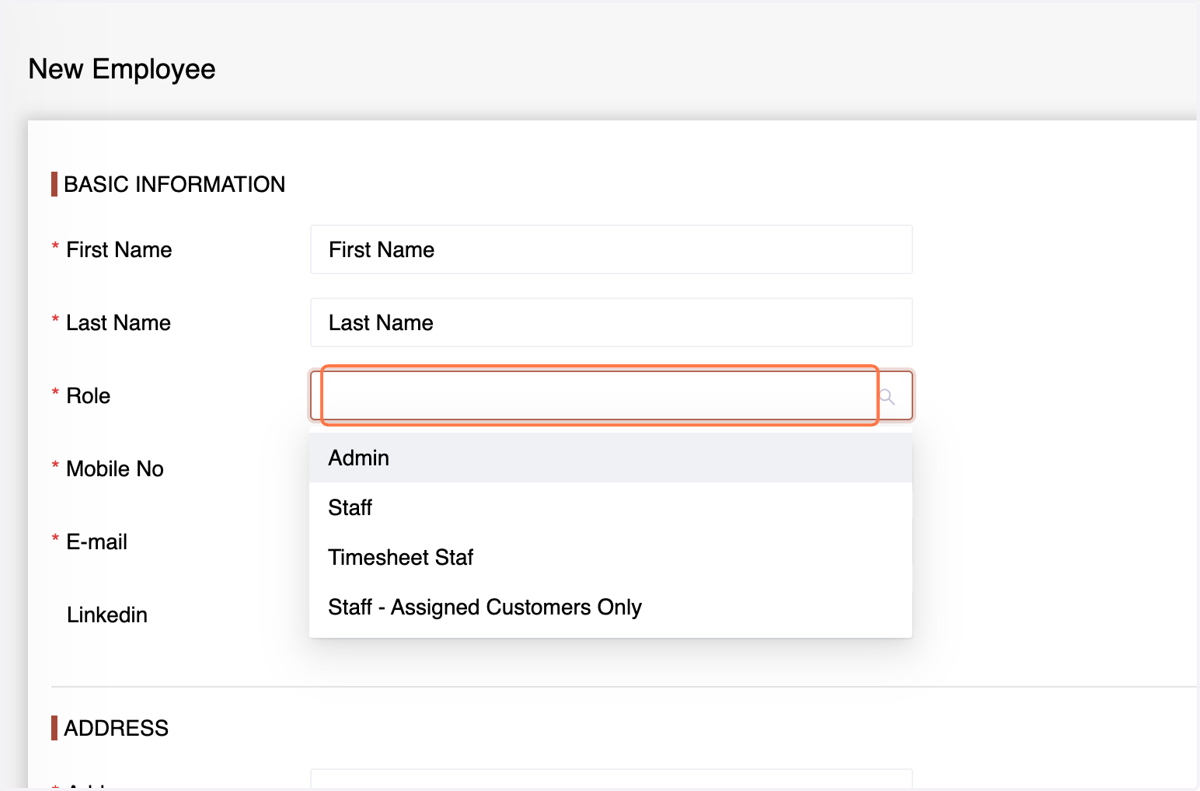
6. Enter the Mobile Number
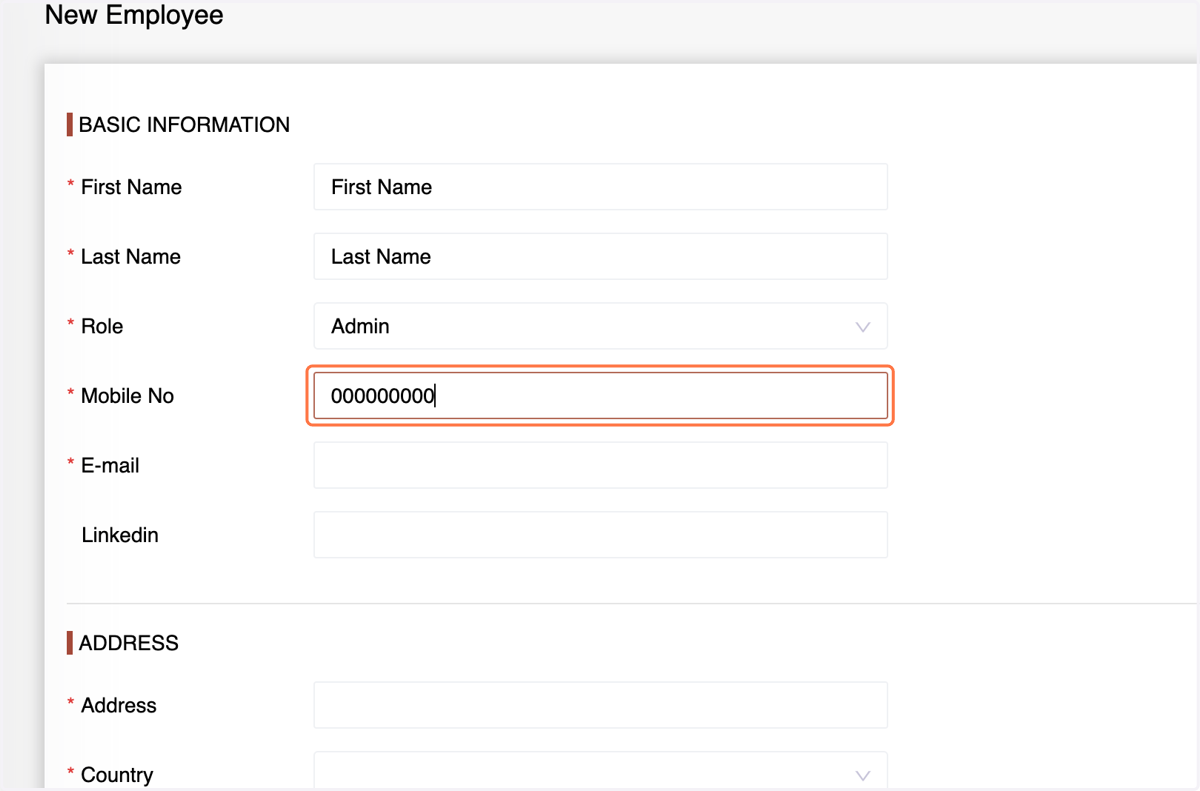
7. Enter the Email Address
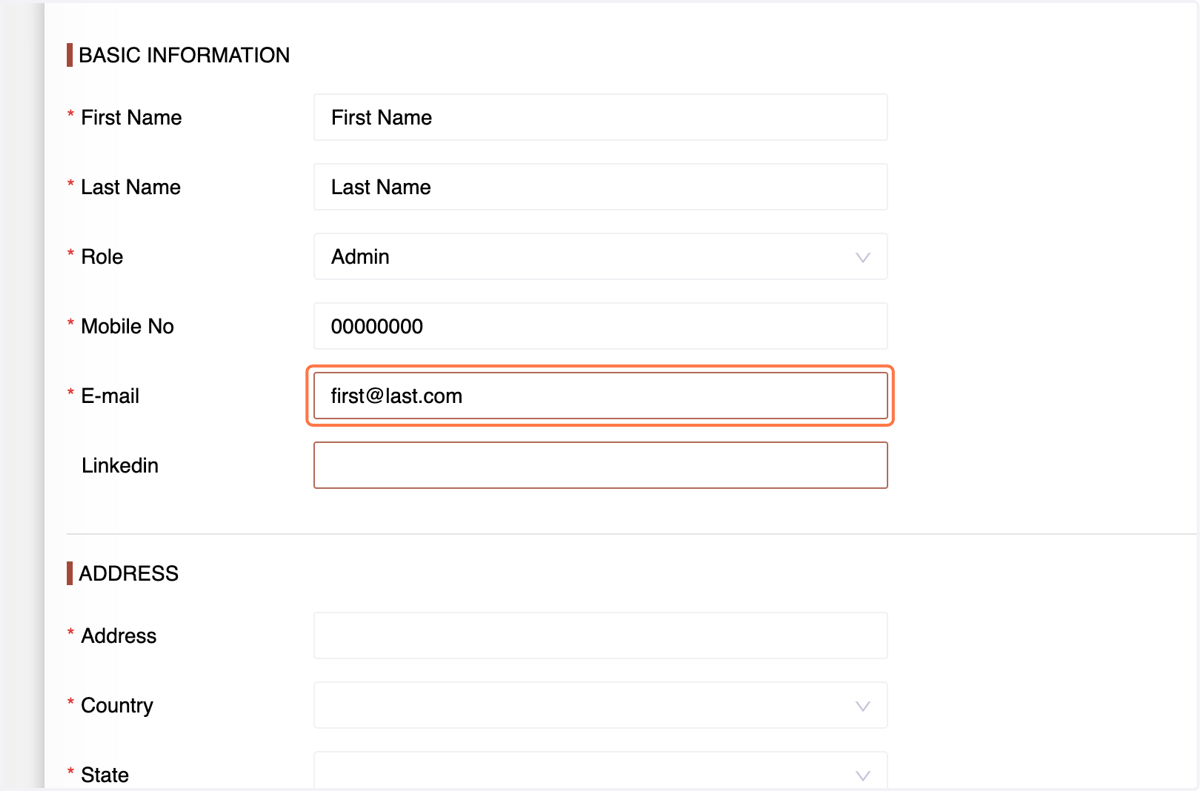
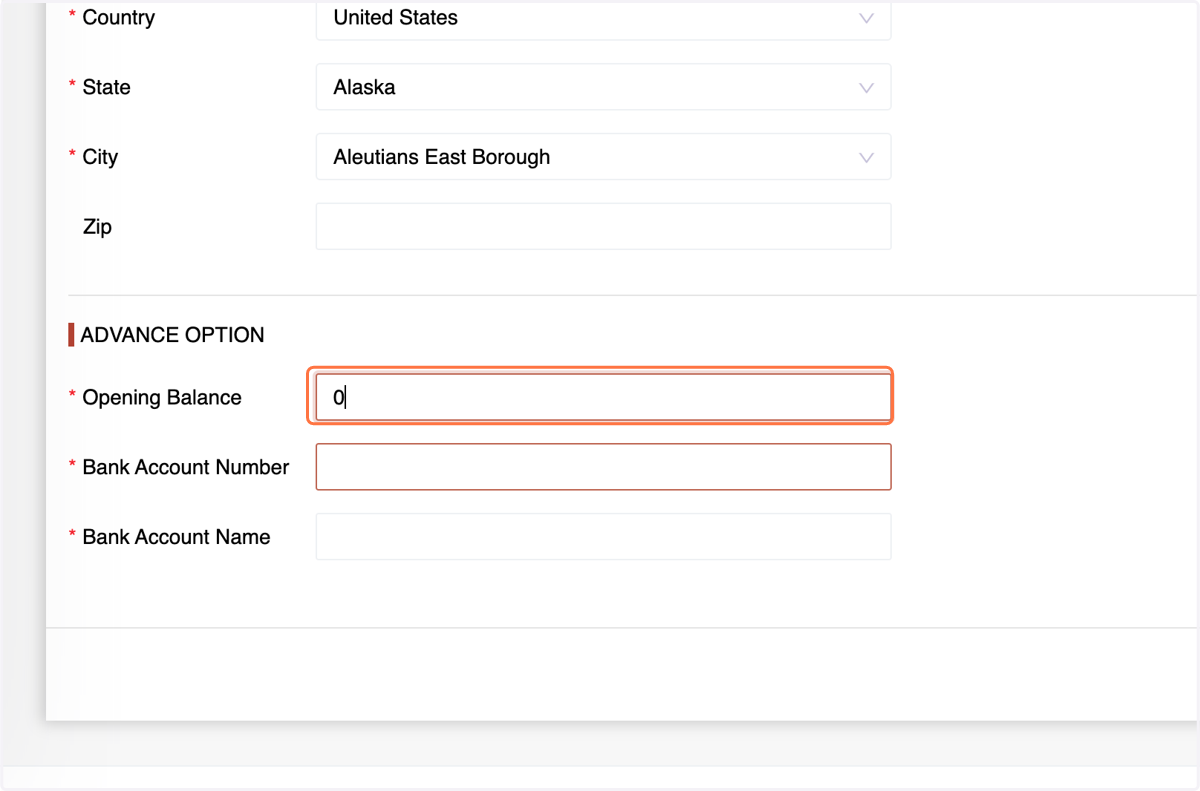
8. Address details (country, state, city, zip
9. Enter the opening balance (if migrating from another system) or set it to zero.
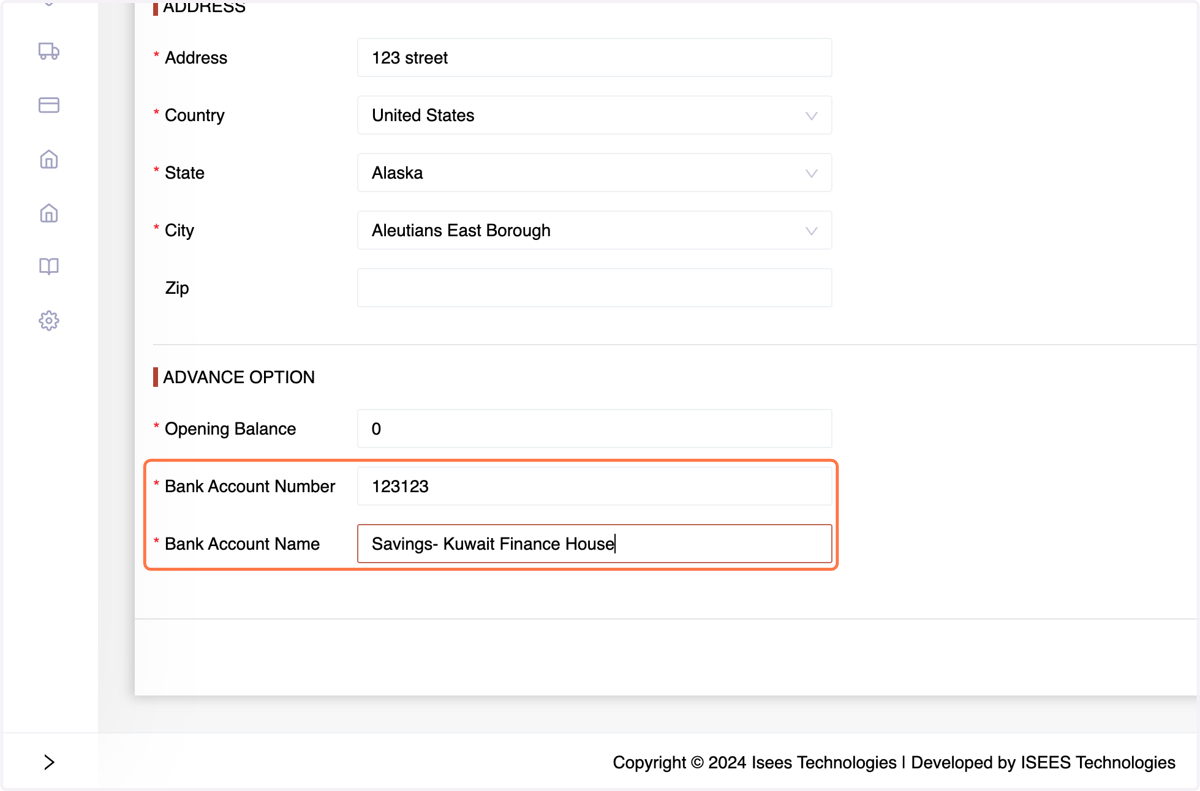
10. Input the employee's bank account number and bank account name.
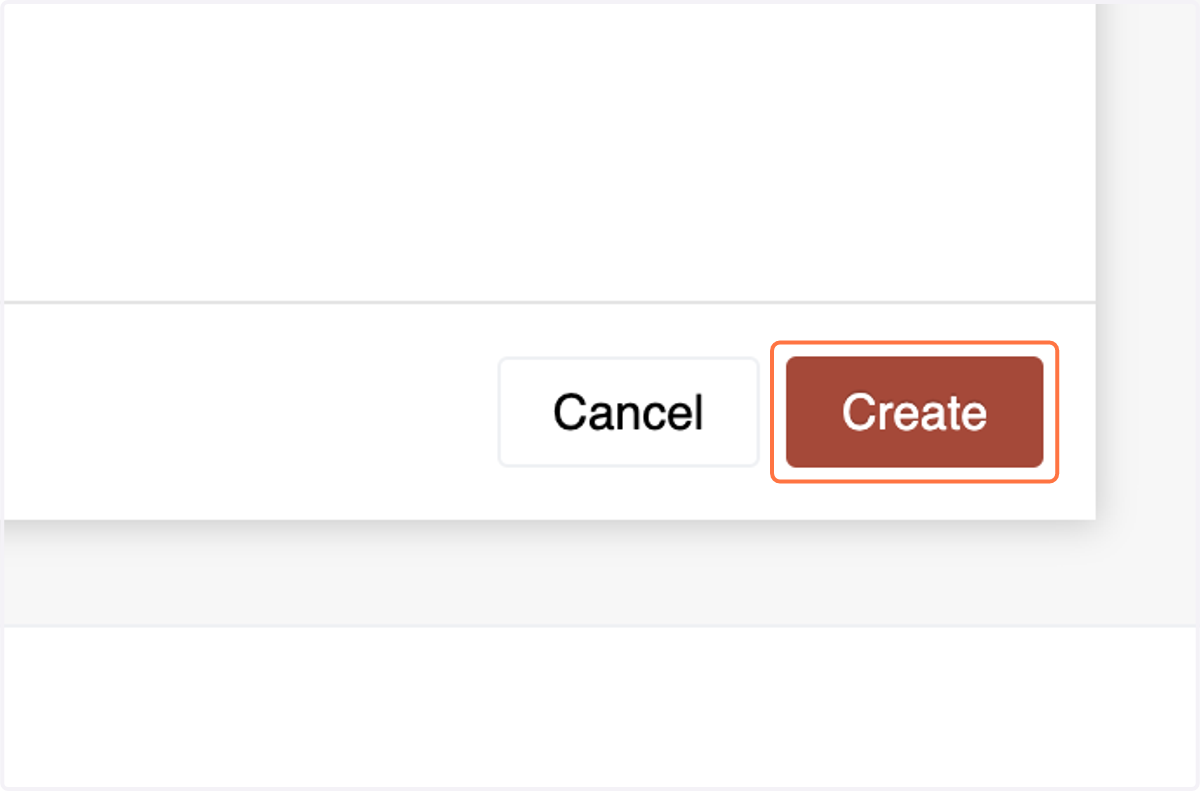
11. Confirm the details and click "Create" to add the employee to your database.
12. Search, update, or delete employees as needed directly from the employee list.