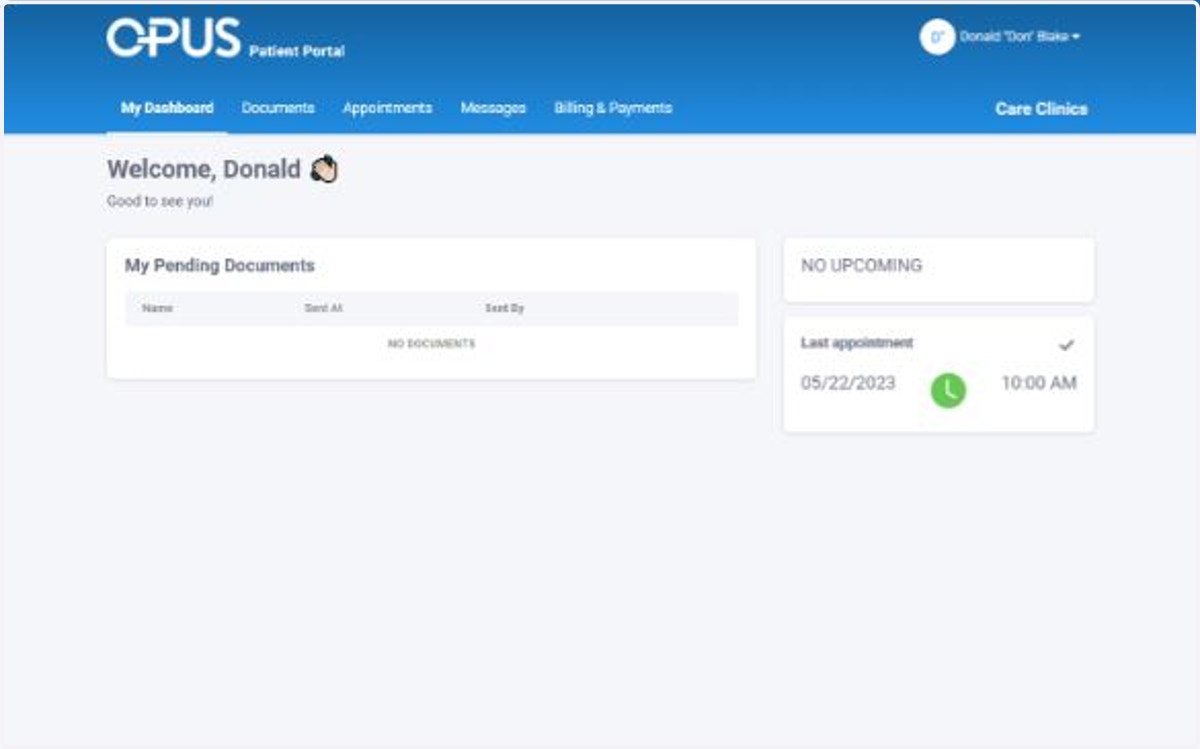
Logging into CARE Counseling Patient Portal
1. Go to the CARE Counseling Patient Portal webpage and request a one-time log-in link be sent to your email: https://carecounseling.portal.opusehr.app/welcome
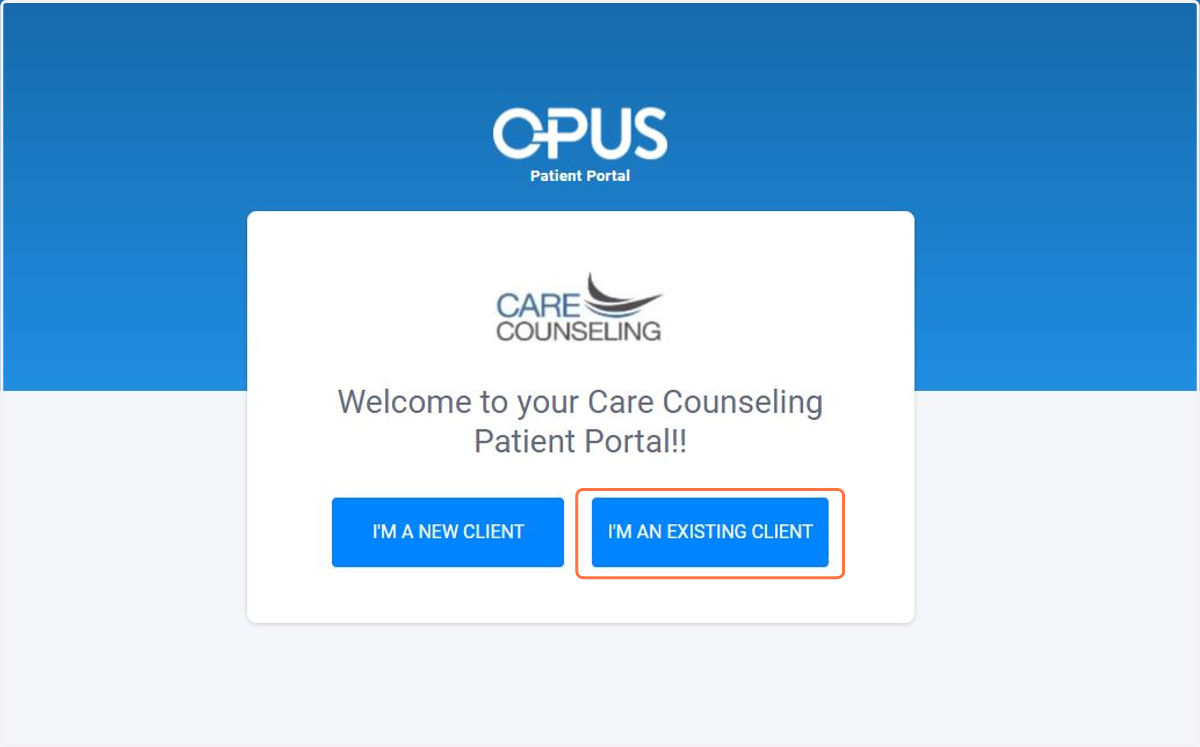
You should click I am an existing client if you are current or ever have been a CARE client.
Click the link to gain access to your patient portal. Log-in Links expire after 24 hours.
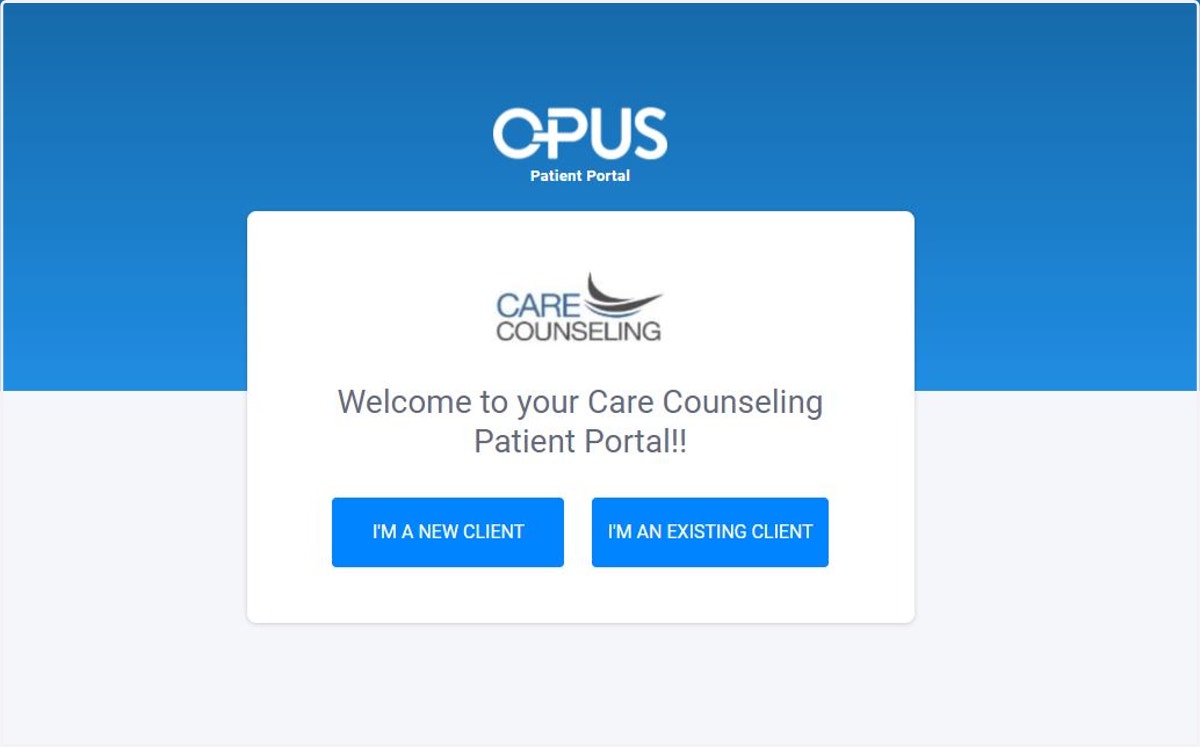
2. Click I am an Existing Client
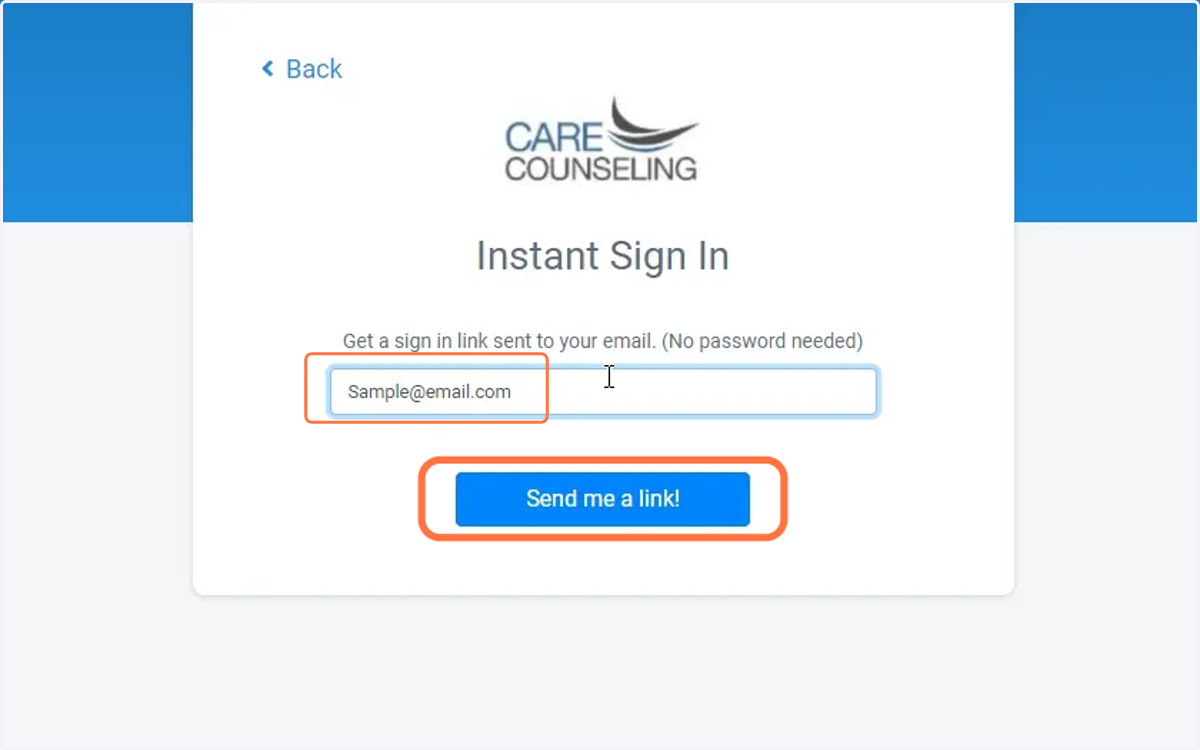
3. Enter the email that is on file with CARE Counseling and click Send me a link!
The email must be the email that CARE has on file in your client record.
4. A confirmation message will appear and patient will be instructed to check on their e-mail inbox
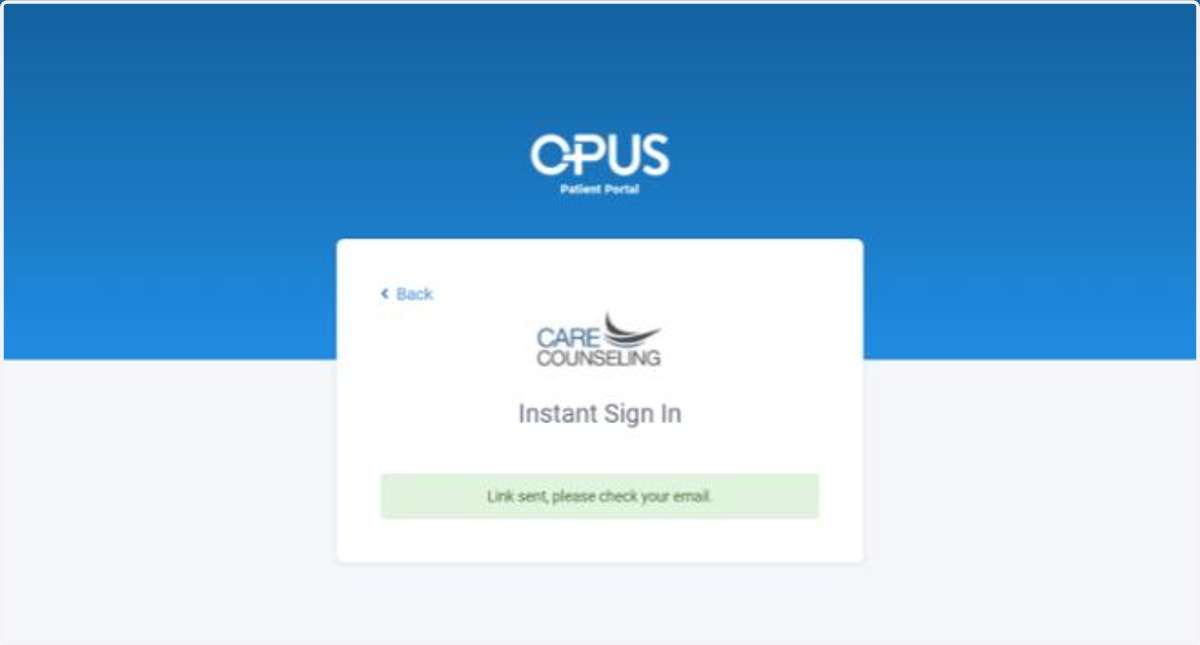
5. Check your Email. There should be an email from the "Opus Team" that contains a unique one-time use link to your patient portal.
Subject Line of the email will be "New sign-in link for your CARE Counseling Patient Portal"
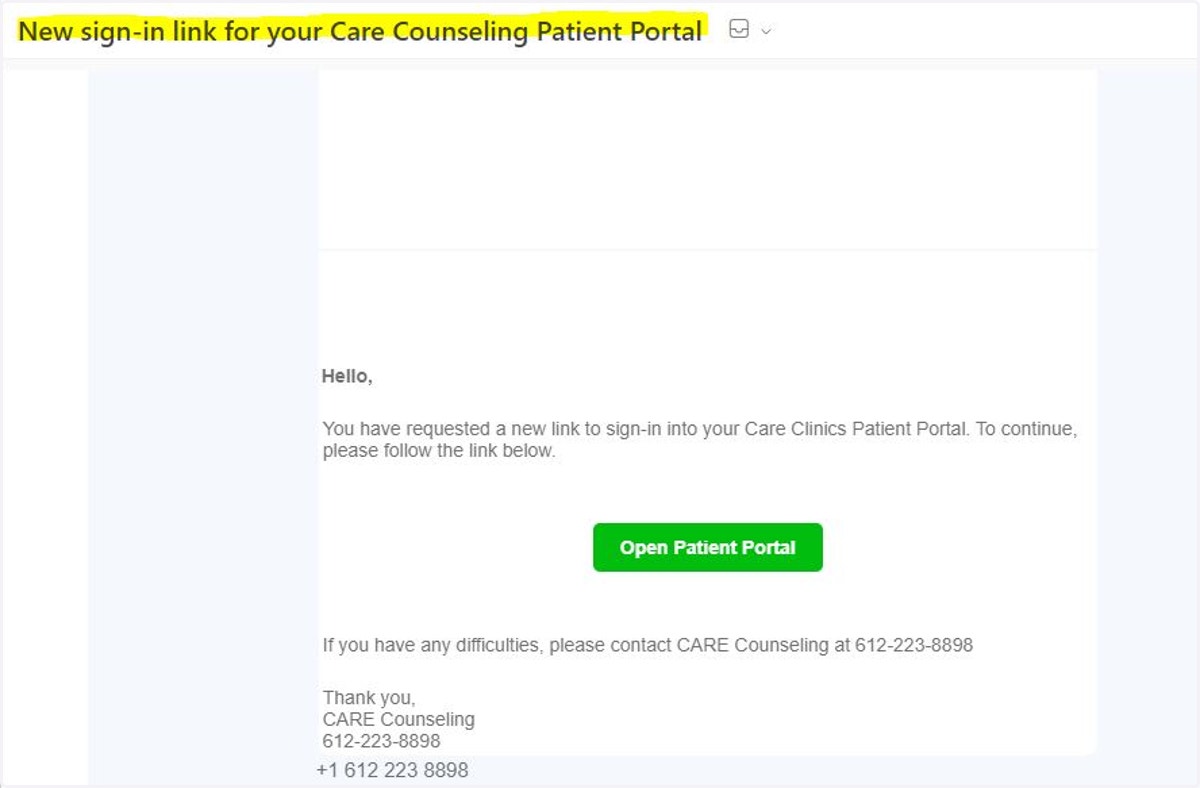
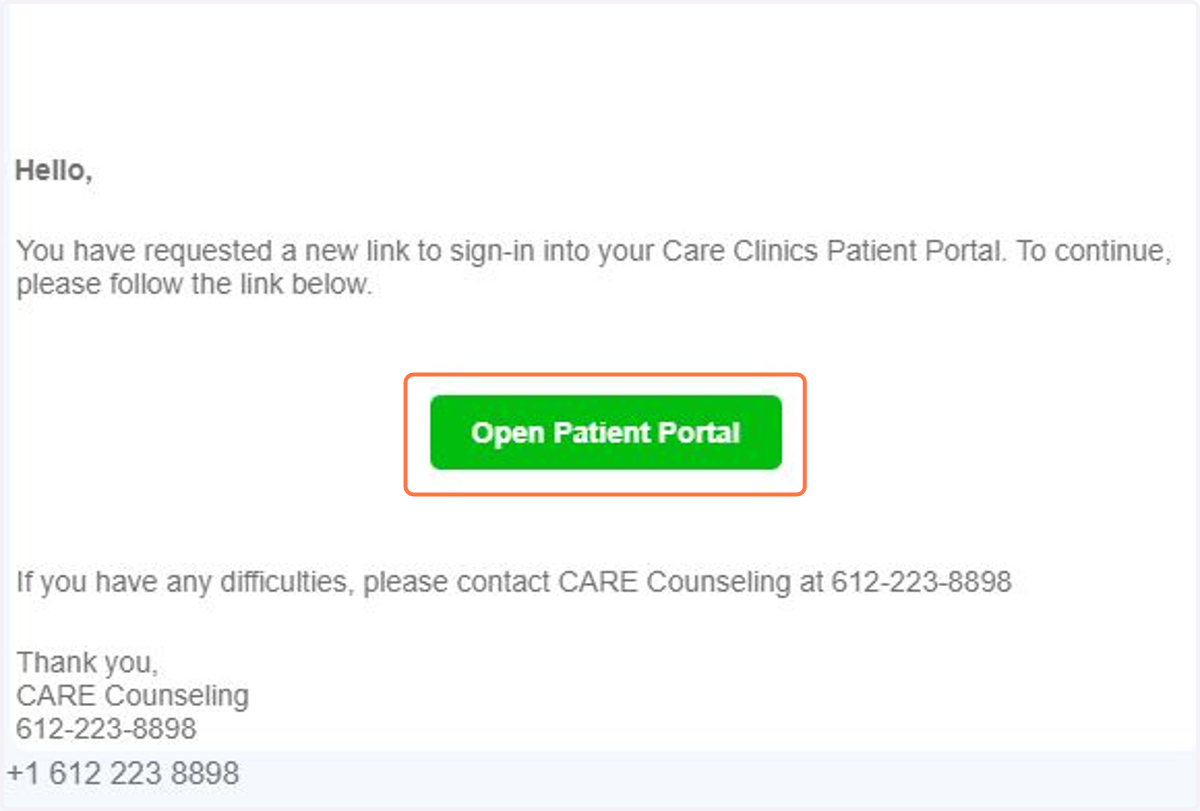
6. Open the email and Click Open Patient Portal
Portal sign-in links can sometimes take a few seconds before they are received in your email. It should show up relatively quickly. If you do not receive it within a minute or two, check your junk/SPAM mail. If you still do not have an email, please verify with CARE administrative staff that we have the correct email in our records.
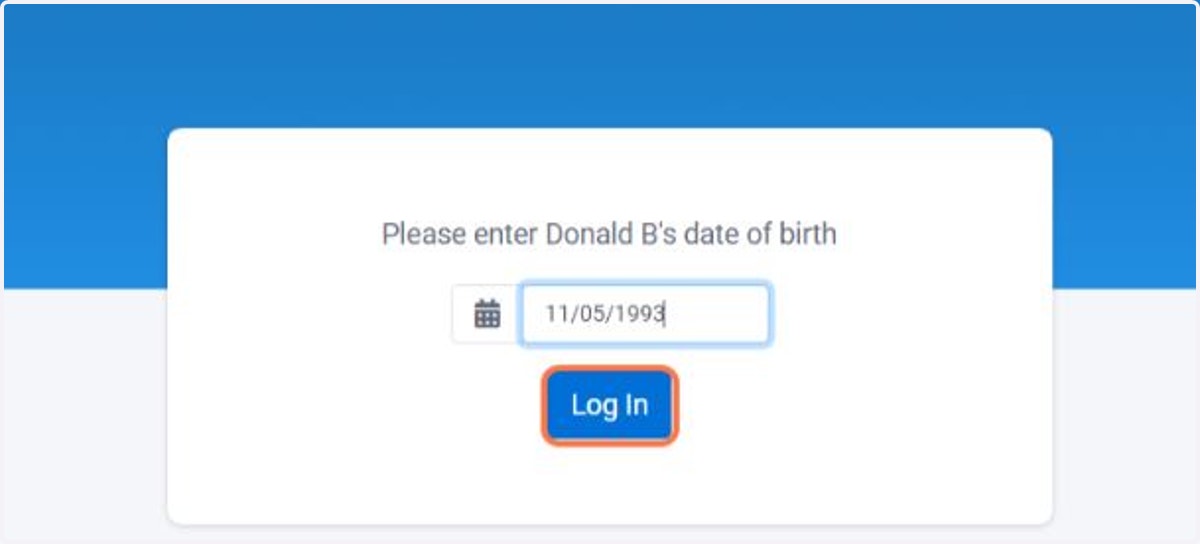
7. Enter the patient's date of birth
If you are the patient, you'll enter your date of birth.
If you are a parent, guardian, or other contact for the patient, please be sure to enter the patient's date of birth.
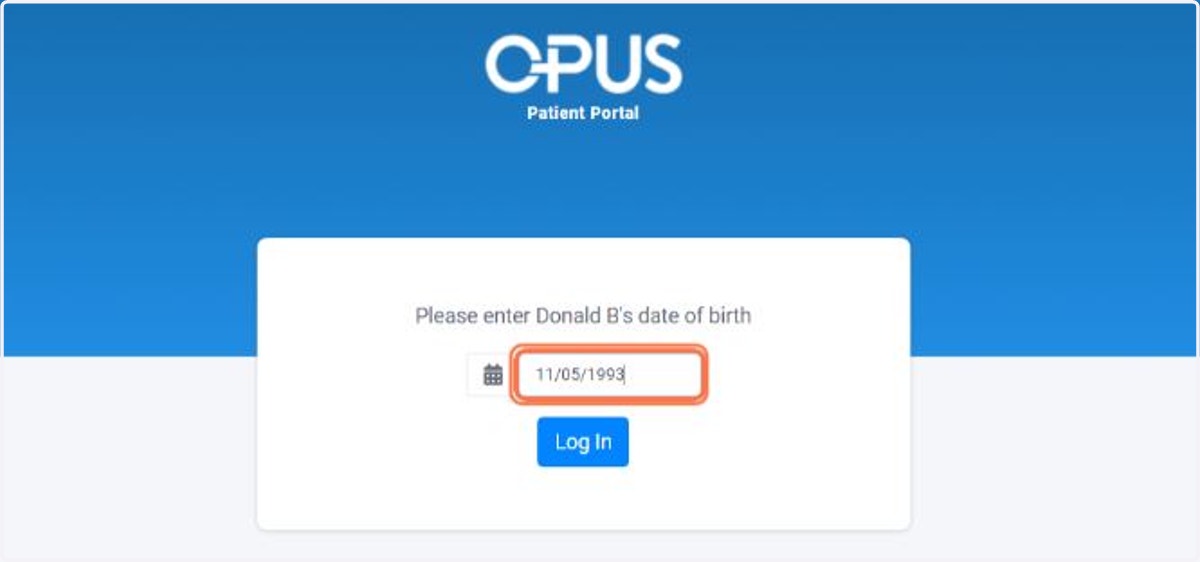
8. After you enter the date of birth, click Log In
9. Congrats! You are now in the Patient Portal!
You will be notified via email when you have new documentation to sign or there are other important messages to be found in the portal.