Editing and managing your classes
Verso
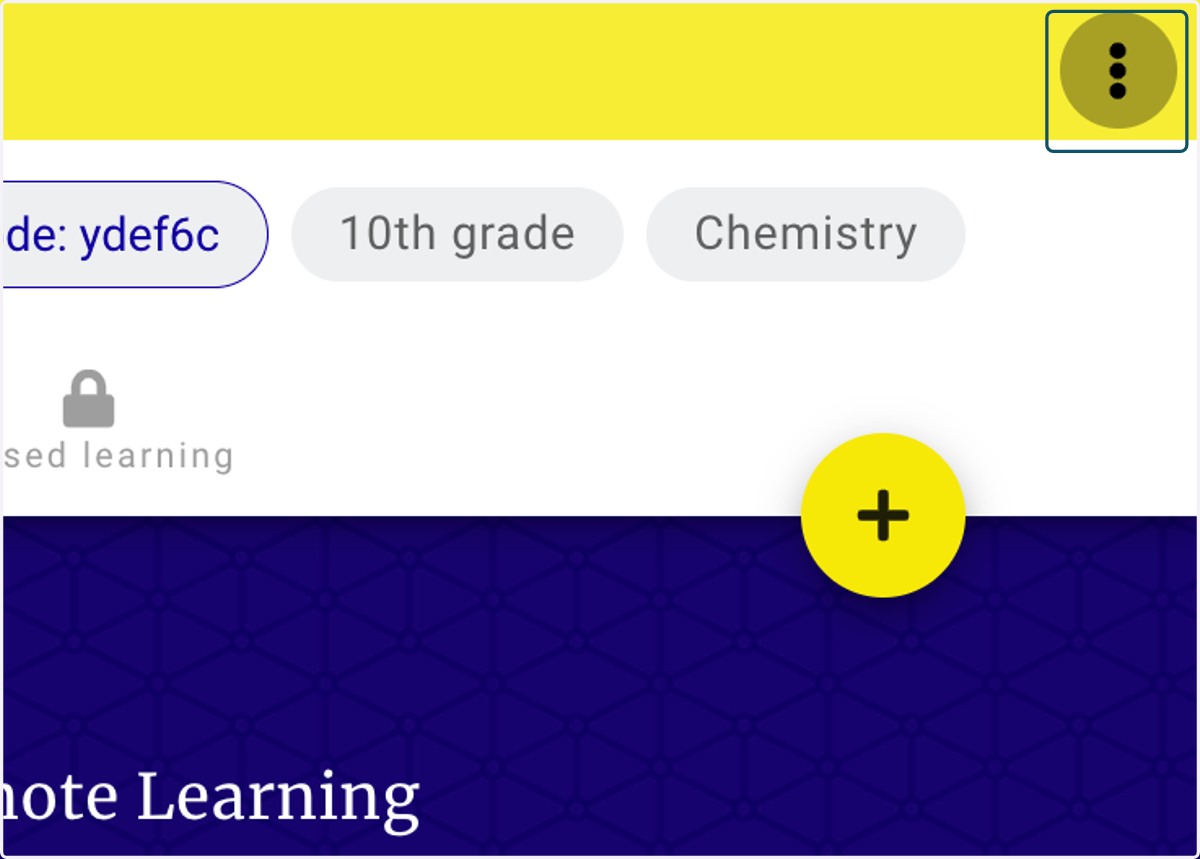
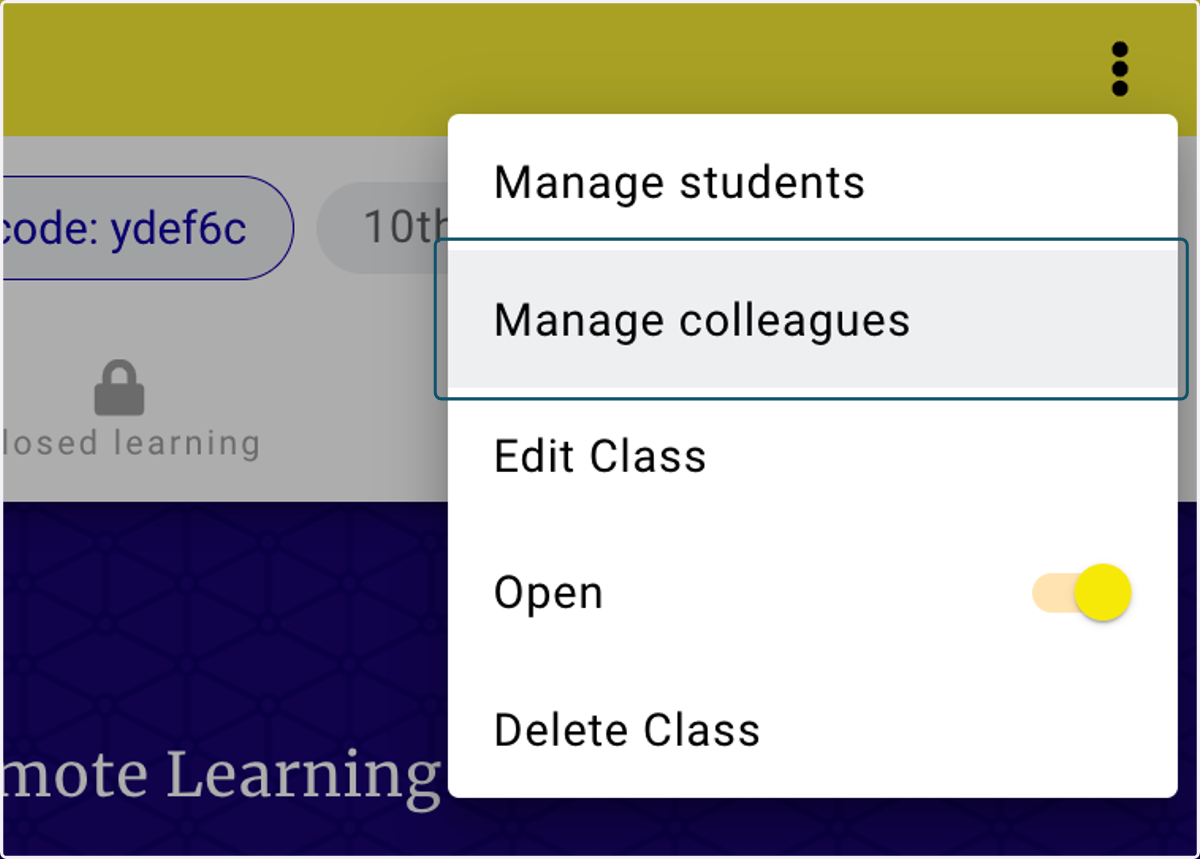
1. Click on the three dots (kebab) to open the secondary menu
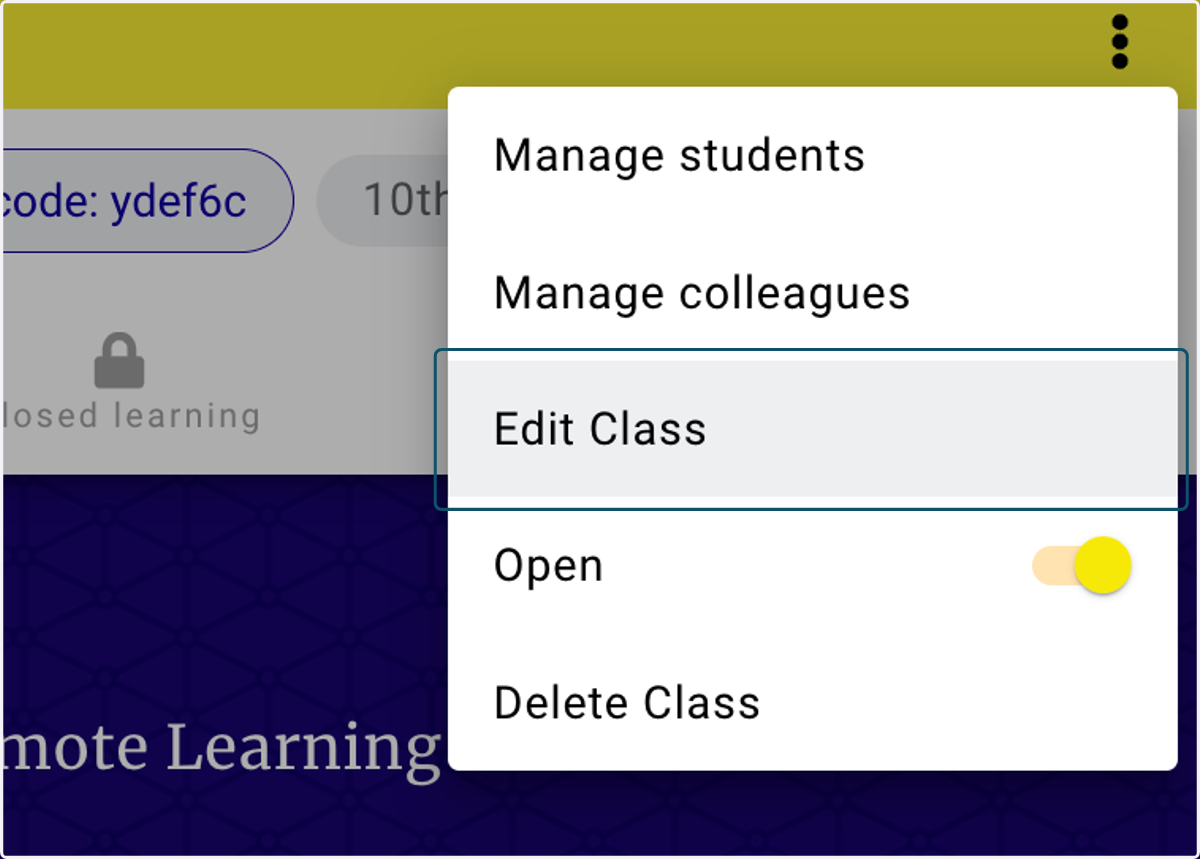
2. Click on Edit Class
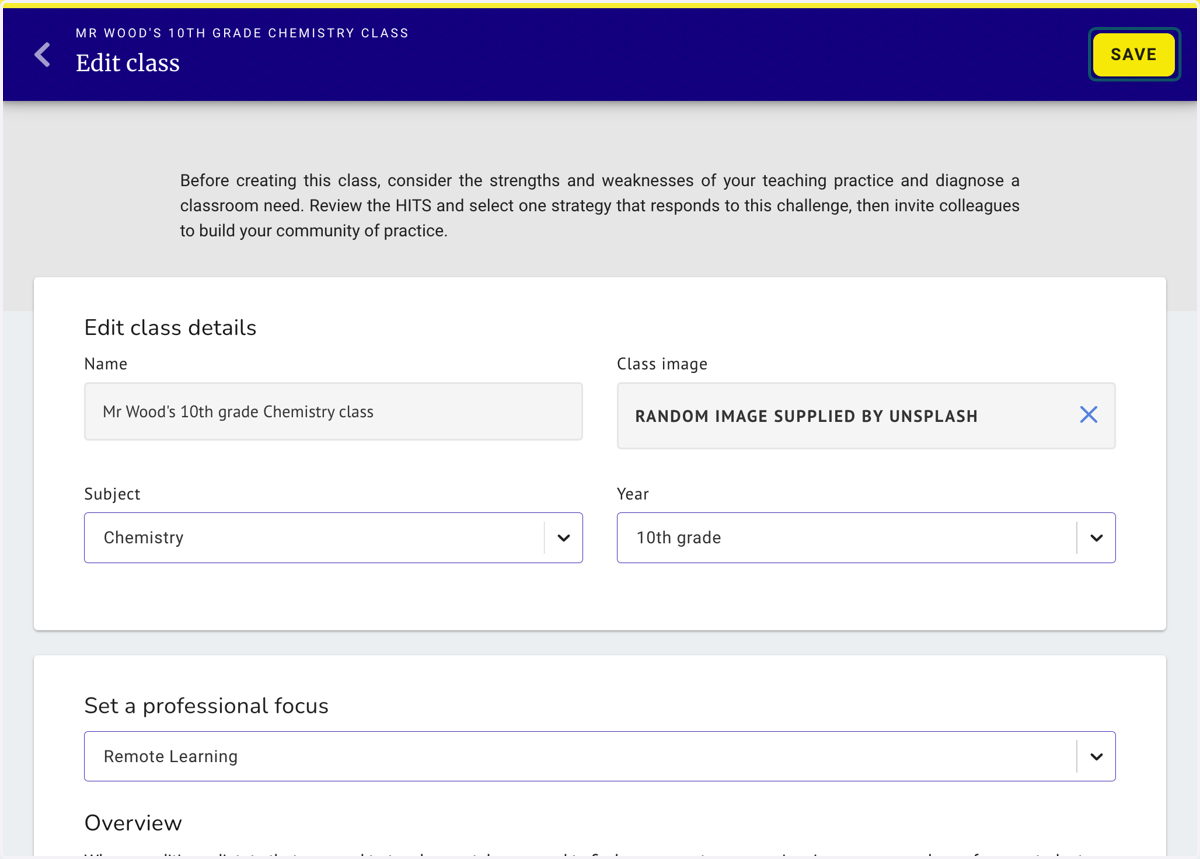
3. Edit any of the class details - when finished, click save
4. Use the same three dot menu (kebab) to invite and remove colleagues
From this menu you can also open, close and delete the class.
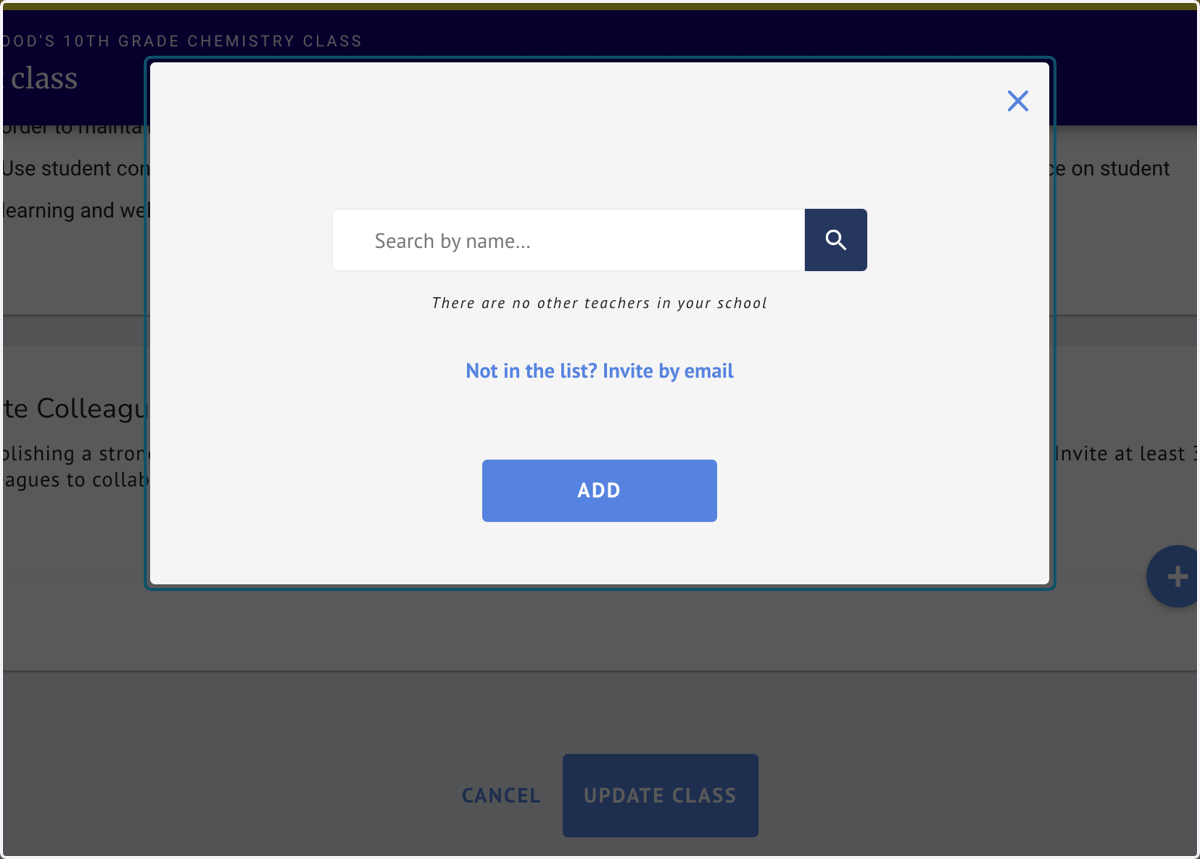
5. Search by name or add using the Invite by email link
6. To save changes, Click on SAVE