How to Review the OCR
Procurement Portal: BV Marketplace
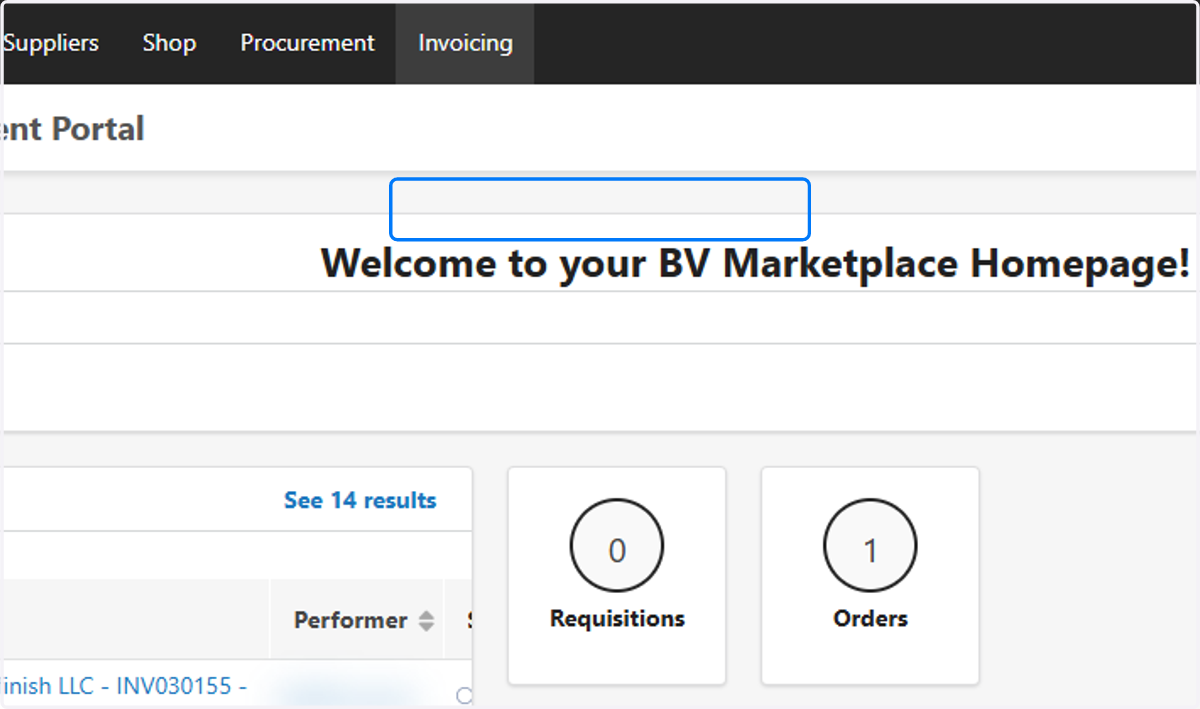
1. Hover over Invoicing and Click on Submit a PDF invoice (OCR)
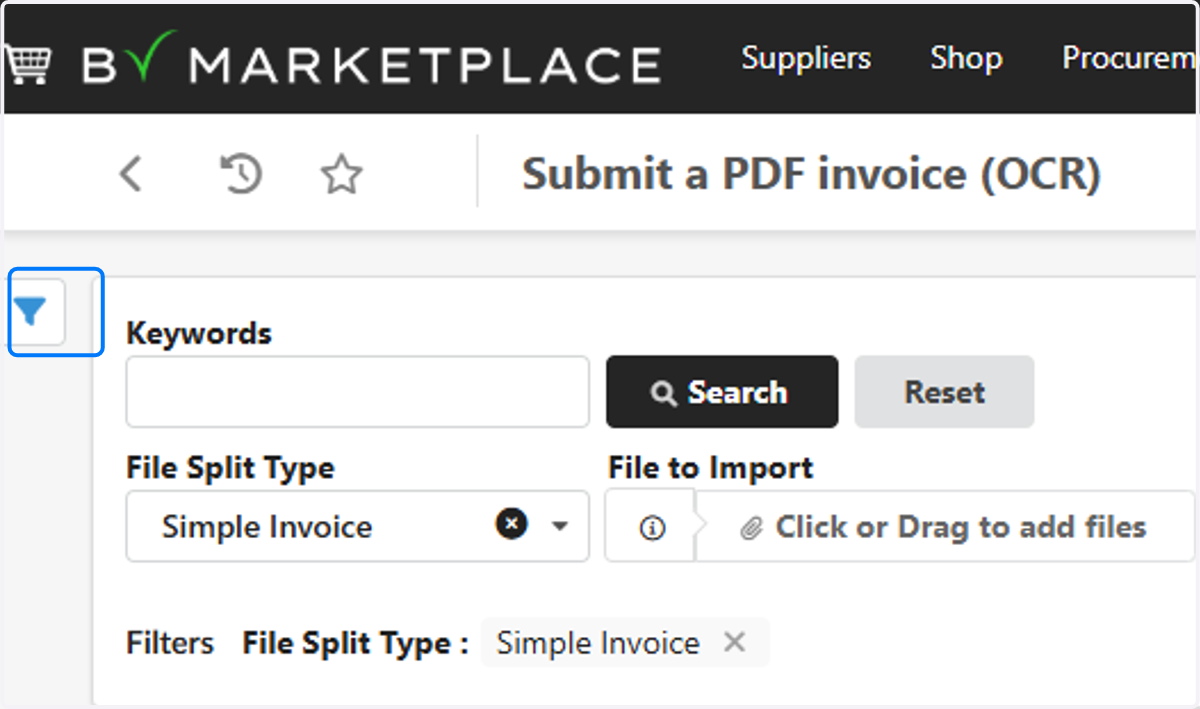
2. Click on Open the advanced filters panel
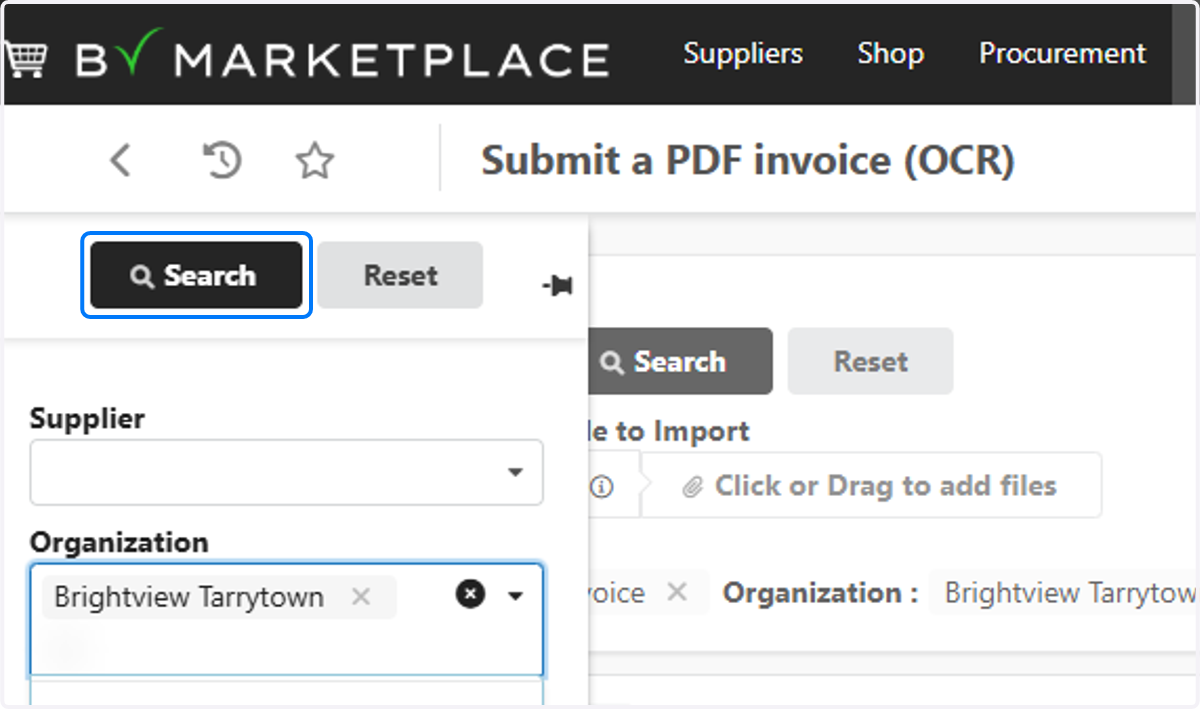
3. Click on Community Name in Organization
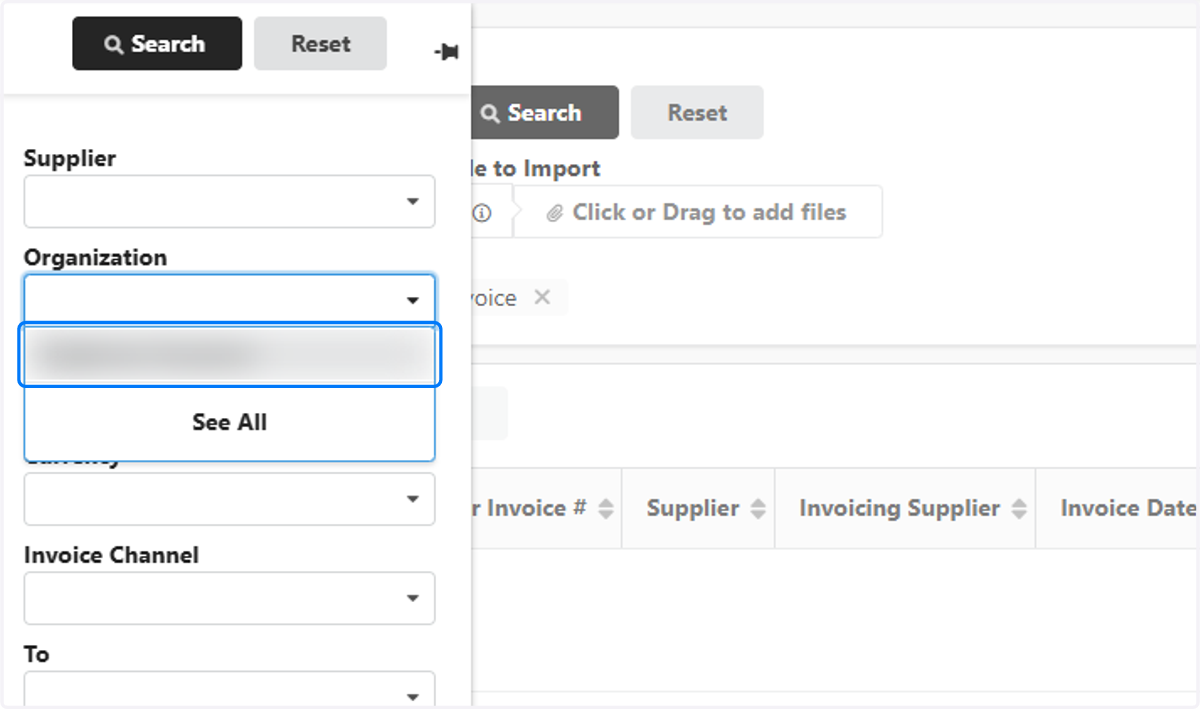
4. Click on Search
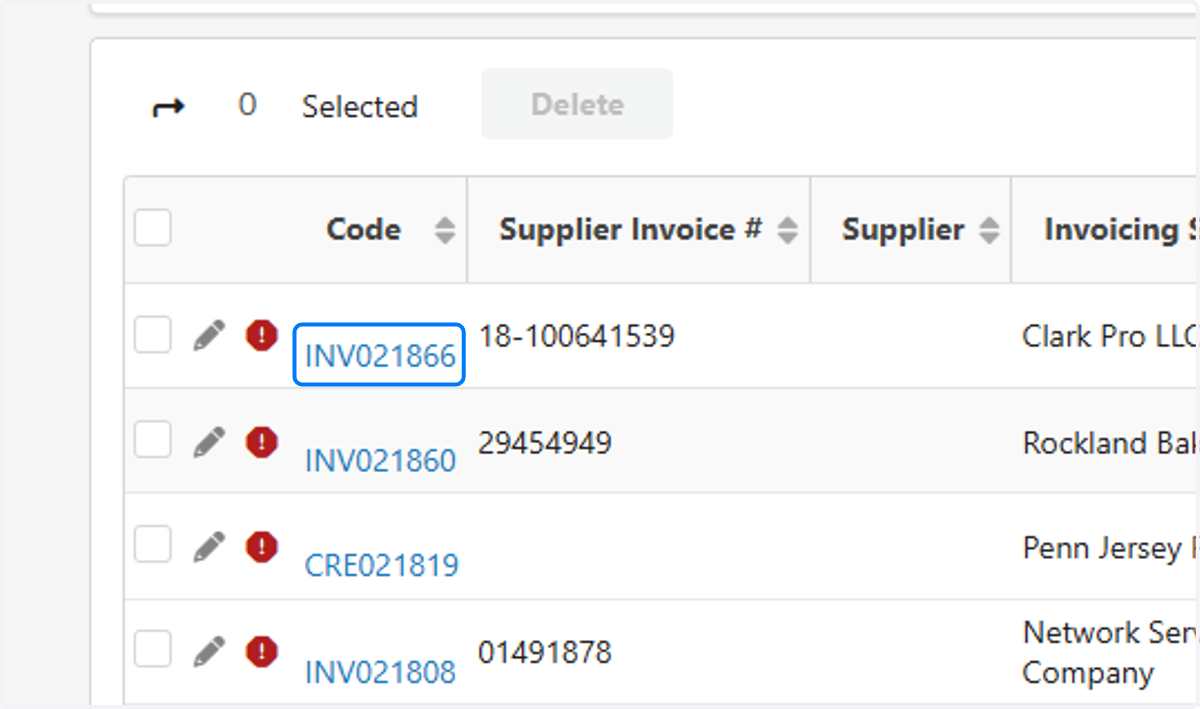
5. Click on each Invoice to confirm it's yours via the image
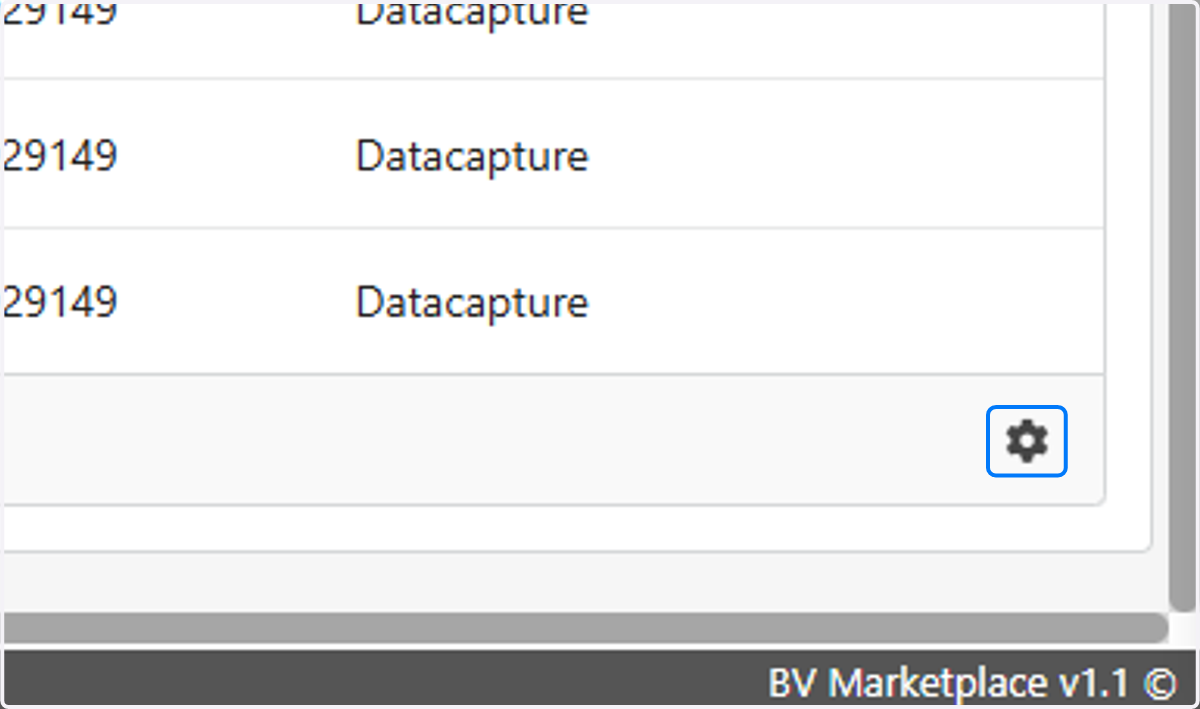
6. Click on the Gear at the bottom right of the page
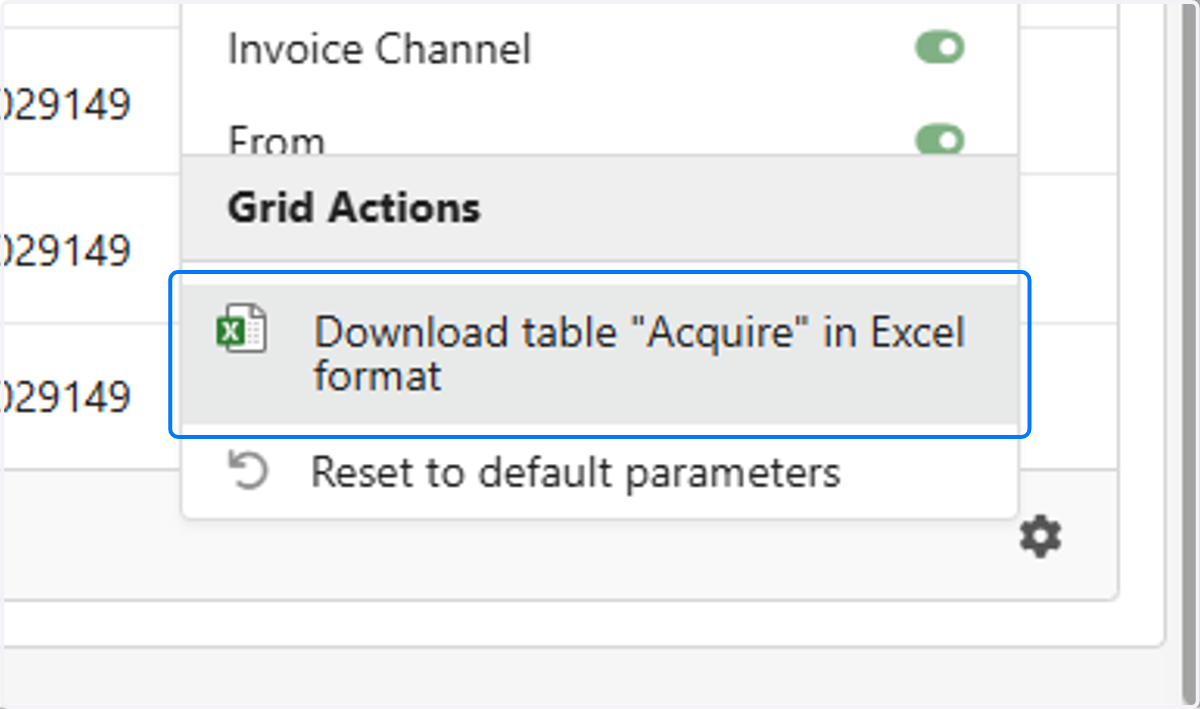
7. OPTIONAL:: Click on Download table "Acquire" in Excel format to export