Joining a Goosechase Team
Goosechase
1. Download the app from your phone's app store.
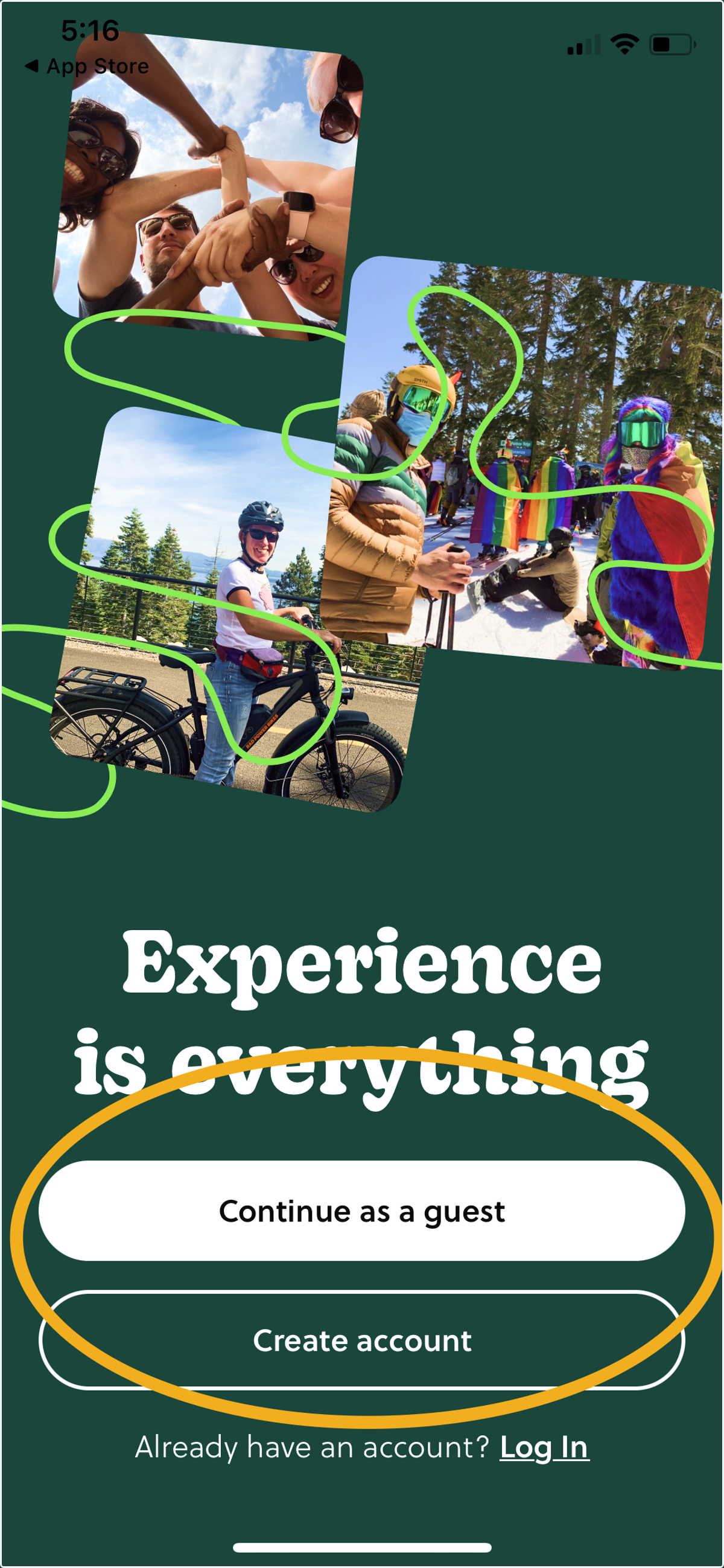
2. Click 'Continue as a guest' or 'Create account'
Creating an account is optional.
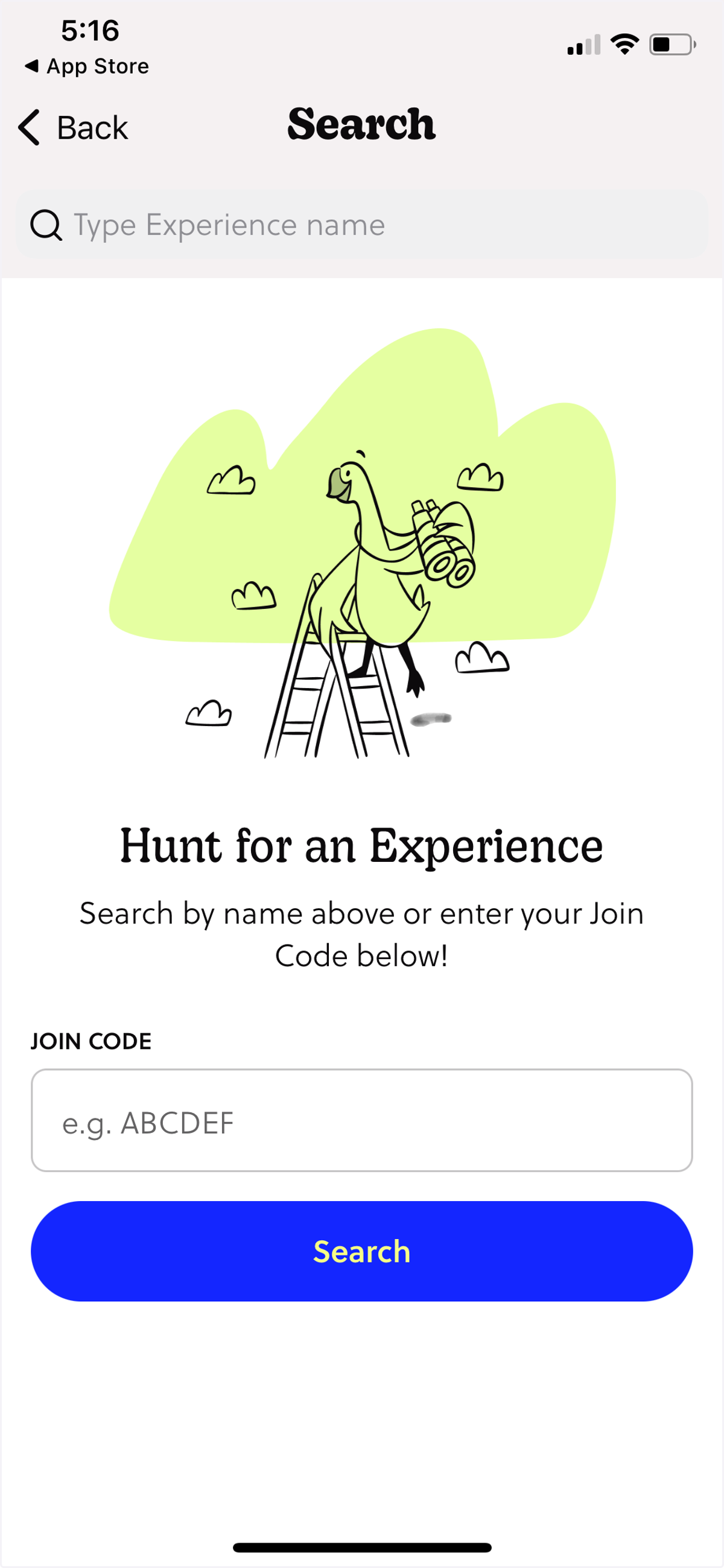
3. Type the Join Code for the experience you want to join and click search.
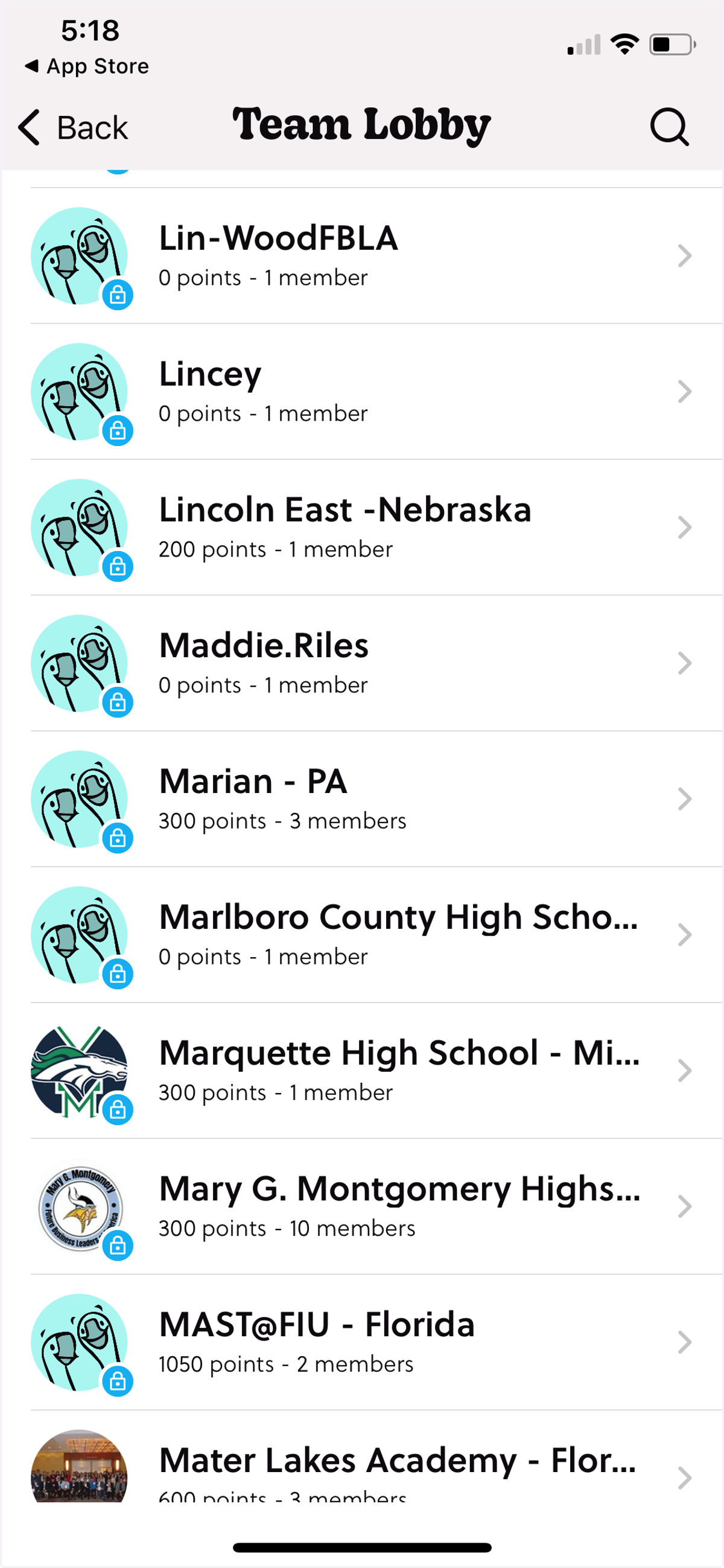
4. Select your team name from the list in the 'Team Lobby'.
5. If you did not elect to have a team passcode at setup, you are done and can now participate. If you did elect to have a team passcode, your team members will need to type the passcode.
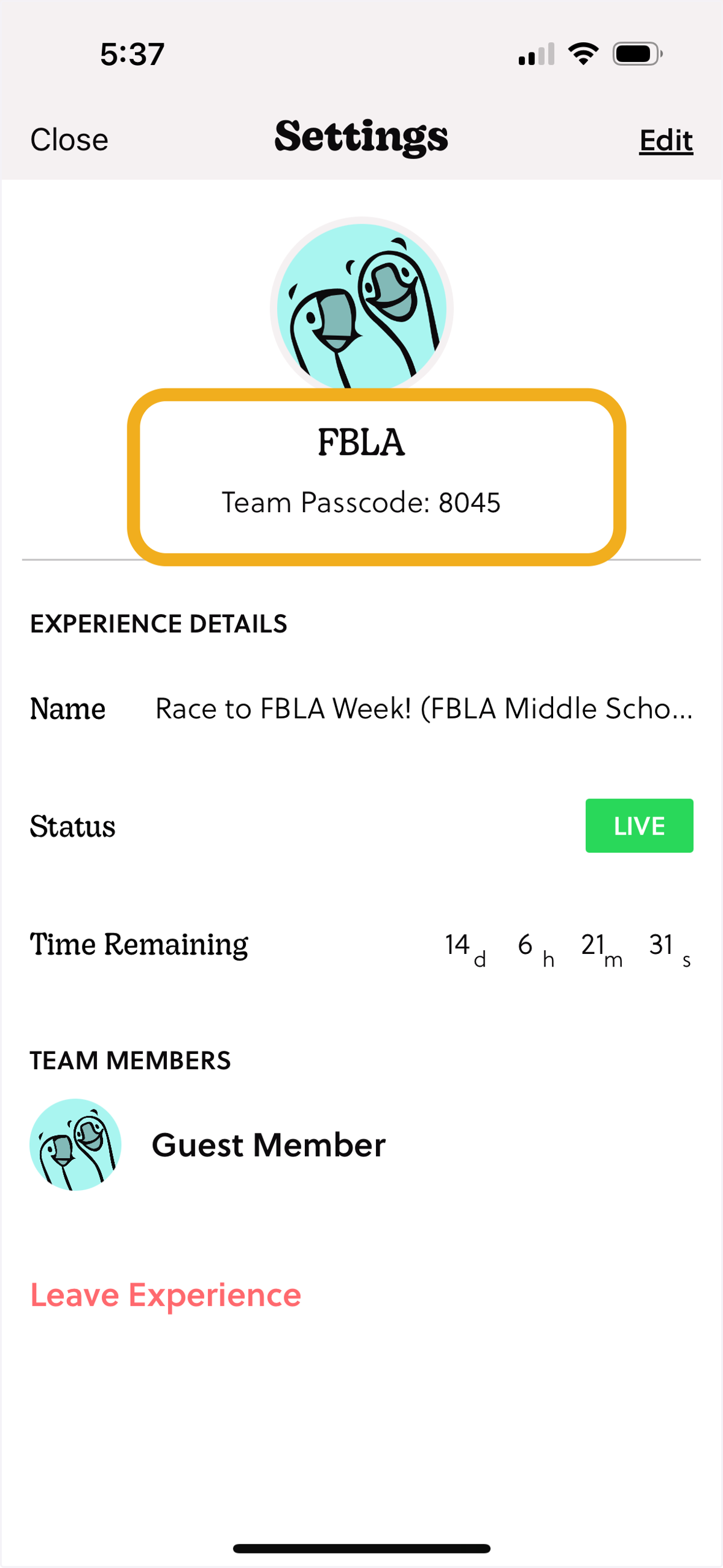
6. Forget your team passcode? A team member can find their team's password by first clicking the profile button in the bottom right-hand corner of their screen. Then click the gear button in the top right-hand corner.
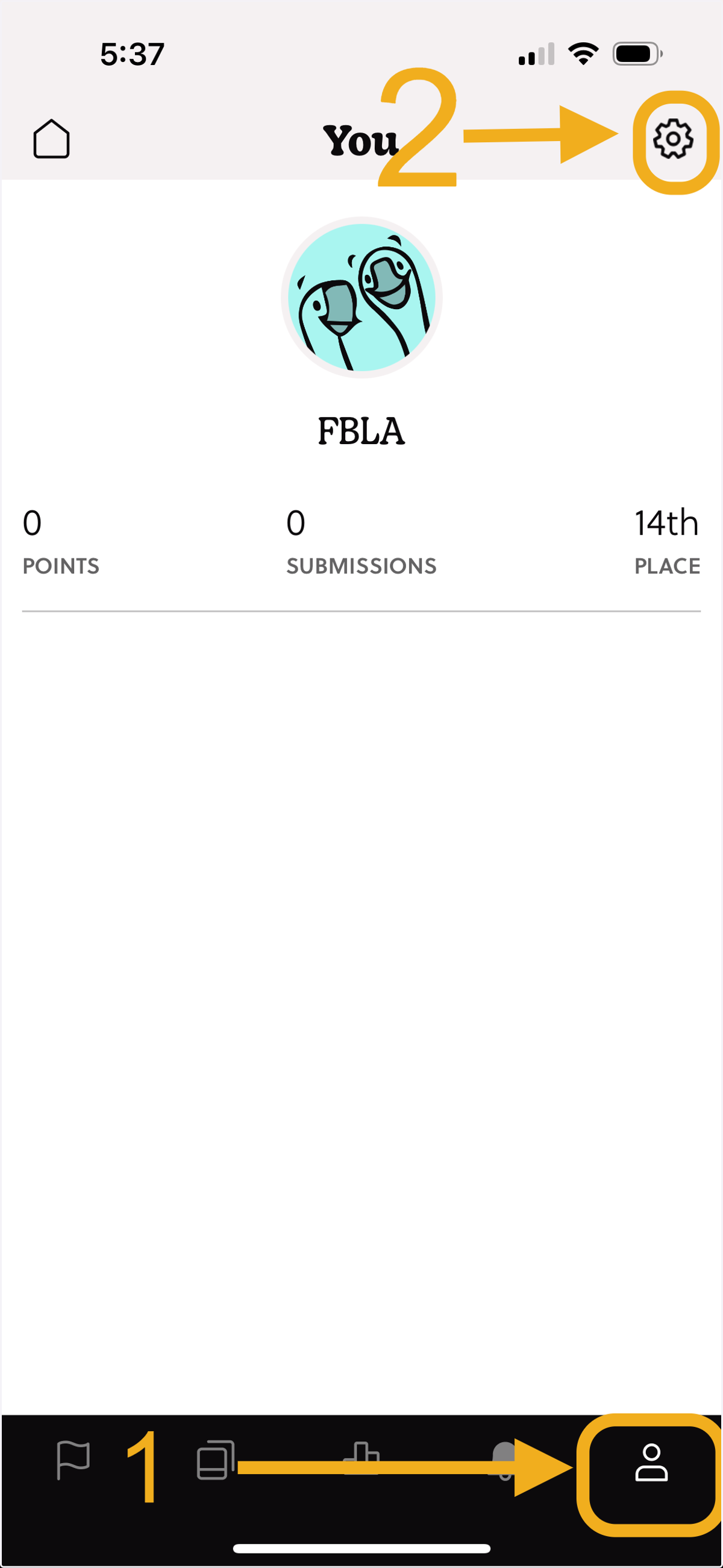
7. Your team code can be found under settings in the Goosechase app.