MatchPoint Admin: Login Guide
1. Untitled step

2. Head to: https://www.matchpoint.kiwi/authenticate/login
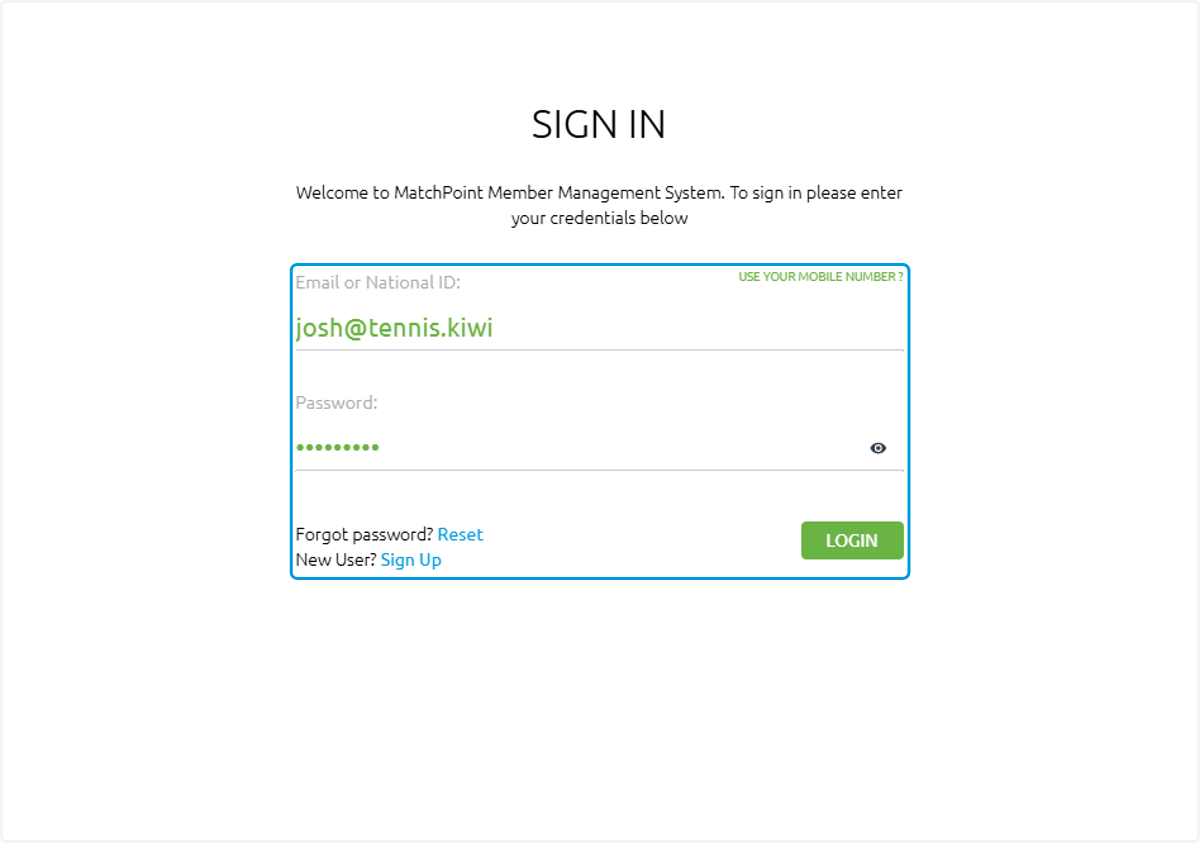
3. Login using your credentials
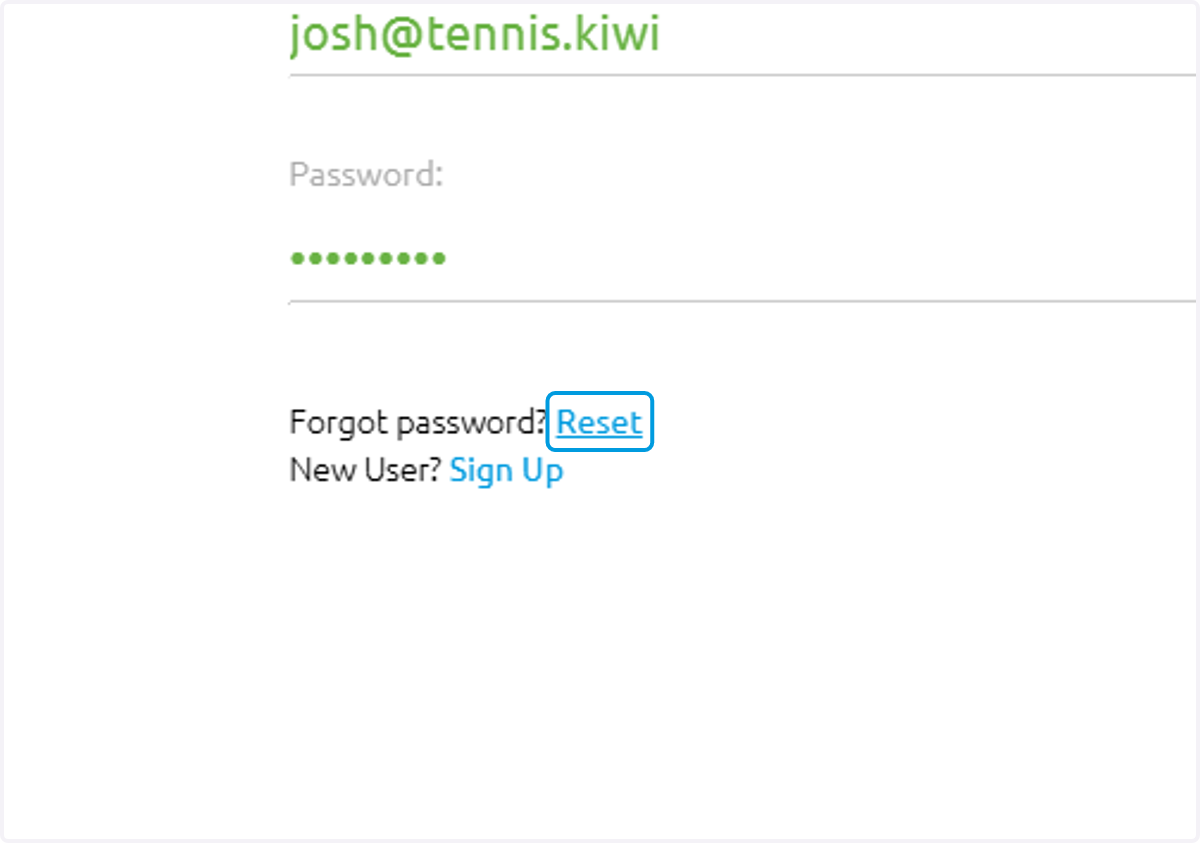
4. If you have forgotten your password, you can reset it here
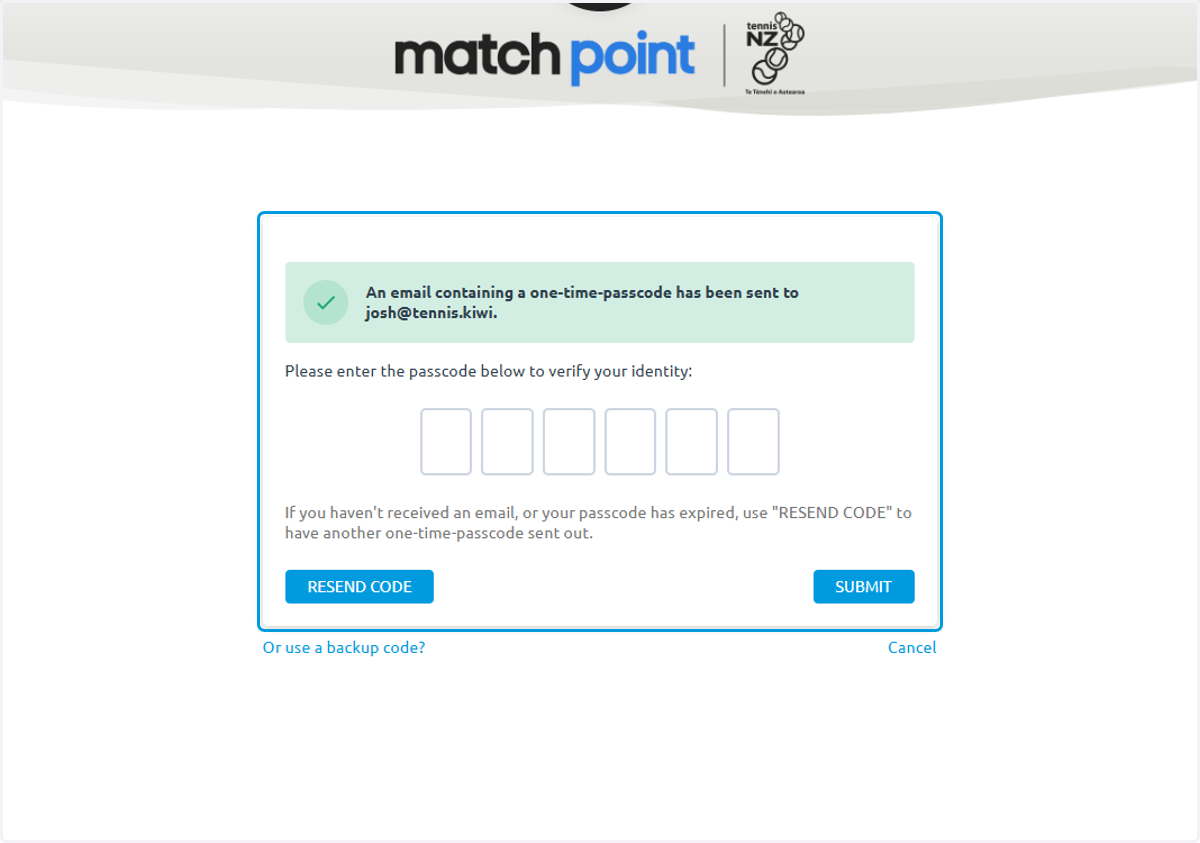
5. For security purposes, a one-time code will be generated and sent to your email
The code will need to be entered into the website. If you haven't received your code - check your junk folder
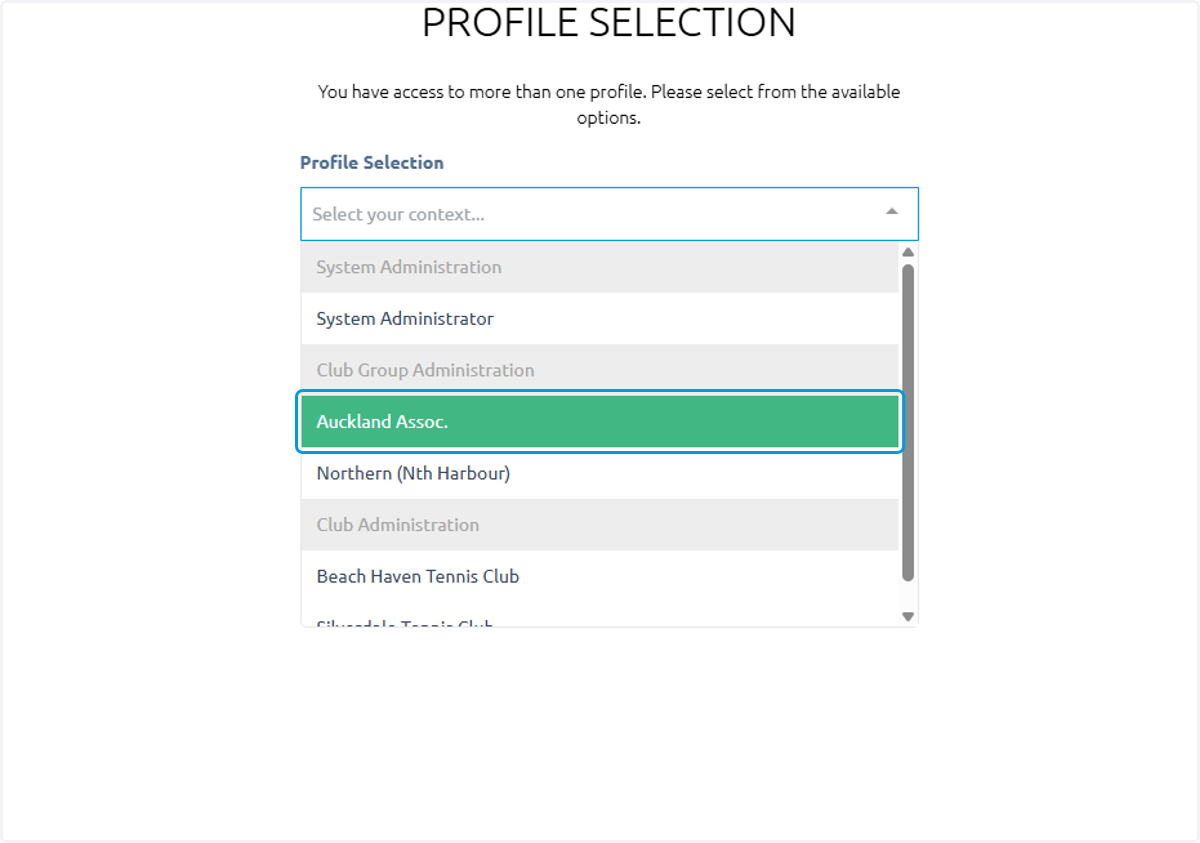
6. Select your profile
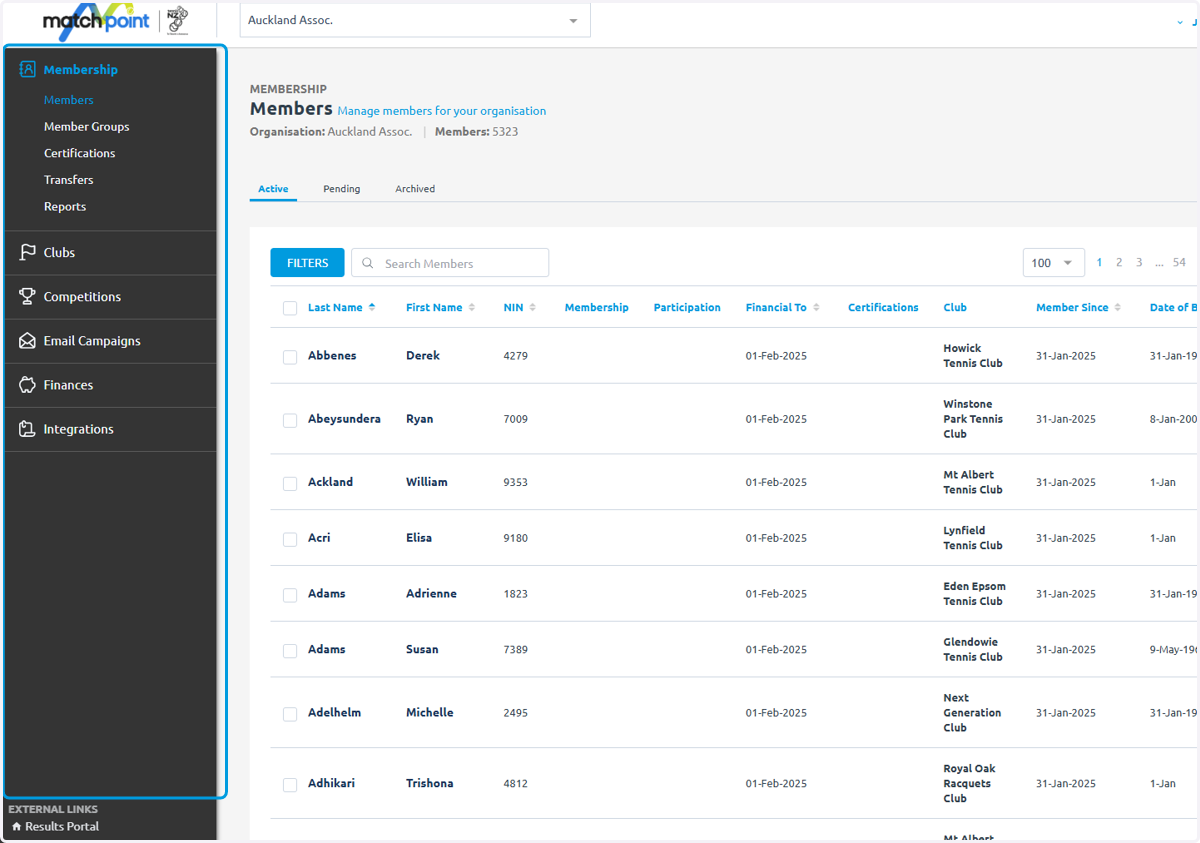
7. This side bar allows you to navigate around MatchPoint's admin dashboard
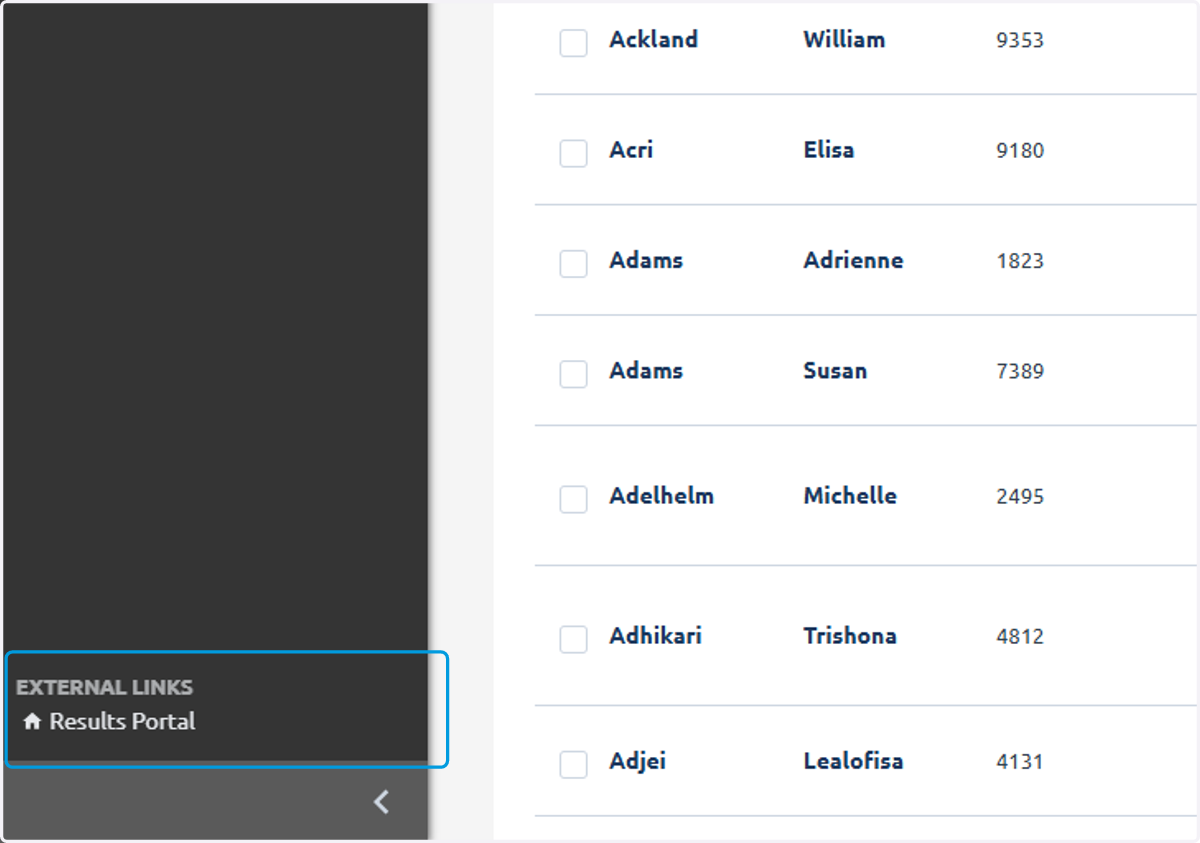
8. To view the external website, click the Results Portal and this will take you to the public facing website
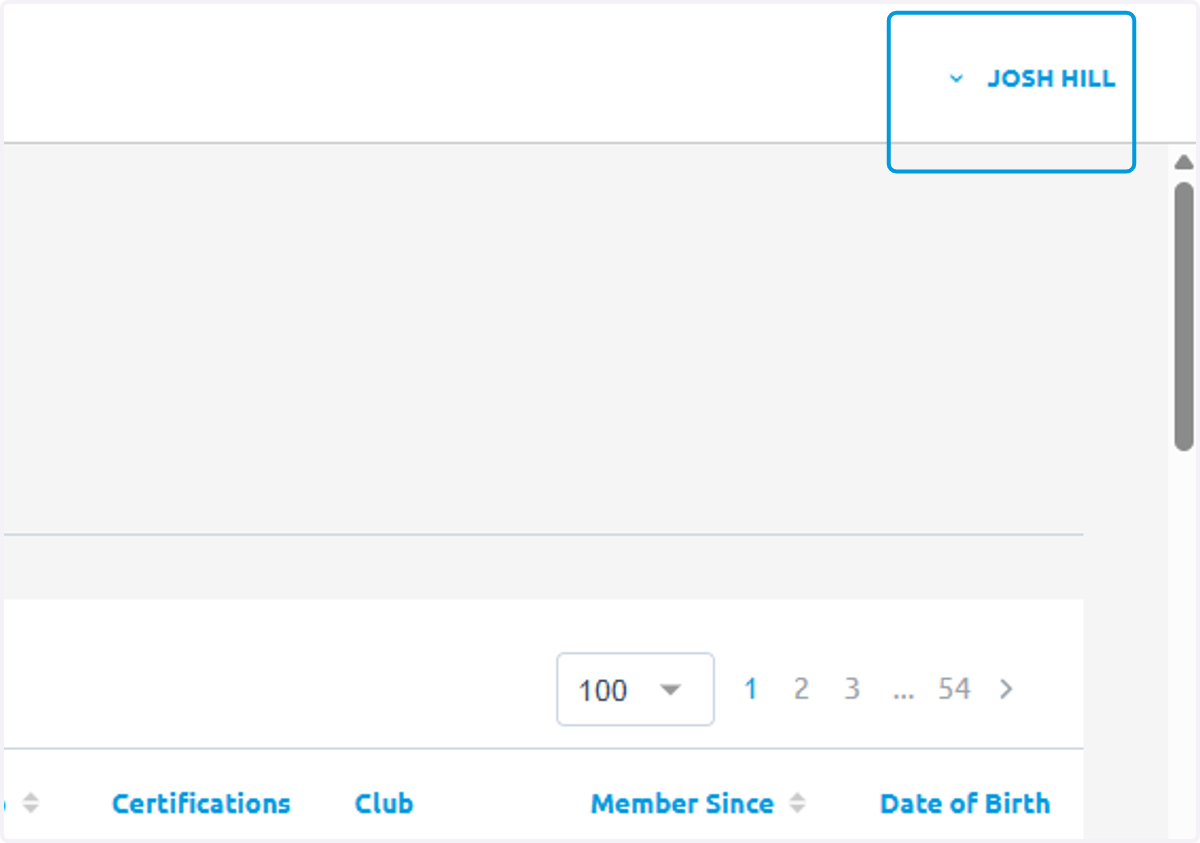
9. If you wish to update your profile you can click your name at the top right and click Profile Settings