Create Carrier

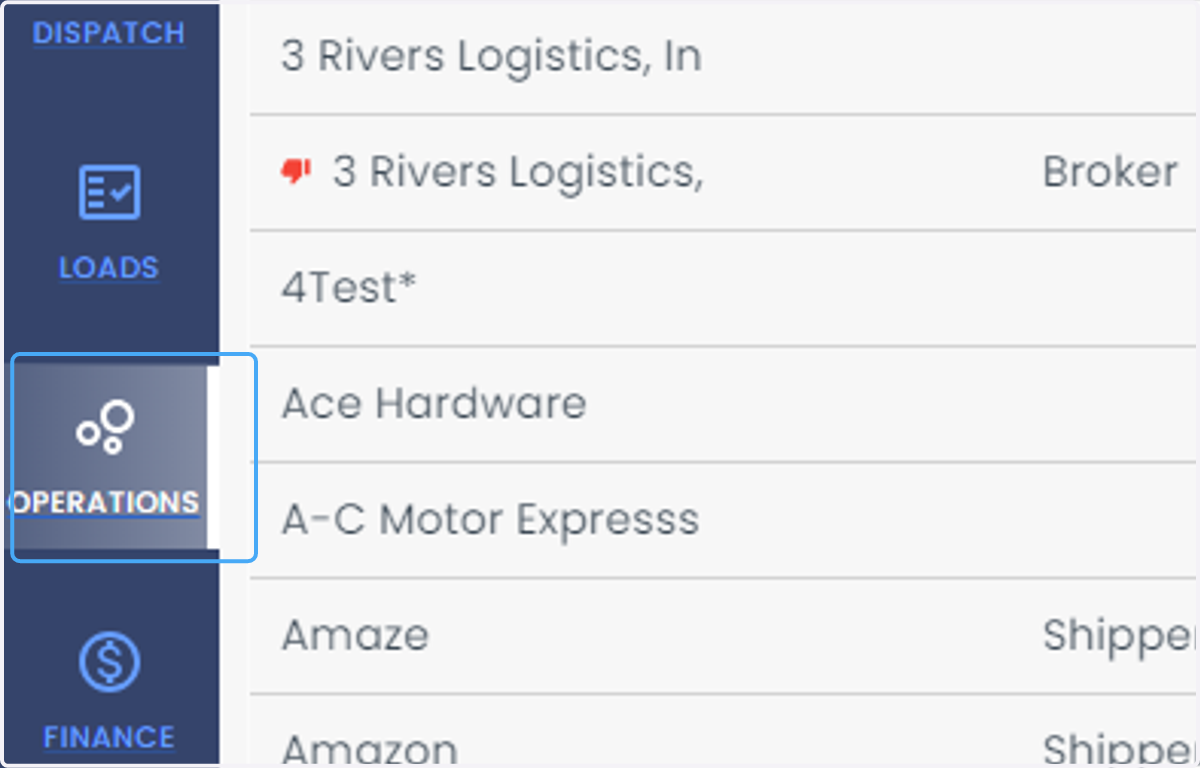
  1. 1. Click on OPERATIONS

    Click on OPERATIONS
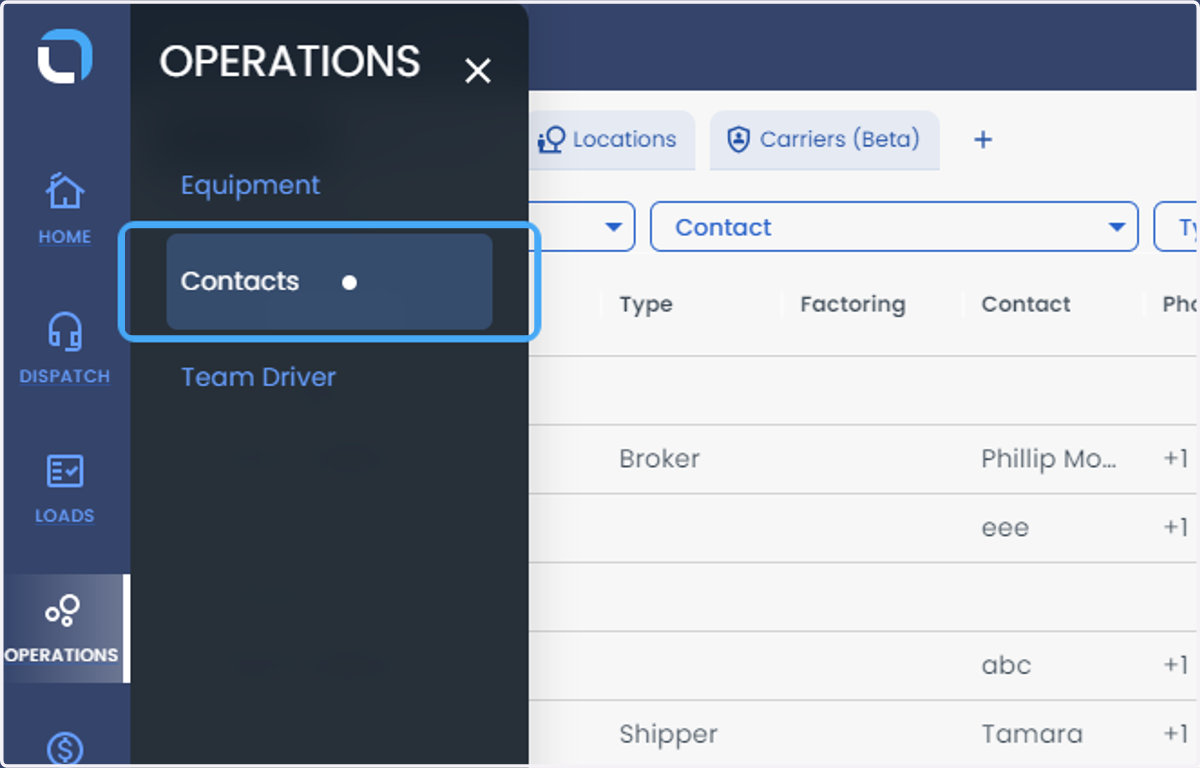
  2. 2. Click on Contacts

    Click on Contacts
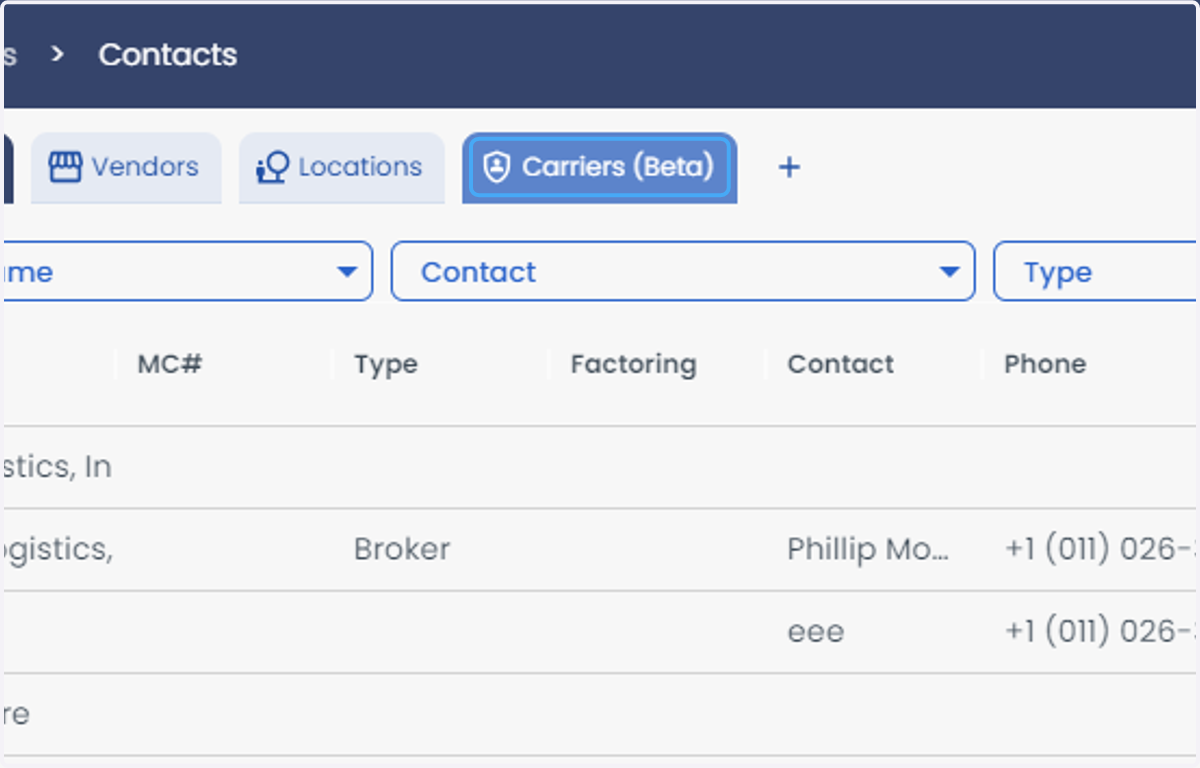
  3. 3. Click on Carriers

    Click on Carriers
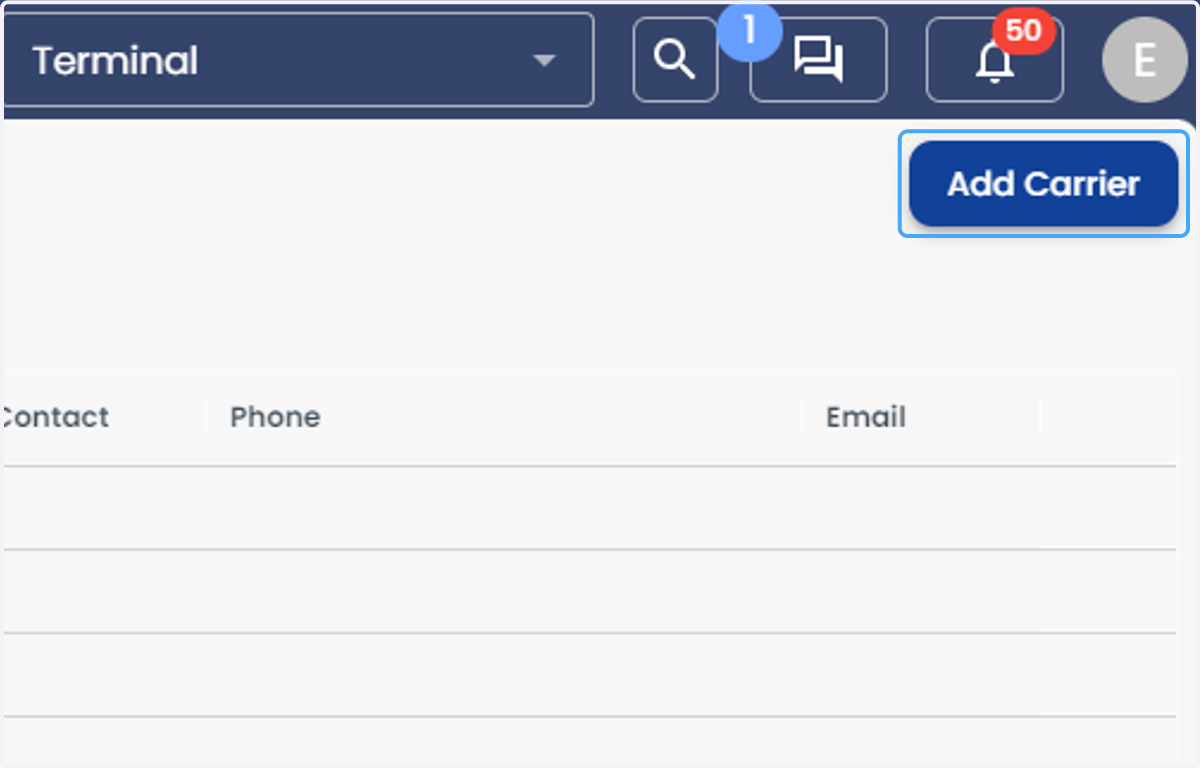
  4. 4. Click on Add Carrier

    Click on Add Carrier
  5. 5. Under the Quick Start, Enter your DOT or MC to autofill relevant information
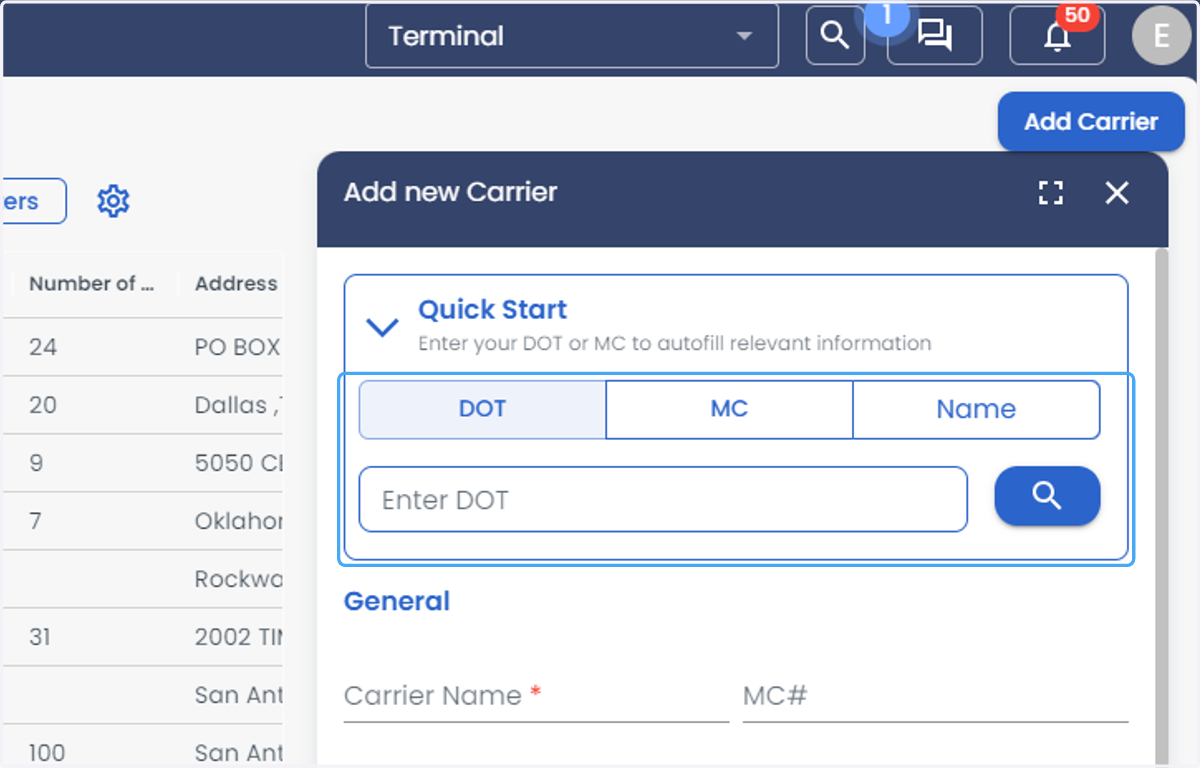
    Under the Quick Start, Enter your DOT or MC to autofill relevant information
  6. 6. In the General Section, you can also enter the Carrier details Manually or update any extra info in case you didn't use Quick Start
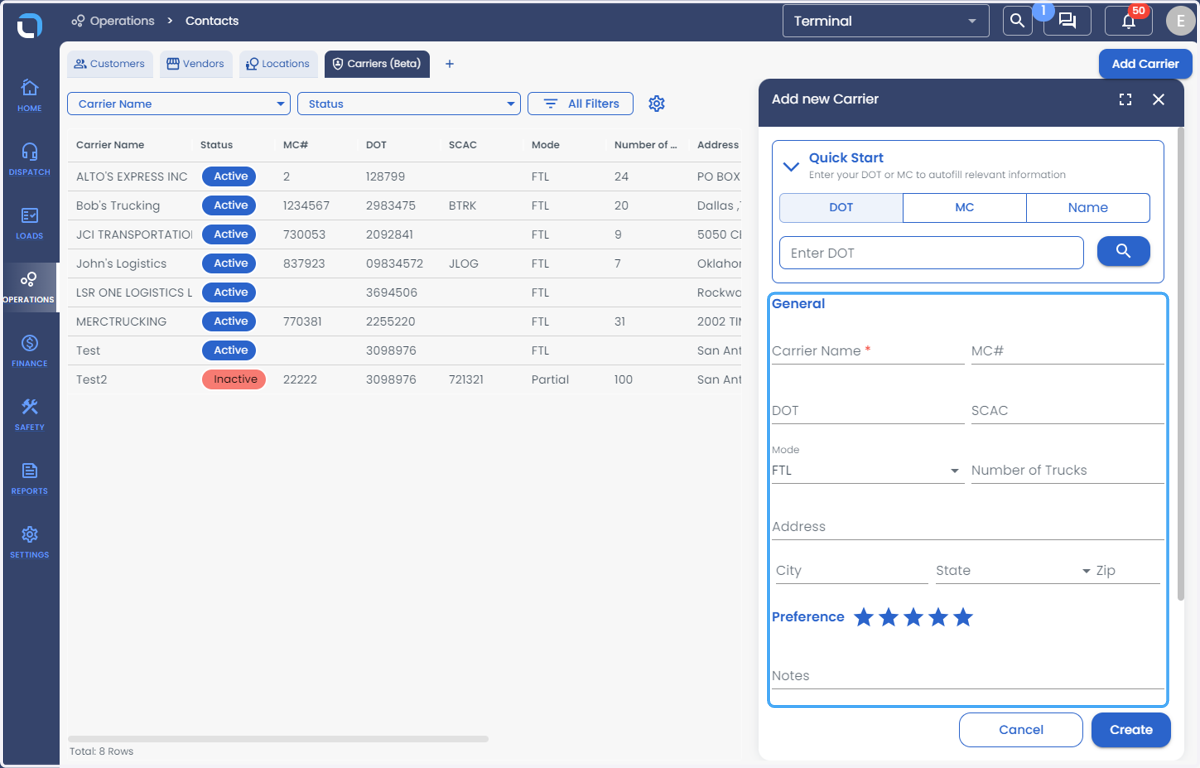
    In the General Section, you can also enter the Carrier details Manually or update any extra info in case you didn't use Quick Start
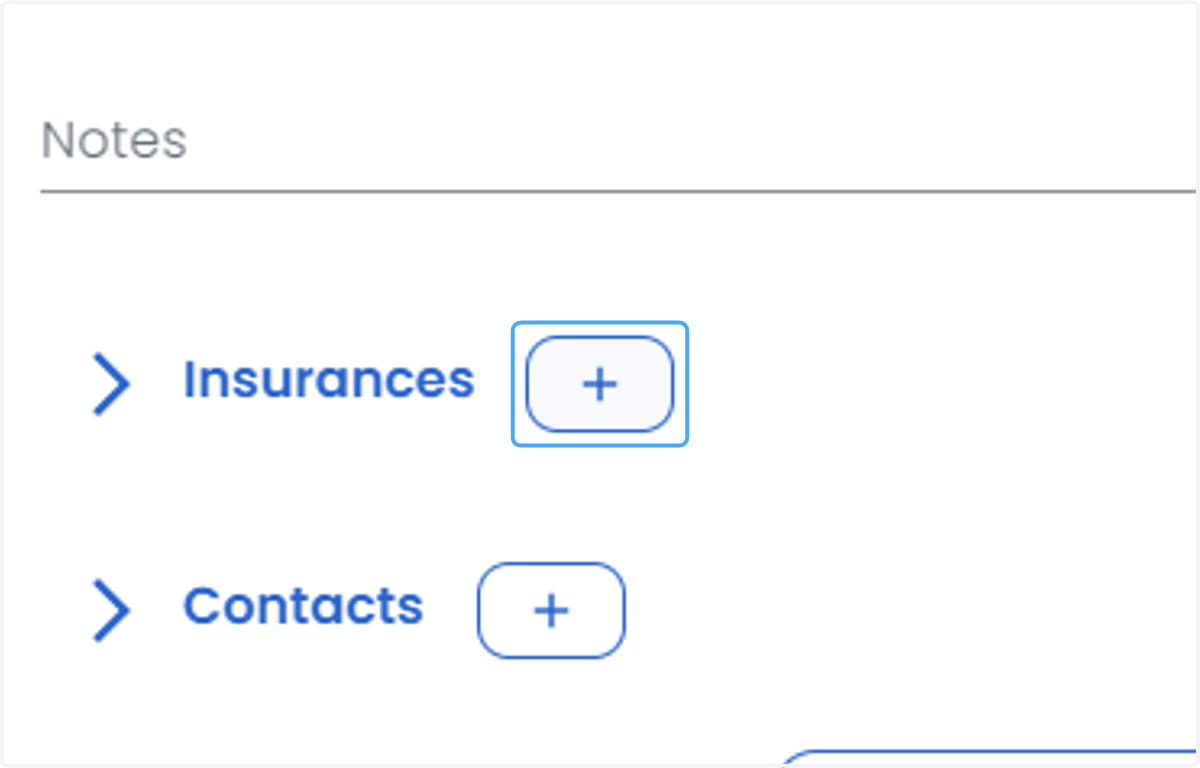
  7. 7. Click on Insurances

    Click on Insurances
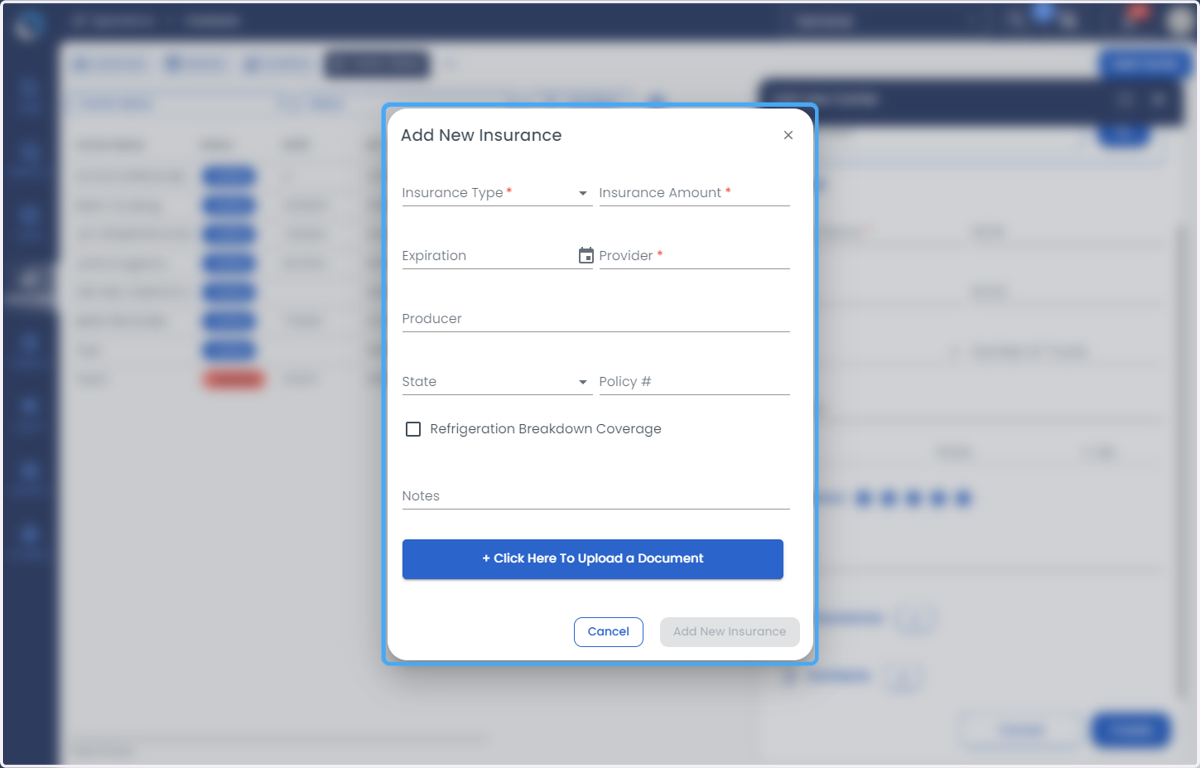
  8. 8. Add the Insurance Details

    Add the Insurance Details
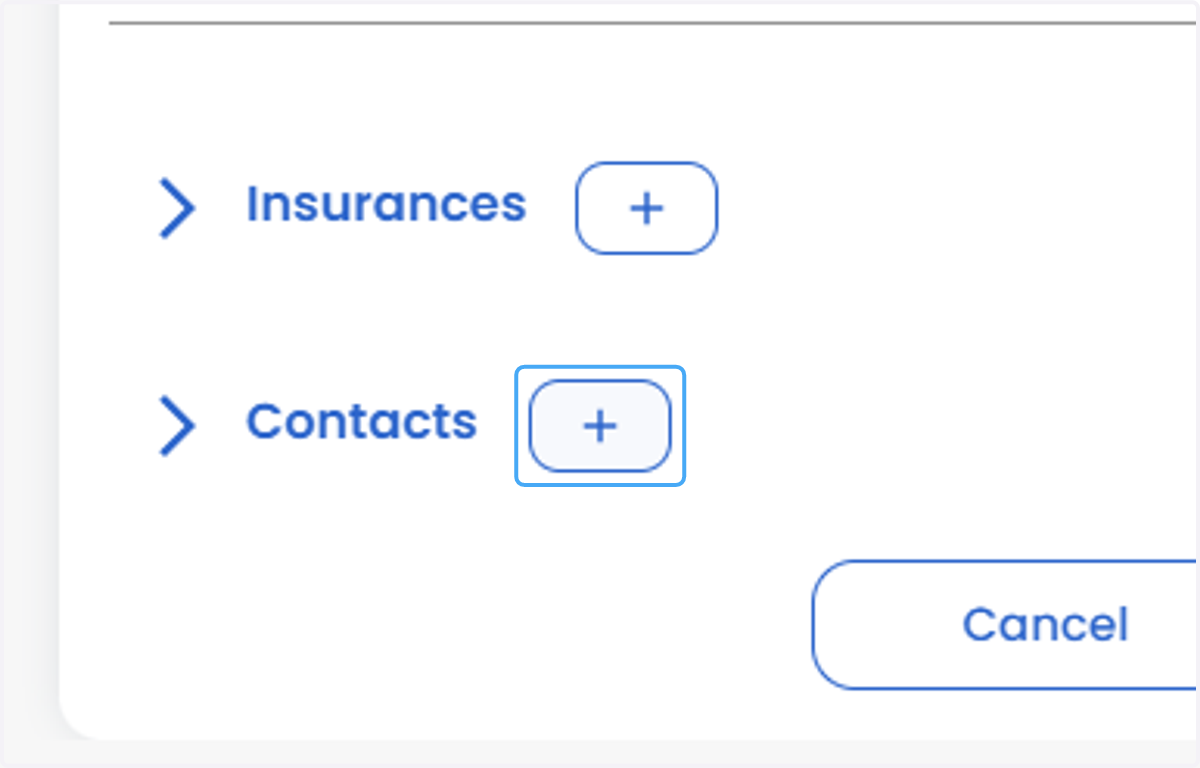
  9. 9. Click on Contacts

    Click on Contacts
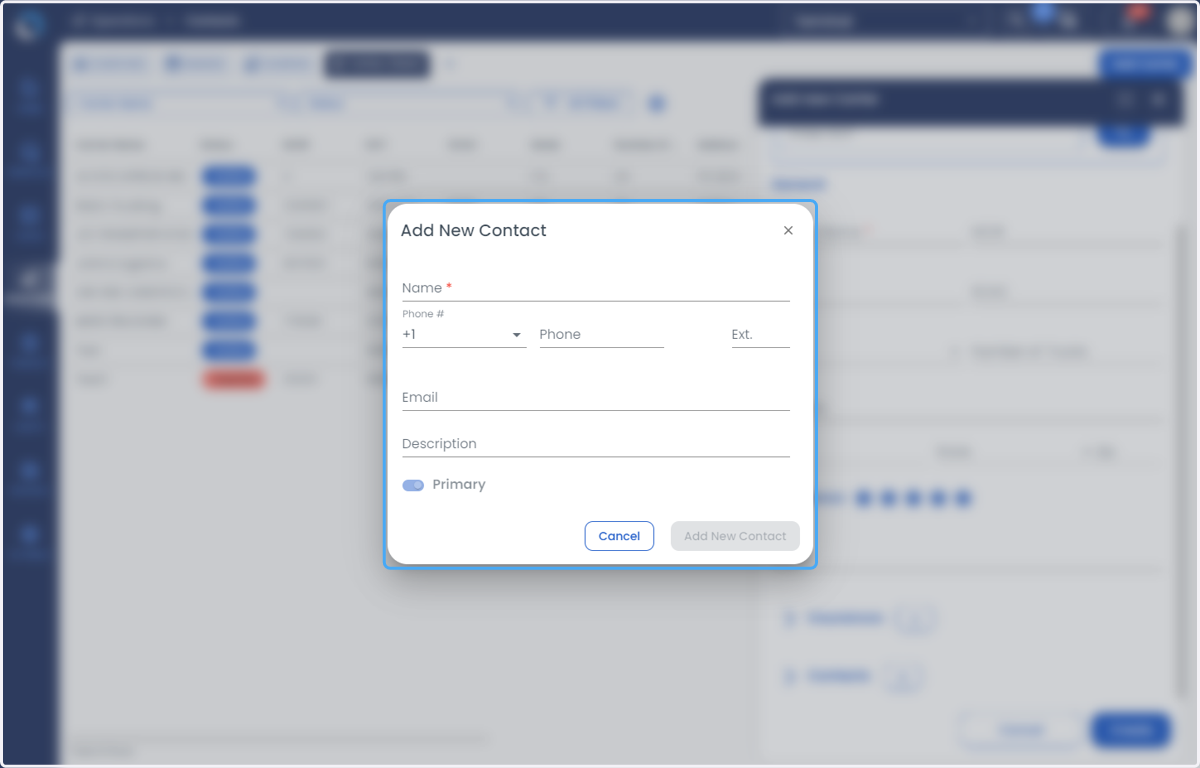
  10. 10. Add Contact details

    Add Contact details
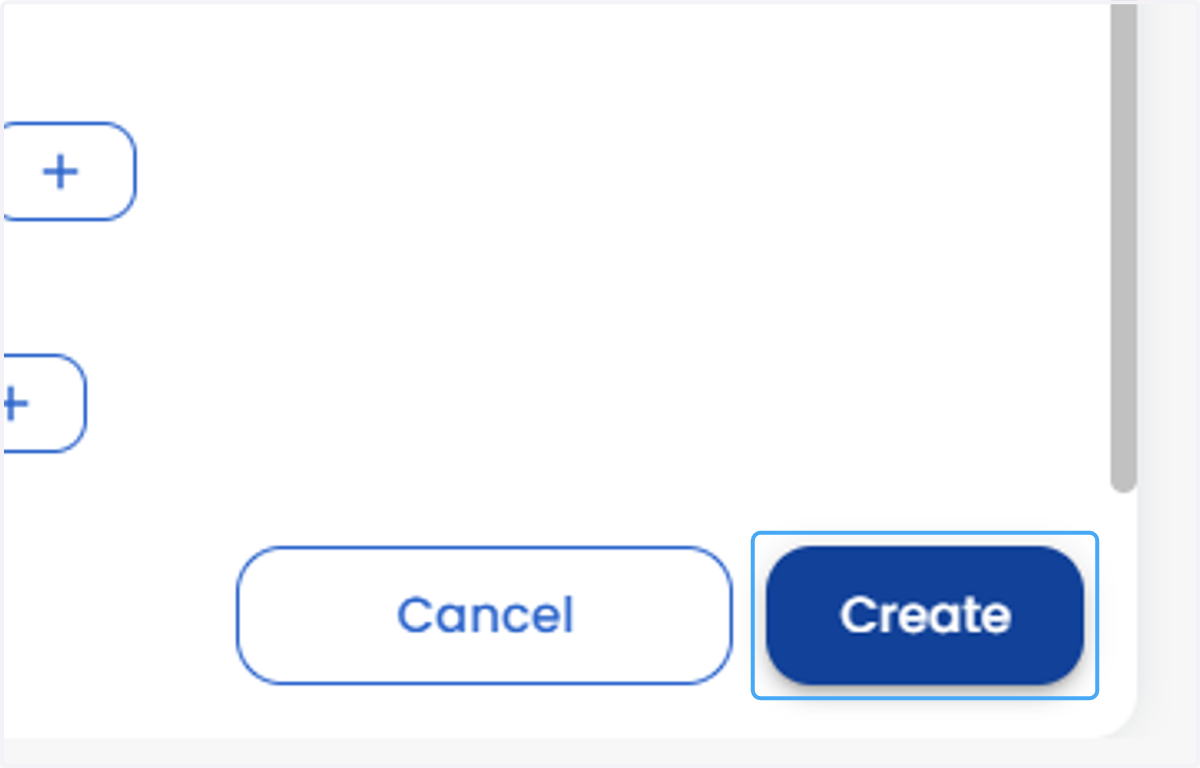
  11. 11. Click on Create

    Click on Create