Connect Your US Bank Account

Signin | Finmo

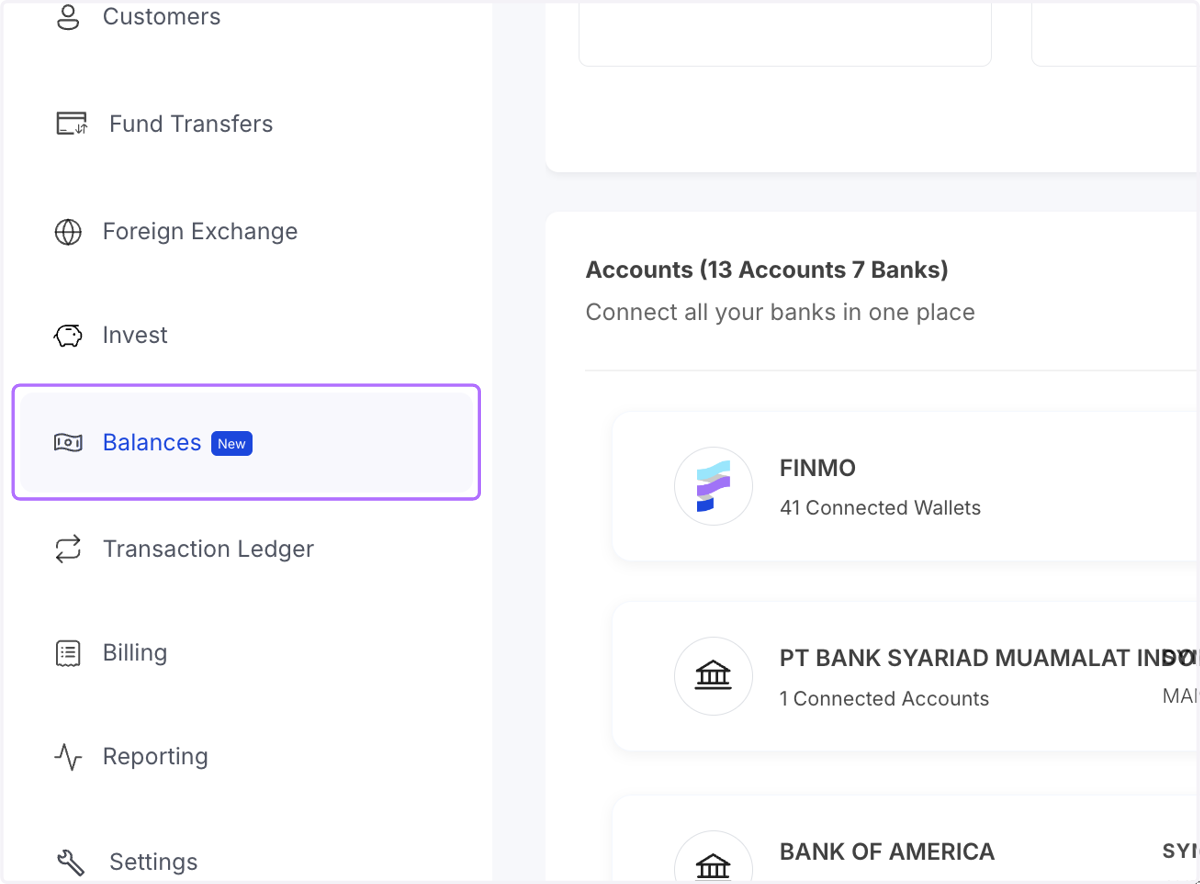
  1. 1. Navigate to the Balances Module

    Navigate to the Balances Module
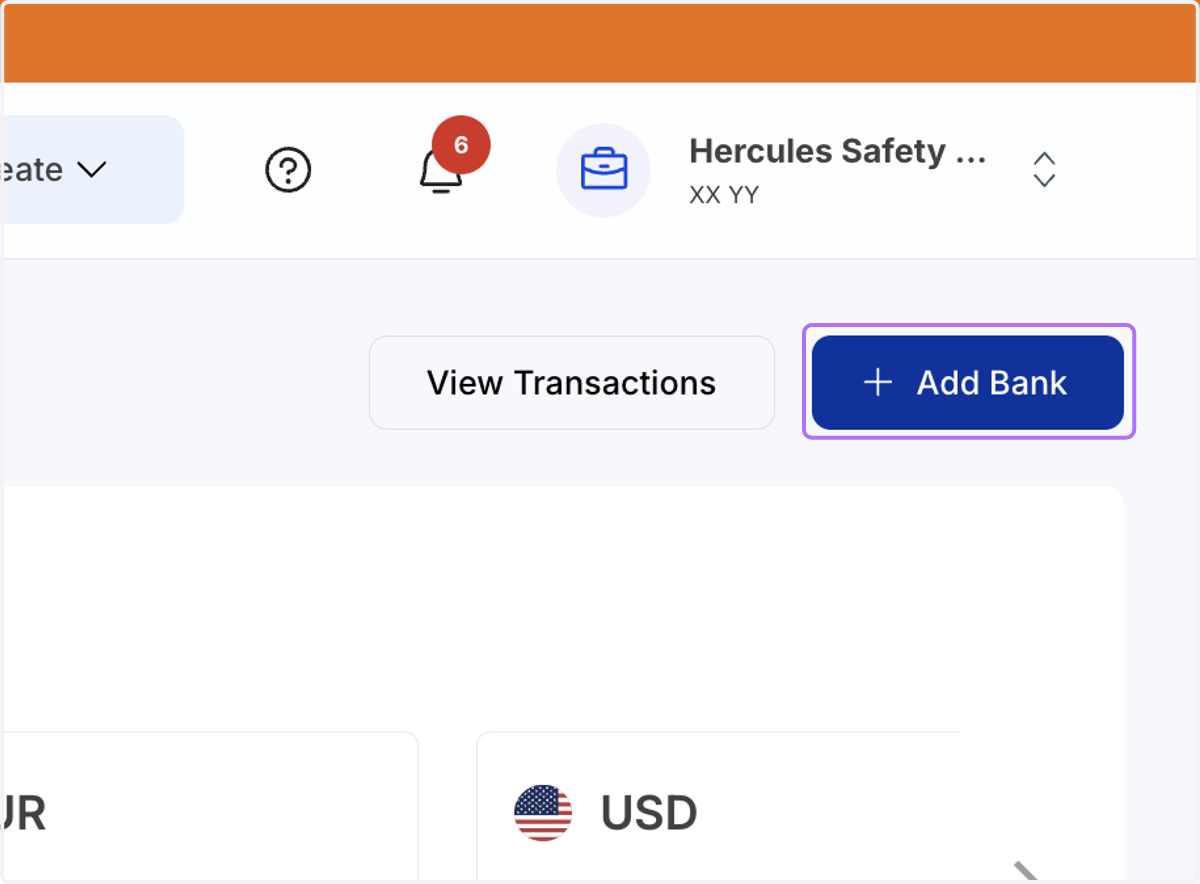
  2. 2. Click on Add Bank

    Click on Add Bank
  3. 3. Select "United States" from the Bank's Country
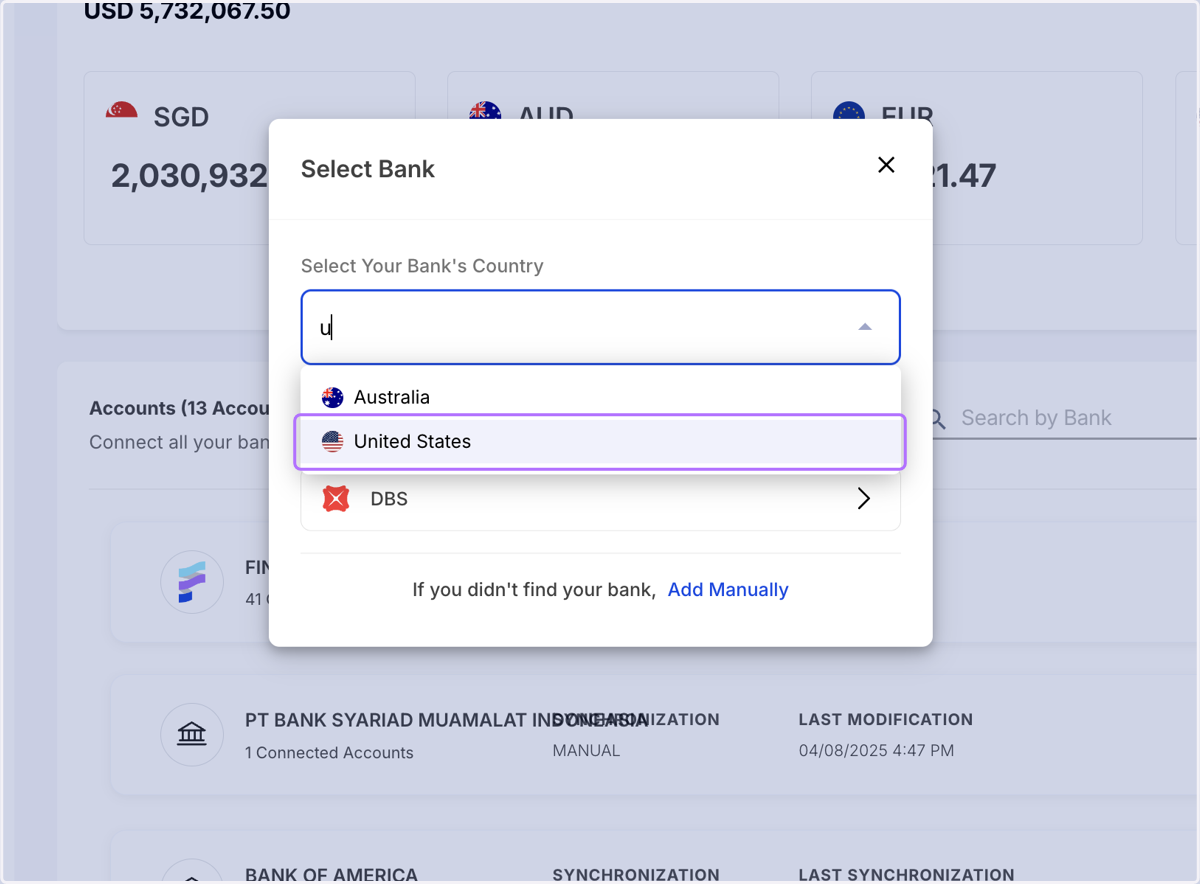
    Select "United States" from the Bank's Country
  4. 4. Provide the consent by clicking on continue
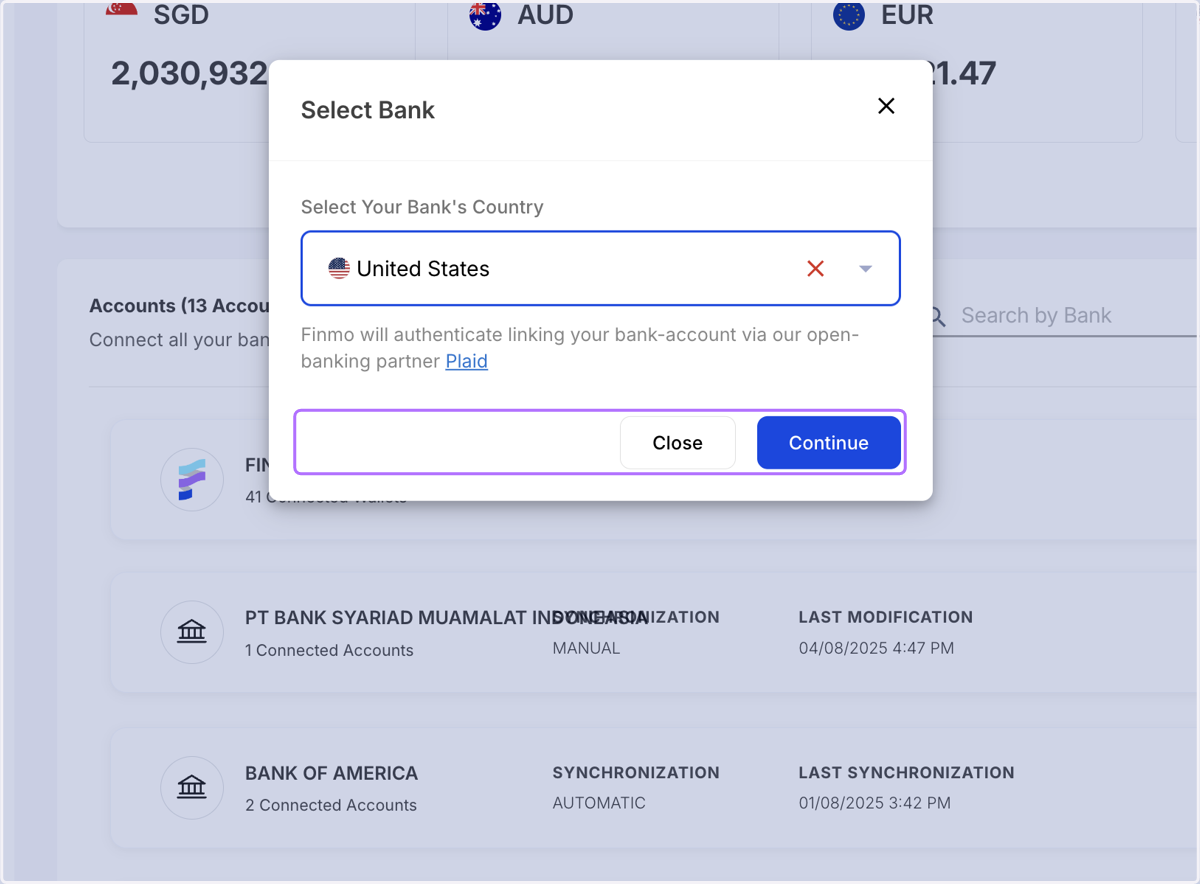
    Provide the consent by clicking on continue

Connect with Plaid

  1. 5. You will be redirected to Plaid to link your account
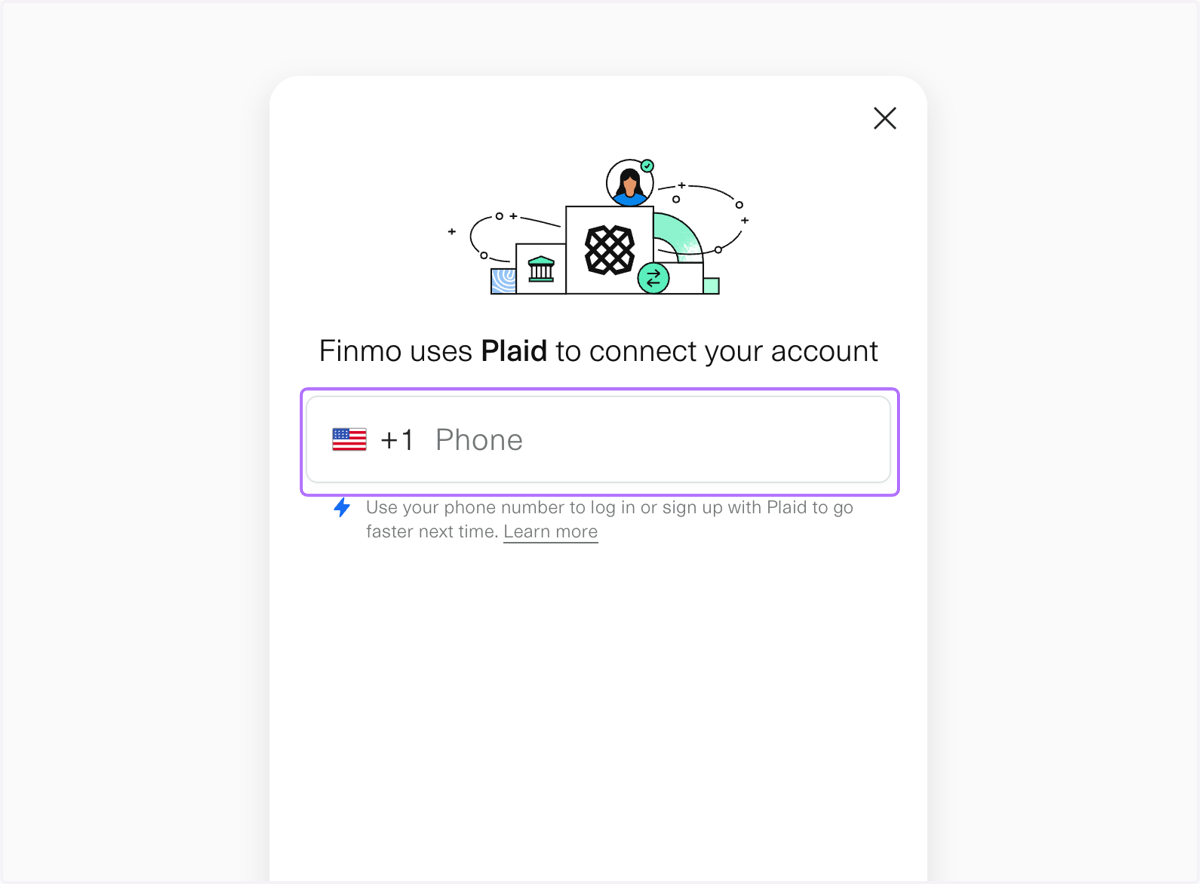
    You will be redirected to Plaid to link your account
  2. 6. Enter your mobile number linked to the bank account
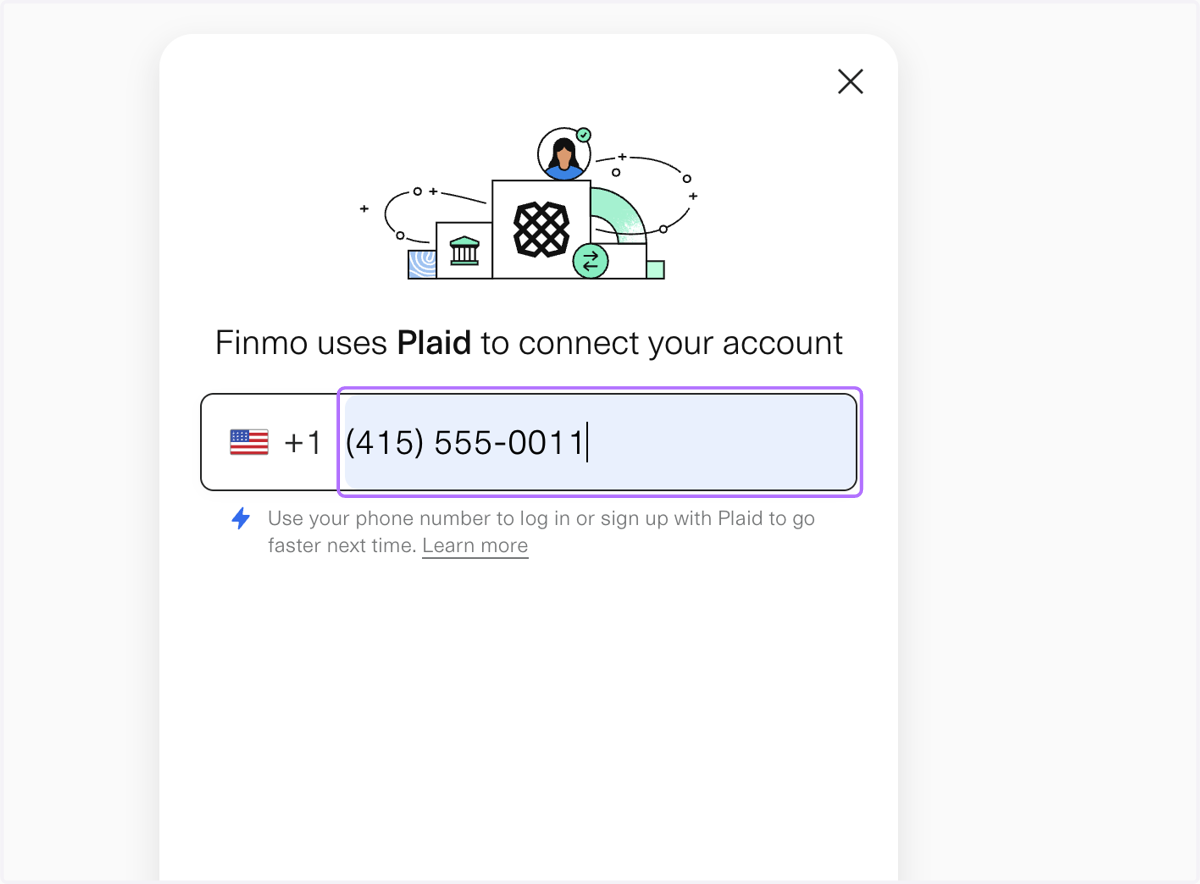
    Enter your mobile number linked to the bank account
  3. 7. Verify your phone number linked to you bank account
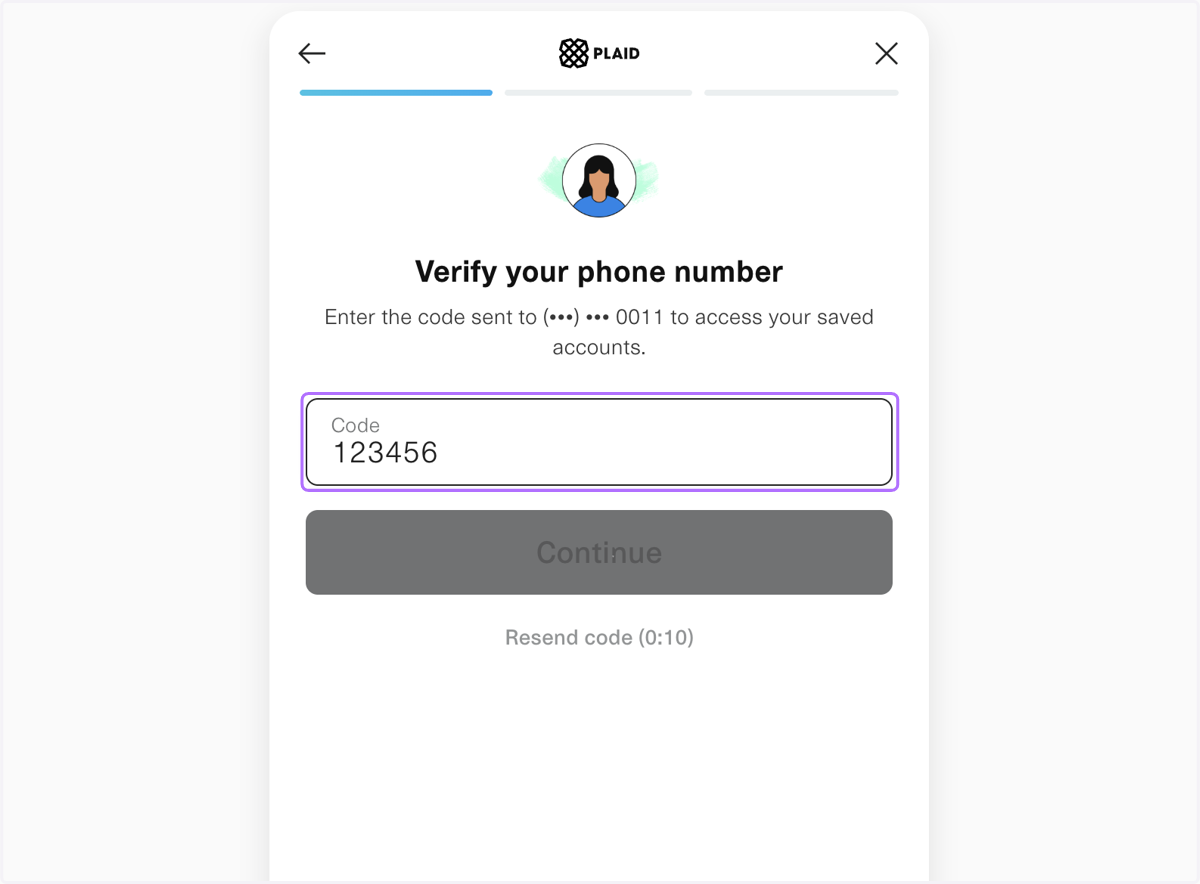
    Verify your phone number linked to you bank account
  4. 8. Select the account and confirm the selection
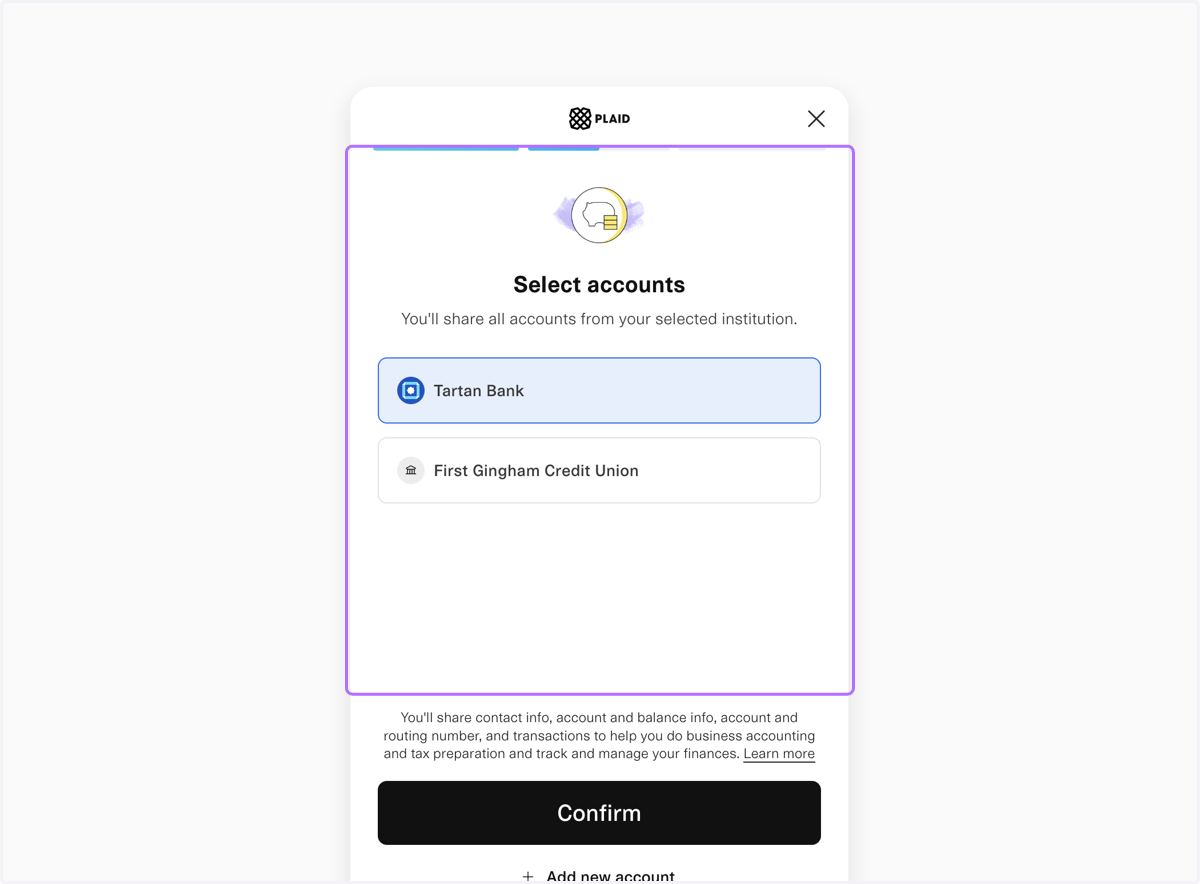
    Select the account and confirm the selection
  5. 9. Back to the Finmo's Balances dashboard: Click on Sync
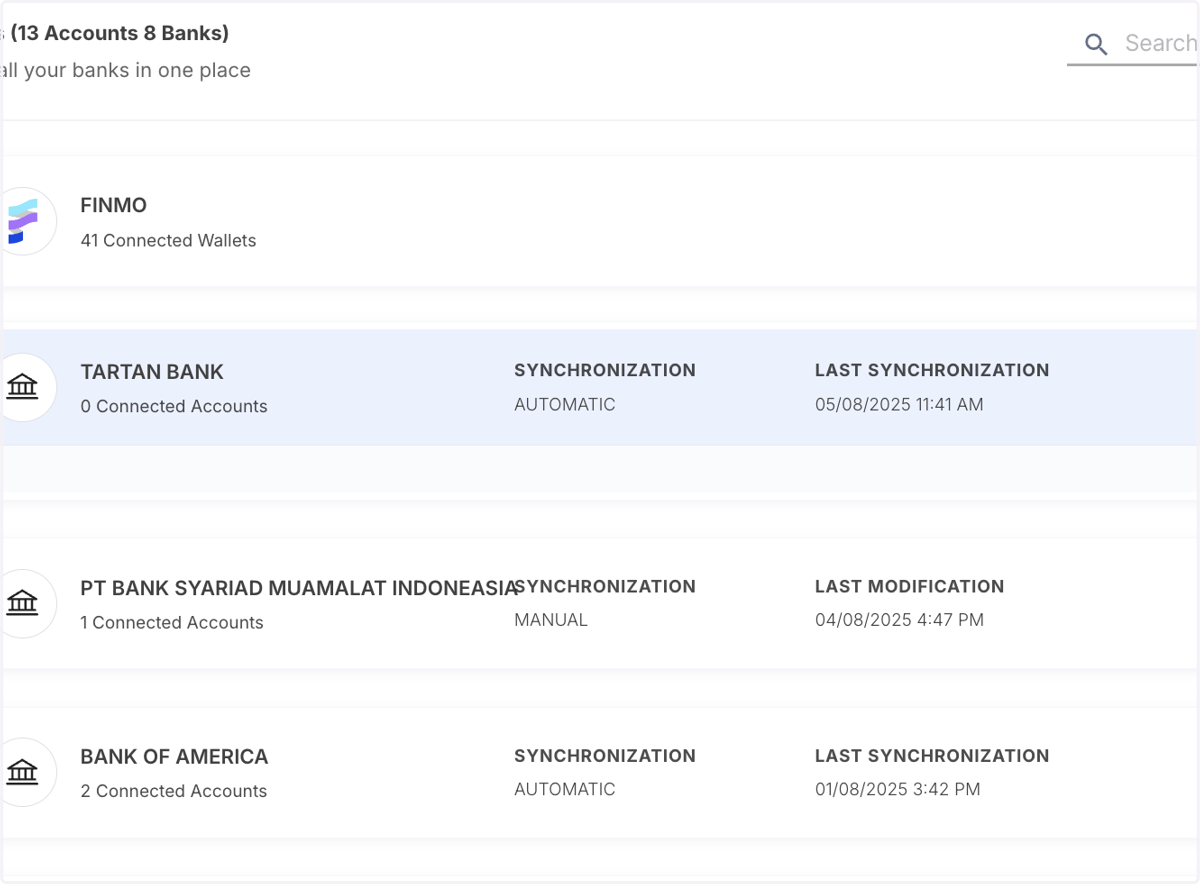
    Back to the Finmo's Balances dashboard: Click on Sync
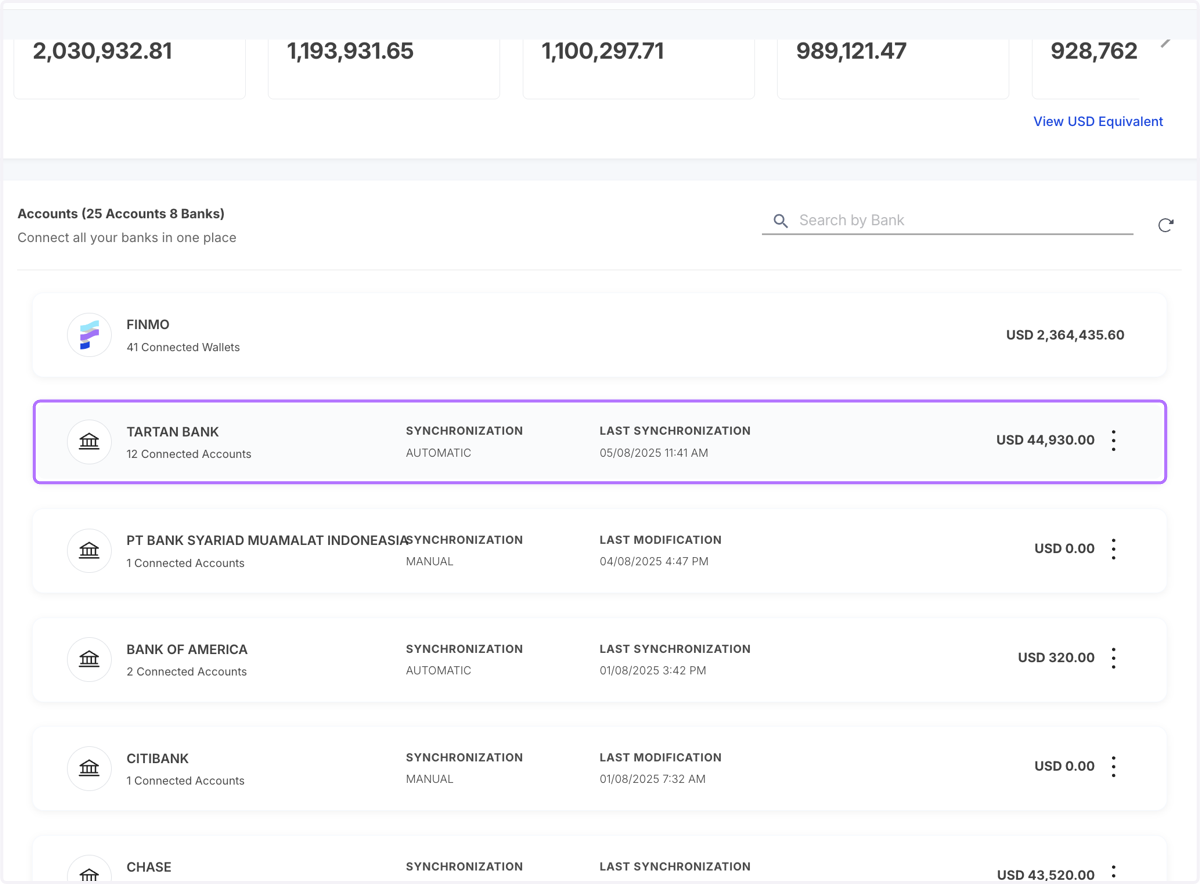
  6. 10. The Tartan Bank account is added

    The Tartan Bank account is added
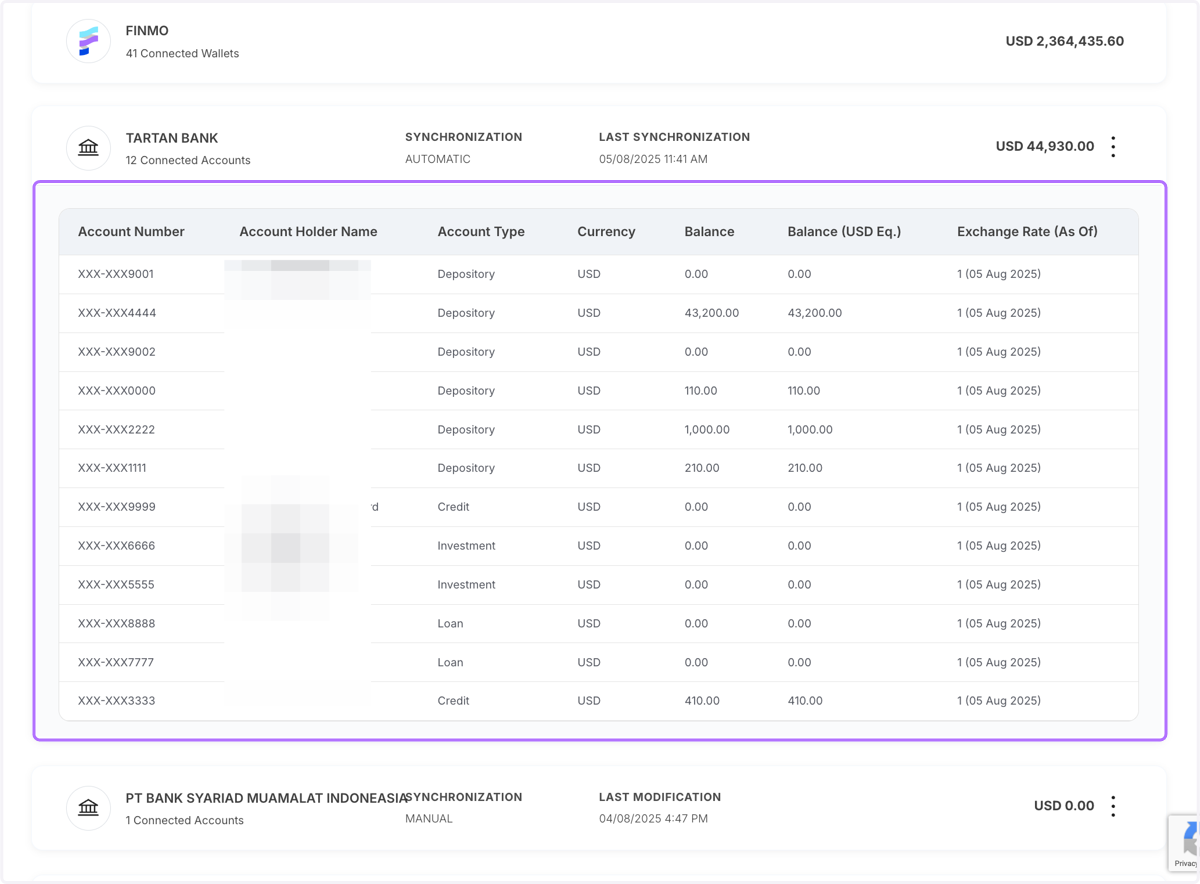
  7. 11. Expand to view the transact

    Expand to view the transact