Changing Your Password in the Web App
Aroya
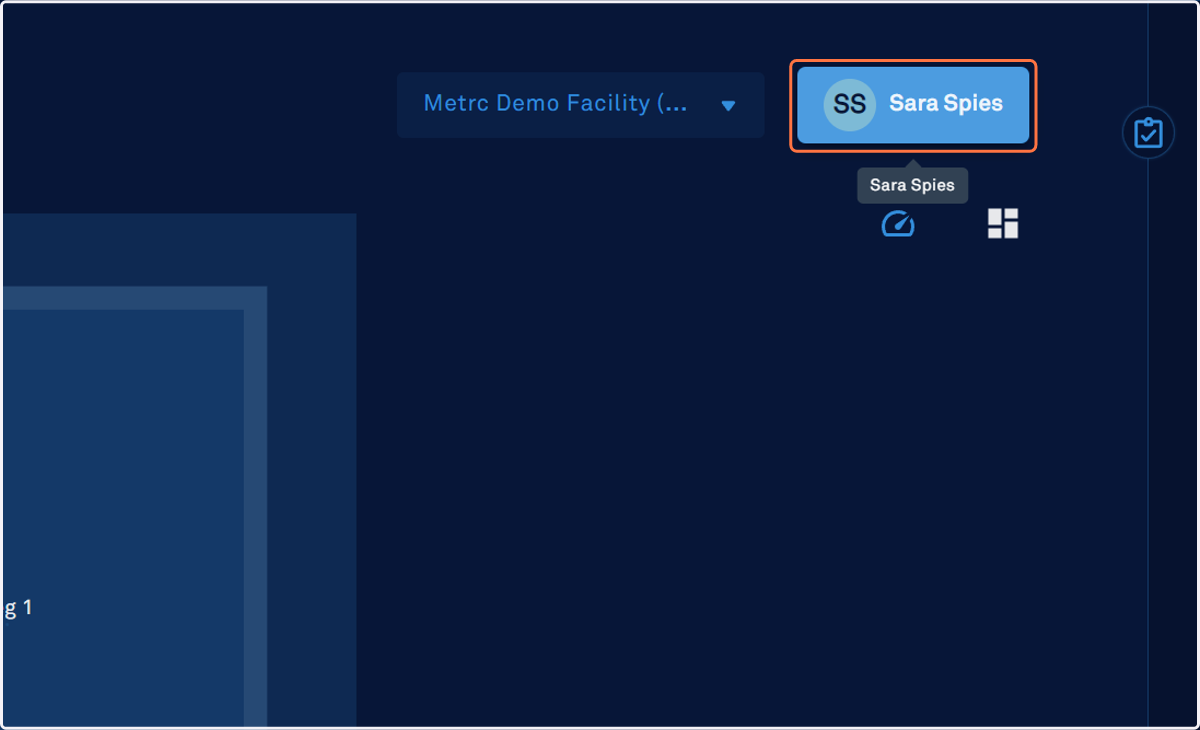
1. Click the account icon
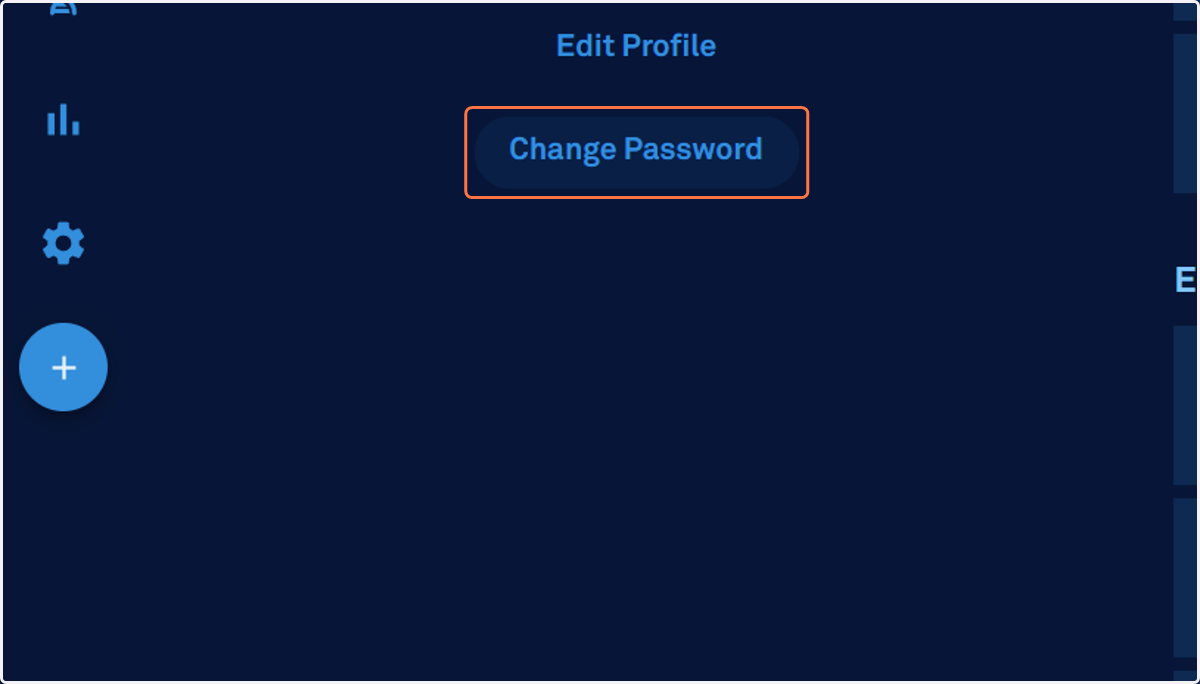
2. Click Change Password
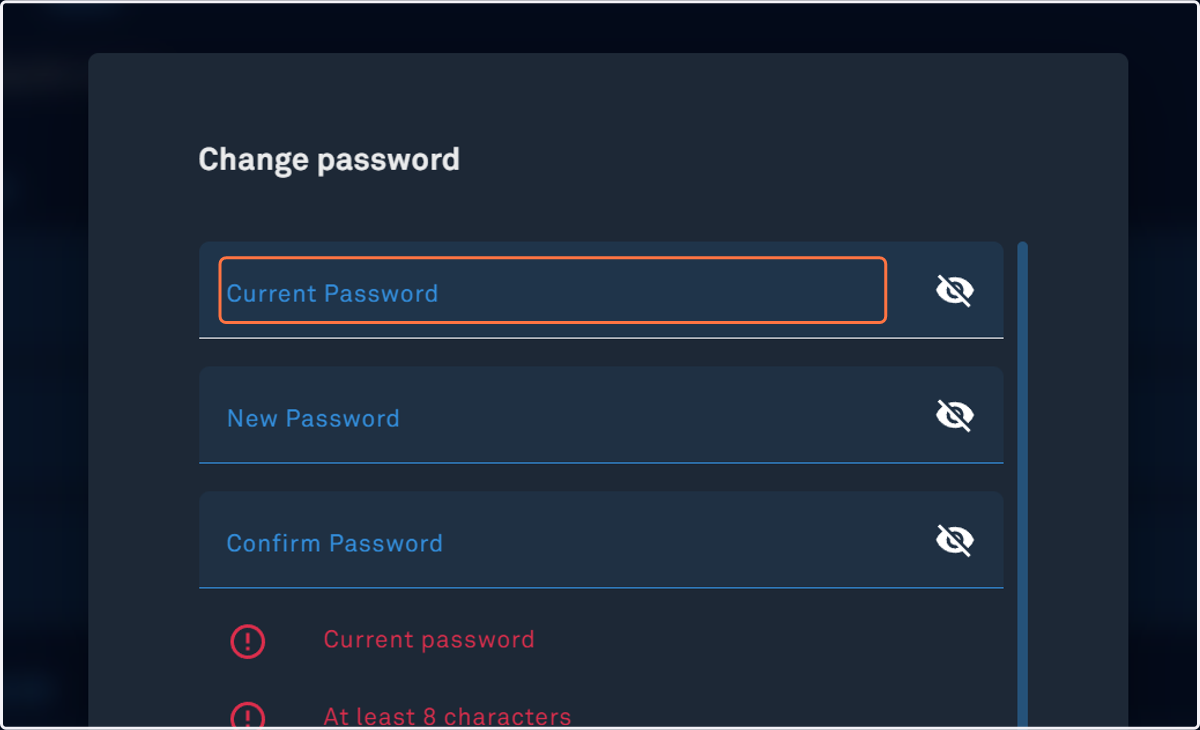
3. Enter your current password
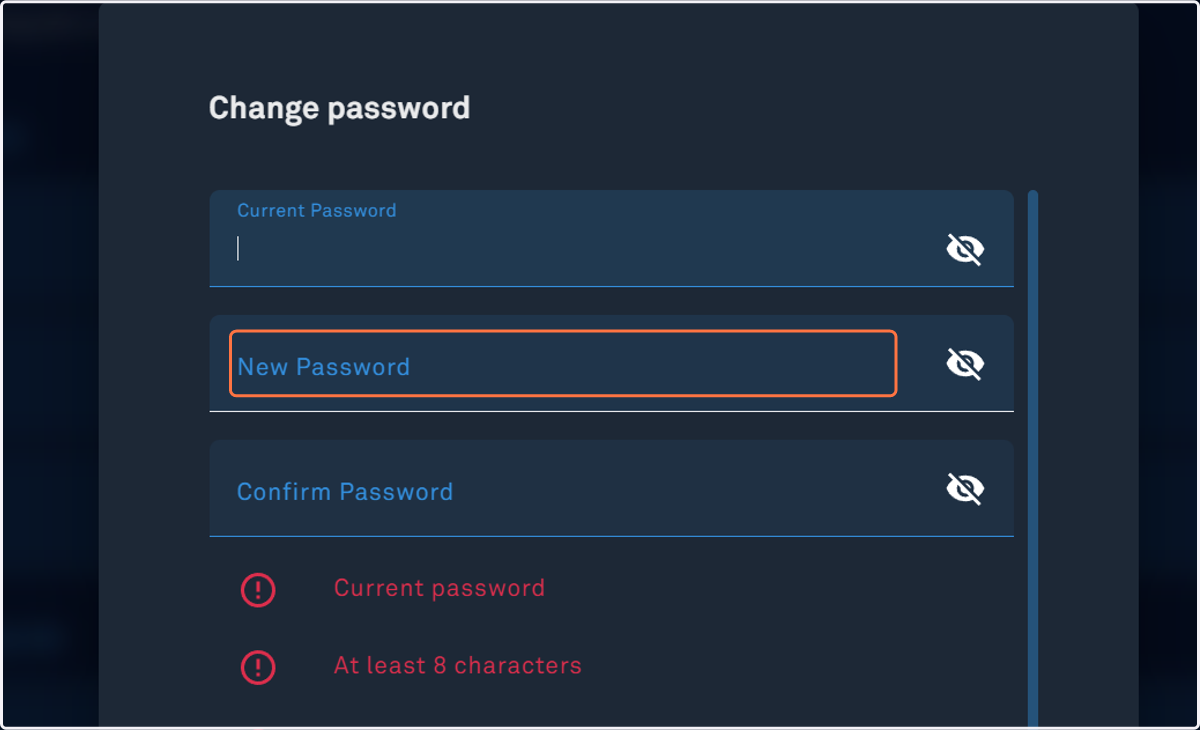
4. Enter your new password
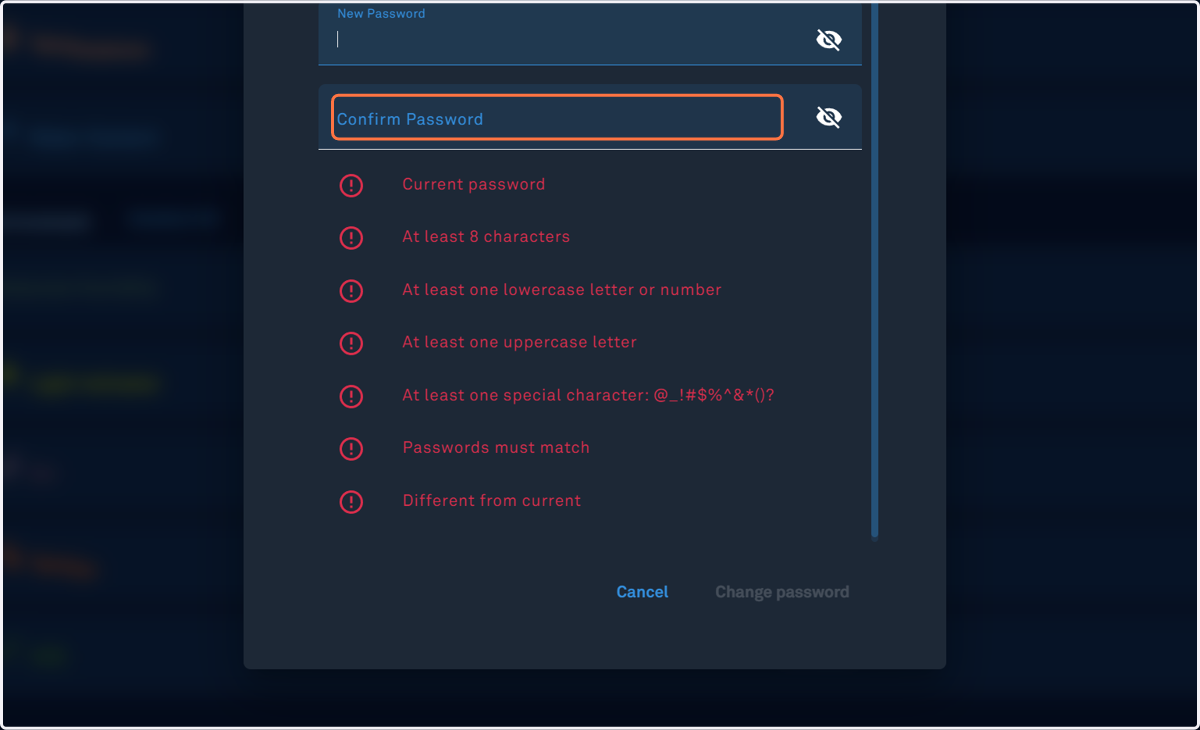
5. Enter your new password again
Your new password needs to meet the listed requirements
6. Click Change Password