Exporting My Collection in a CSV File| Collectibles.com
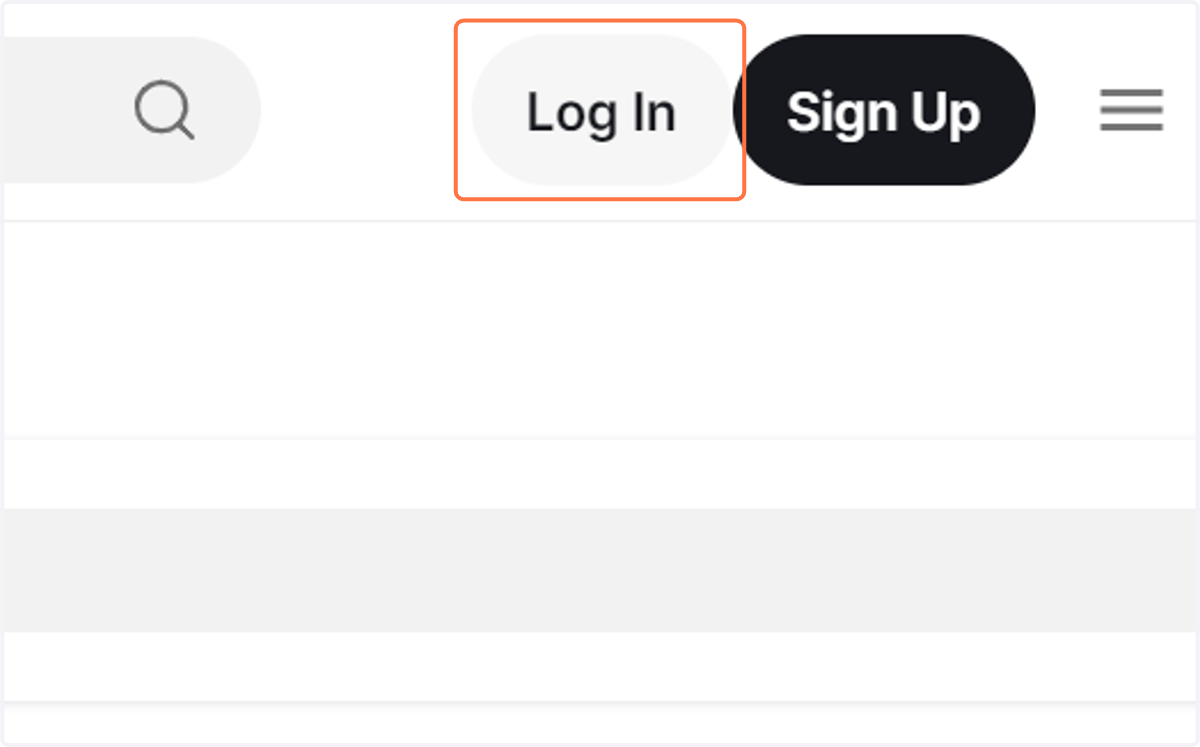
1. Log In to your Collectibles.com account.
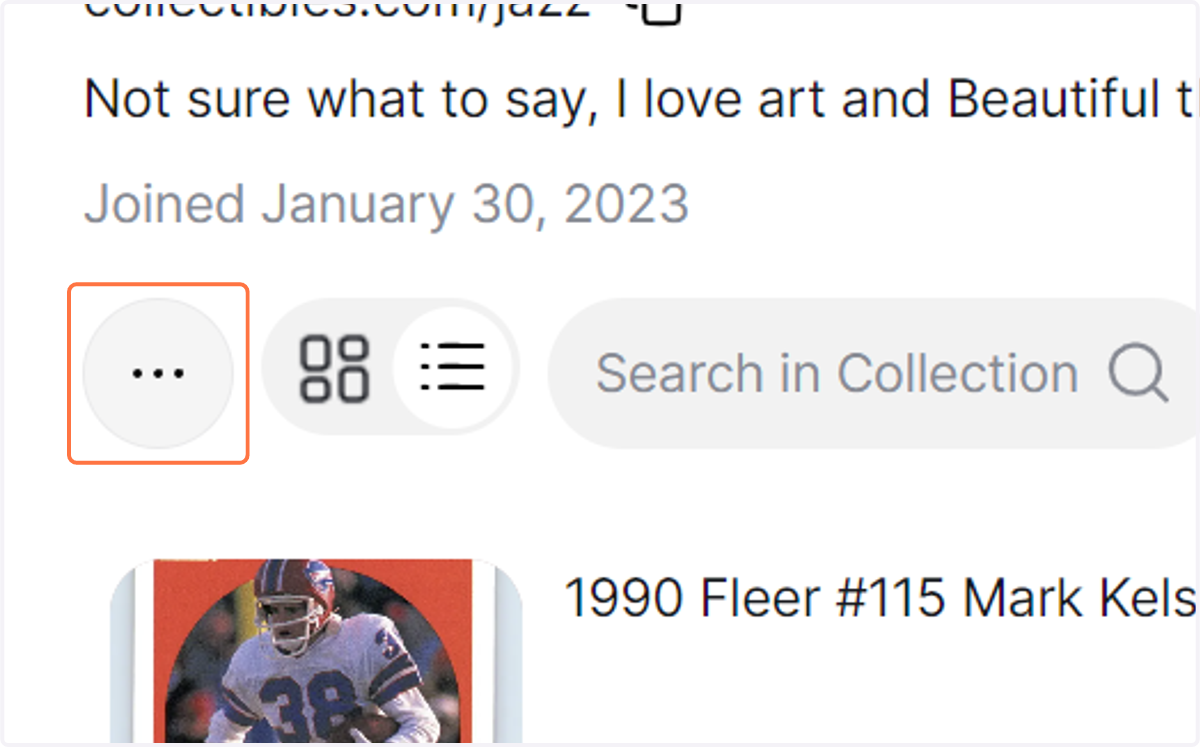
2. You'll land in your profile. Click on the three dots (...) next to the collection search bar.
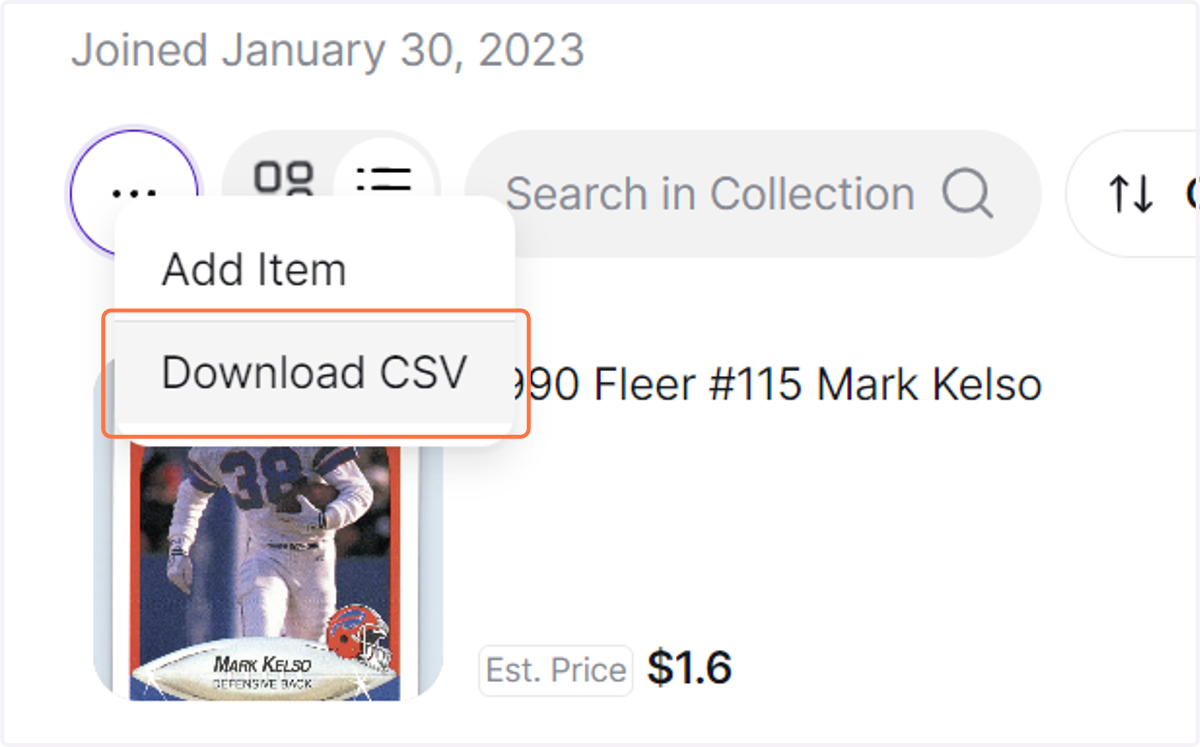
3. Click on Download CSV
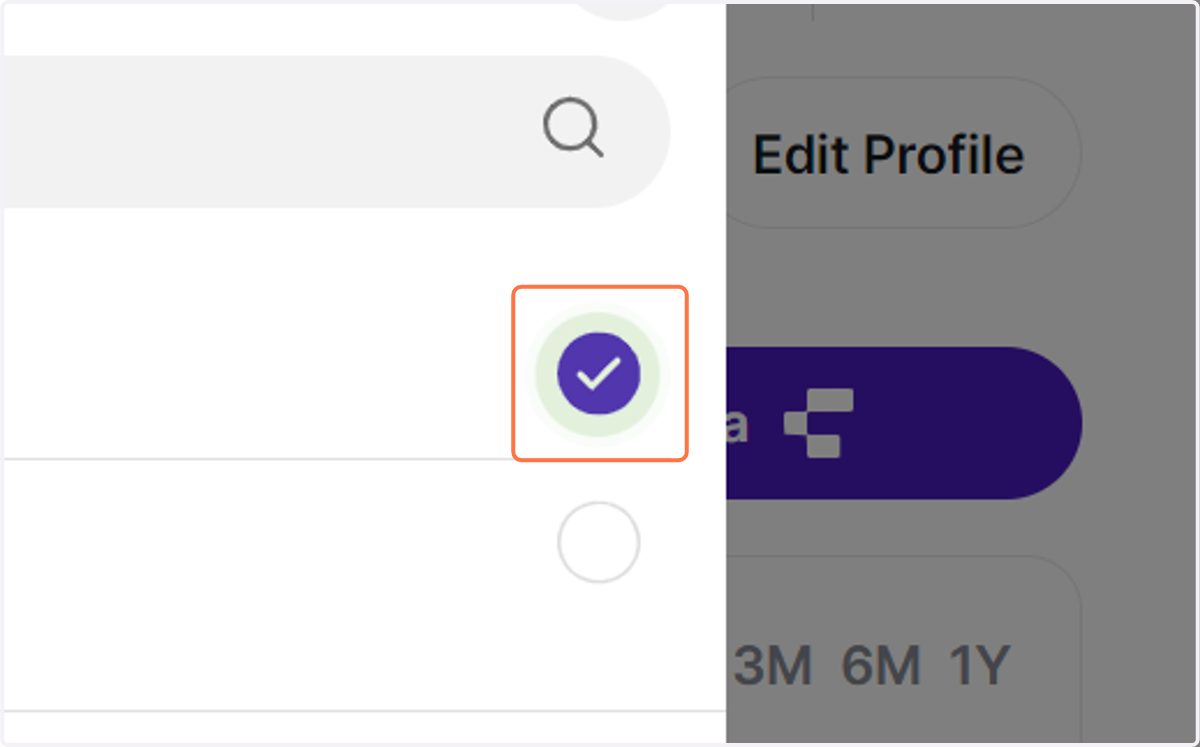
4. Select a Category
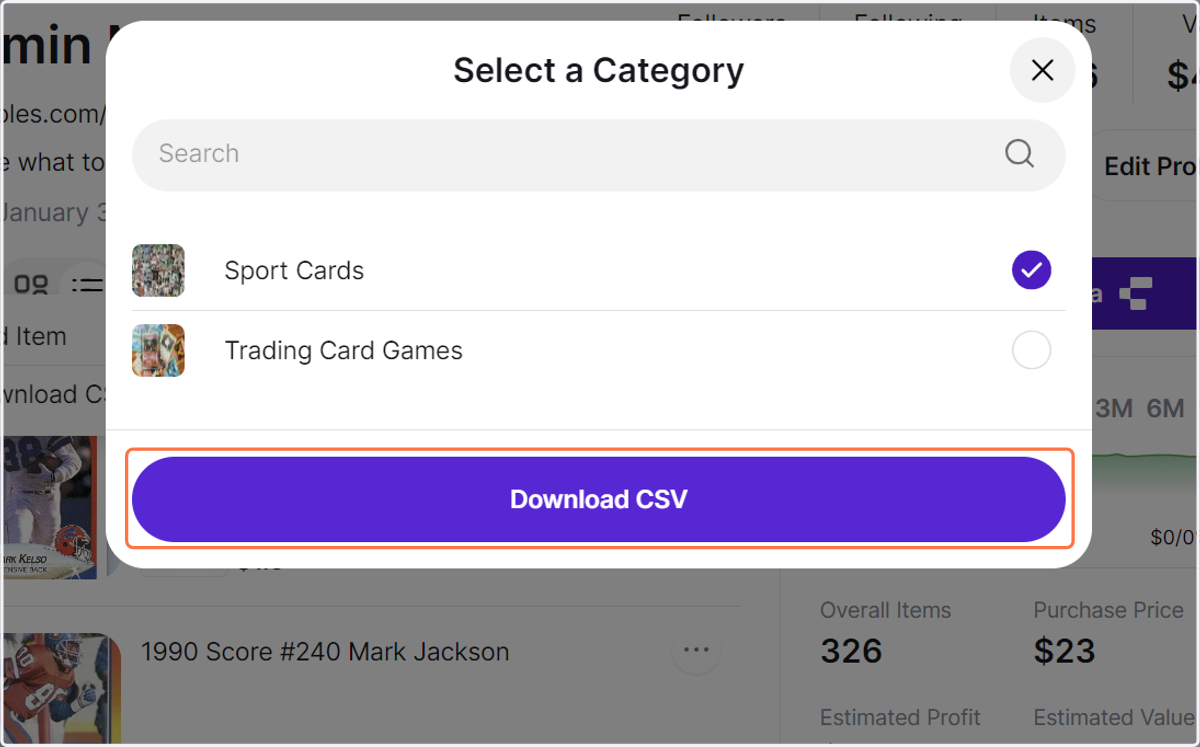
5. Click on Download CSV
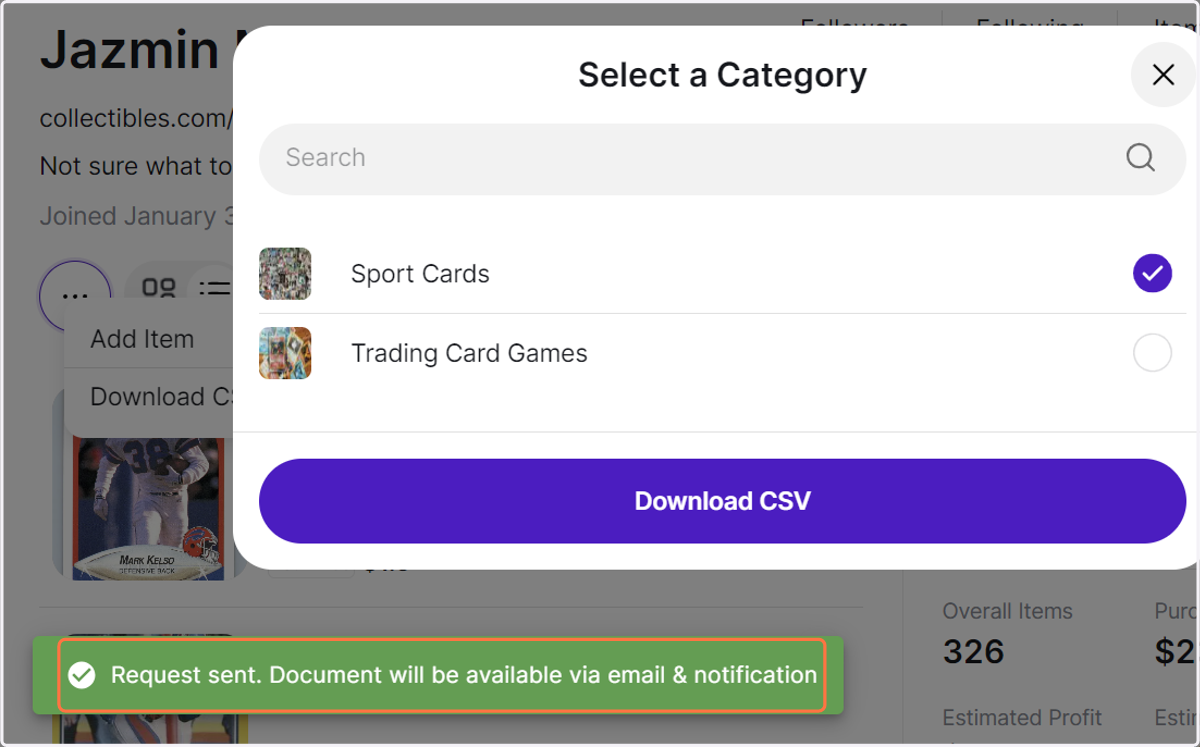
6. Your request will be sent. The document will be available via email & notification once it's ready.
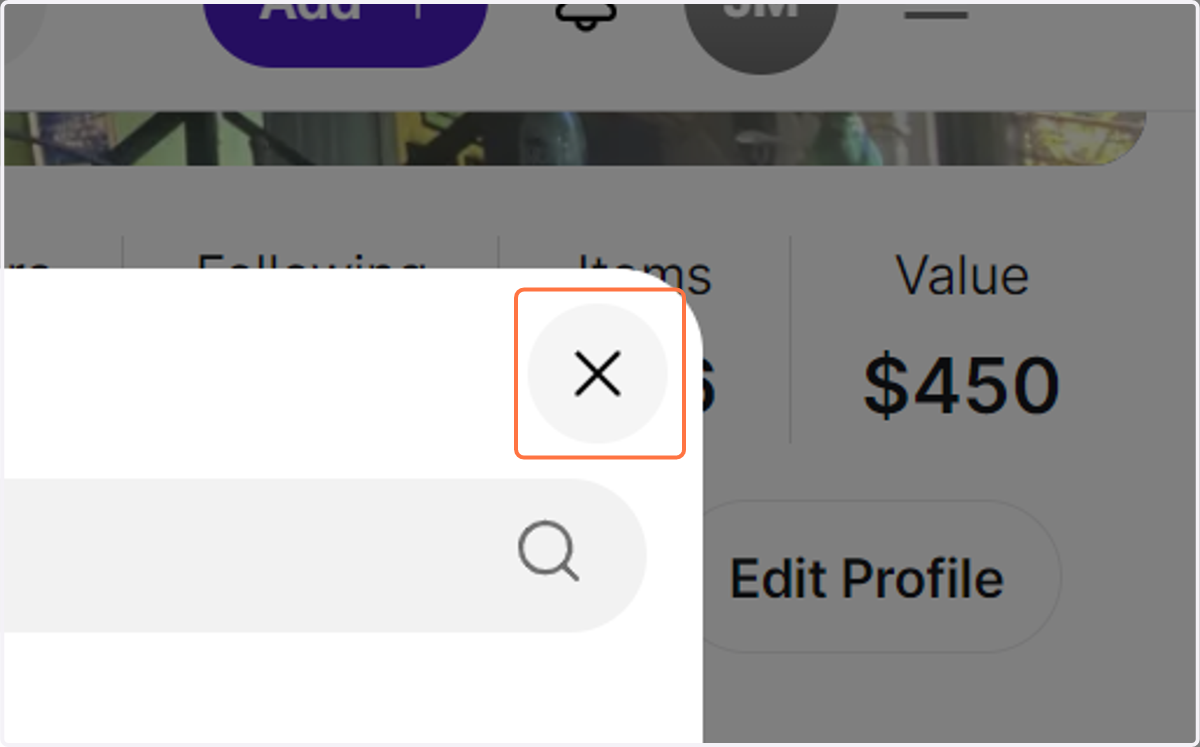
7. Close the Download Box
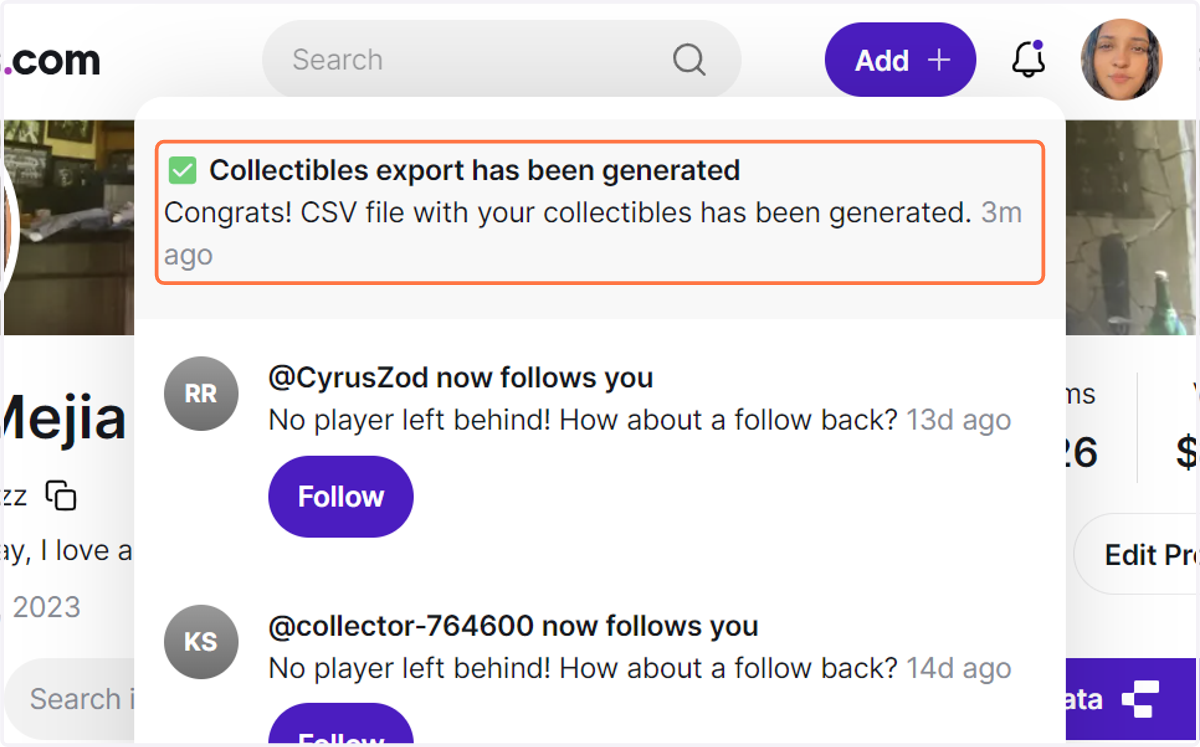
8. After some time, you should receive an email and notification. Click on the bell icon to see your notifications.
If you can't see the notification, please try refreshing the page.
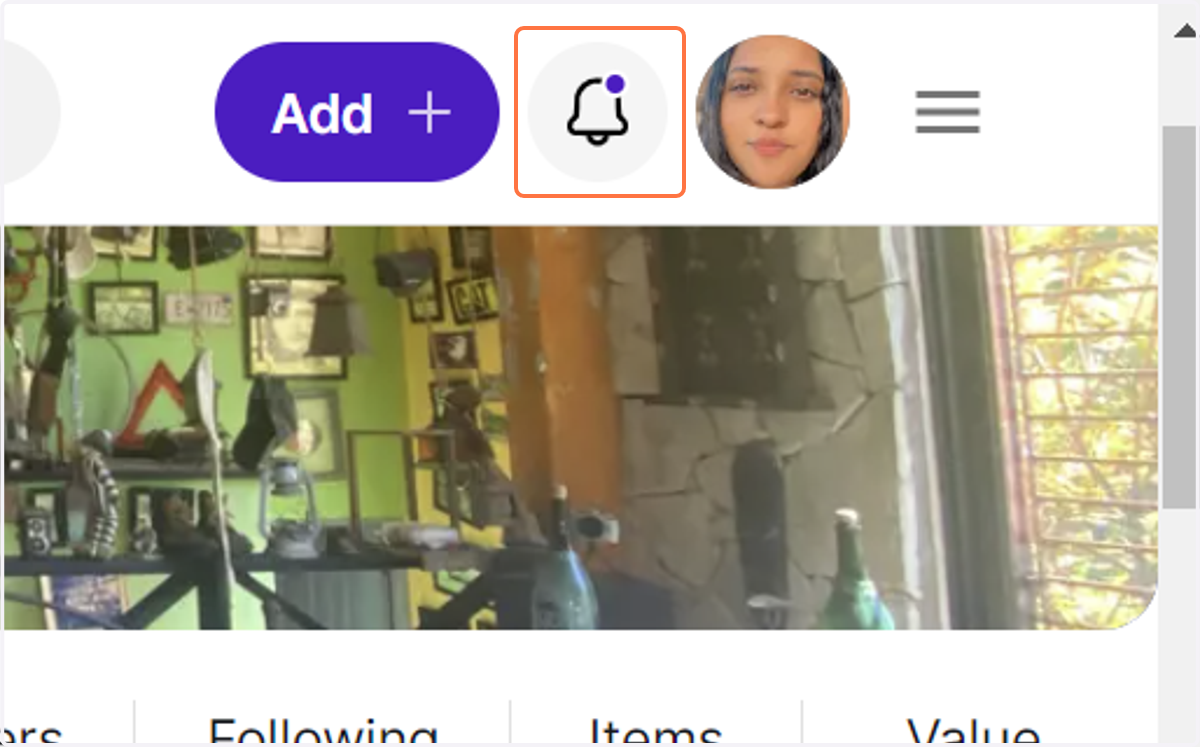
9. Click on "✅ Collectibles export has been generated…" and the download will start.
Once the download is available, you can go to the Collectibles.com app and download it from the notifications bar.