Moving the Case to Step 4
The steps below will show you how to move a review case from Step 3: Department Chair Review to Step 4 (when it moves up to the college level).
Interfolio
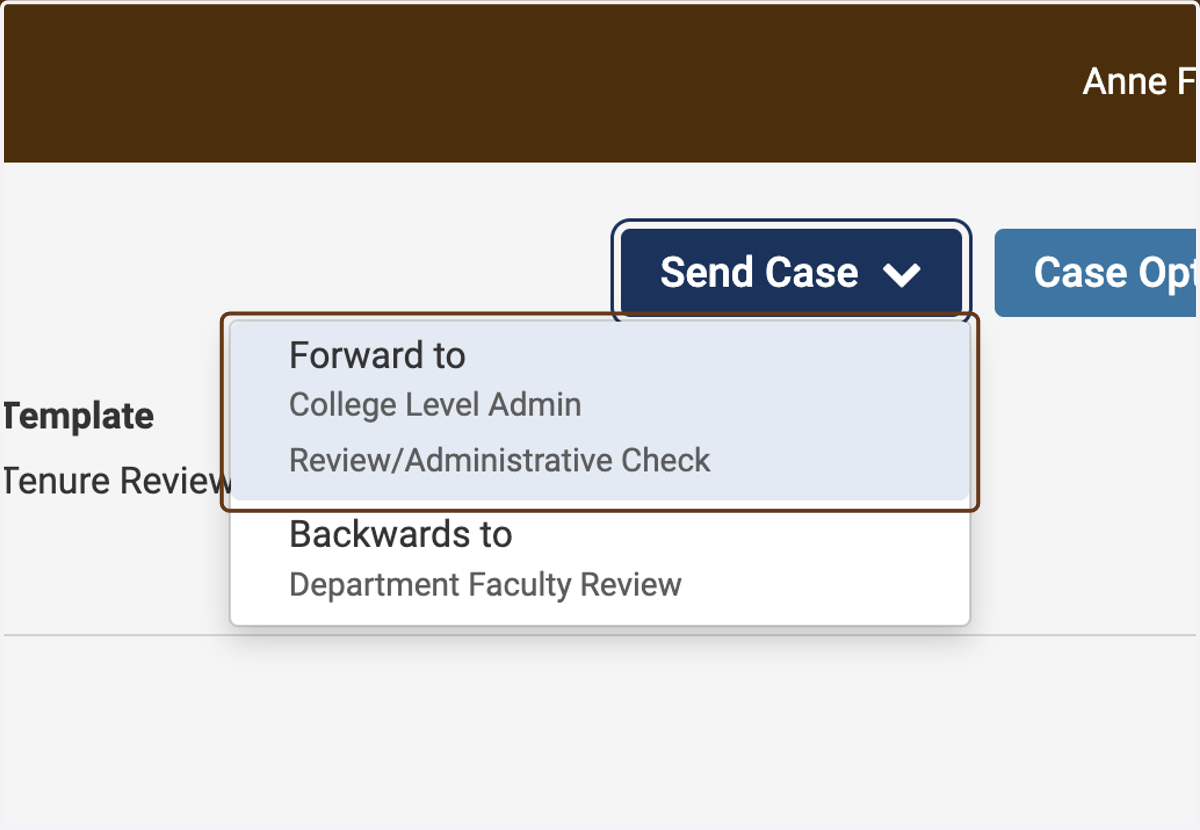
1. Click on Forward to College Level Admin Review/Administrative Check
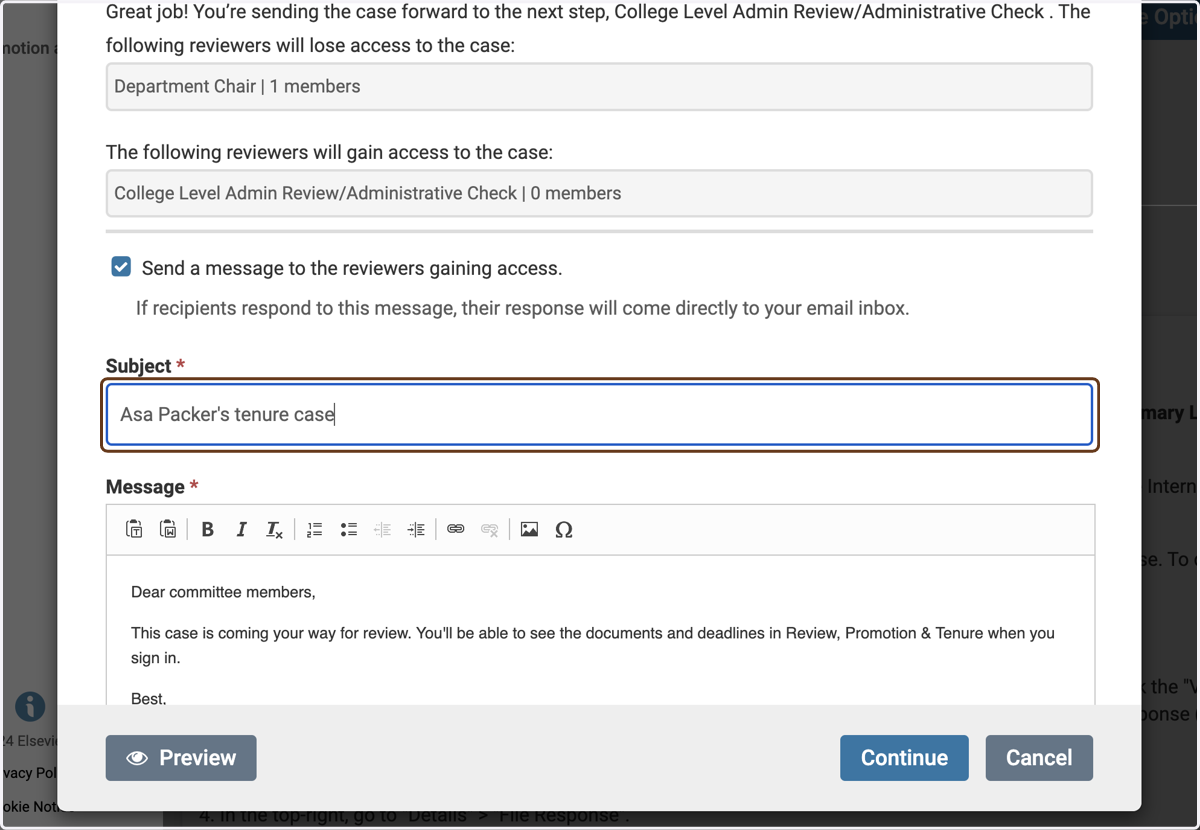
2. Customize the email notifying the college office, if you wish
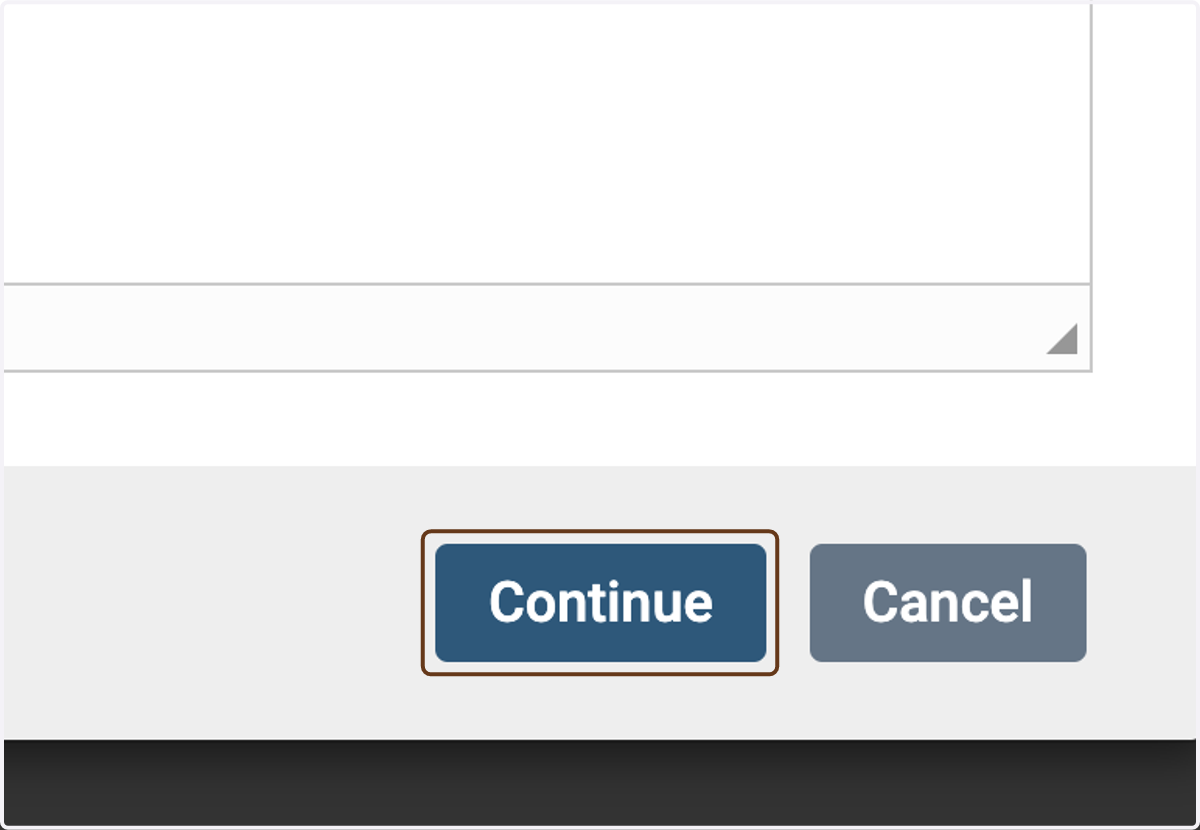
3. Click on Continue
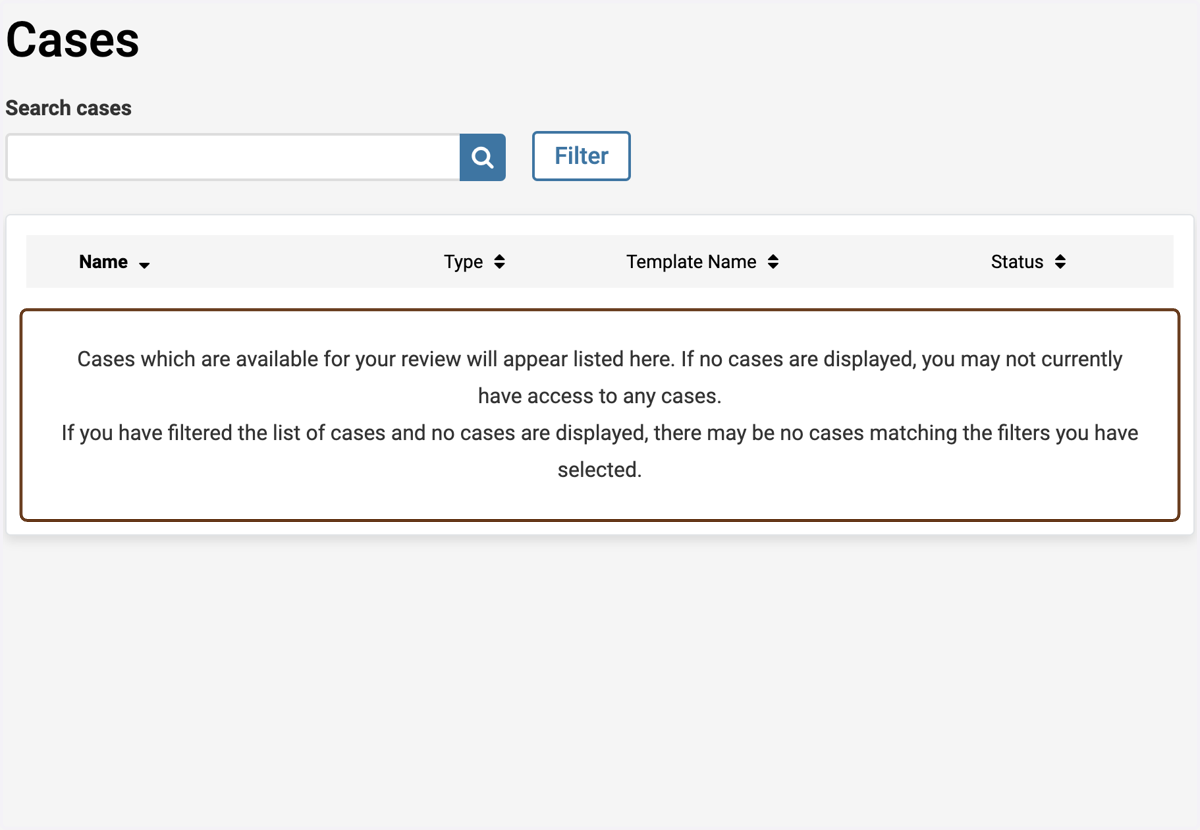
4. If you go back to Cases, the case is no longer listed
(It has moved out of your scope and on to the college)
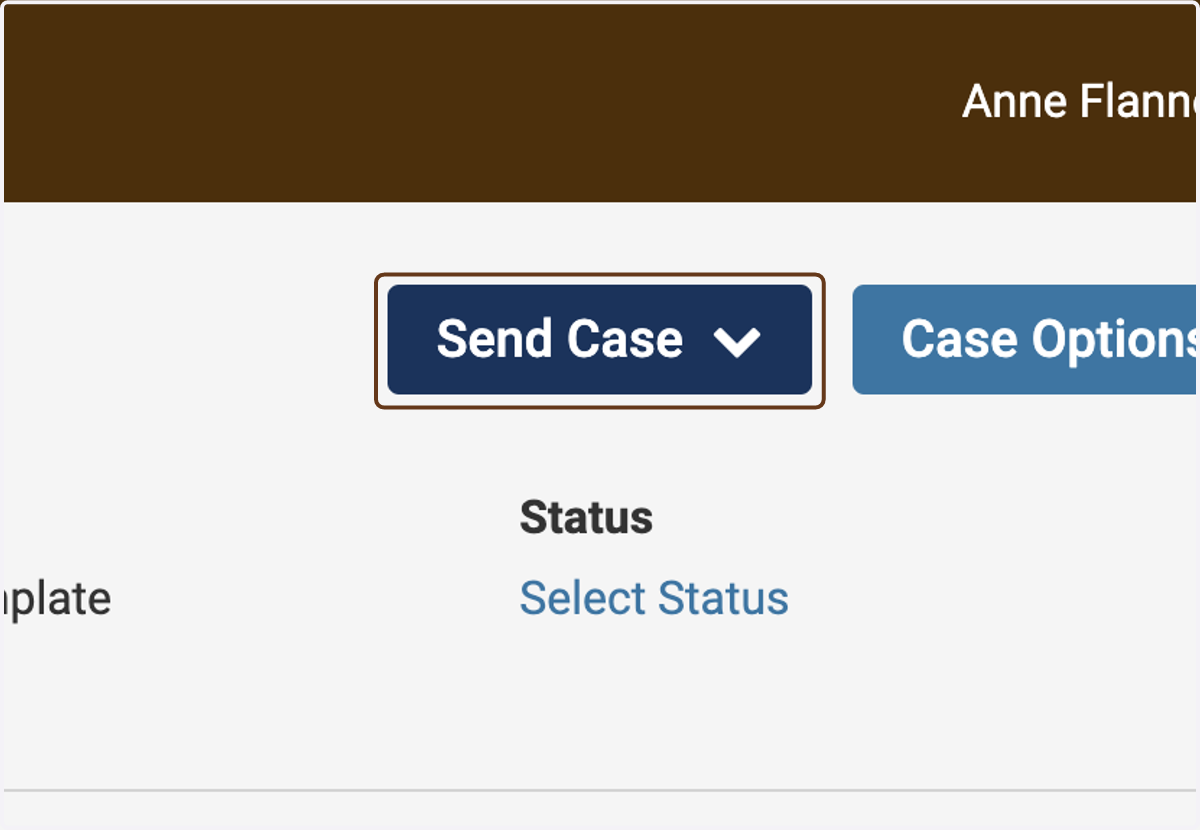
5. Click on Send Case