Finances - Add Revenue

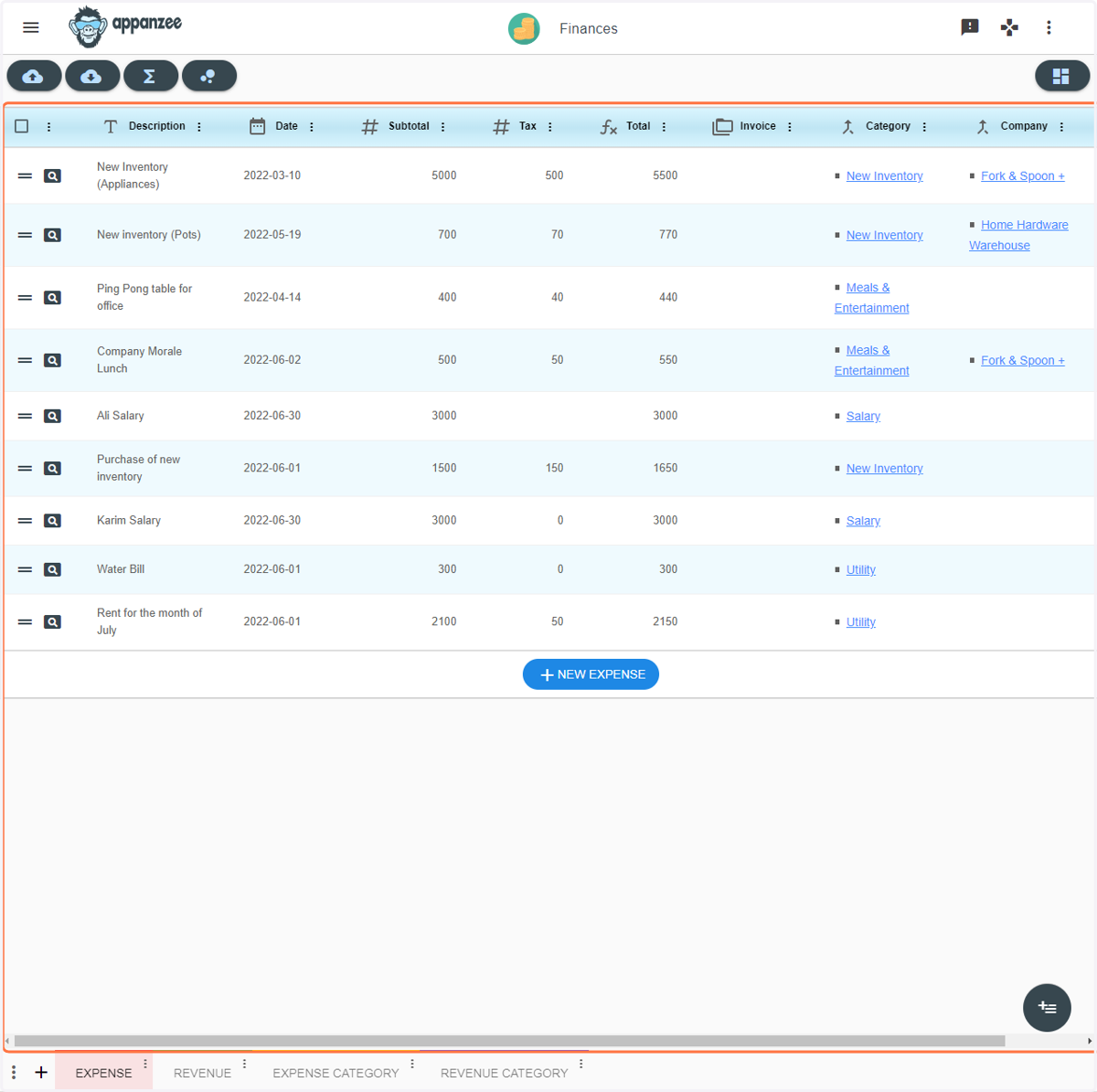
  1. 1. Open the Finances app

    Open the Finances app
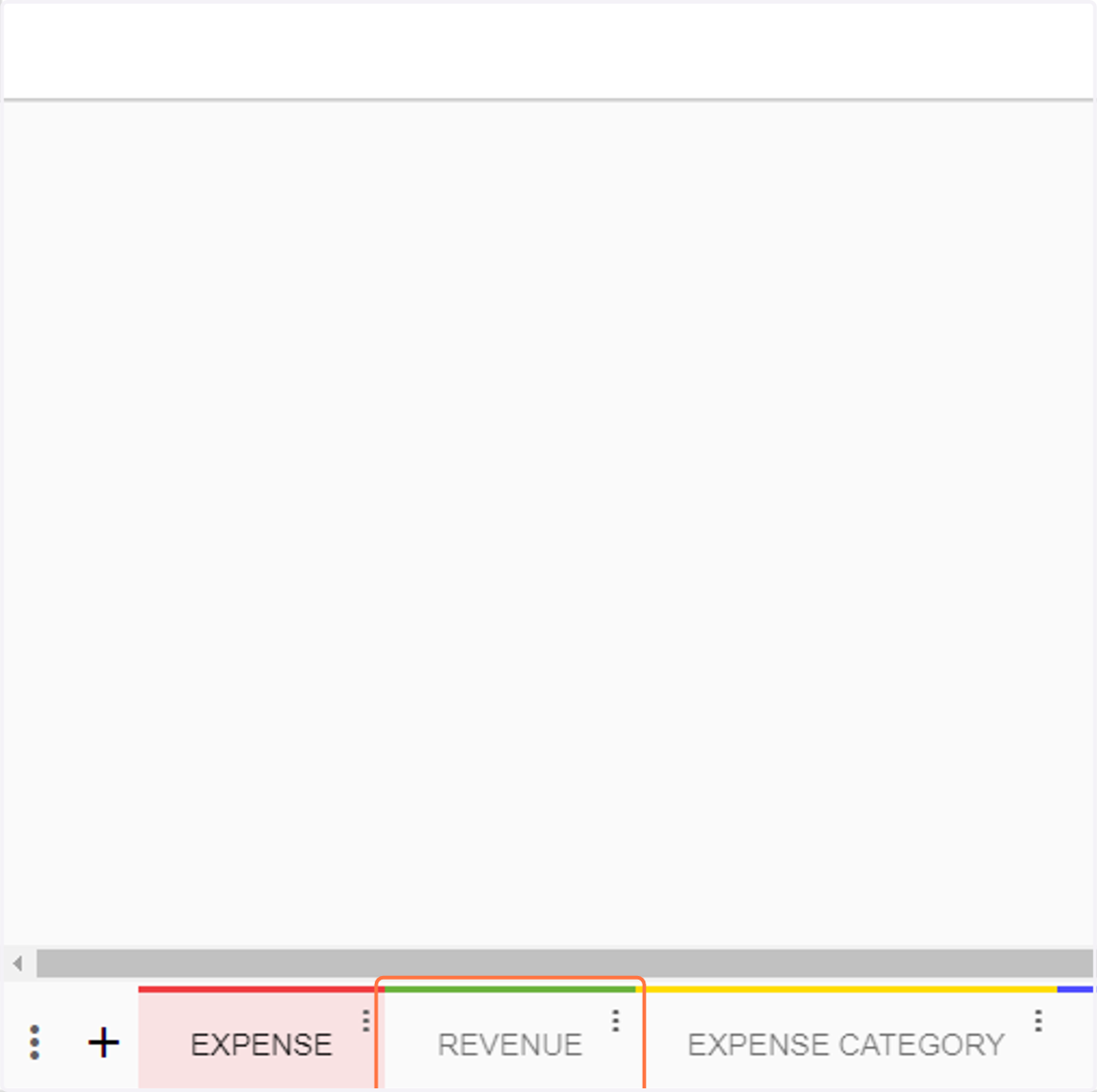
  2. 2. Click on REVENUE

    Click on REVENUE
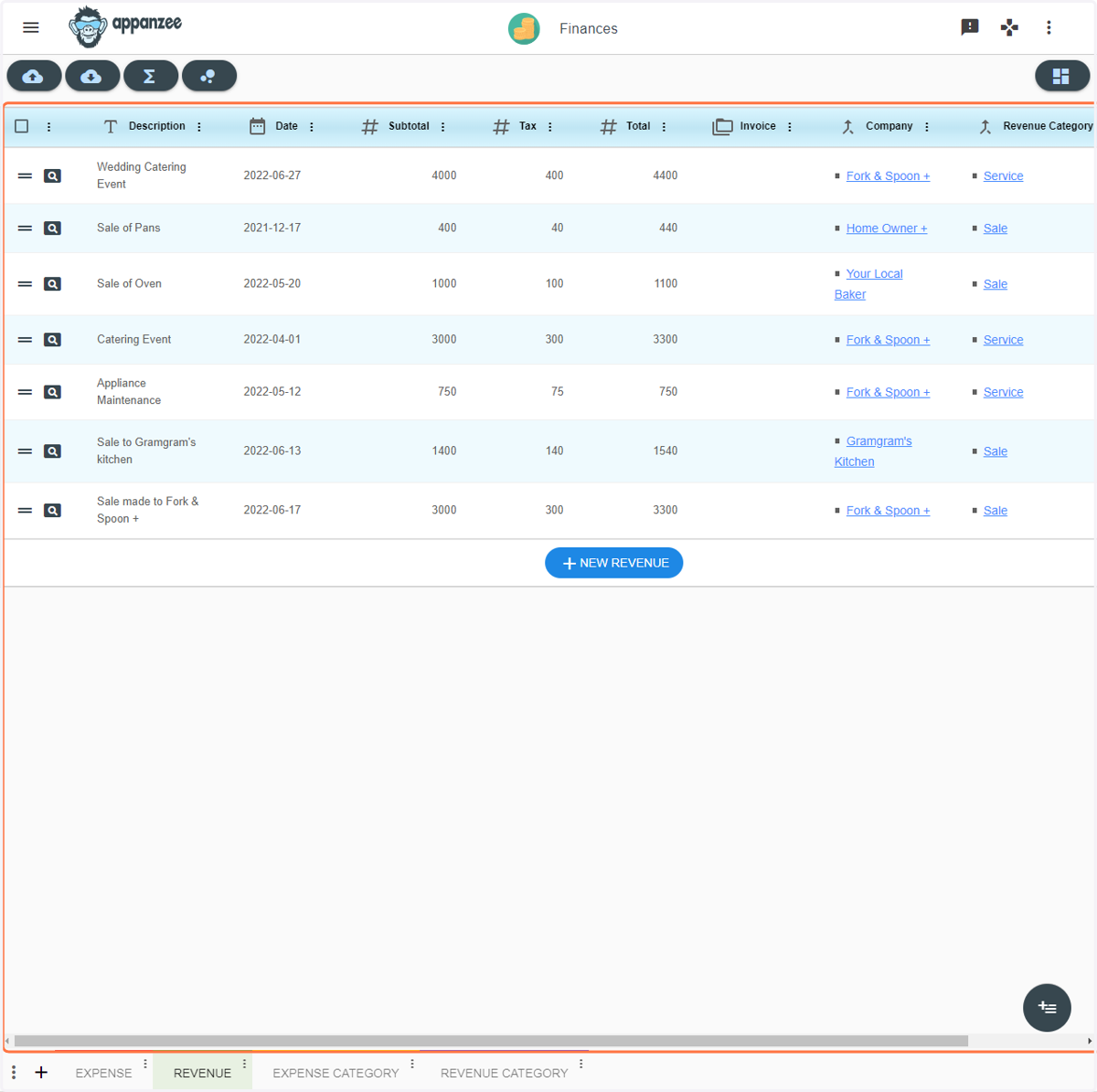
  3. 3. This is the Revenue view

    This is the Revenue view
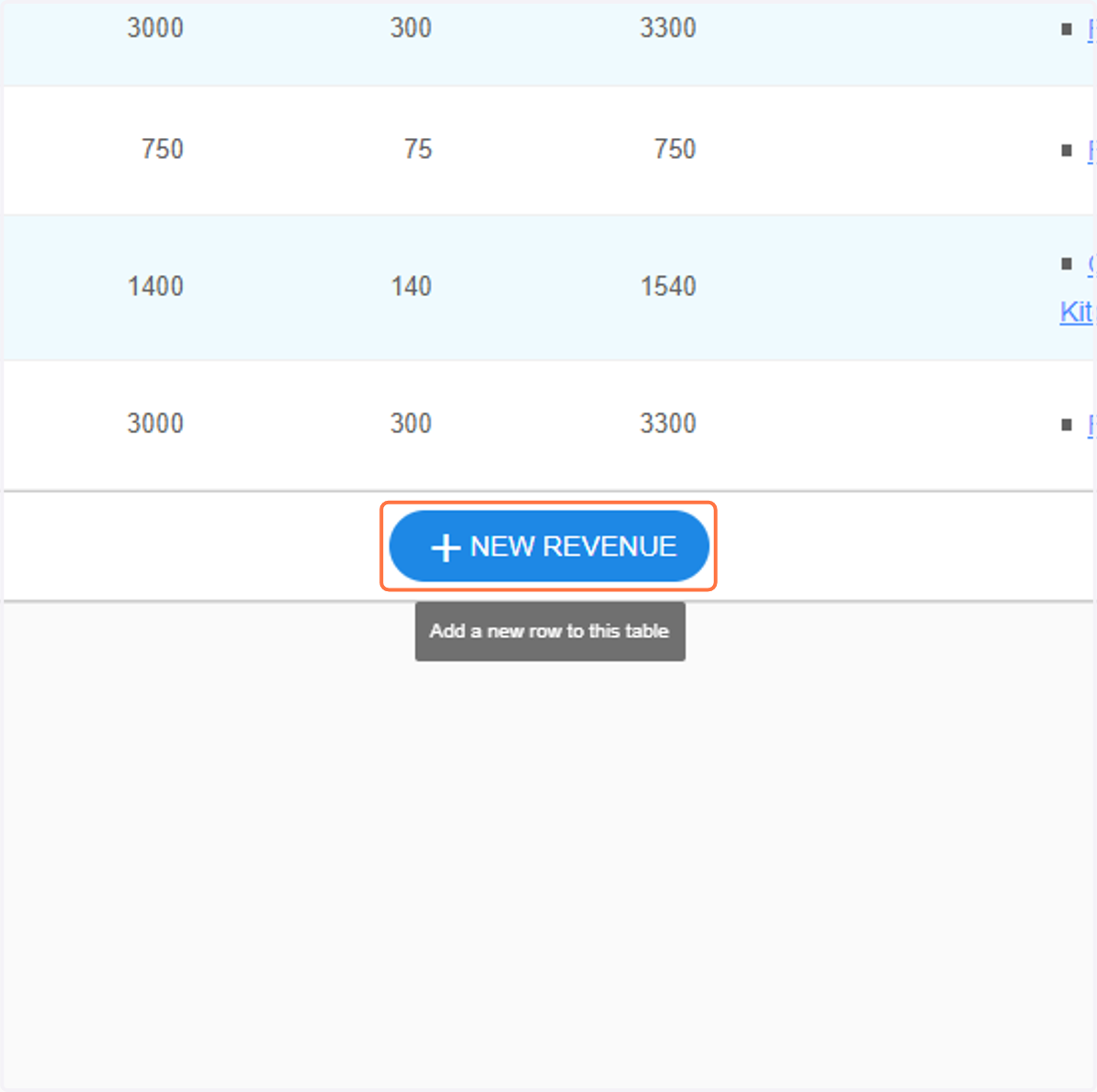
  4. 4. Click on NEW REVENUE

    Click on NEW REVENUE
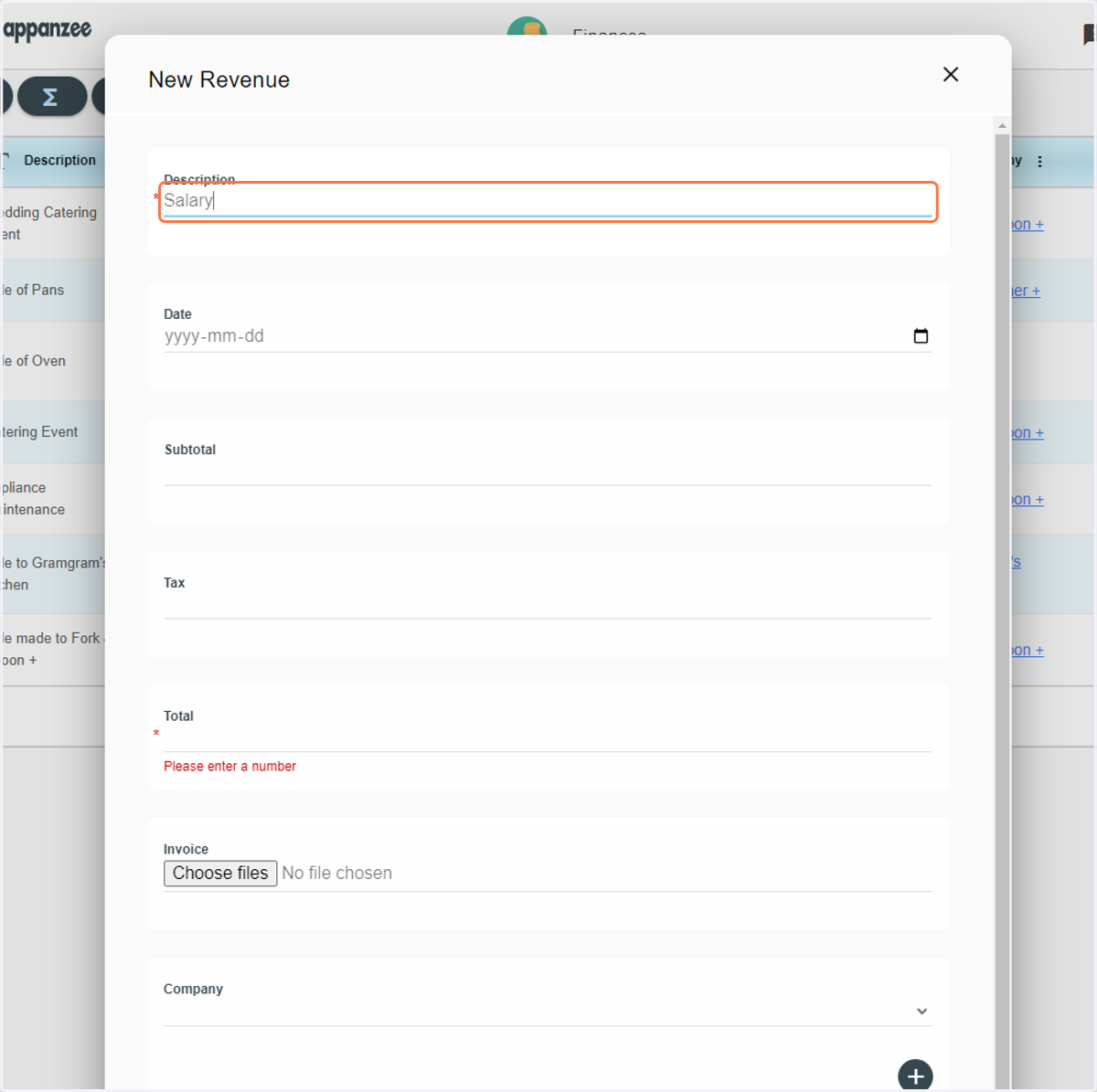
  5. 5. Type in a description

    Type in a description
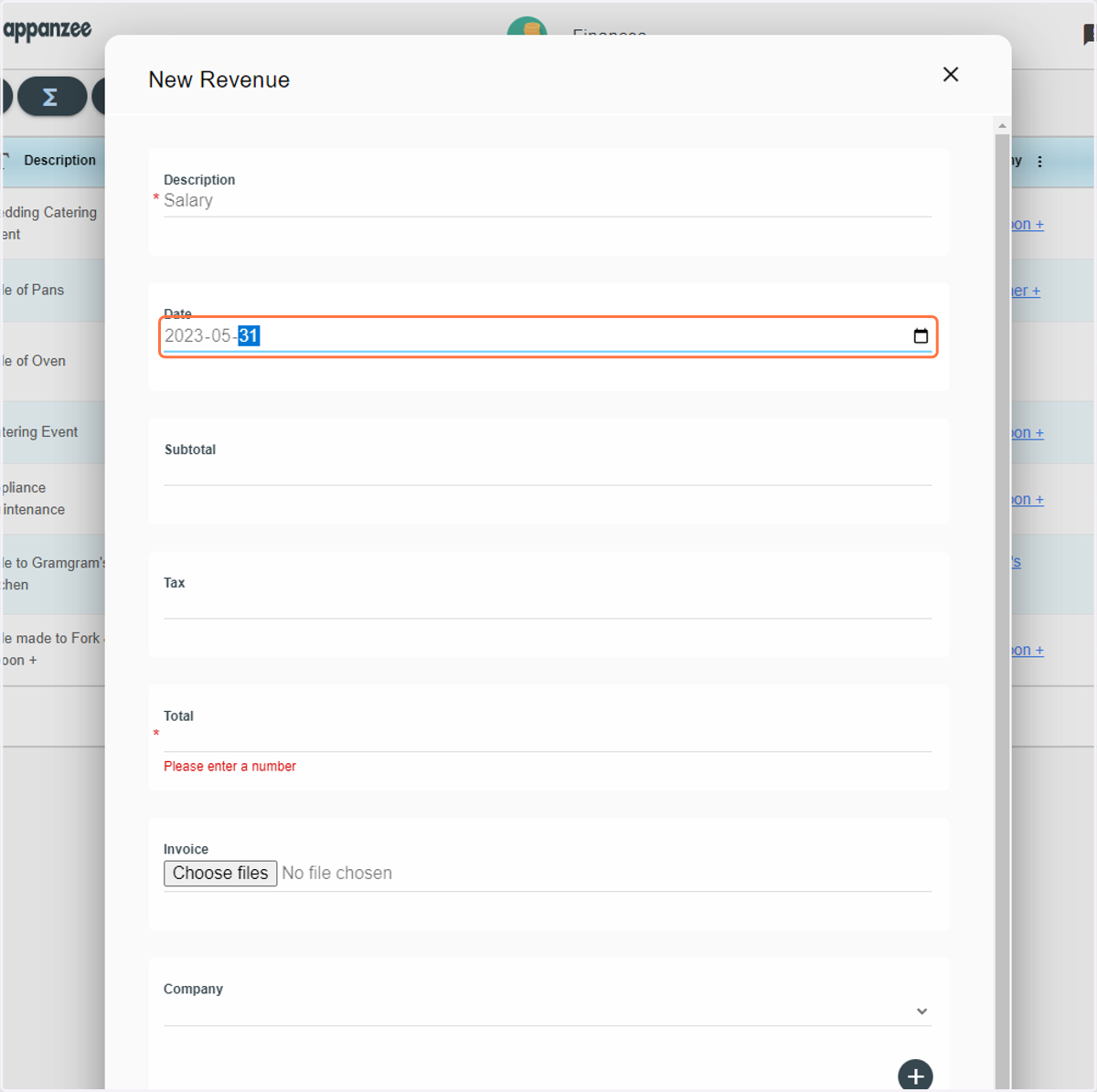
  6. 6. Type in a date

    Type in a date
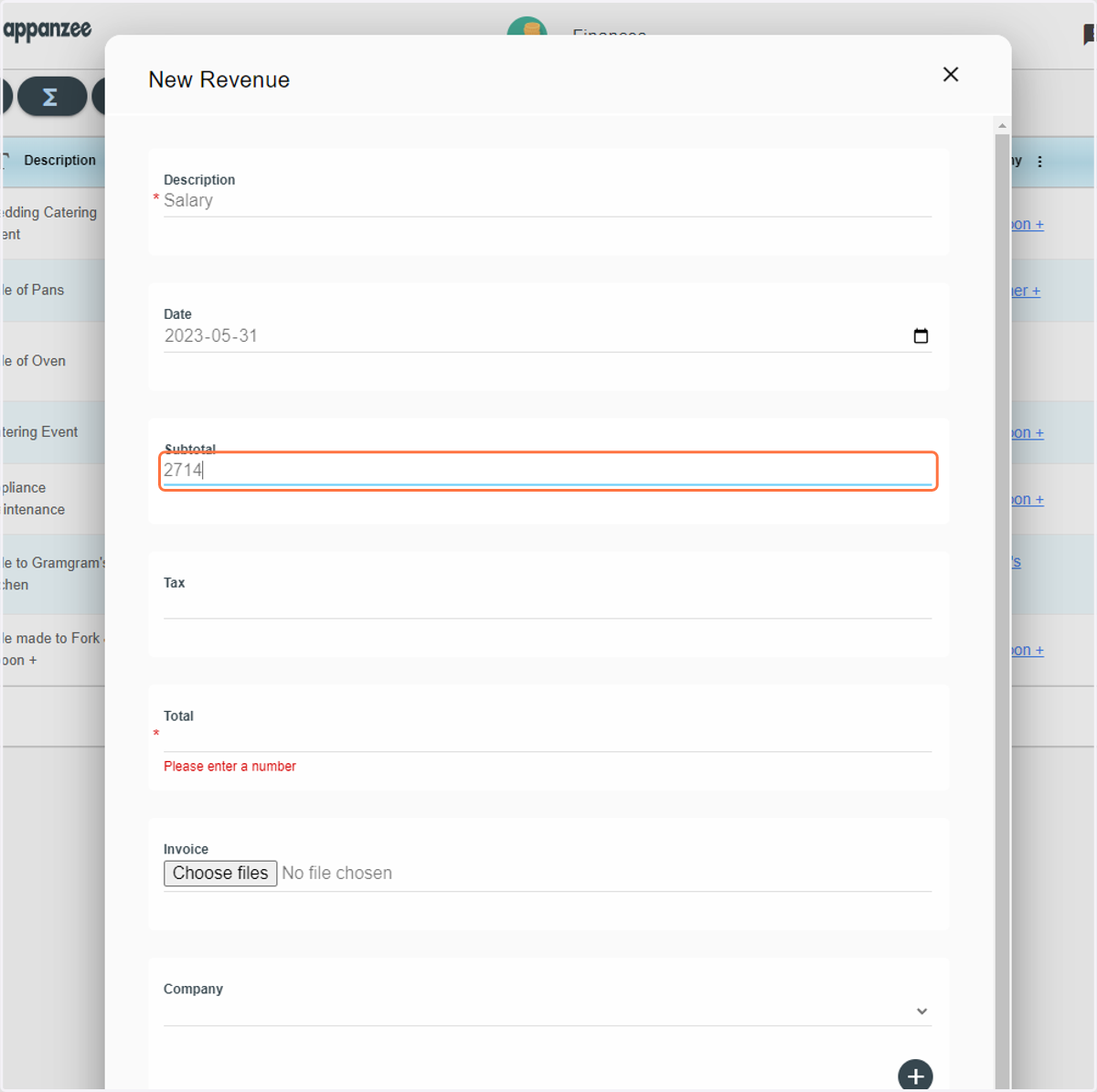
  7. 7. Type in the Subtotal

    Type in the Subtotal
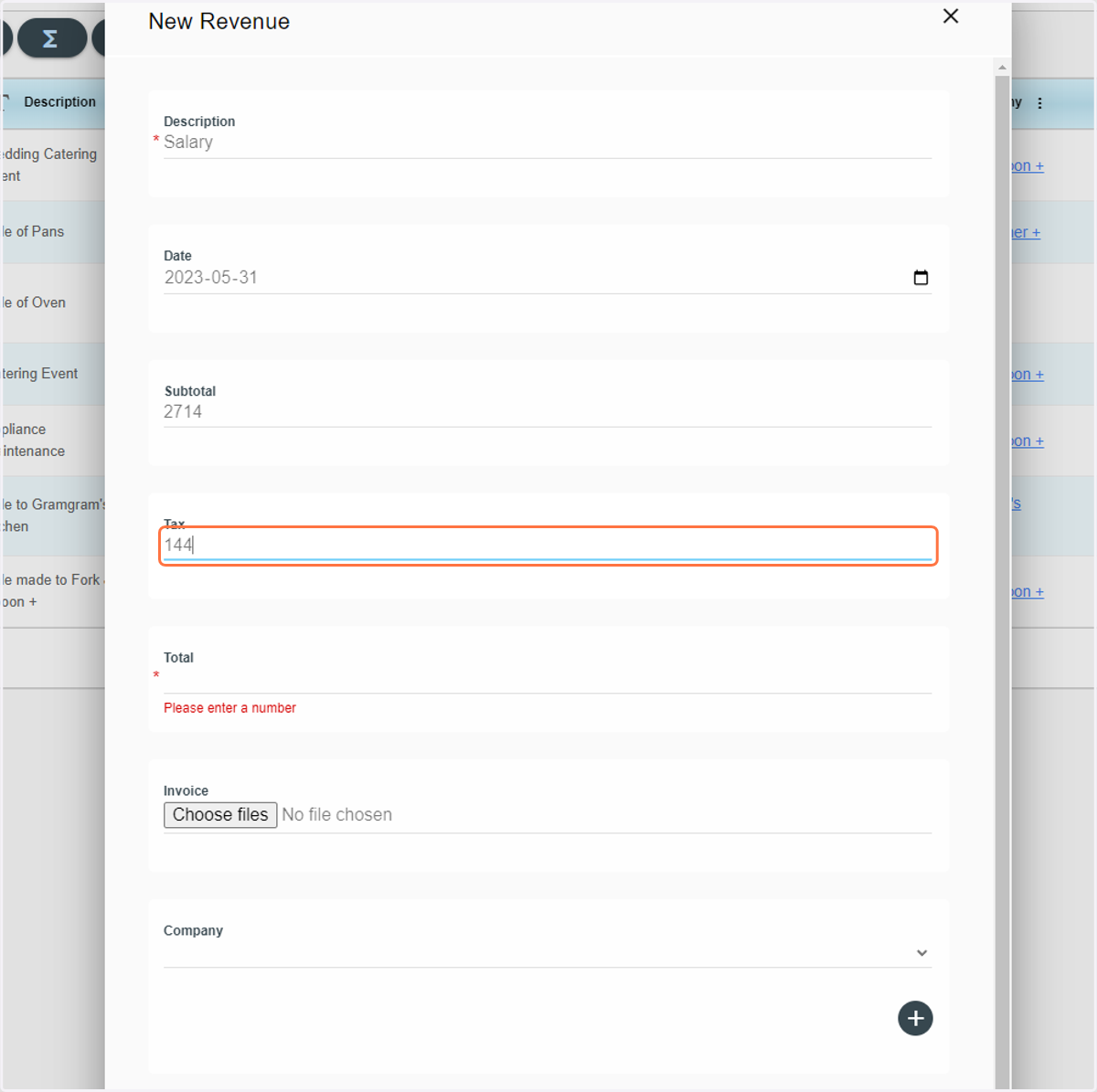
  8. 8. Type in the Tax

    Type in the Tax
  9. 9. Type in the Total. You can also choose to upload a pay slip
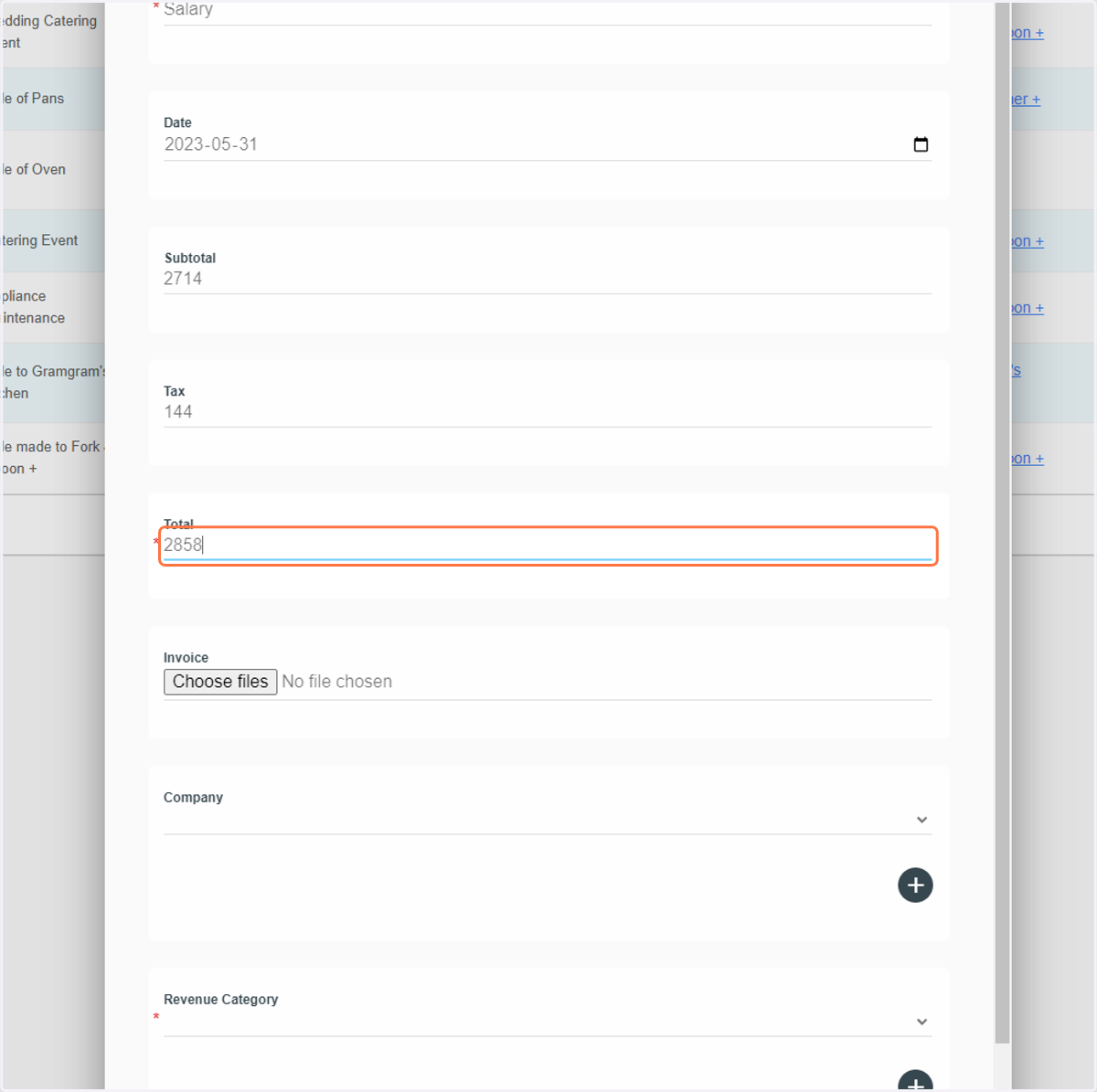
    Type in the Total. You can also choose to upload a pay slip
  10. 10. Select a Company or create a new one
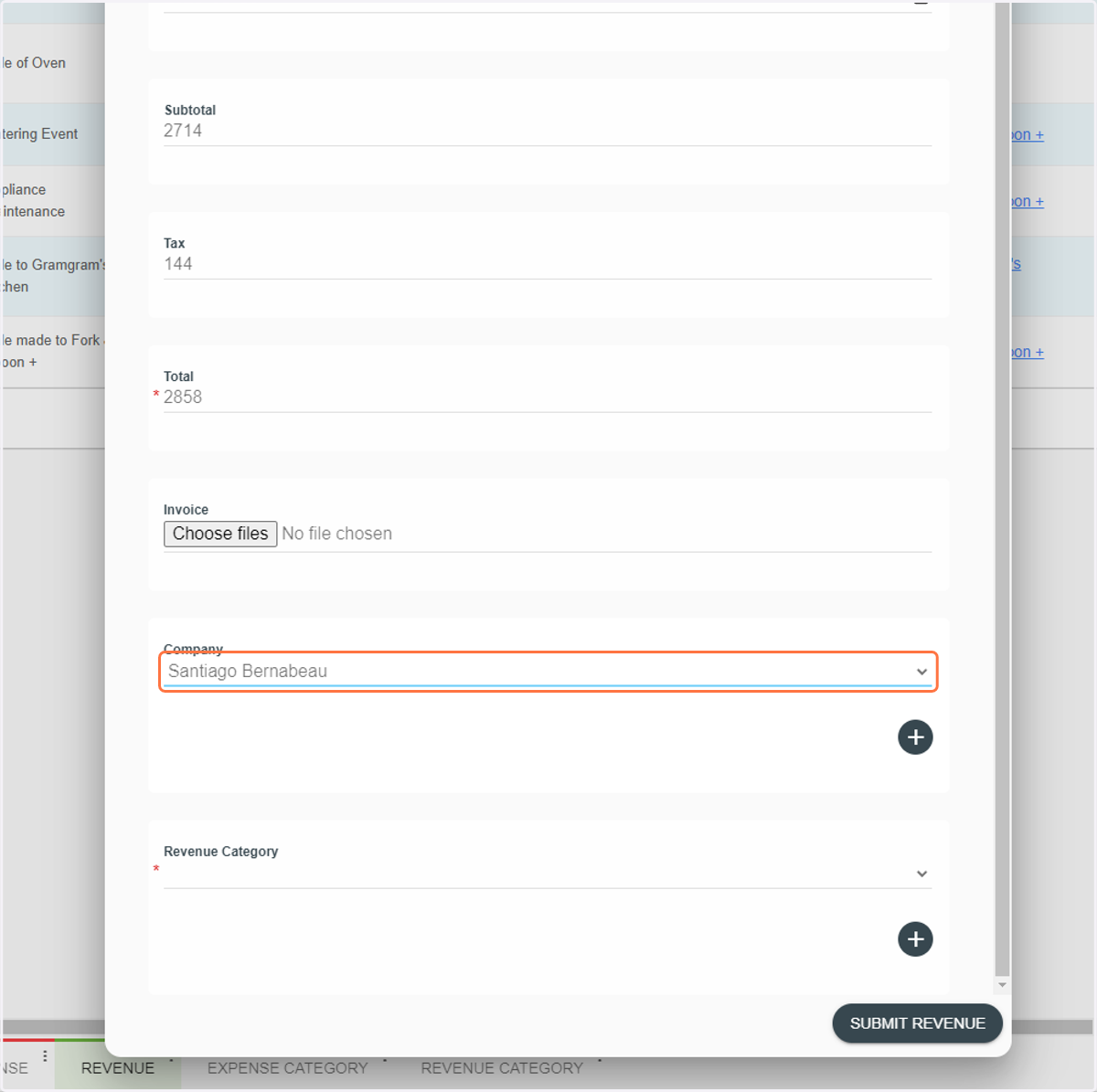
    Select a Company or create a new one
  11. 11. Select a Revenue Category or create a new one
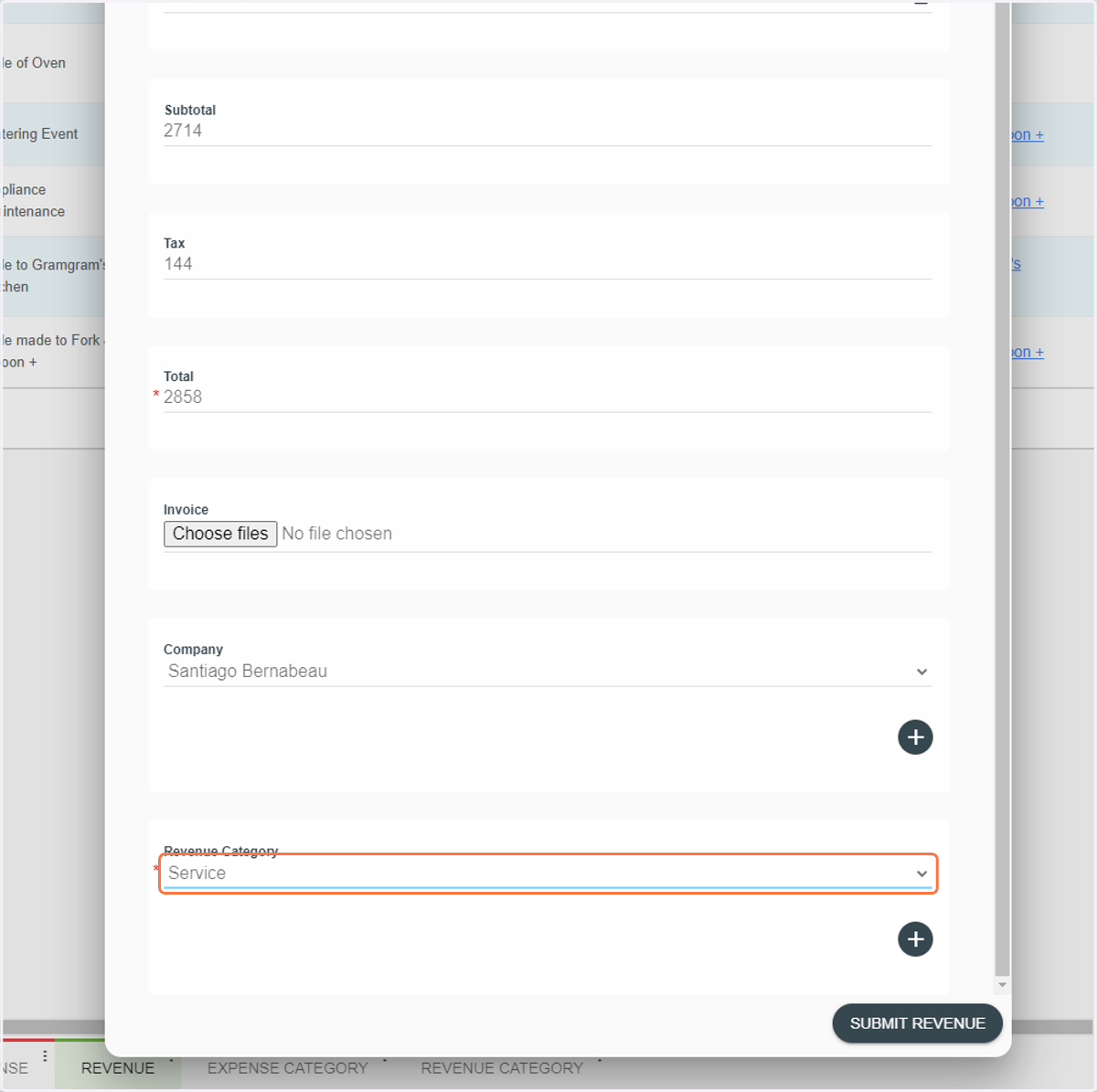
    Select a Revenue Category or create a new one
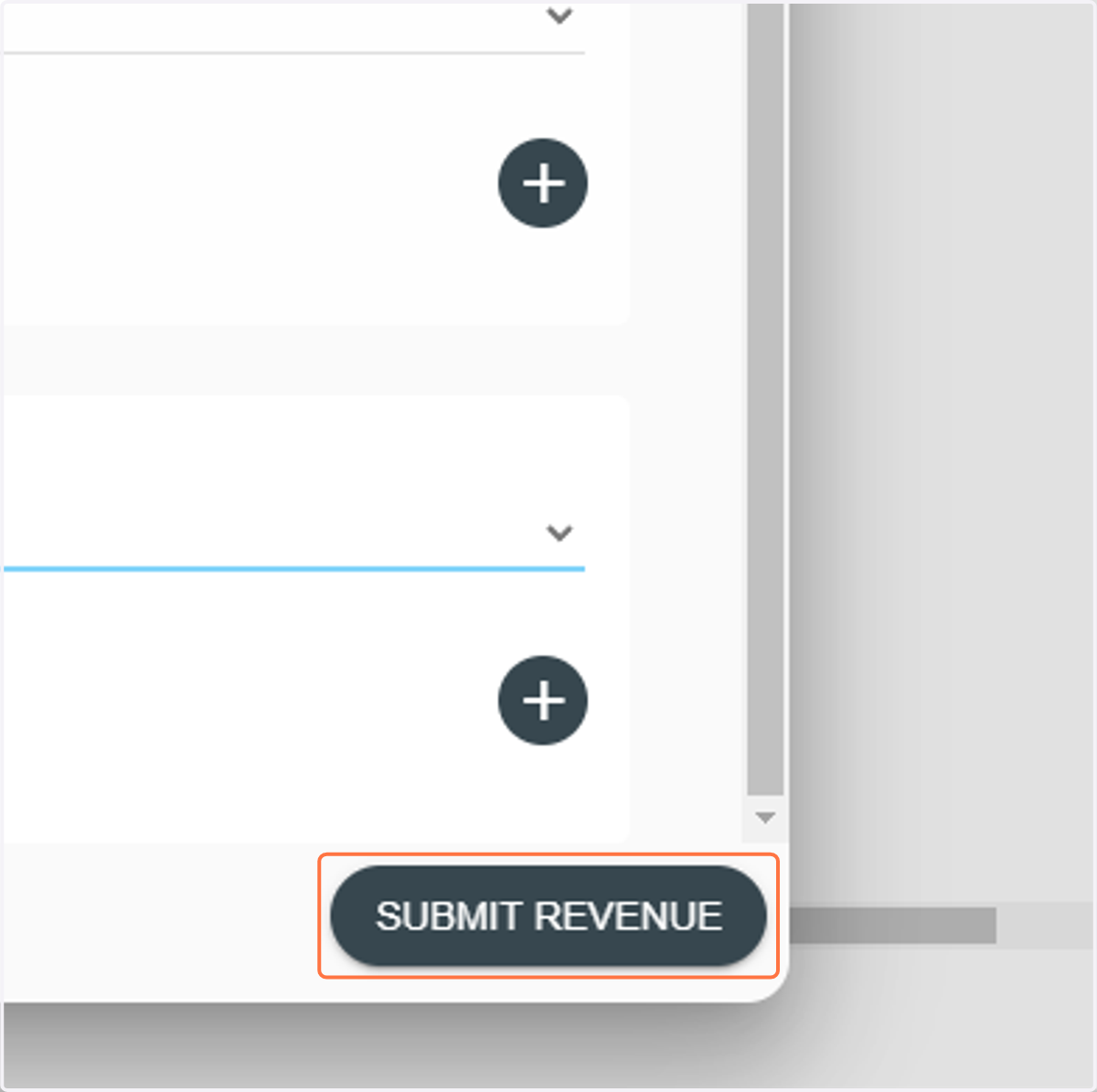
  12. 12. Click on SUBMIT REVENUE

    Click on SUBMIT REVENUE
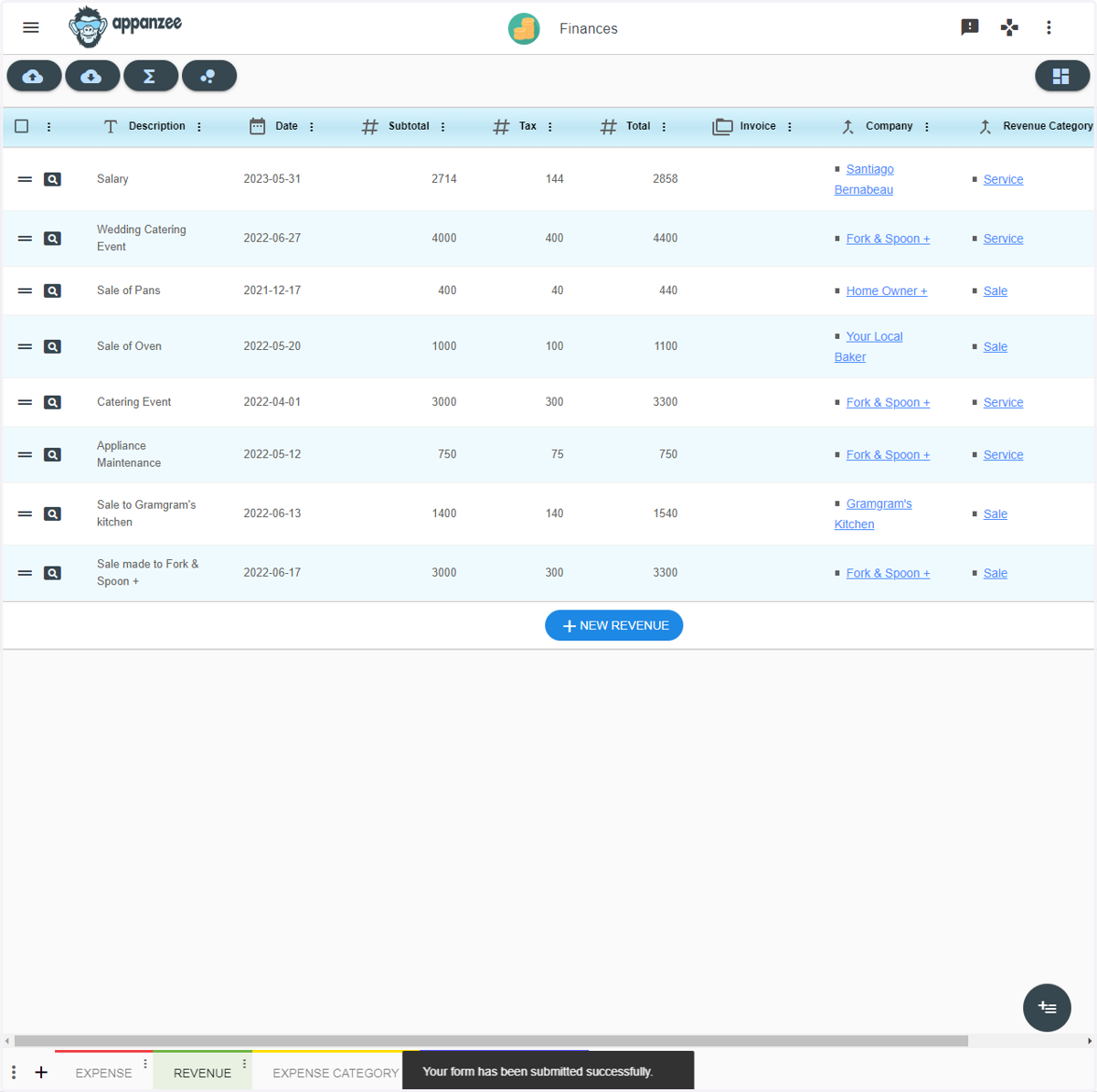
  13. 13. Done!

    Done!