Creating a Dataset in CSO Data
CSO Data Kenya – Uniting Civil Society Through Shared Data Power.
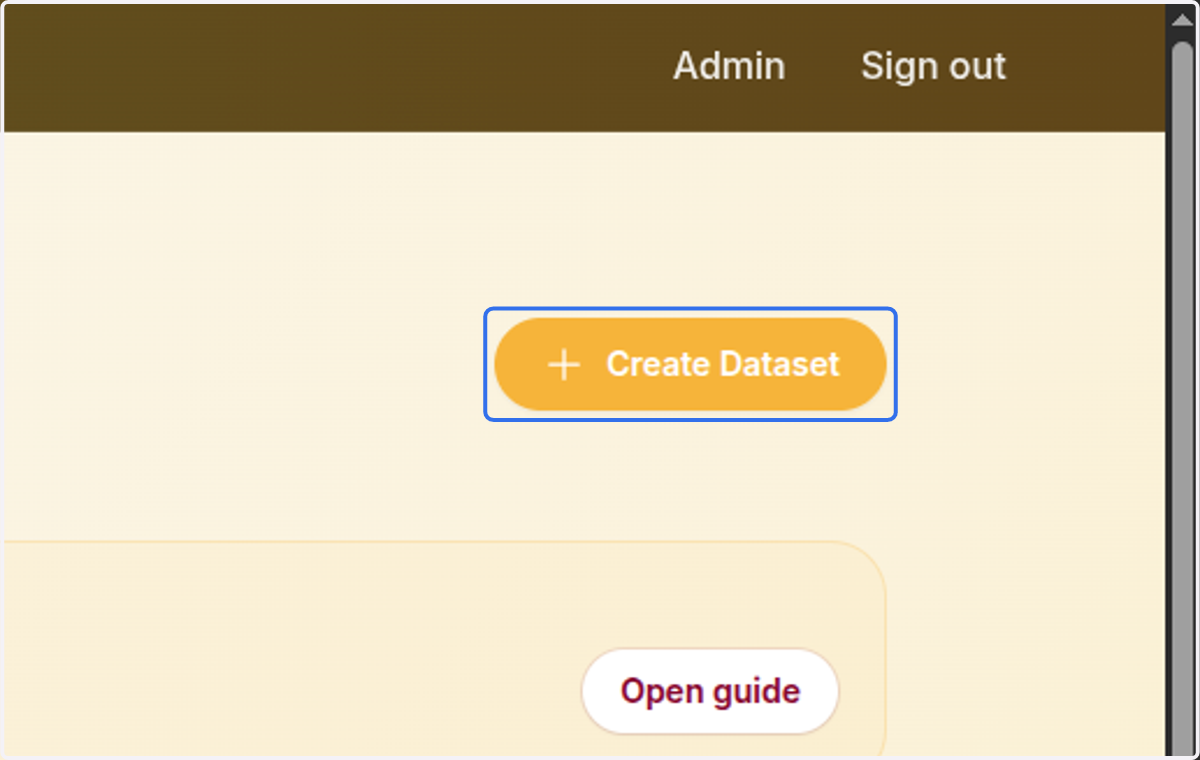
1. Click on Create Dataset
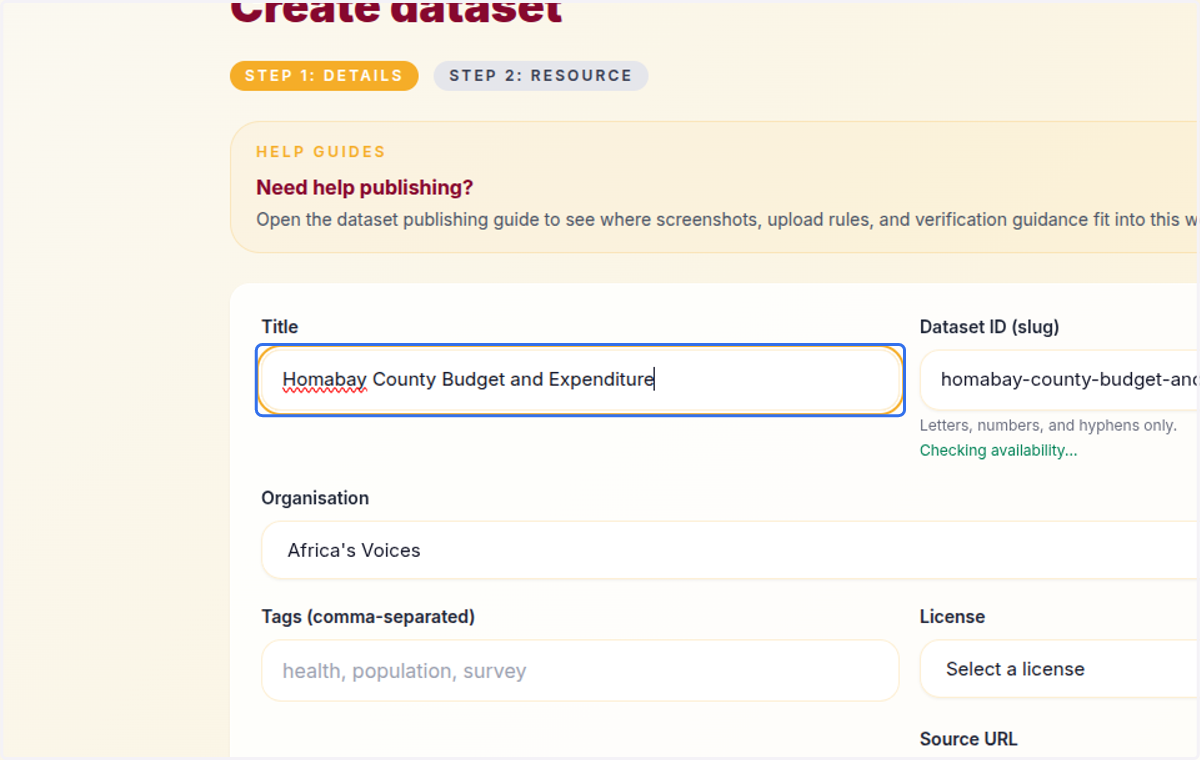
2. Provide the title of your dataset
3. Select your organization: the organization that owns and maintains this dataset
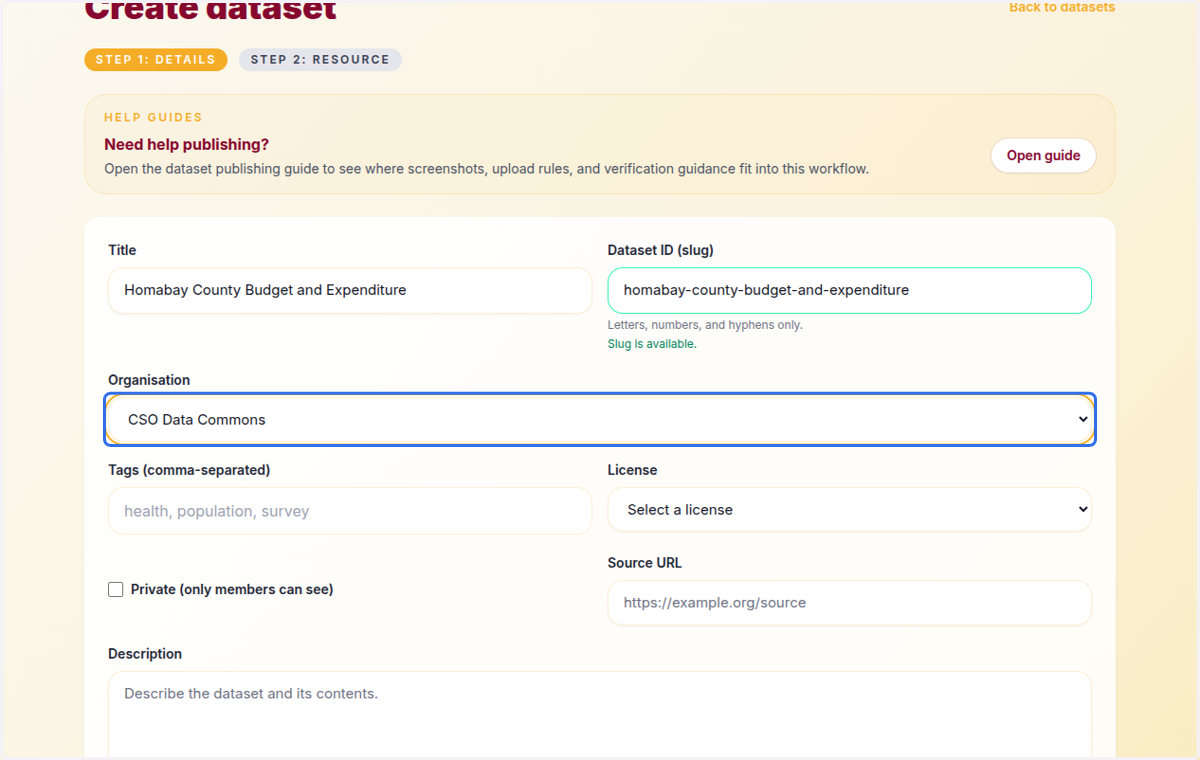
4. Add tags to this dataset (optional), which help in grouping similar datasets together
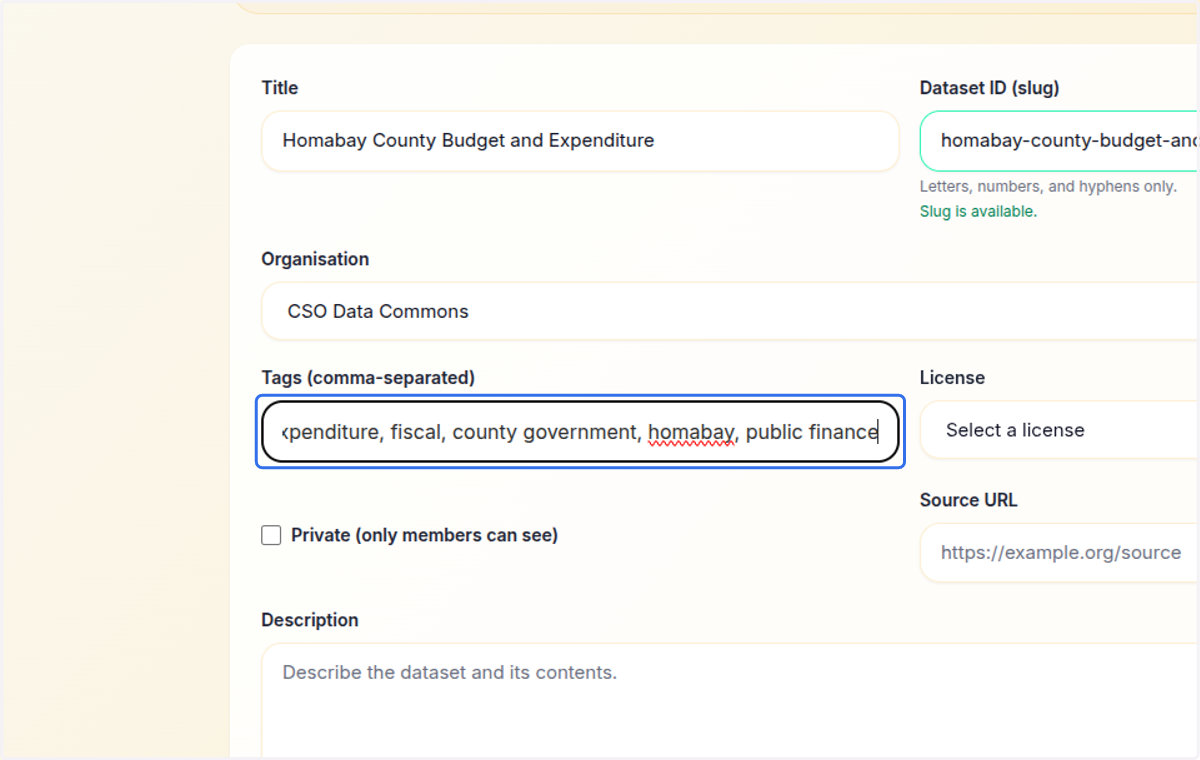
5. Provide the license
The licence field is easy to overlook, but really important. It determines whether journalists, researchers, and developers can legally reuse the data. CC0 — maximally open; some organisations are uncomfortable giving up all rights
CC-BY — the sweet spot for most CSO data; open but attribution is required
CC-BY-SA — good when you want downstream work to remain open
CC-BY-NC — use when donor agreements restrict commercial use
ODbL — used mainly for mapping/geographic databases (e.g. OpenStreetMap)
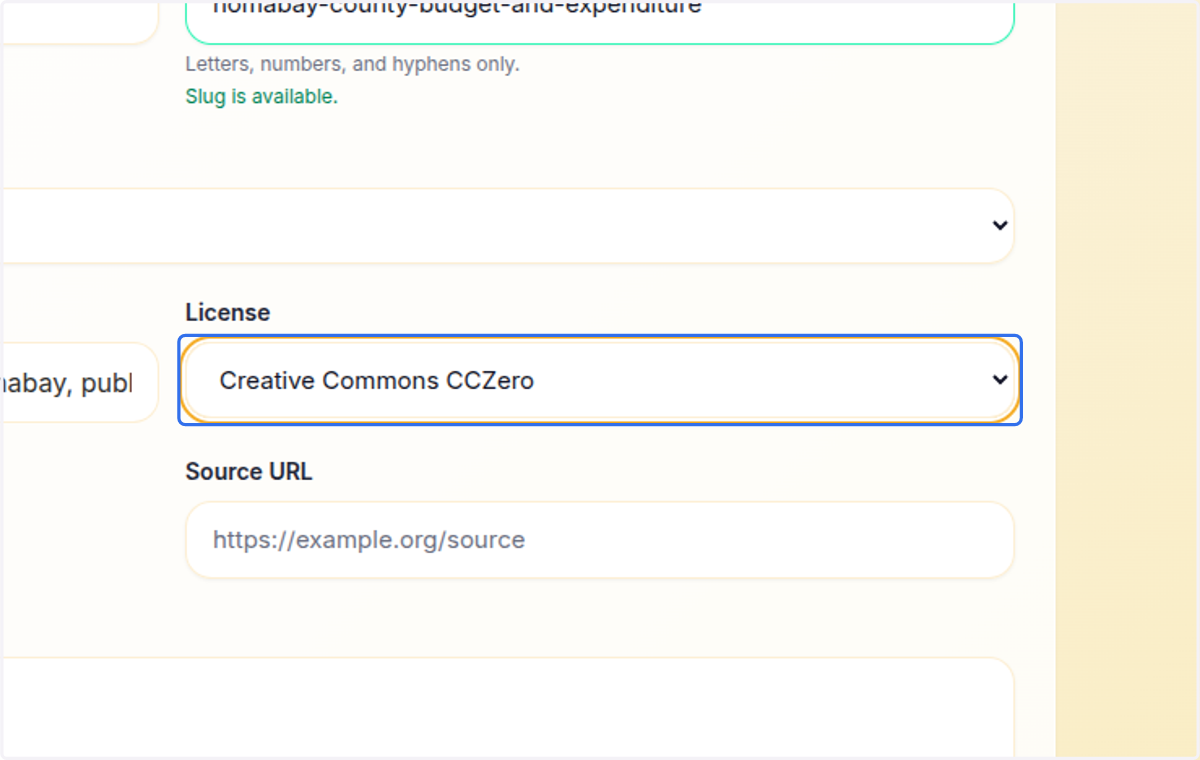
6. Provide the source URL for this data: leave the field empty if the data came from the organization.
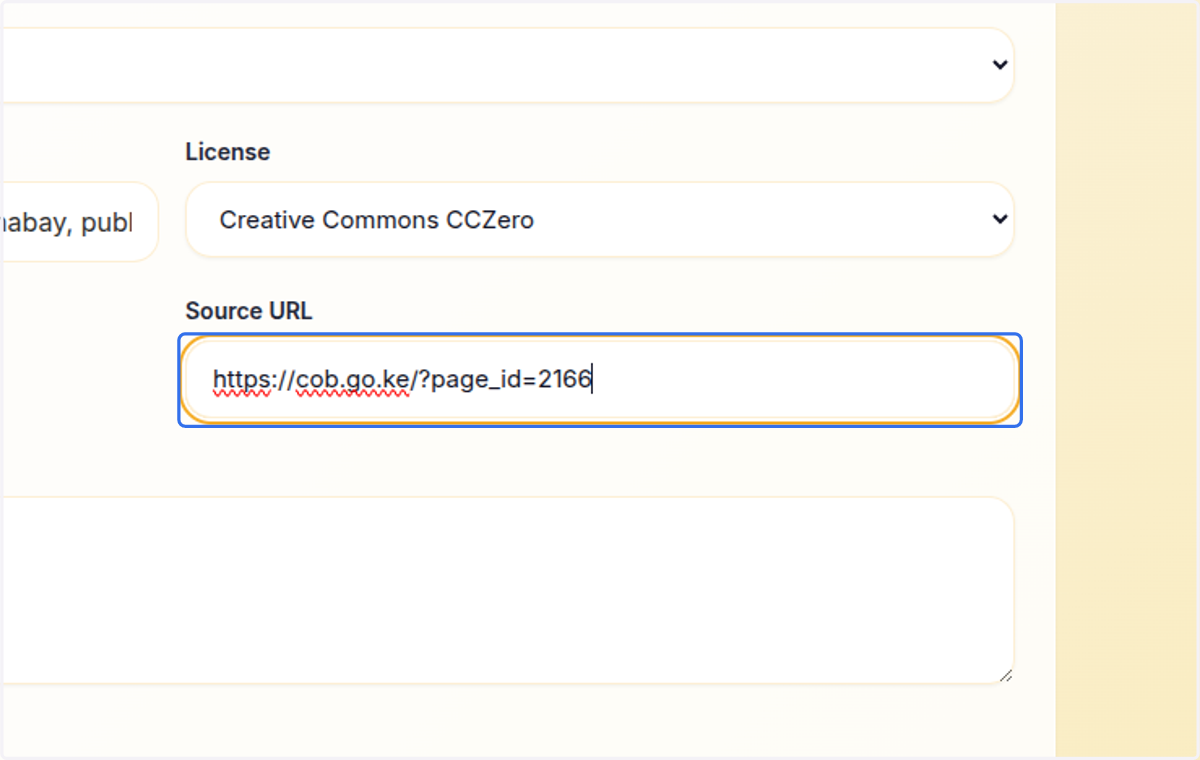
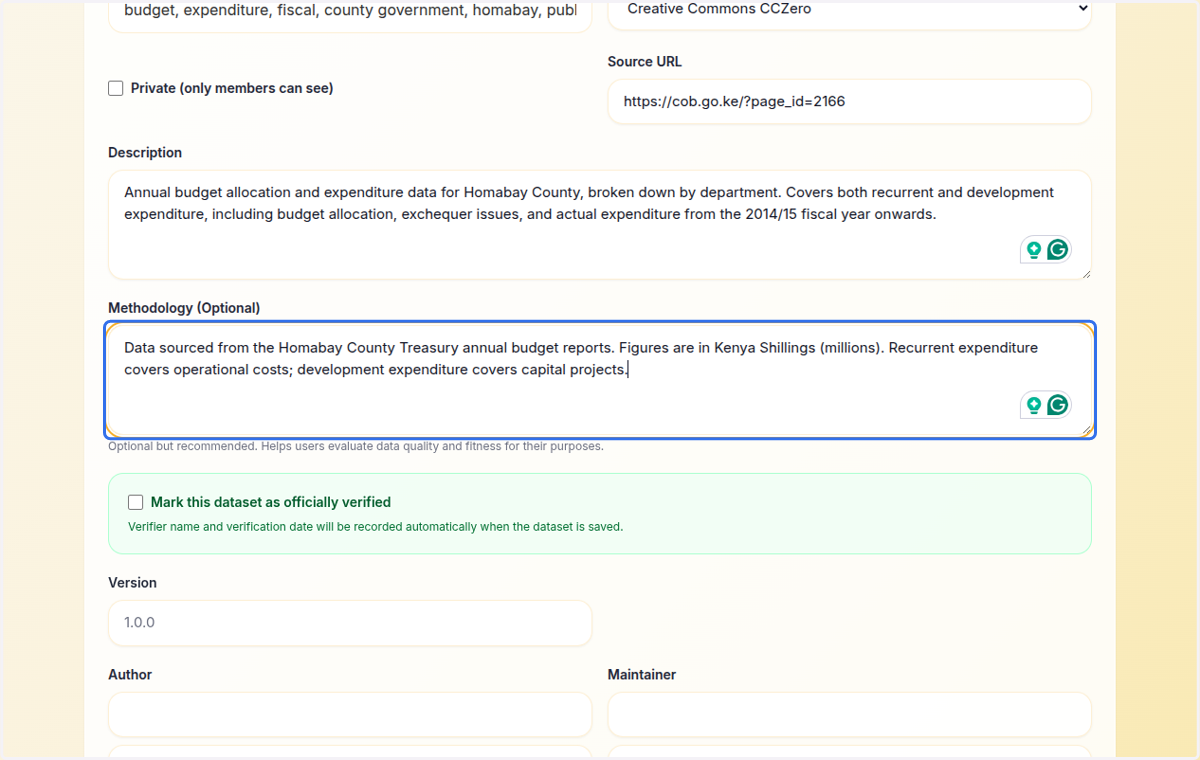
7. Provide a description for this dataset. Descriptions help other users find out what this dataset is all about
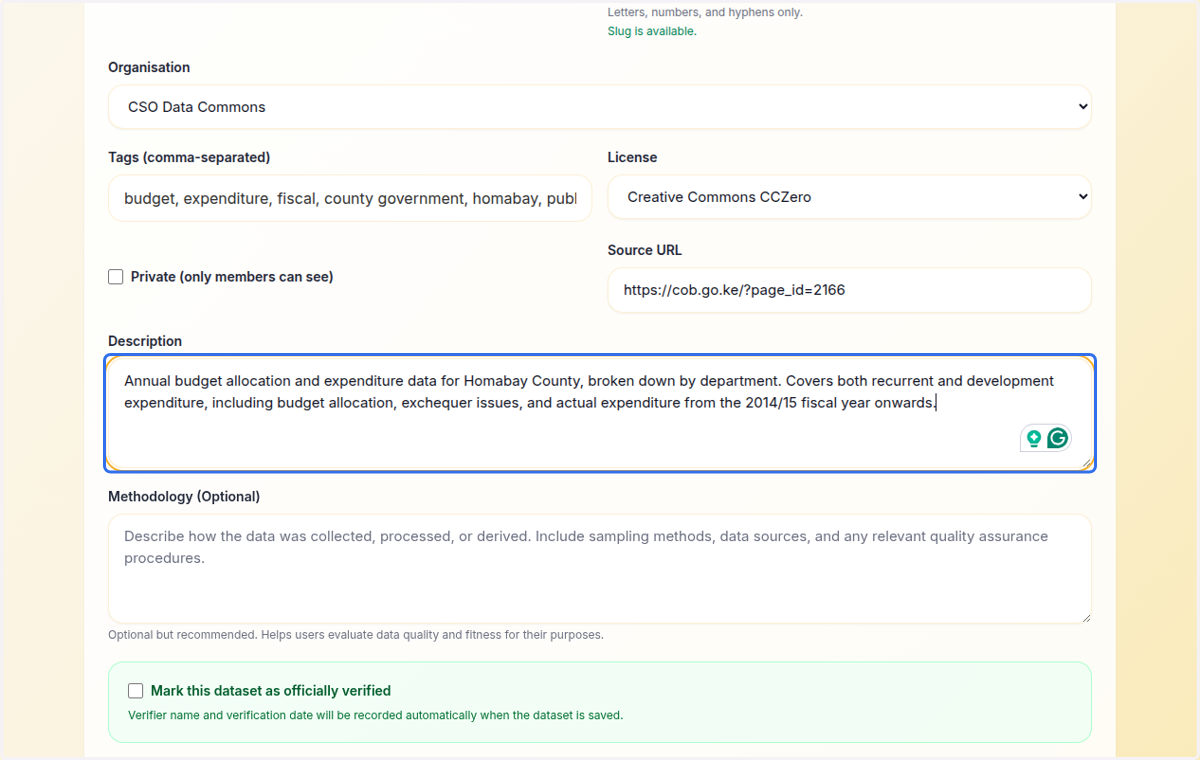
8. Provide a research methodology. This follows open data and research publishing best practices, helping users evaluate data quality and fitness for their purposes
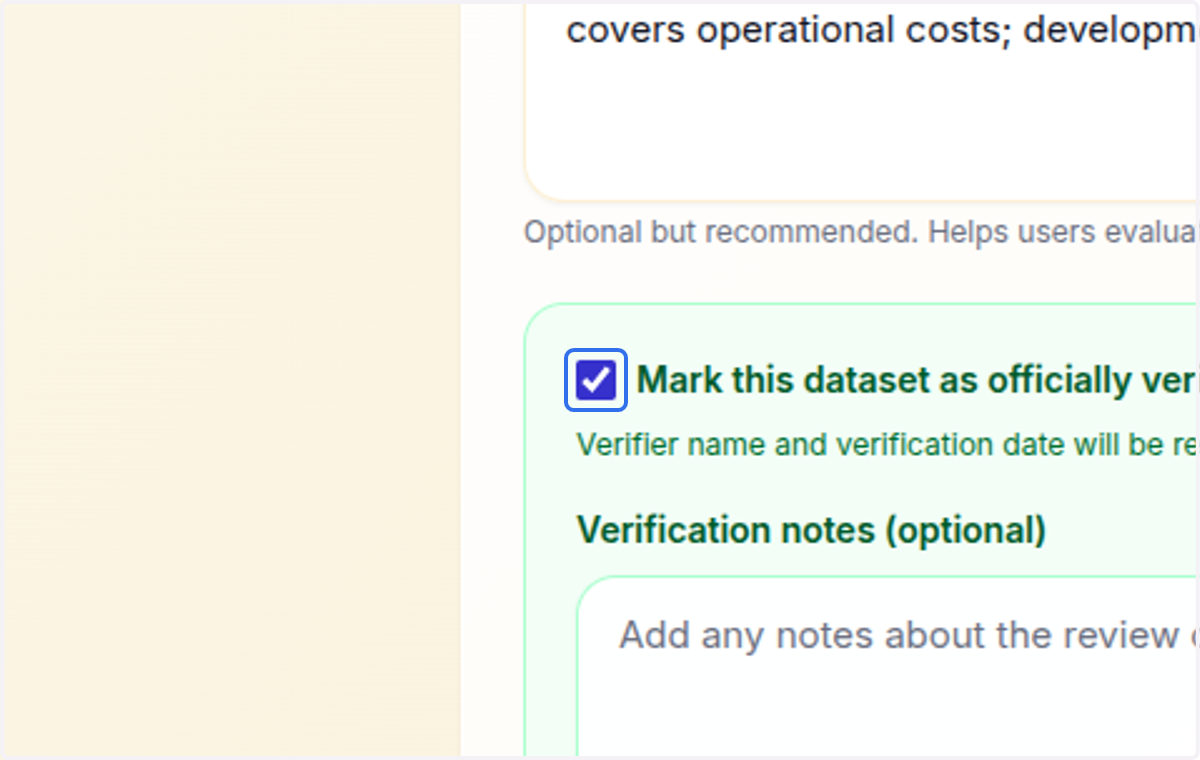
9. Check Mark this dataset as officially verified (this is only available for admins)
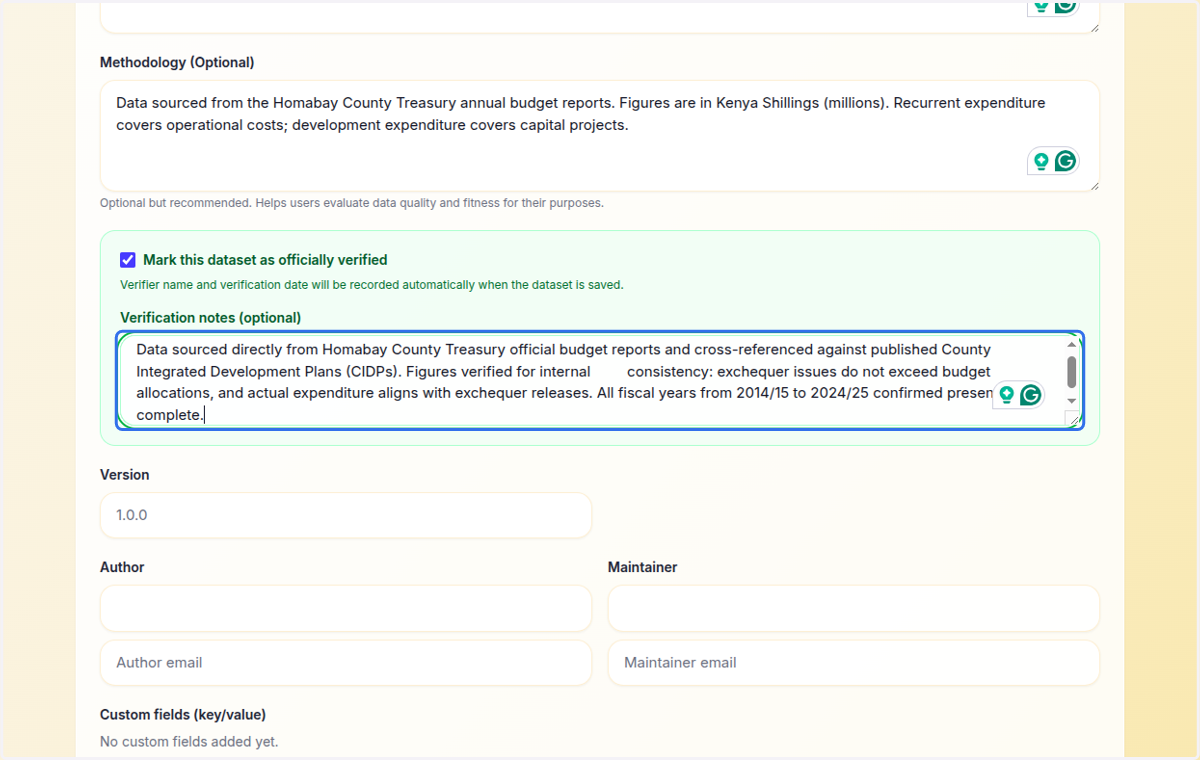
10. Provide verification notes for how this dataset was verified
11. Provide the Author of this dataset
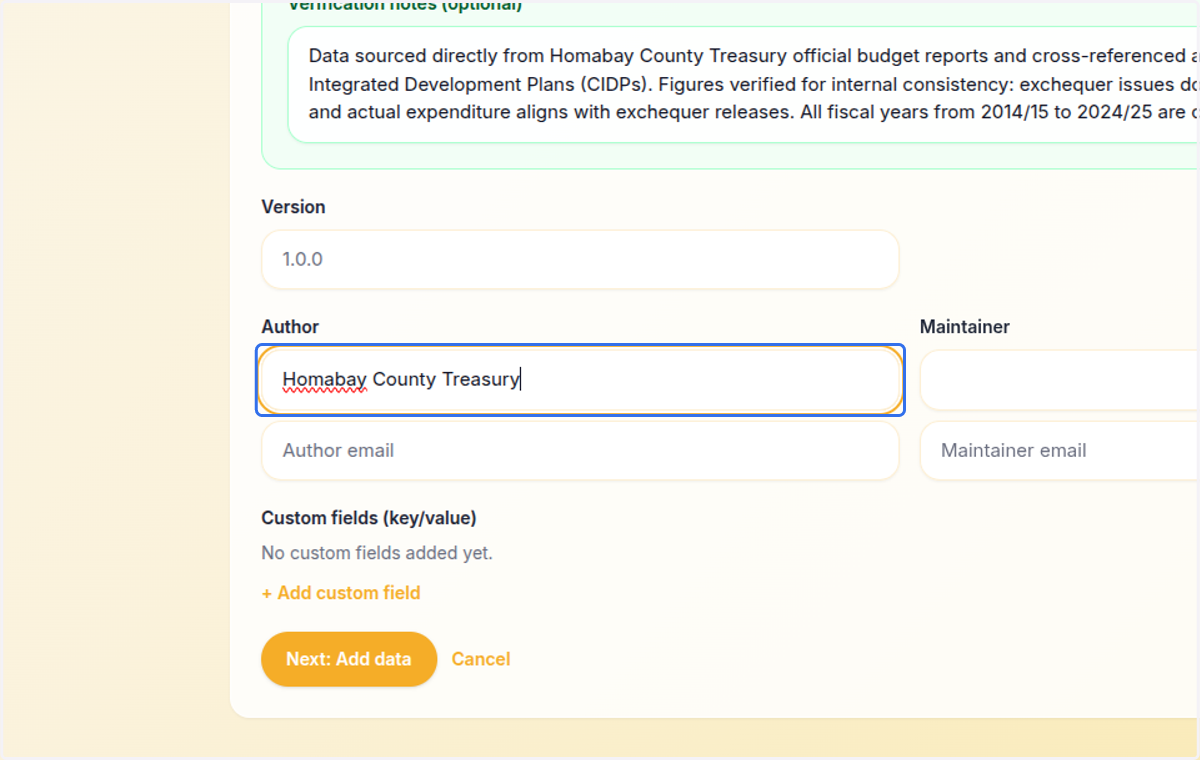
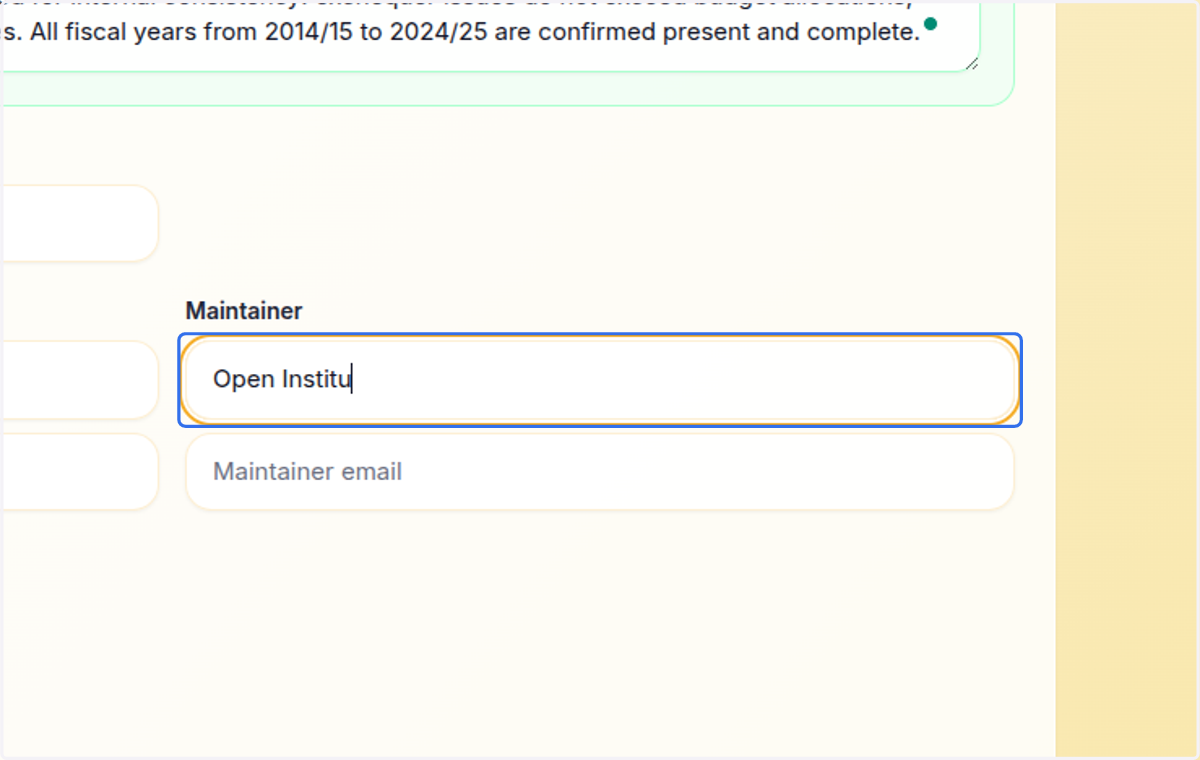
12. Provide the maintainer for this dataset
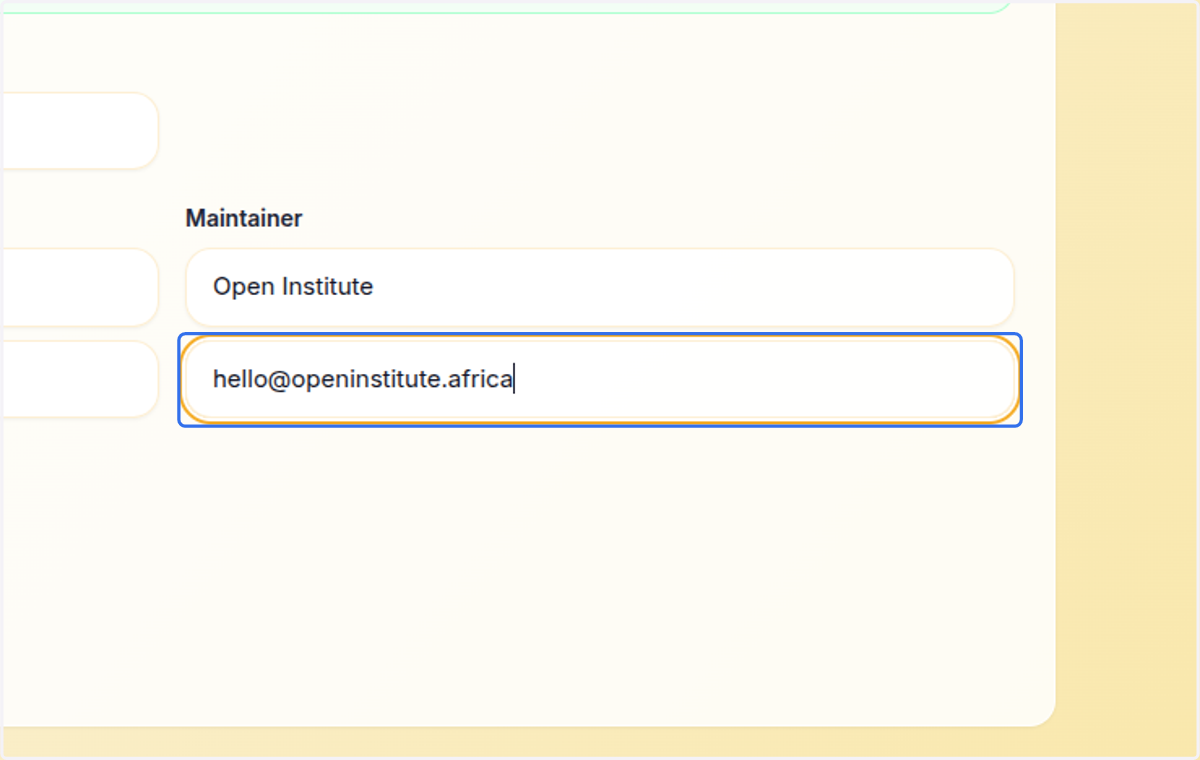
13. Type the maintainer email
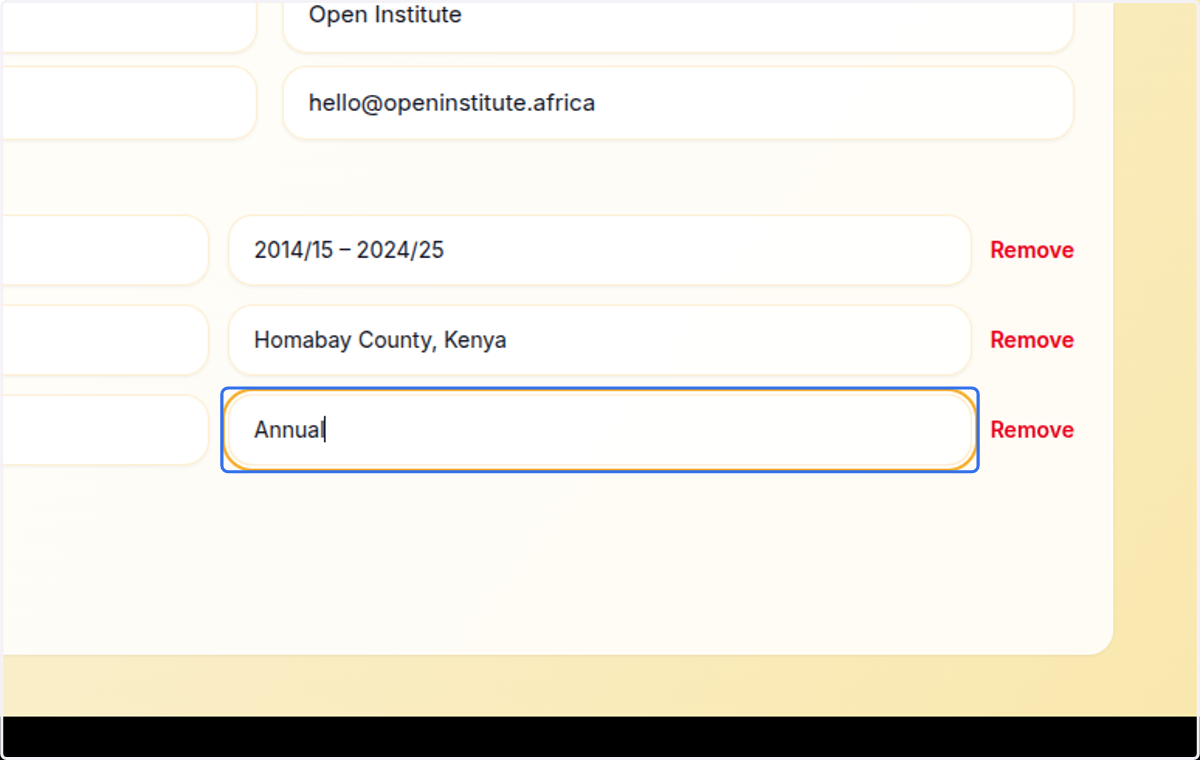
14. Add optional custom fields
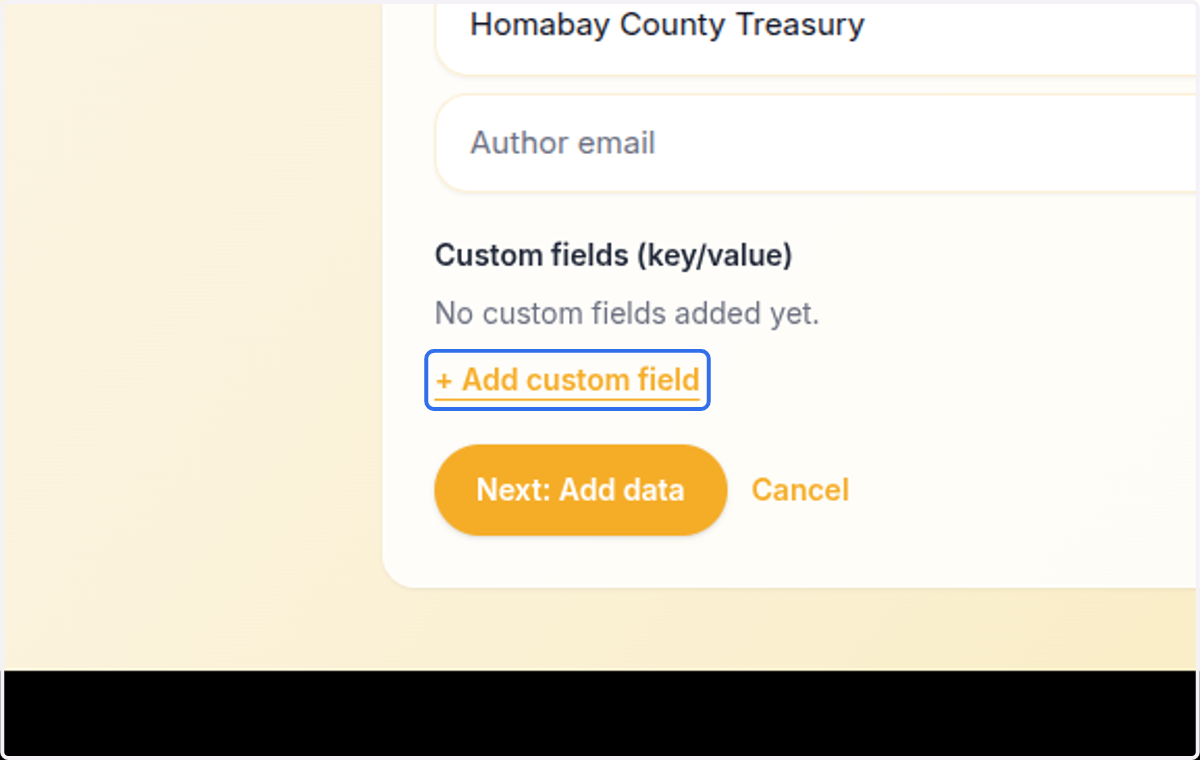
15. Add optional custom fields
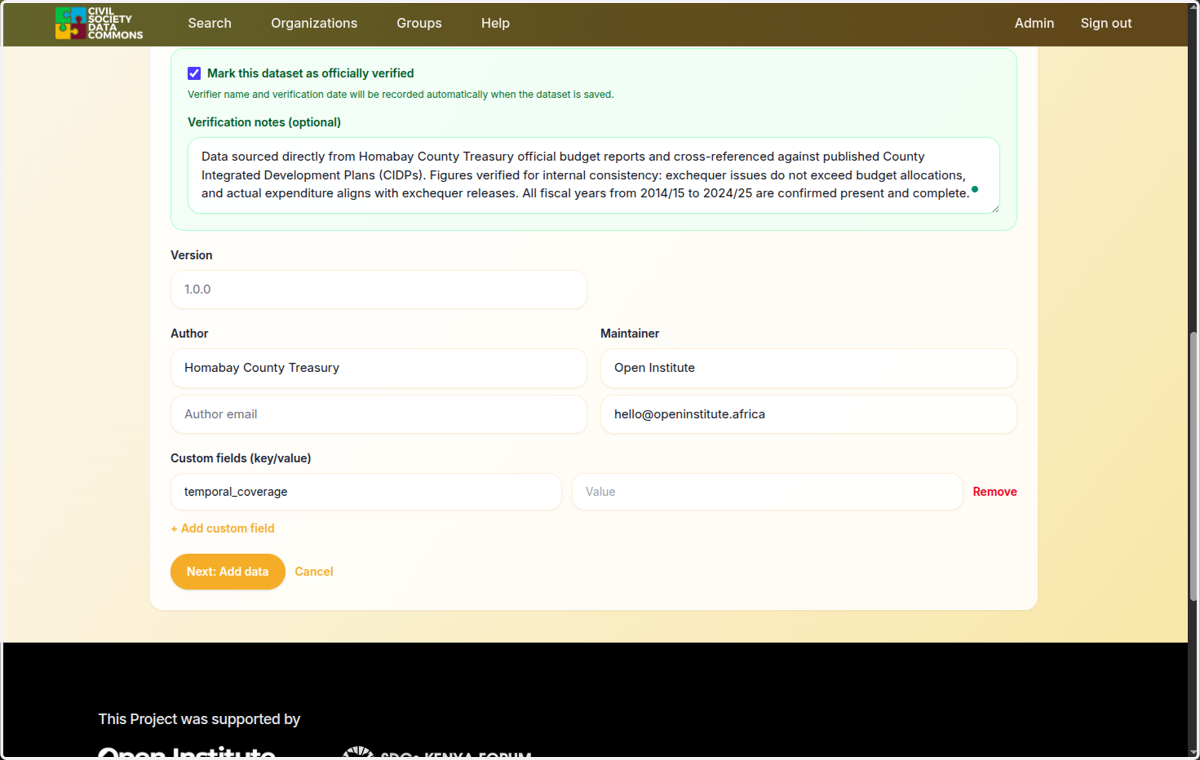
16. Provide the value
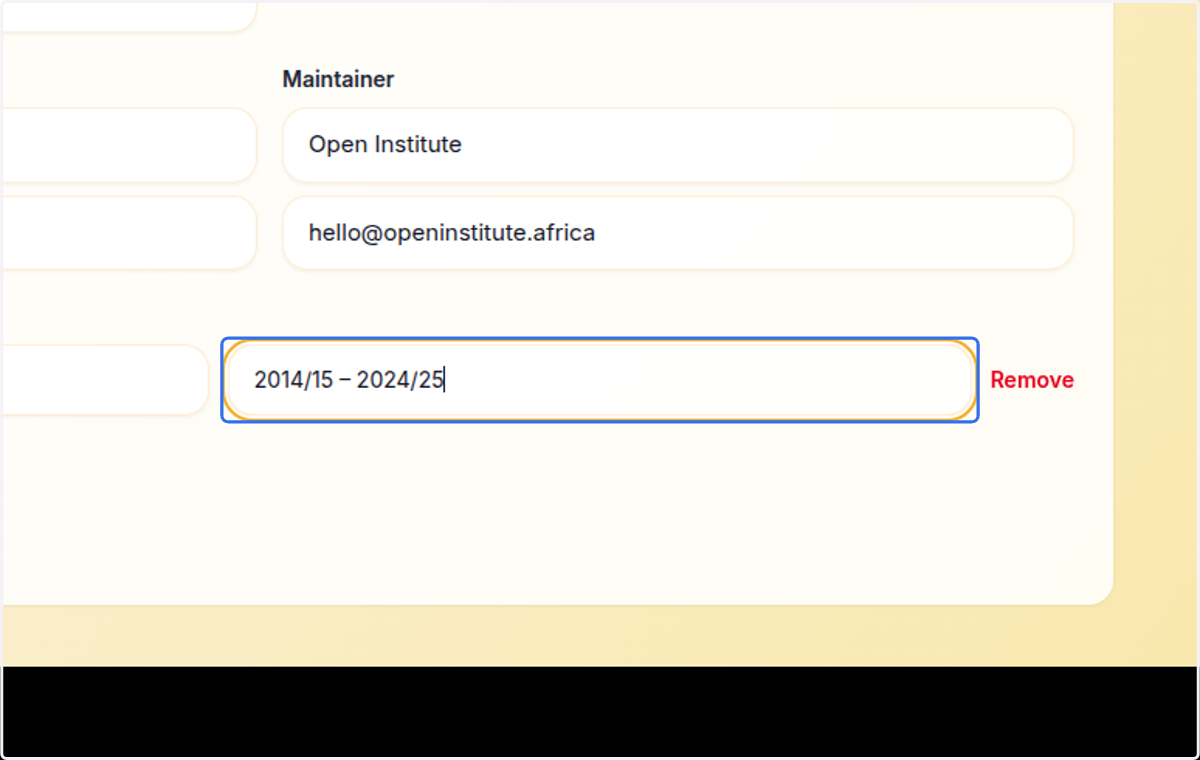
17. Add optional custom field
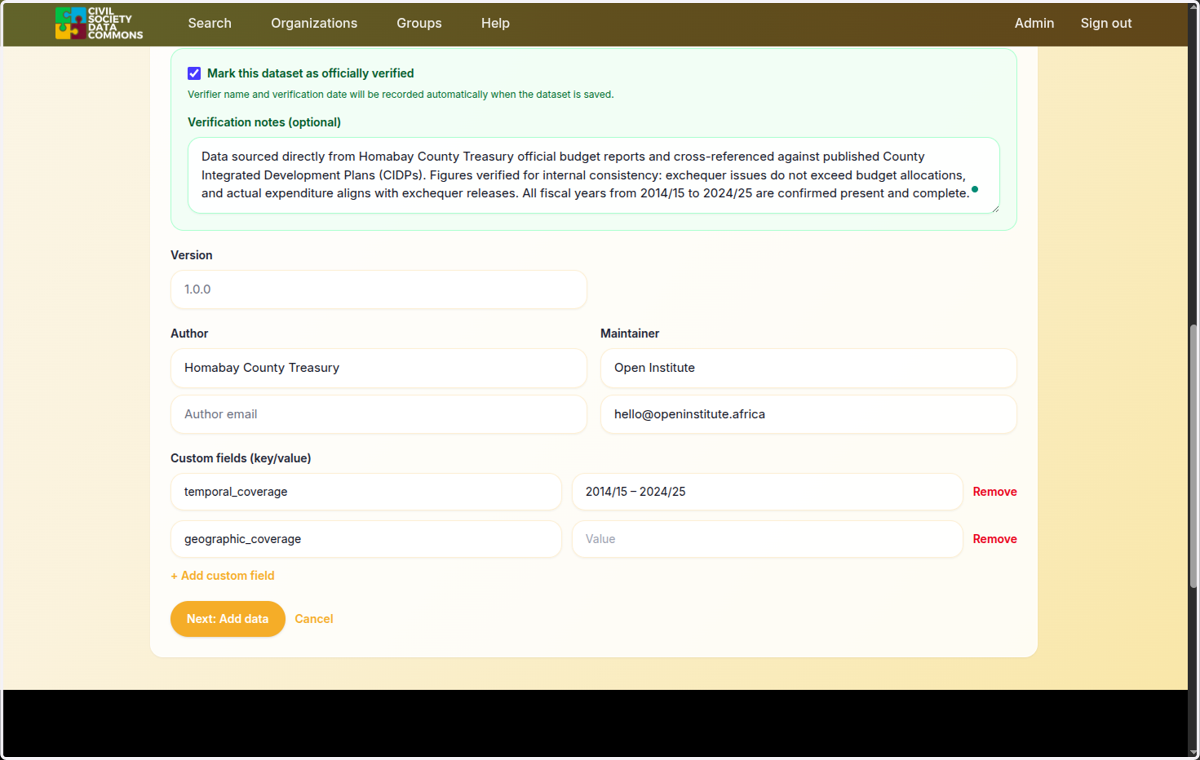
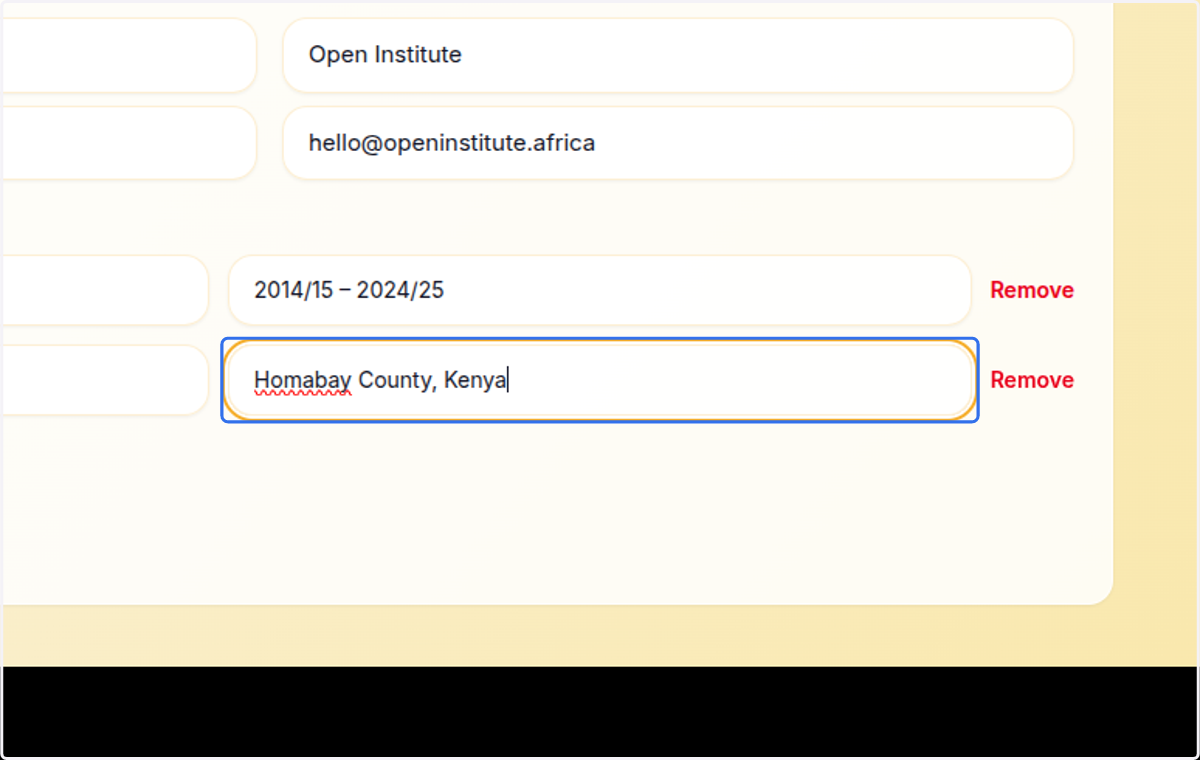
18. Provide the value
19. Click on + Add custom field
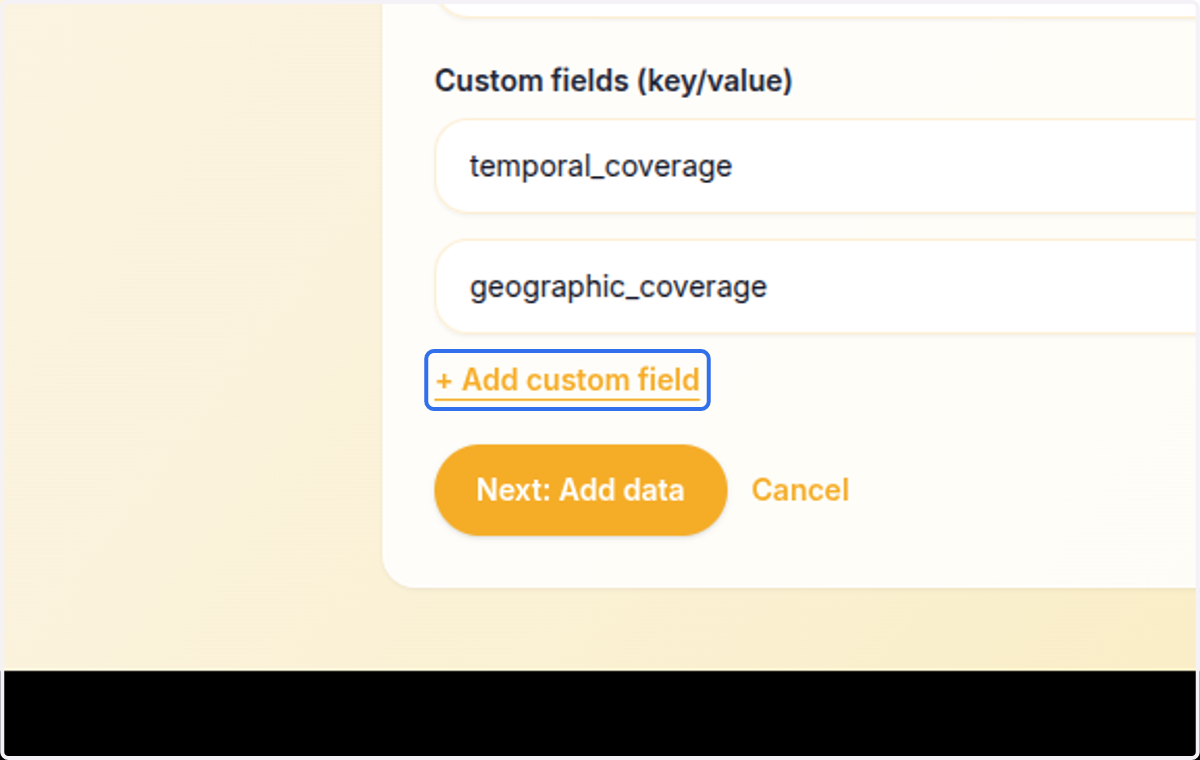
20. Add another custom field
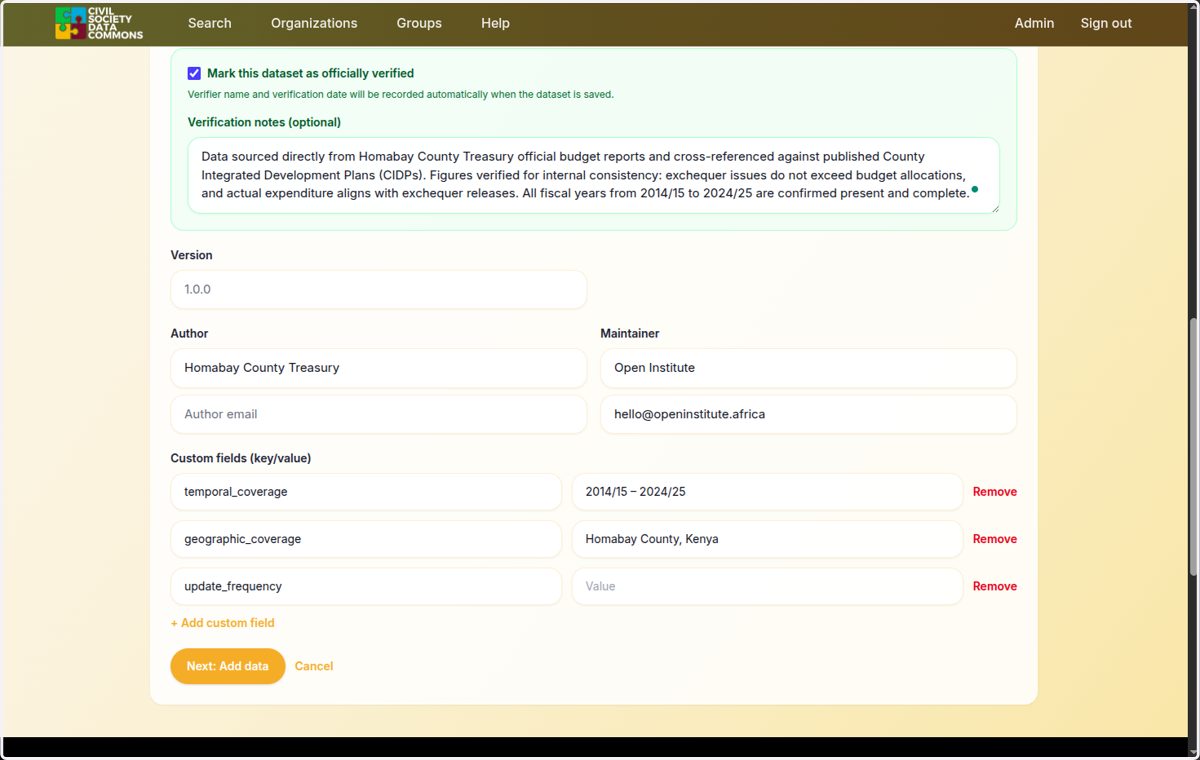
21. Provide the value