Add A Web User

  1. 1. Click on Settings from the left side of the Navigation Bar
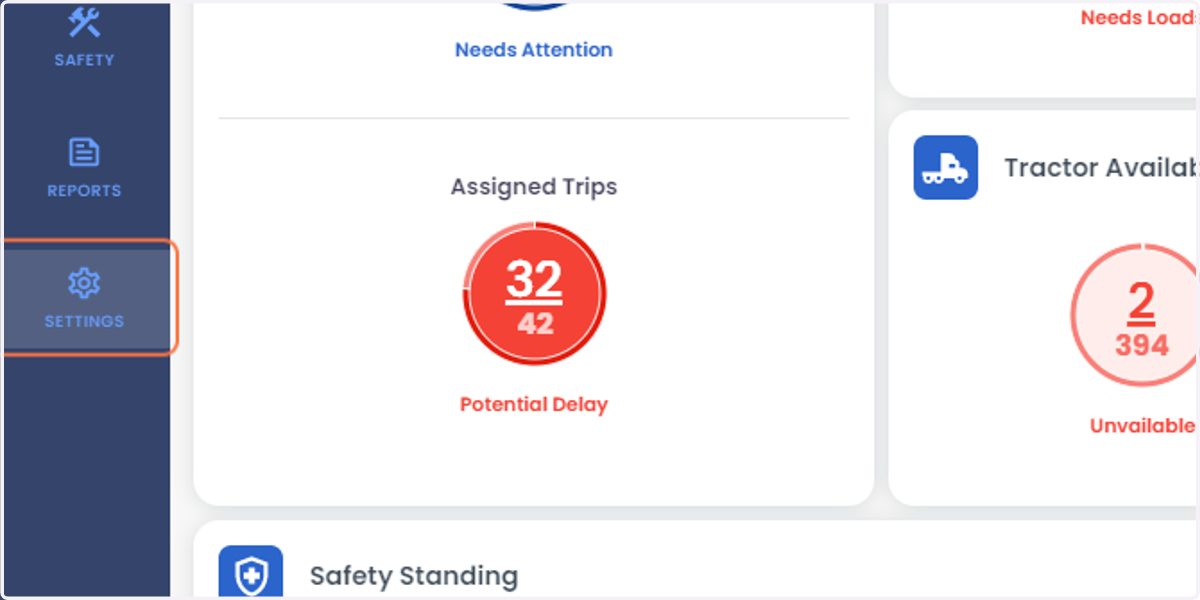
    Click on Settings from the left side of the Navigation Bar
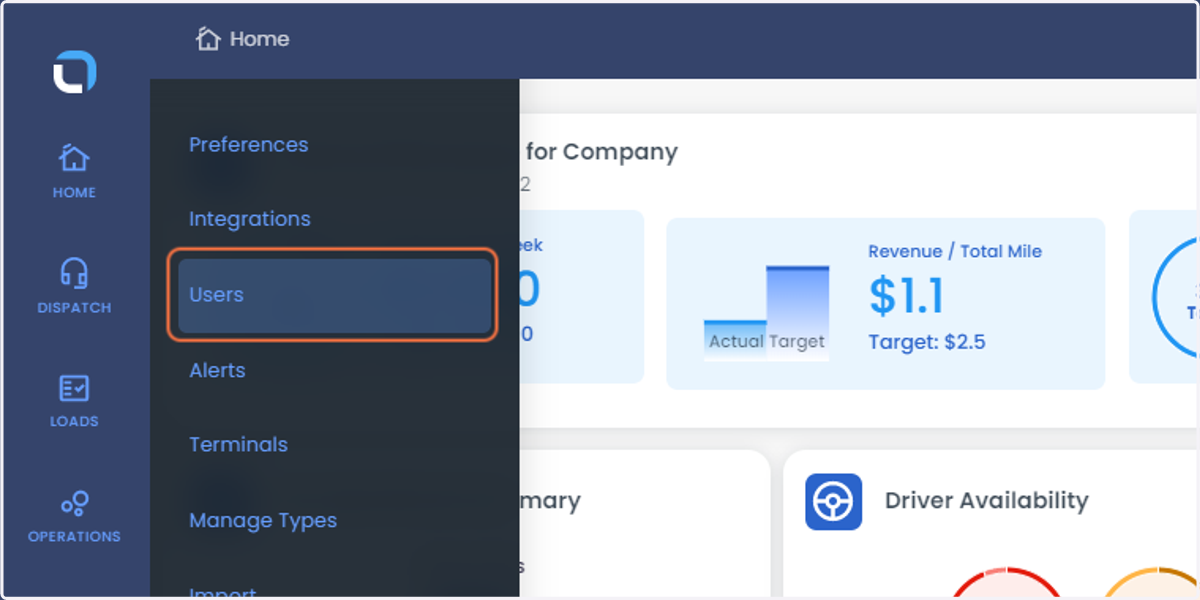
  2. 2. Select Users from the list

    Select Users from the list
  3. 3. Click on Add Web User from the right side of the screen
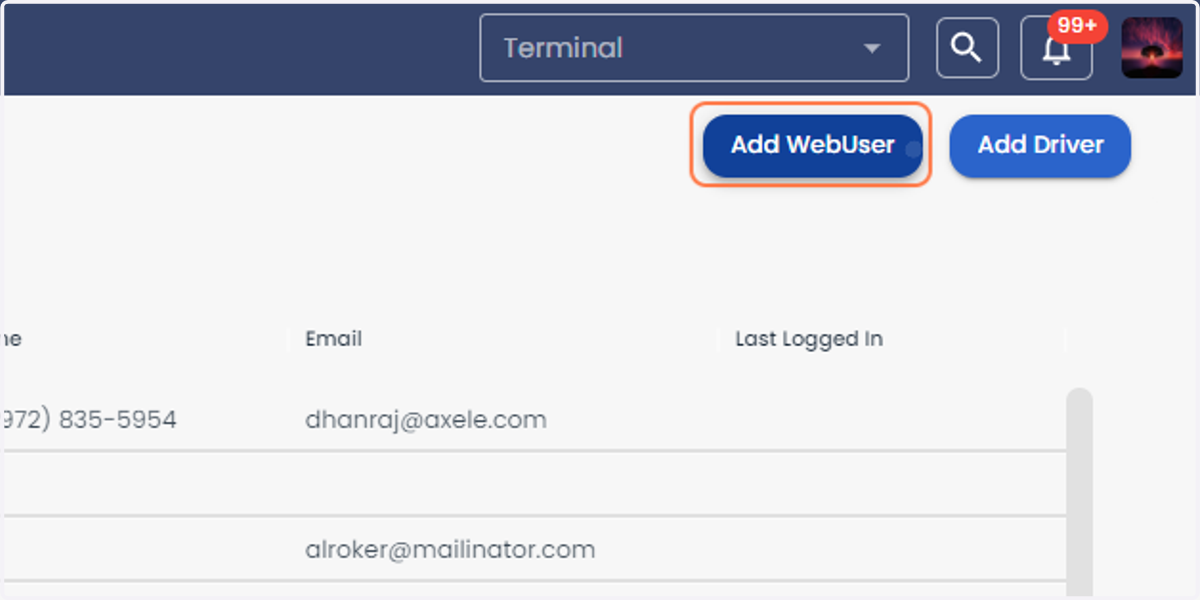
    Click on Add Web User from the right side of the screen
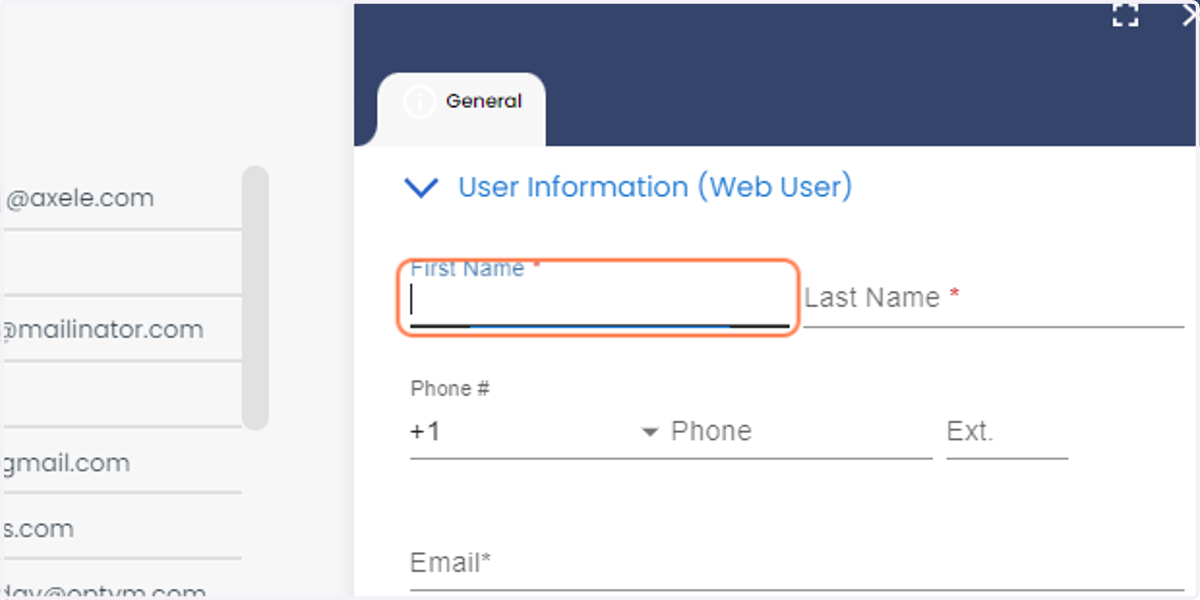
  4. 4. Enter the First Name

    Enter the First Name
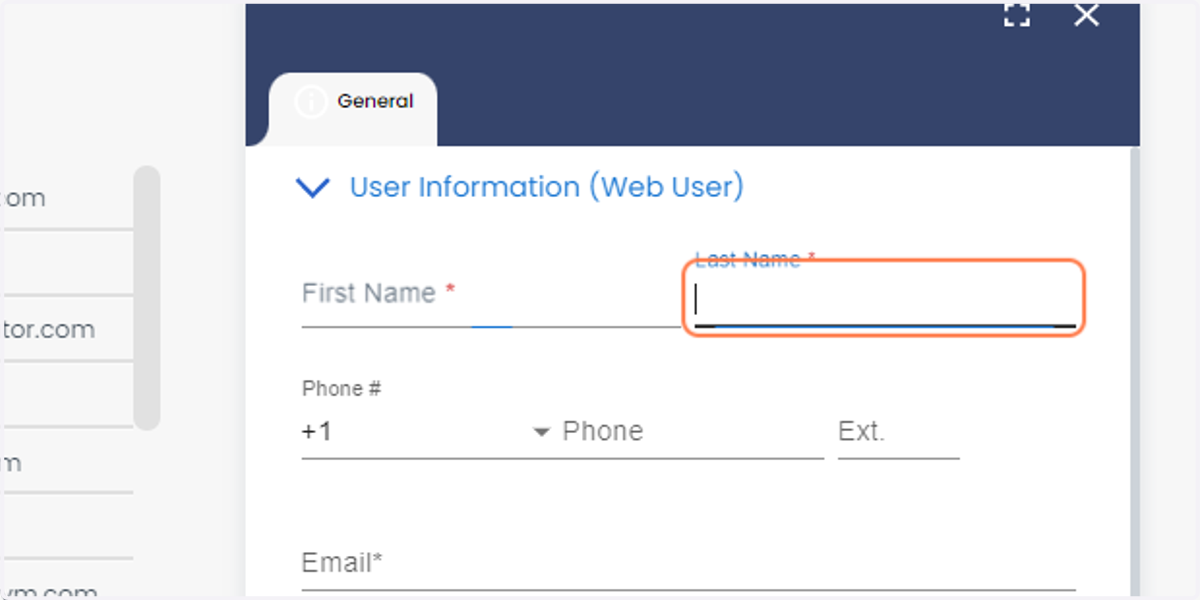
  5. 5. Enter the Last Name

    Enter the Last Name
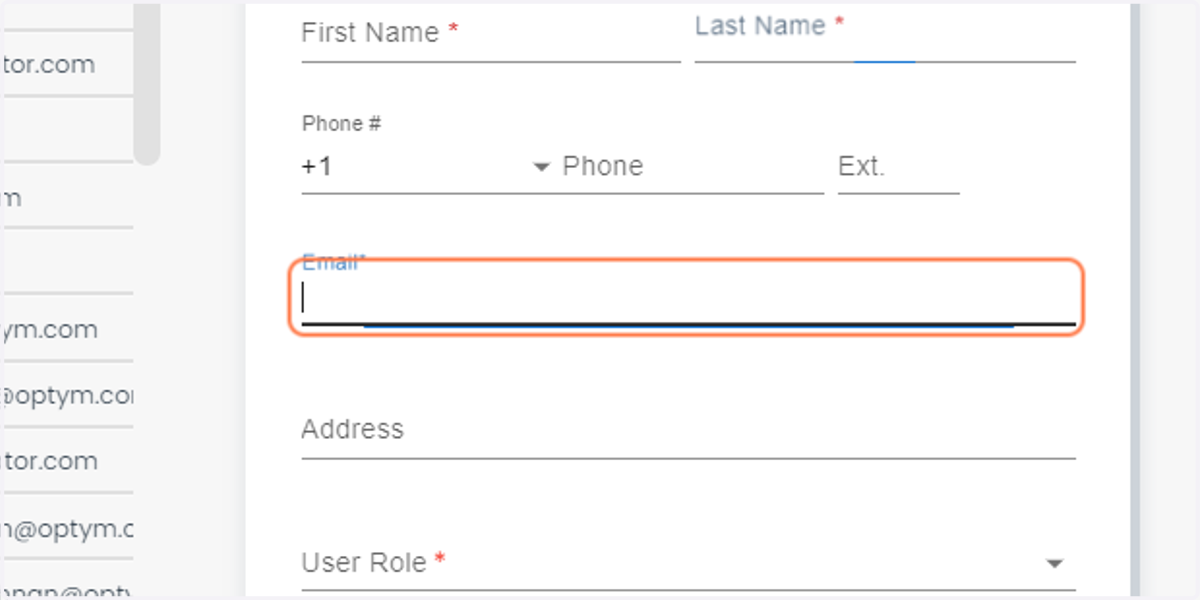
  6. 6. Enter the Email Address

    Enter the Email Address
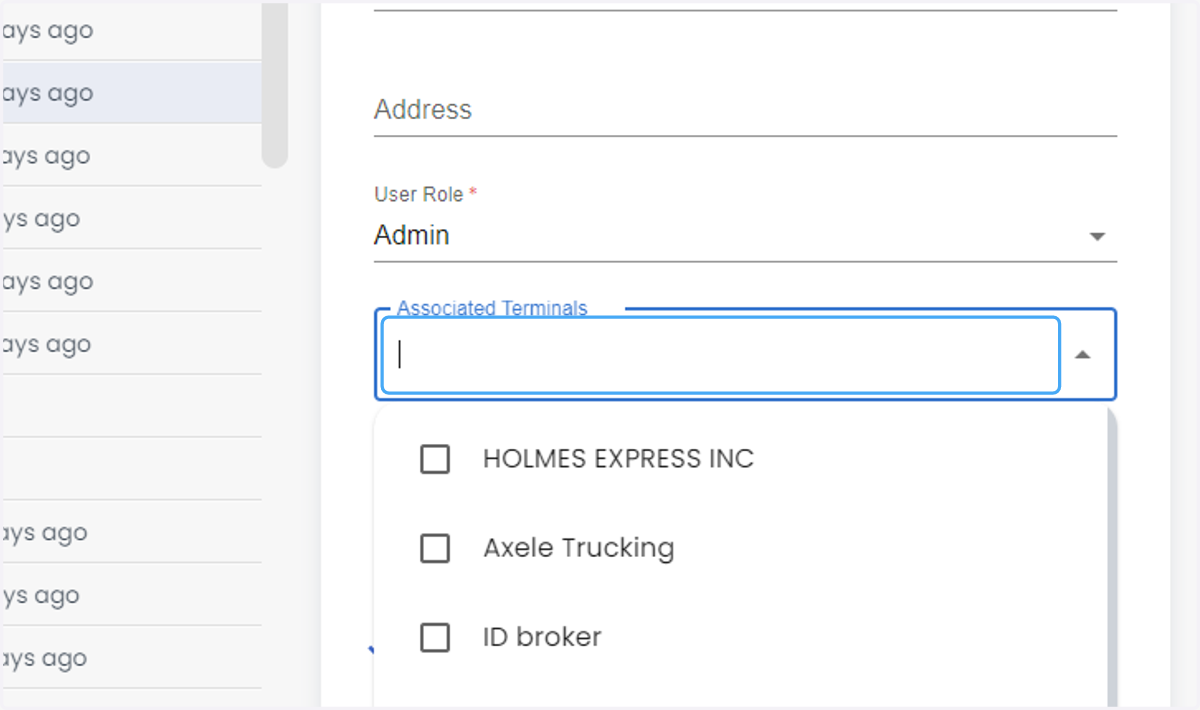
  7. 7. Click on Associated Terminals

    Click on Associated Terminals
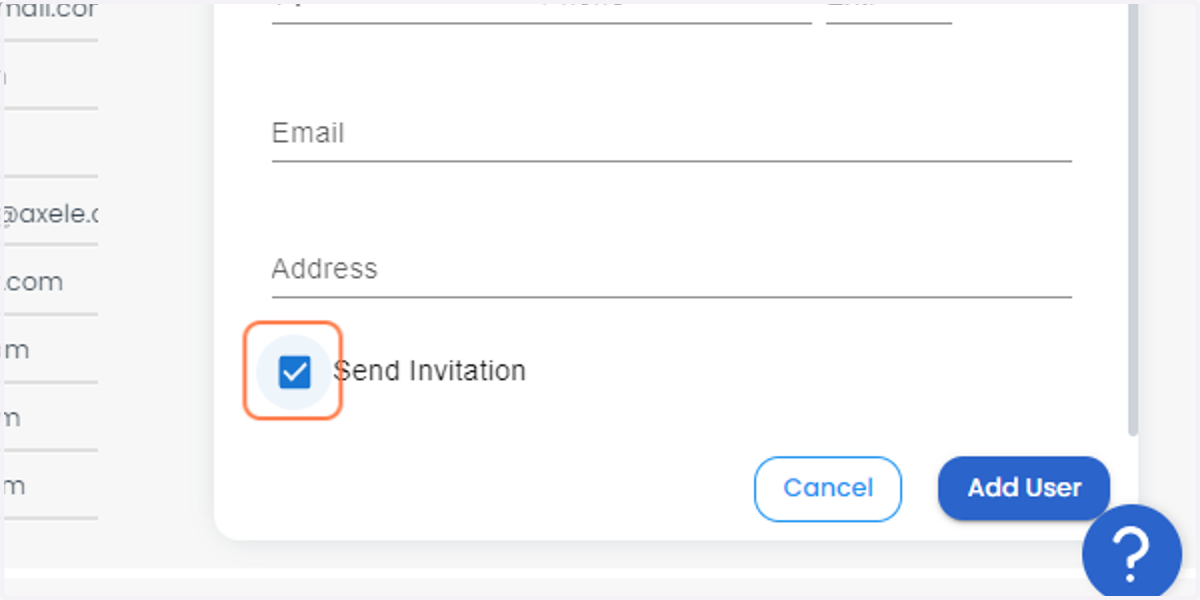
  8. 8. Check the Send Invitation option

    Check the Send Invitation option
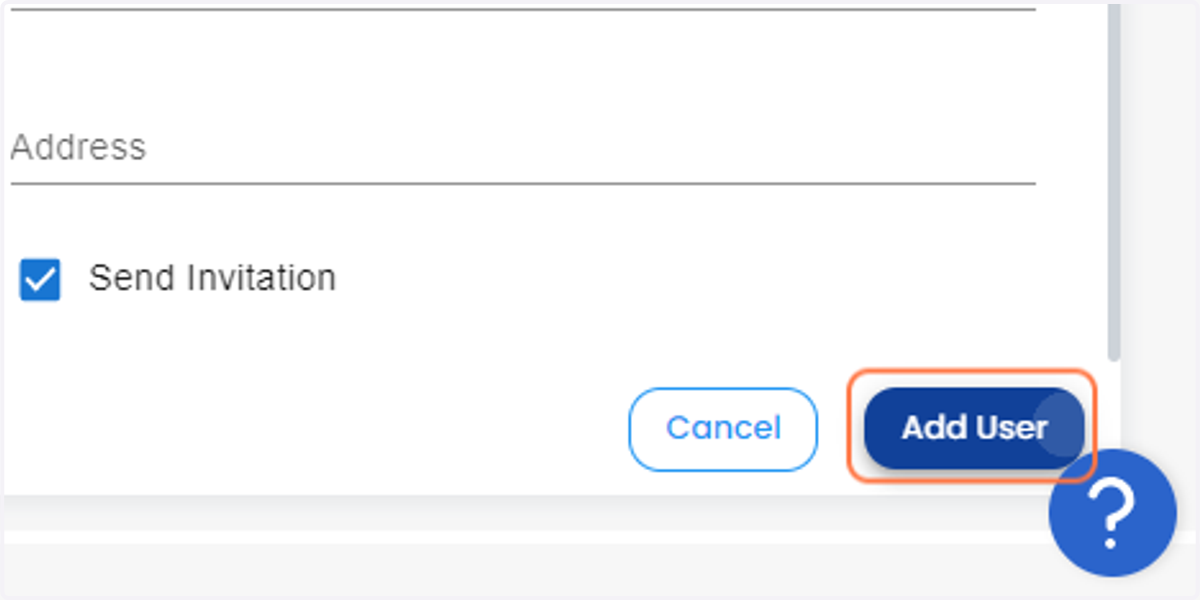
  9. 9. Click on Add User

    Click on Add User