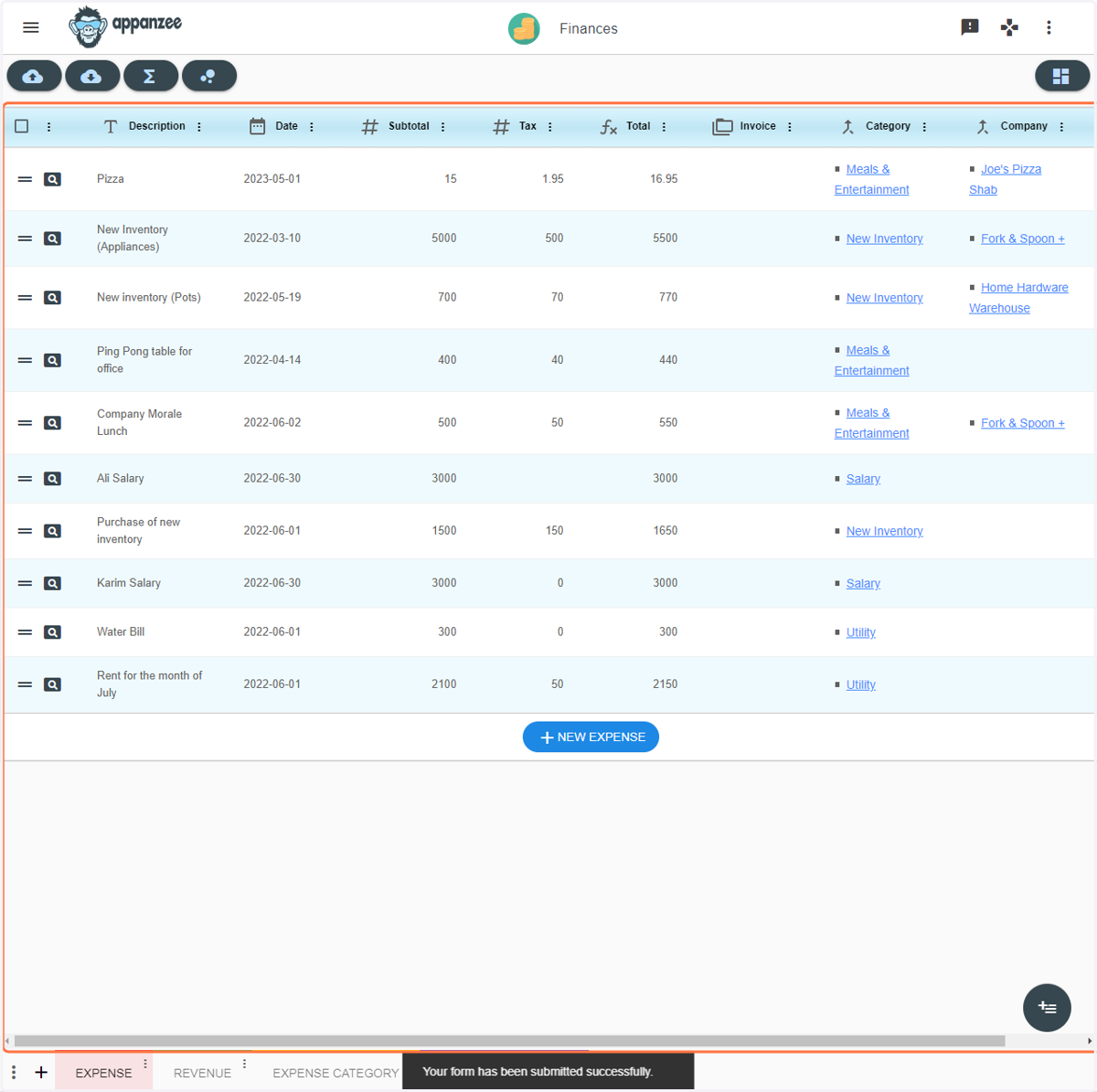
Finances - Add an expense
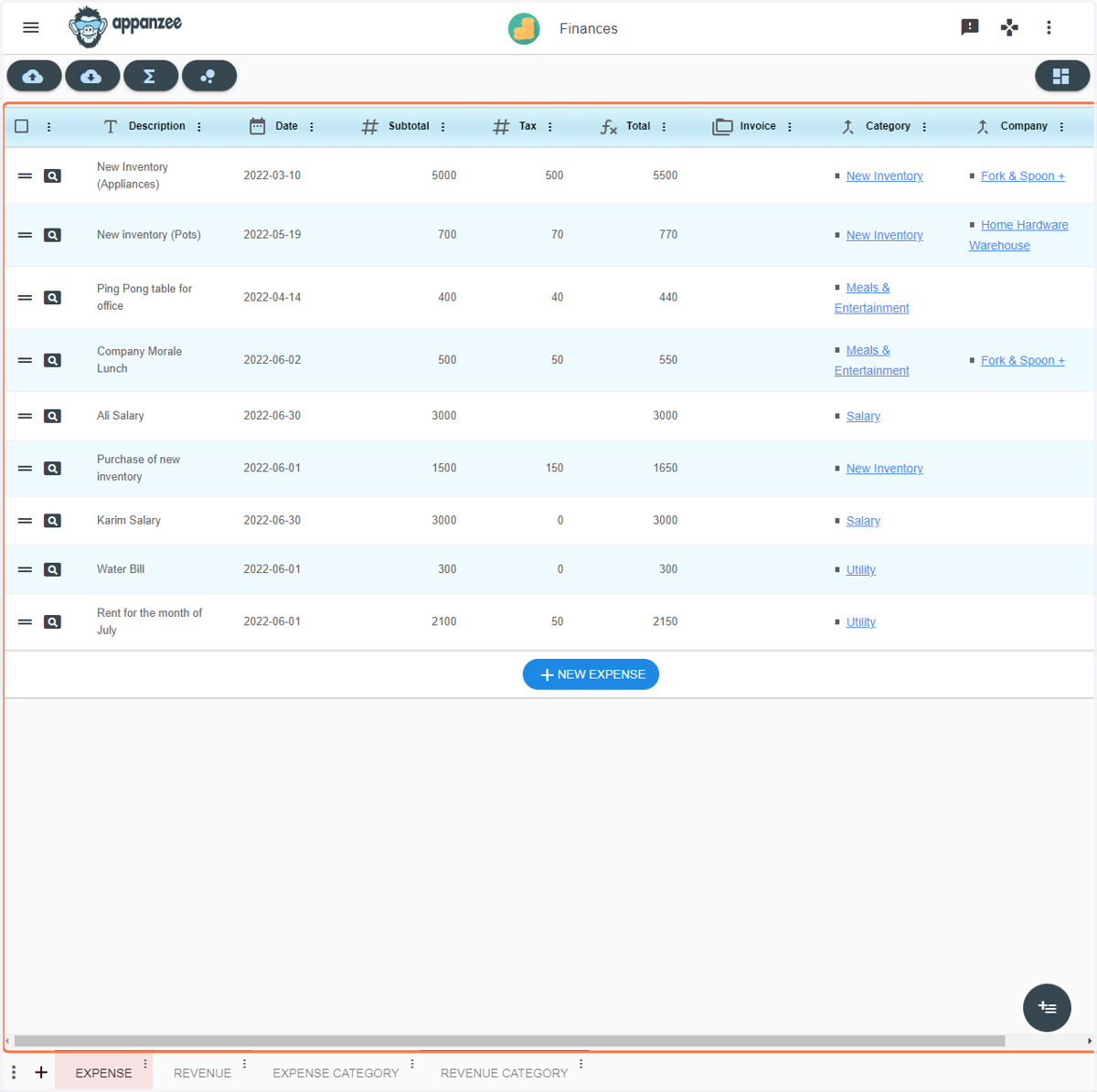
1. Open the Finances app
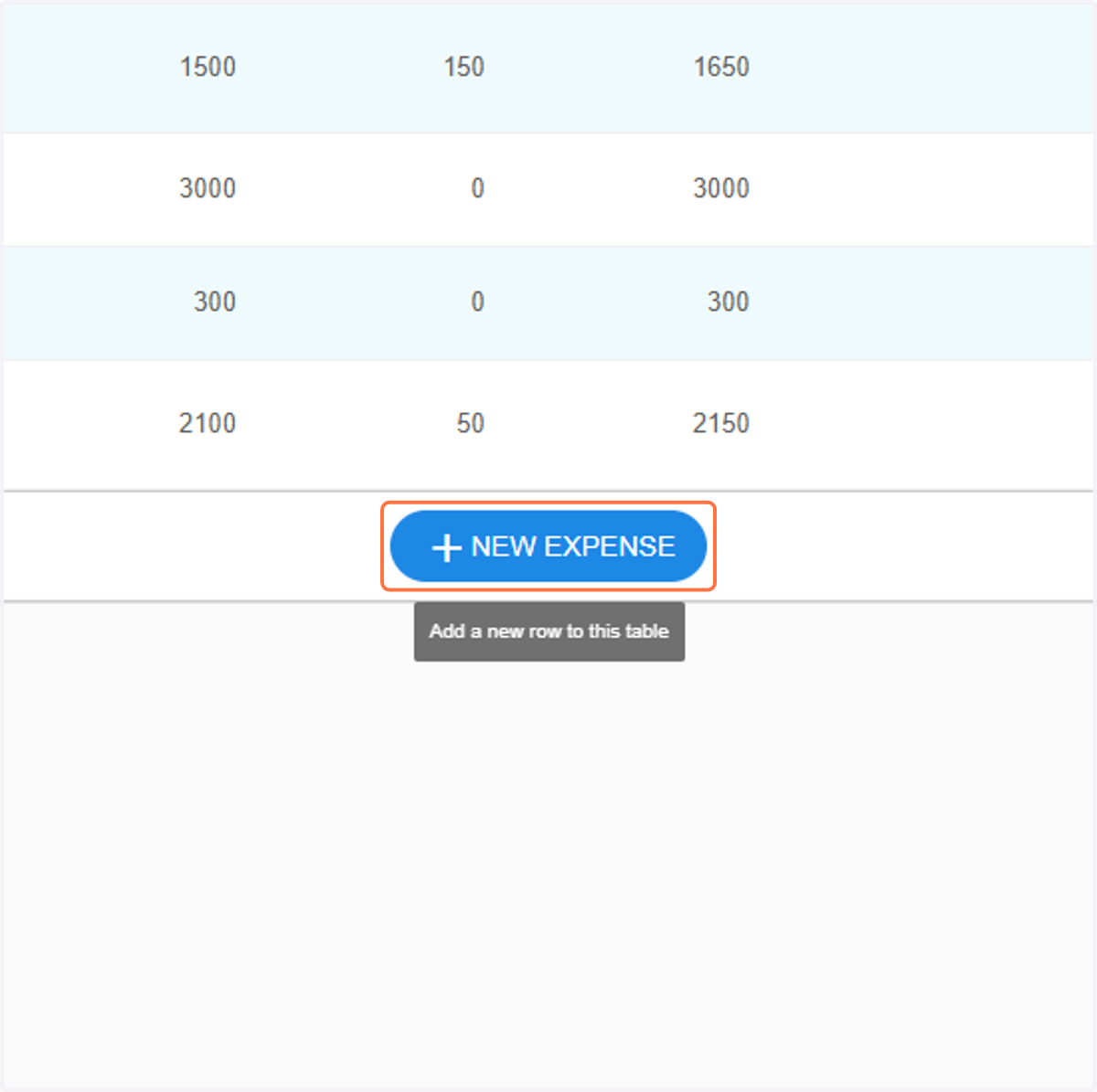
2. Click on NEW EXPENSE
3. Give your expense a description
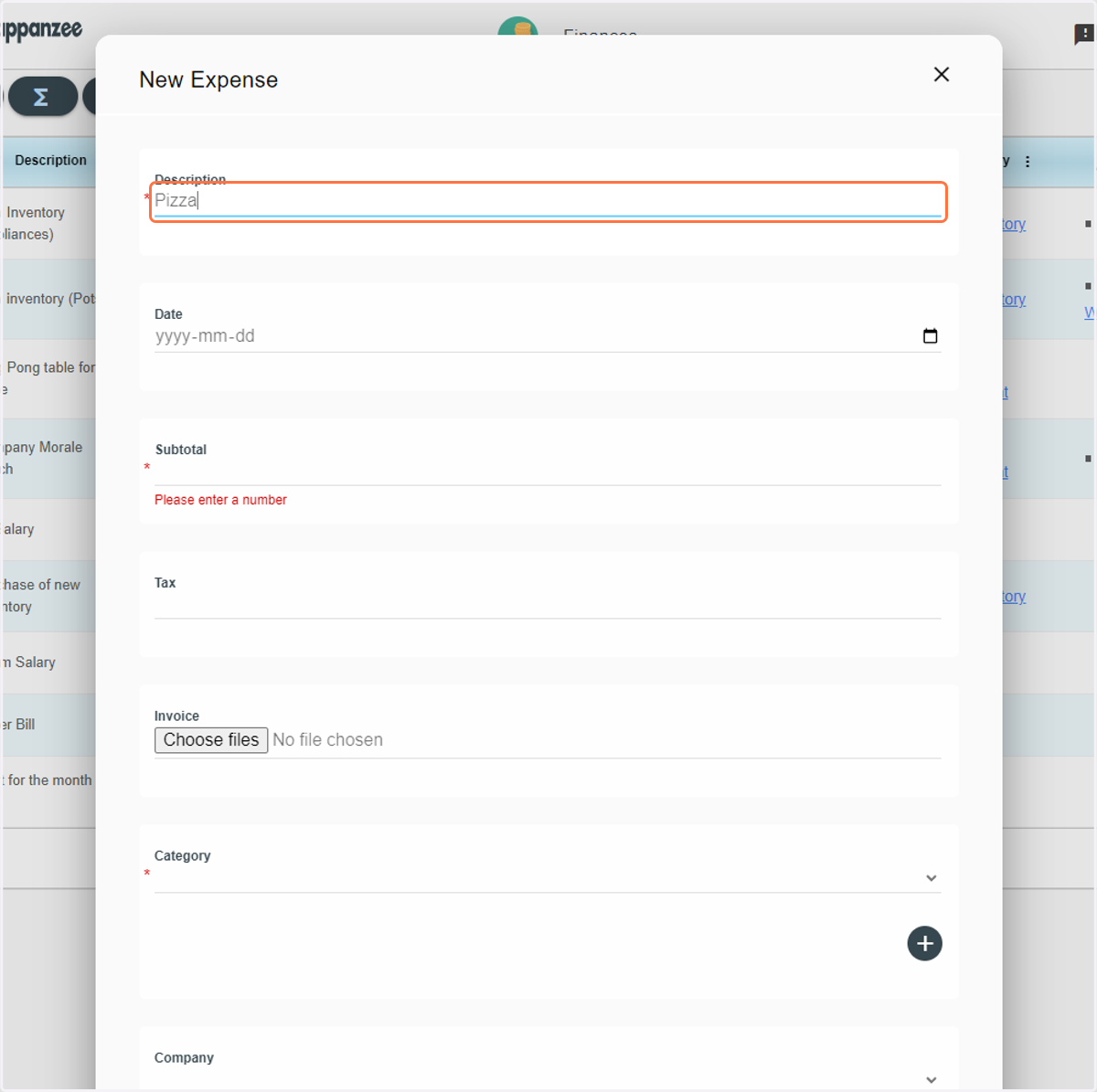
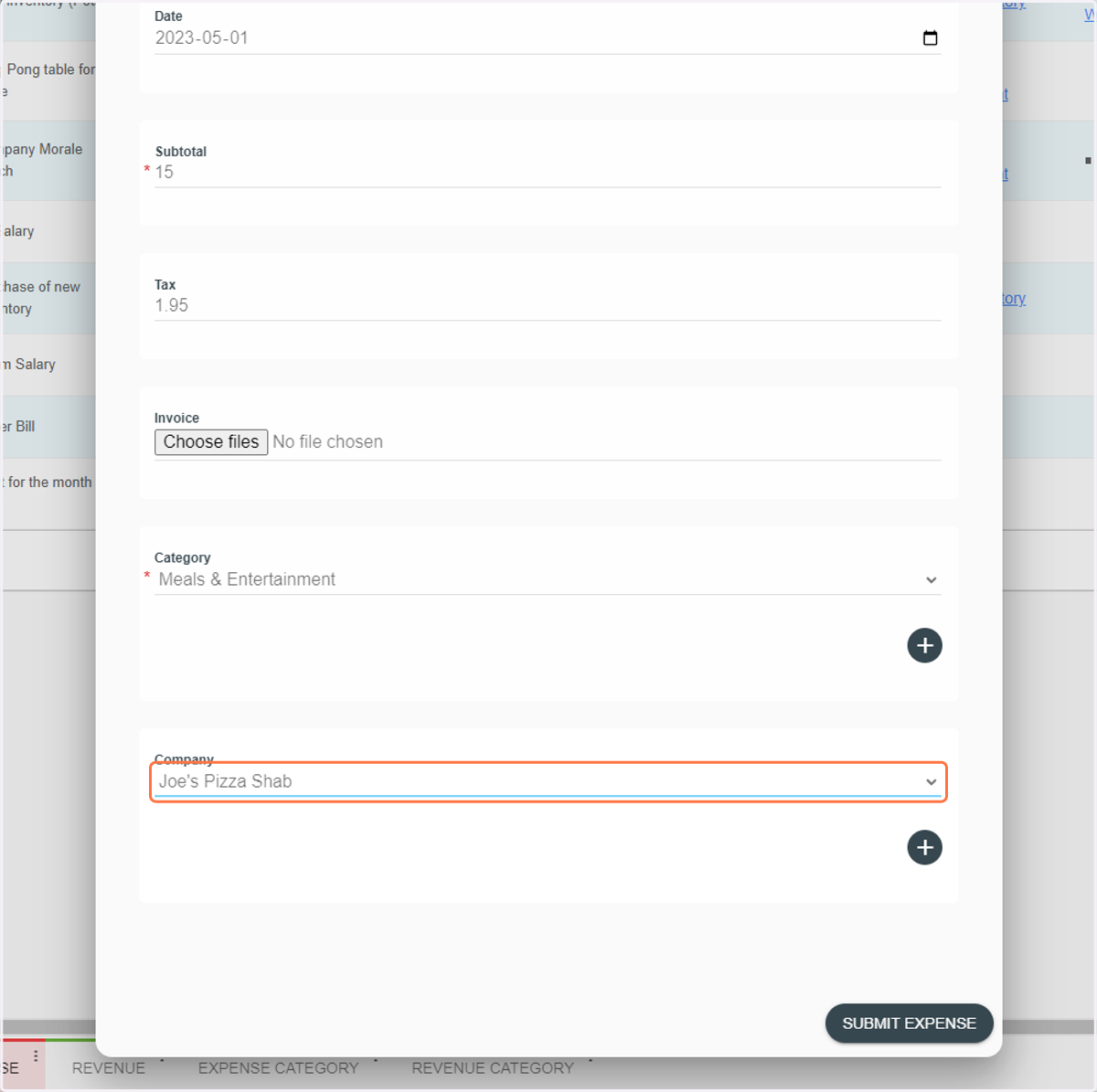
4. Type in the date
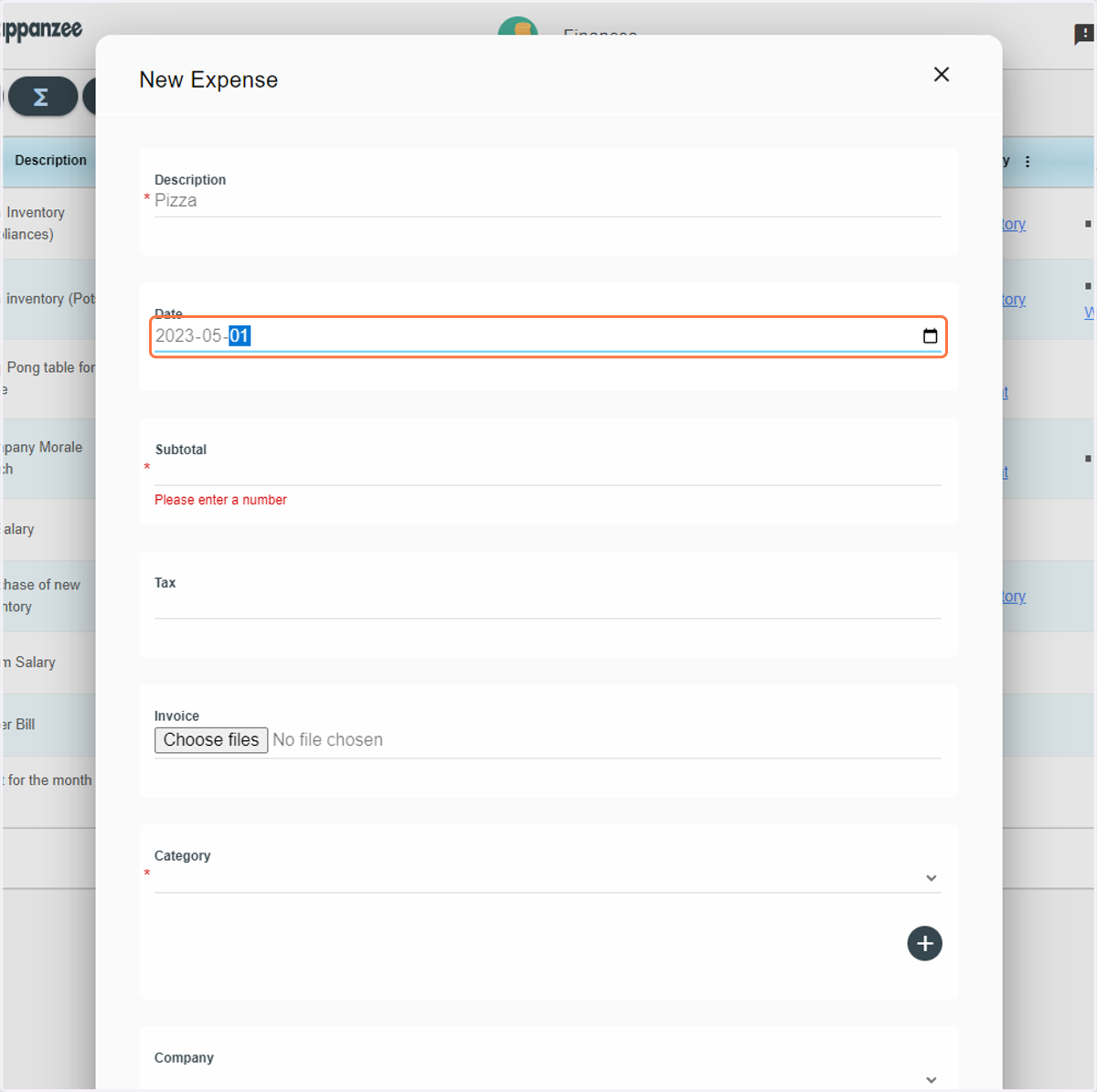
5. Type in the subtotal
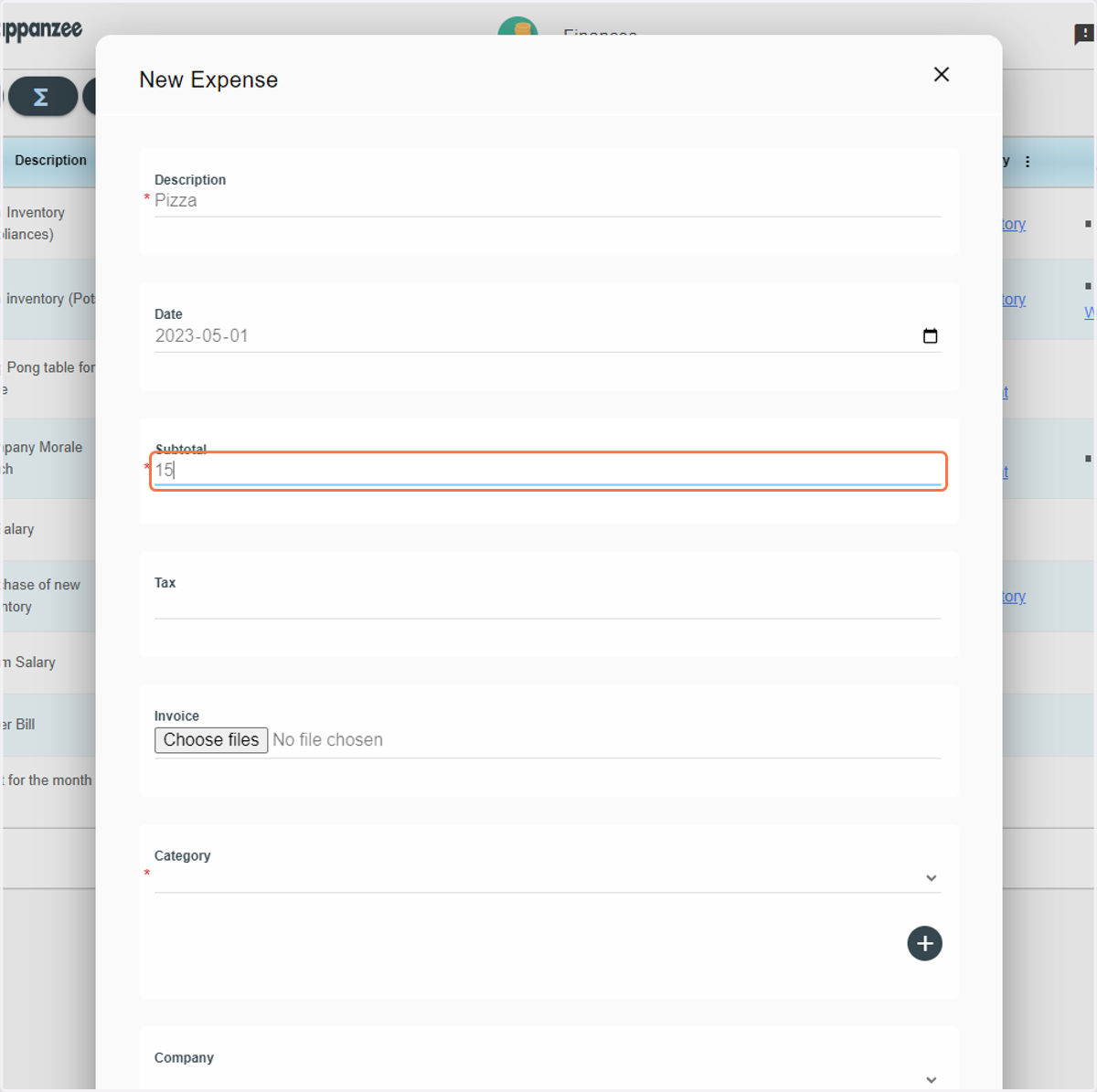
6. Type in the tax. You can also upload the invoice/receipt
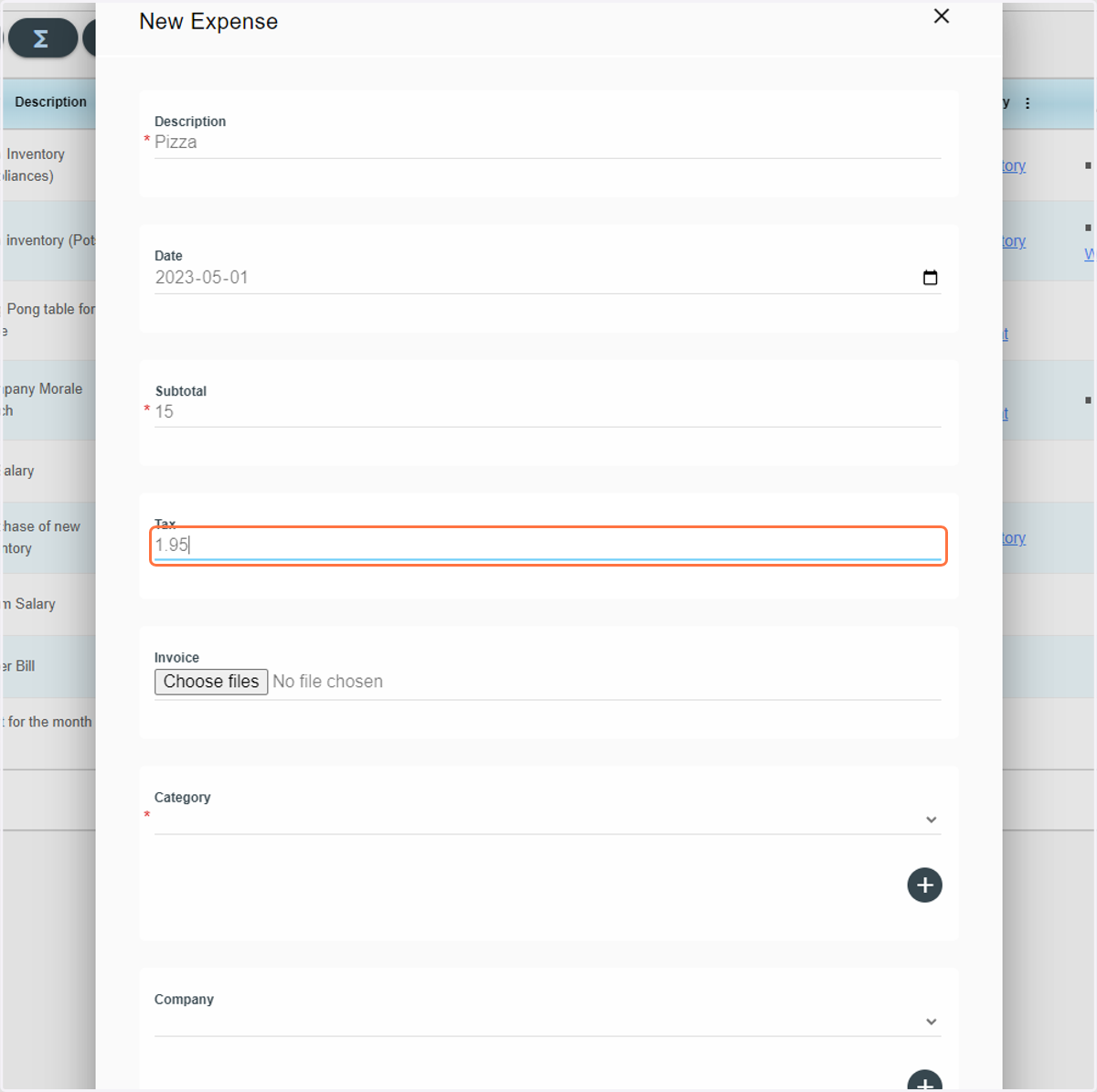
7. Select a Category or create one
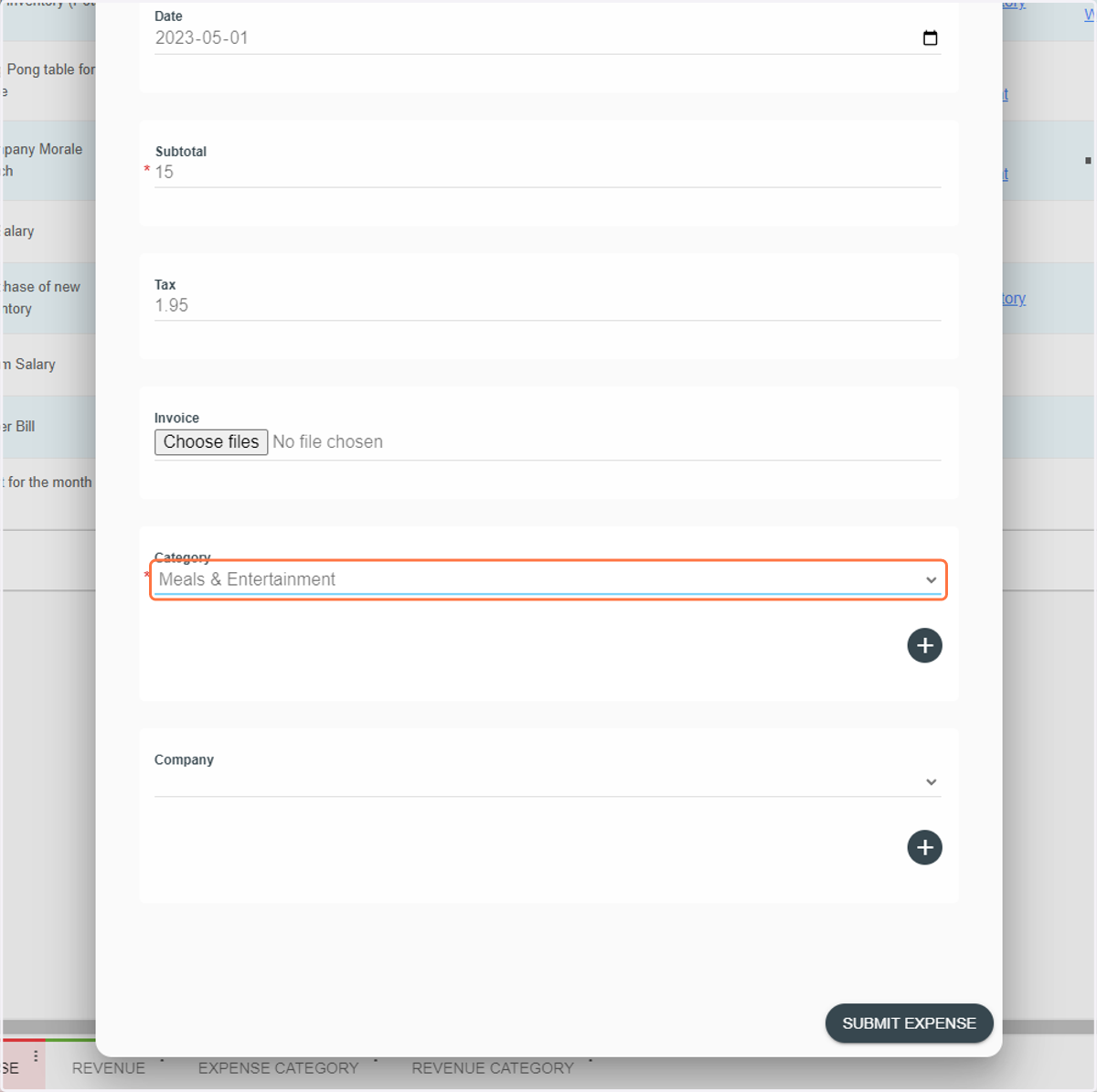
8. Select a Company or create one
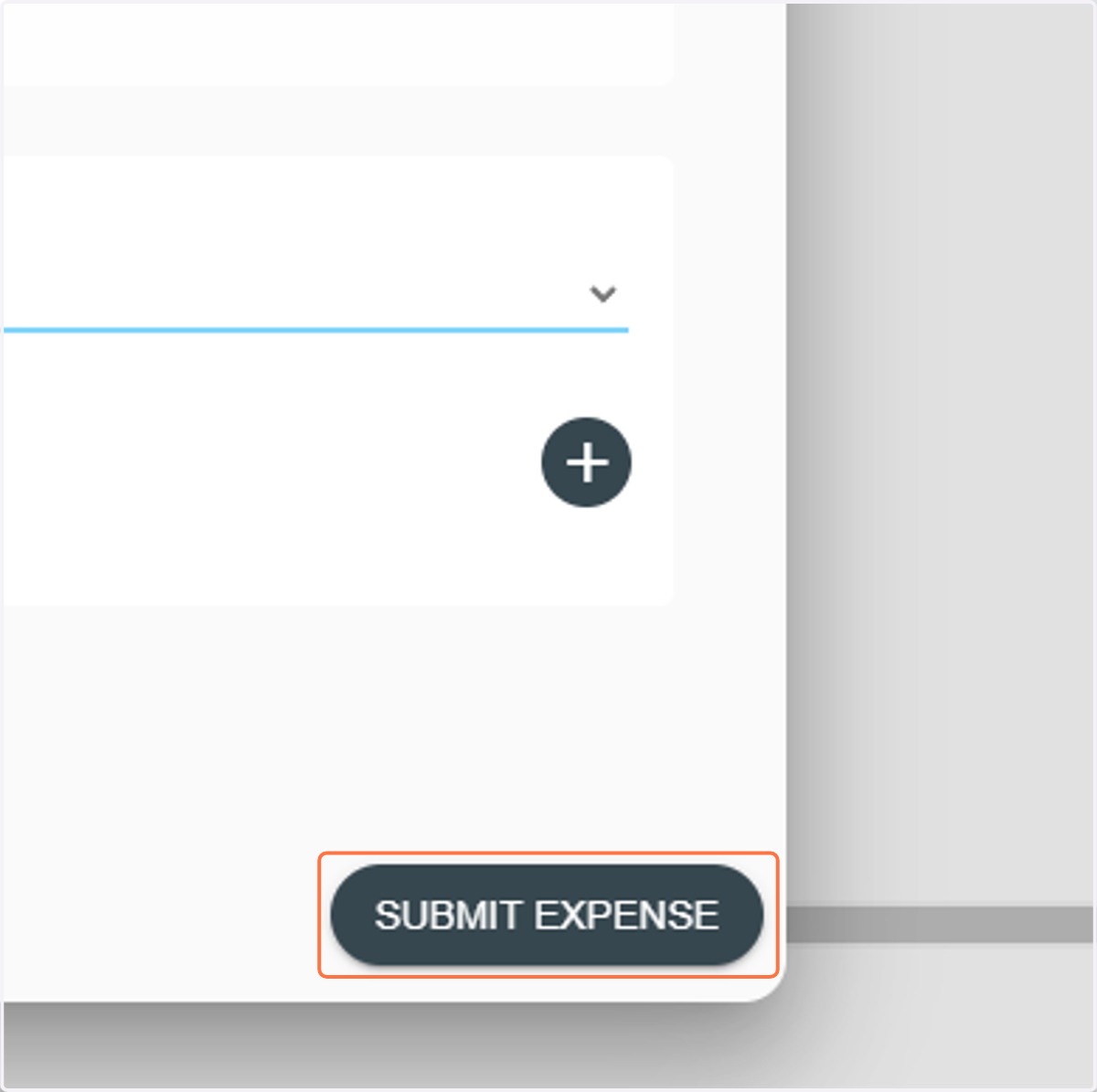
9. Click on SUBMIT EXPENSE
10. Done!