Trend Analysis
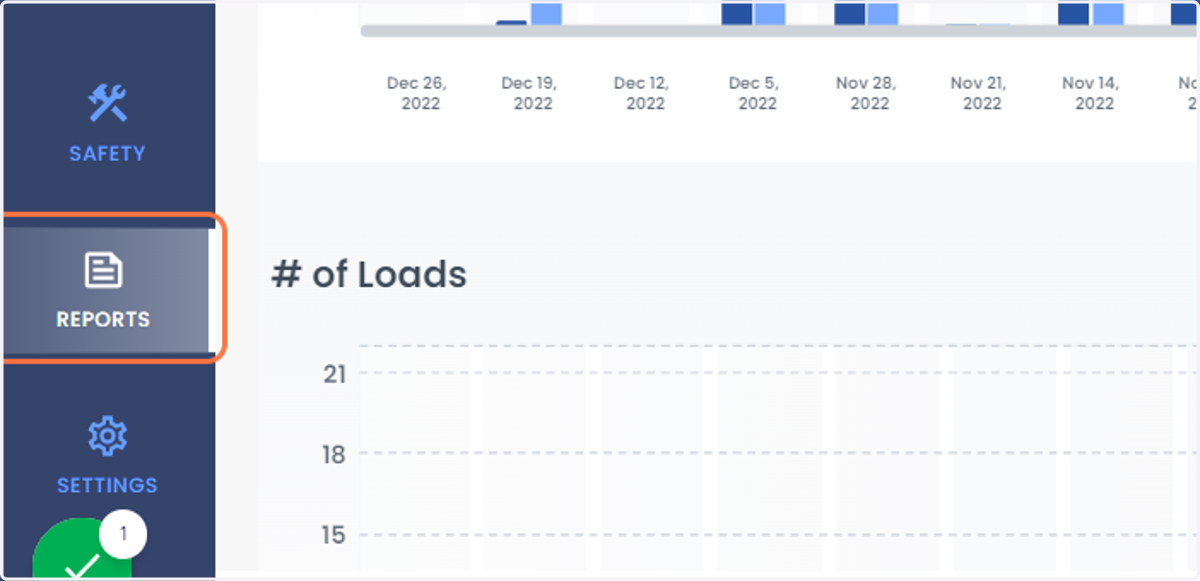
2. Click on REPORTS in the left side of the Navigation Bar
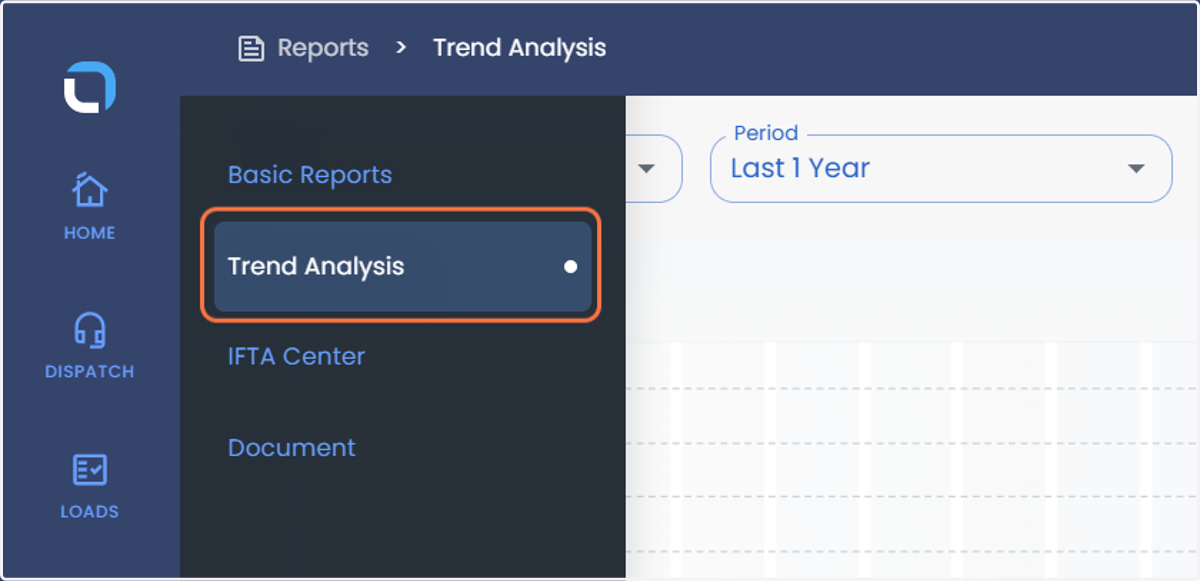
3. Click on Trend Analysis
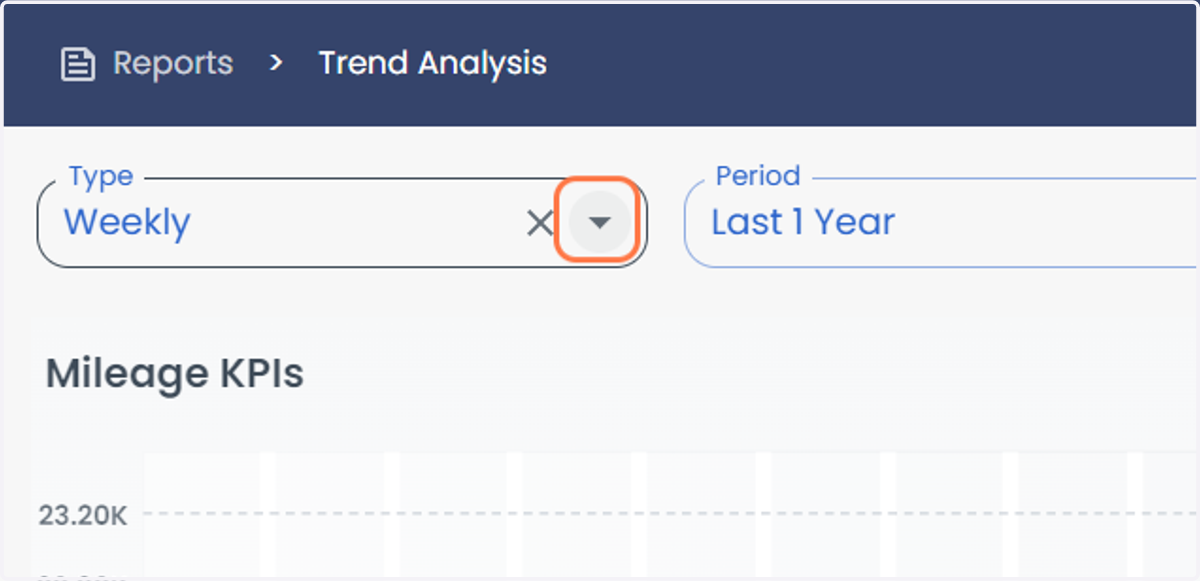
4. Click on Type Dropdown button to select either Weekly or Monthly
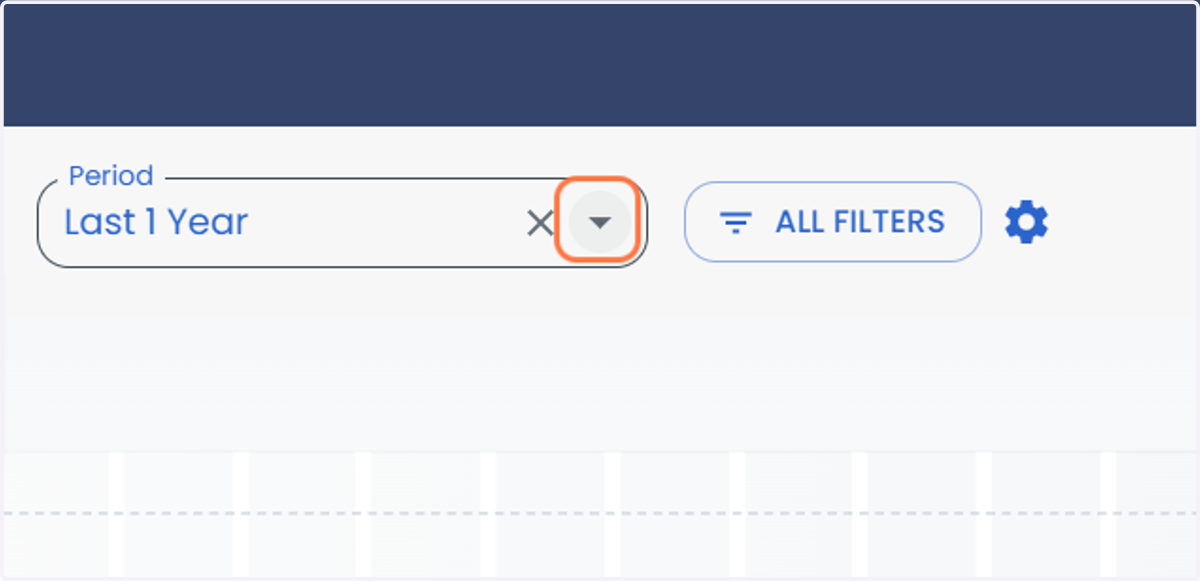
5. Click on Period Dropdown button to select the time period viz., Last 1 Year, Last 2 Years or Whole Period
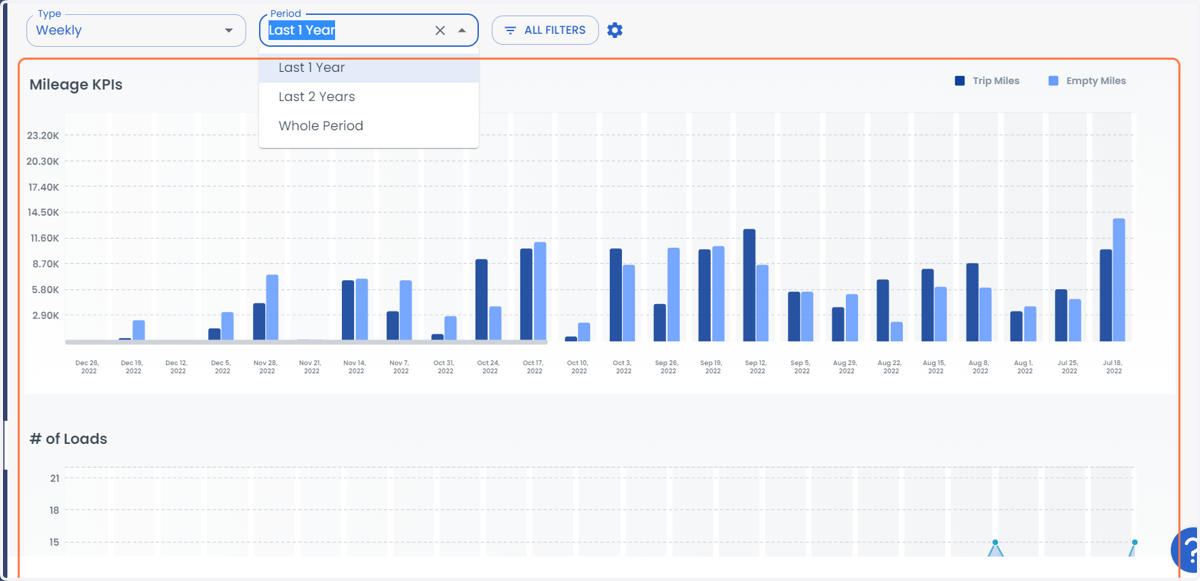
6. You can see the Trend Analysis by Mileage KPIs and # of Loads
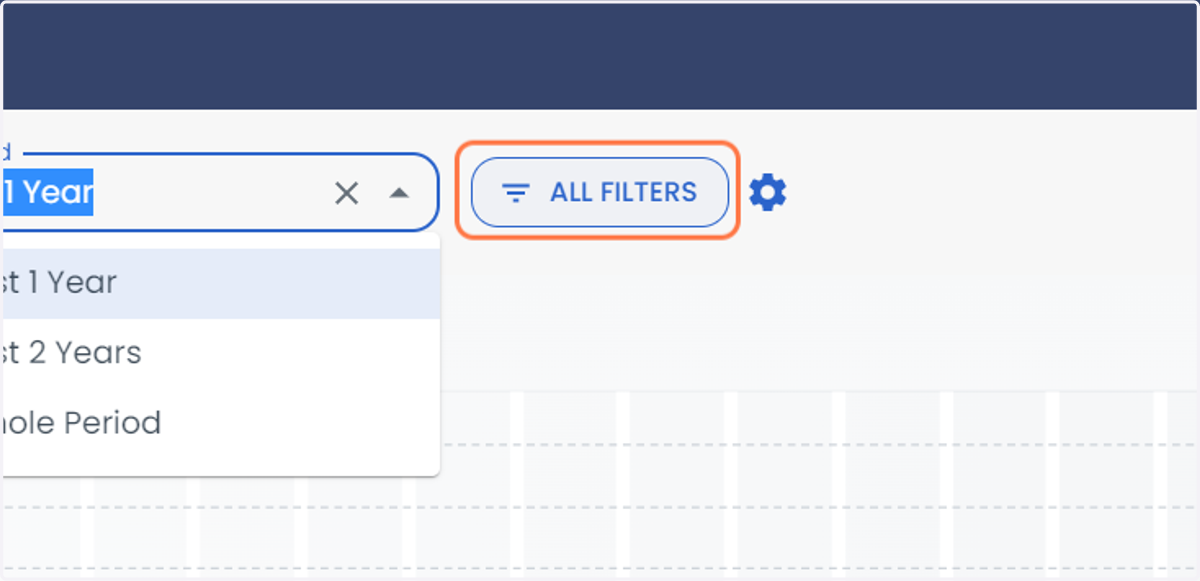
7. Click on ALL FILTERS to select the filters
8. Click on Driver to select a specific driver
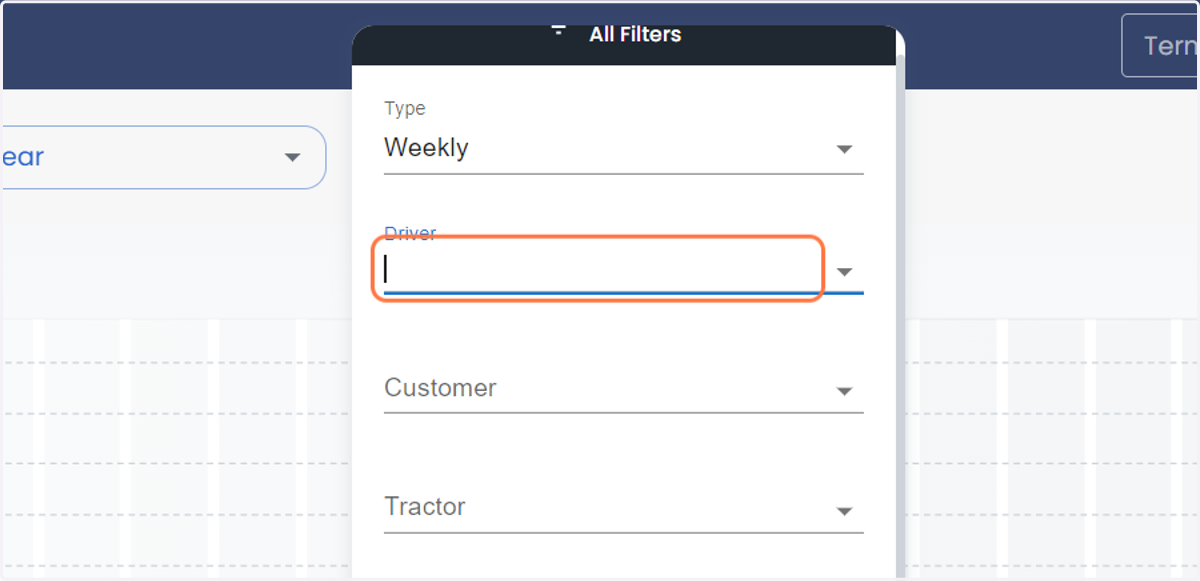
9. Click on Customer to select a specific customer
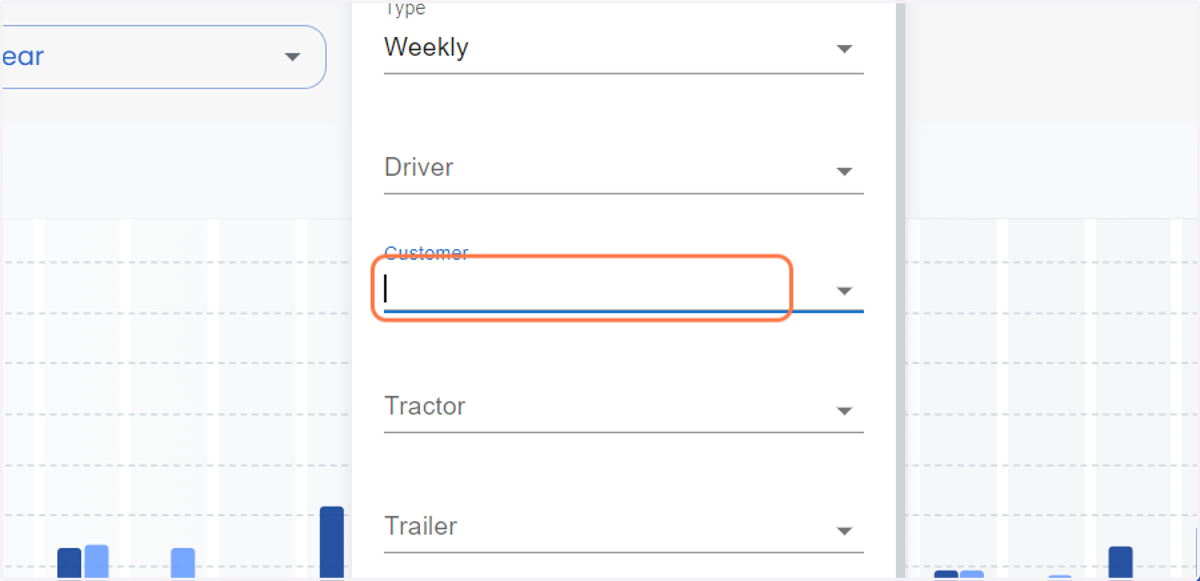
10. Click on Tractor to select a specific Tractor
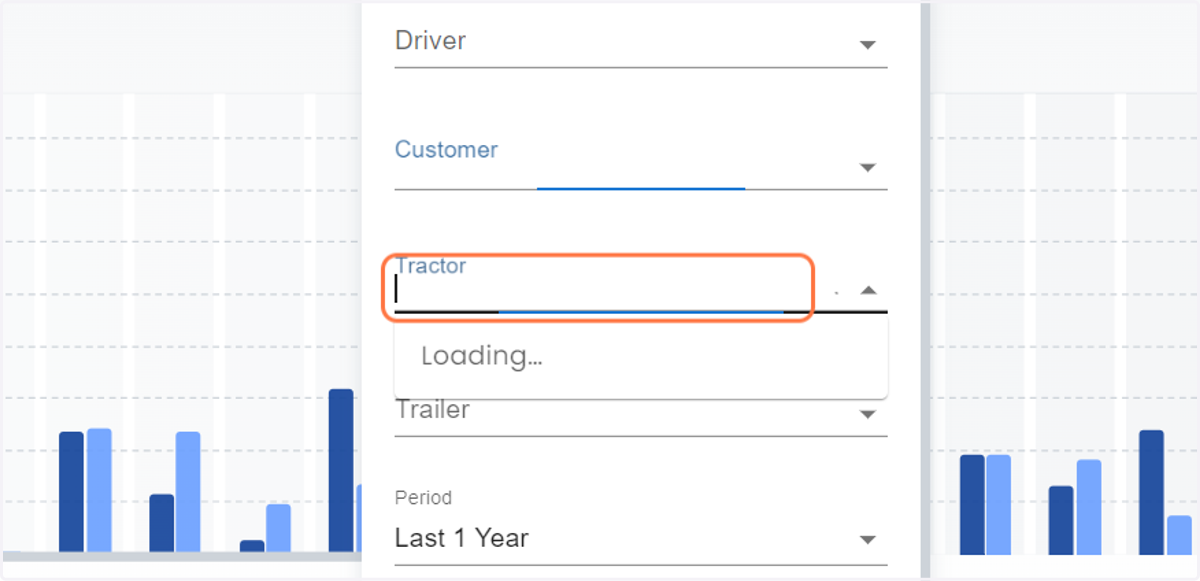
11. Click on Trailer to select a specific Trailer
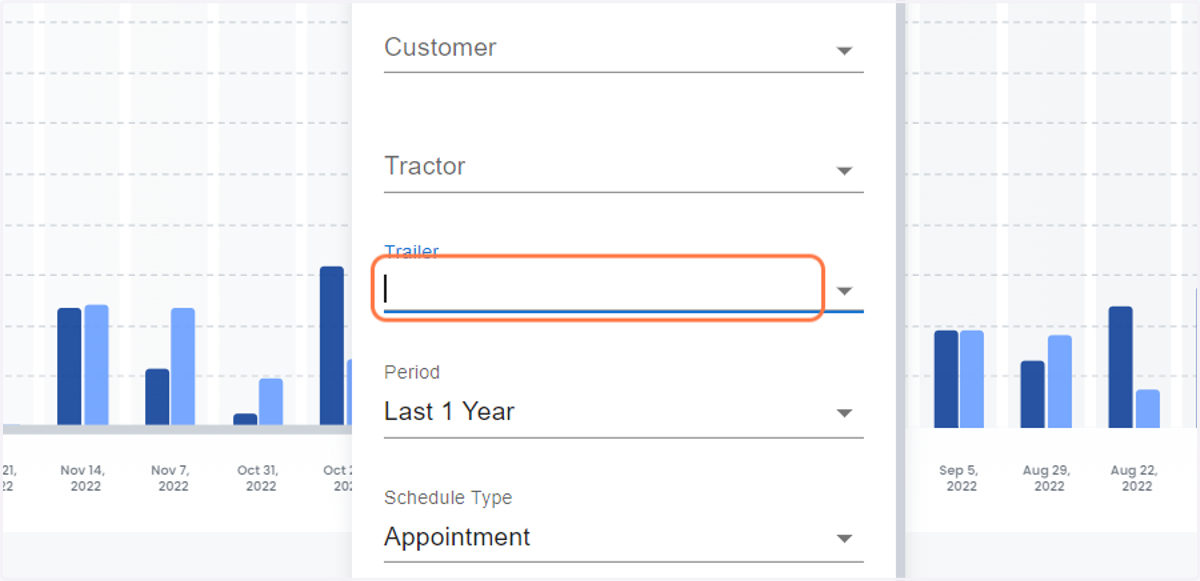
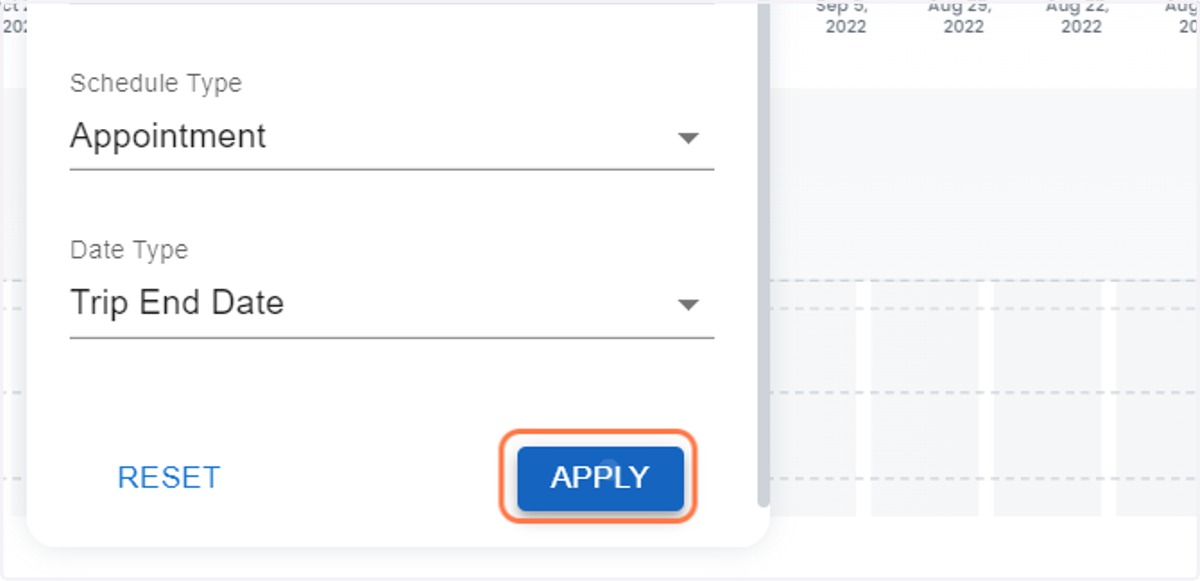
12. Click on APPLY
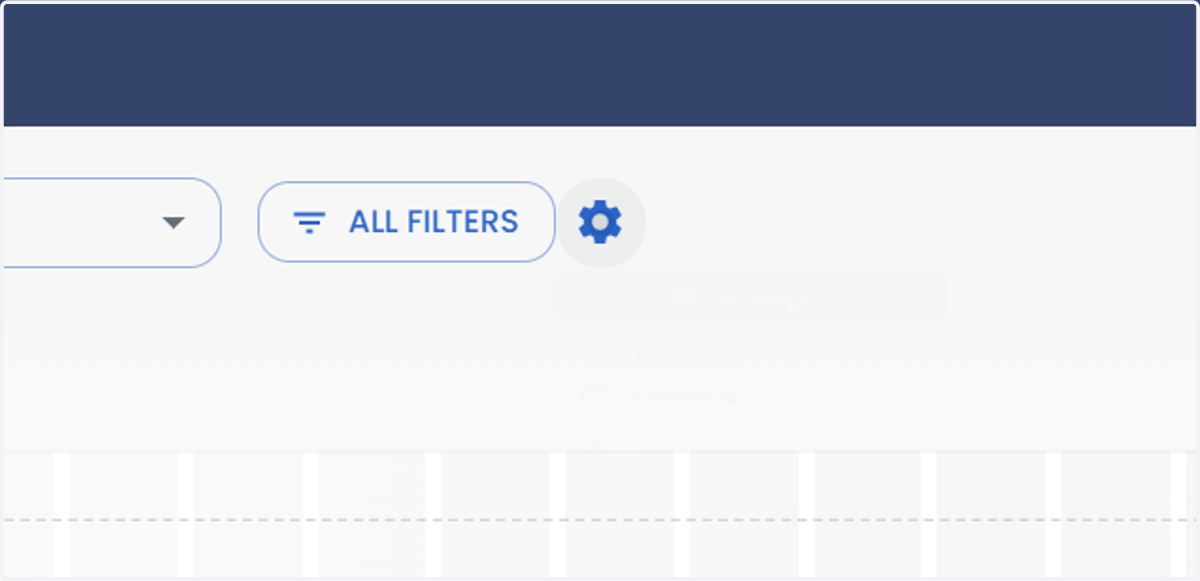
13. Click on Settings or Gear Icon to sort the data
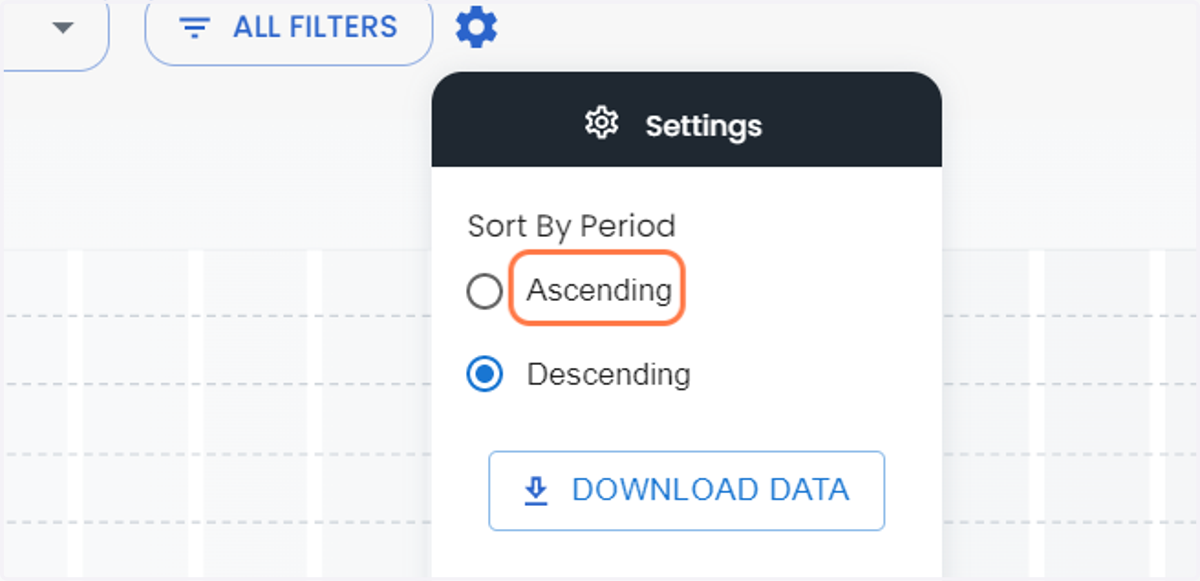
14. Click on Ascending to sort the data in Ascending Order
15. Click on Descending to sort the data in Descending Order
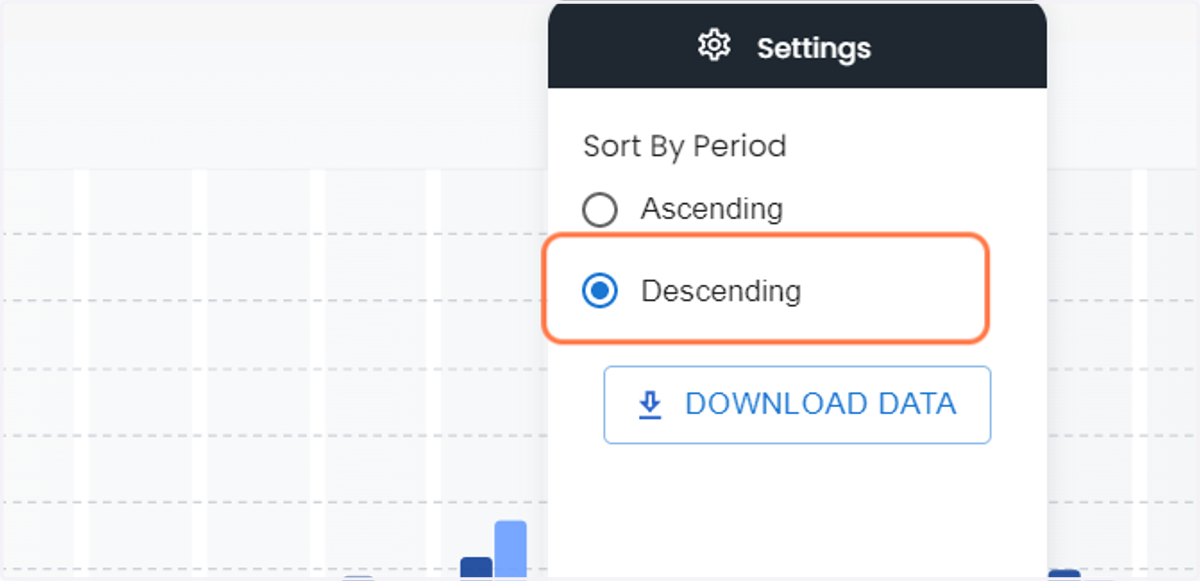
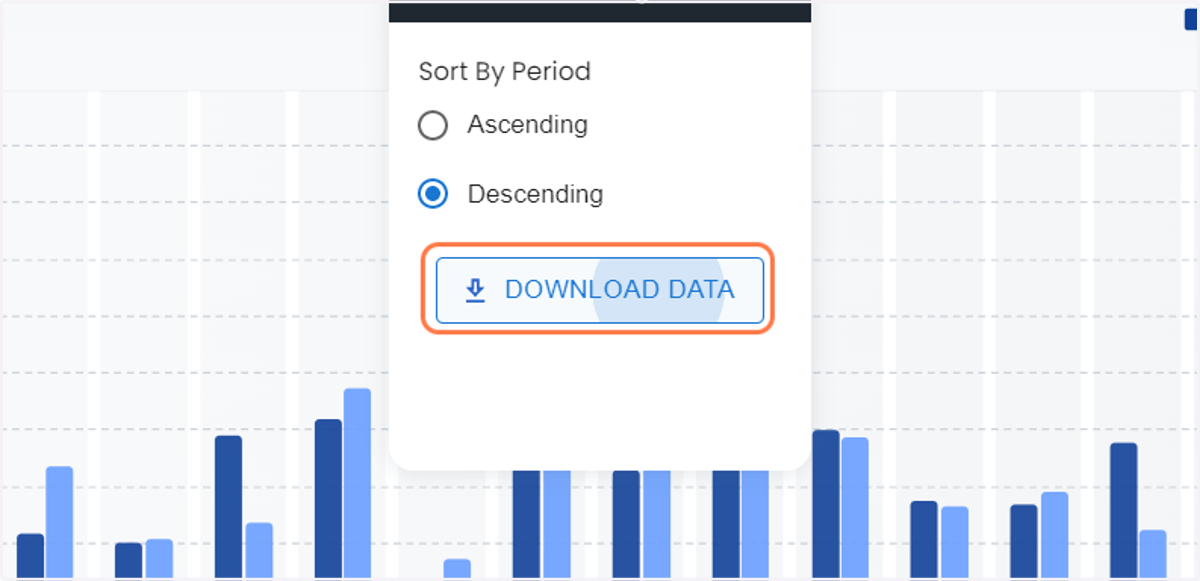
16. Click on DOWNLOAD DATA to download the data