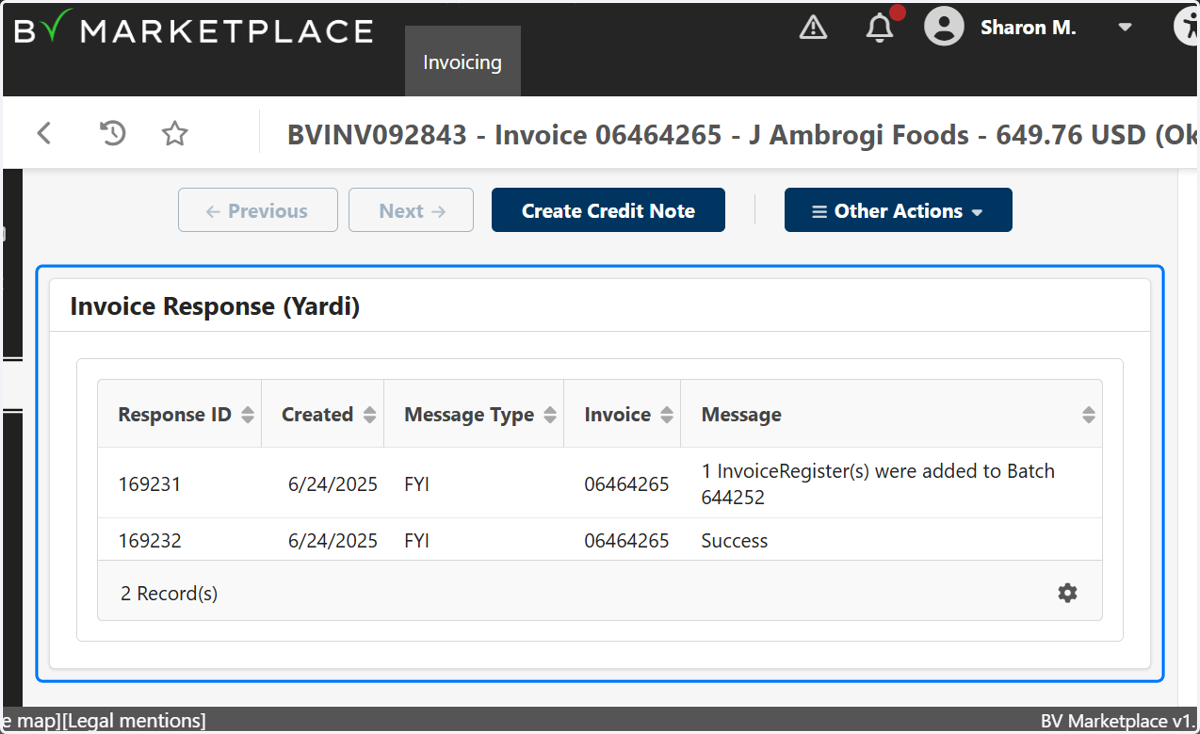
BV Marketplace check to see if an invoice was transmitted to Yardi
Procurement Portal: BV Marketplace
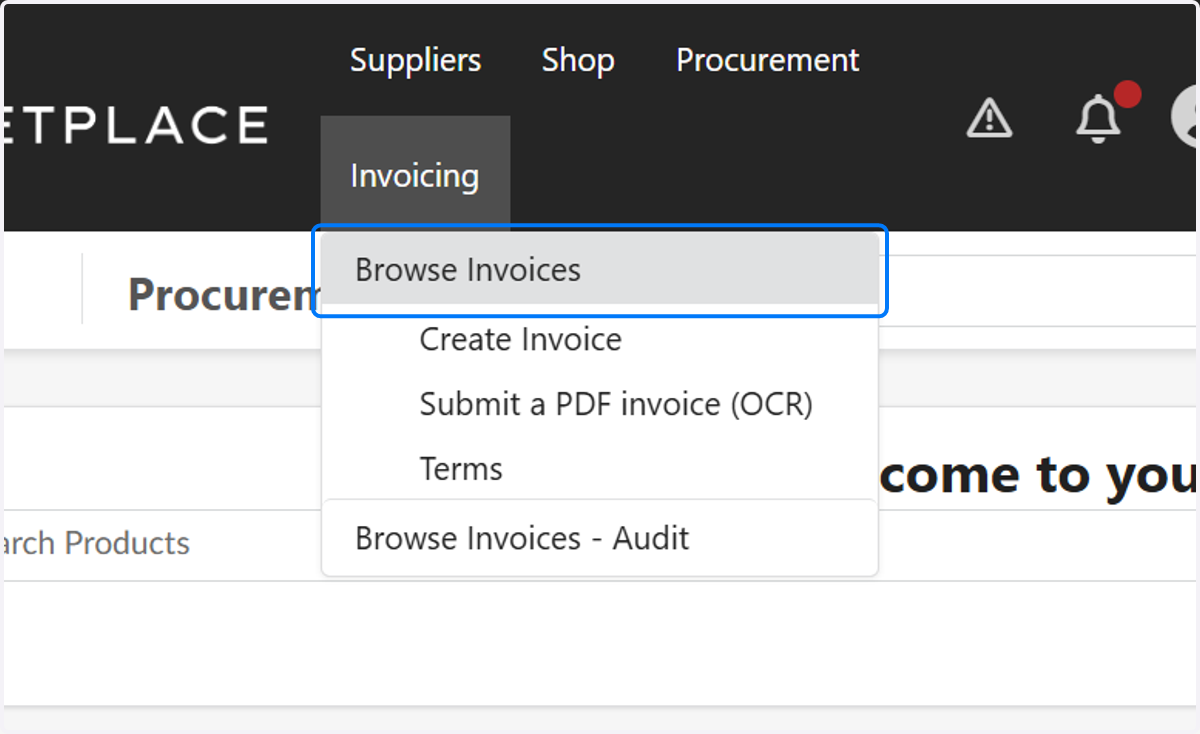
1. Click on Browse Invoices
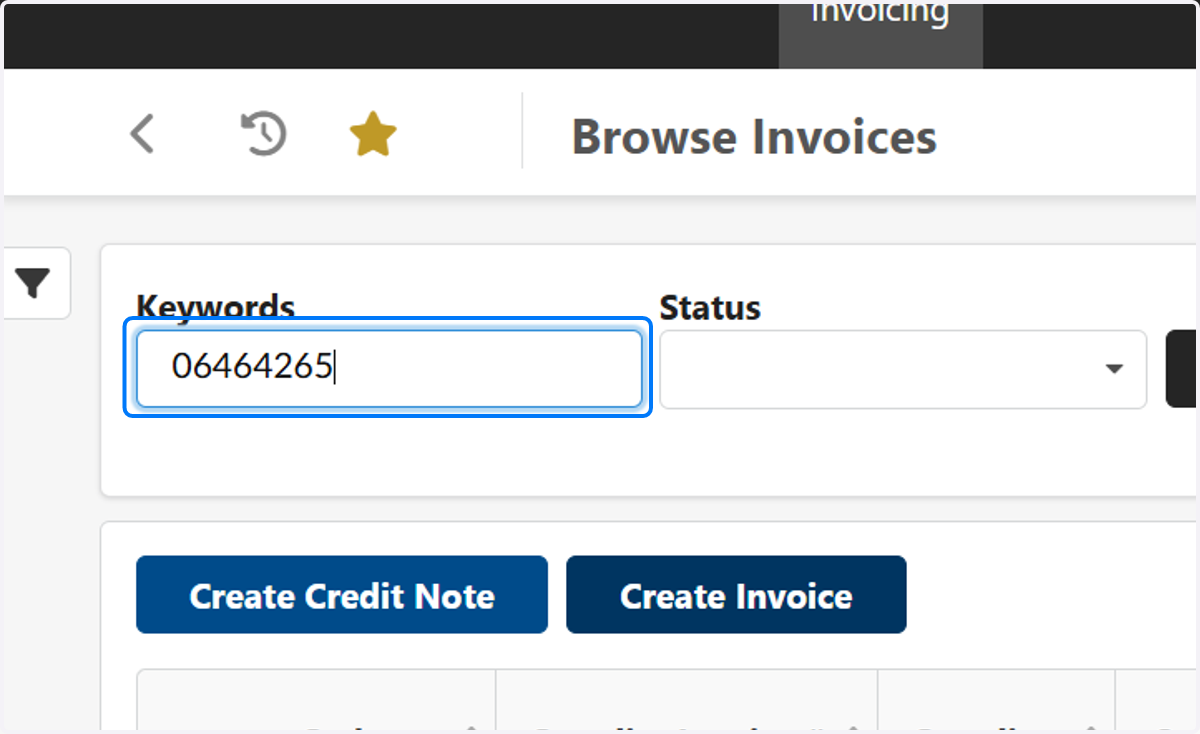
2. Type in the Supplier invoice number
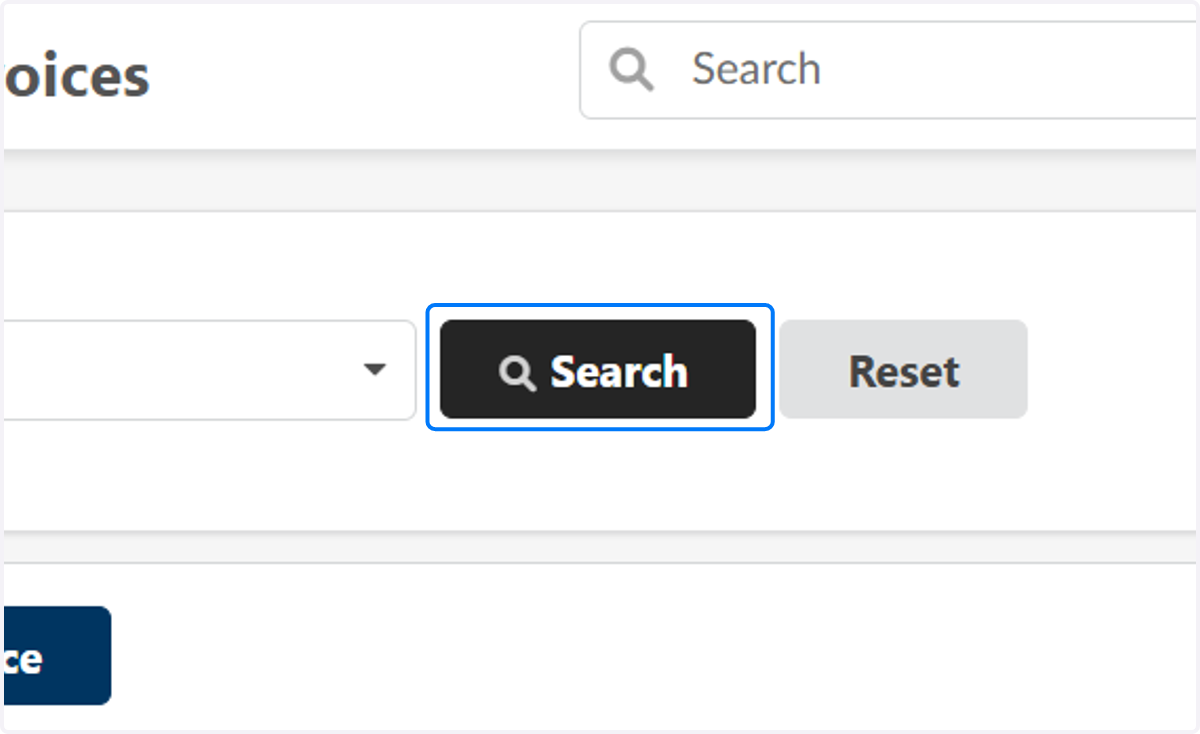
3. Click on Search
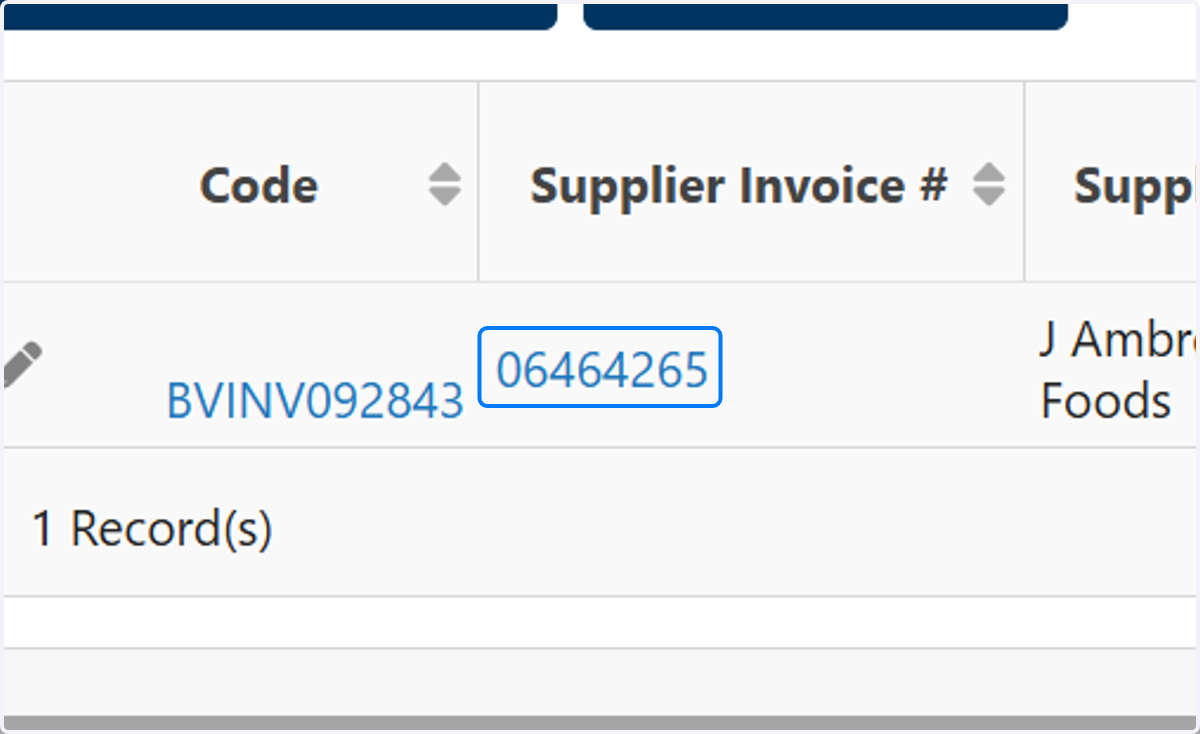
4. Click on the invoice to open it
5. Click on the 4th tab down on the left pane of the invoice "Invoice Response (Yardi)"

6. Look at the Invoice response
If the invoice response says anything other than "Success" this means the invoice was not transmitted to Yardi. Please email Procurement to have this fixed