Viewing details on a Document

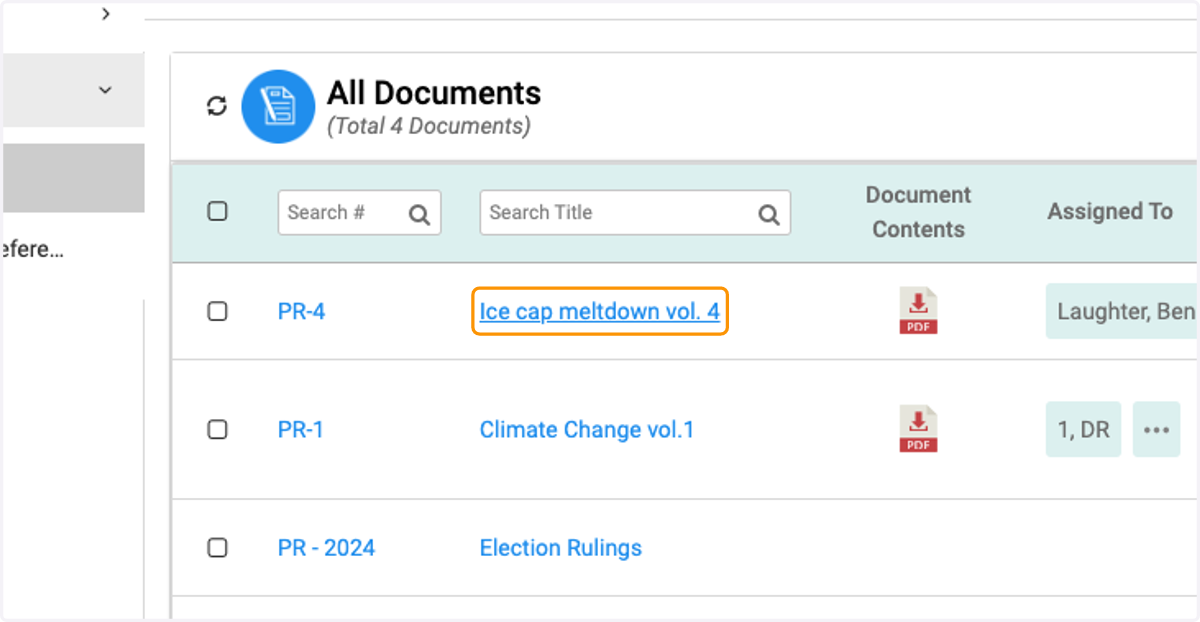
  1. 1. Click on the document

    Click on the document
  2. 2. Click on Download Document Contents to download view attached PDF
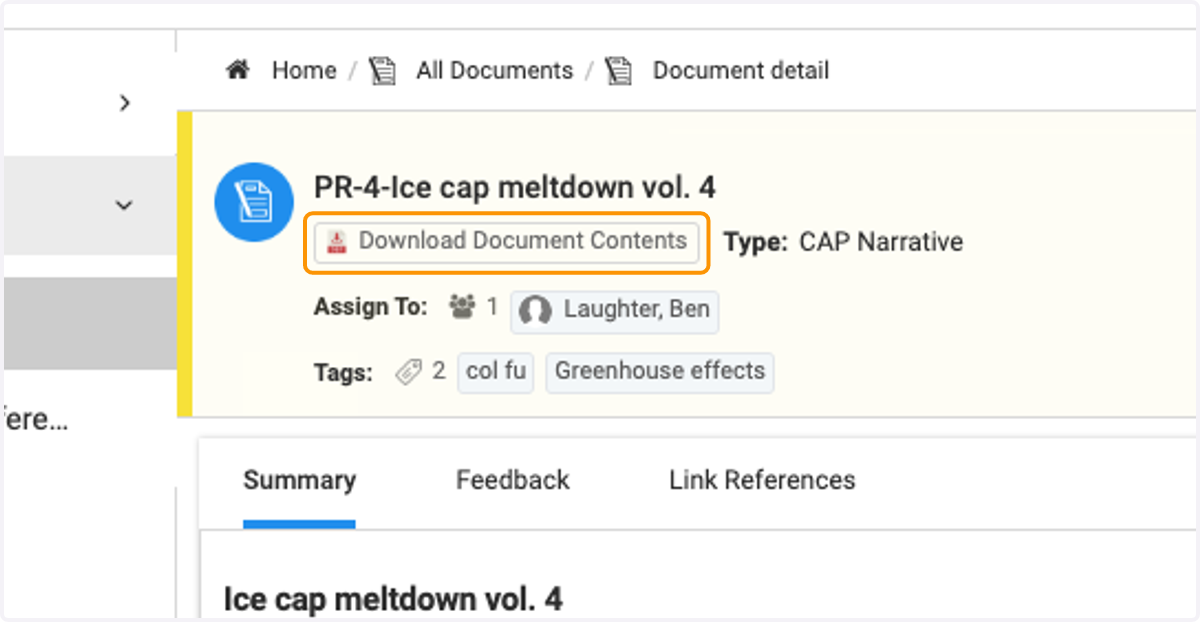
    Click on Download Document Contents to download view attached PDF
  3. 3. Click on Summary to view the document summary
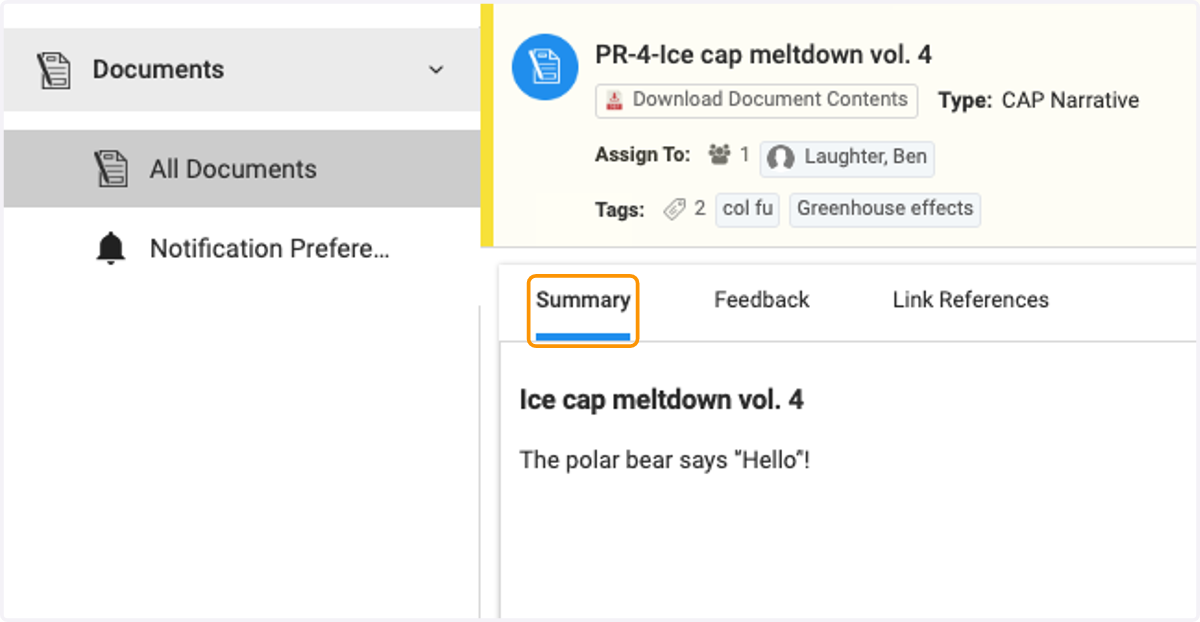
    Click on Summary to view the document summary
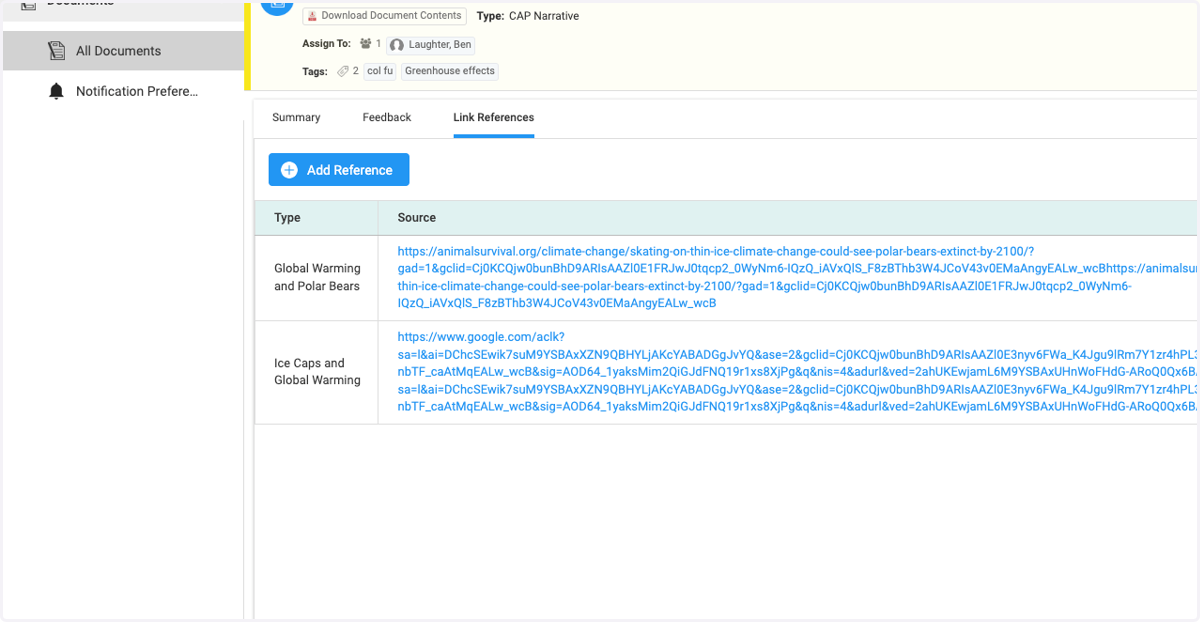
  4. 4. Click on Link References to view supporting reference materials
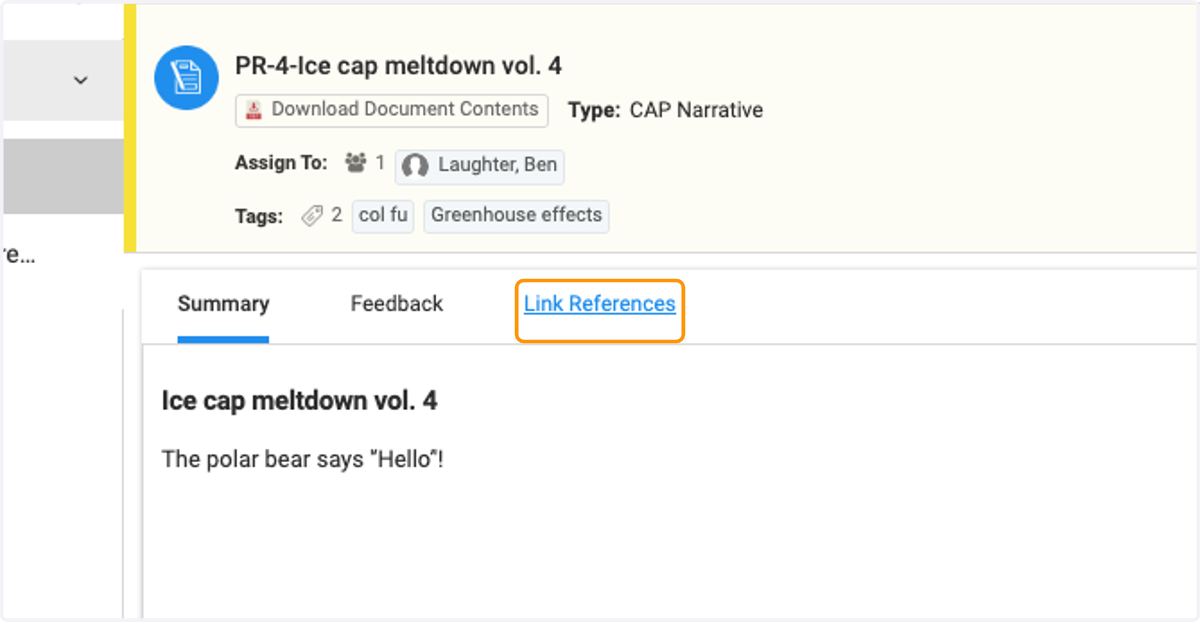
    Click on Link References to view supporting reference materials
  5. 5. View Link References

    View Link References
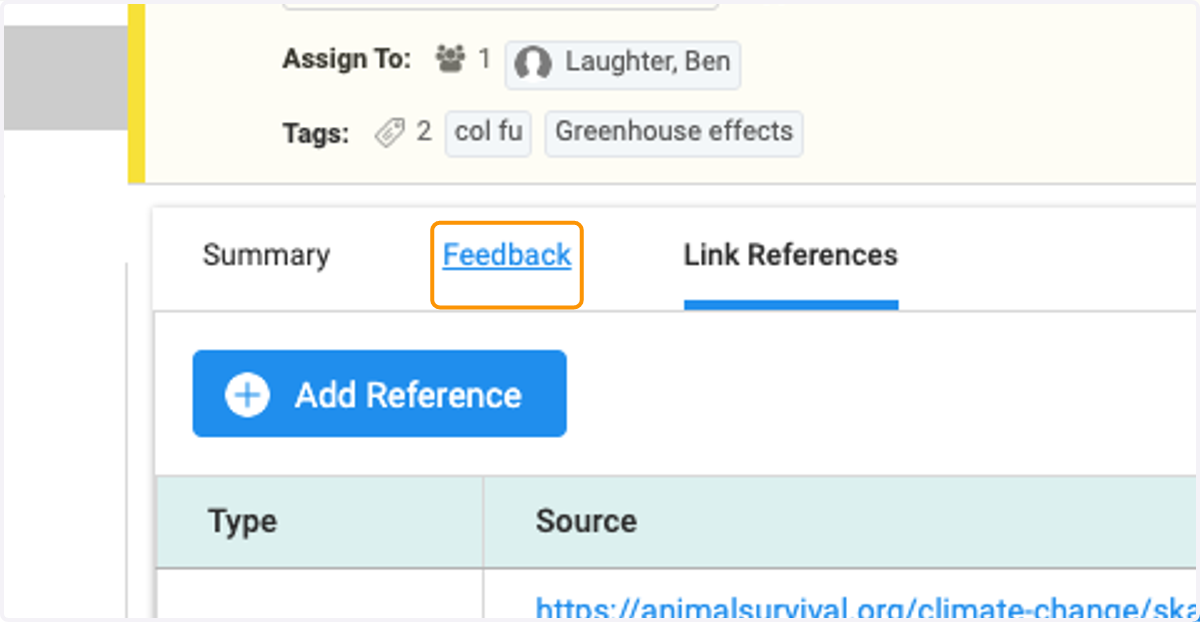
  6. 6. Click on Feedback

    Click on Feedback
  7. 7. View feedback left by collaborators
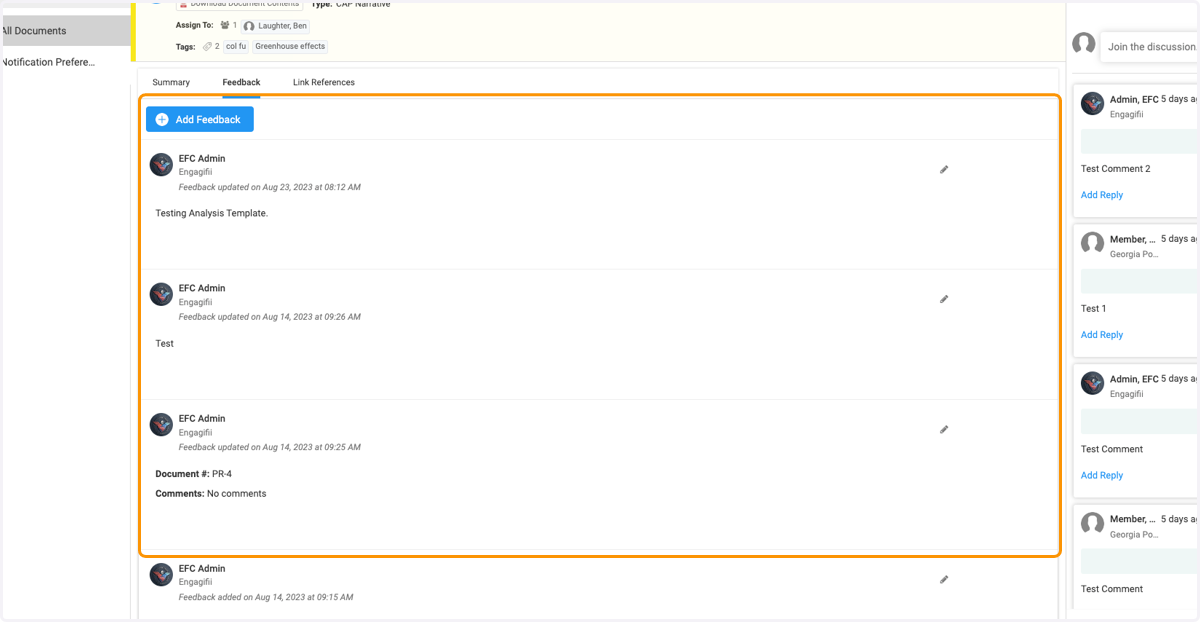
    View feedback left by collaborators
  8. 8. View Comments to read collaborator's comments
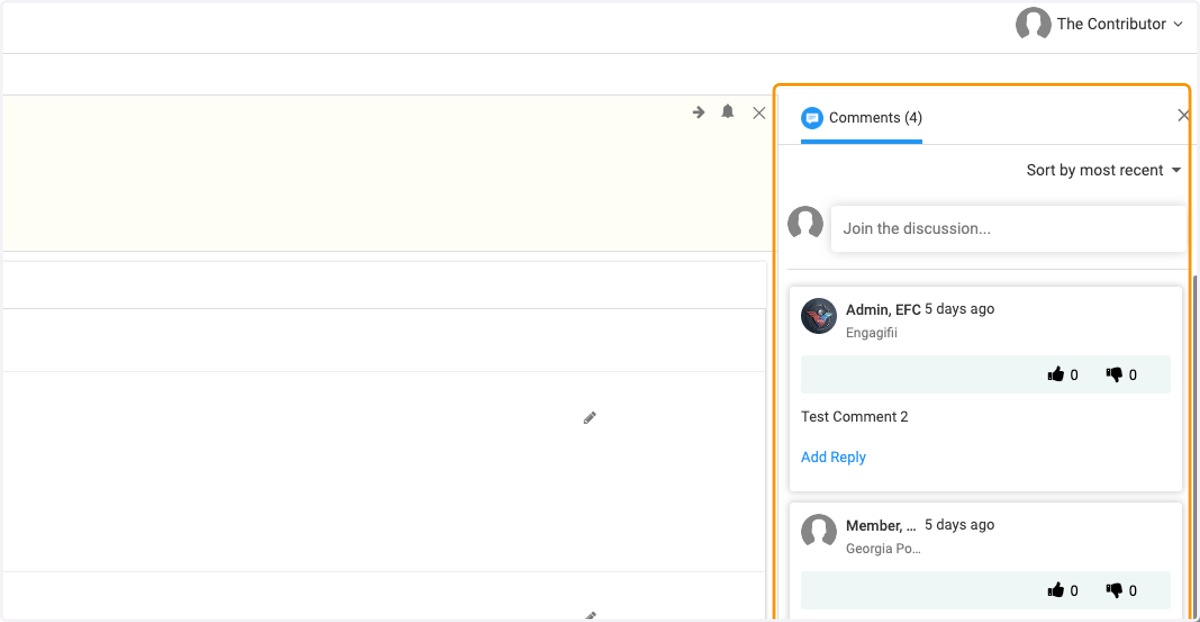
    View Comments to read collaborator's comments