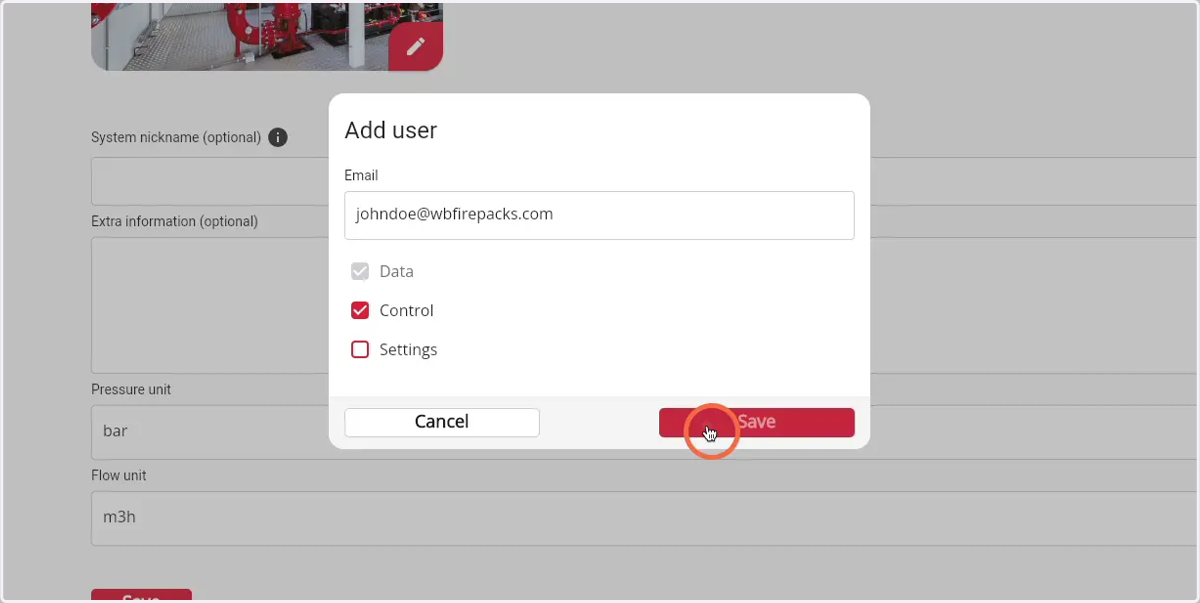
How to add and give rights a user to for a firepack
1. Navigate to web.firecoach.app
2. Log in with your Firecoach account
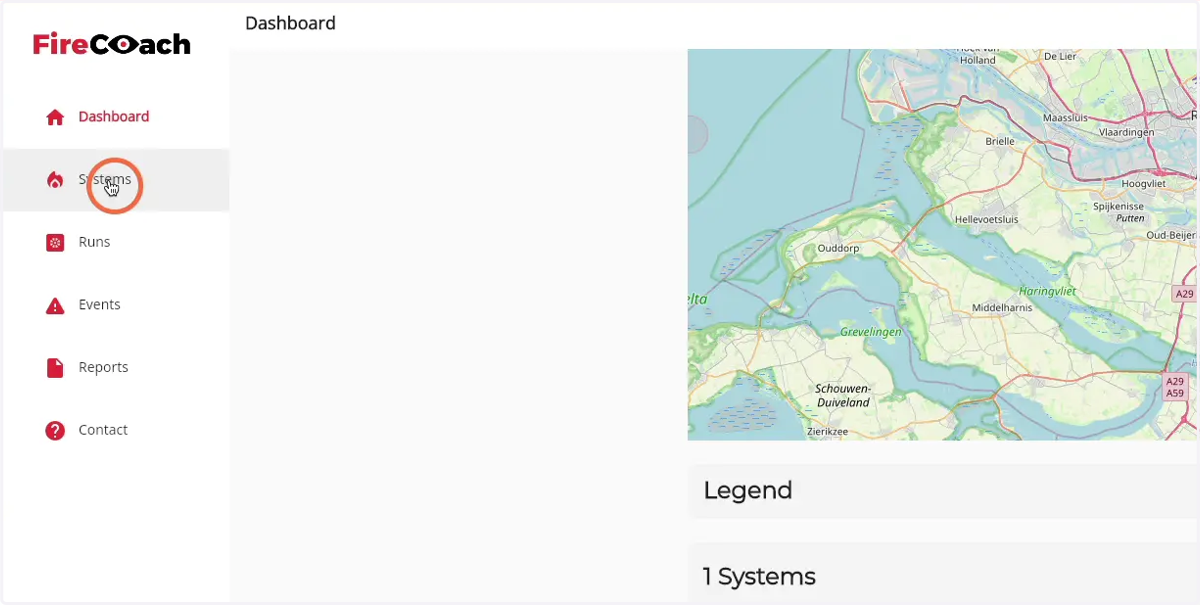
3. Click on 'Systems'
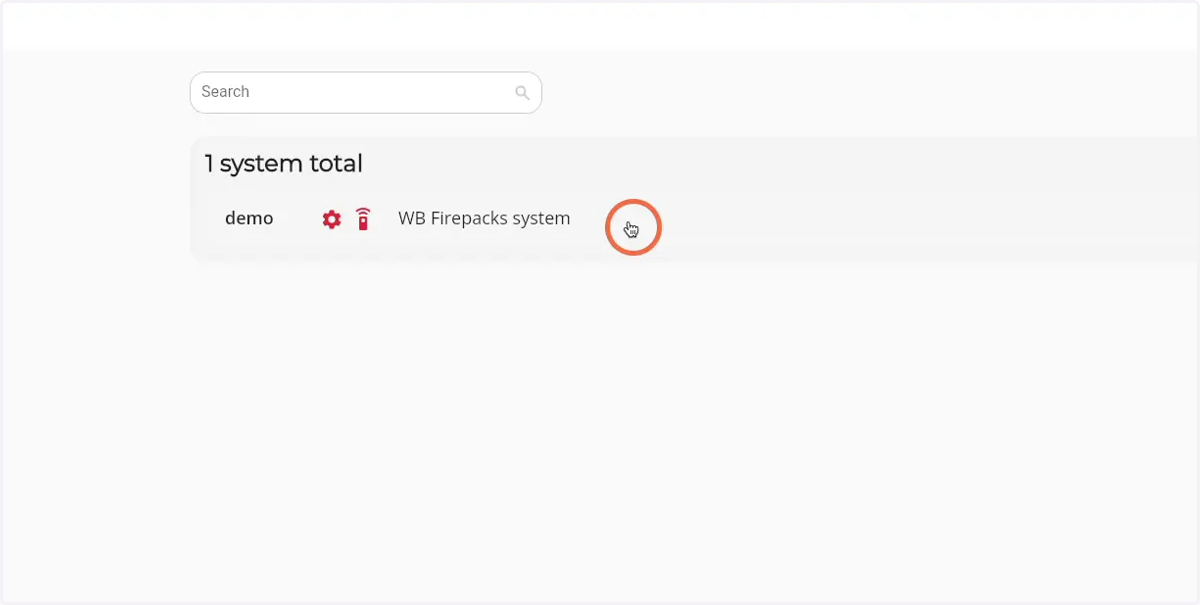
4. Click on the Firepack that you would like to invite a user to
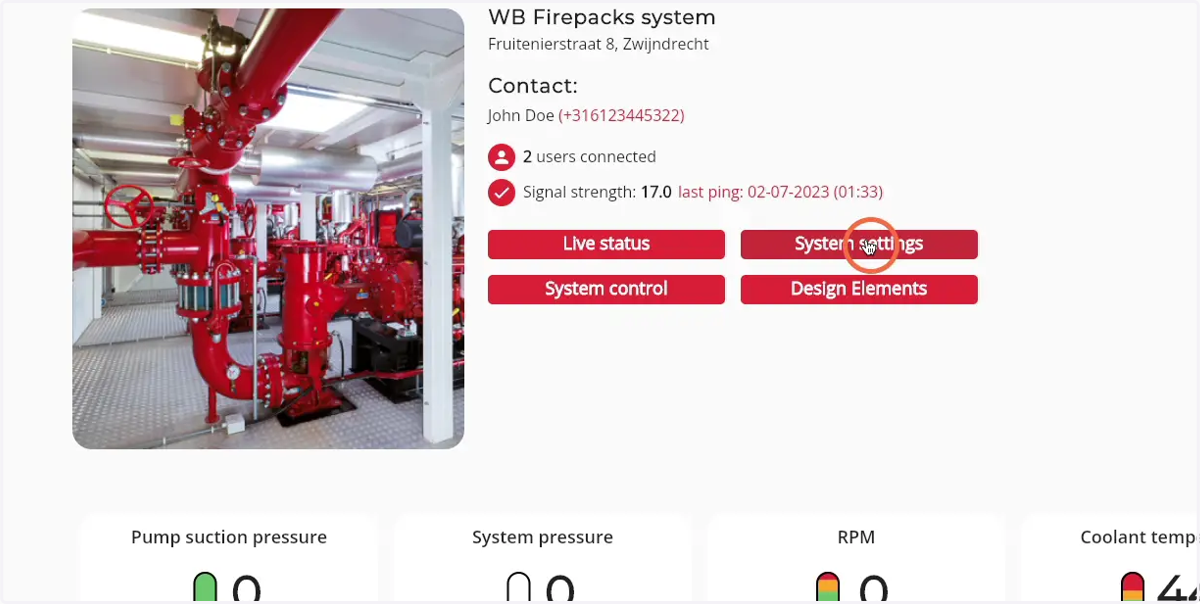
5. Click on 'System settings'
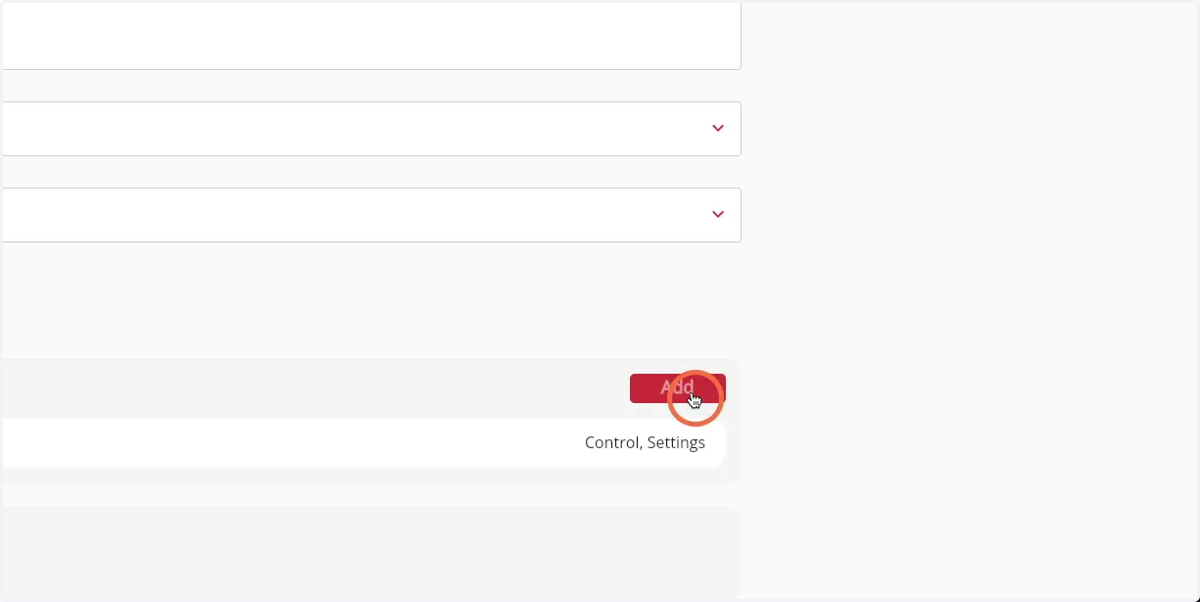
6. Click the 'add' button of the 'Users with access' component
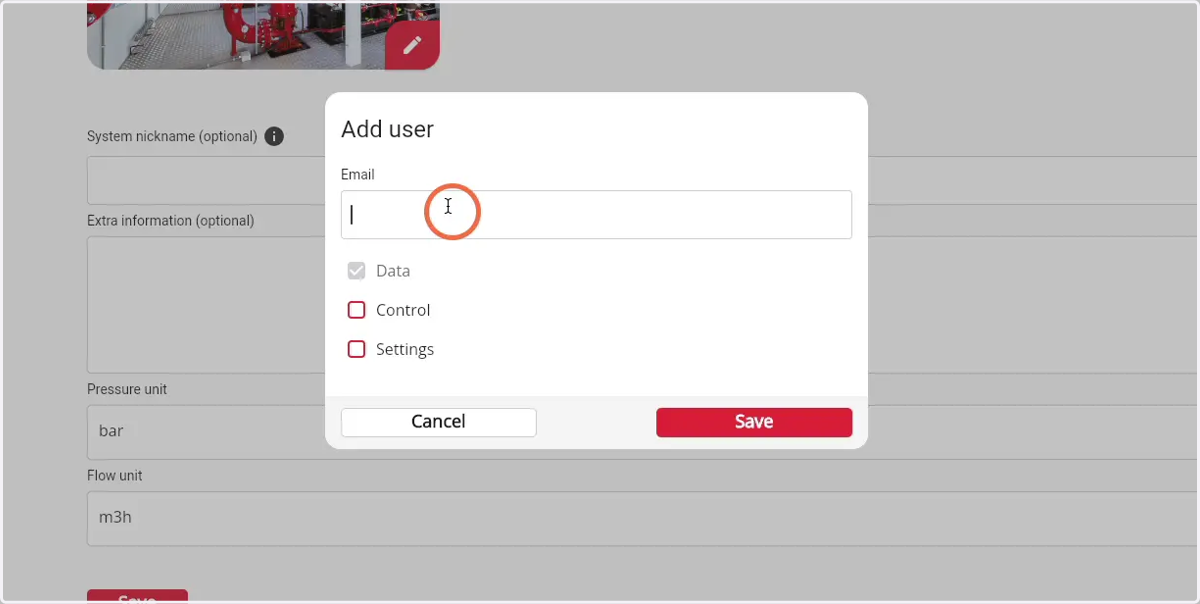
7. Enter the email adress of the user you would like to add
8. Choose the amount of rights the user by selecting the different checkmarks of the Firepack
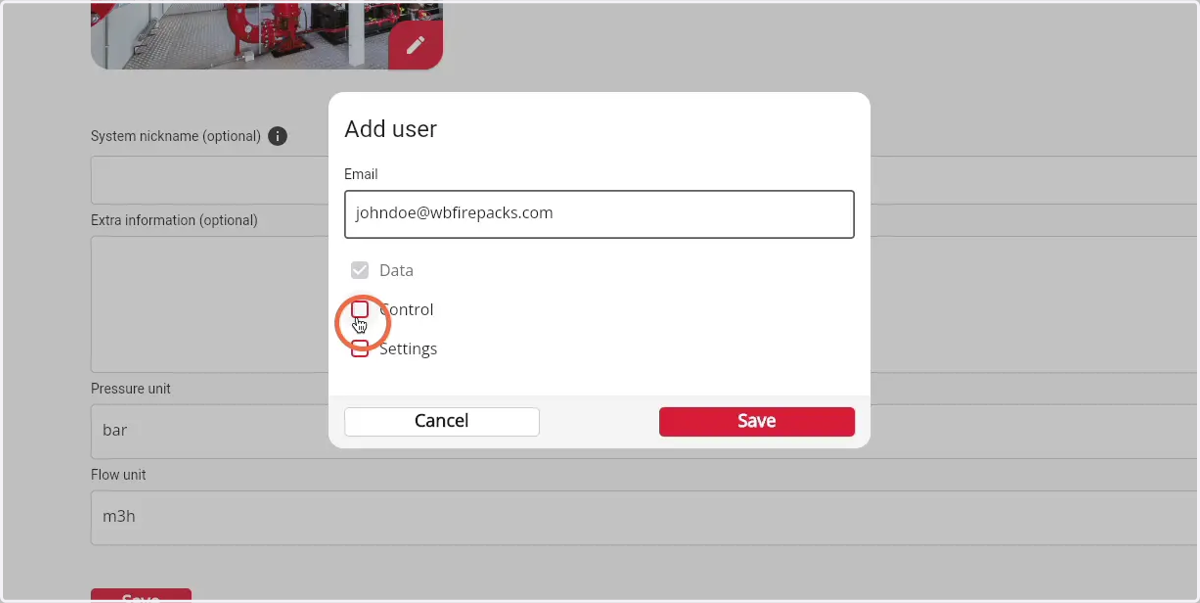
9. Click 'Save' to give the user acces to the Firepack