Instruction on How to Register to Appeal a City of Portsmouth Parking Citation Online

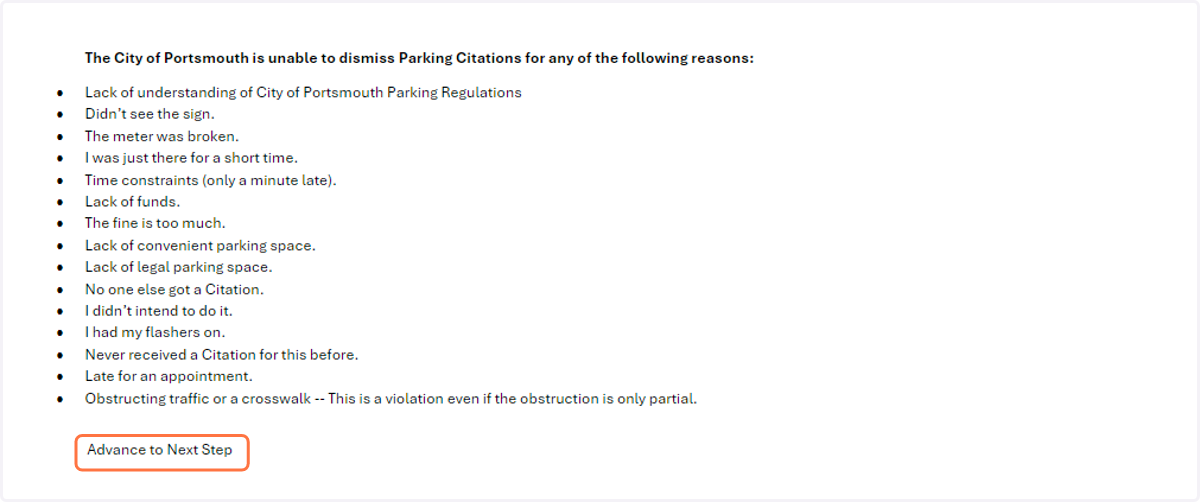
  1. 1. Click on Advance to Next Step

    Click on Advance to Next Step

Go to www.parkportsmouth.com

  1. 2. Click on PAY OR APPEAL PARKING CITATIONS
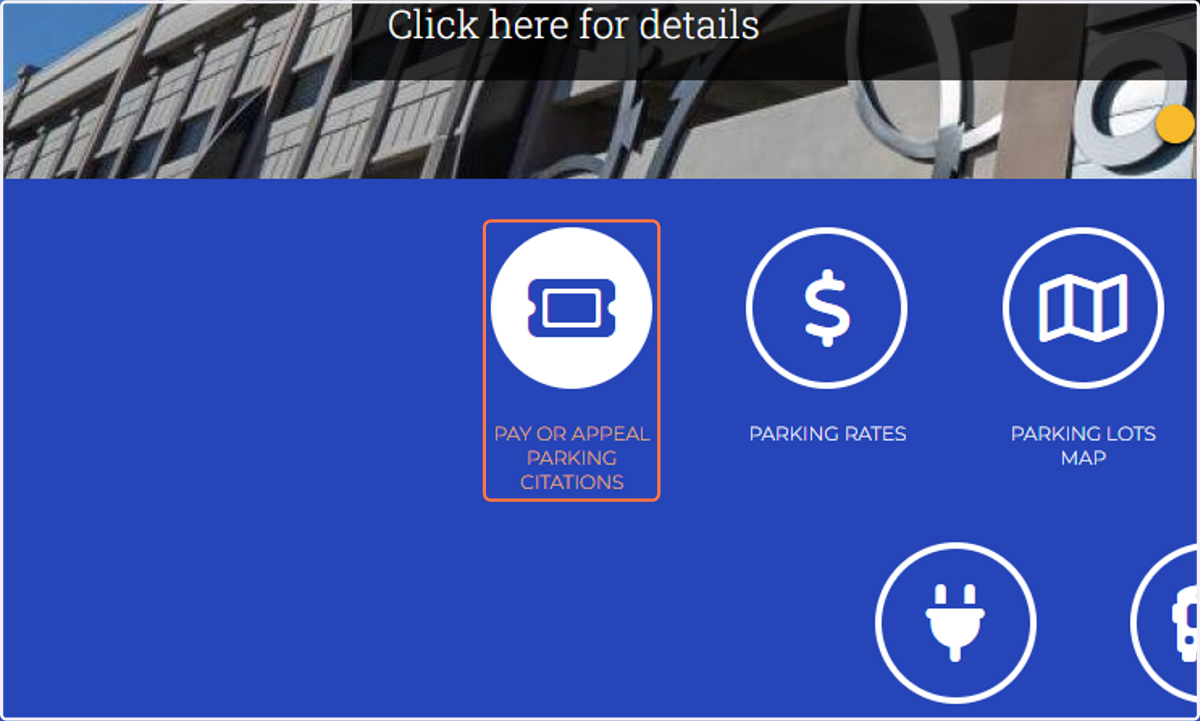
    Click on PAY OR APPEAL PARKING CITATIONS
  2. 3. Click on PAY/APPEAL PARKING CITATION
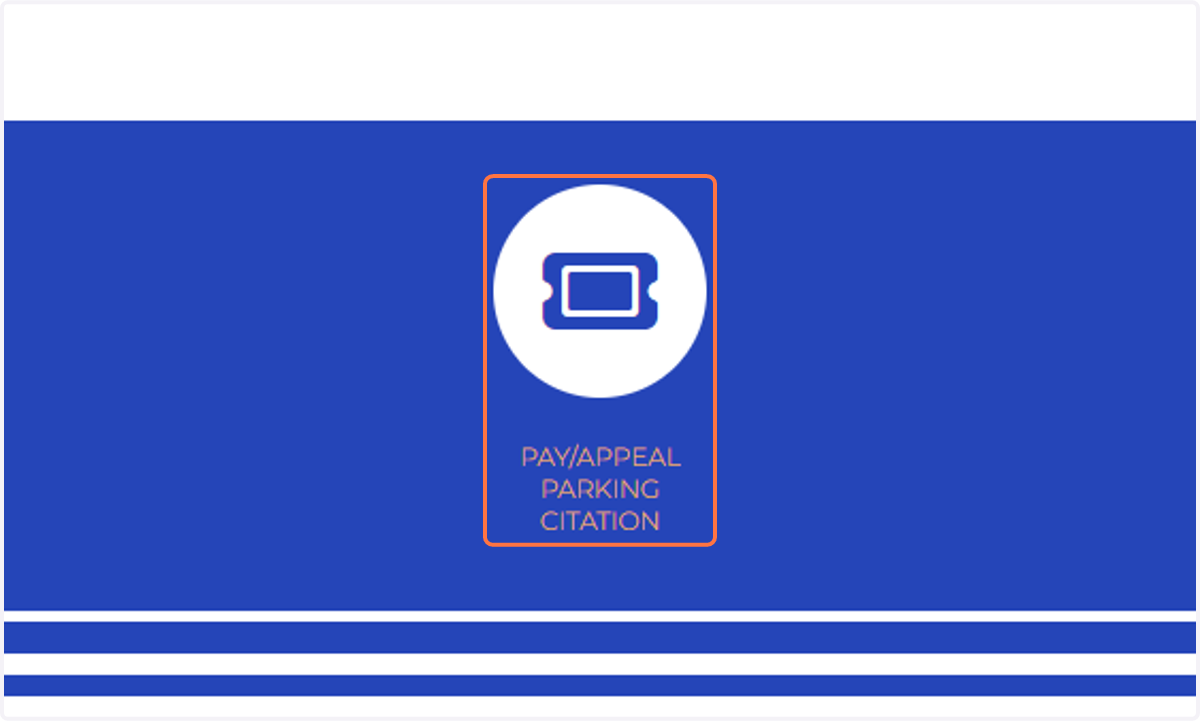
    Click on PAY/APPEAL PARKING CITATION
  3. 4. Click on Click here to Pay or Appeal Parking Citations Online
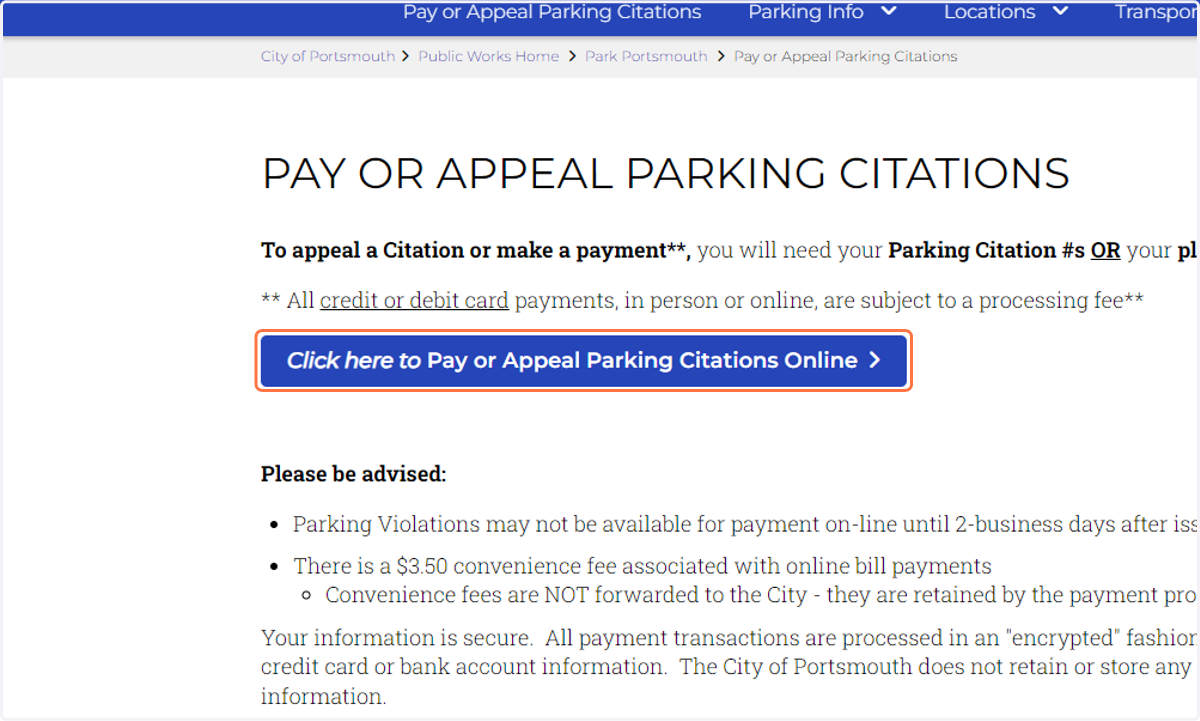
    Click on Click here to Pay or Appeal Parking Citations Online
  4. 5. Click on If you do not have an account, click here to register.
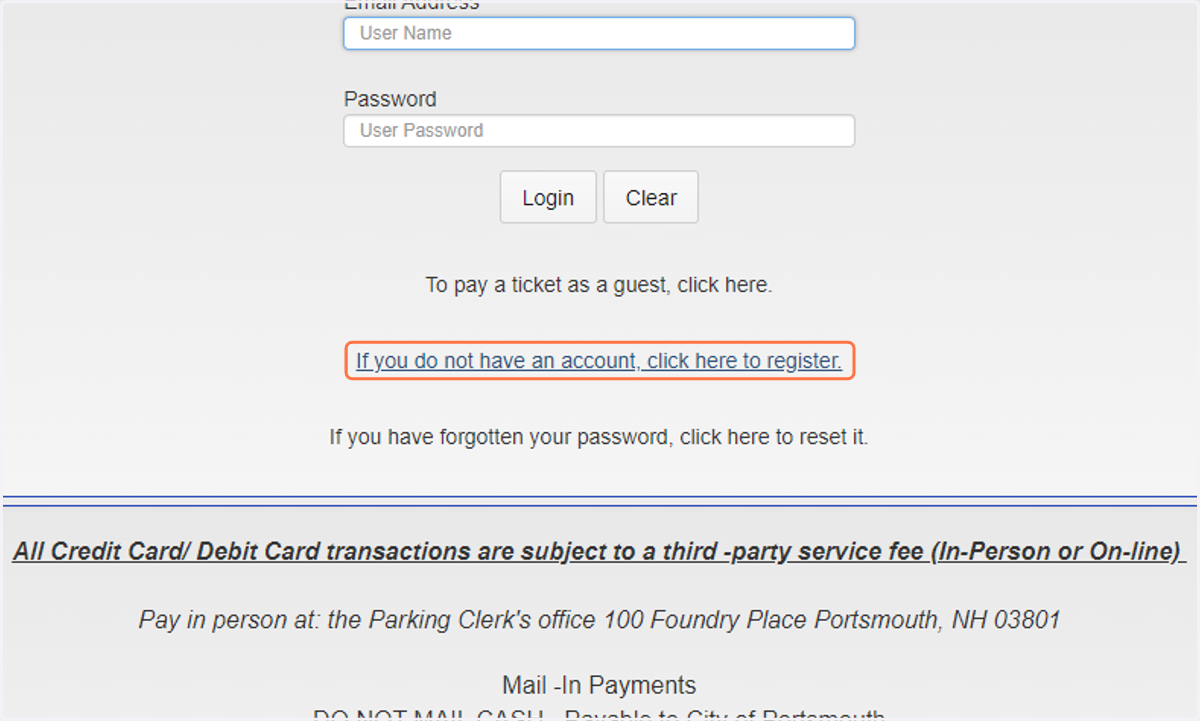
    Click on If you do not have an account, click here to register.
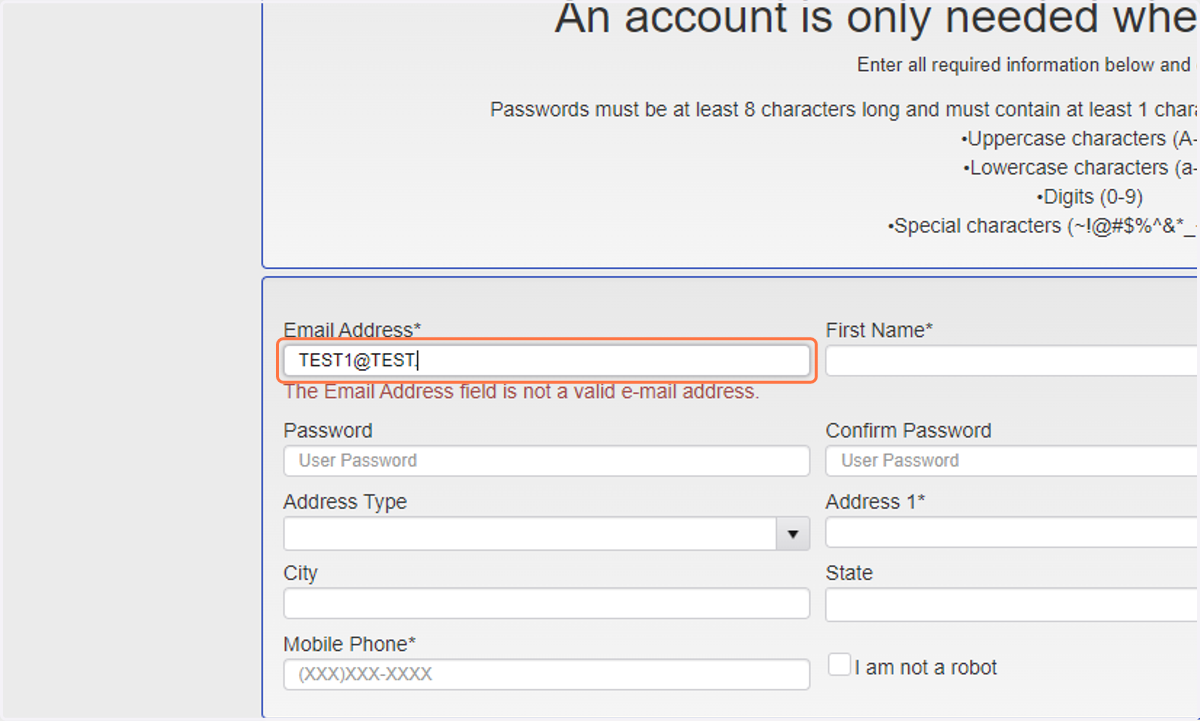
  5. 6. Enter your email address

    Enter your email address
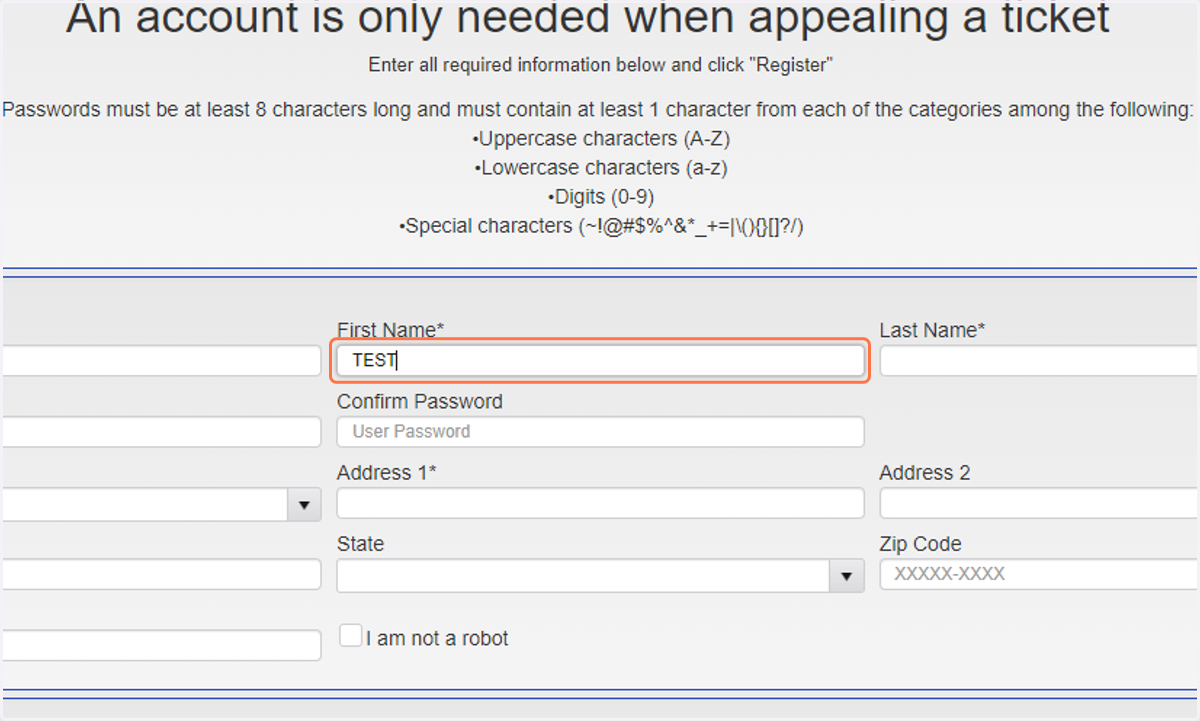
  6. 7. Enter your First Name

    Enter your First Name
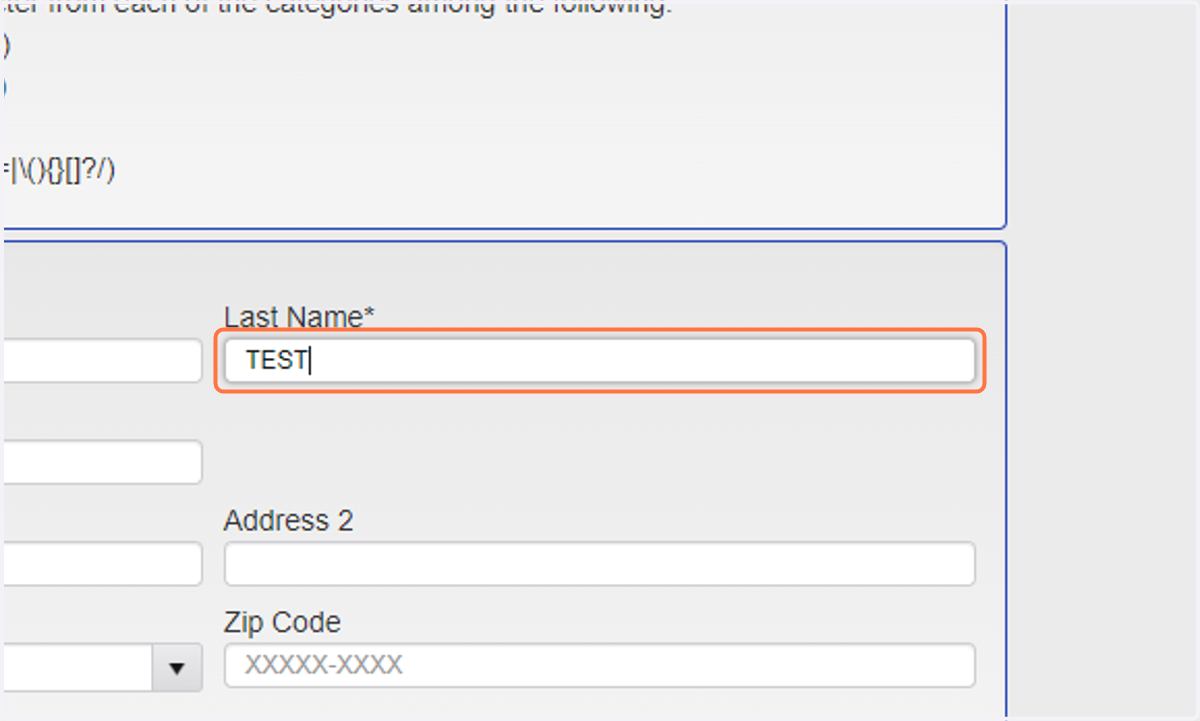
  7. 8. Enter your Last name

    Enter your Last name
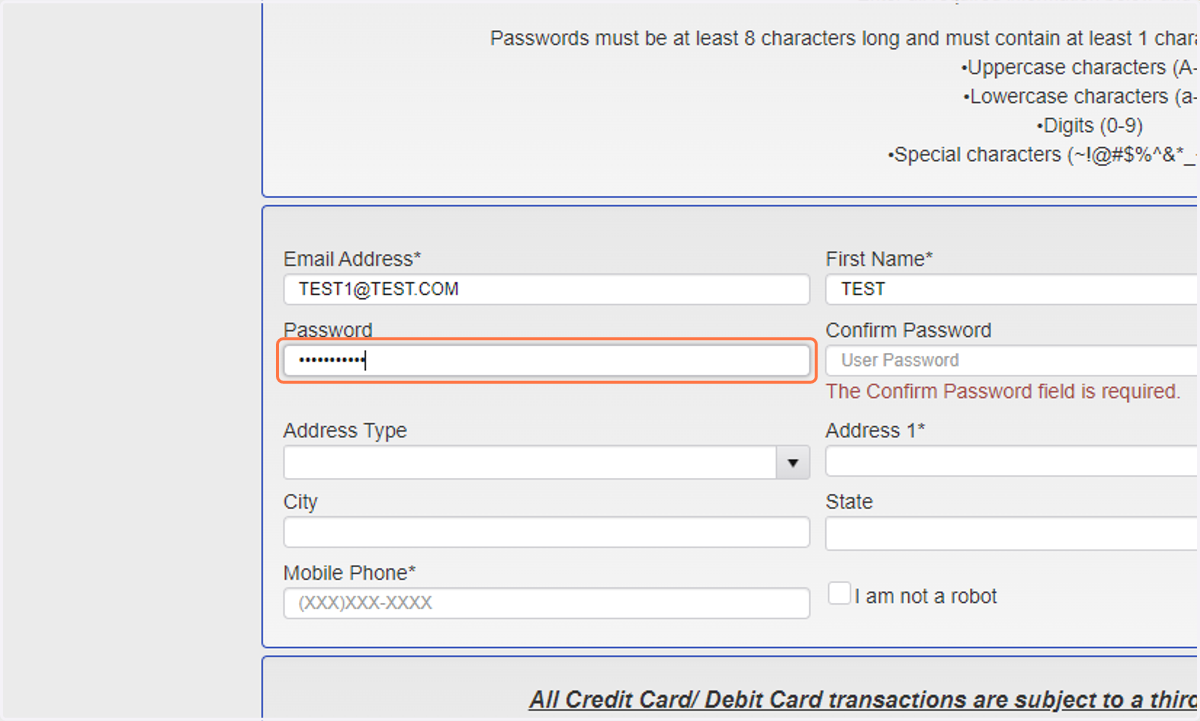
  8. 9. Enter in a password

    Enter in a password
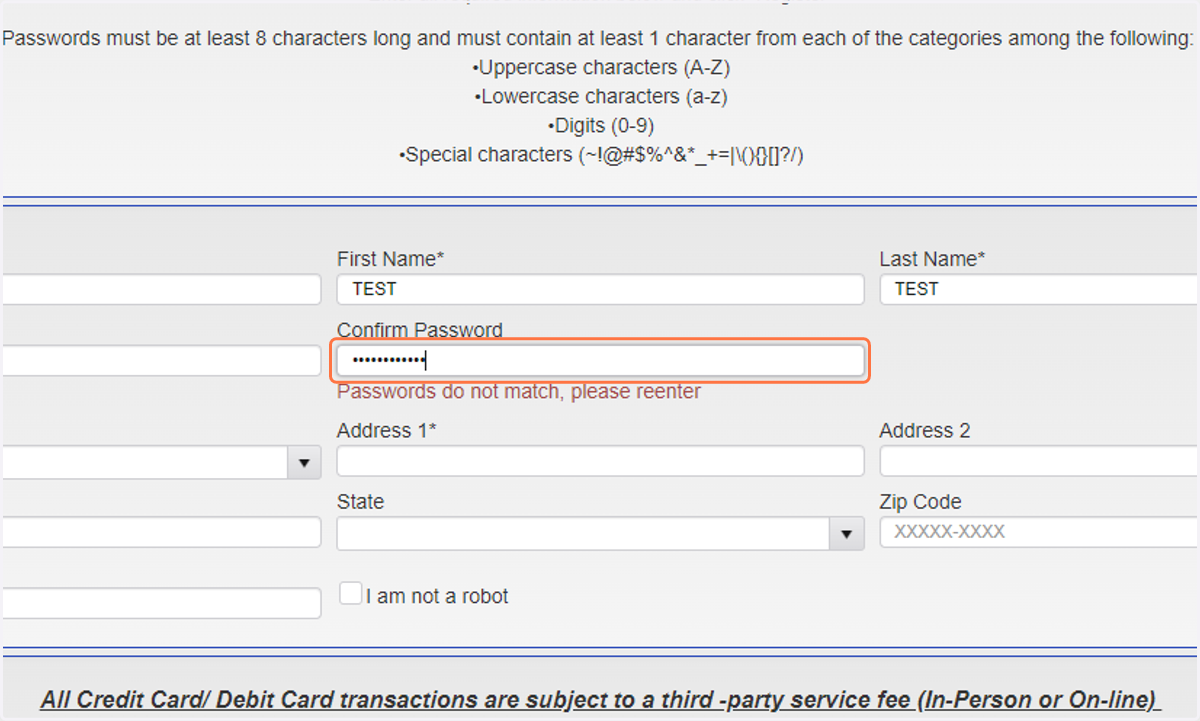
  9. 10. Re-Enter in a password

    Re-Enter in a password
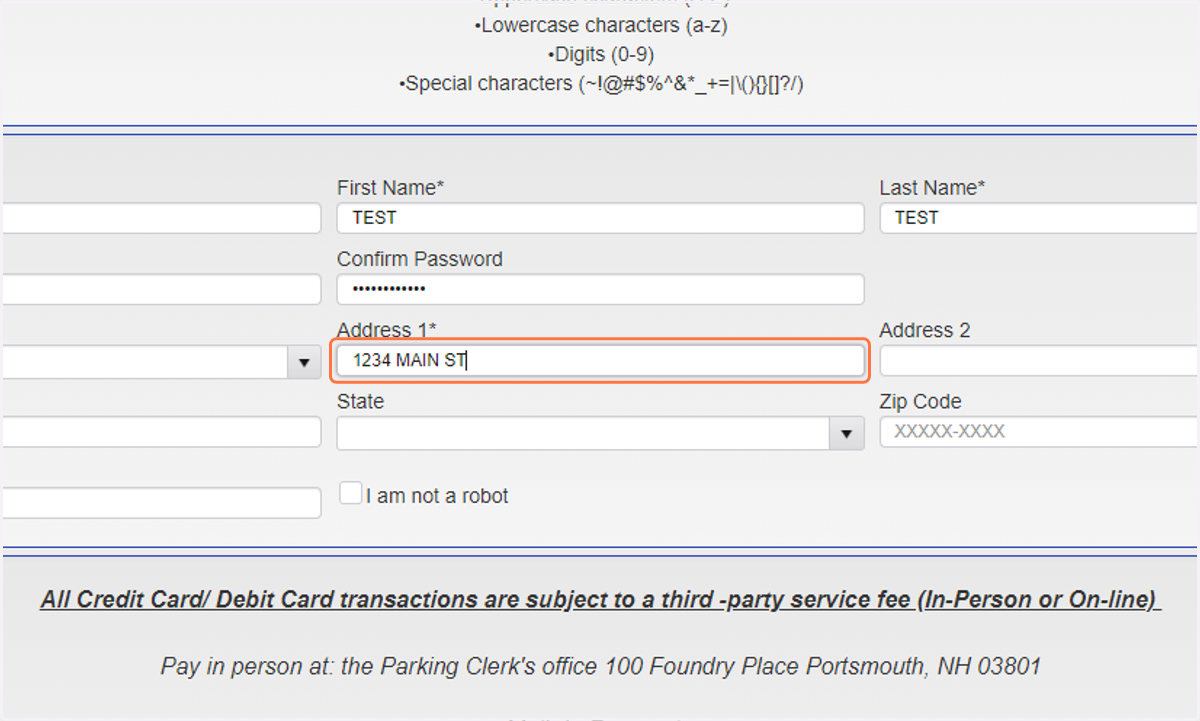
  10. 11. Enter your Adrress

    Enter your Adrress
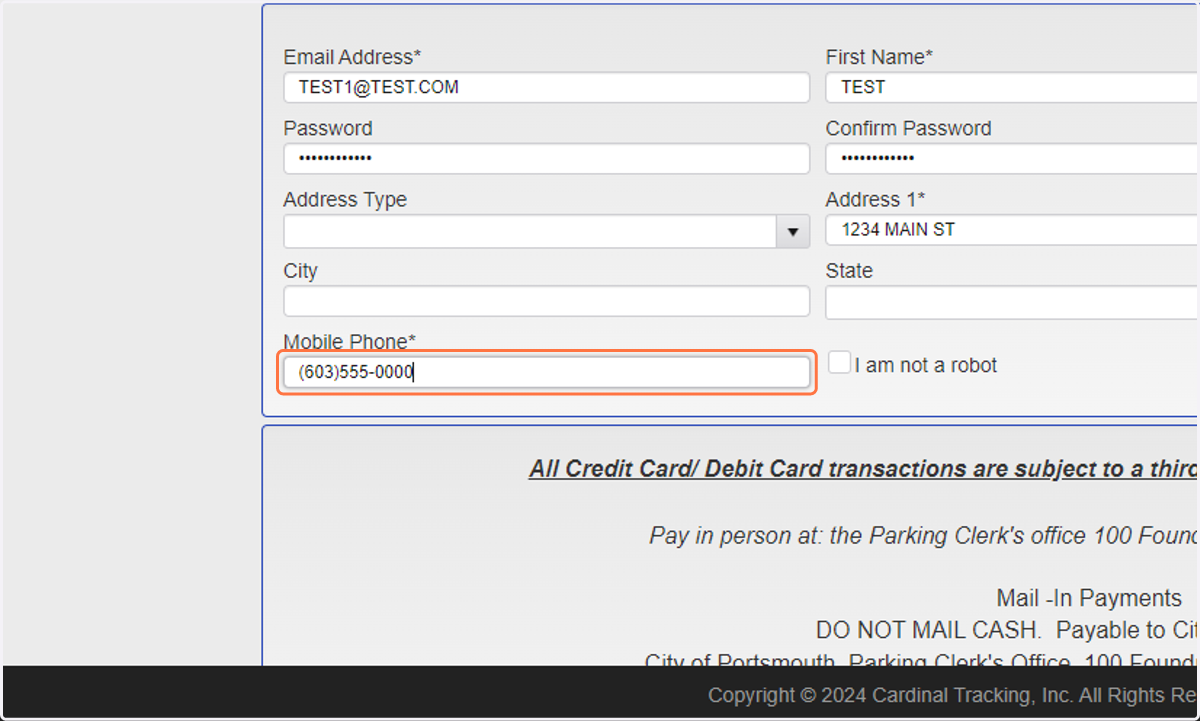
  11. 12. Enter your Mobile Phone

    Enter your Mobile Phone
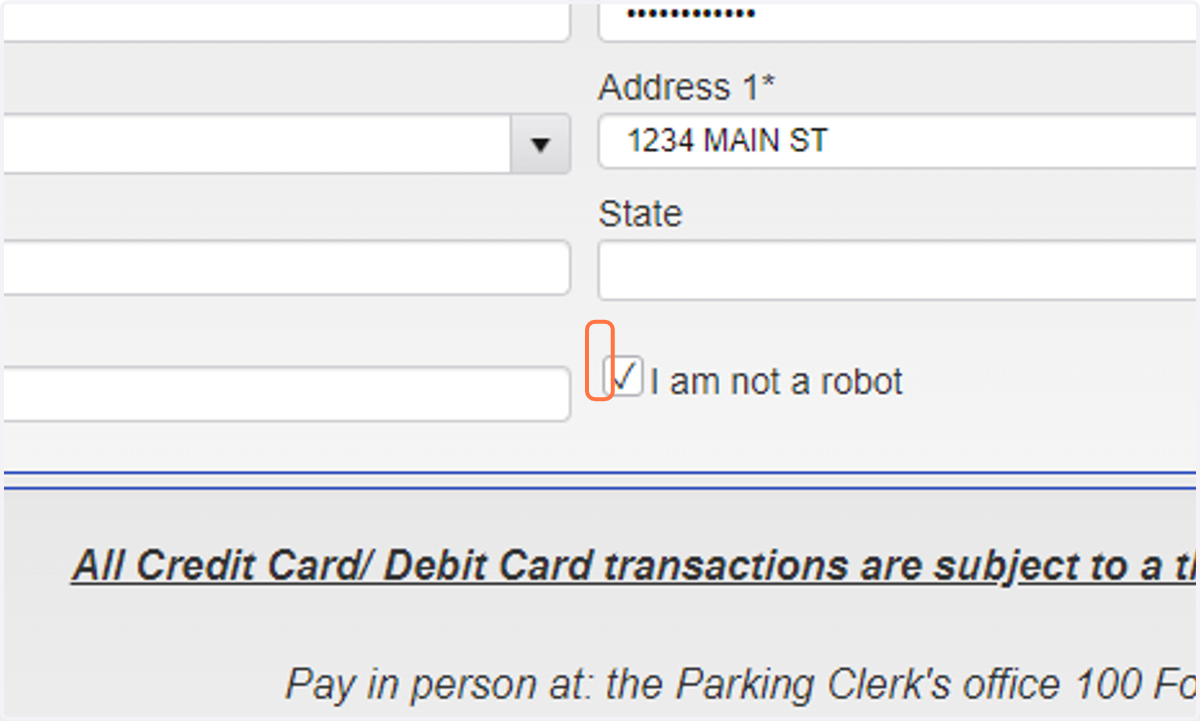
  12. 13. Check I am not a robot

    Check I am not a robot
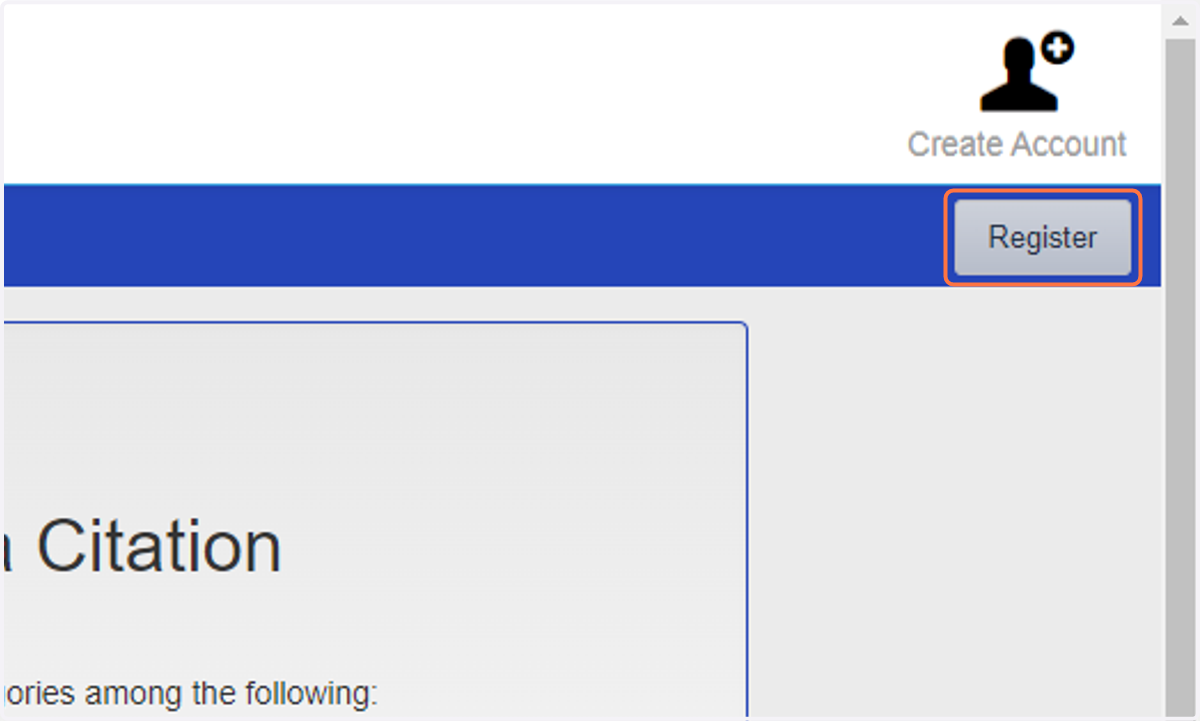
  13. 14. Click on Register

    Click on Register
  14. 15. Enter your email address you used to register
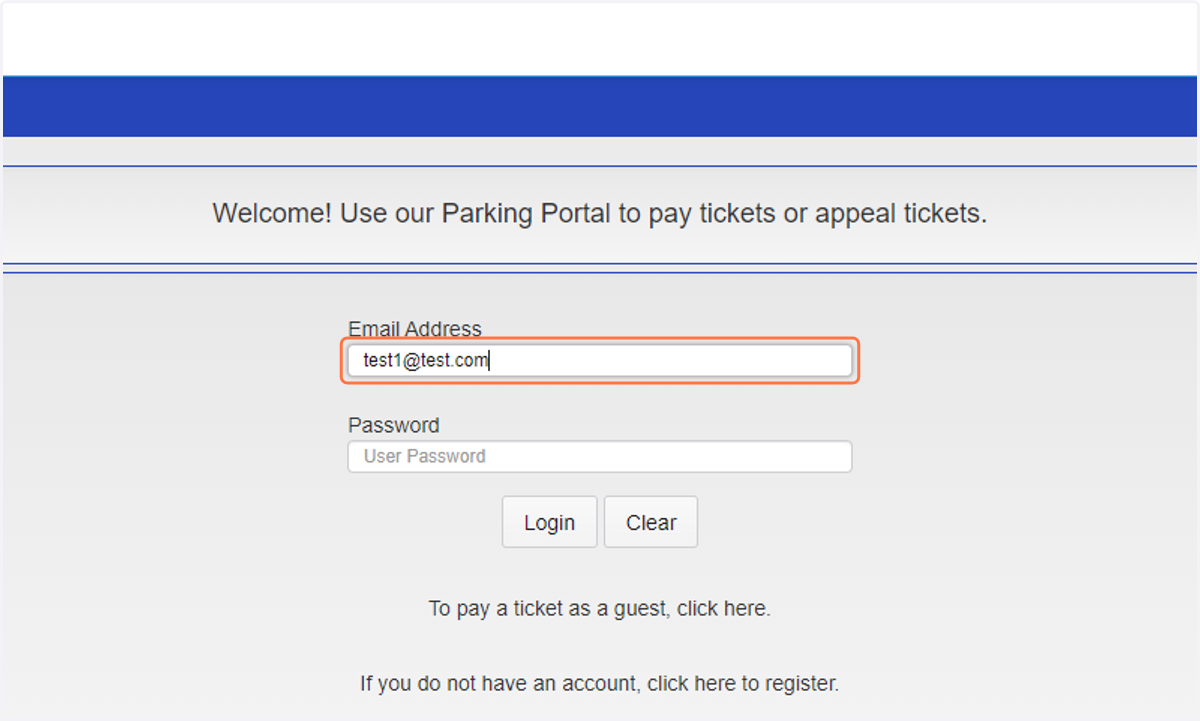
    Enter your email address you used to register
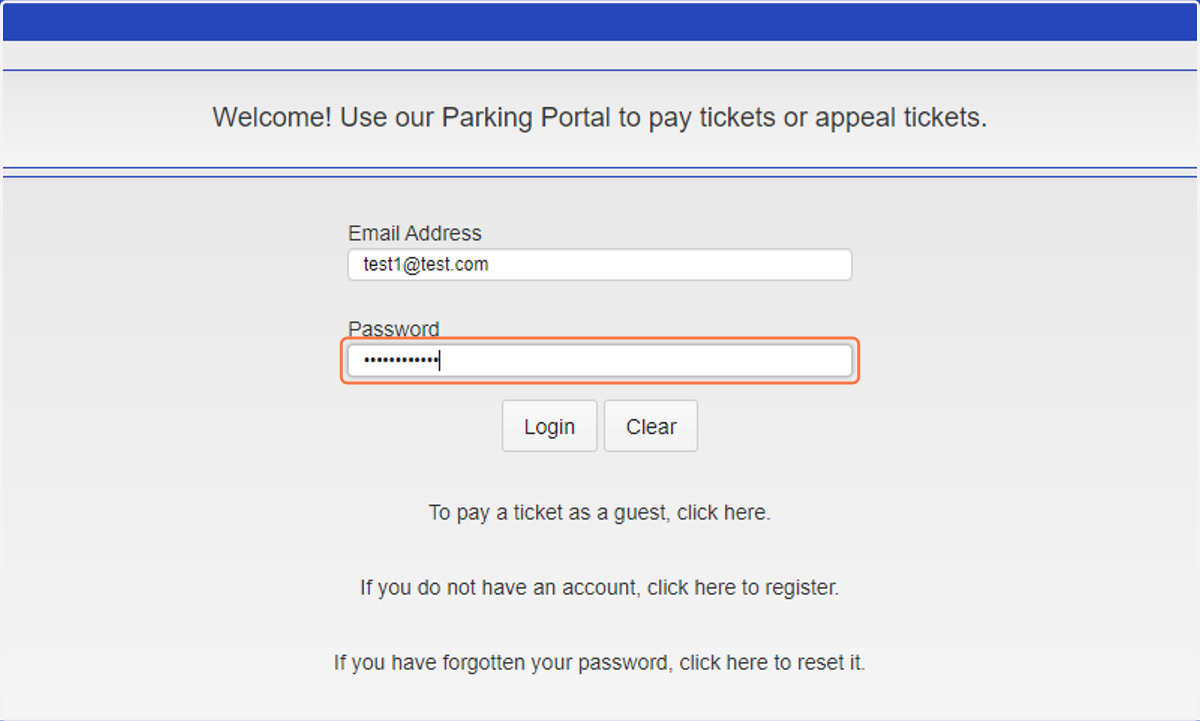
  15. 16. Enter your password

    Enter your password
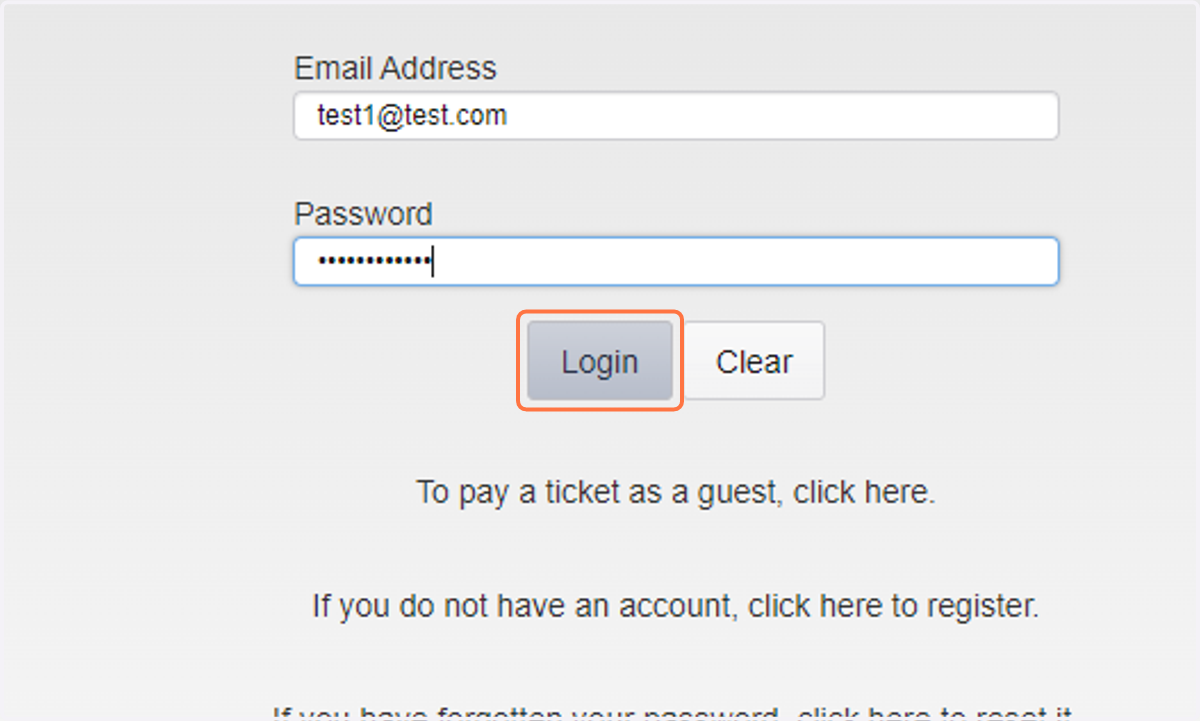
  16. 17. Click on Login

    Click on Login
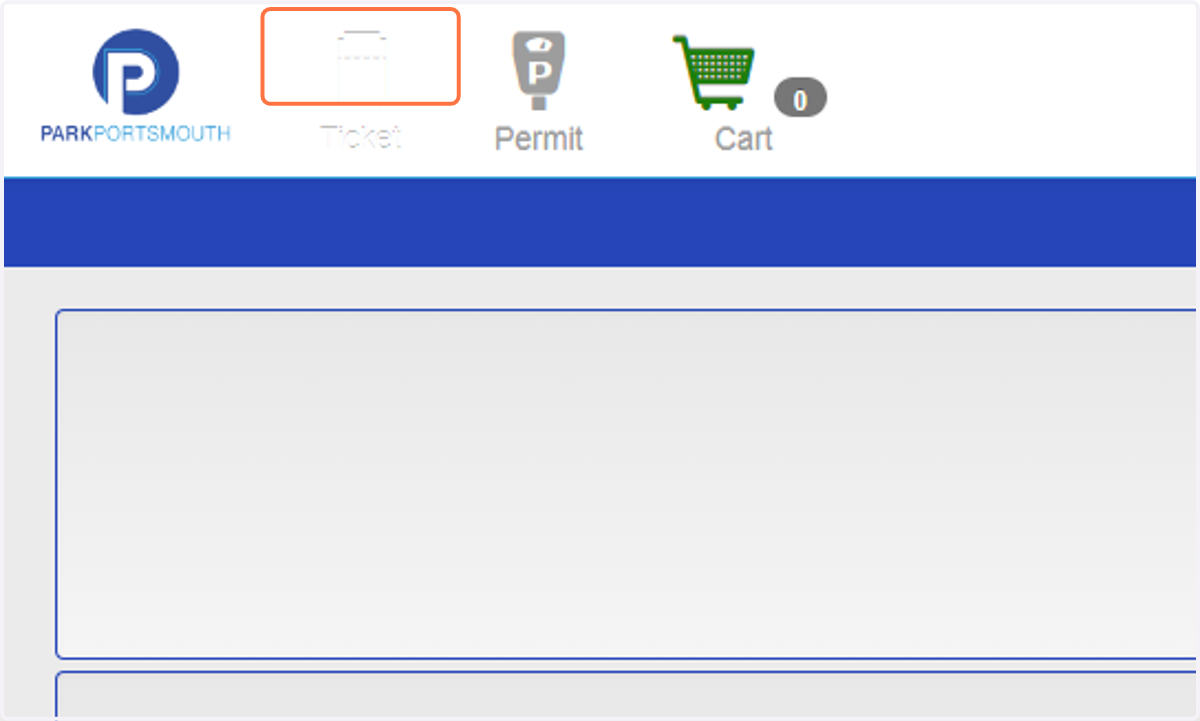
  17. 18. Click on Ticket

    Click on Ticket
  18. 19. Enter your Citation number. If you do not have it, enter the License Plate, and select the State of issue.
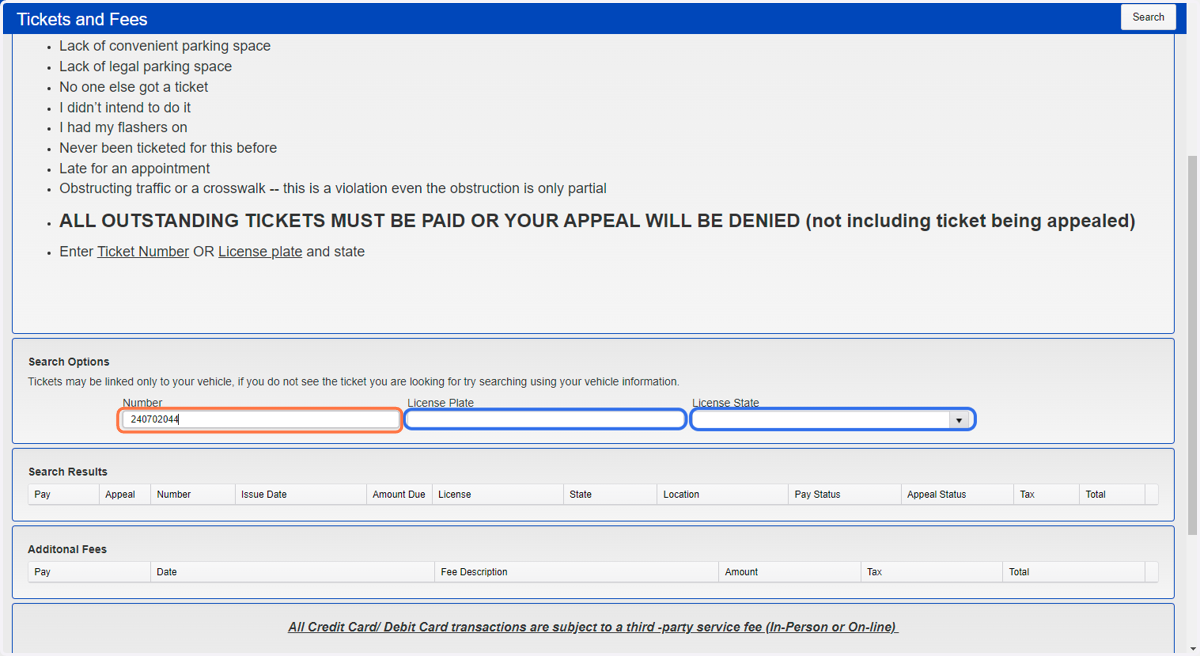
    Enter your Citation number. If you do not have it, enter the License Plate, and select the State of issue.
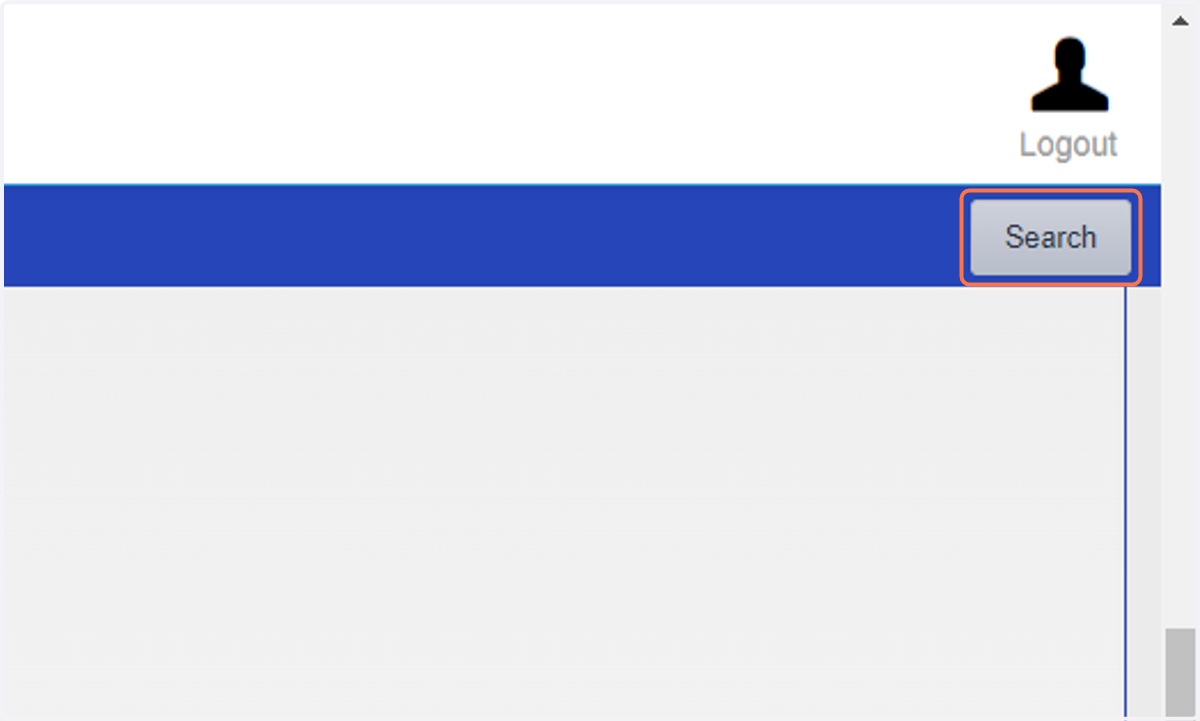
  19. 20. Click on Search

    Click on Search
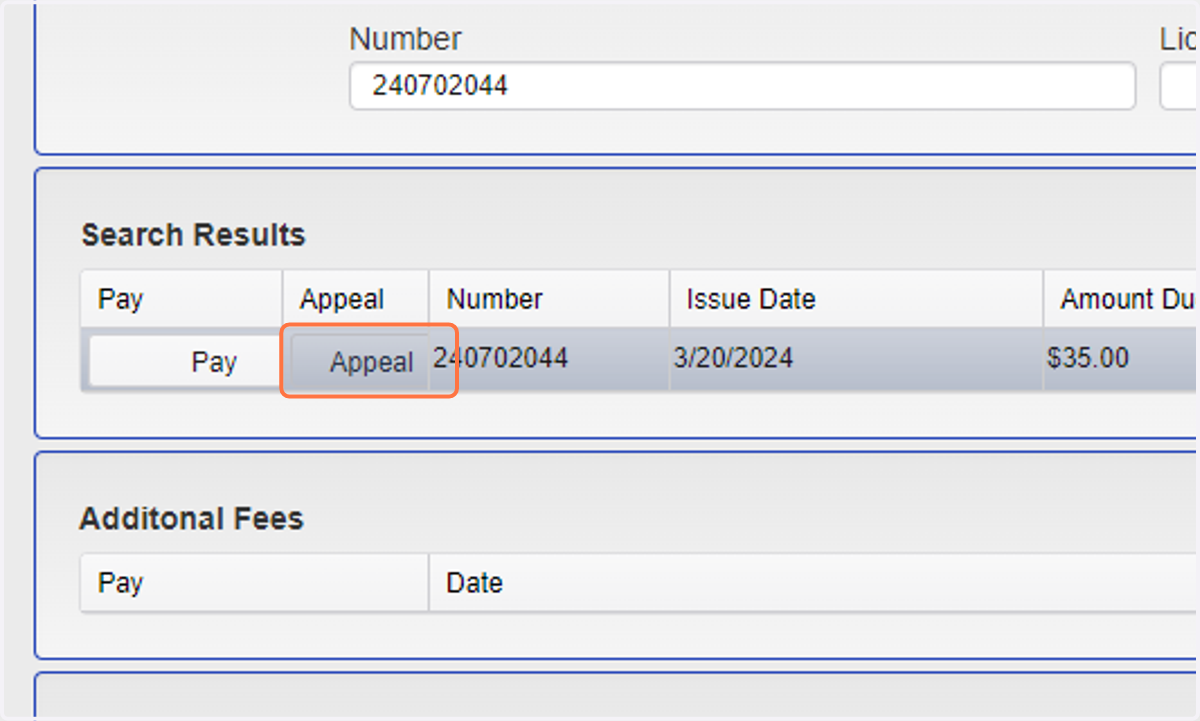
  20. 21. Click on Appeal

    Click on Appeal
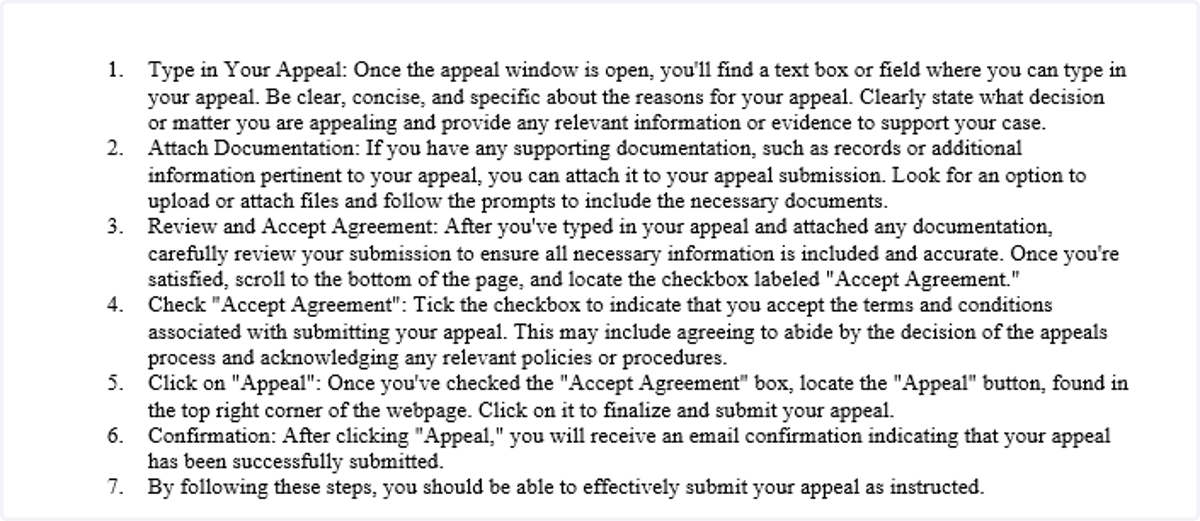
  21. 22. Appeal Instructions

    Appeal Instructions