Setting Up Out of Office in Yardi Voyager
Yardi Systems, Inc. - Yardi Voyager
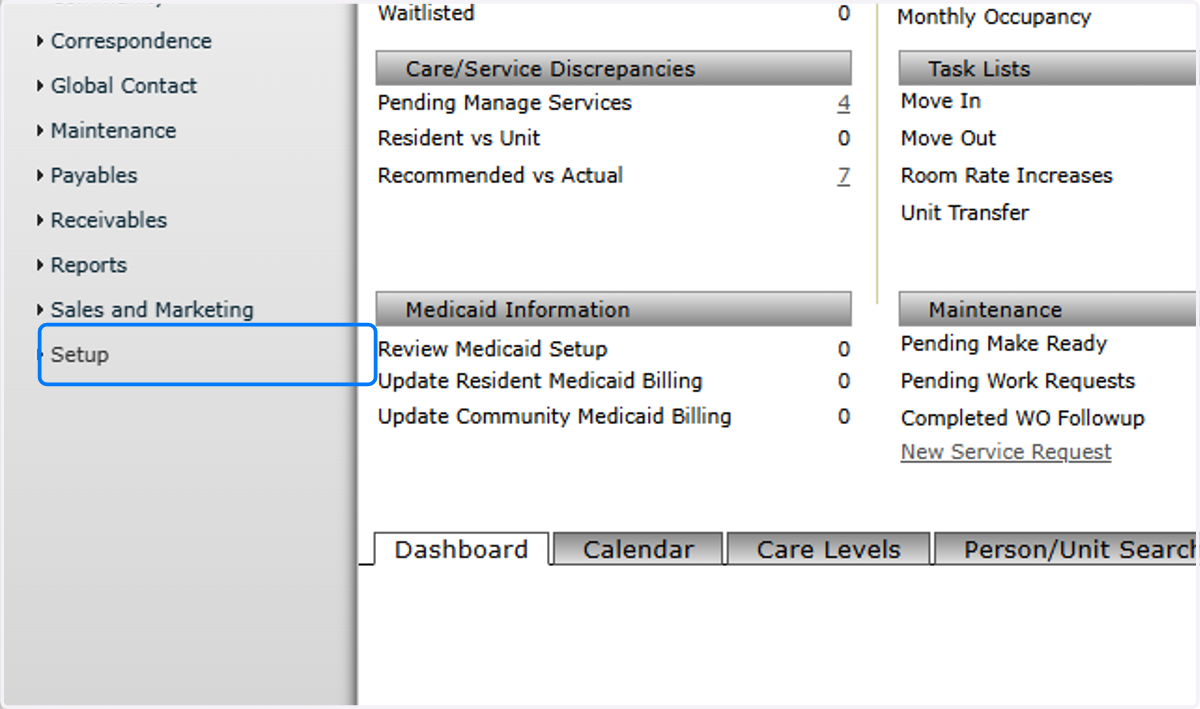
1. Click on Setup
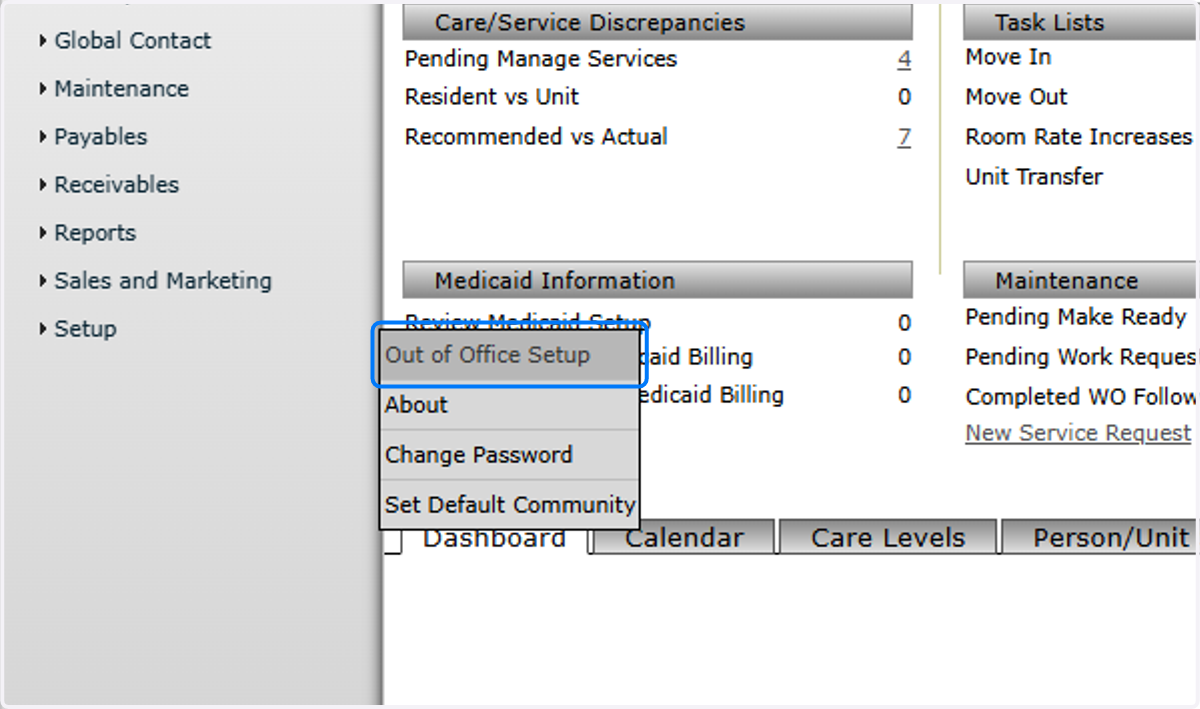
2. Click on Out of Office Setup
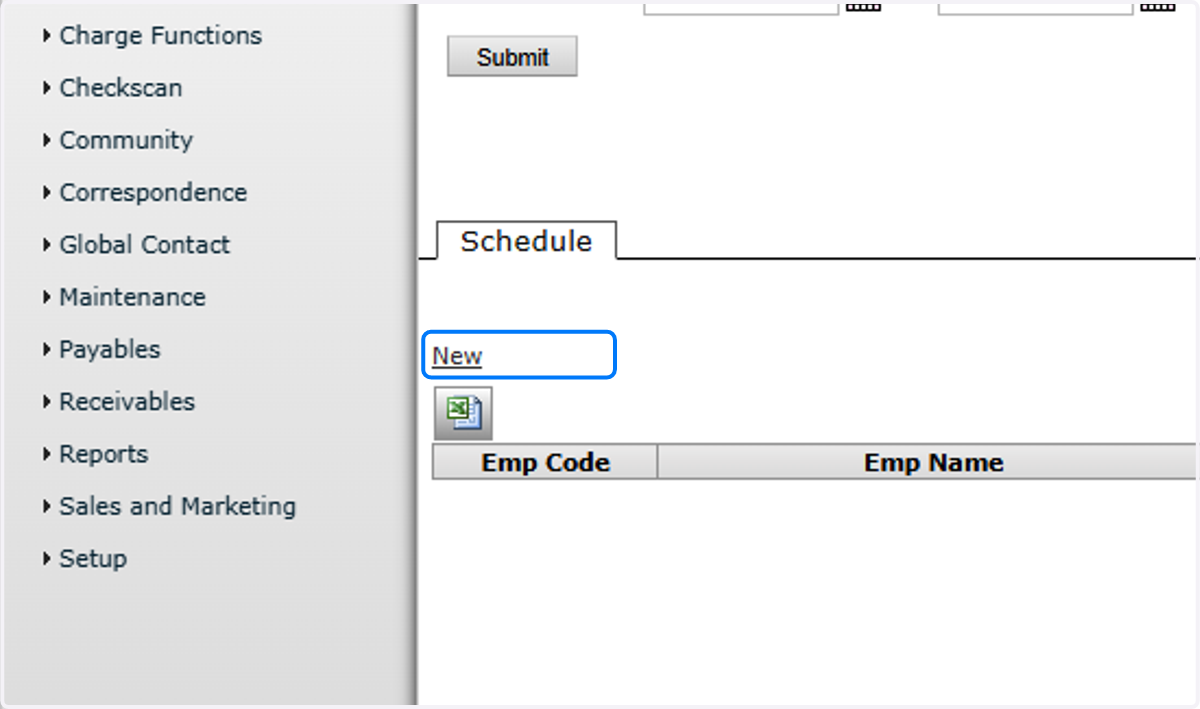
3. Click on New
4. Choose the Employee who is Out of Office

5. Enter From and To Dates for the Delegation

6. Choose the Employee to whom invoices should be delegated
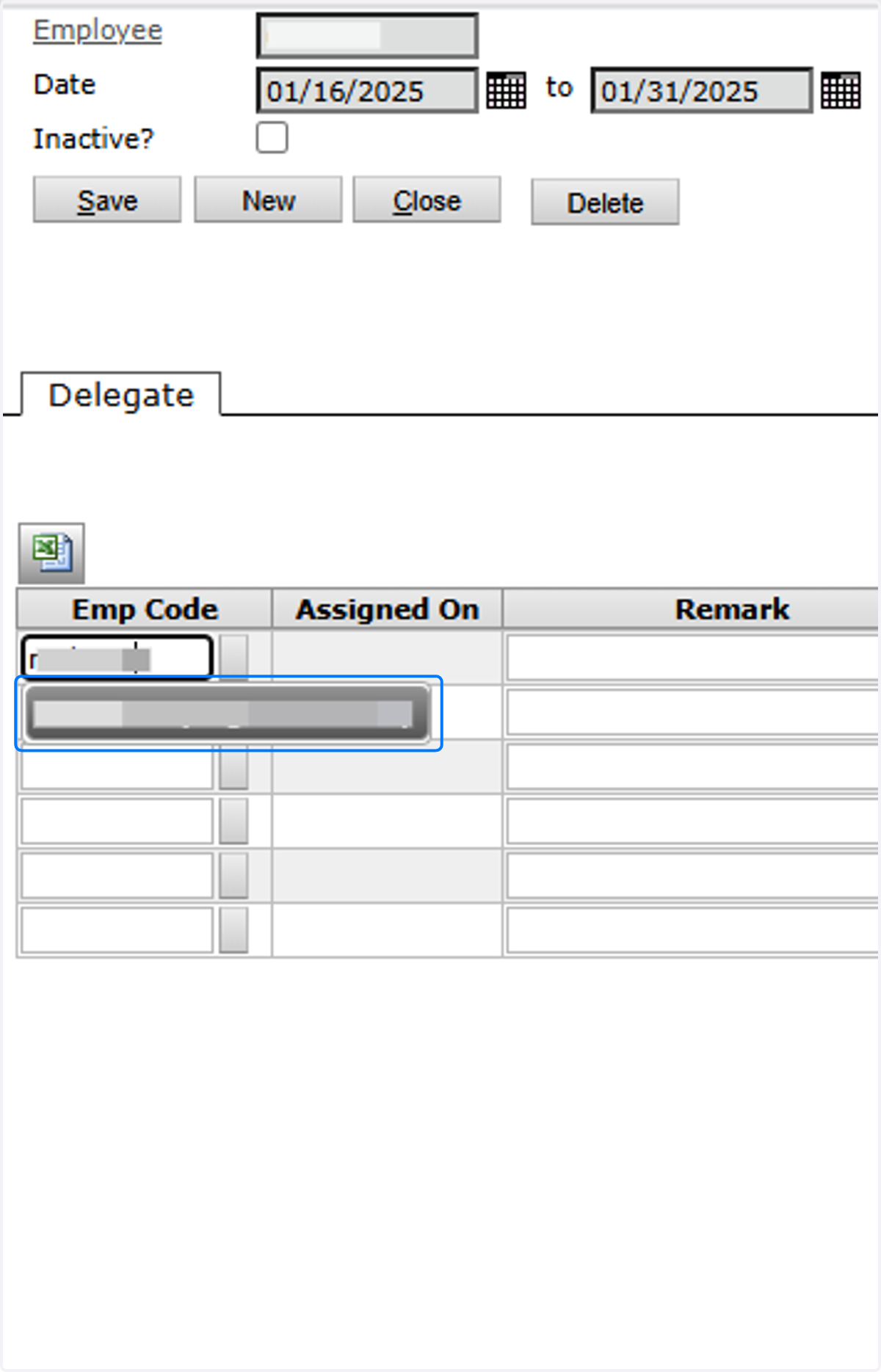
7. Click on Save

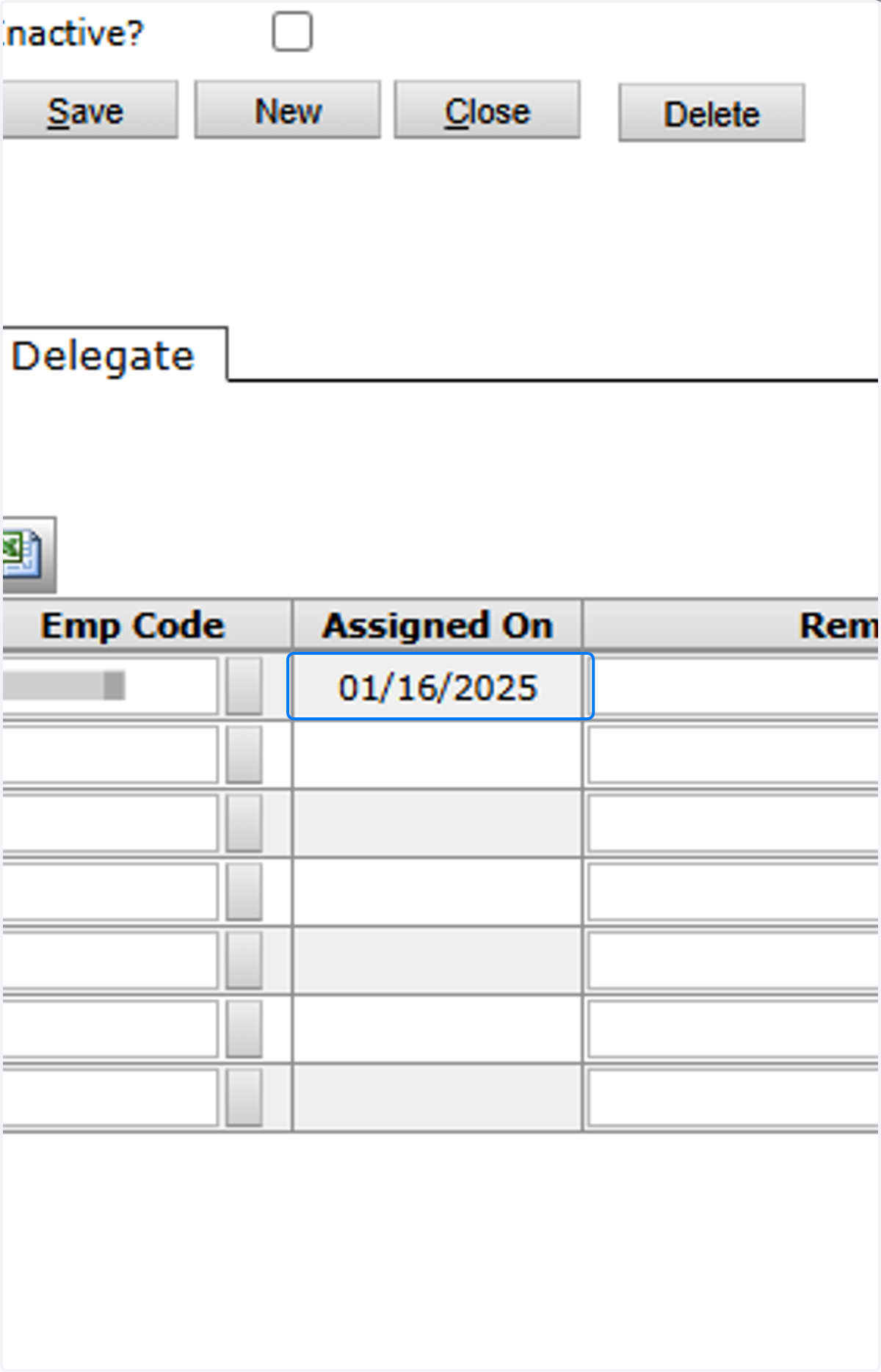
8. "Assigned On" means the Delegation is Live