Process Petty Cash Clear Refund to Company in Odoo

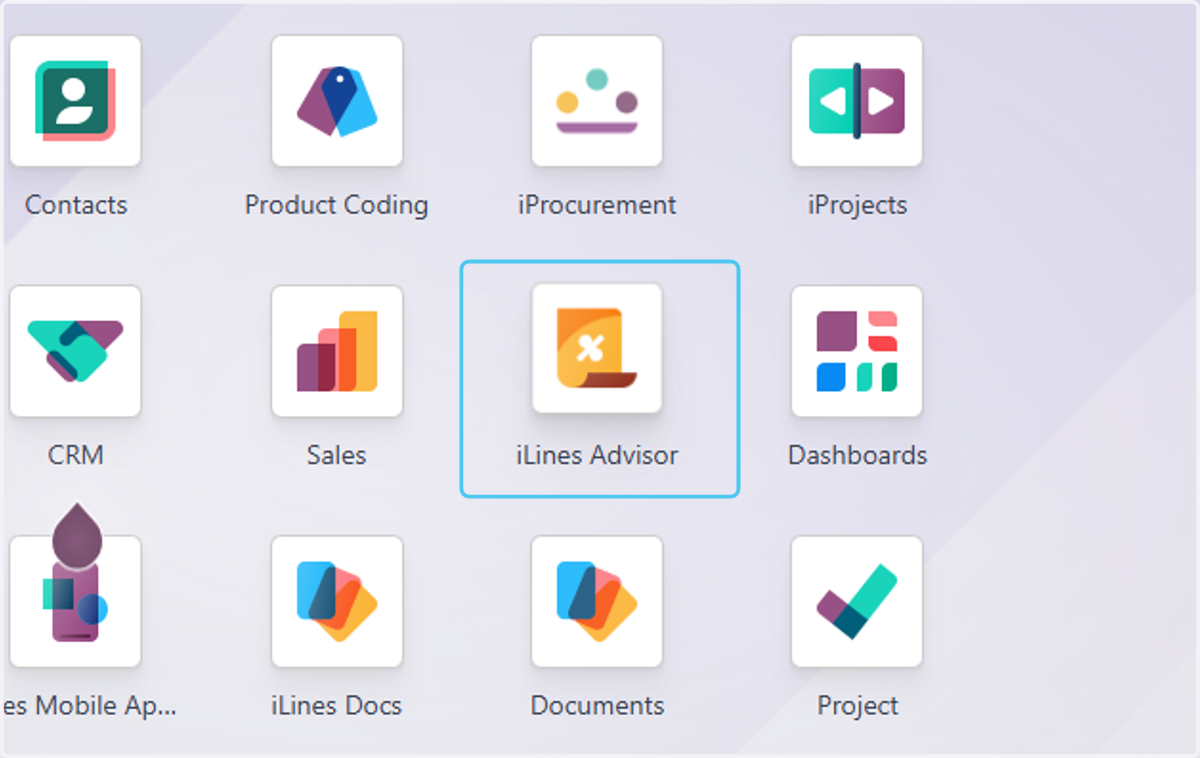
  1. 1. Click on iLines Advisor

    Click on iLines Advisor
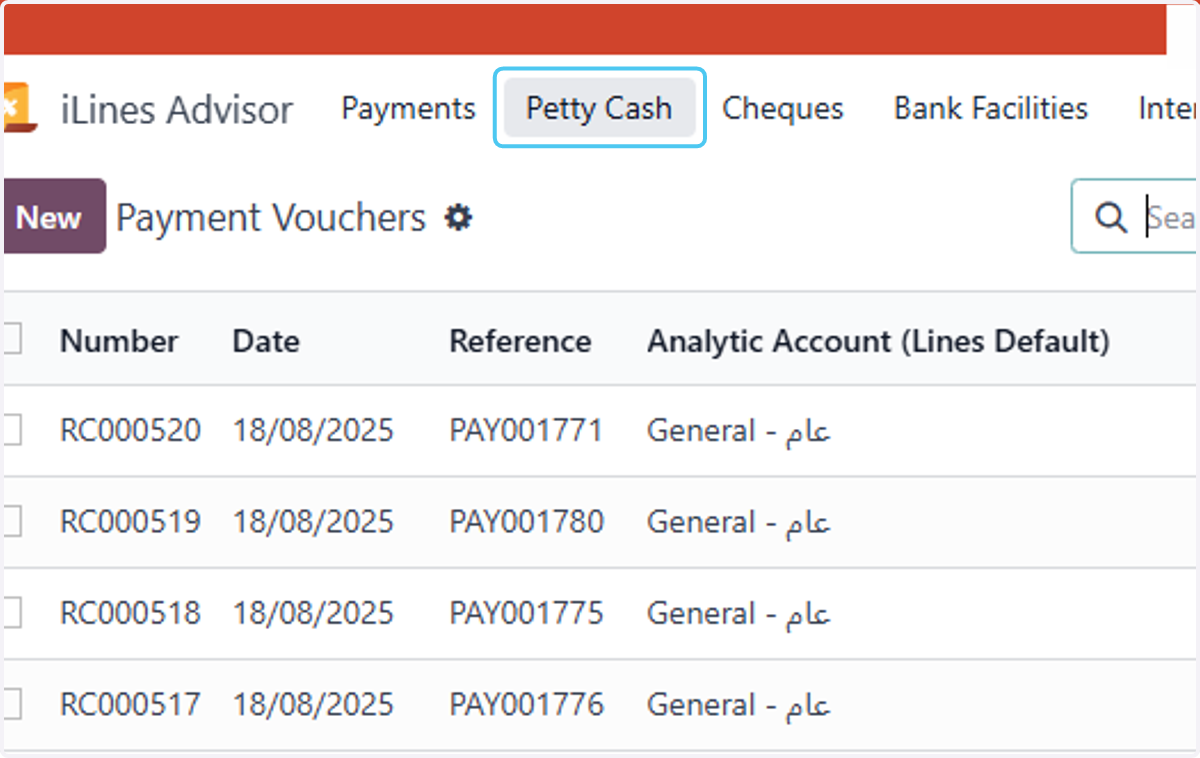
  2. 2. Click on Petty Cash

    Click on Petty Cash
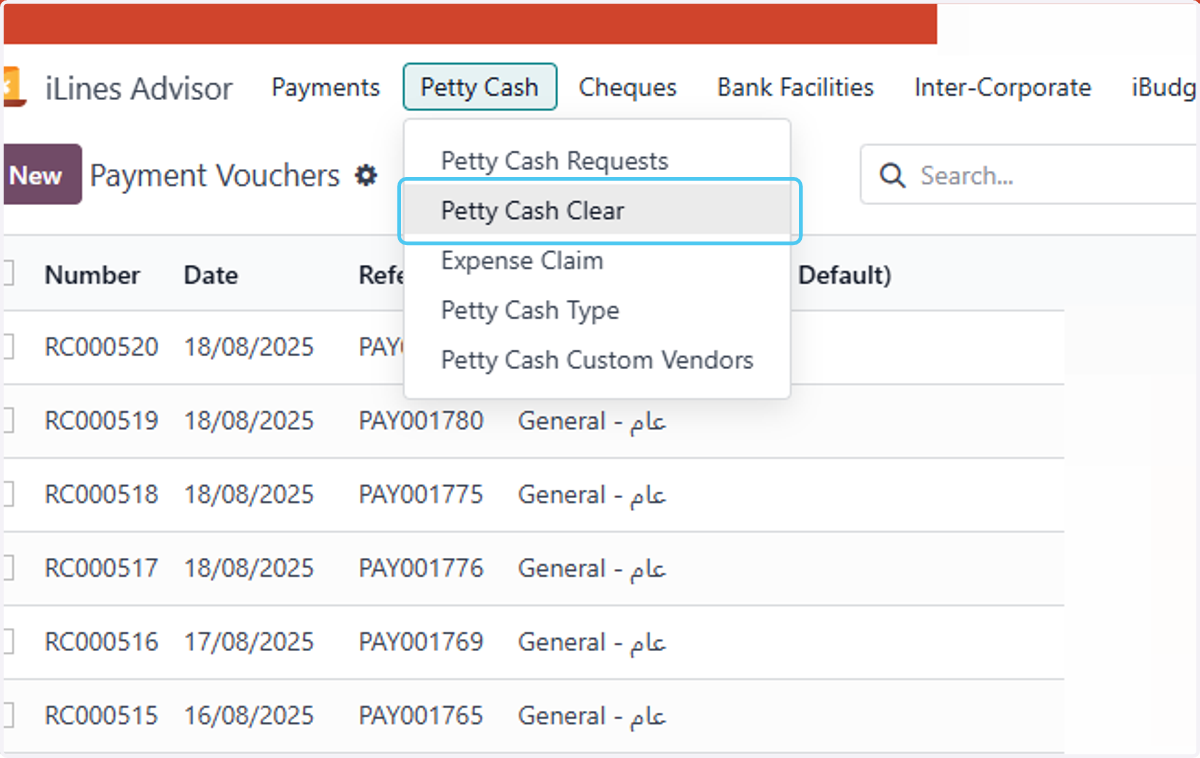
  3. 3. Click on Petty Cash Clear

    Click on Petty Cash Clear
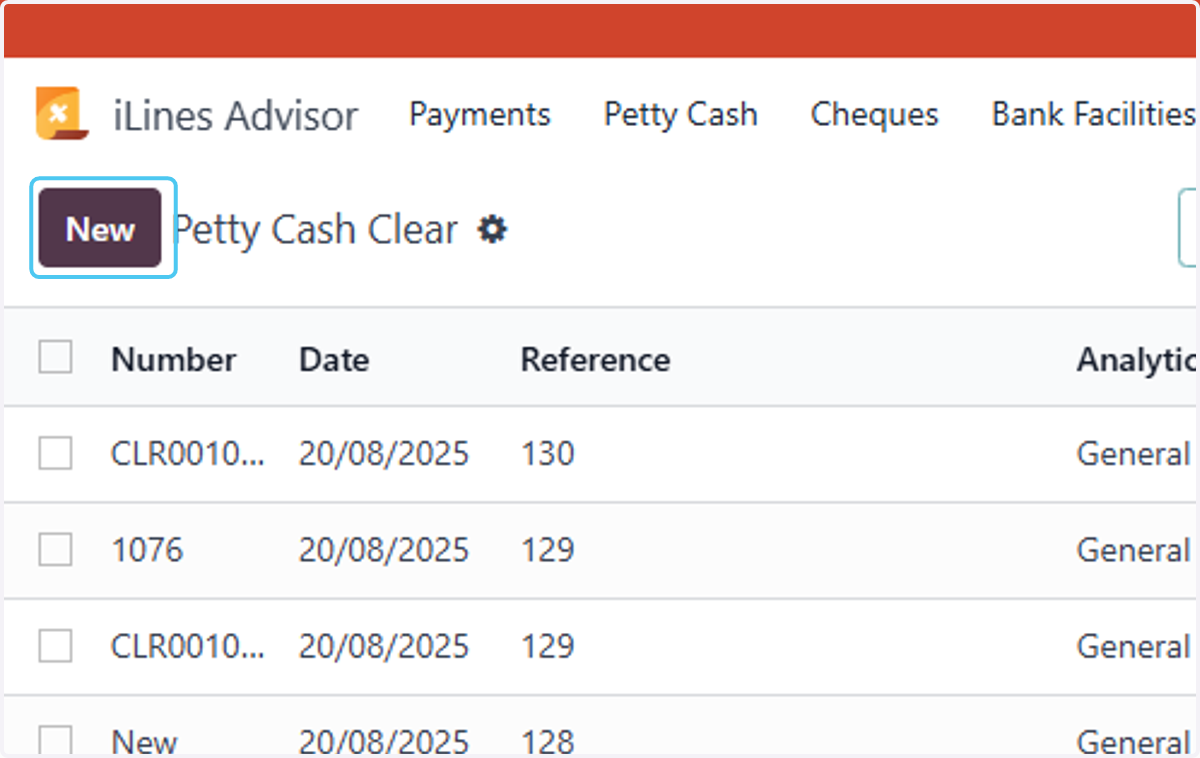
  4. 4. Click on New

    Click on New
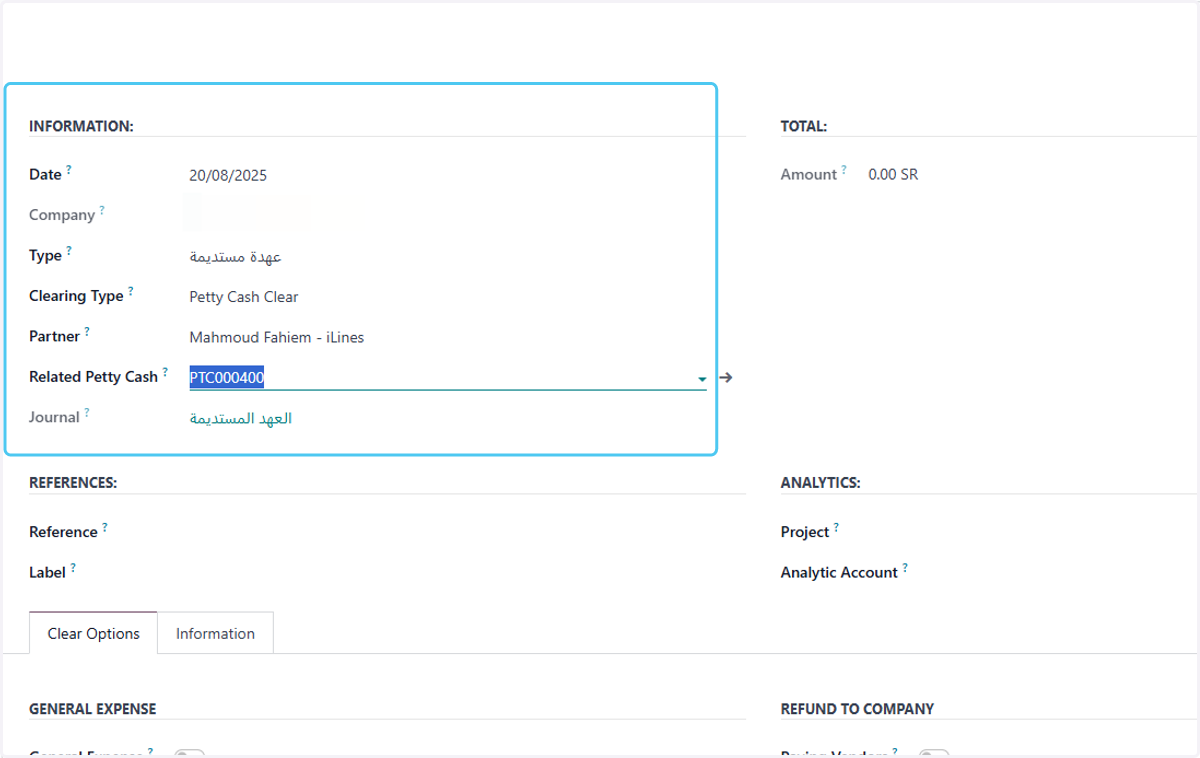
  5. 5. Click on INFORMATION

    Click on INFORMATION
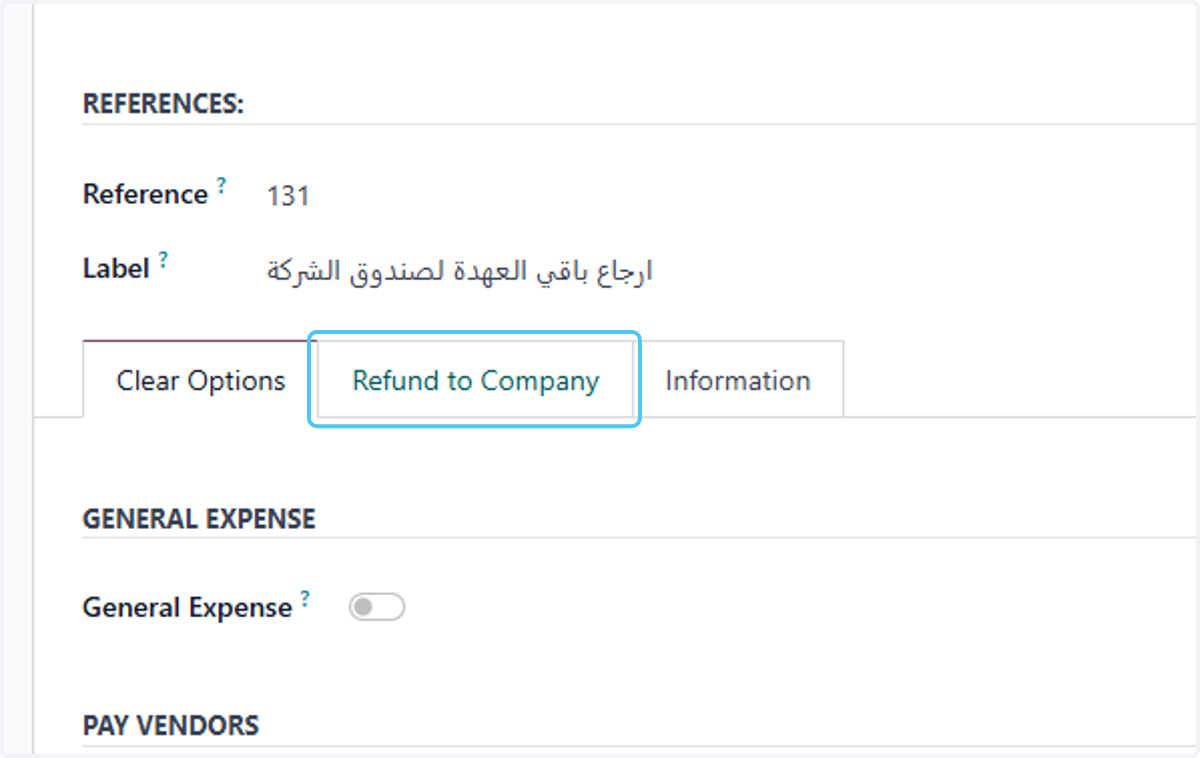
  6. 6. Type "ارجاع باقي العهدة لصندوق الشركة"
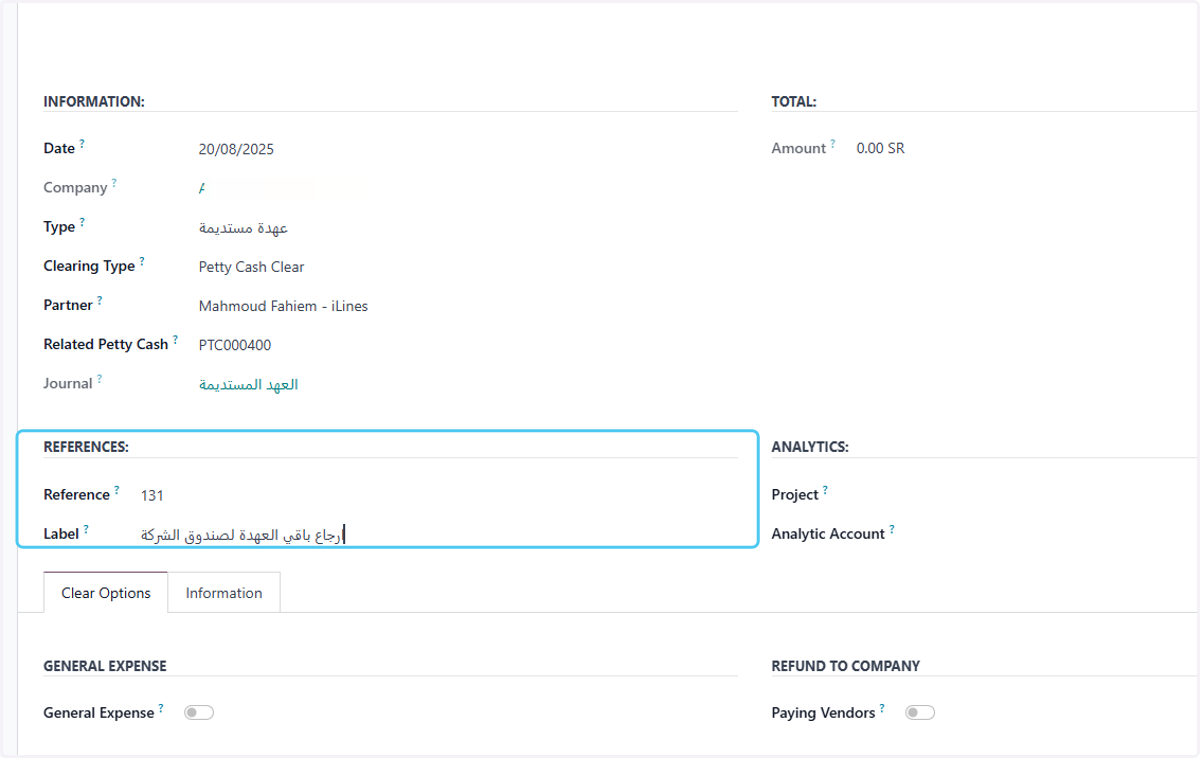
    Type "ارجاع باقي العهدة لصندوق الشركة"
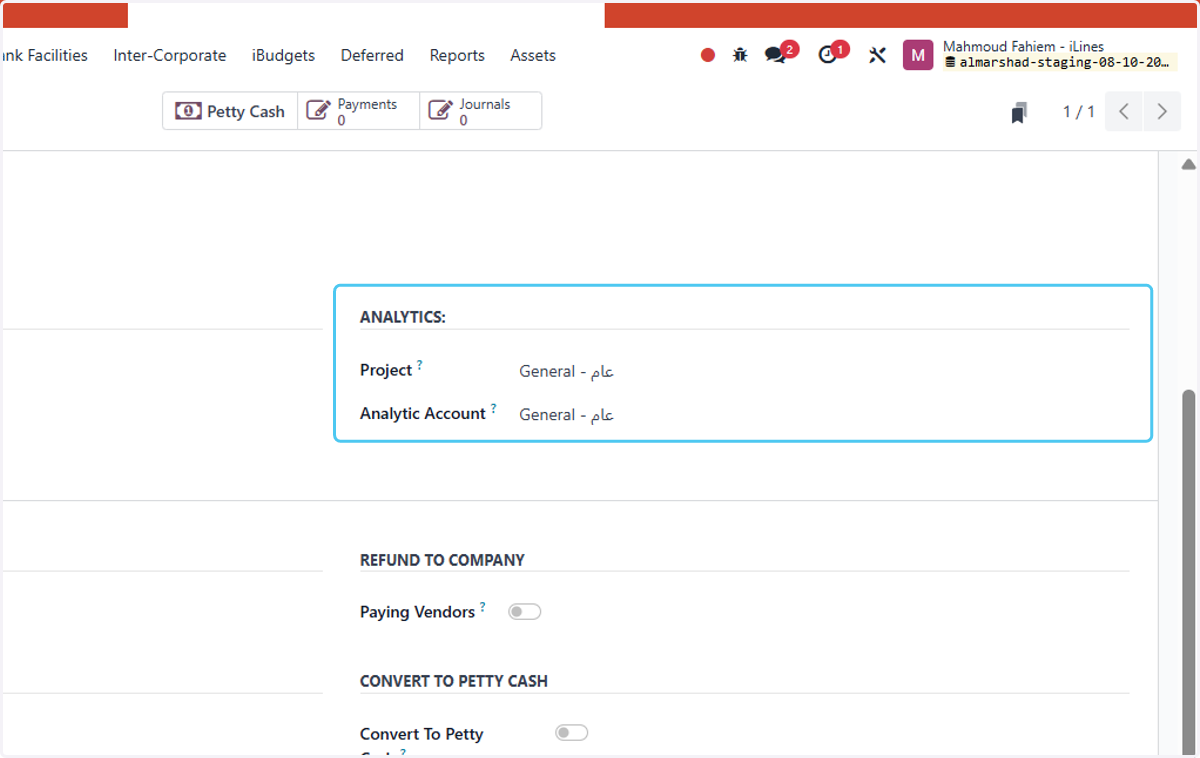
  7. 7. Choose Analytics

    Choose Analytics
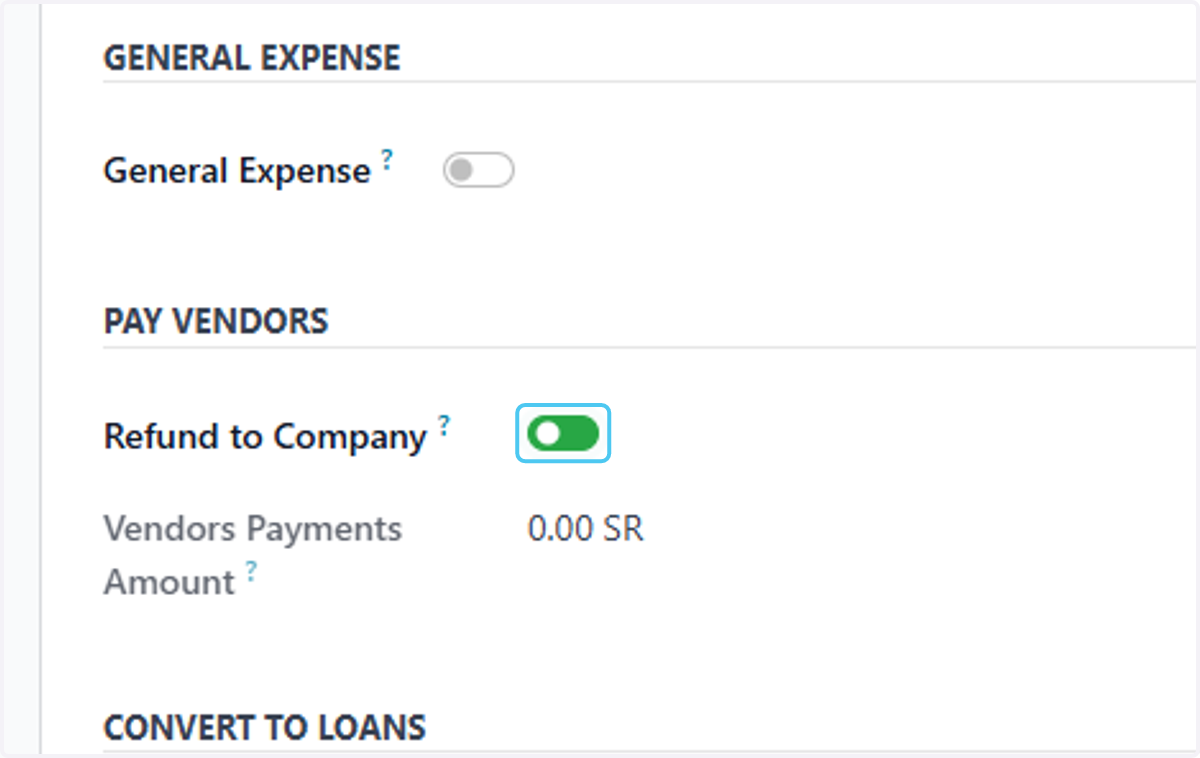
  8. 8. Check Refund to Company?

    Check Refund to Company?
  9. 9. Click on Refund to Company

    Click on Refund to Company
  10. 10. Select the account to which you want to return the amount, the label, and the amount.
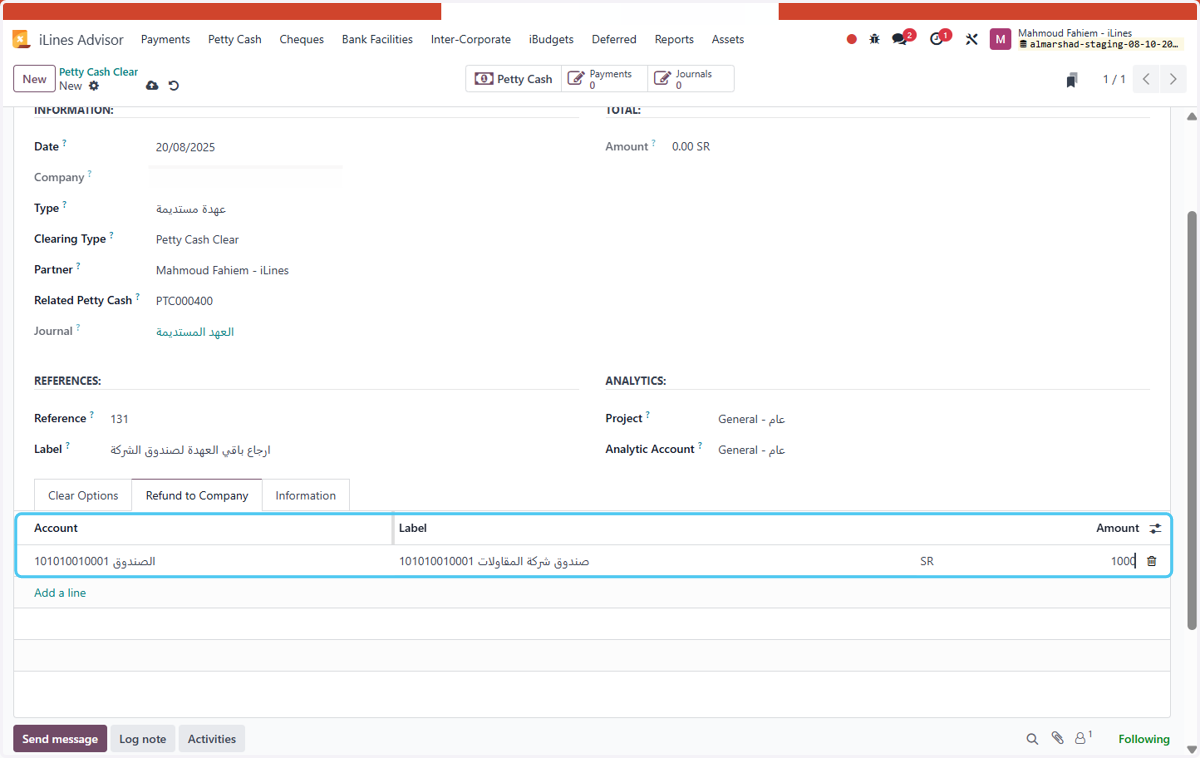
    Select the account to which you want to return the amount, the label, and the amount.
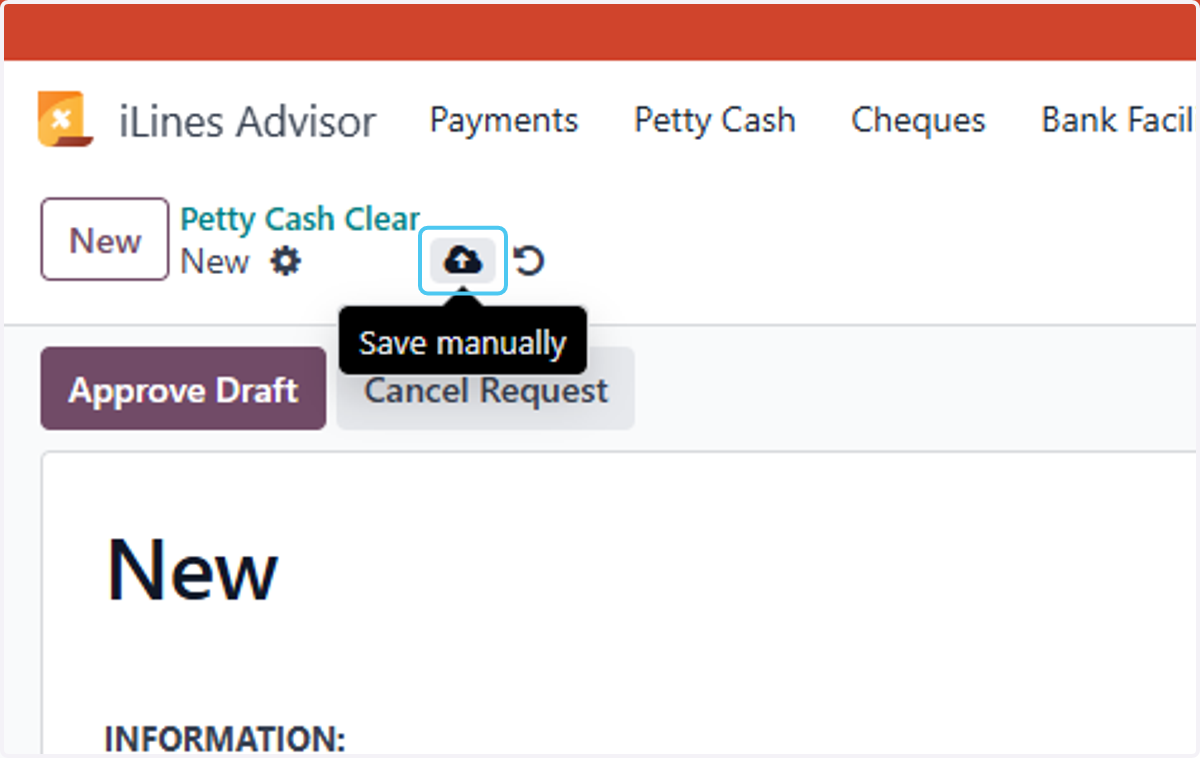
  11. 11. Click on Save manually

    Click on Save manually
  12. 12. Click on Mark as Received with All Docs
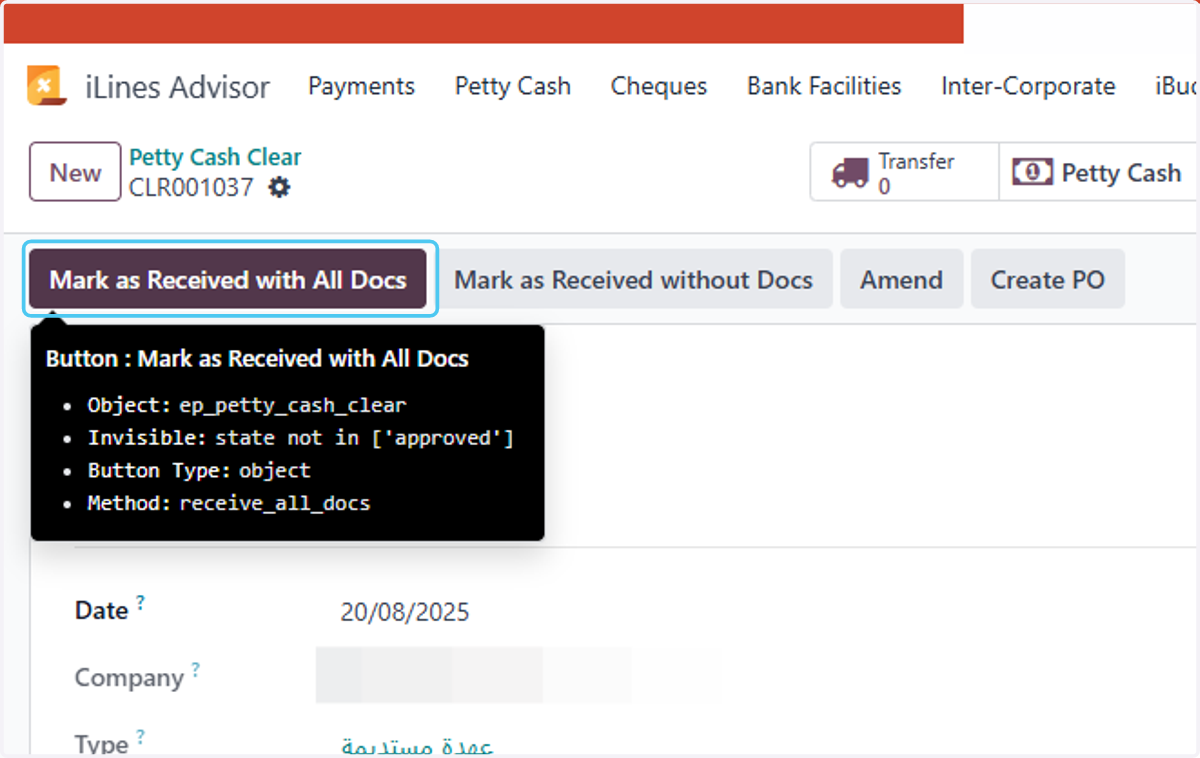
    Click on Mark as Received with All Docs
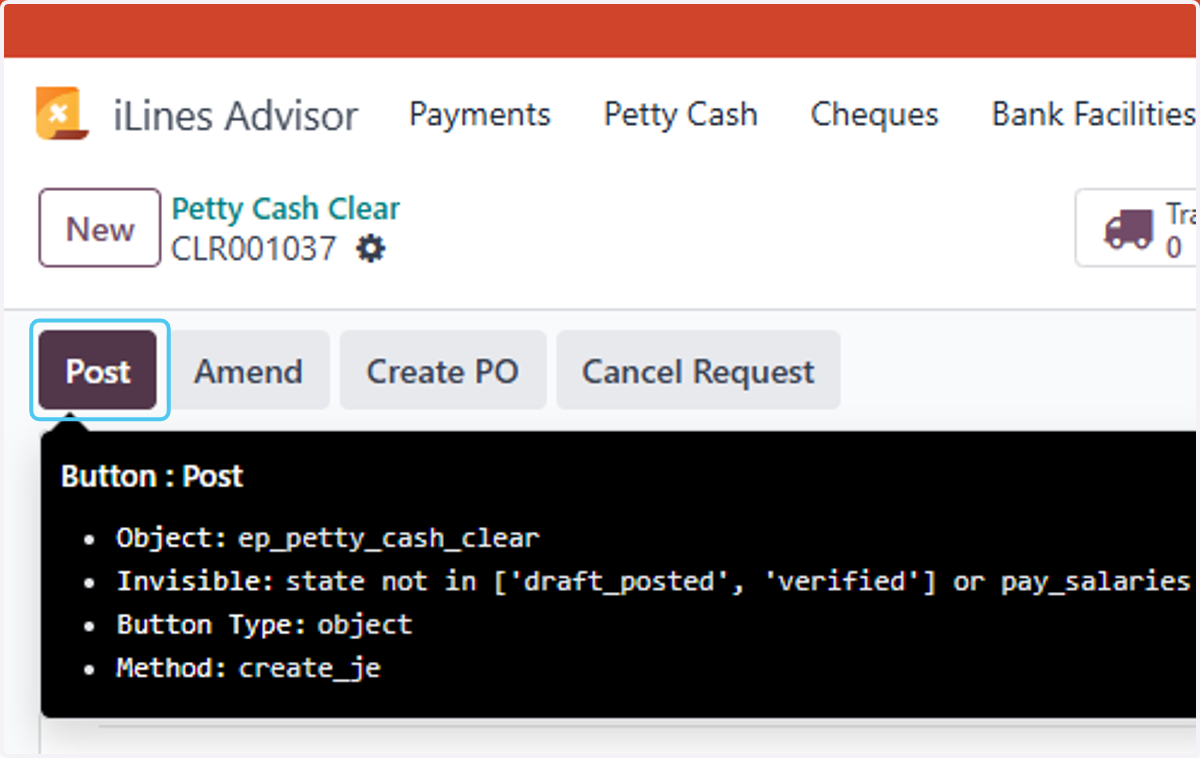
  13. 13. Click on Post

    Click on Post