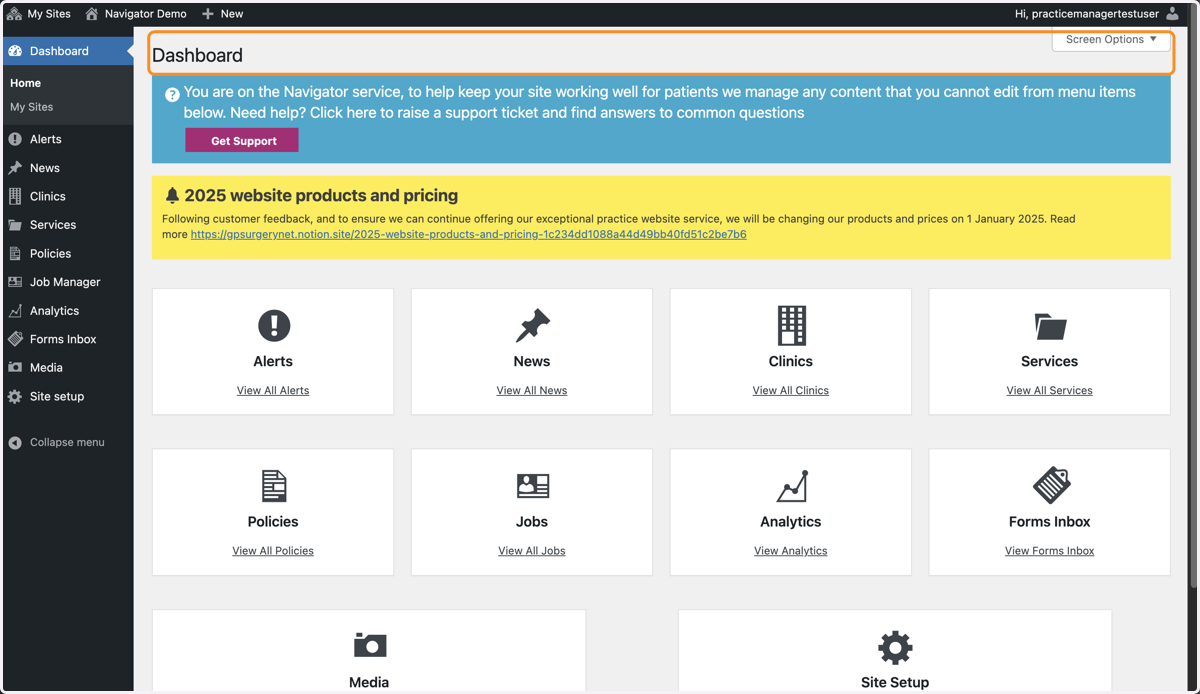
Login to a Navigator website
This tutorial explains how to login to a GPsurgery.net Navigator website. You can move through the tutorial at your own pace using the NEXT button.
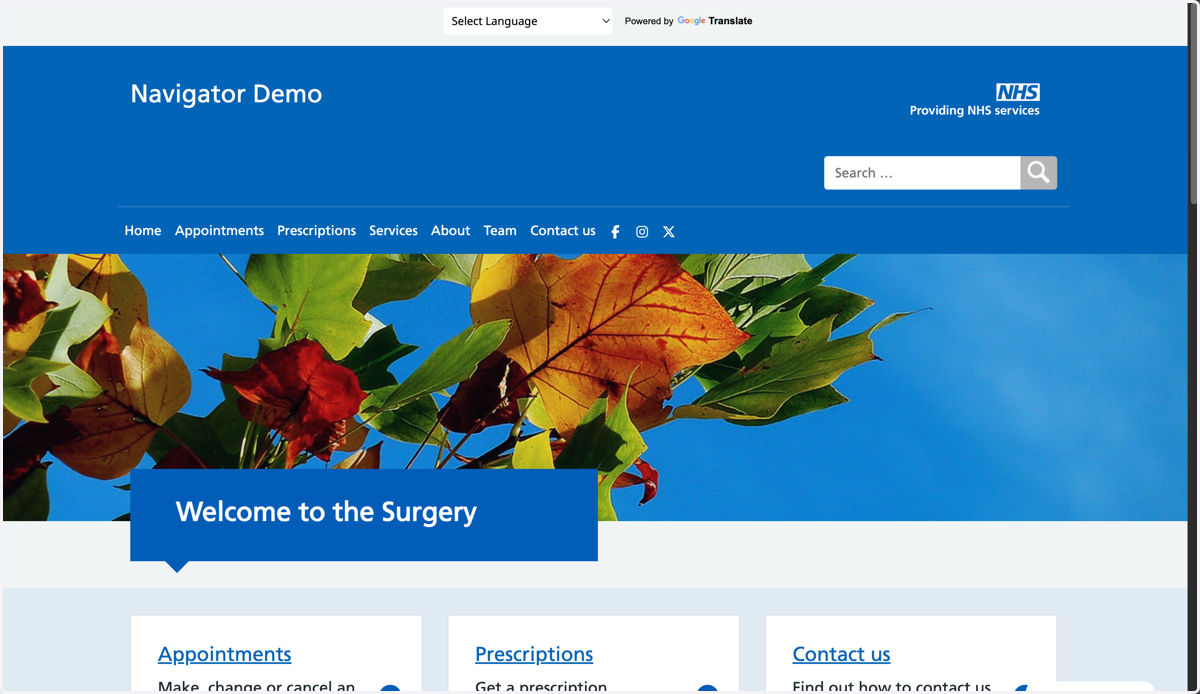
1. Go to the Home page of your website.
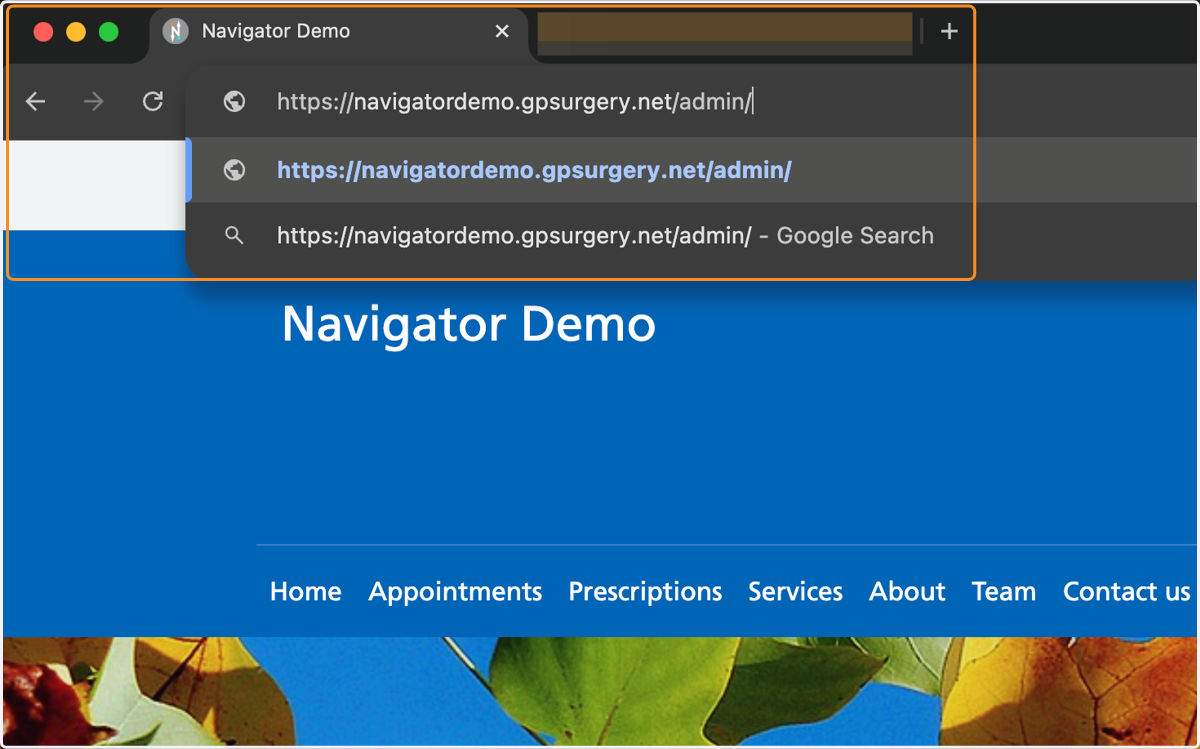
2. Add /admin to the end of your website address and load the page.
3. You are now on the Log In screen. In the Username or Email Address box, type your NHS email address
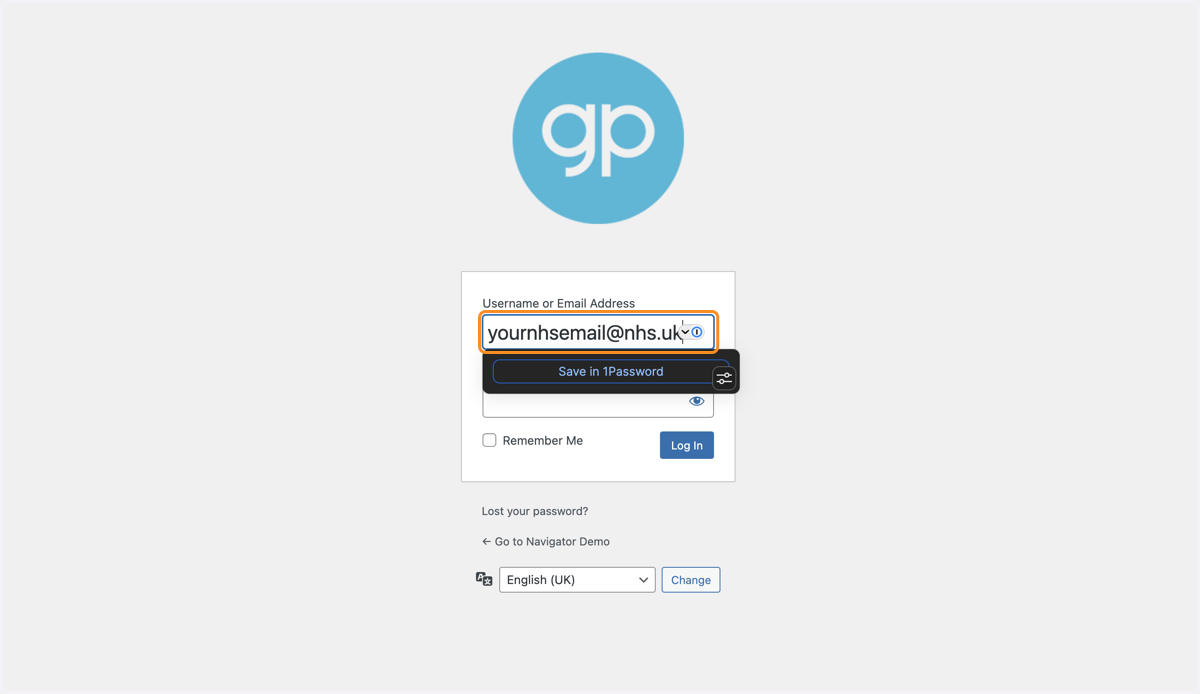
4. In the Password box, type your password.
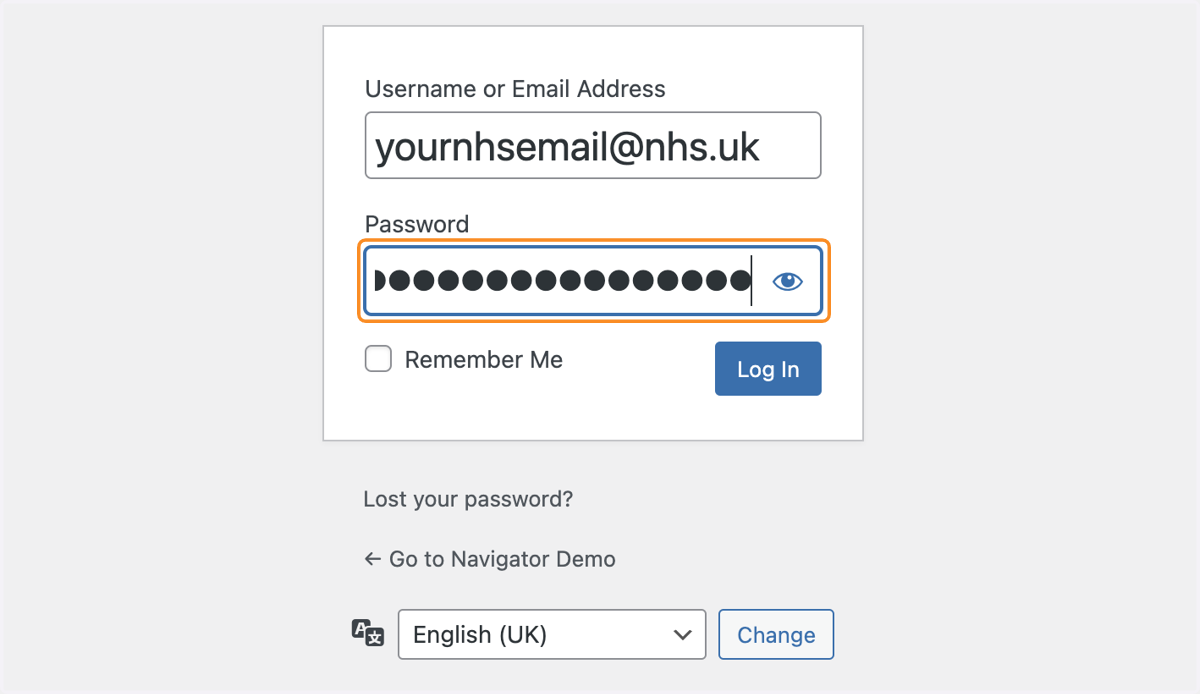
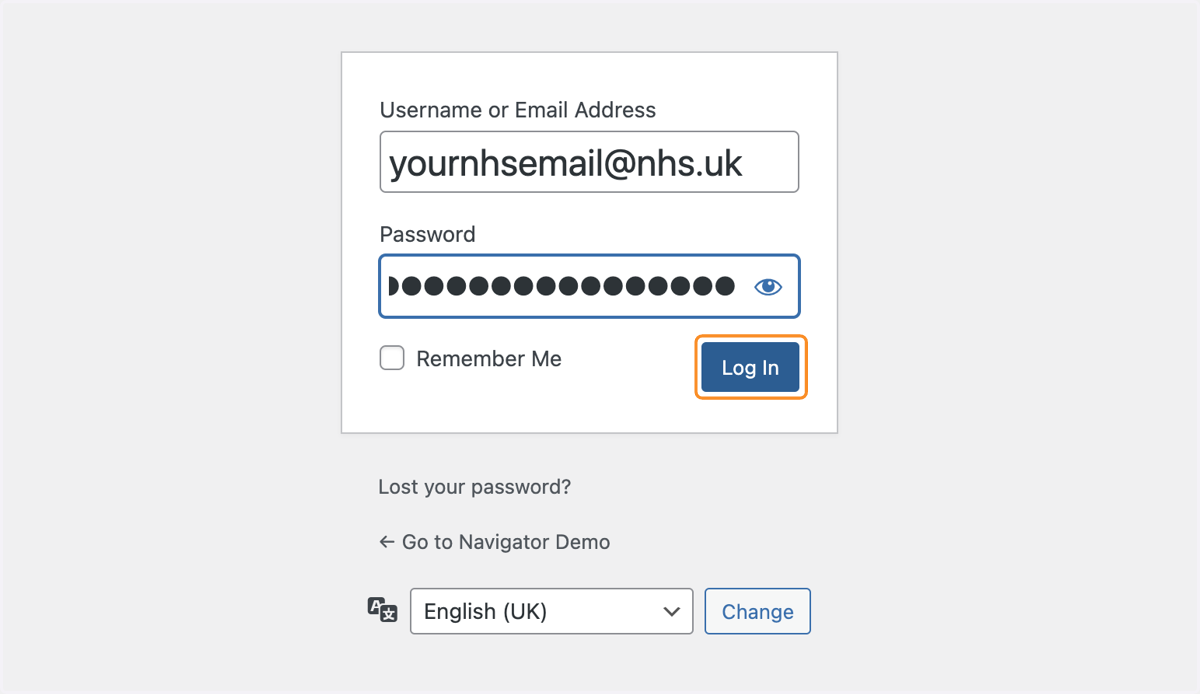
5. Press the blue Log In button
6. You should now be in the Dashboard of your website.
Lost your password? Use this tutorial to reset your password. If you are still having trouble, please contact support@gpsurgery.net and we can help you get back into your website.