Aetna ACA/MAPD
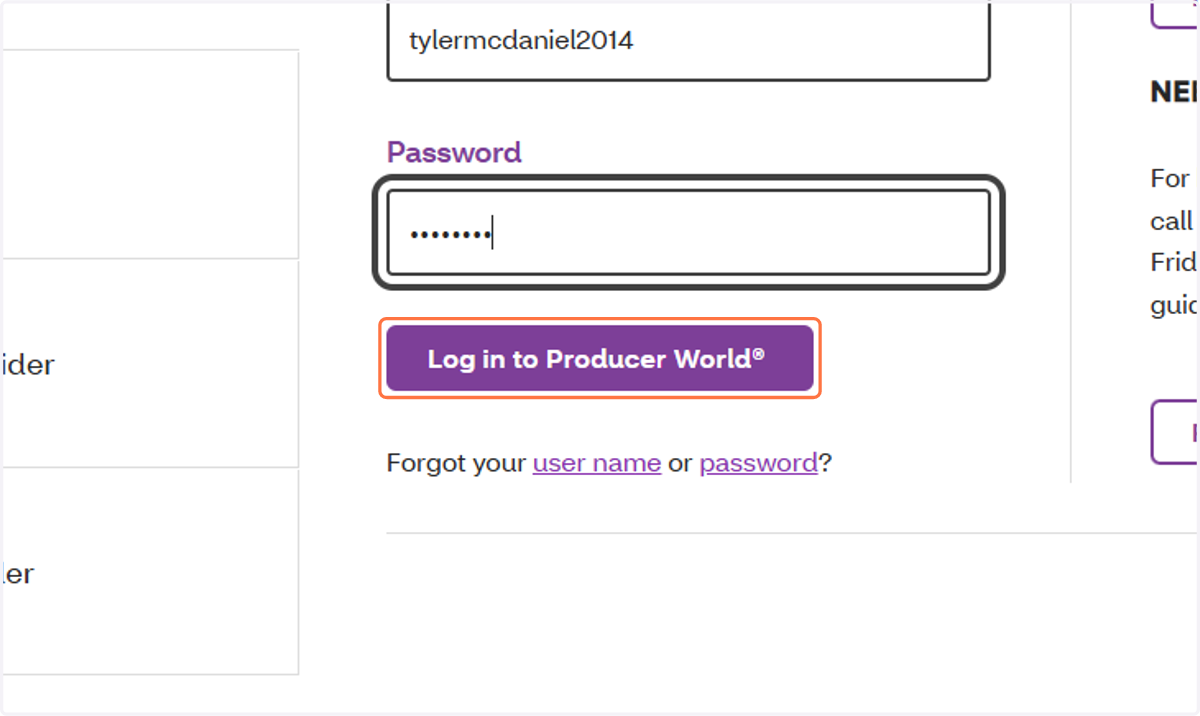
Log into Aetna Producer World
https://www.aetna.com/about-us/login.html#tab_content_section_tabs_link_tabs_2
Username: tylermcdaniel2014 (MAC and Tyler Statements)
Username: jmcdaniel_14
1. Click on Log in to Producer World®
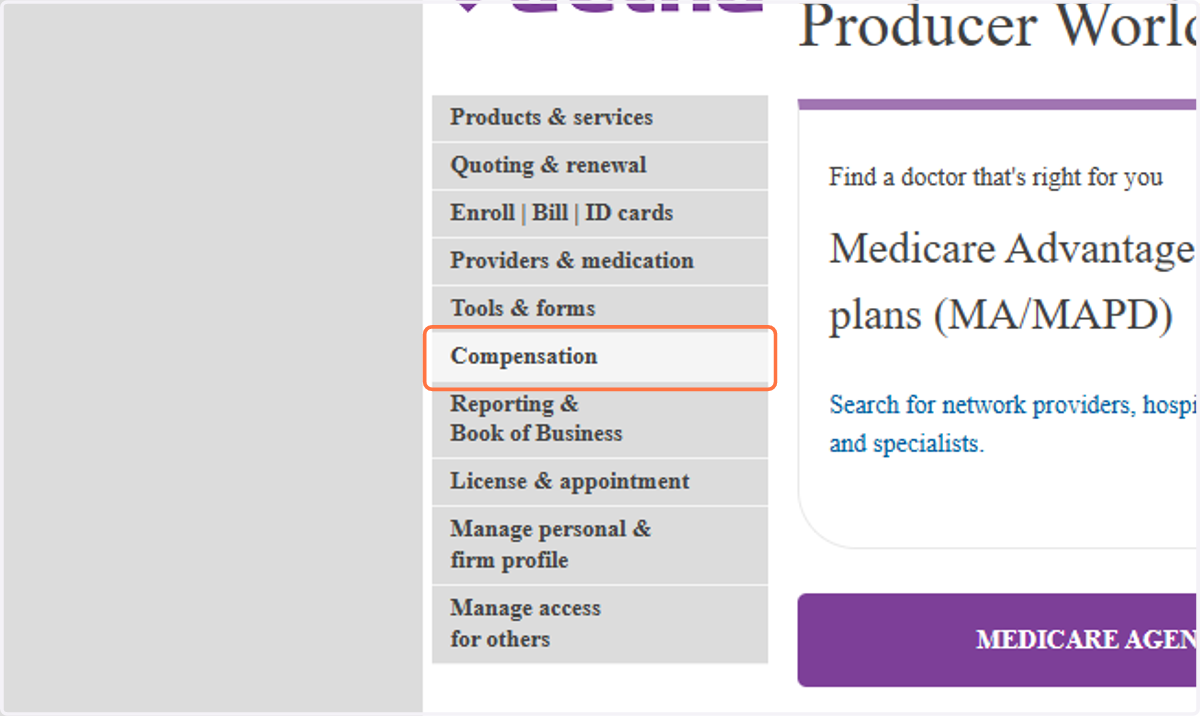
2. Click on Compensation
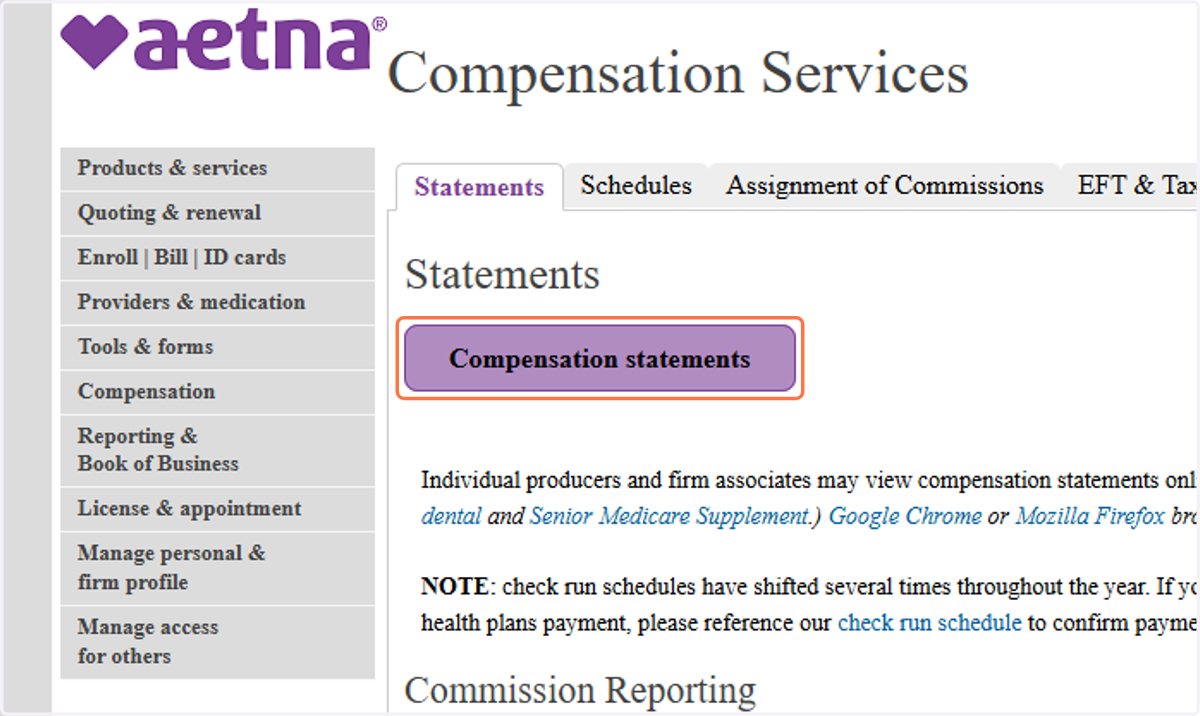
3. Click on Compensation statements
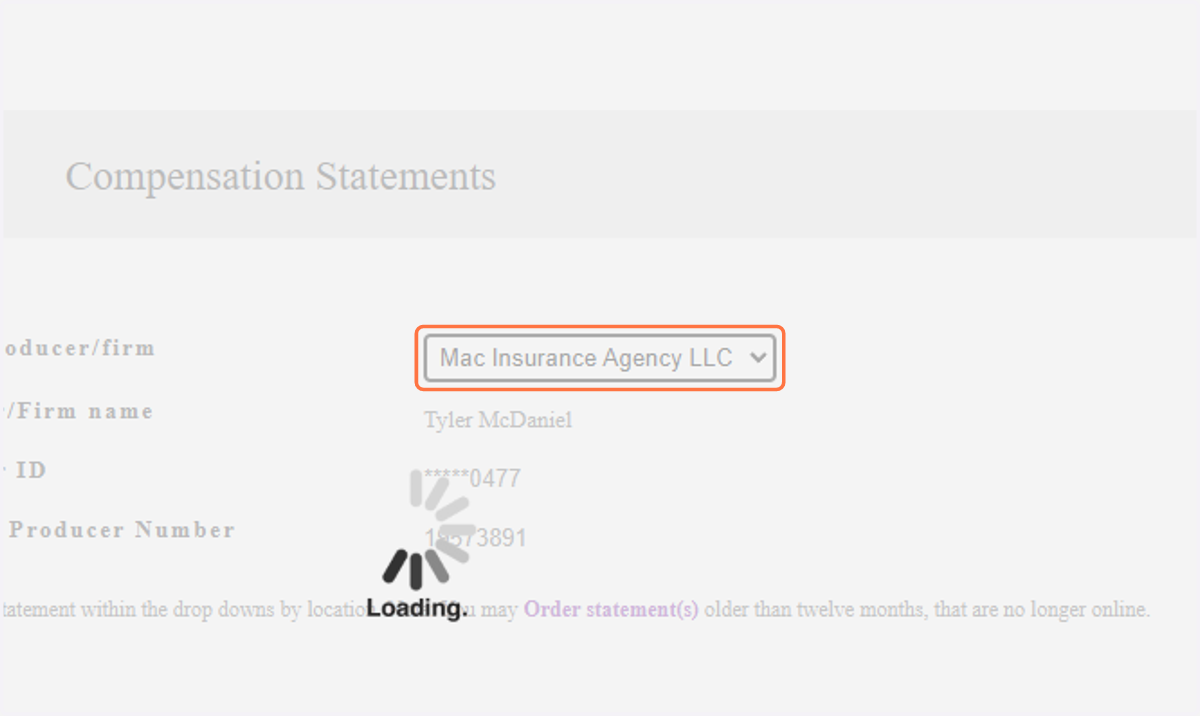
4. Select "Mac Insurance Agency LLC" / Tyler / Jessica
5. Select the dates within the Month you are running statements
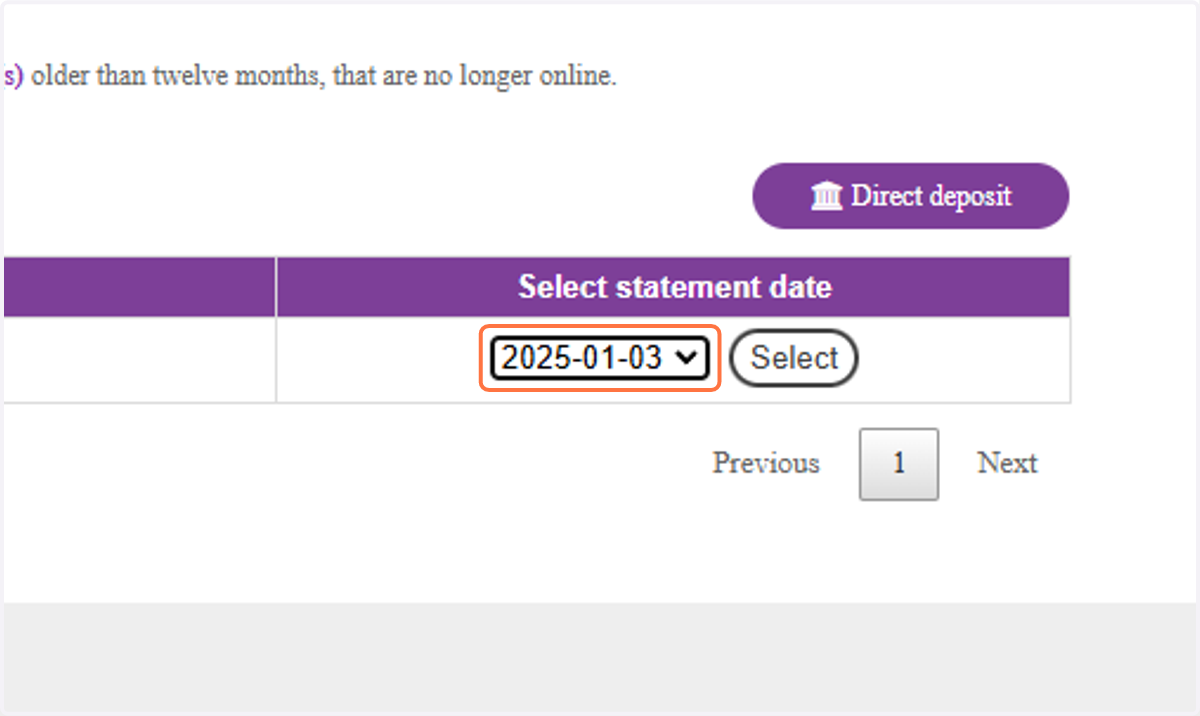
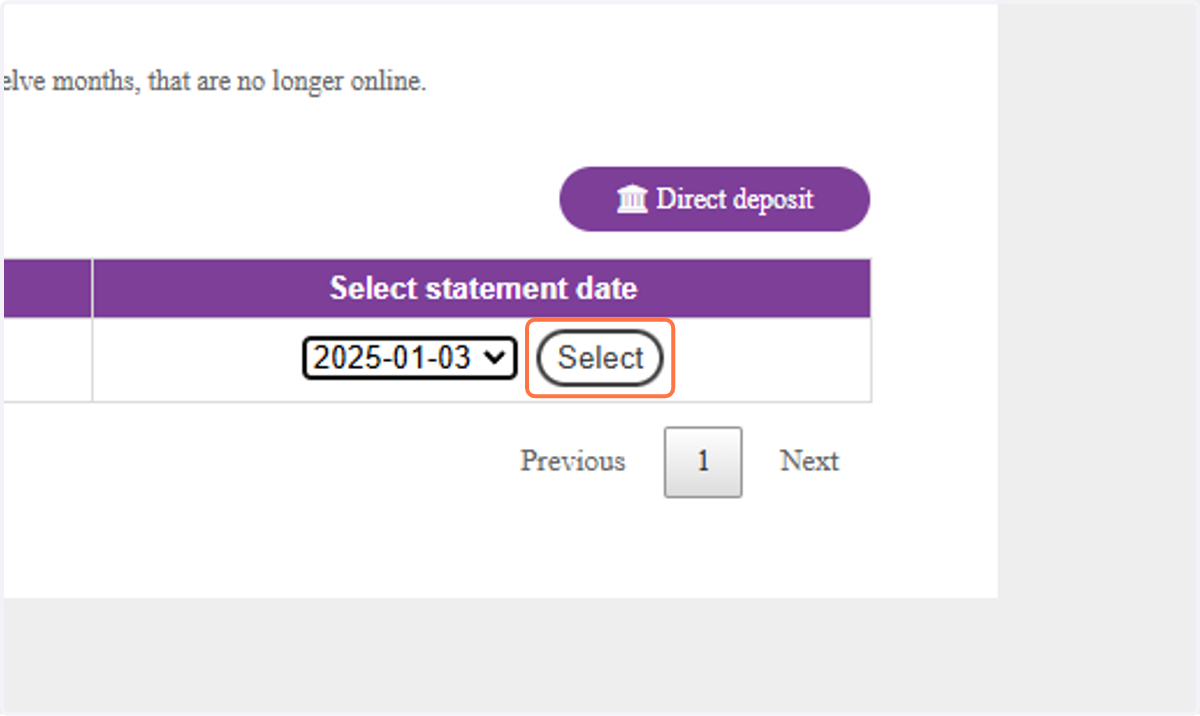
6. Click on Select
7. Click on Excel
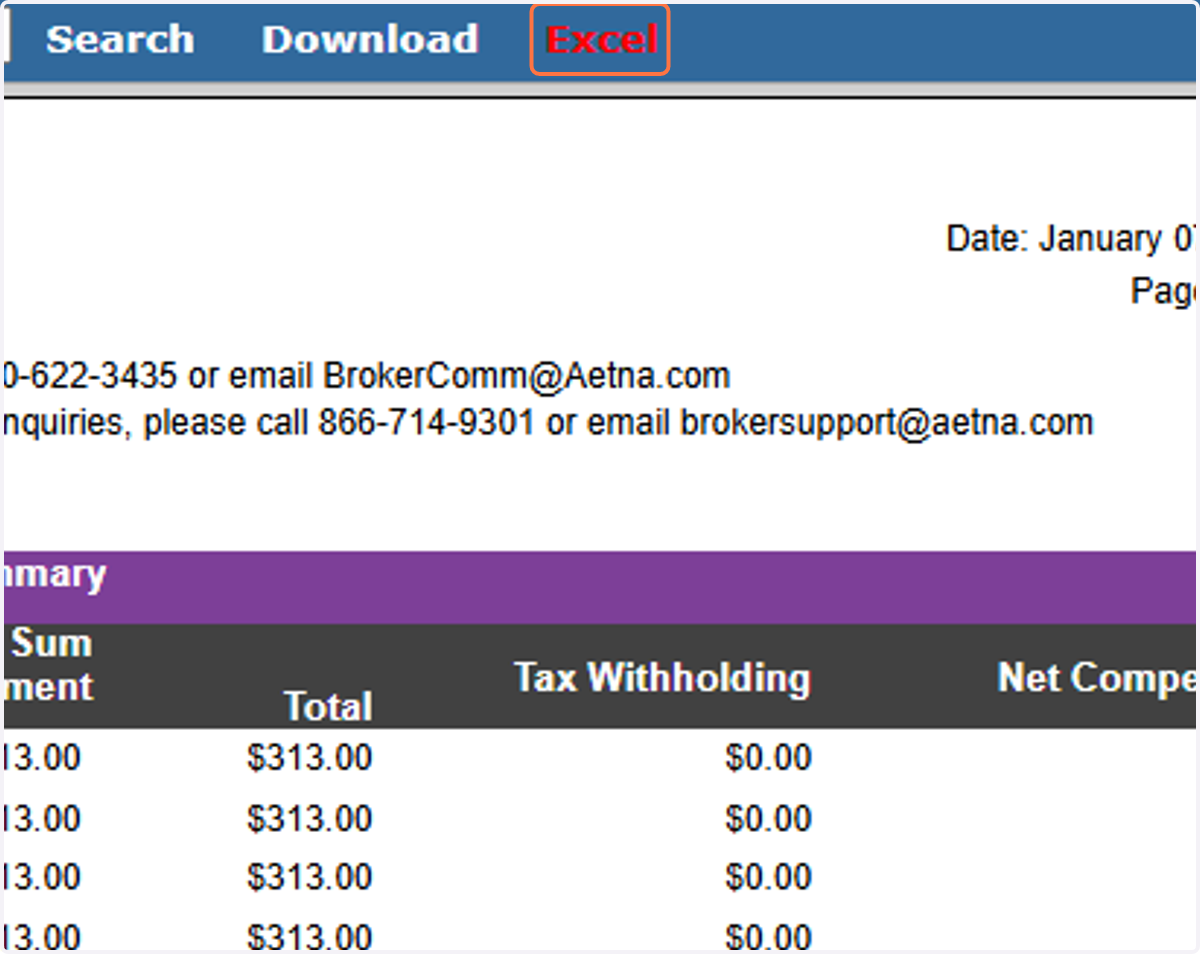
8. Save file in Google Drive
The Folder is in the MAC Insurance Shared folder > Commission Statements
BE SURE TO NAME THE DOCUMENT ---> COMPANY_STATEMENT DATE
This Example would be AetnaMAPD_01.07.2025