Installing the Shopify App
Our FREE Shopify app for order fulfillment allows you to install it directly from within Shopify's app store.
Finerworks
1. Go to FinerWorks.com
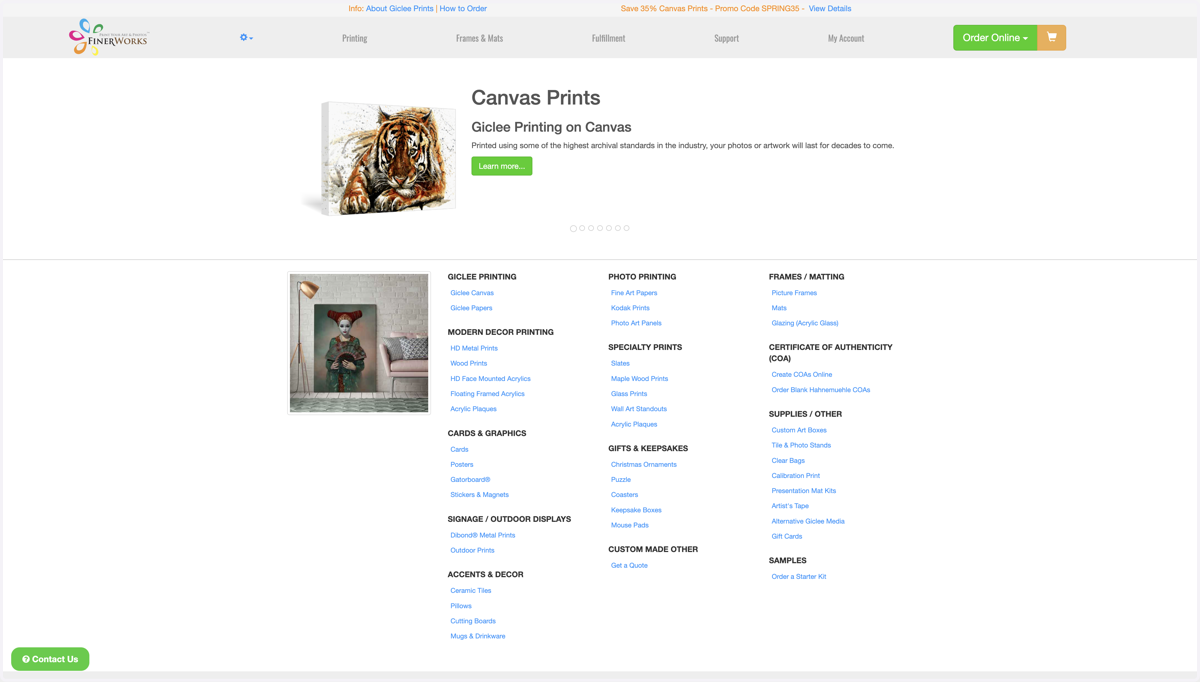
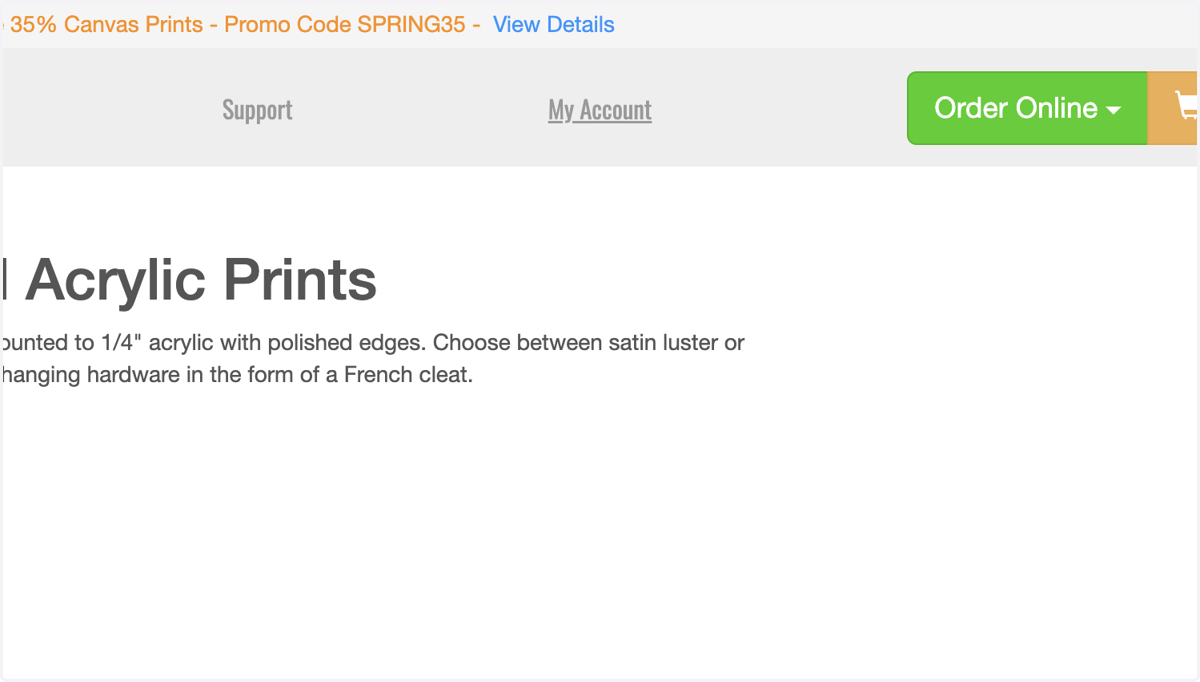
2. Click on My Account in the Menu
You will need to have an account at FinerWorks in order to install and use the app. If you do not have an account, you can signup for one here.
Finerworks
3. Click on Shopify
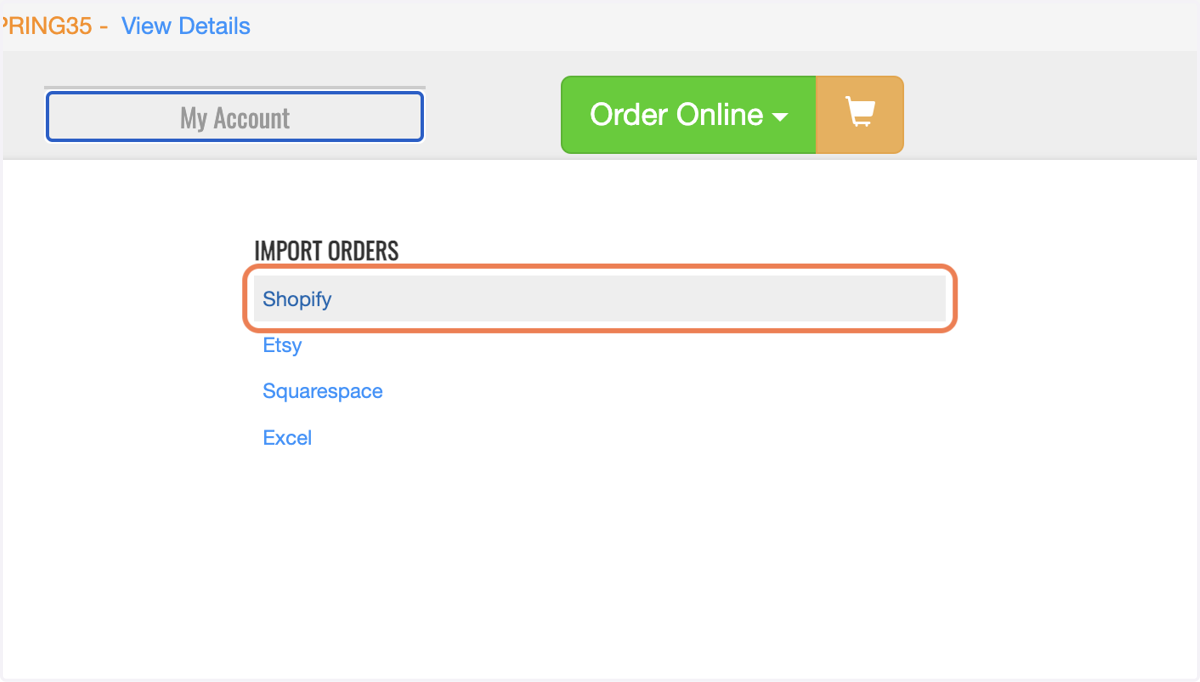
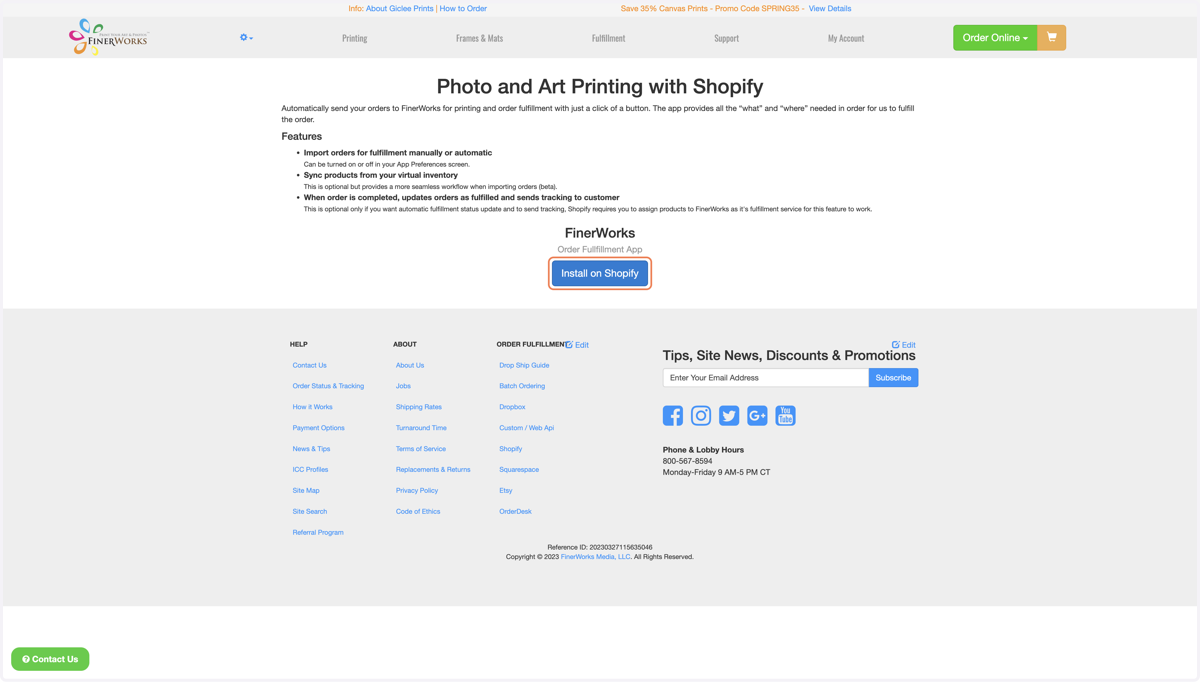
4. Click on Install on Shopify
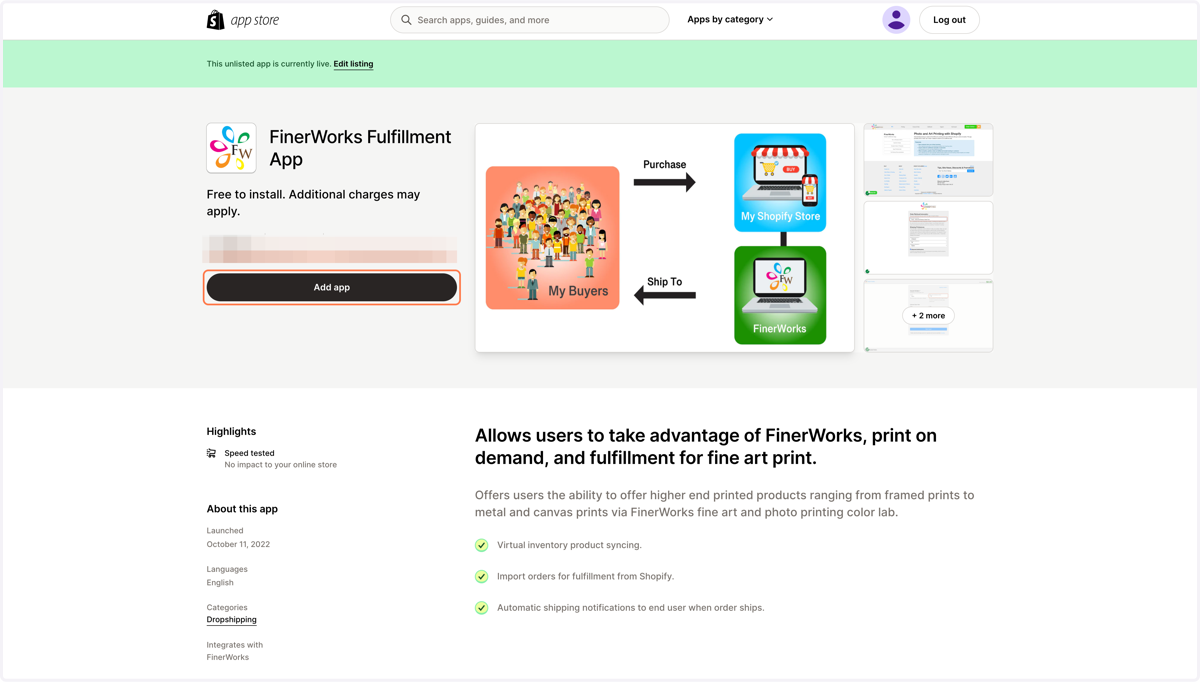
This will take you to where the app resides in Shopify's App store.
Shopify
5. Click on Add app
Myshopify
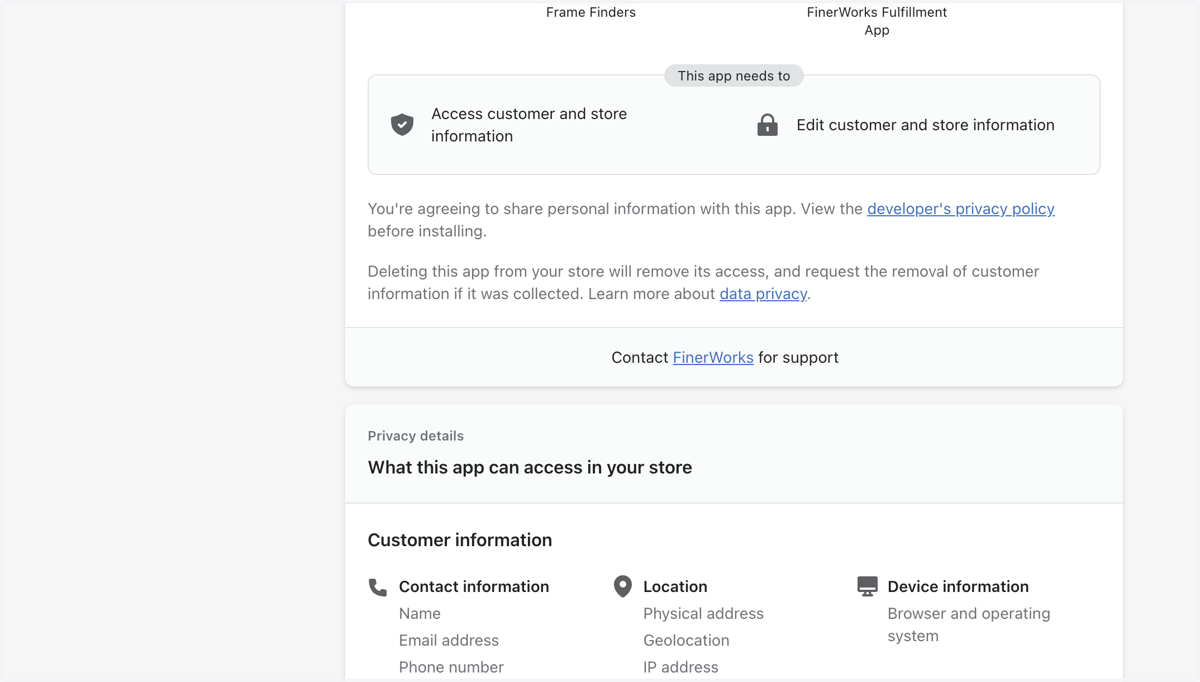
6. Click on Install app
Finerworks
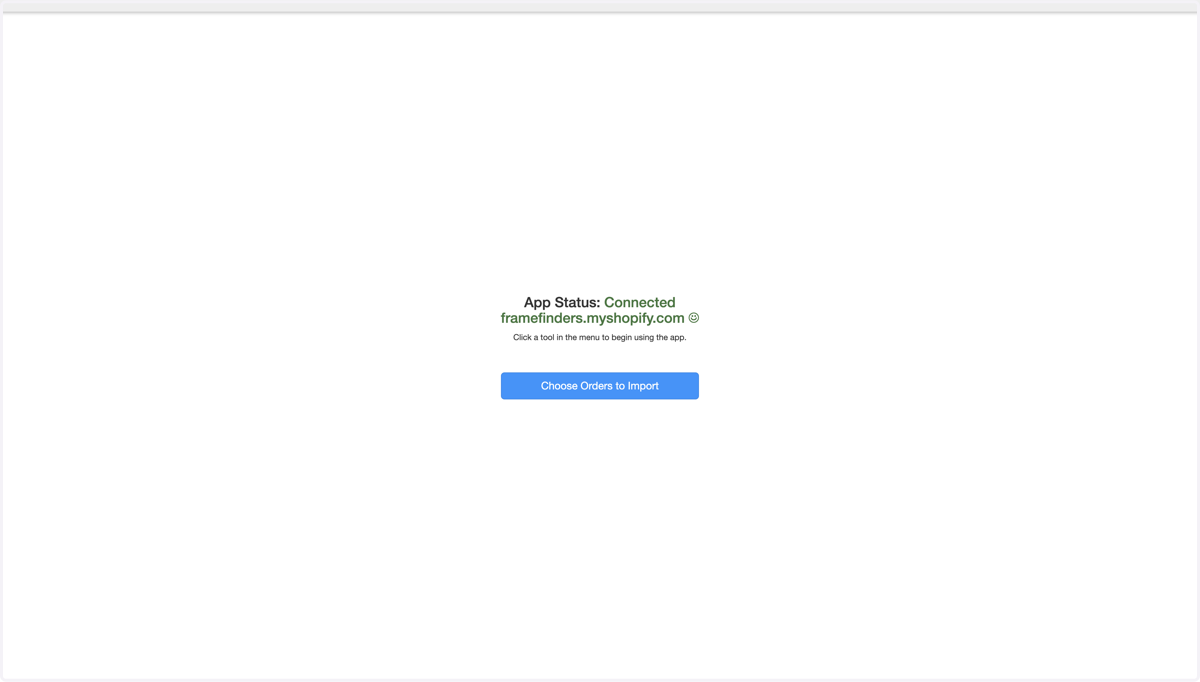
7. You Can Now Import Your Shopify Orders