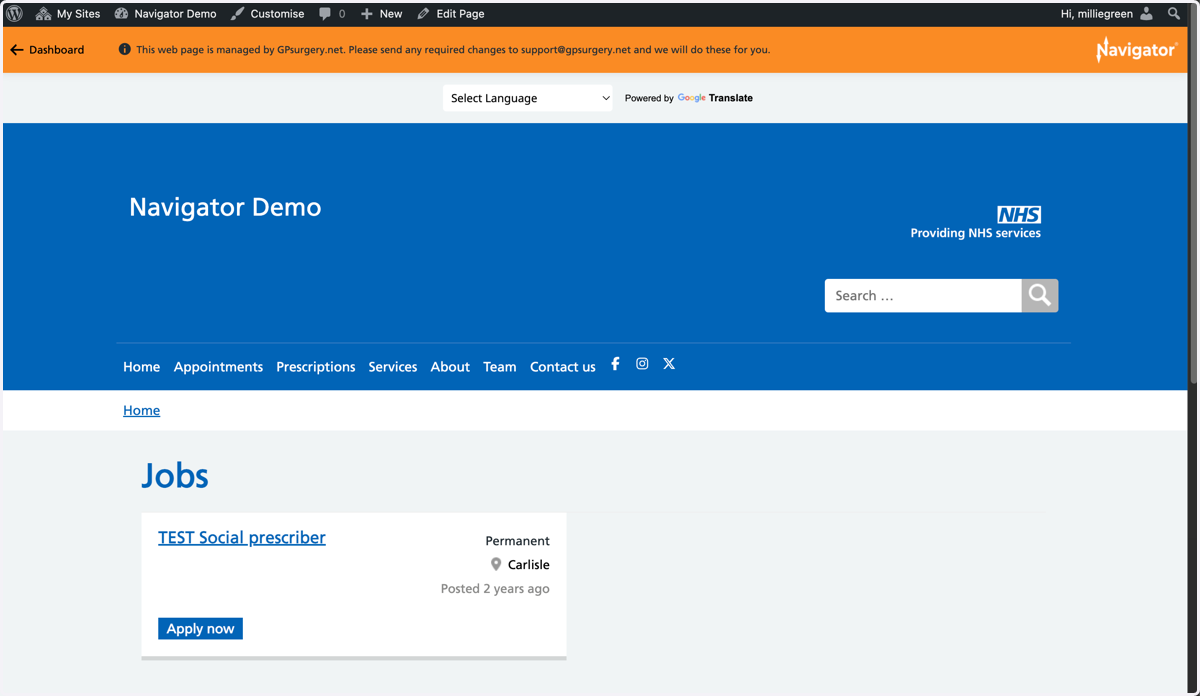
Delete a Job from a Navigator website
This tutorial explains how to delete a job advert from a GPsurgery.net Navigator website. You can move through the tutorial at your own pace using the NEXT button.
1. Ensure that you are logged into your website. The black admin toolbar and orange Navigator toolbar should be visible at the top of the screen.
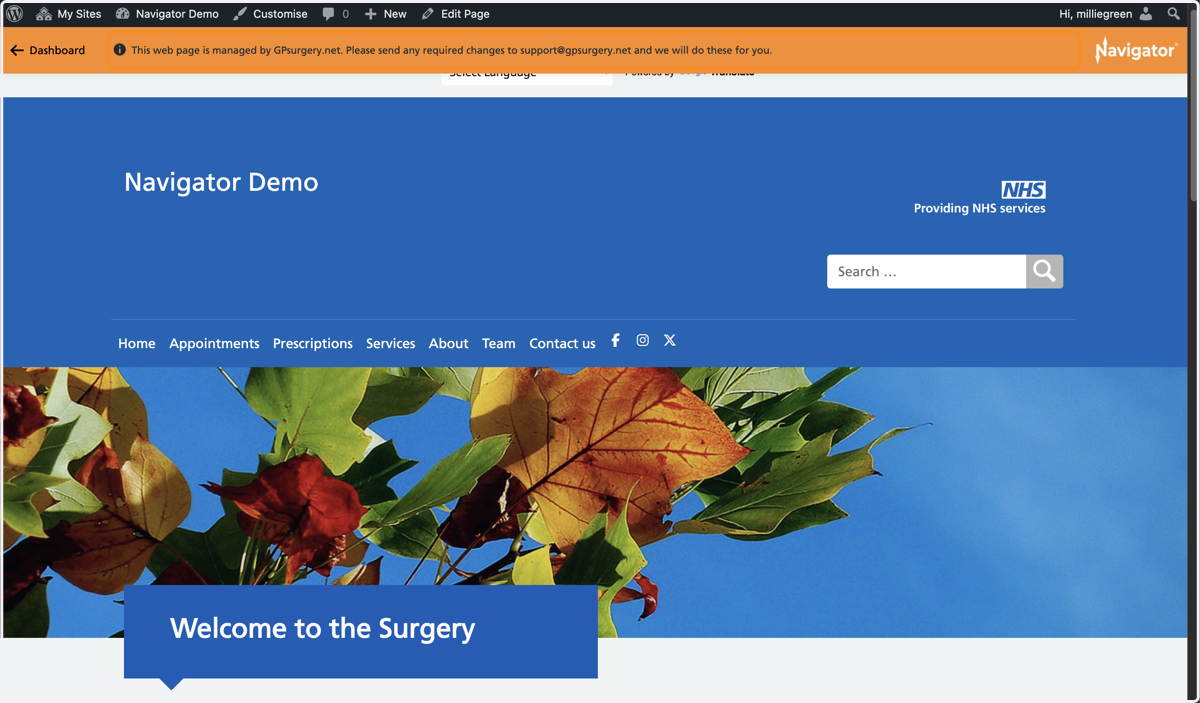
2. Go to the Job you would like to delete. Select Edit Job from the admin toolbar.
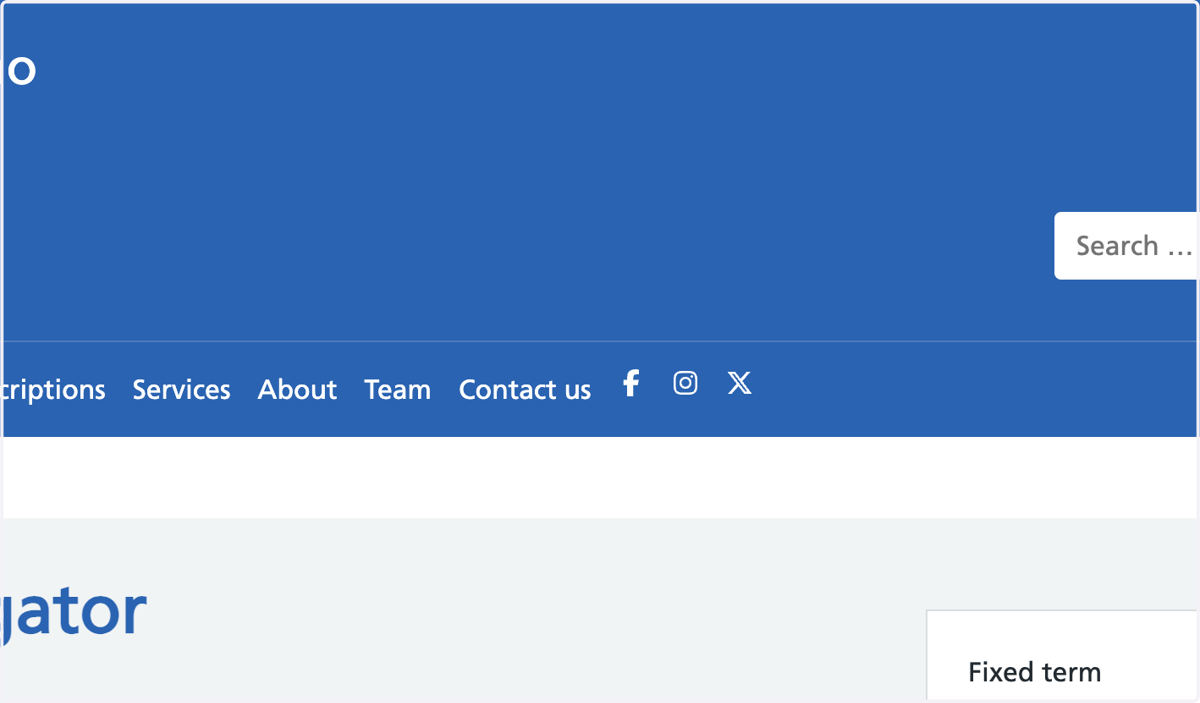
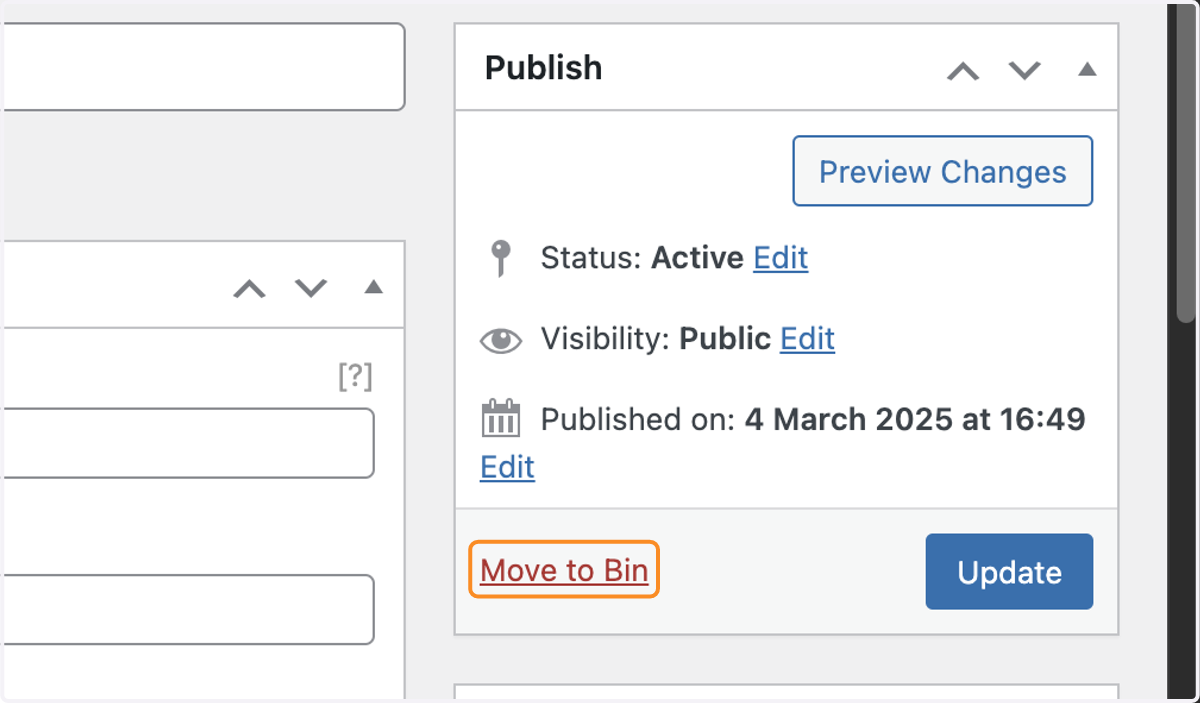
3. You are now in the Job editor. Select the red Move to Bin link in the white Publish box.
4. The job will no longer be visible on your Jobs page.
TIP: If you have no jobs left on the page, the "We're hiring - view available jobs" banner will disappear from the footer of your website.