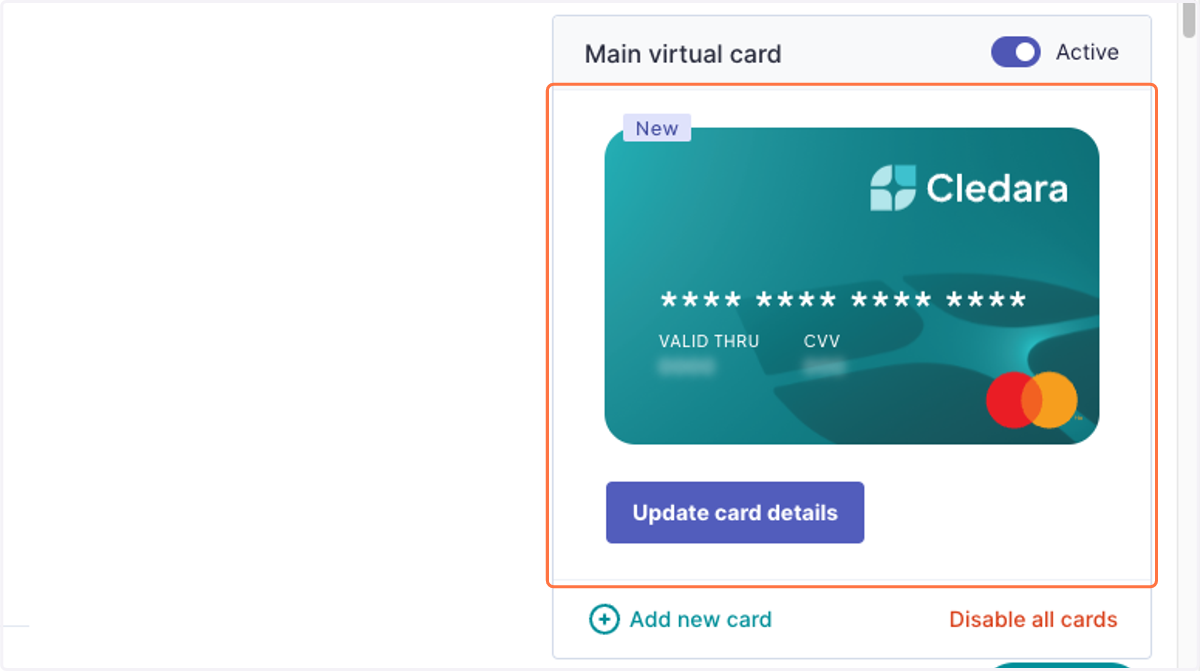
Resolve Requested changes
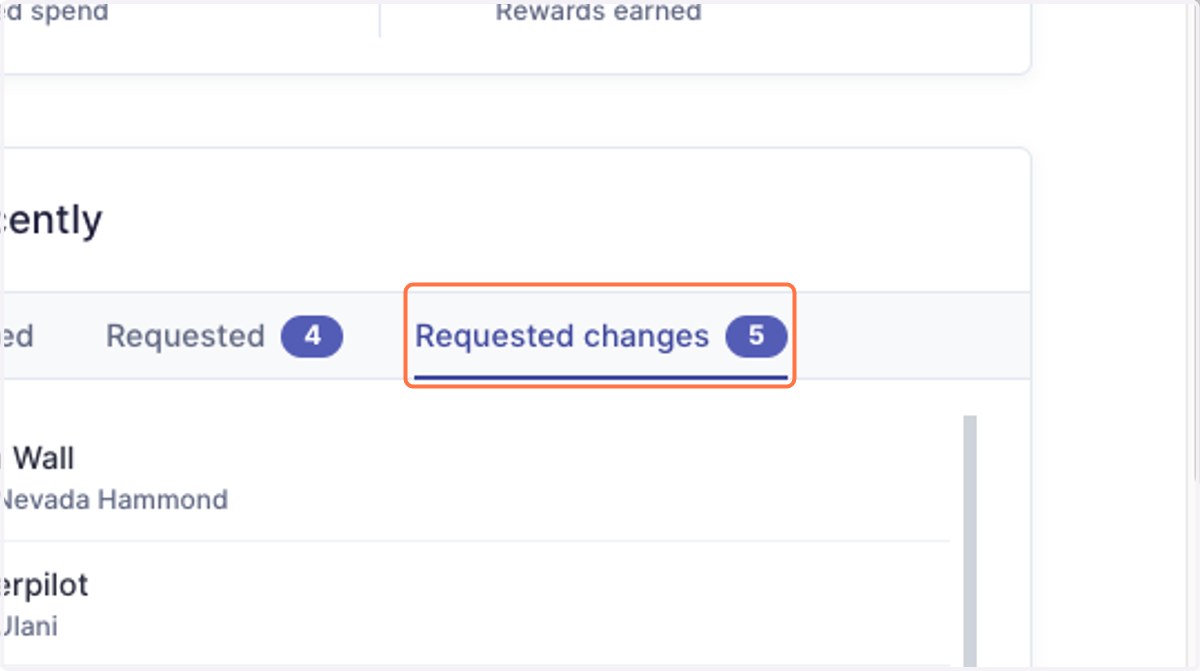
1. Head to Dashboard > Recently > Requested changes
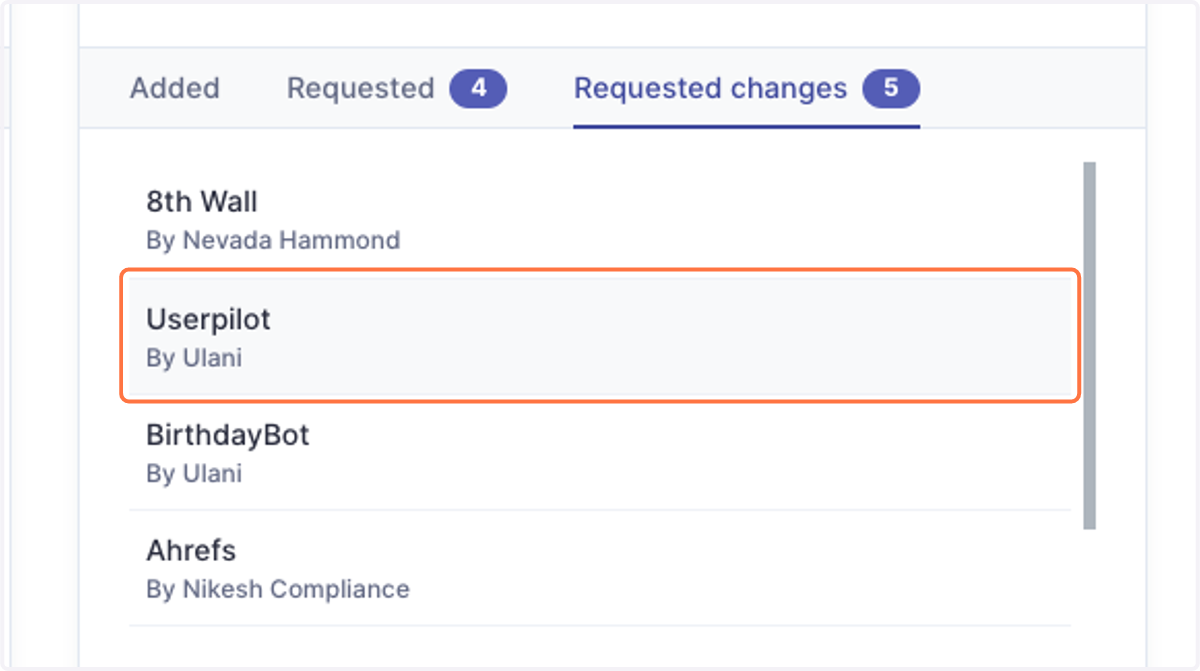
2. Click on the application you'd like to review.
3. Review the changes requested.
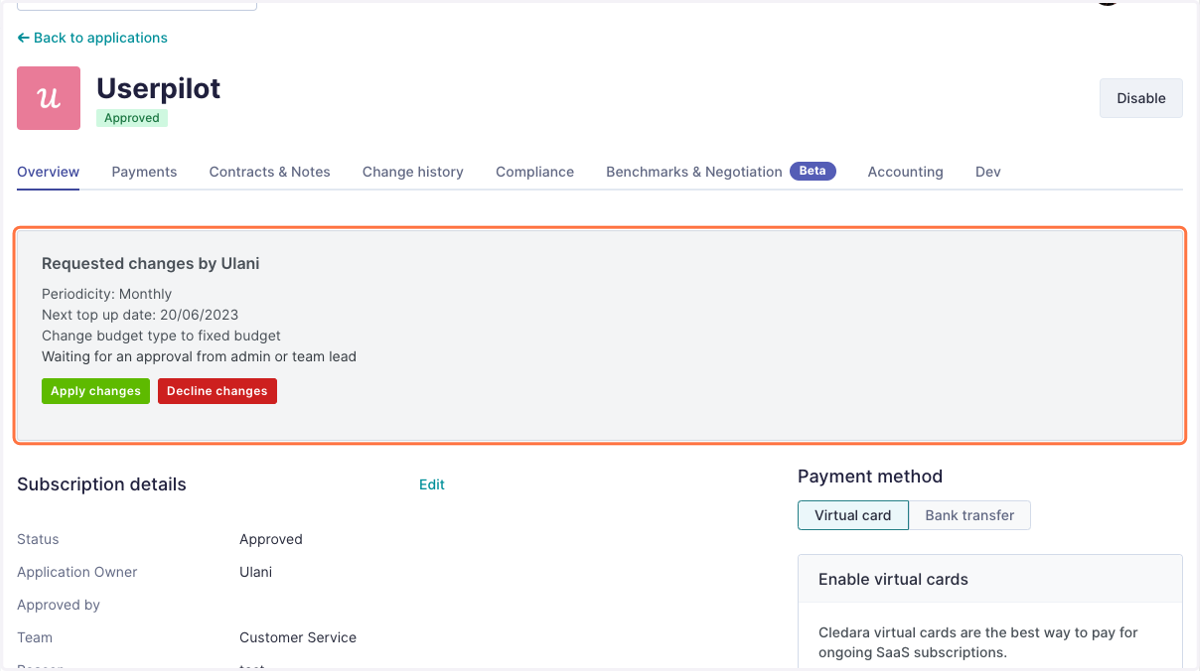
4. Click Apply changes to approve, or Decline changes to reject.
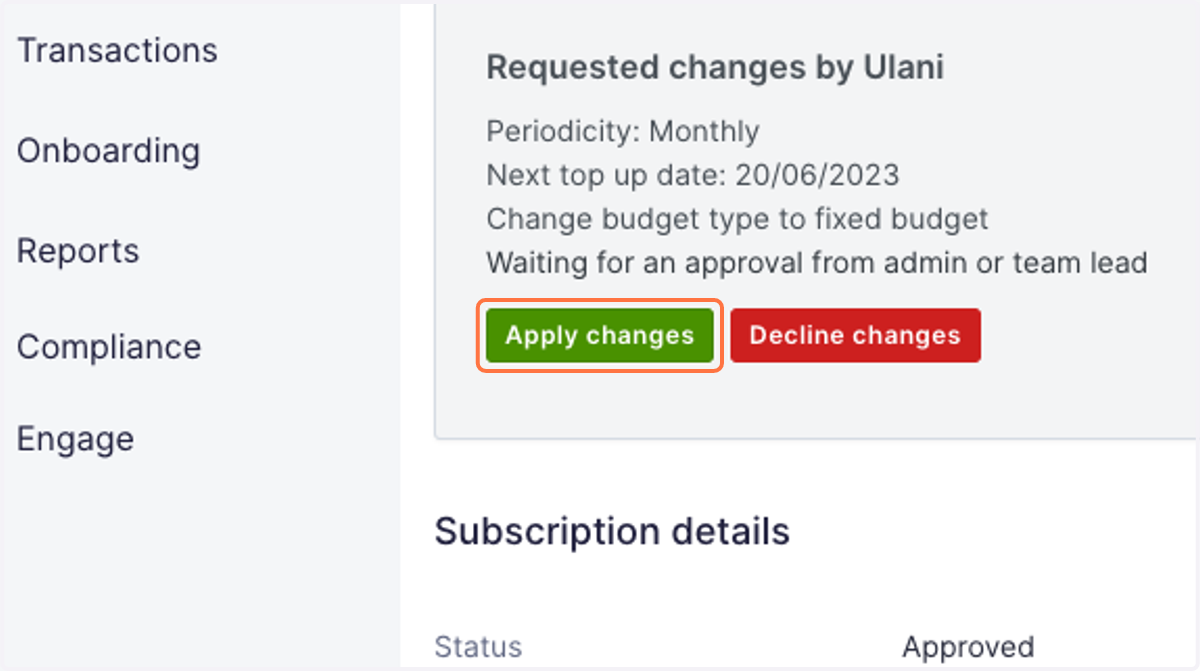
5. If you are the last approval needed, you will see the application updated with the approved changes.