Products & Services: Product Properties
Creating Product Properties, Taxes, Products/Services, & Cost Centers in Number Accounting System
The Product & Services Section in the Number Accounting System is a comprehensive tool for defining and managing products and services. This guide focuses on exploring the Product Properties menu, a master section for creating main groups, categories, and units of measurement.
Introduction:
The Product Properties menu within the Product & Services Section serves as a master hub for defining essential attributes of products and services. It encompasses the creation of main groups, categories, and units of measurement, establishing a structured hierarchy for efficient product management.
1. Exploring Product Properties Menu:
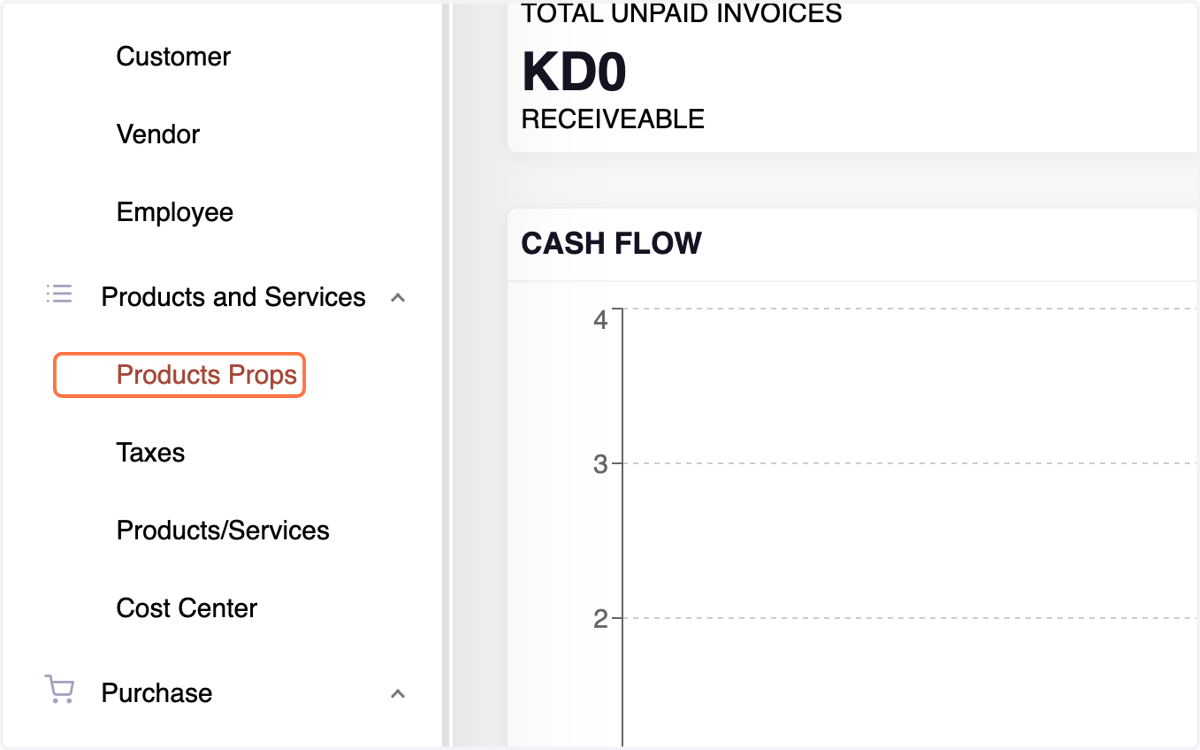
2. A. Creating a Group:
Navigate to Product & Services Menu,Select Product Properties.Click on the Group tab.View existing groups; edit and update as needed.
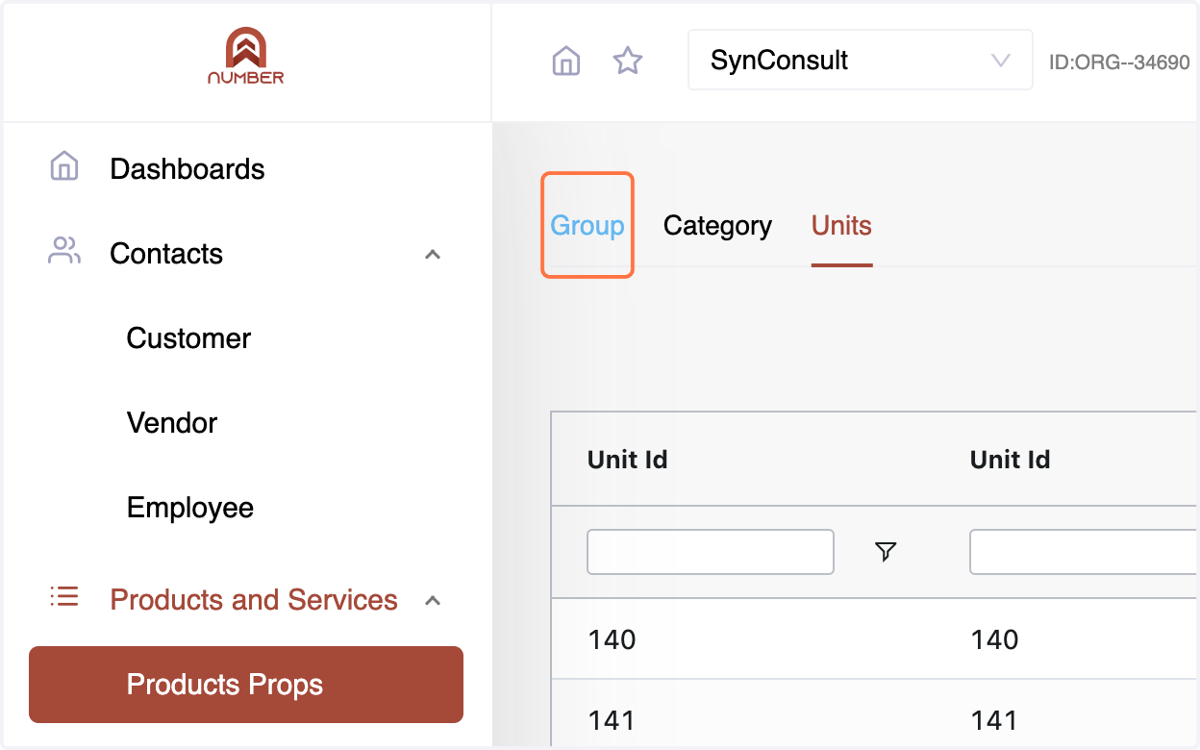
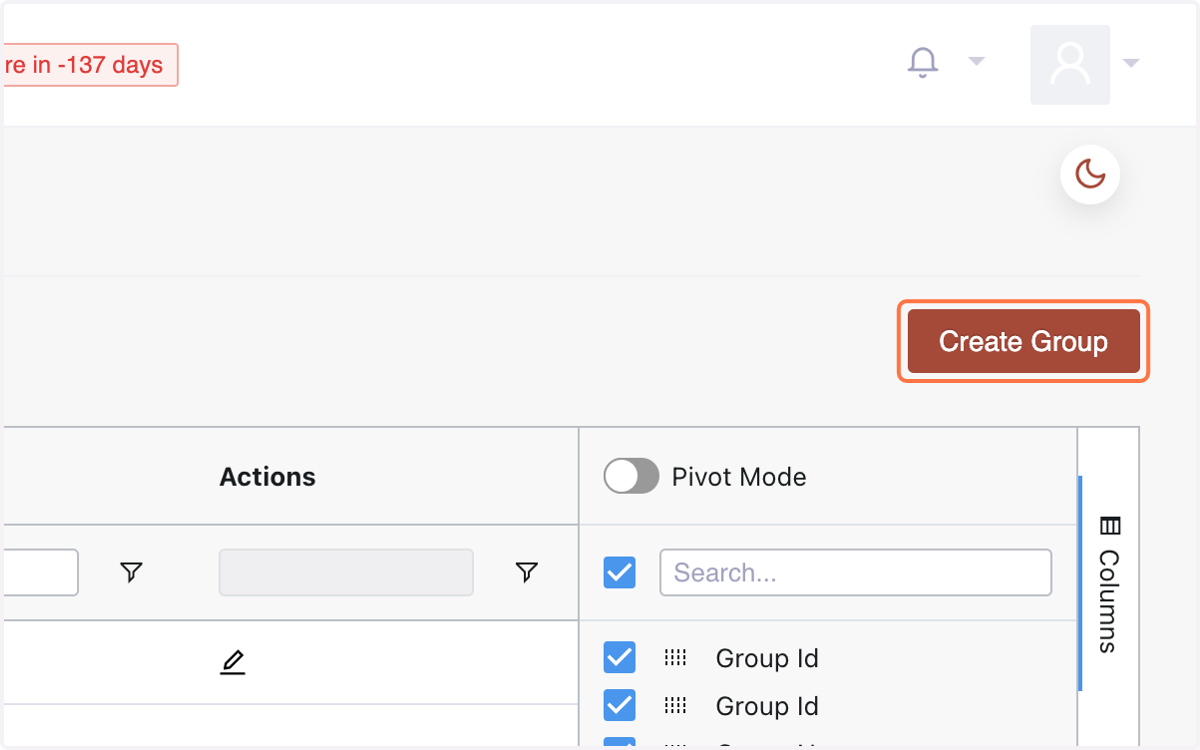
3. To create a new group, click "Create Group"
4. Enter group details: Name
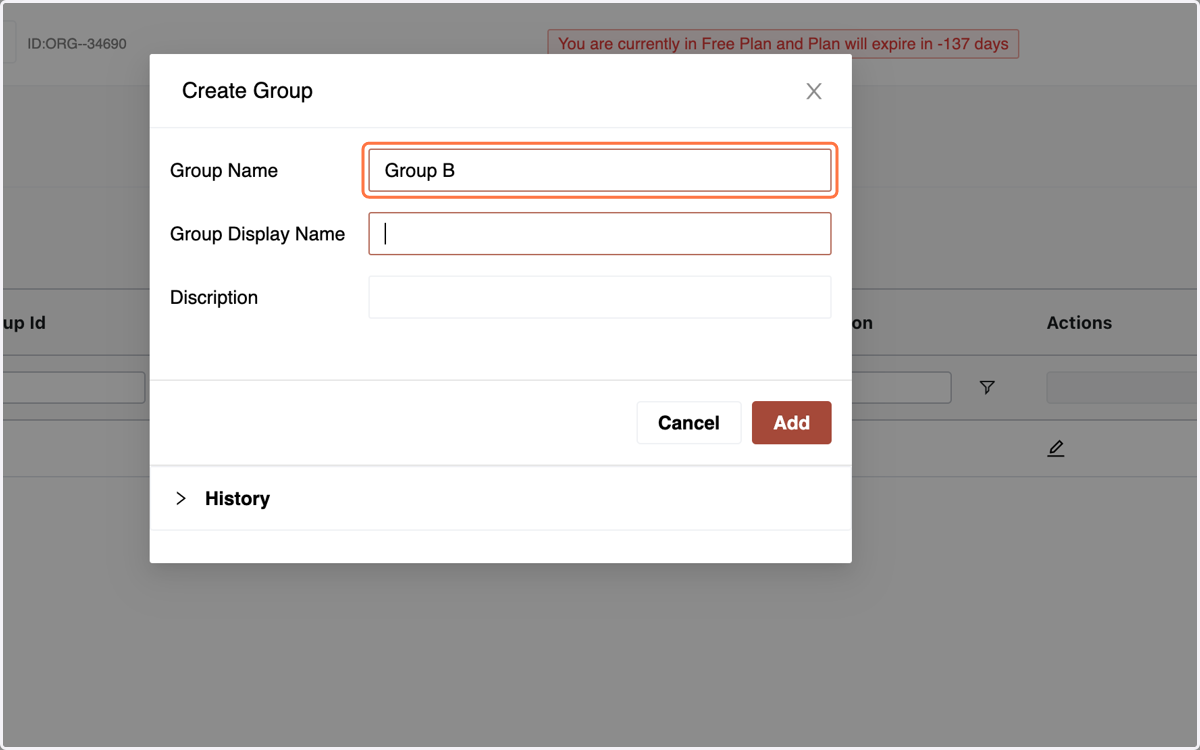
5. Enter group details:Display Name
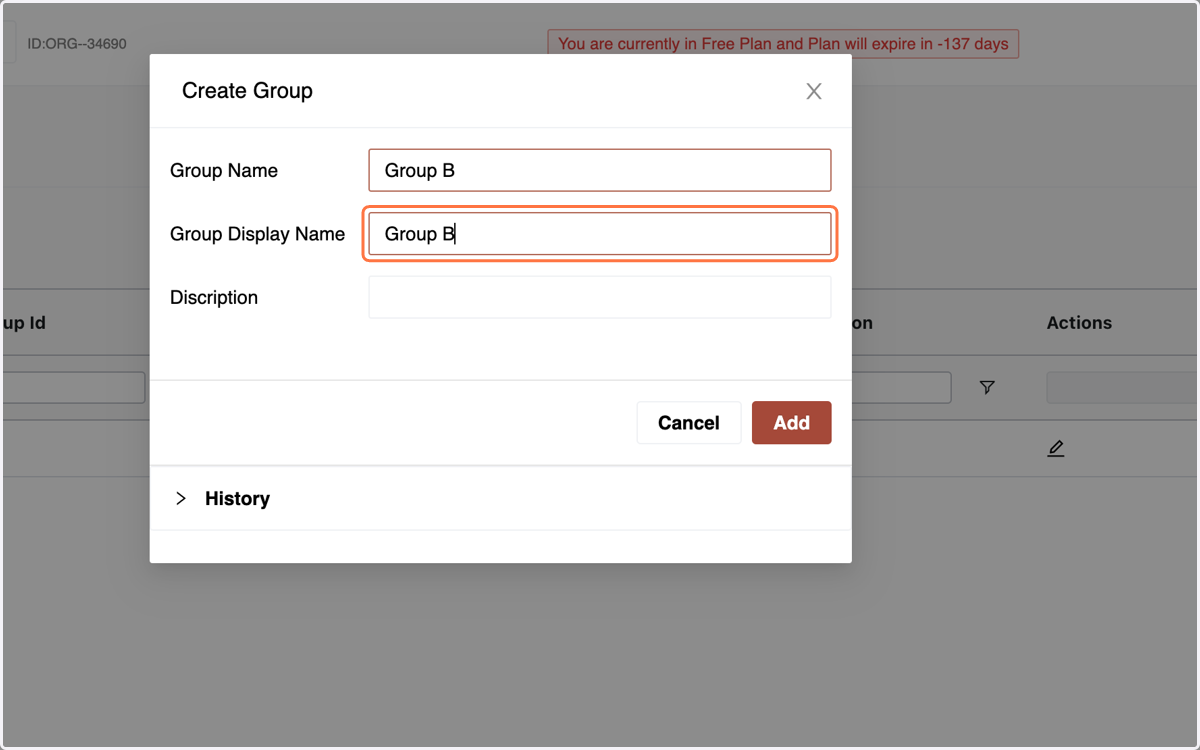
6. and Description.
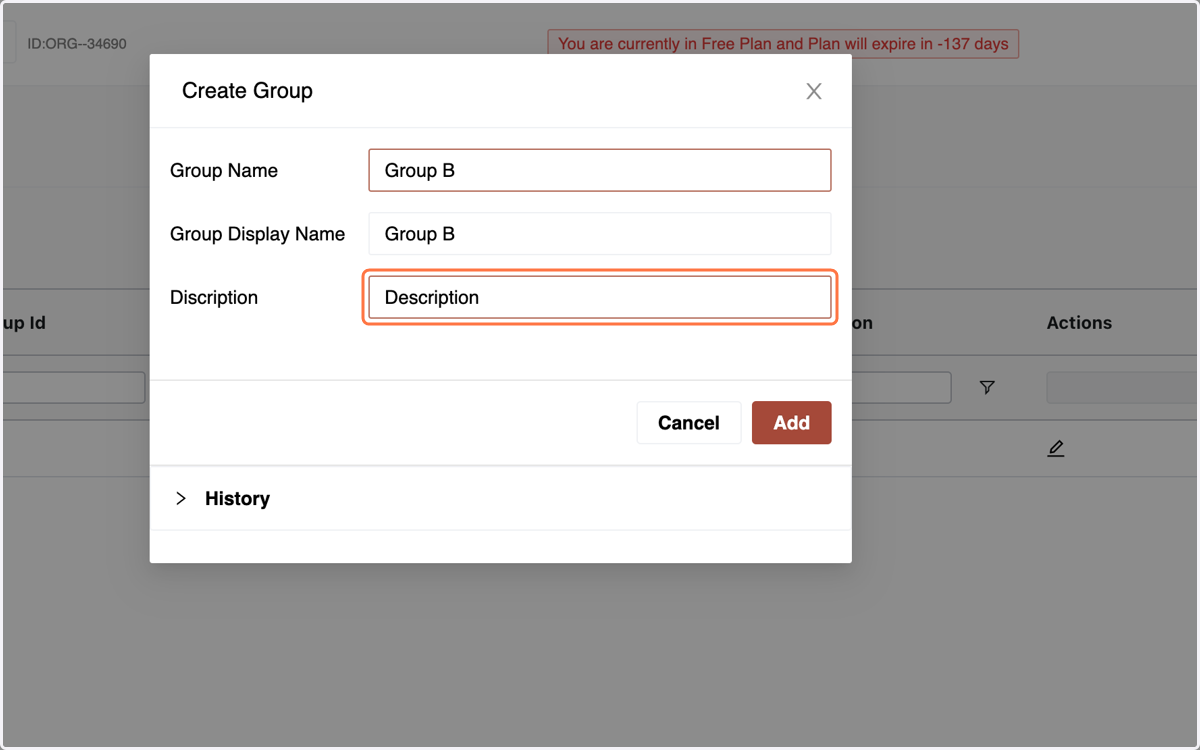
7. Click "Add" to create the group.
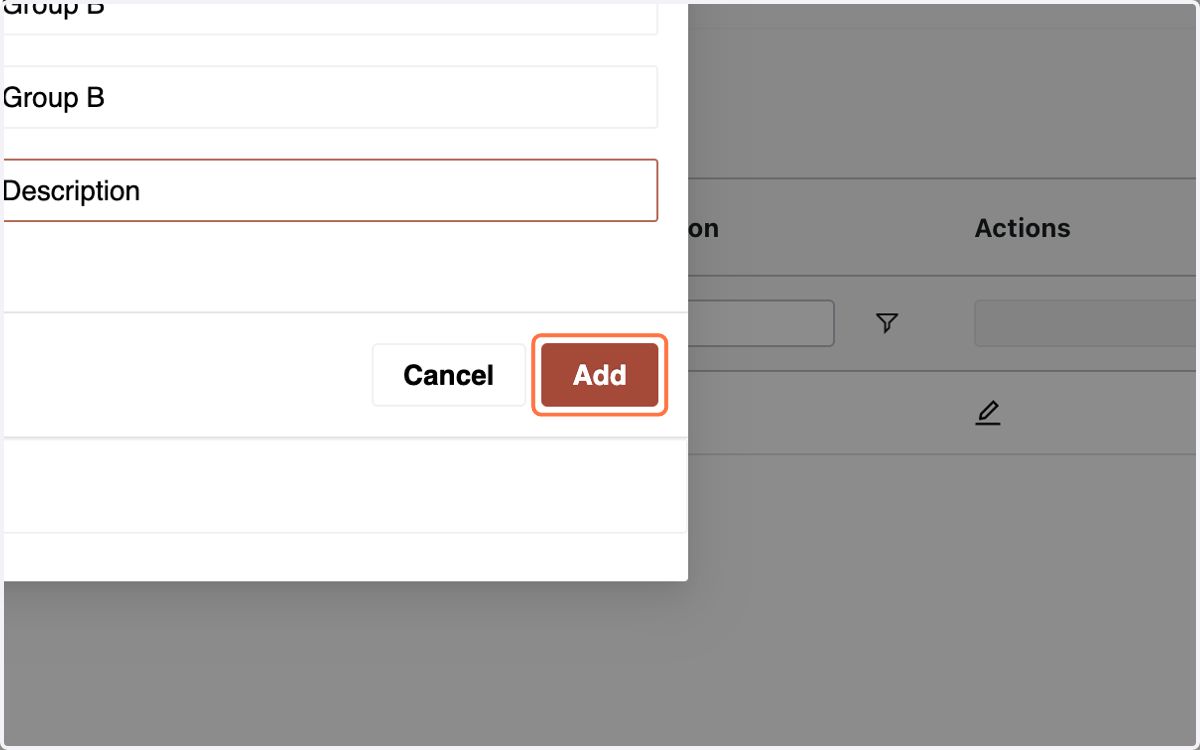
8. The Group is Created. "Note: A Group Once Created. Cannot be Deleted"
9. B. Creating a Category:Within Product Properties, go to the Category tab.
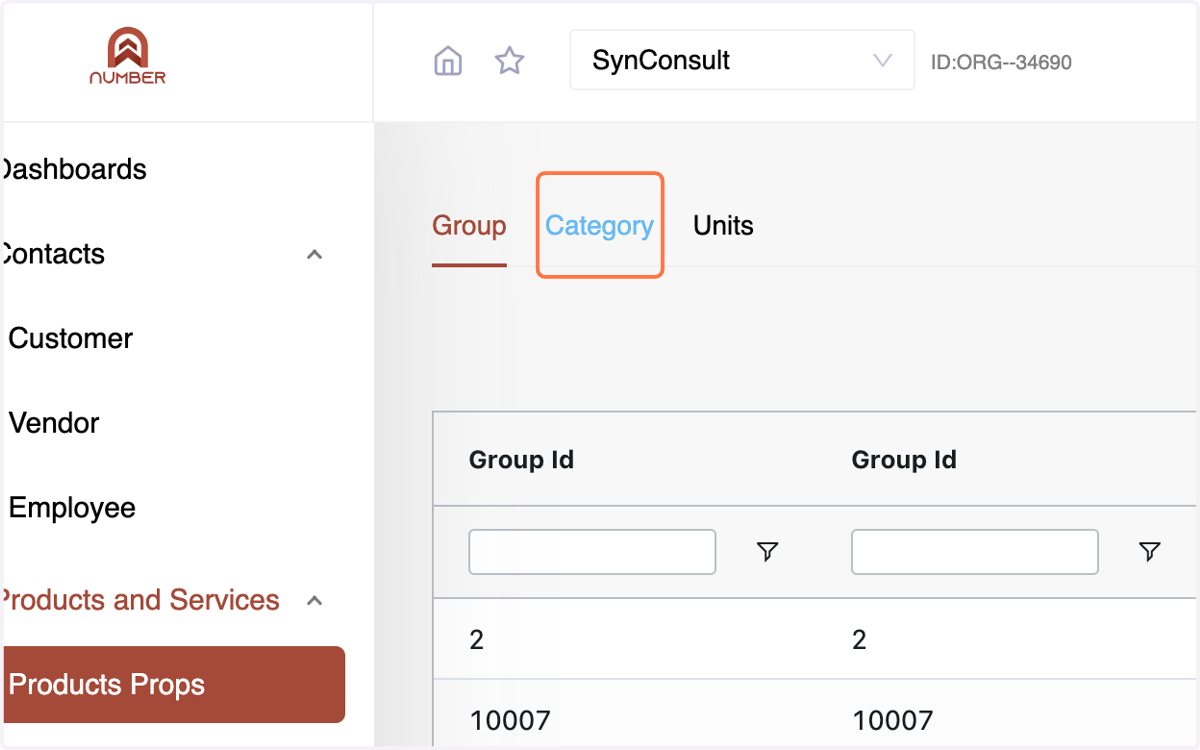
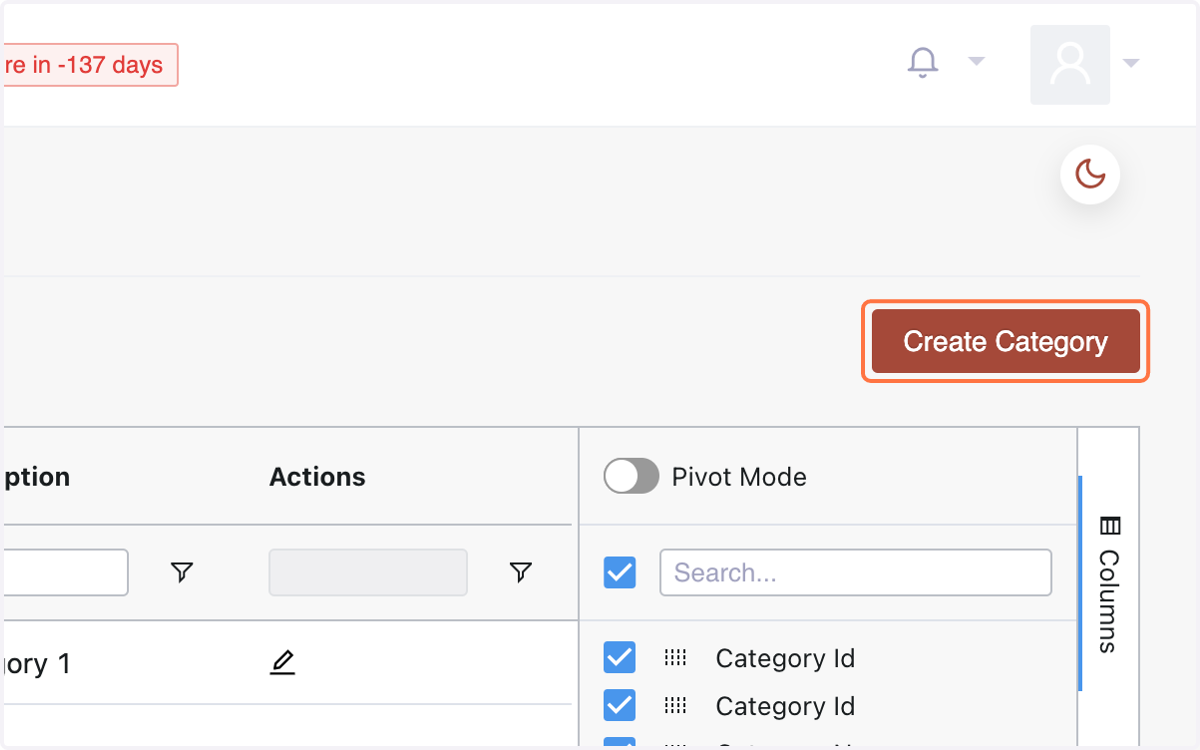
10. Click "Create Category."
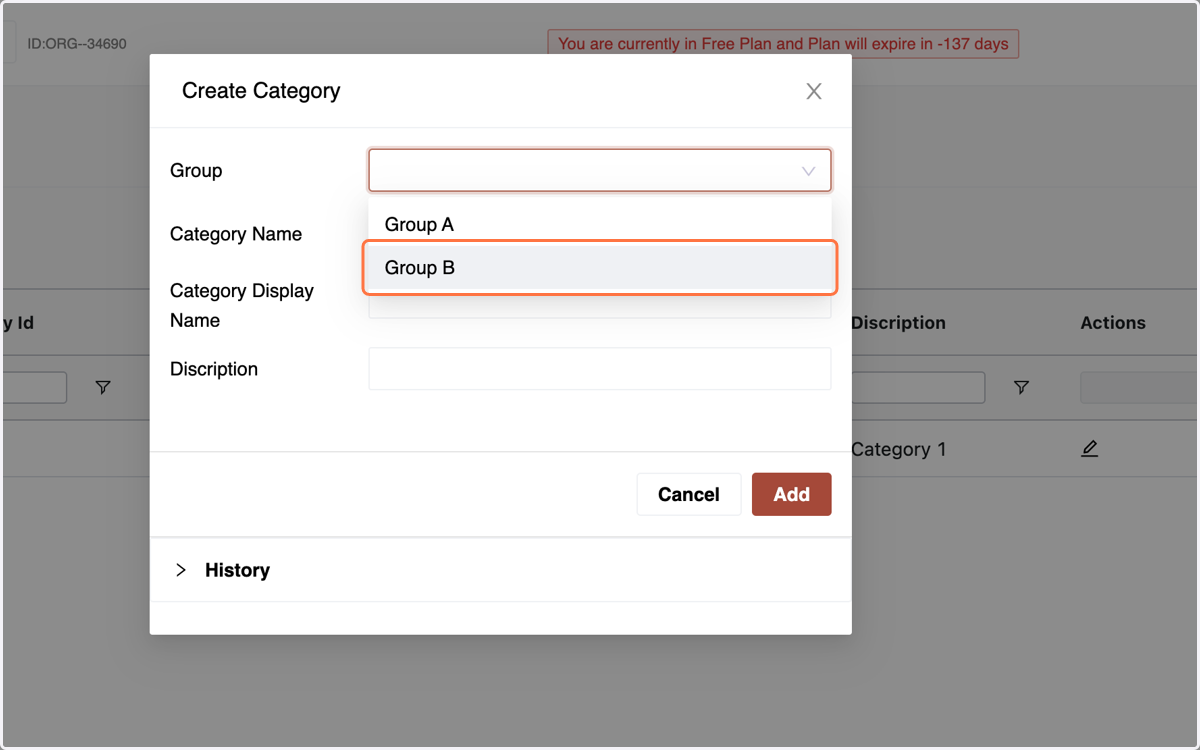
11. Select the "Group" to which the Category is meant to be Assigned
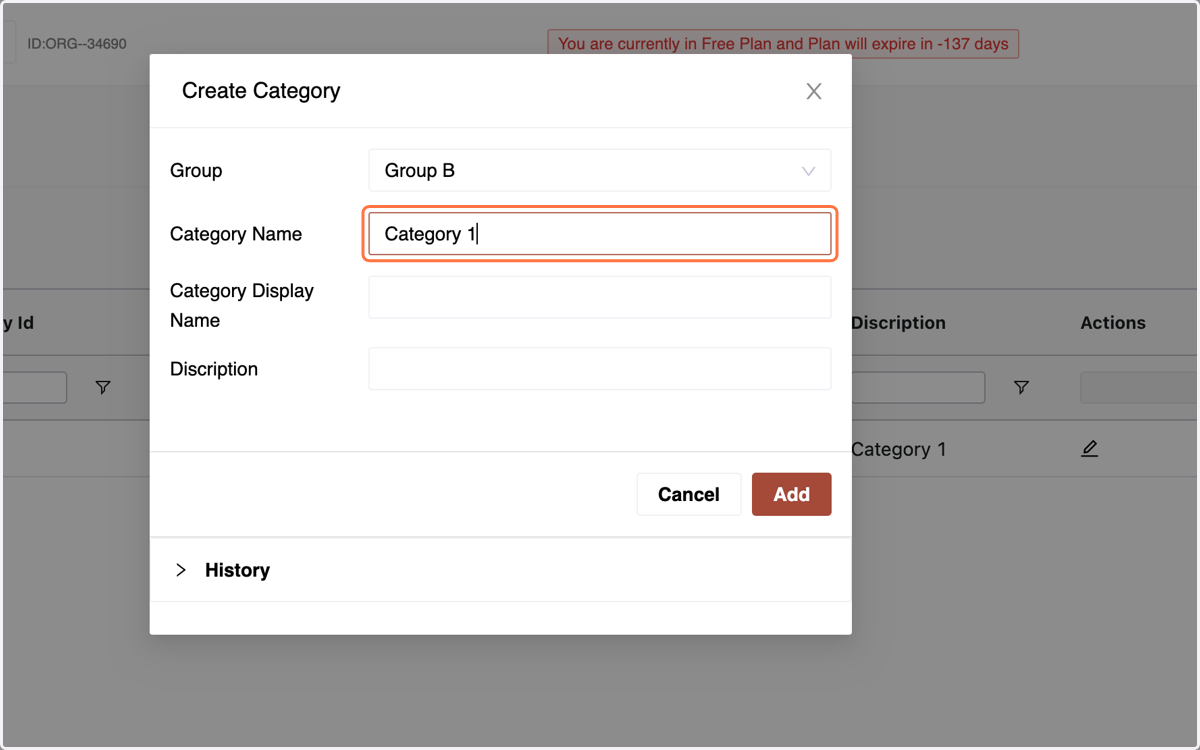
12. Fill in details: "Category Name"
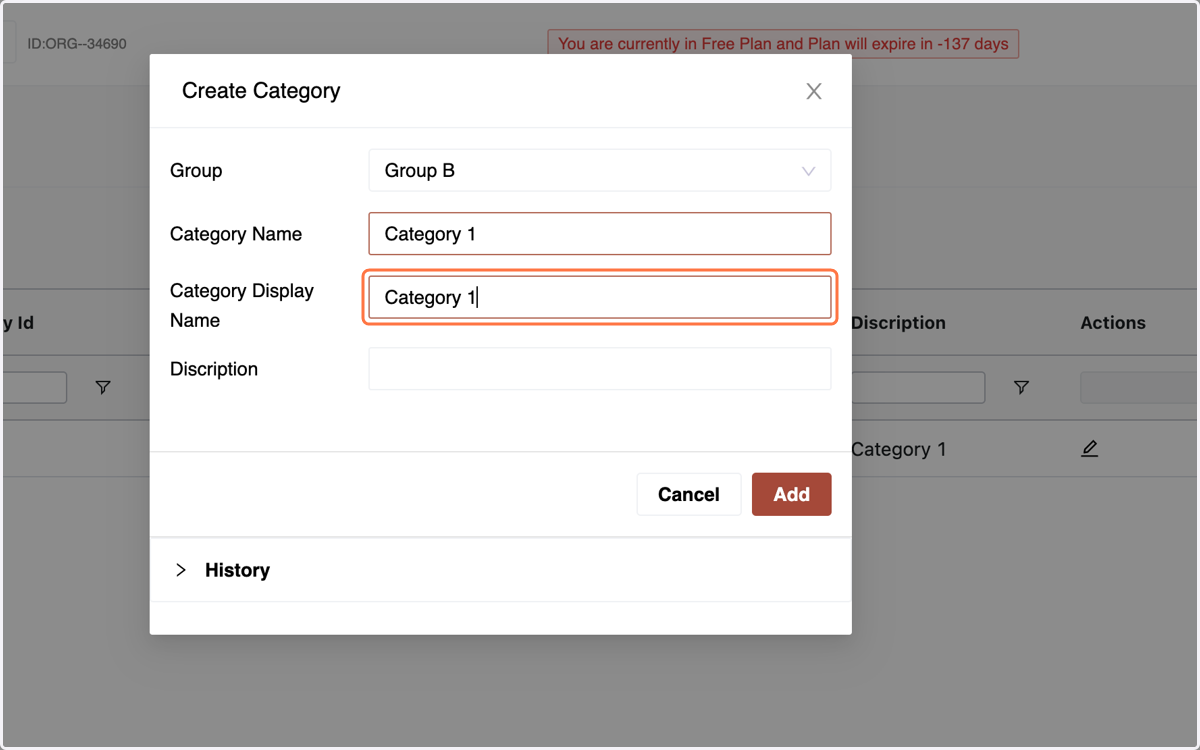
13. Full Details: Category Display Name
14. Full Details: Add a description.
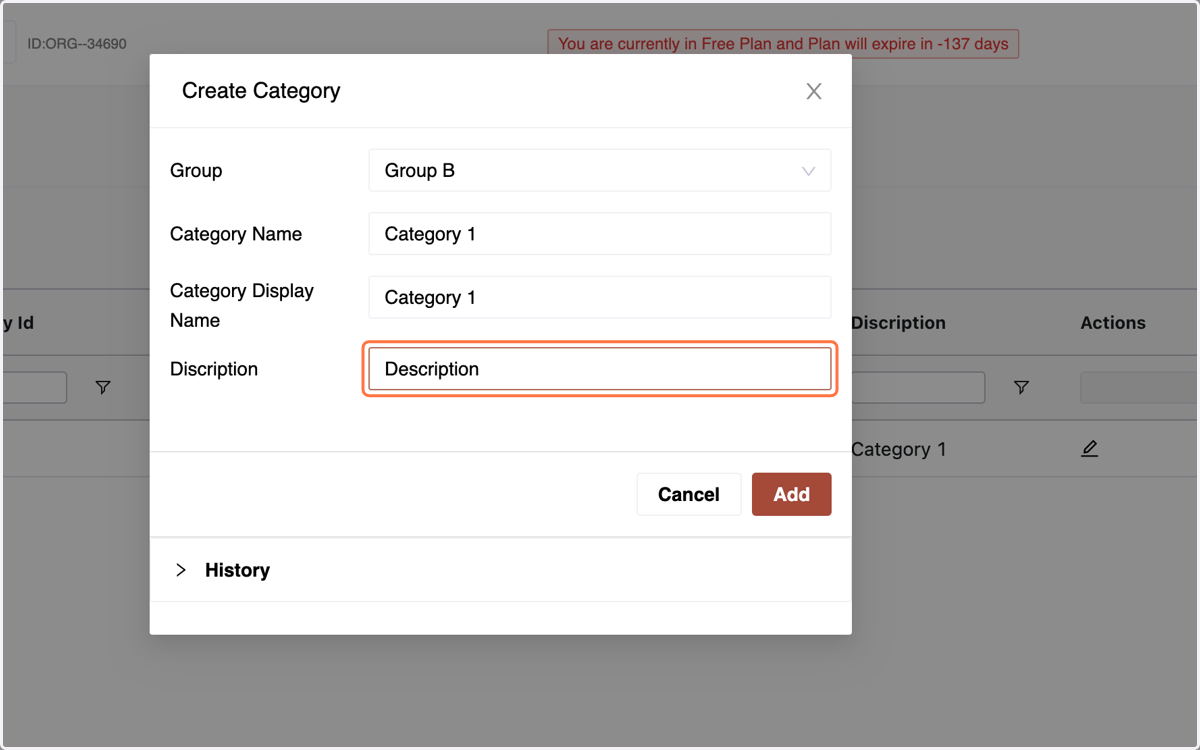
15. Click "Add" to create the category.
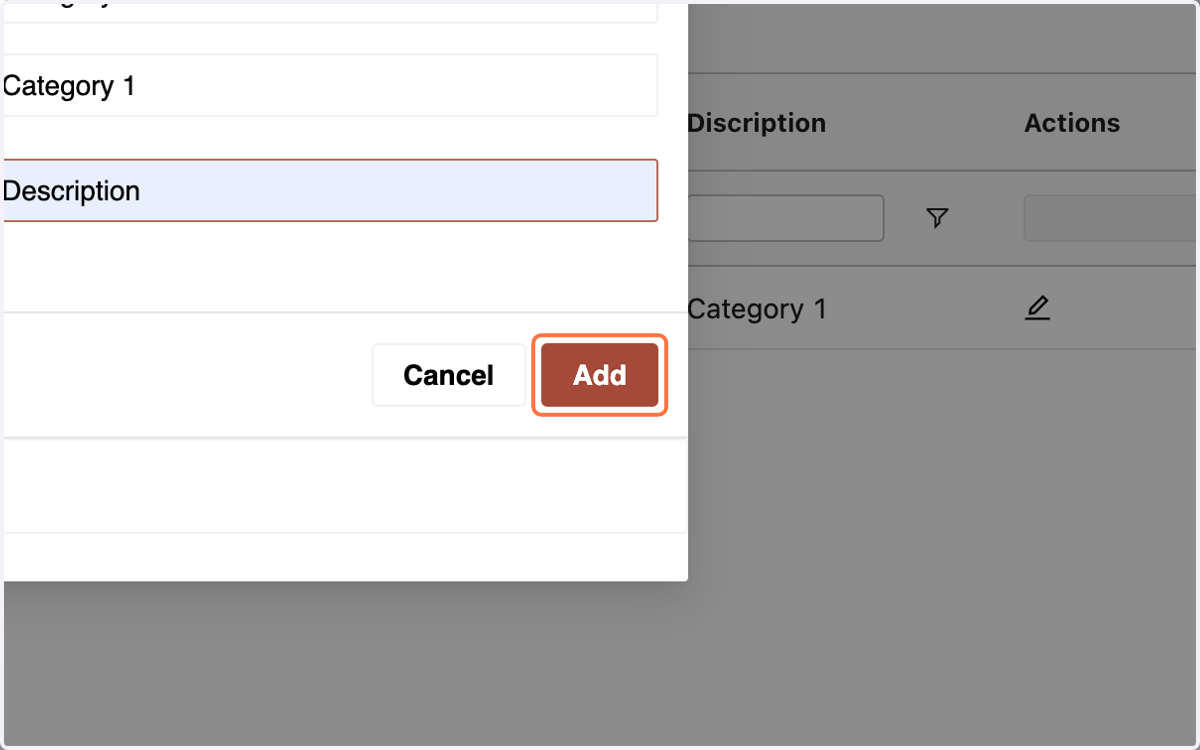
16. The Category is Created. "Note: A Category Once Created. Cannot be Deleted"
17. C. Adding Unit of Measurement:Go to Unit of Measurement tab under Product Properties.
View existing units or create a new one.
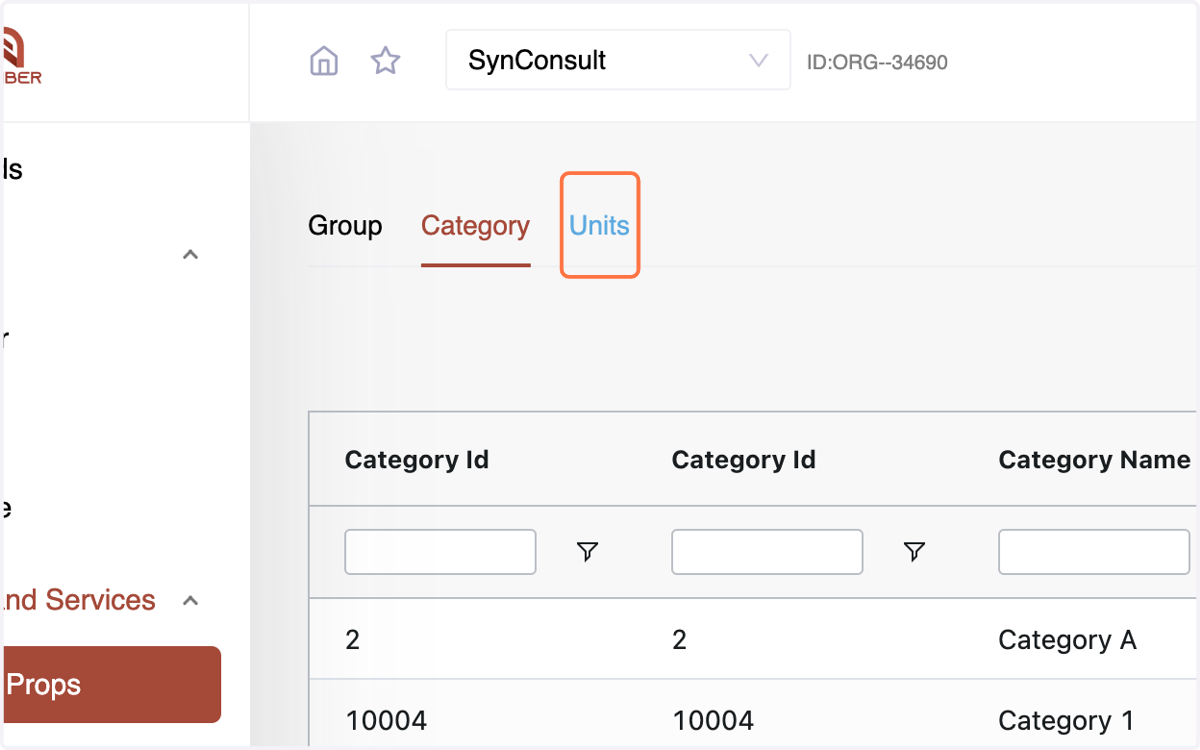
18. Click "Create Units."
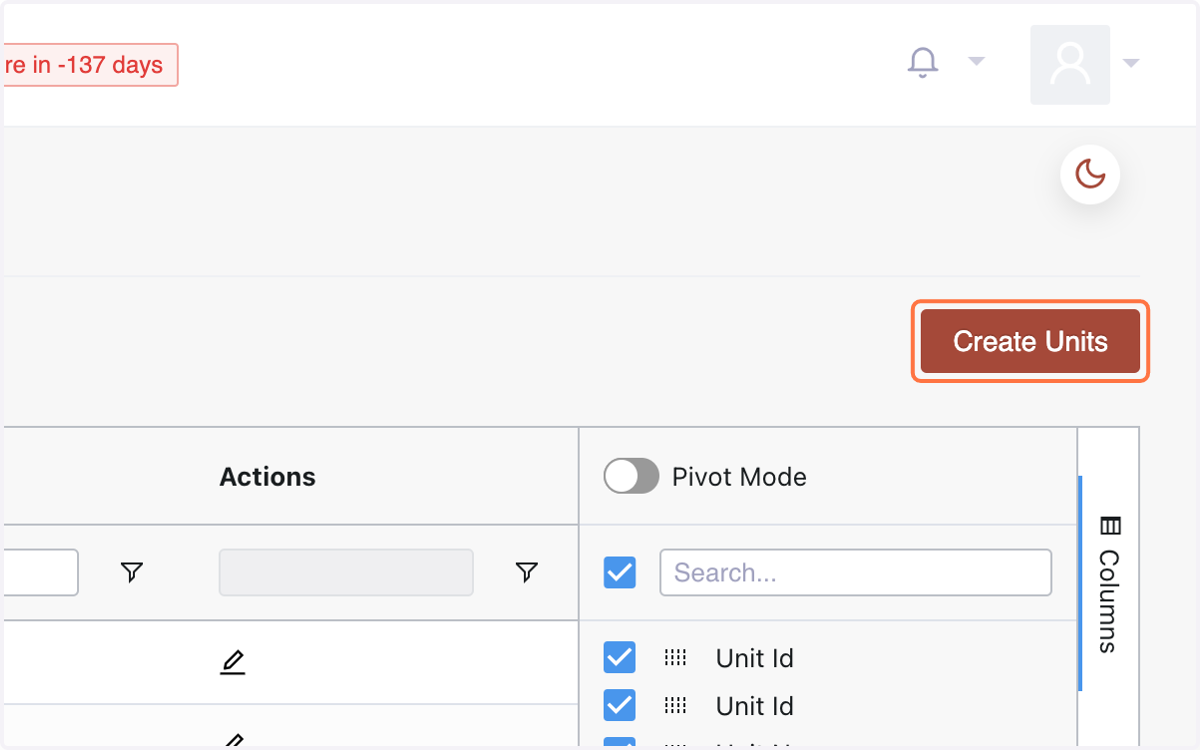
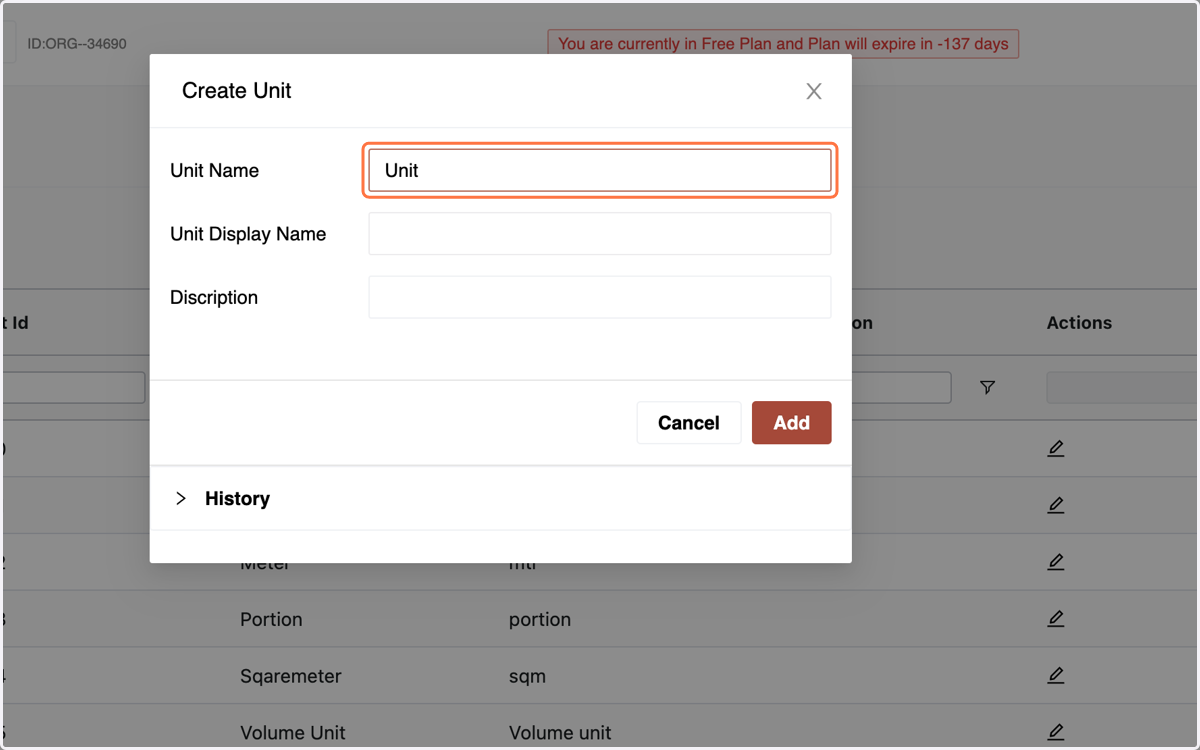
19. Enter Unit Name
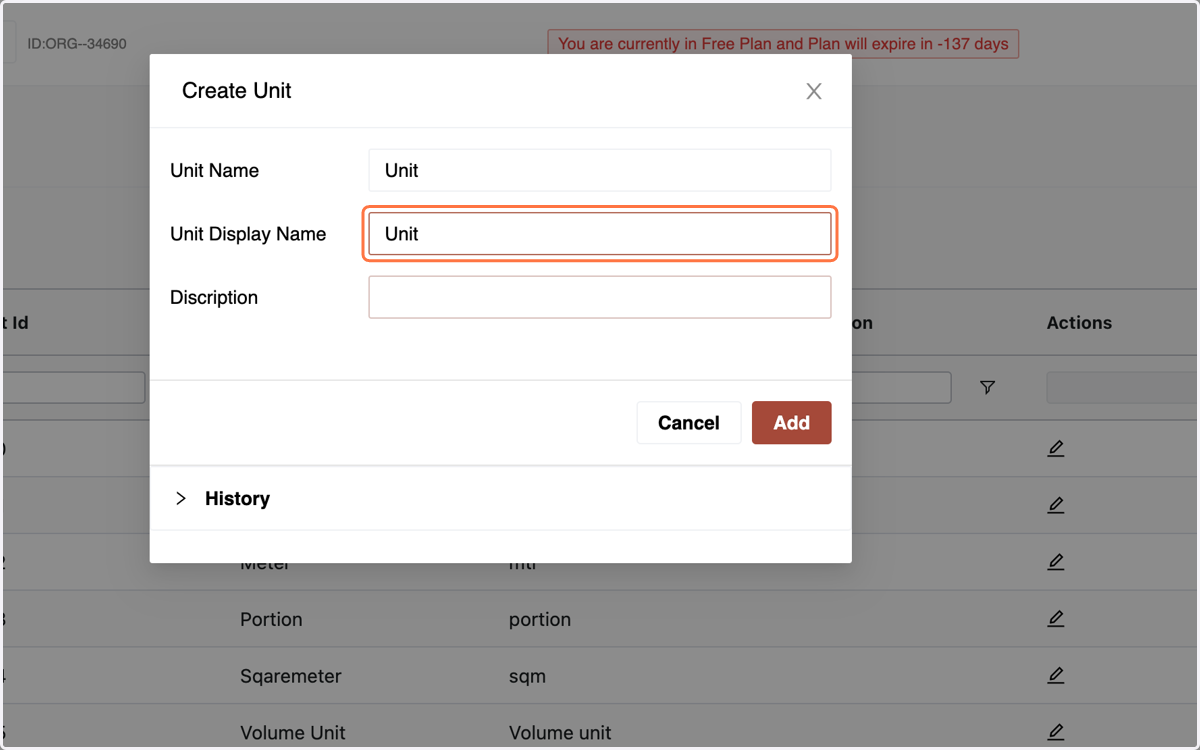
20. Enter the Display Name
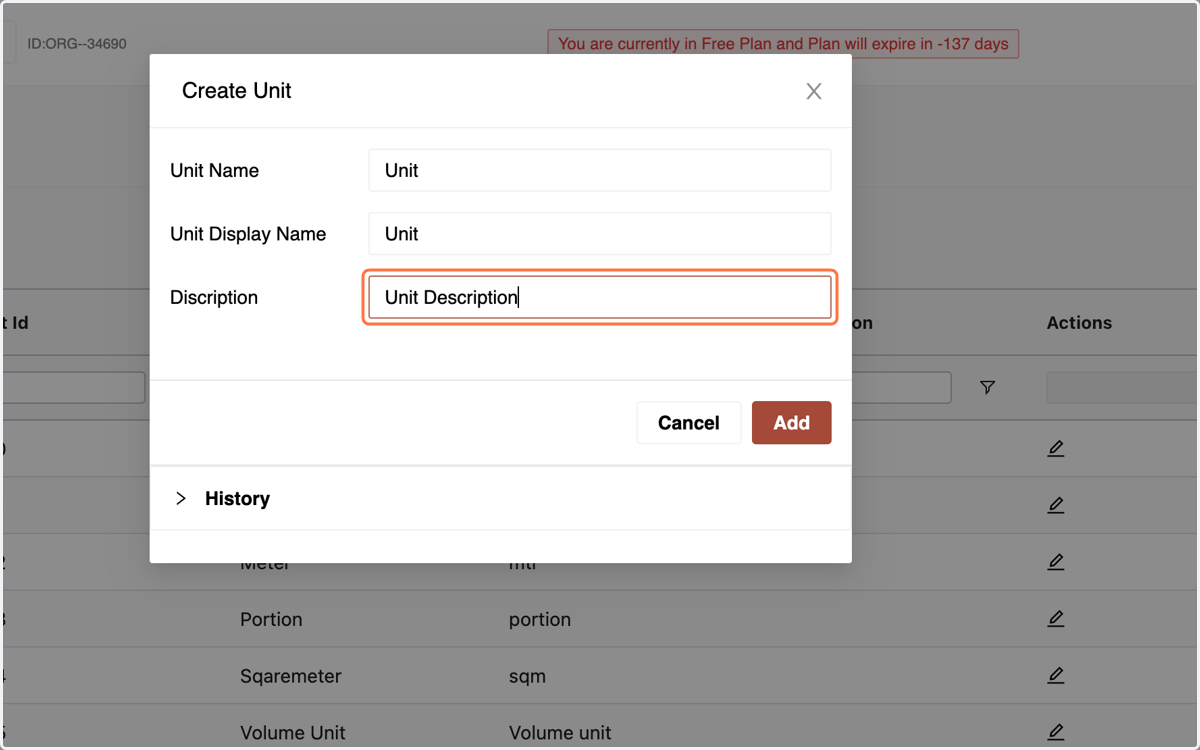
21. & the Description
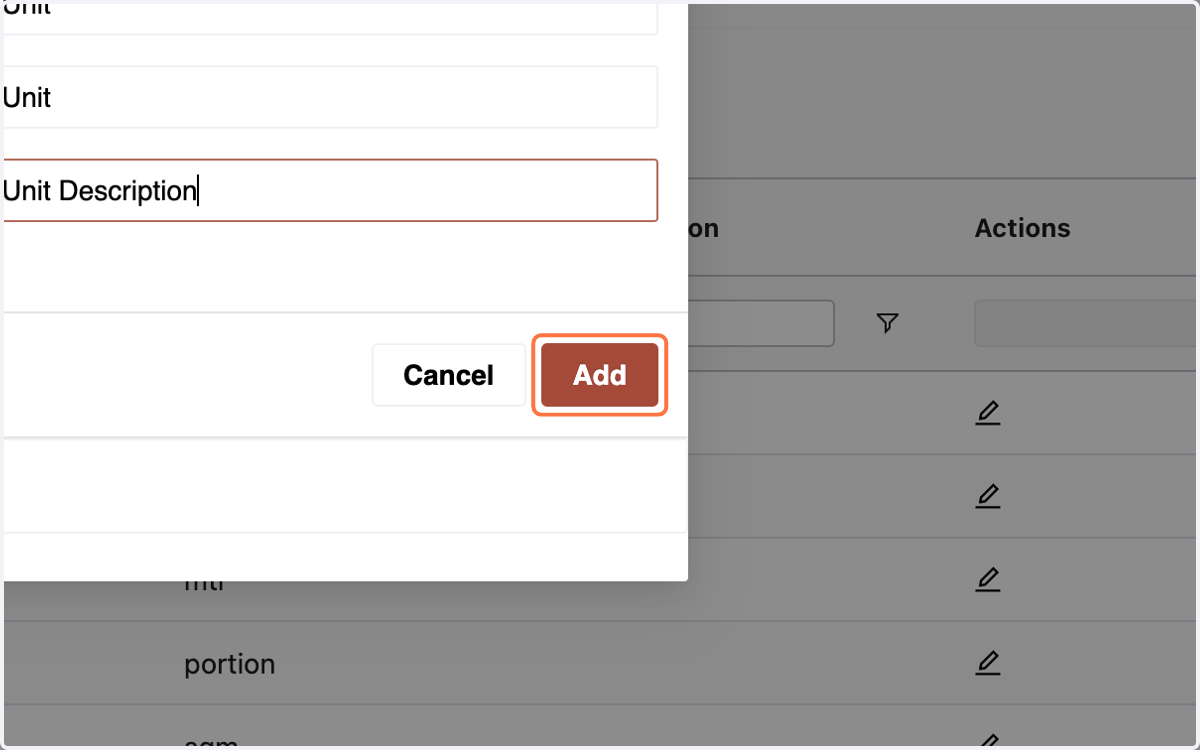
22. Click "Add" to create the unit of measurement.
23. Summary - Product Properties Menu:
The Product Properties menu is the cornerstone for structuring product and service attributes. It facilitates the creation of main groups, categories, and units of measurement, establishing a systematic hierarchy. This organized framework enhances product management, providing a foundation for streamlined and efficient operations within the Number Accounting System.