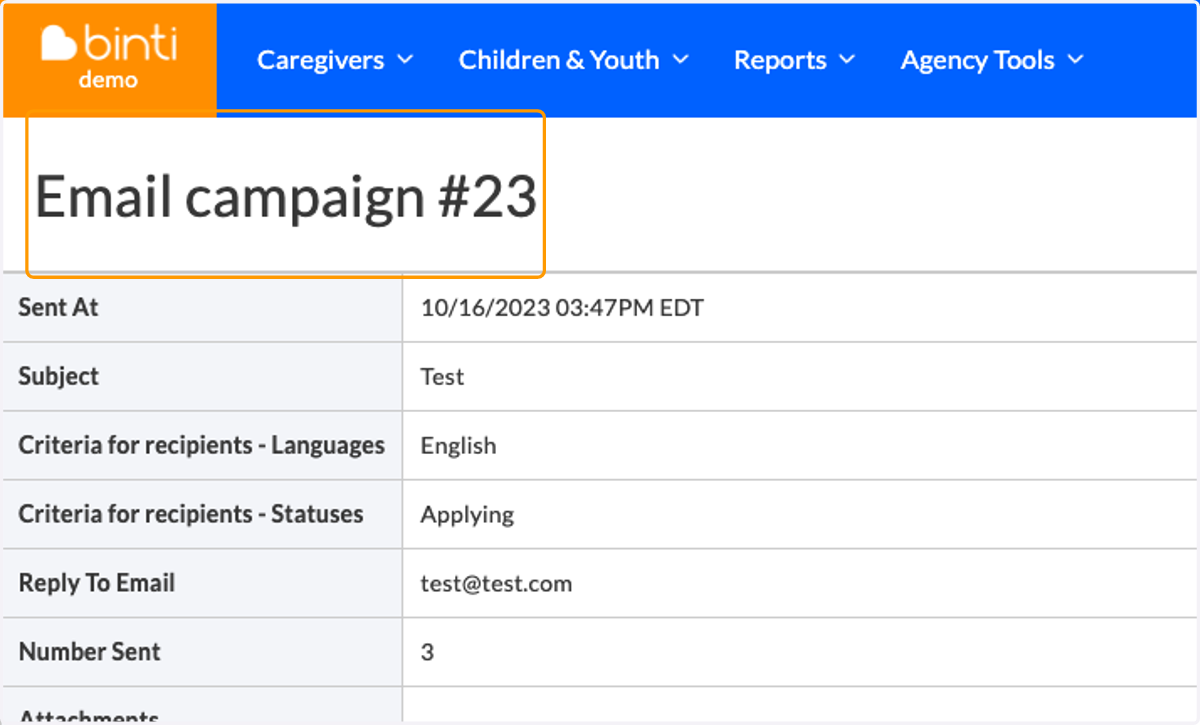
Create an Email Campaign
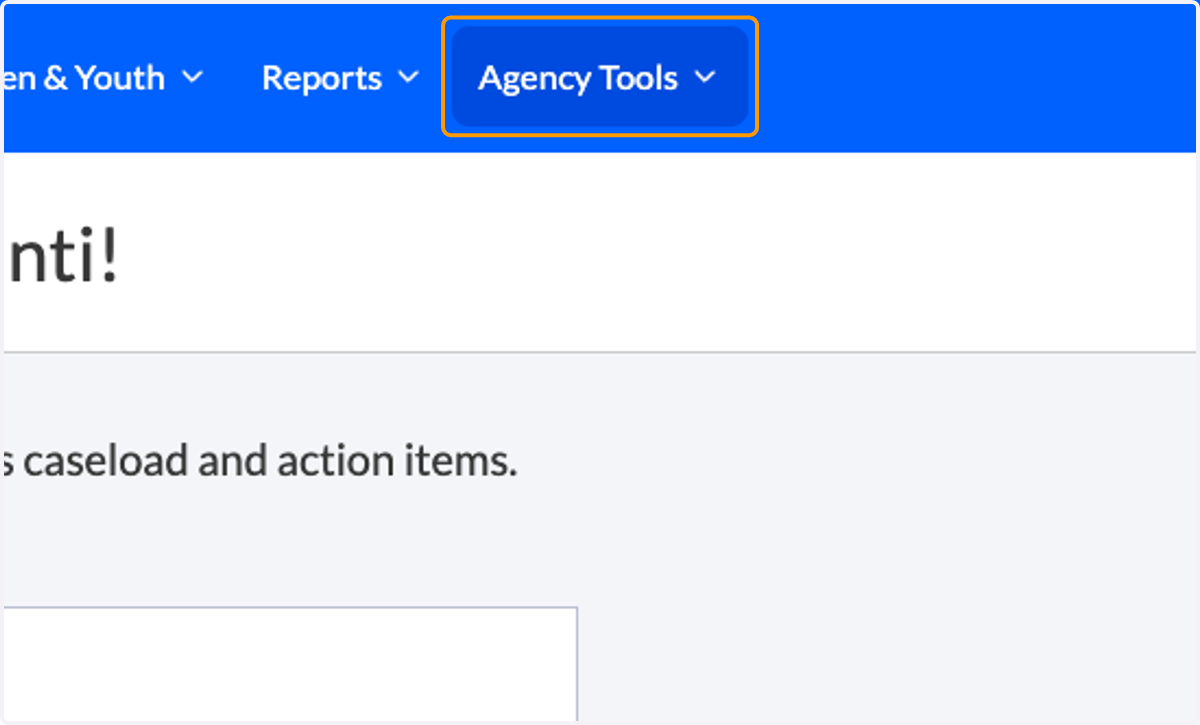
1. Click on Agency Tools
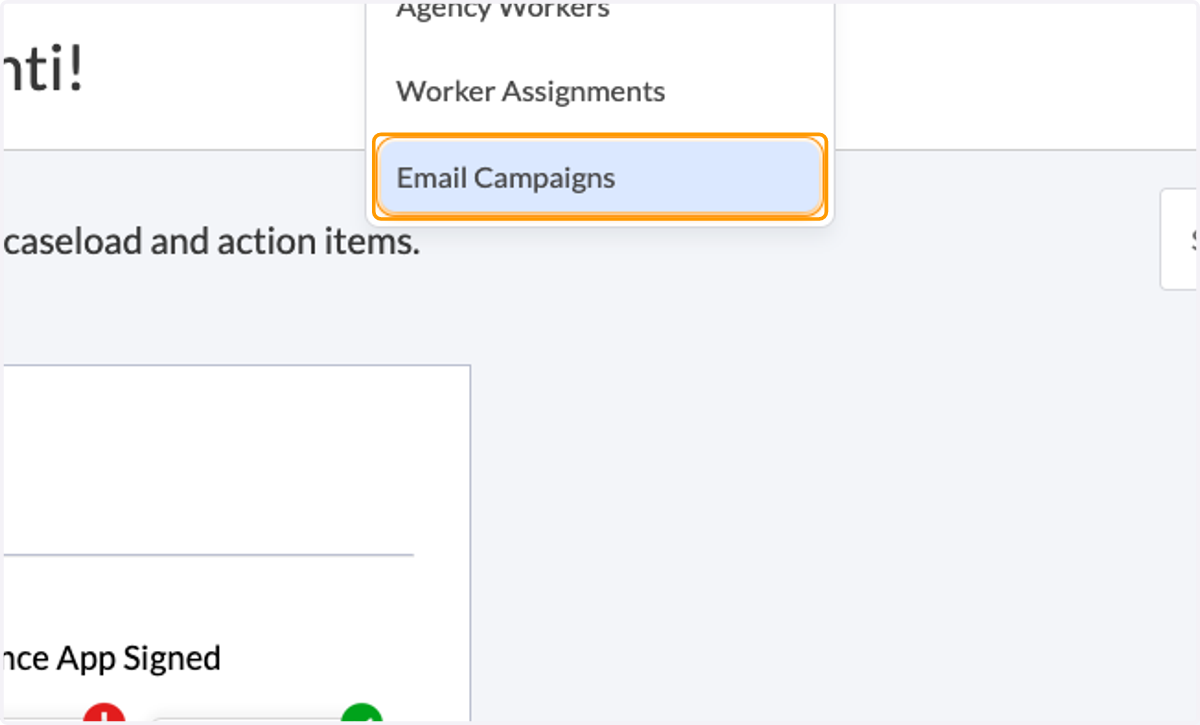
2. Click on Email Campaigns
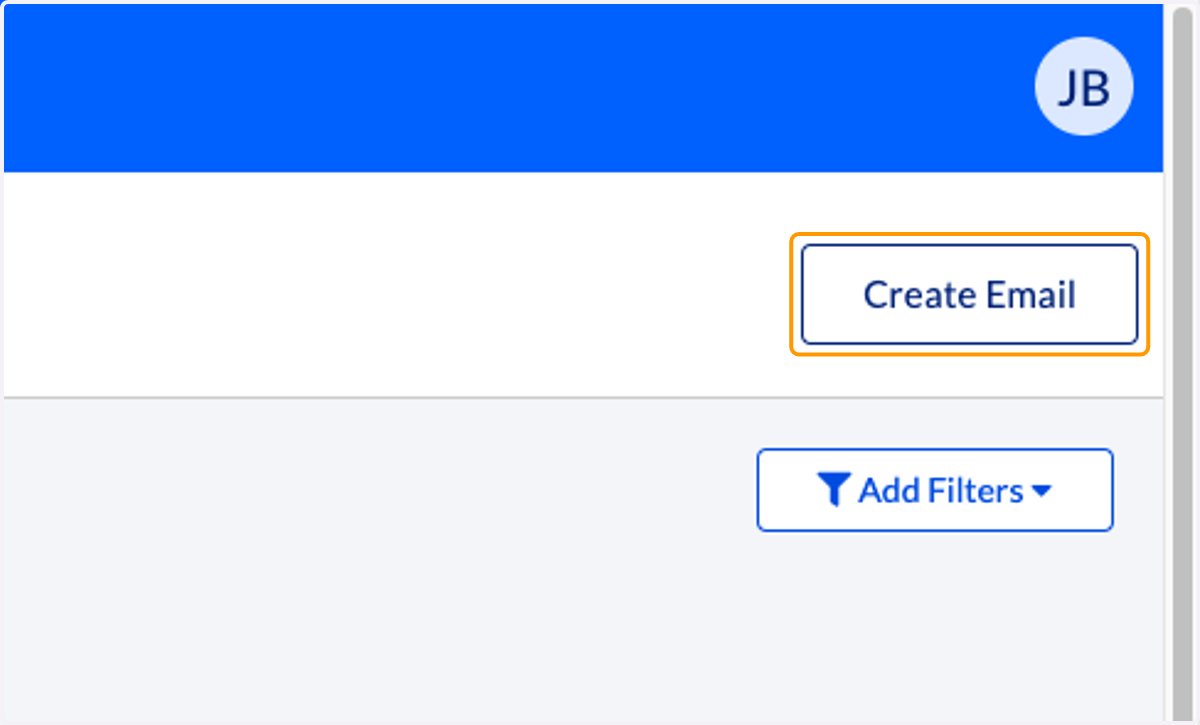
3. Click on Create Email
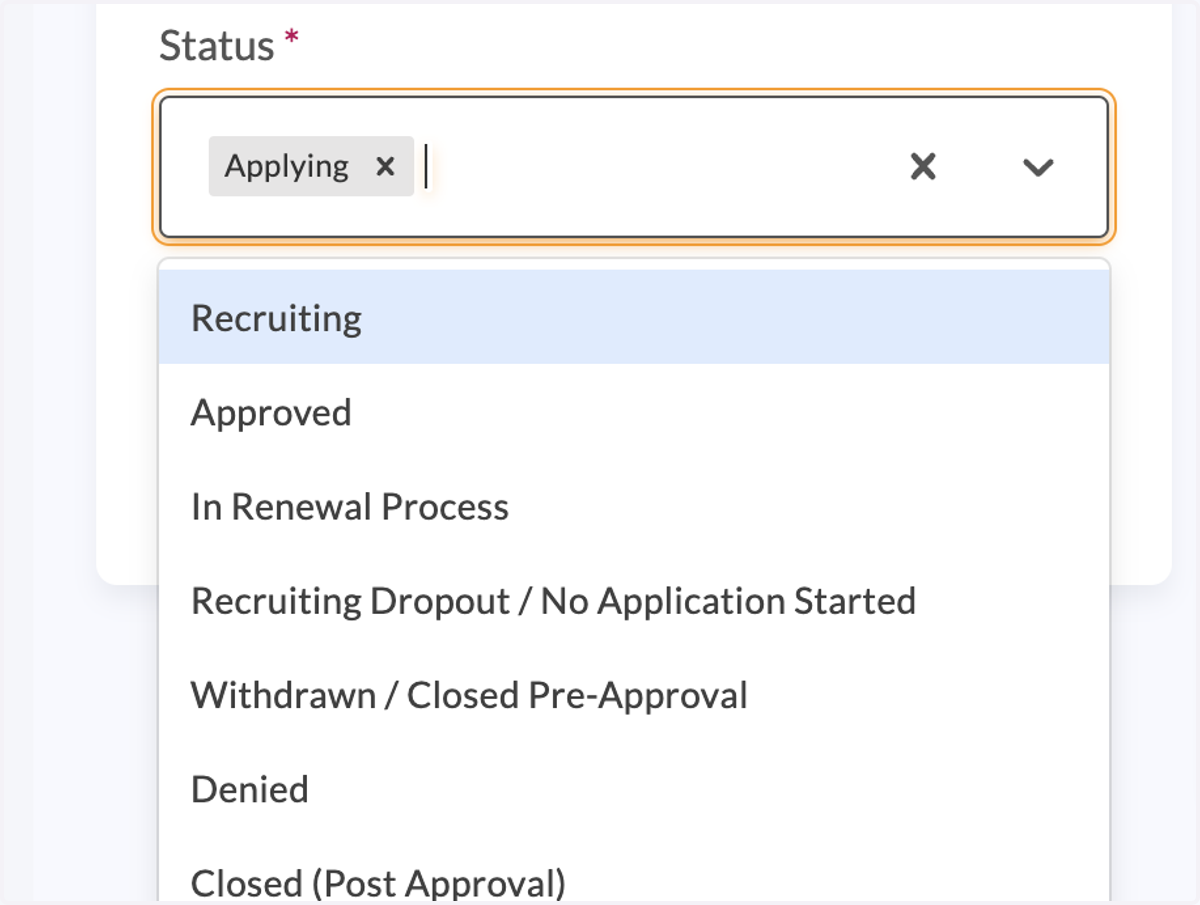
4. Select which status(es) and language(s) you would like the email to be delivered to
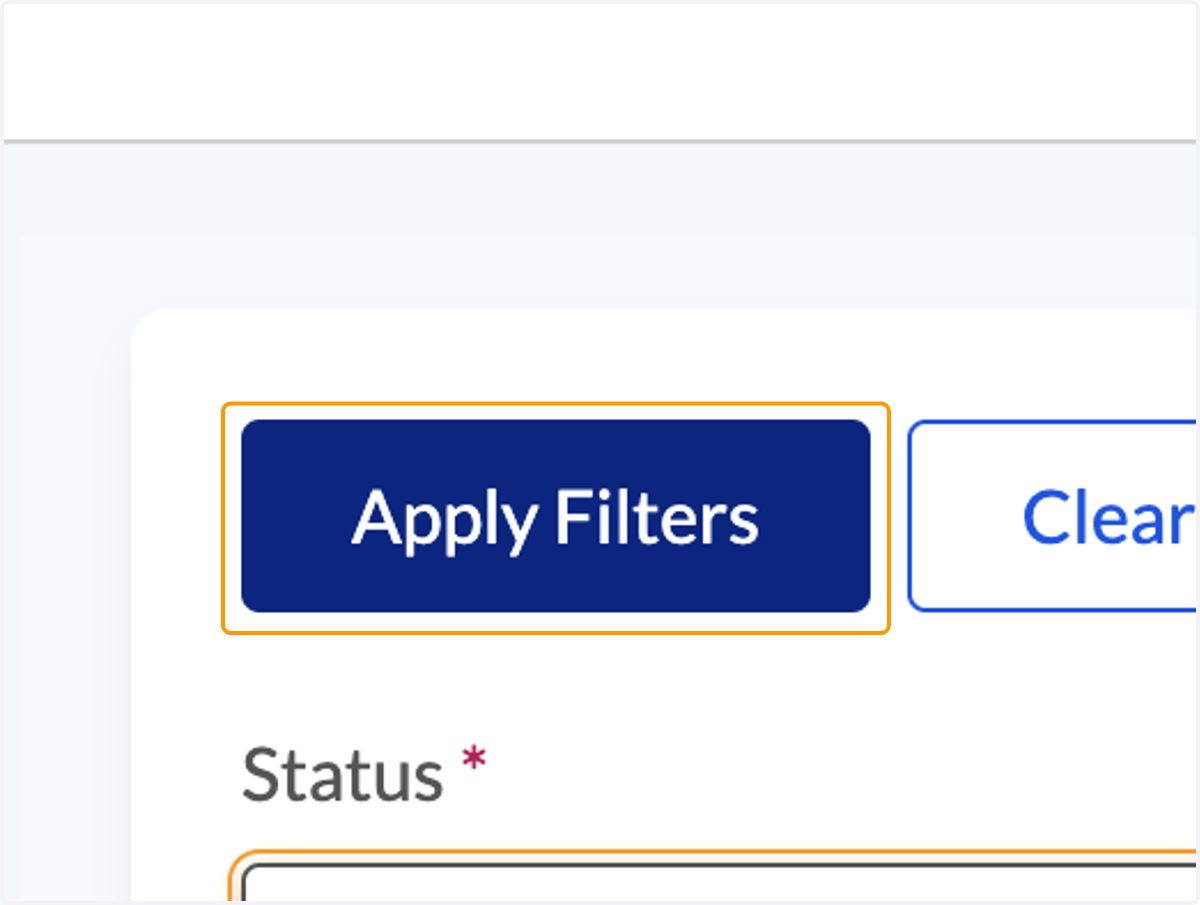
5. Click 'Apply Filters'
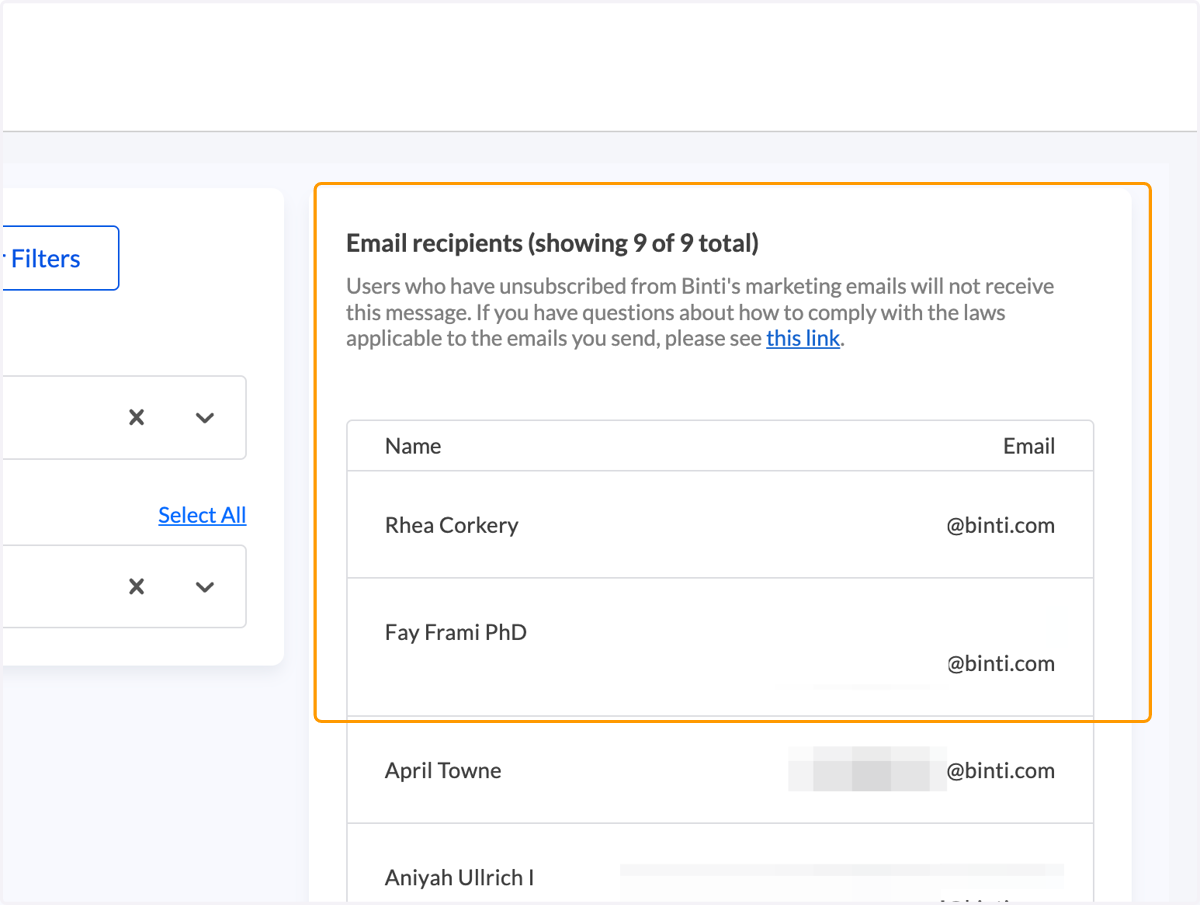
6. Confirm the email recipient list
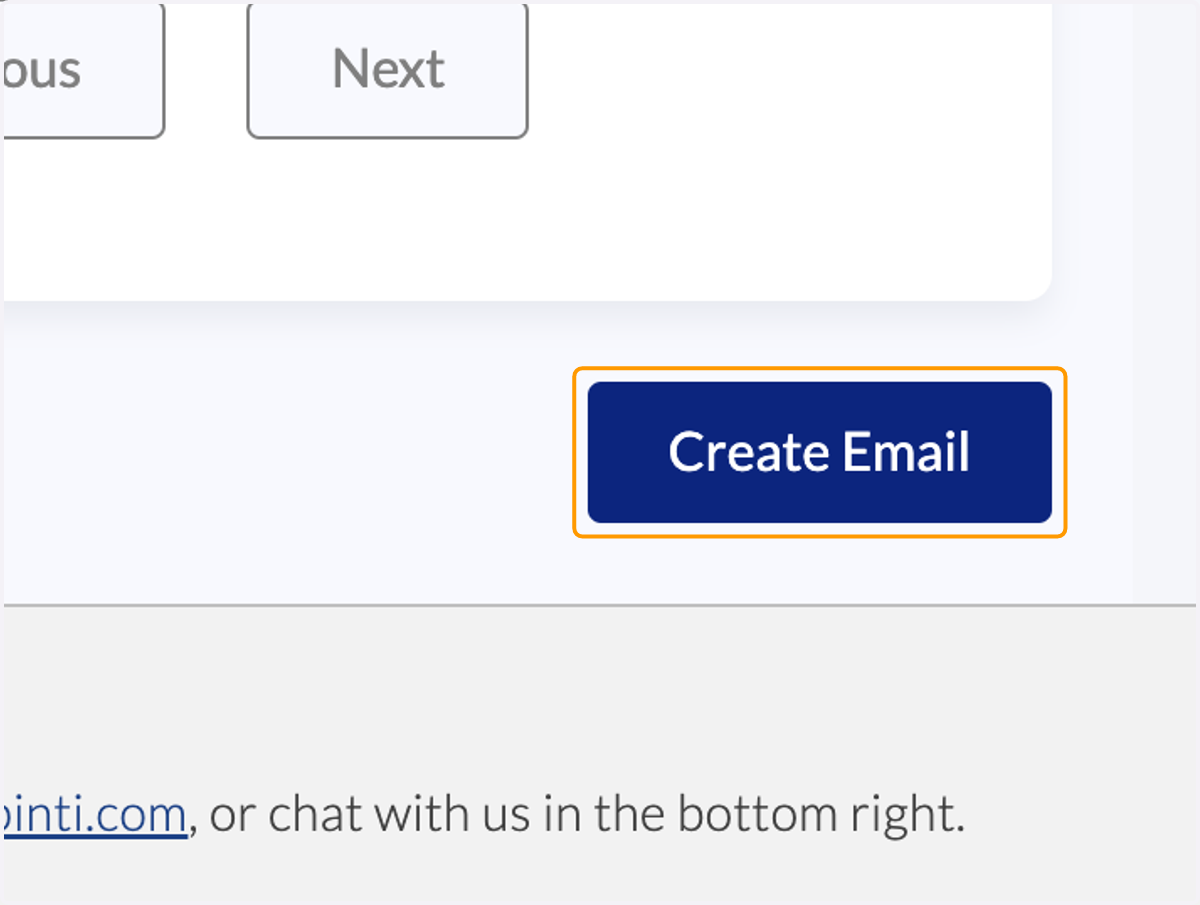
7. Click 'Create Email'
8. Enter a subject for the email message
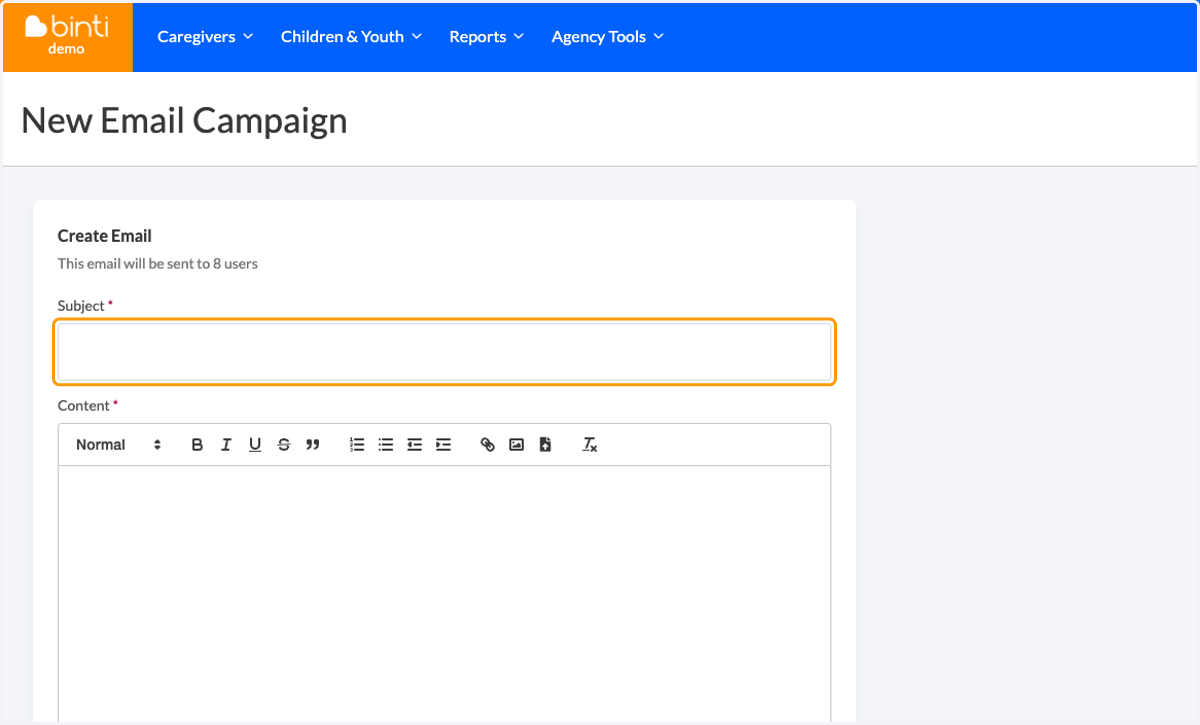
9. Enter content for the email message
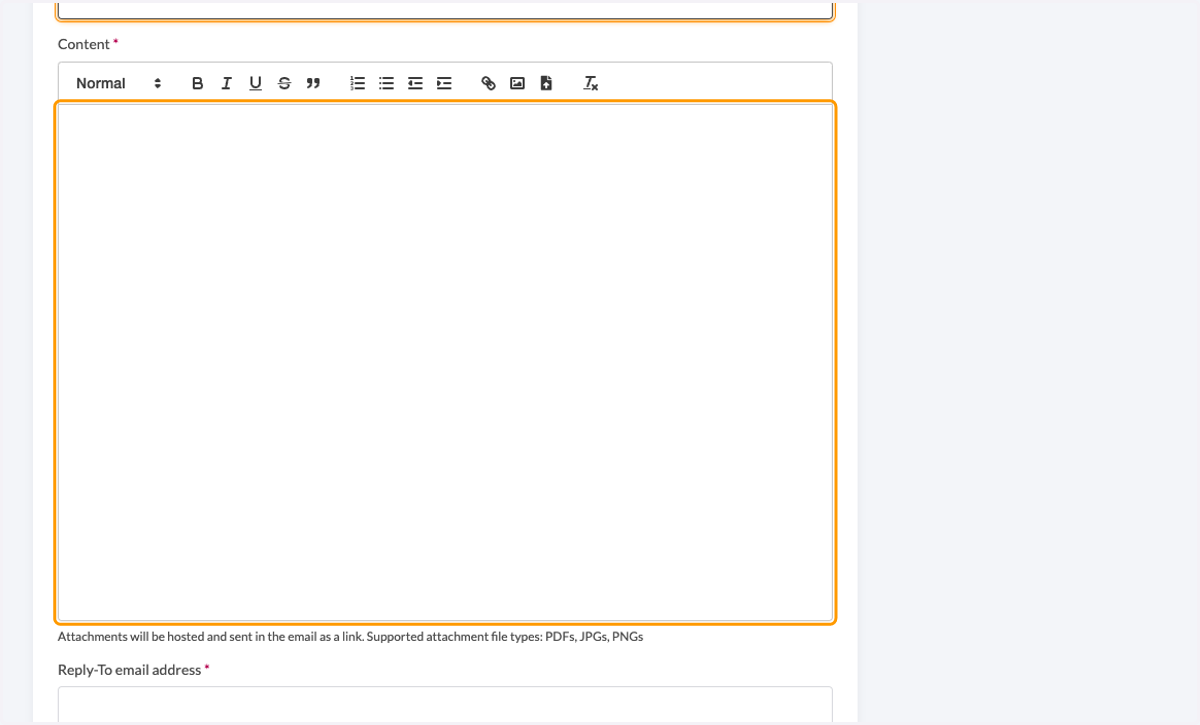
10. Enter a reply-to address for all messages
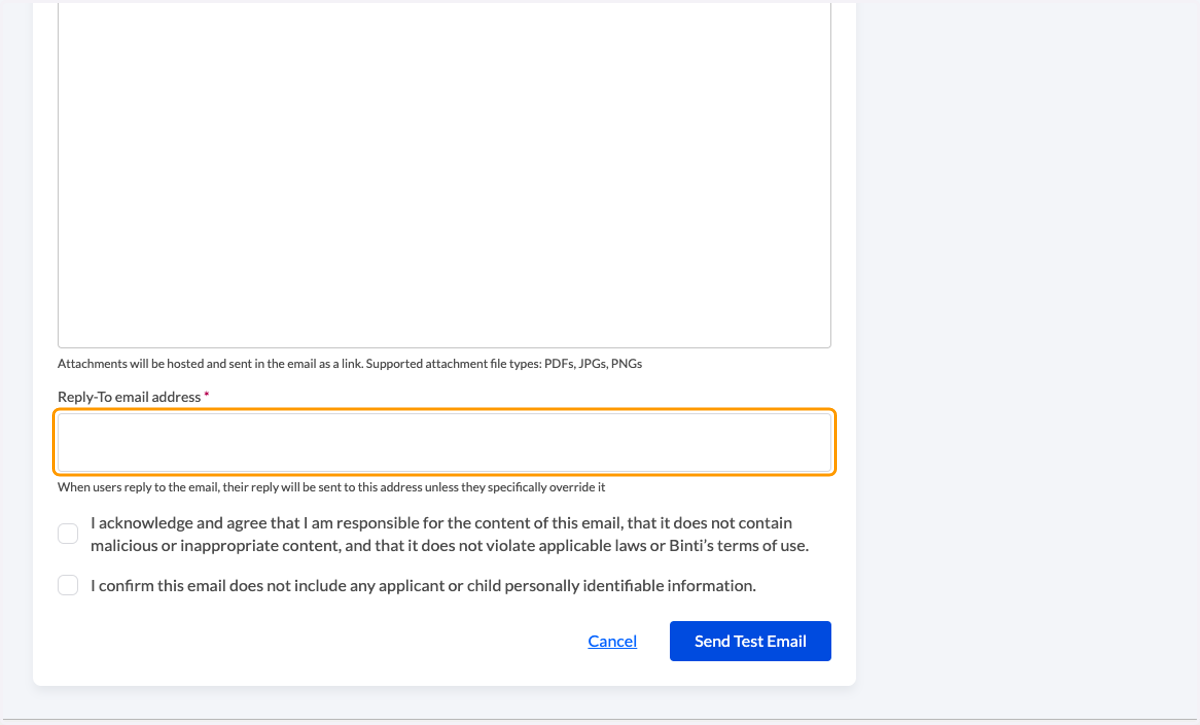
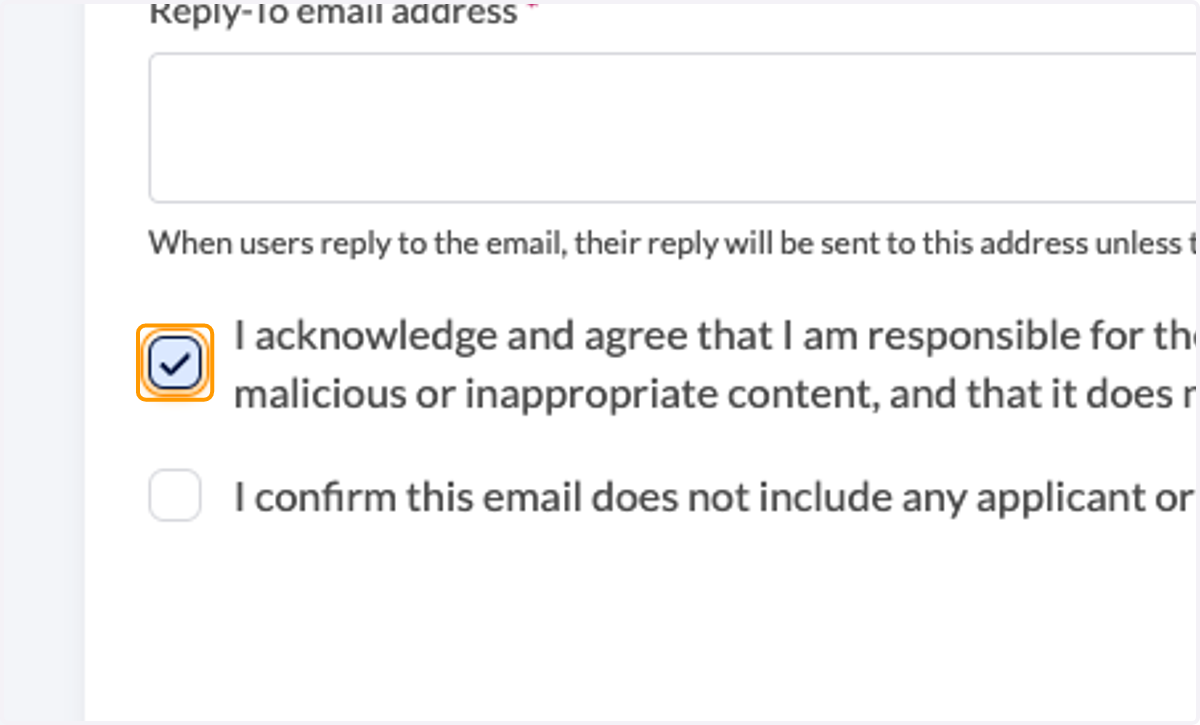
11. Read terms for the email tool and check the boxes to agree
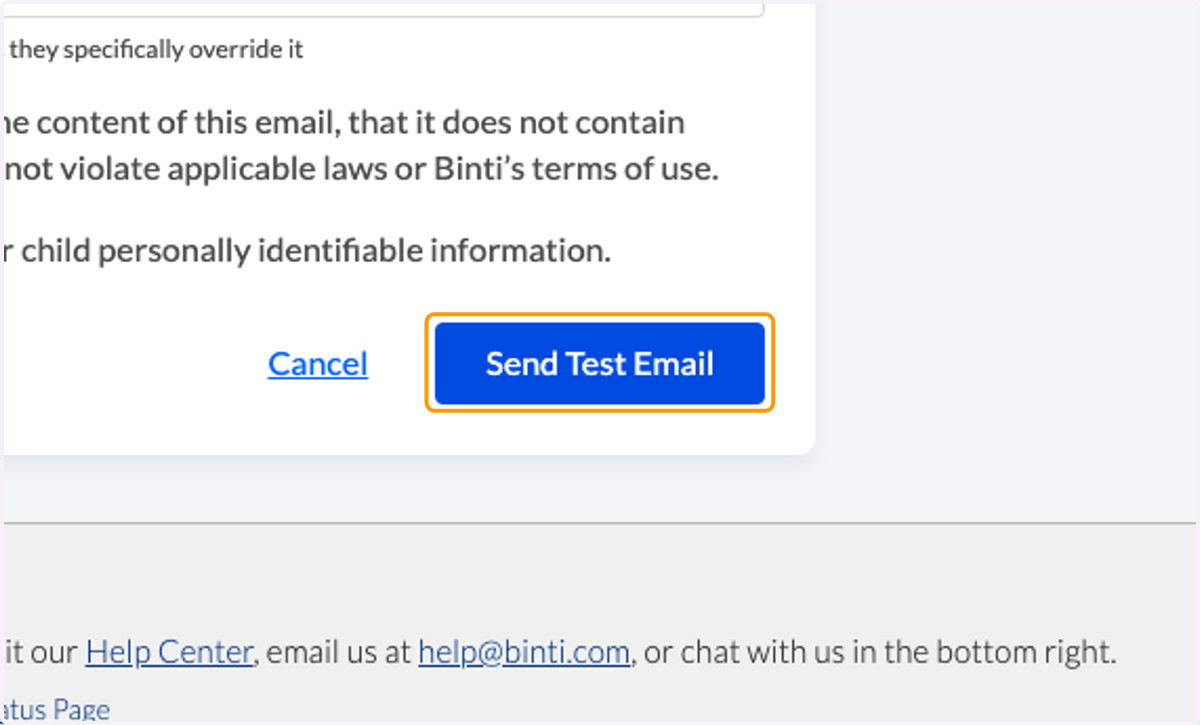
12. Click on 'Send Test Email' to receive a copy of your message and to check for errors.
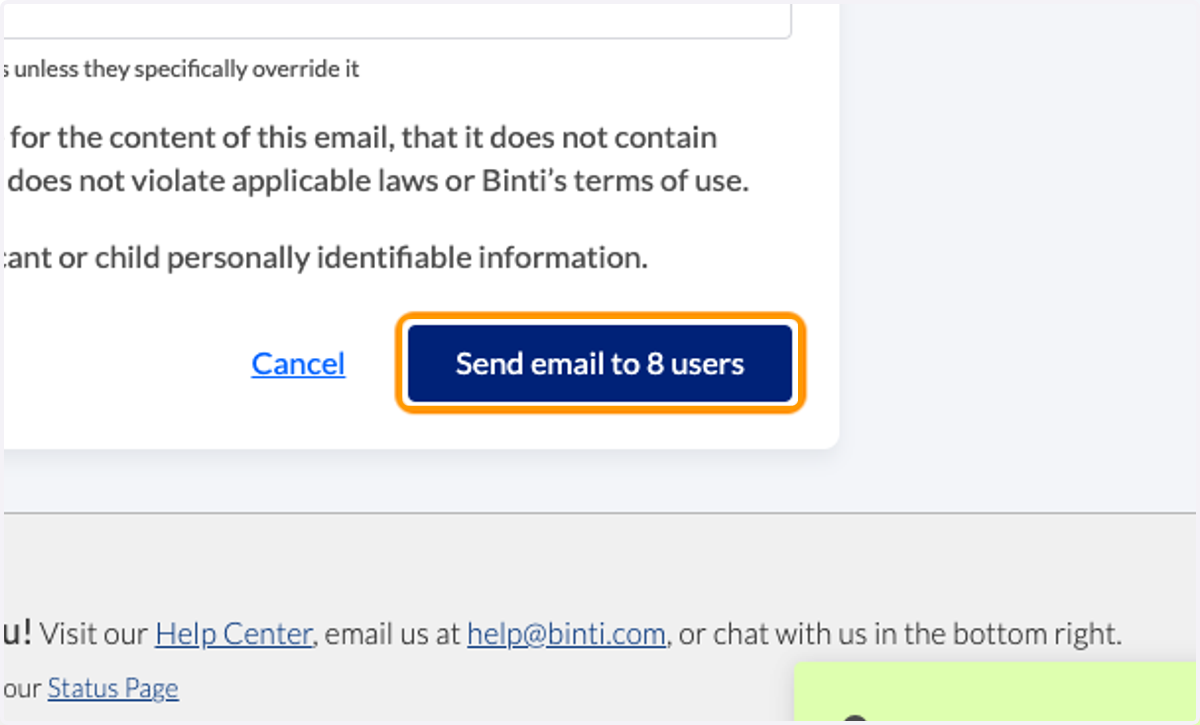
13. Click on 'Send email' to initiate the email campaign.
14. When the message sends, you will be redirected to a summary page.