WP Engine - Add webmaster@redtreewd.com to WP Engine Users
Wpengine
1. Log into my.wpengine.com
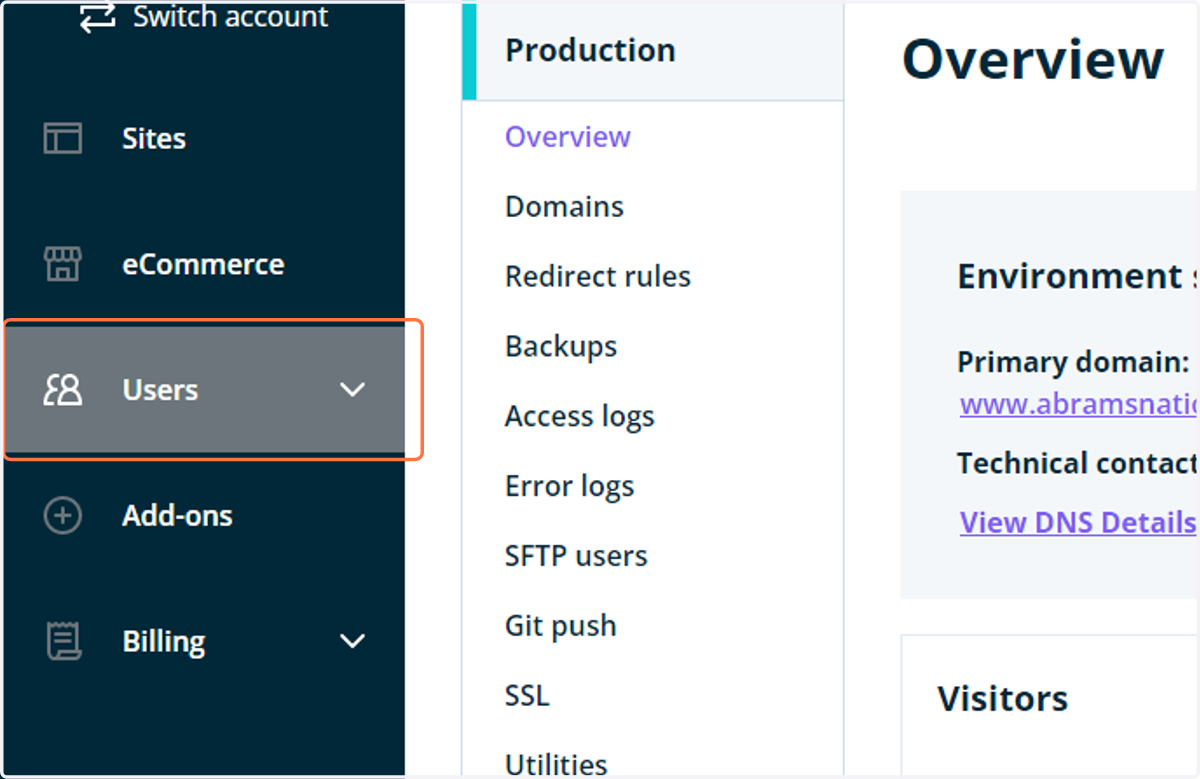
2. Locate the site in question, and Click on Users
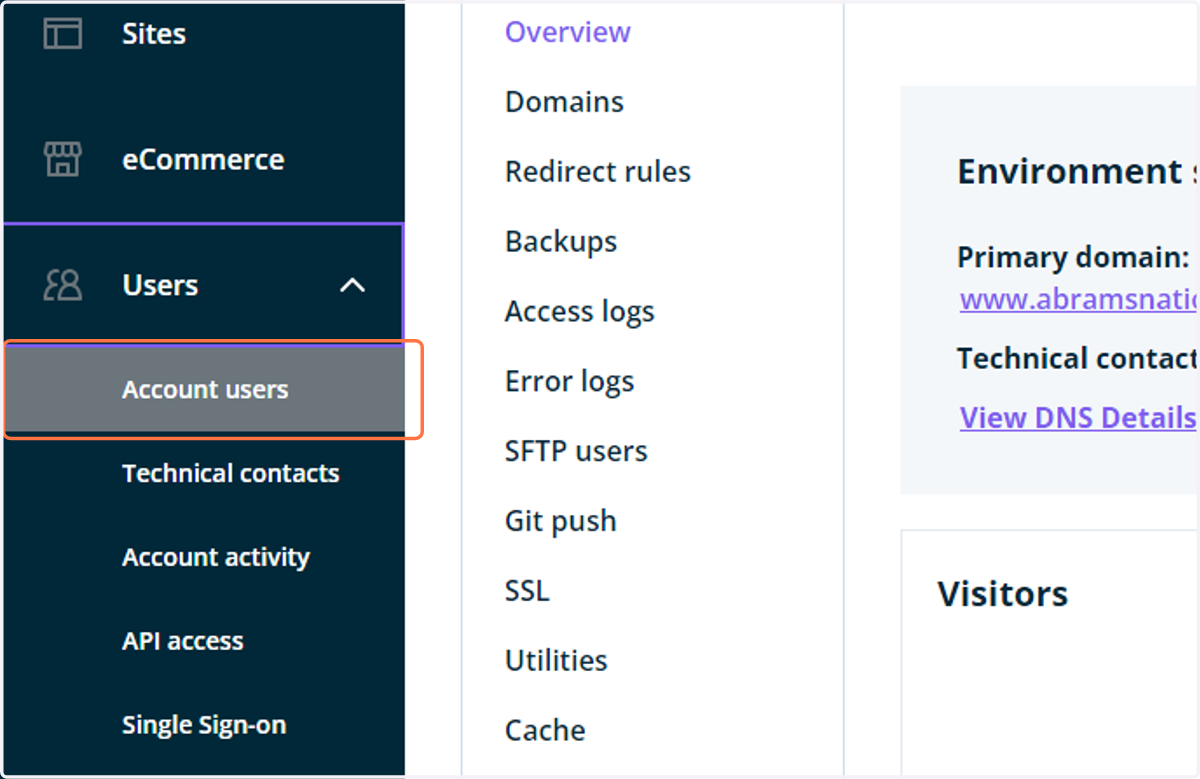
3. Click on Account users
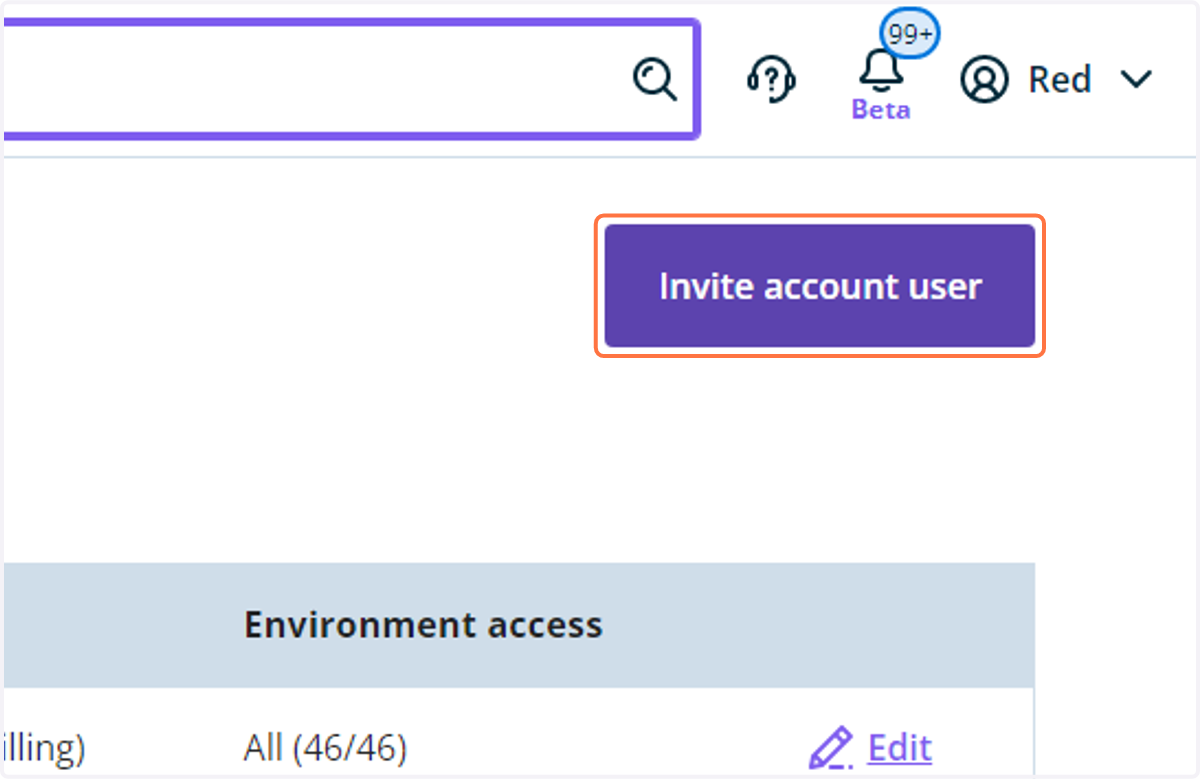
4. Click on Invite account user
5. Enter the following details - make sure to select Full (no billing)
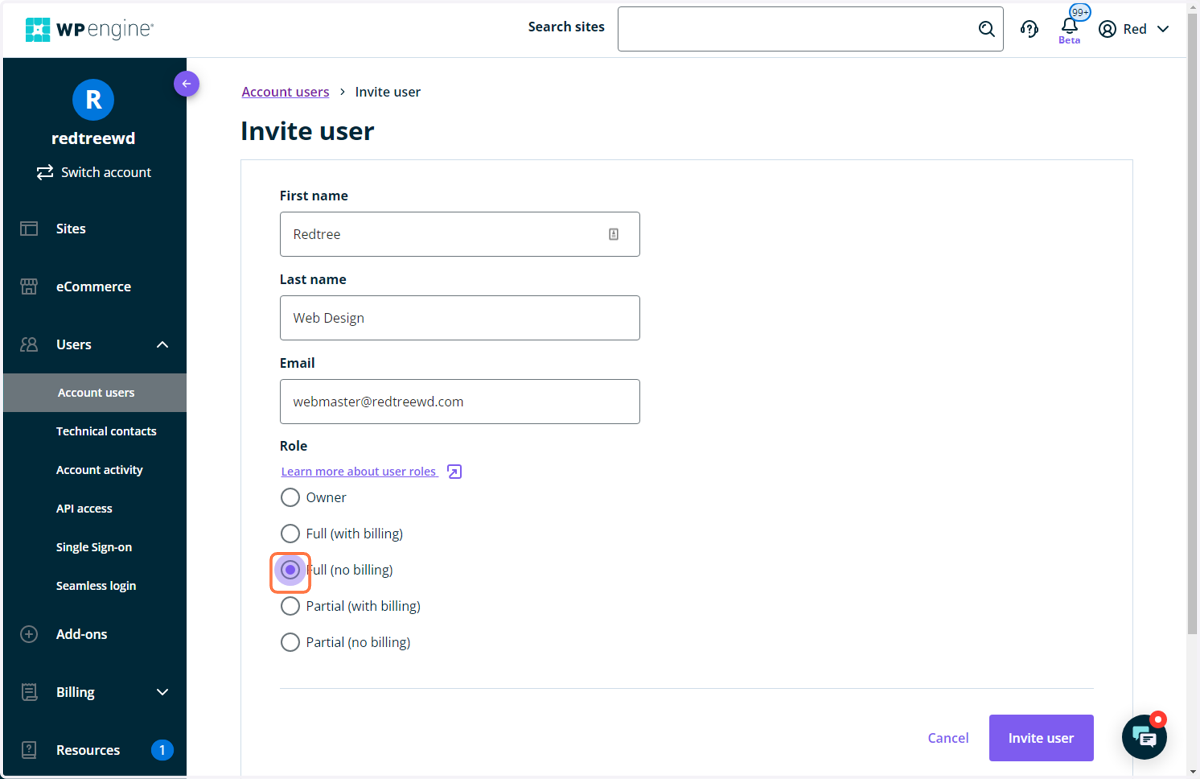
6. Click on Invite user