How to Create Your Parent Portal Account
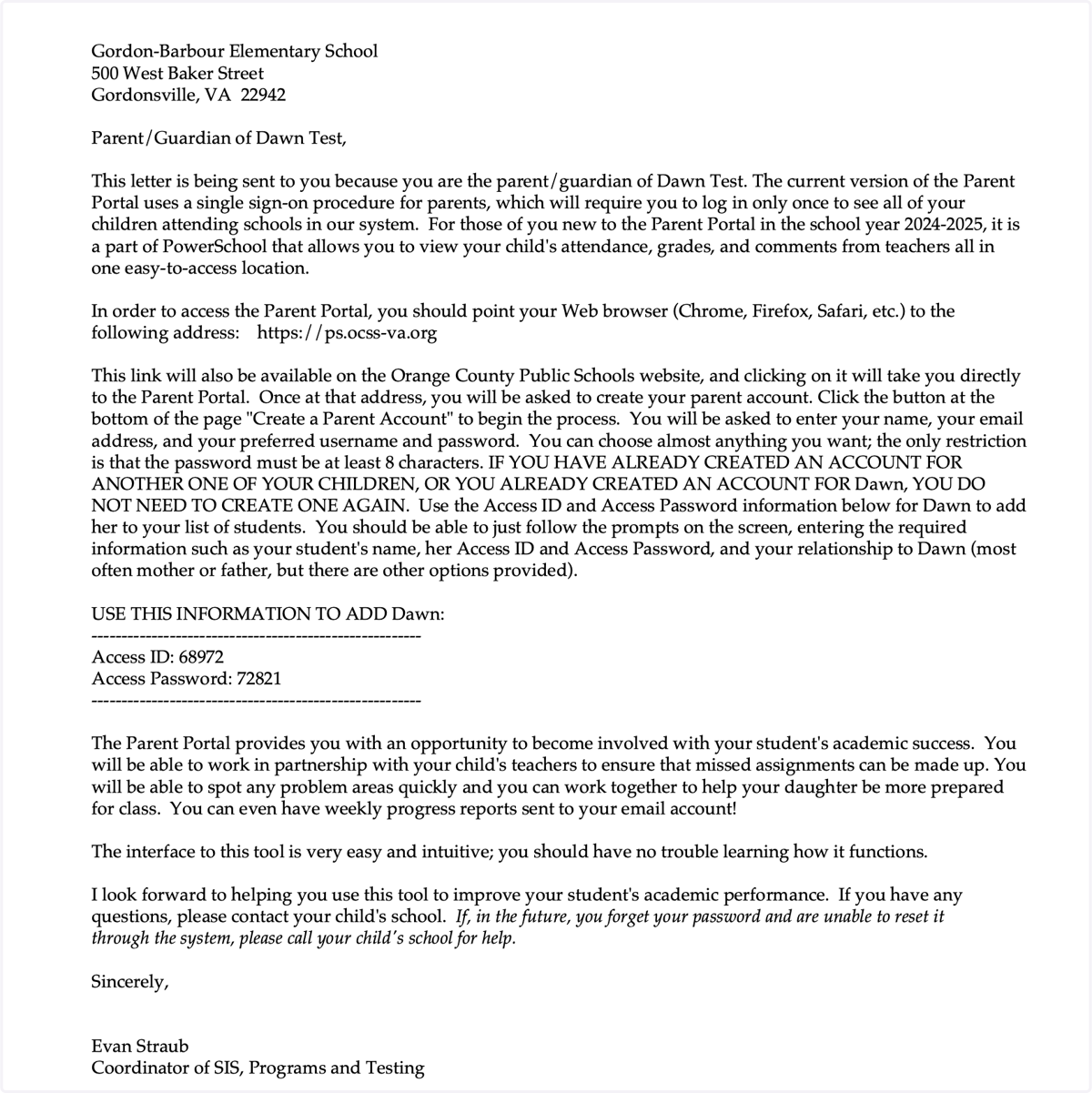
1. Refer to your Parent Portal email. This is an example of the email you would have received. Go to this URL in your web browser https://ps.ocss-va.org.
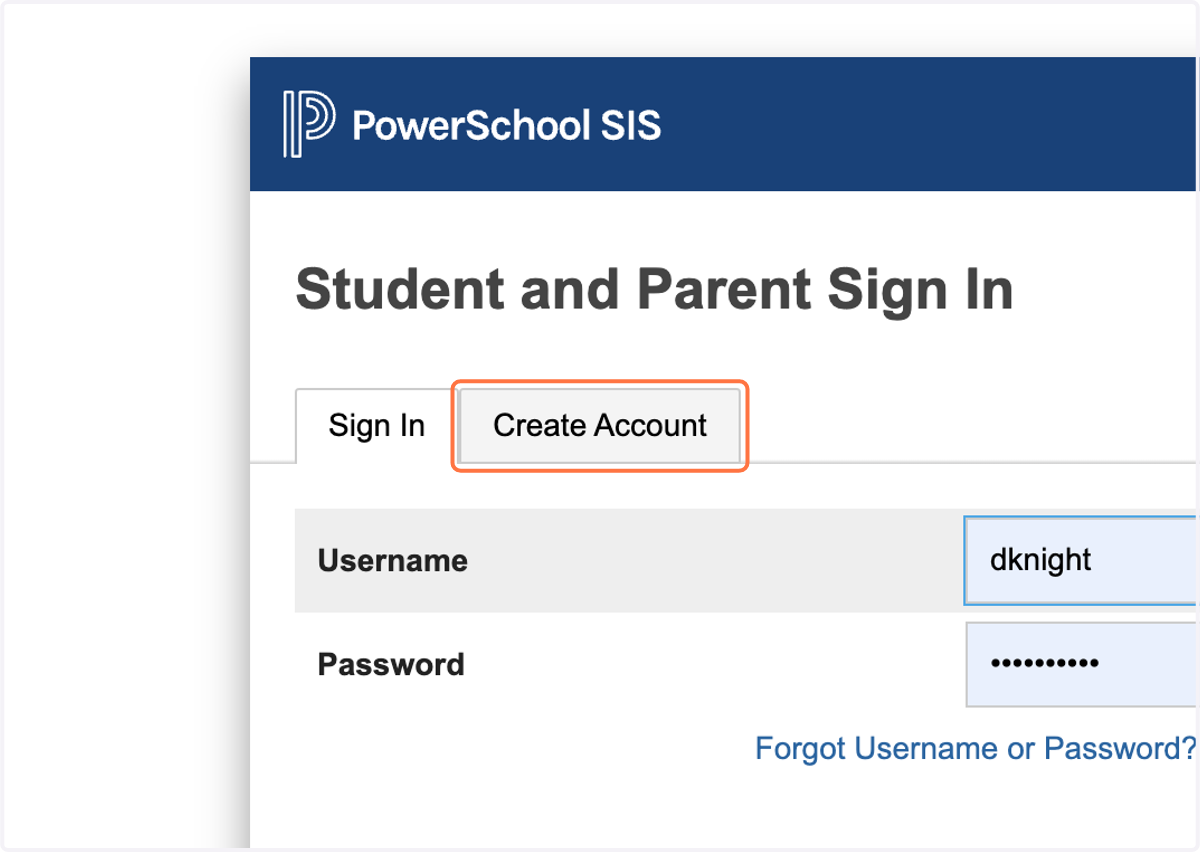
2. Click on Create Account
If you currently have a Parent Portal account then you can select "Sign In".
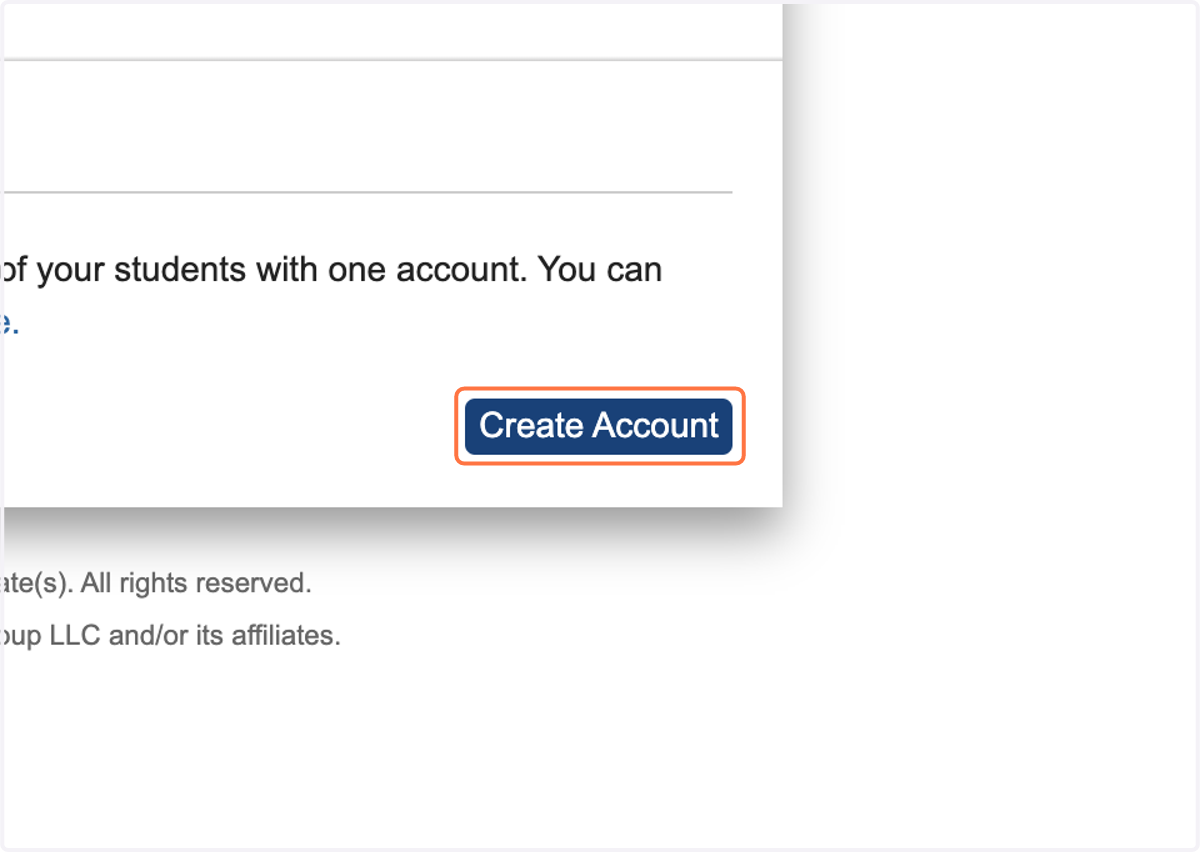
3. Click on Create Account
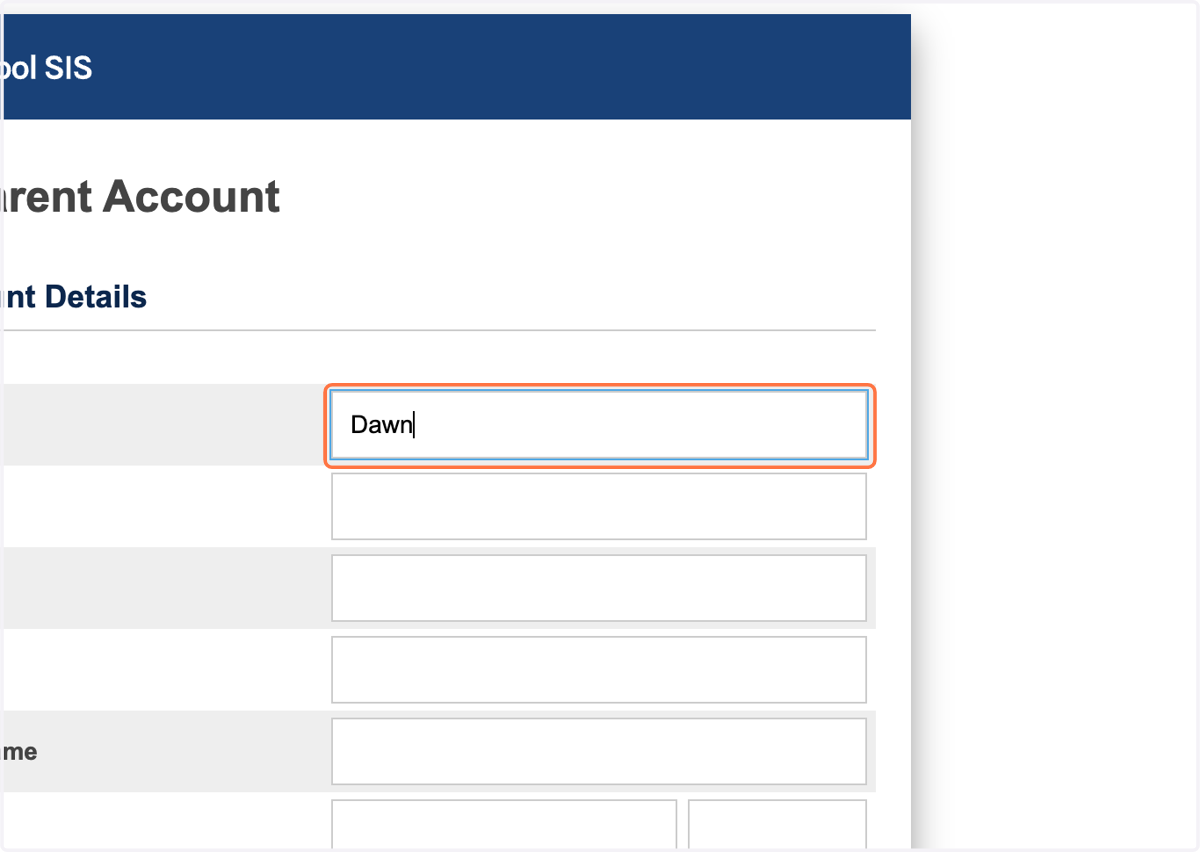
4. Type your first name
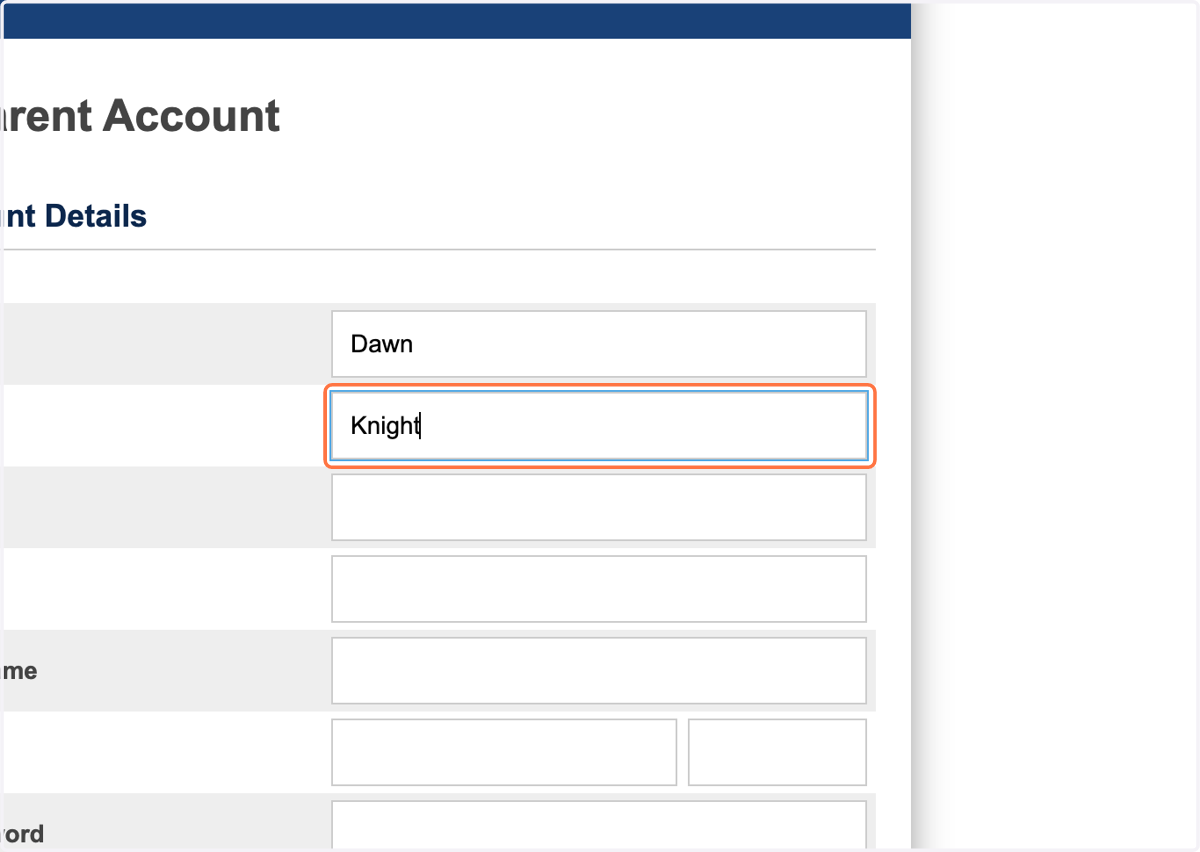
5. Type your last name
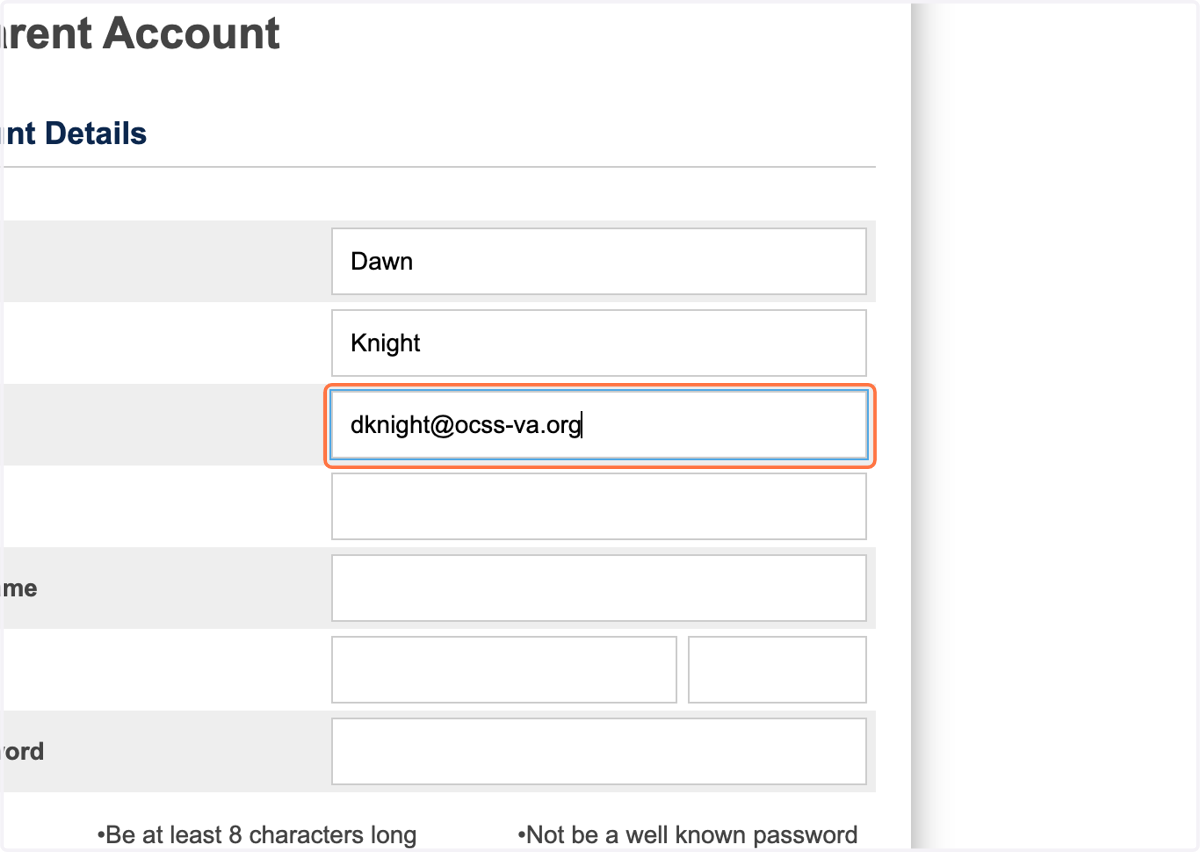
6. Type your email address
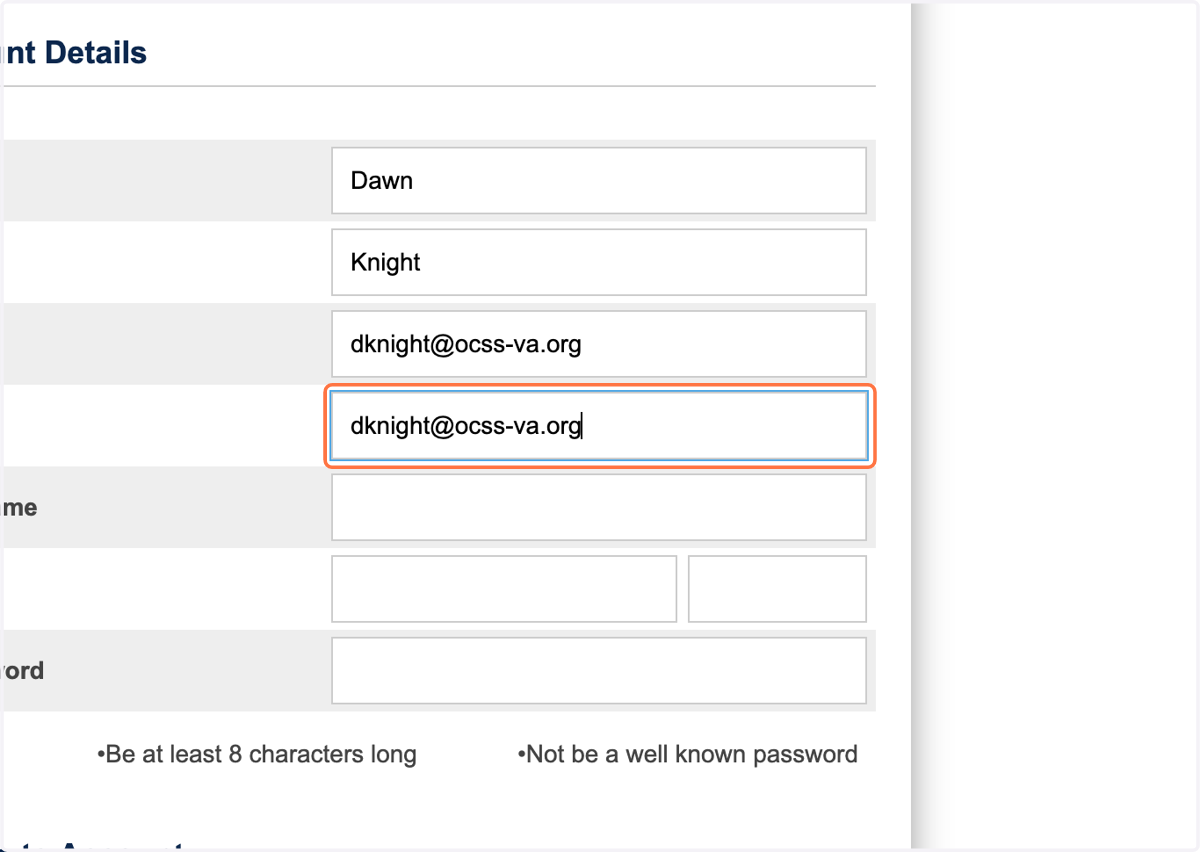
7. Confirm email
Type your email address again to confirm you typed the correct email address
8. Type a username
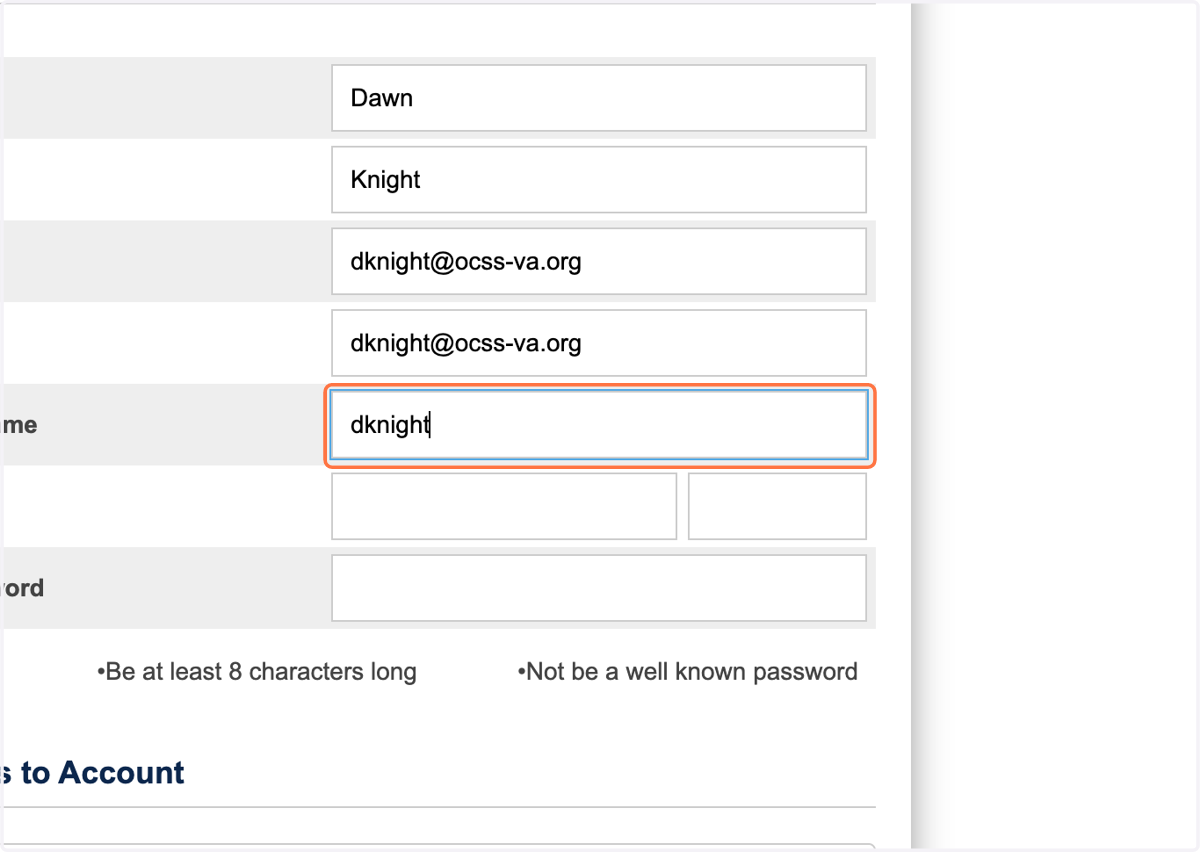
9. Type a password
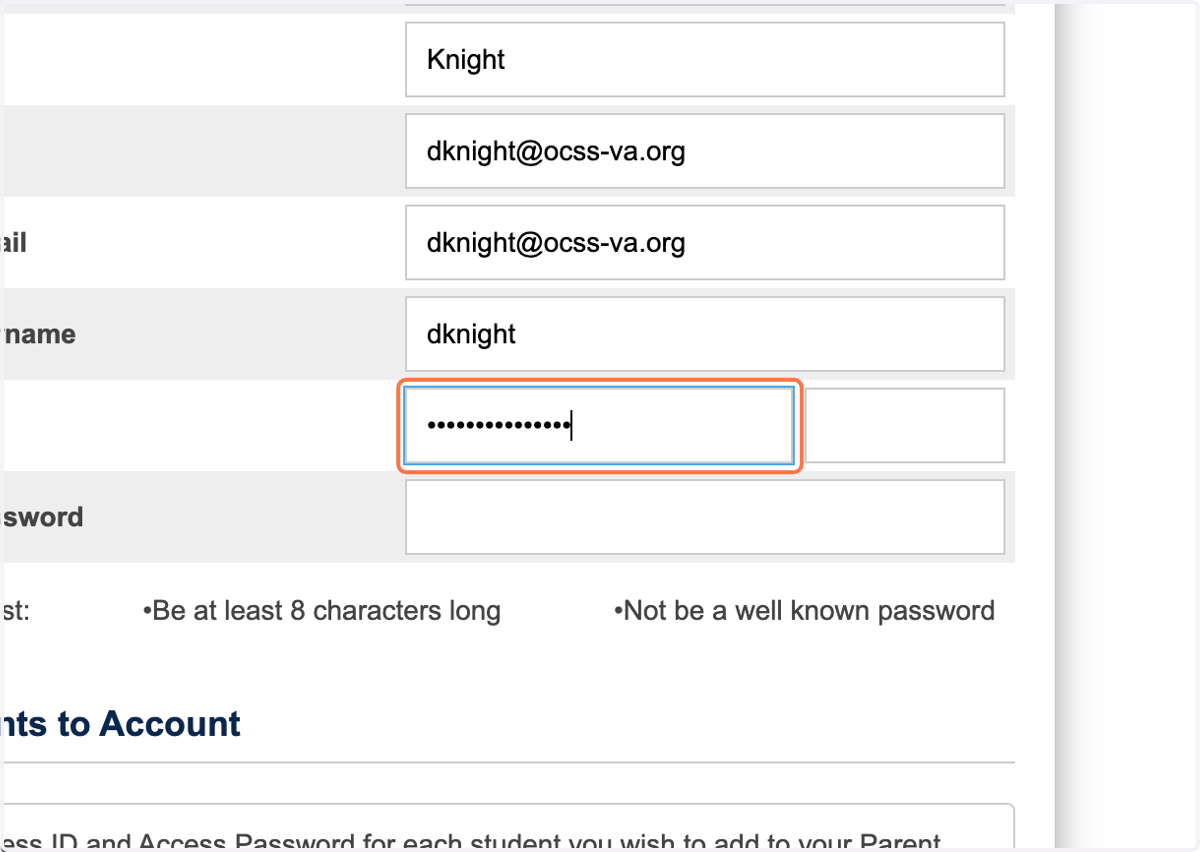
10. Confirm password
Type the password again
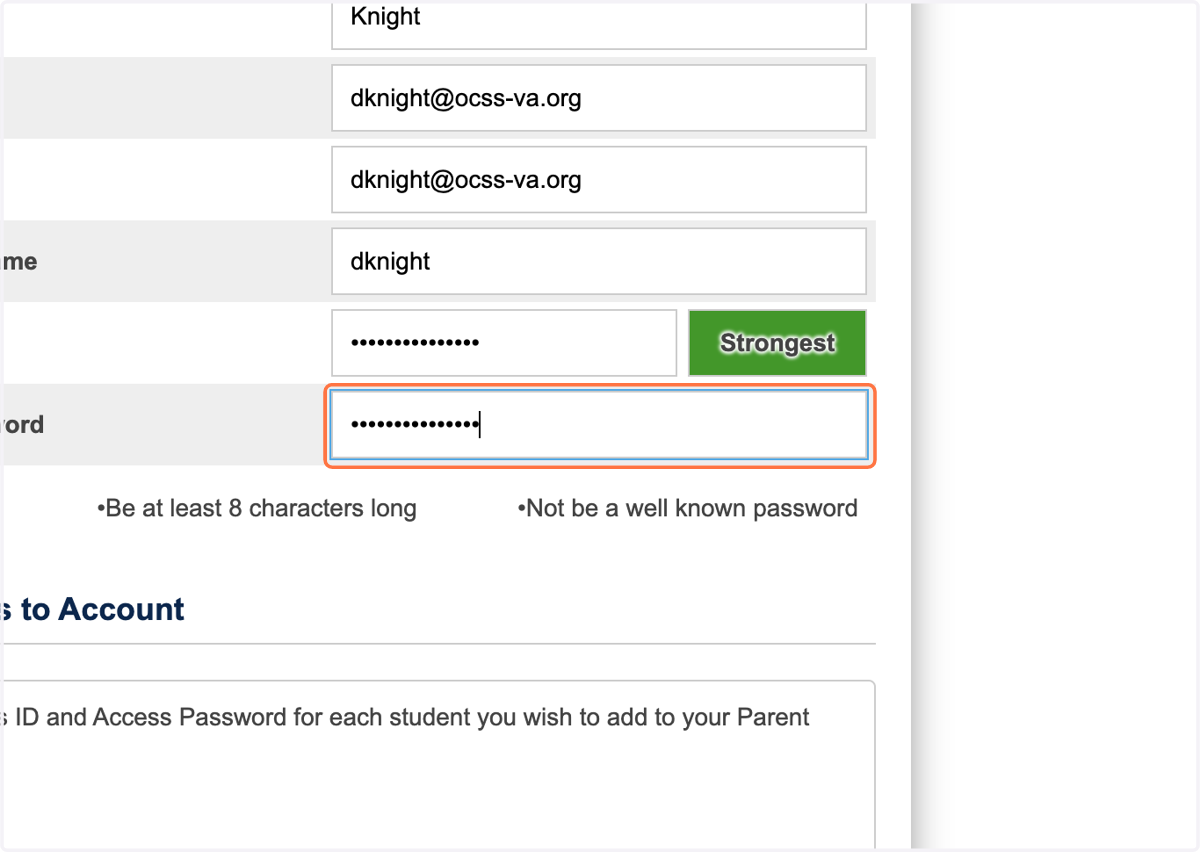
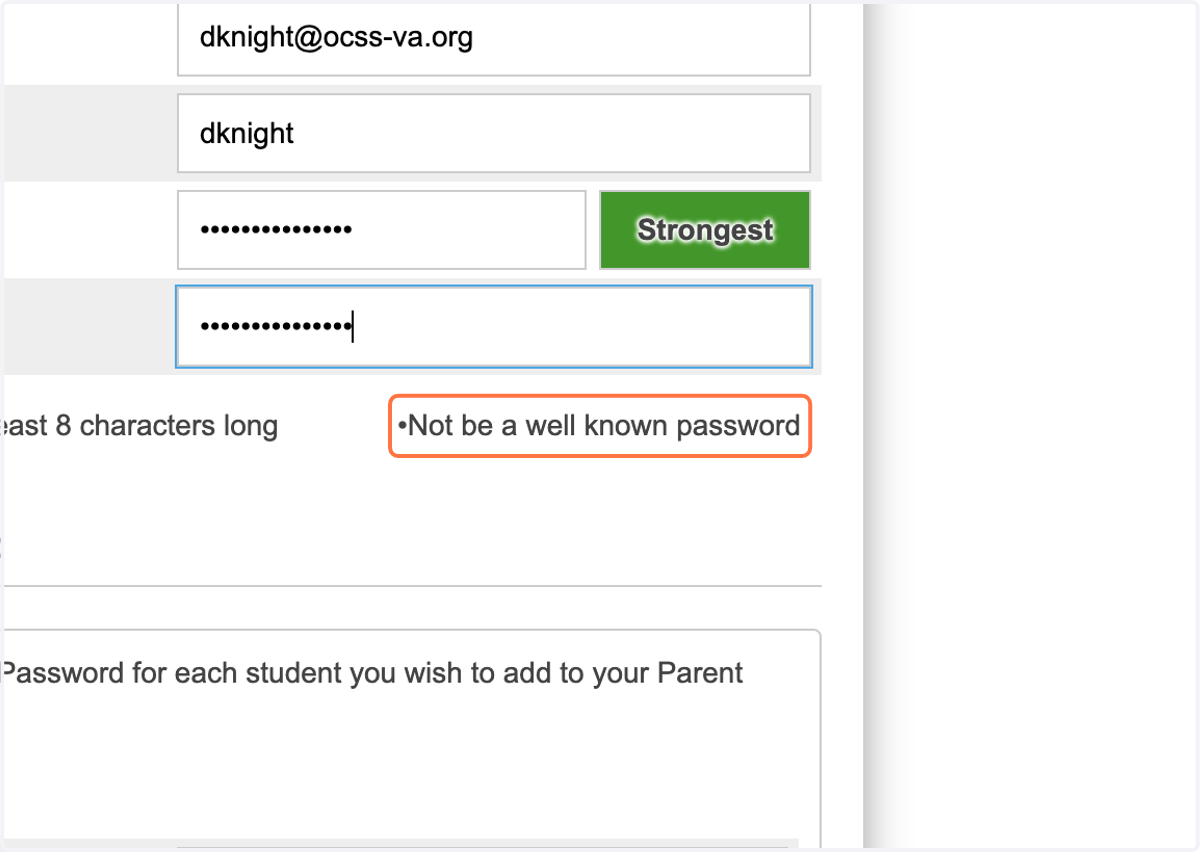
11. Password must be at least 8 characters long
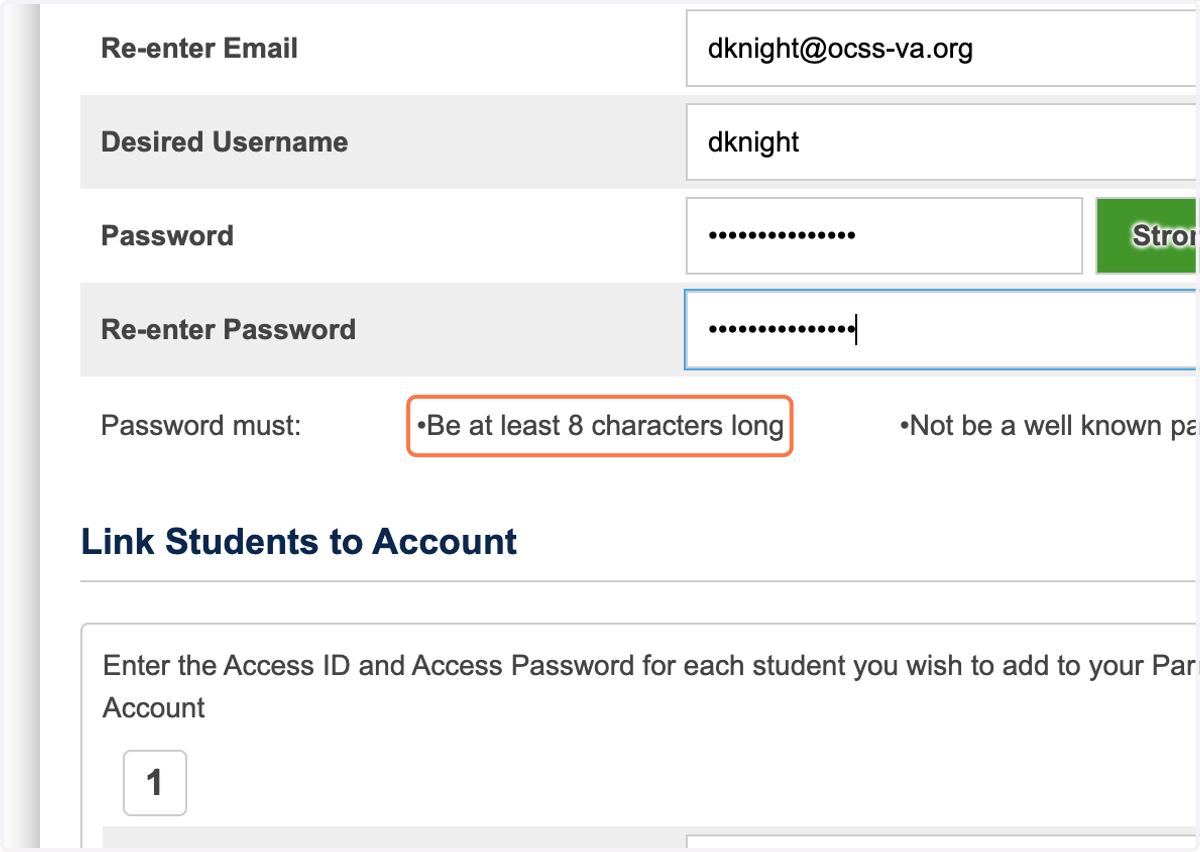
12. Password must not be a well known password
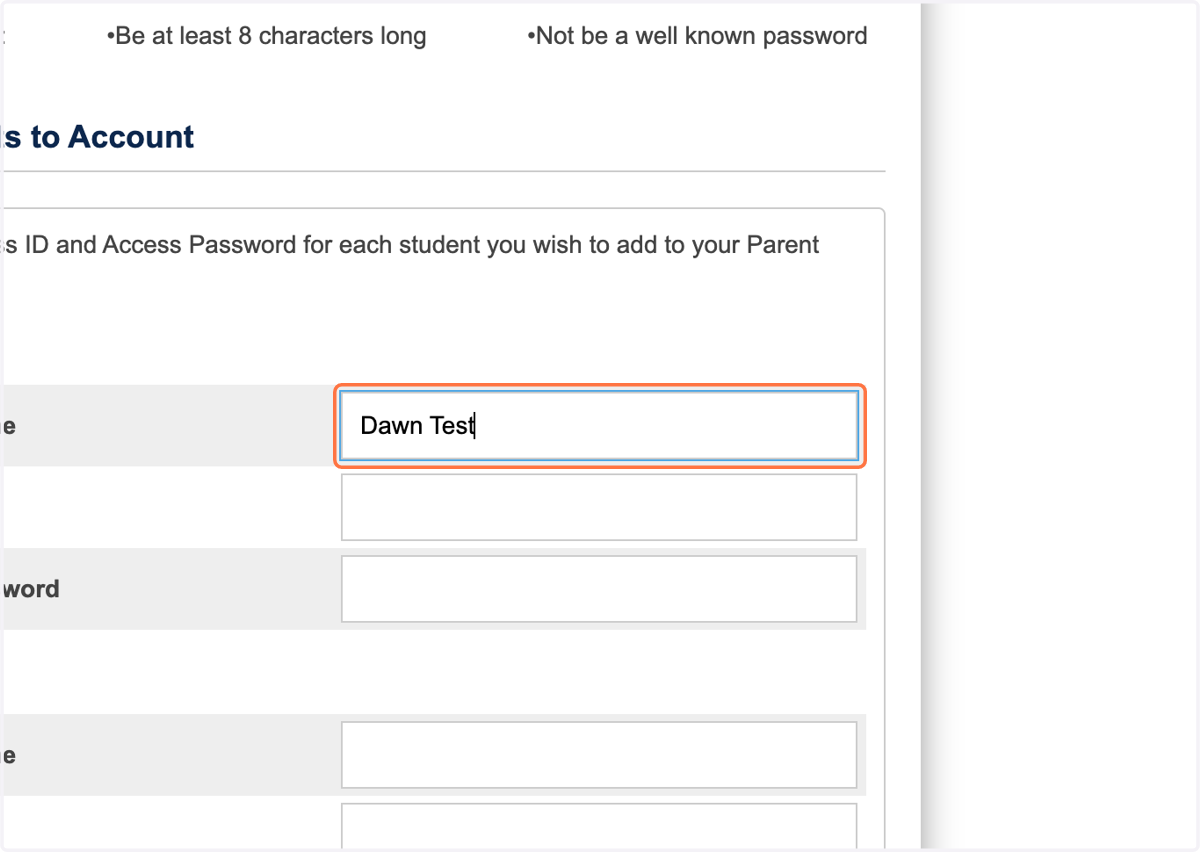
13. Type the name of your student
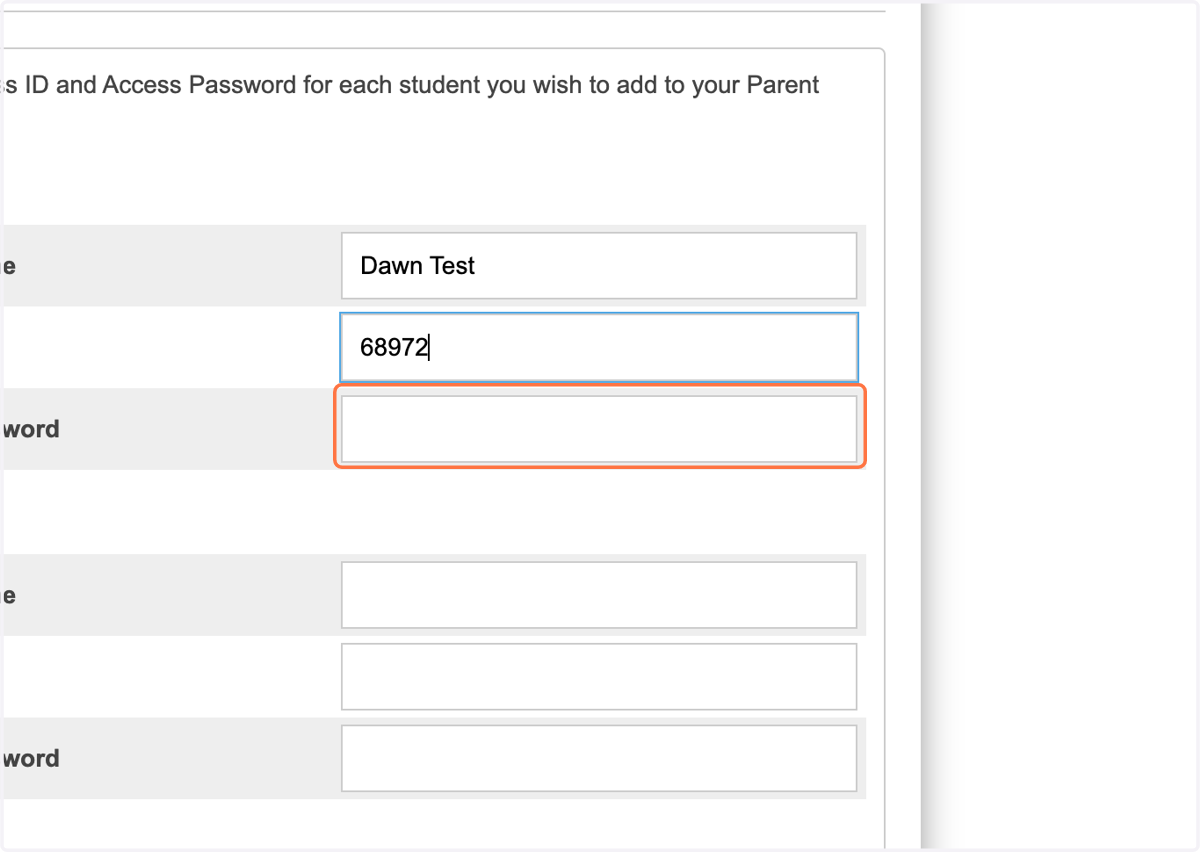
14. Type the access ID found on your Parent Portal letter
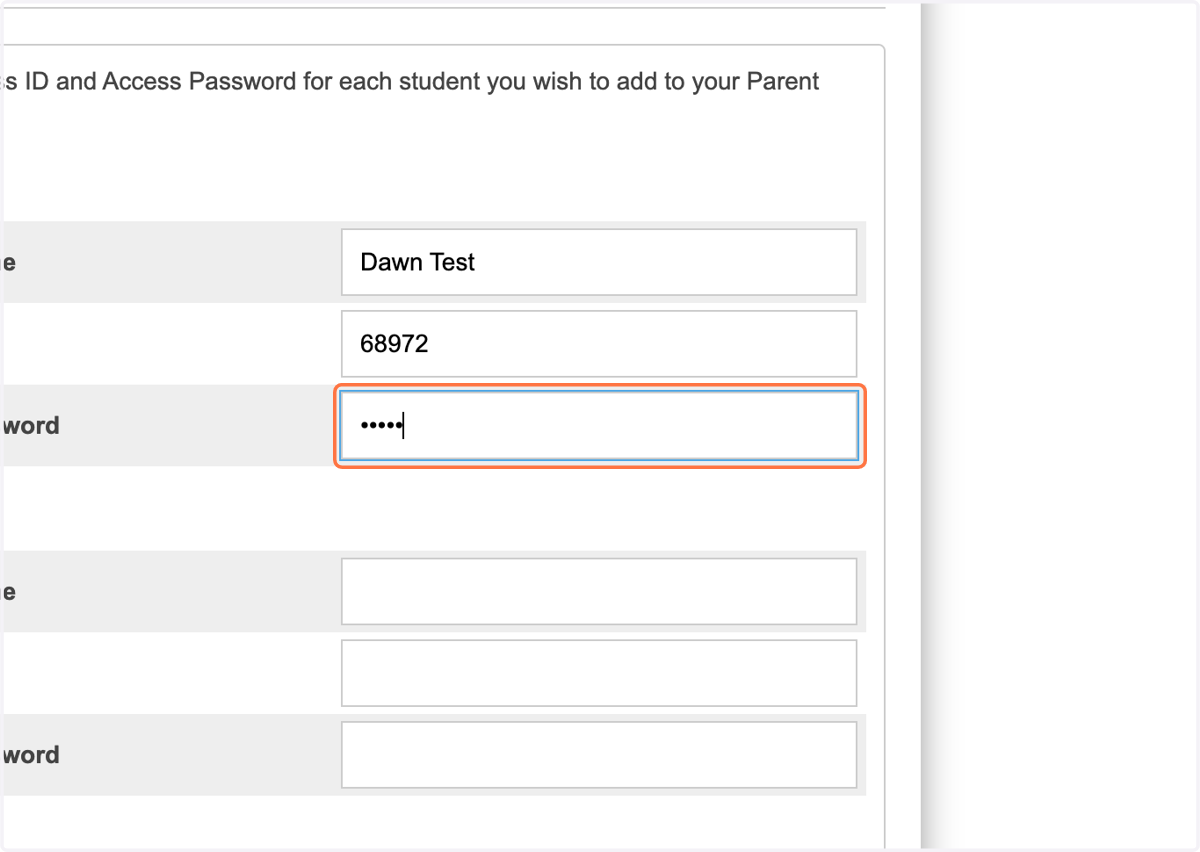
15. Type the access password found on your Parent Portal letter
16. Click on Enter