How to Export Contacts for Mail Merge
Civic Match
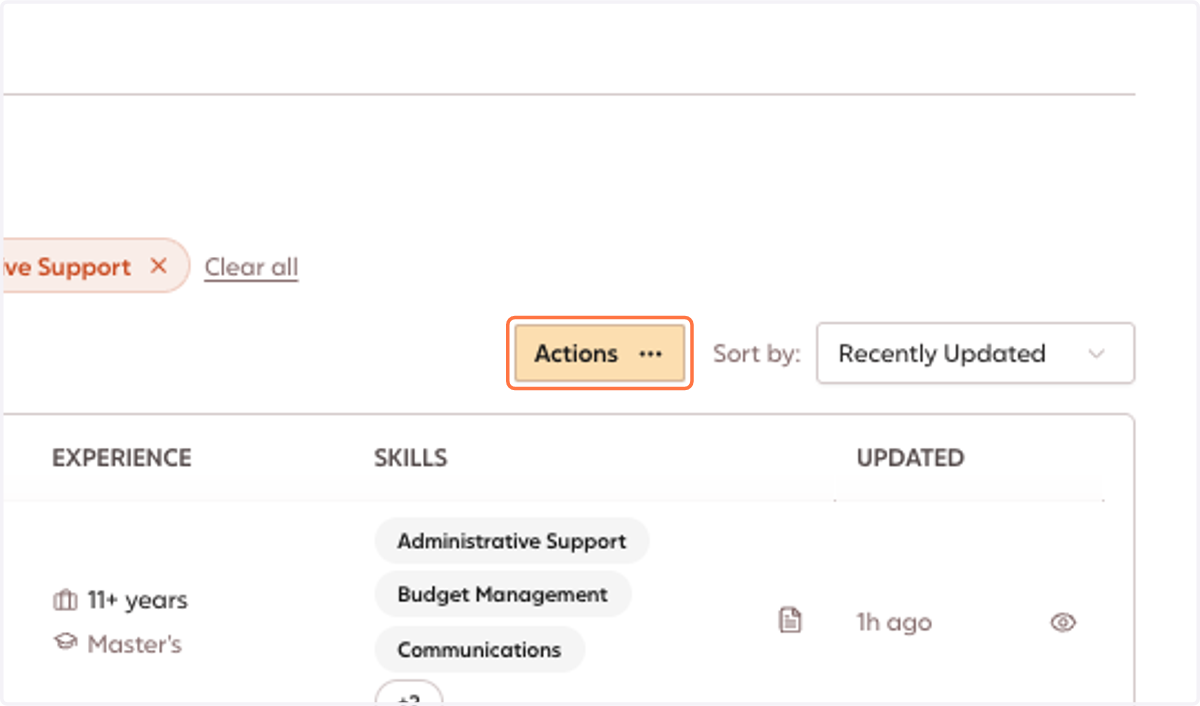
1. In Civic Match, after you have generated your search, Click on Actions
NOTE: Mail merge is maxed at 2,000 contacts. Please ensure your search is within these limits.
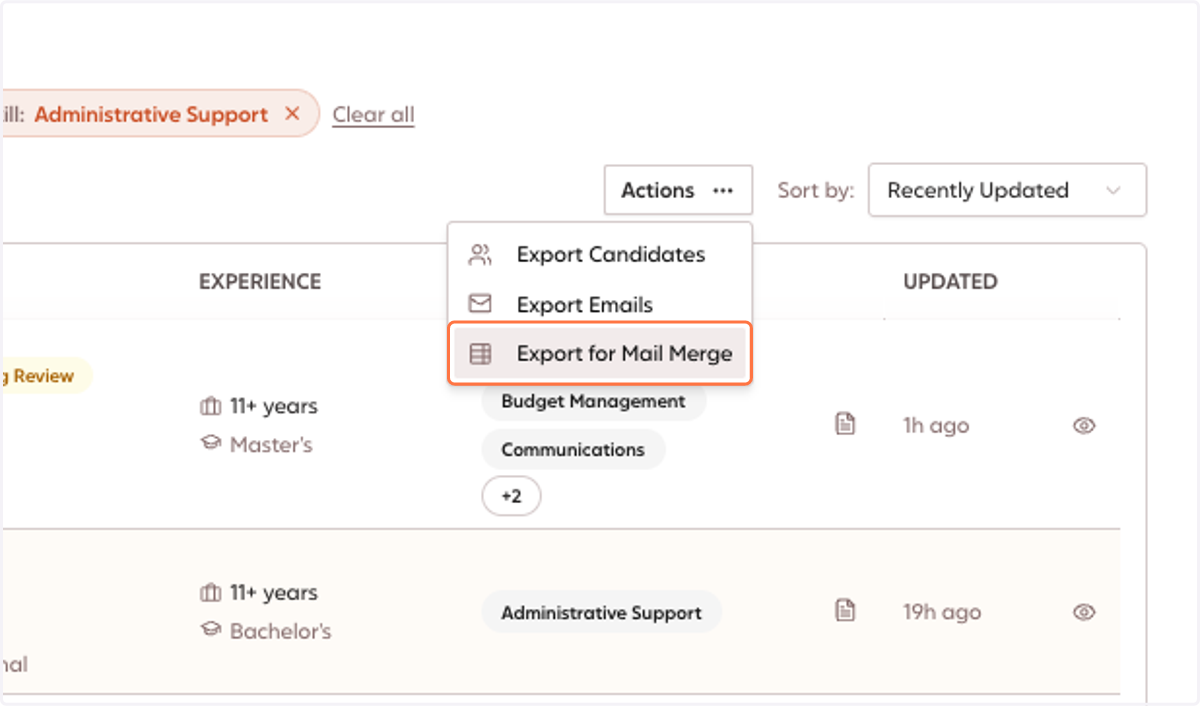
2. Click on Export for Mail Merge
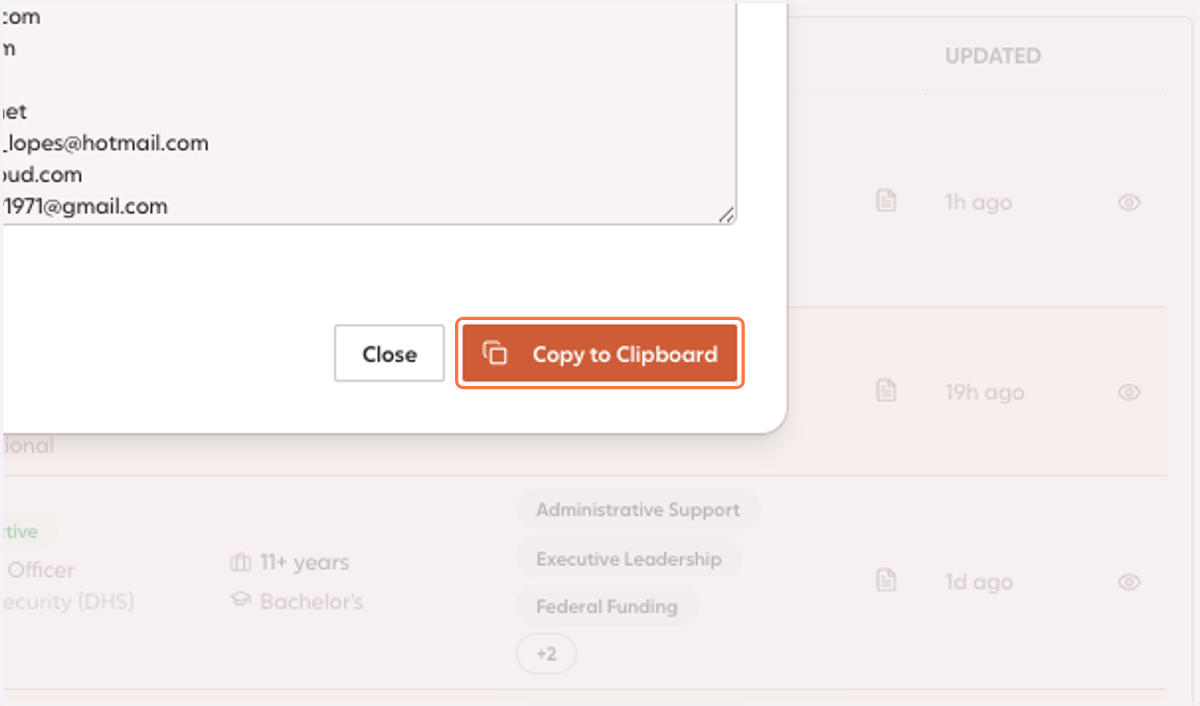
3. Click on Copy to Clipboard
Google Docs
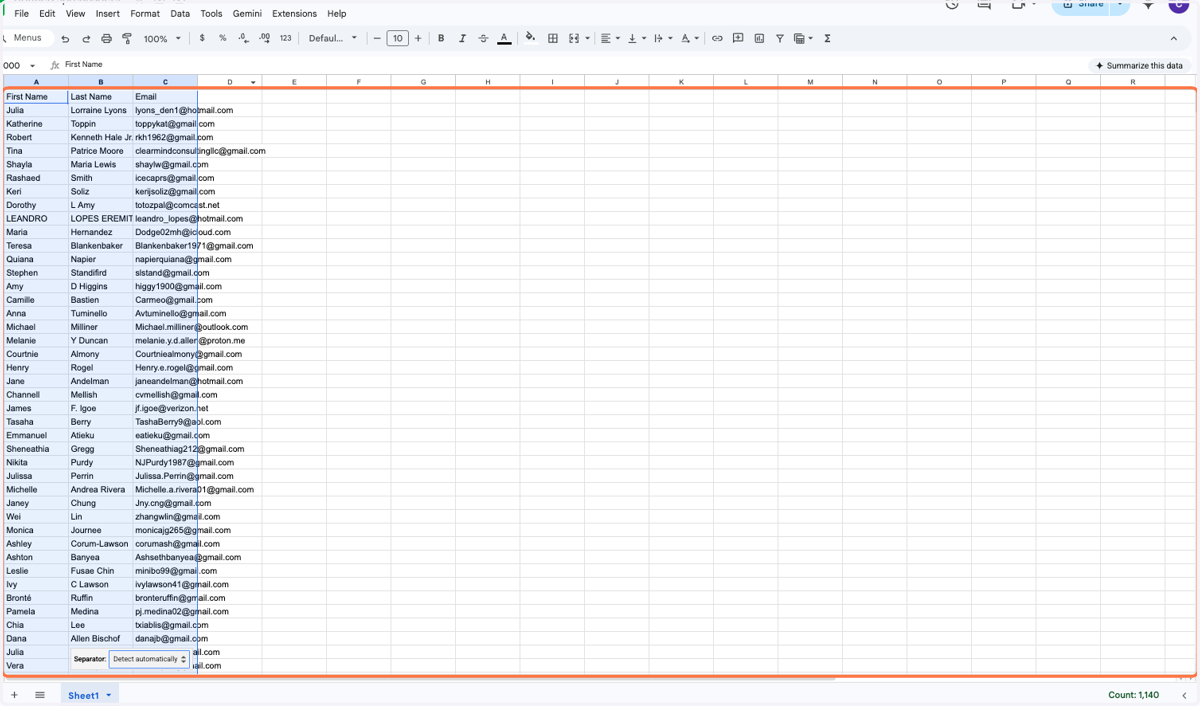
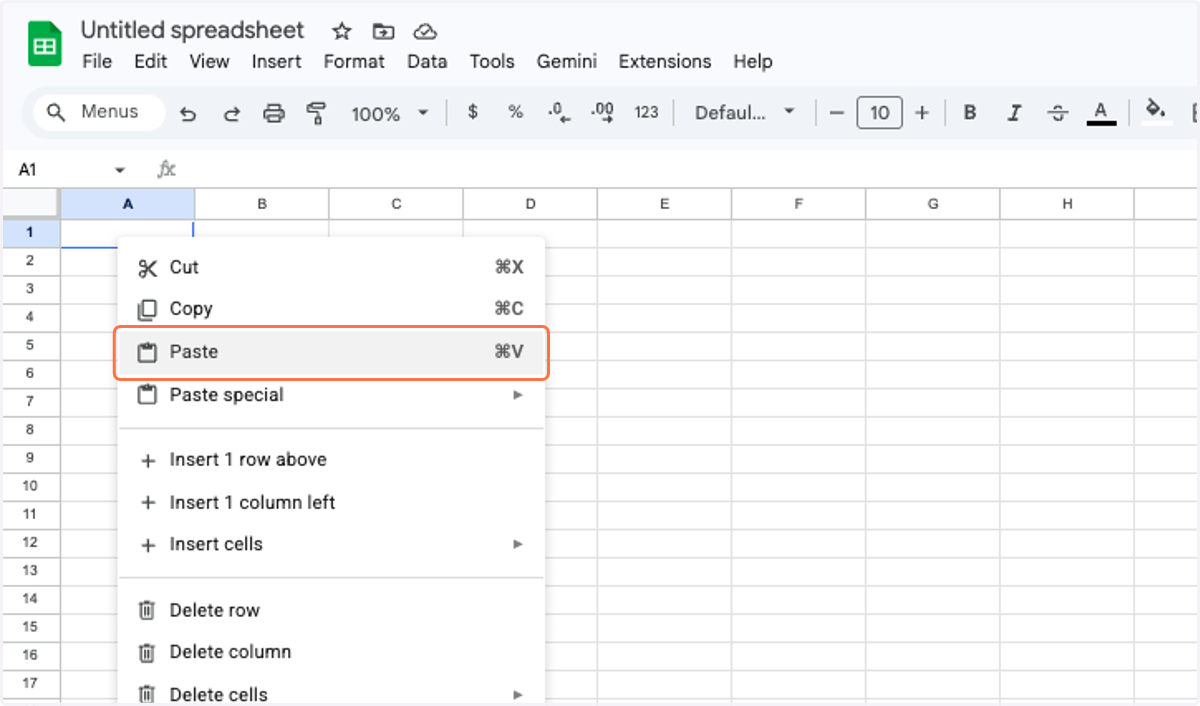
4. Open a Google Sheet, and Paste your clipboard into the sheet.
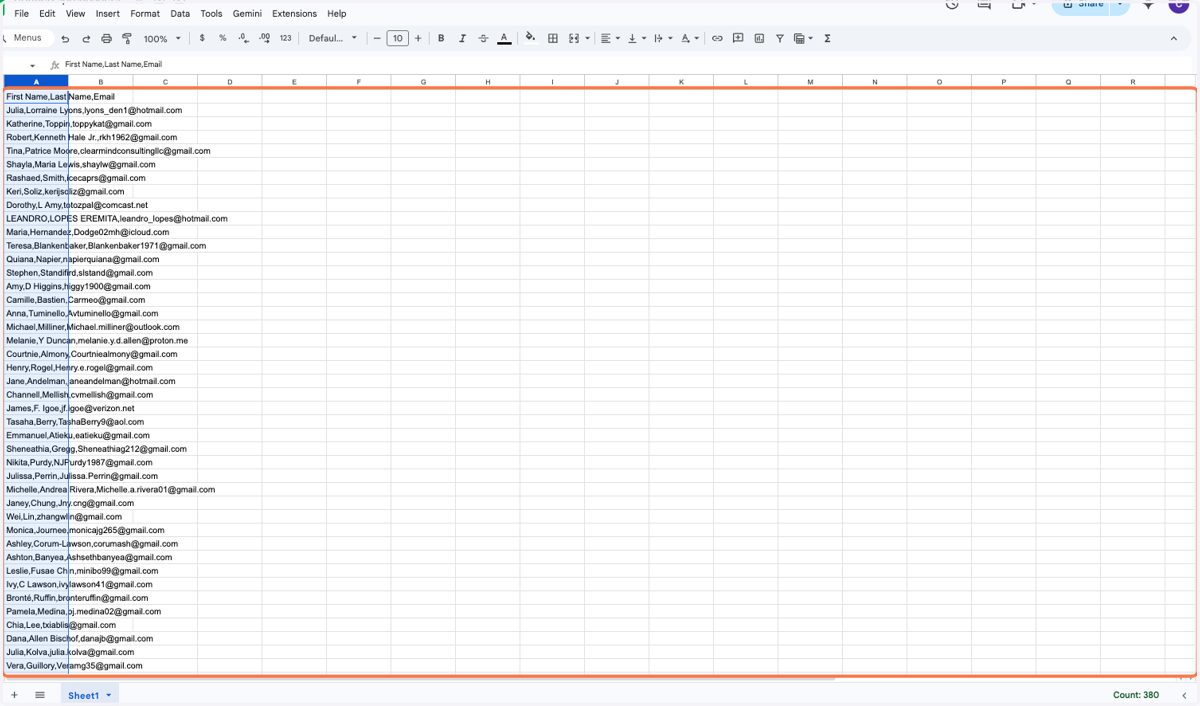
5. Ensure the entire Column A is highlighted/copied.
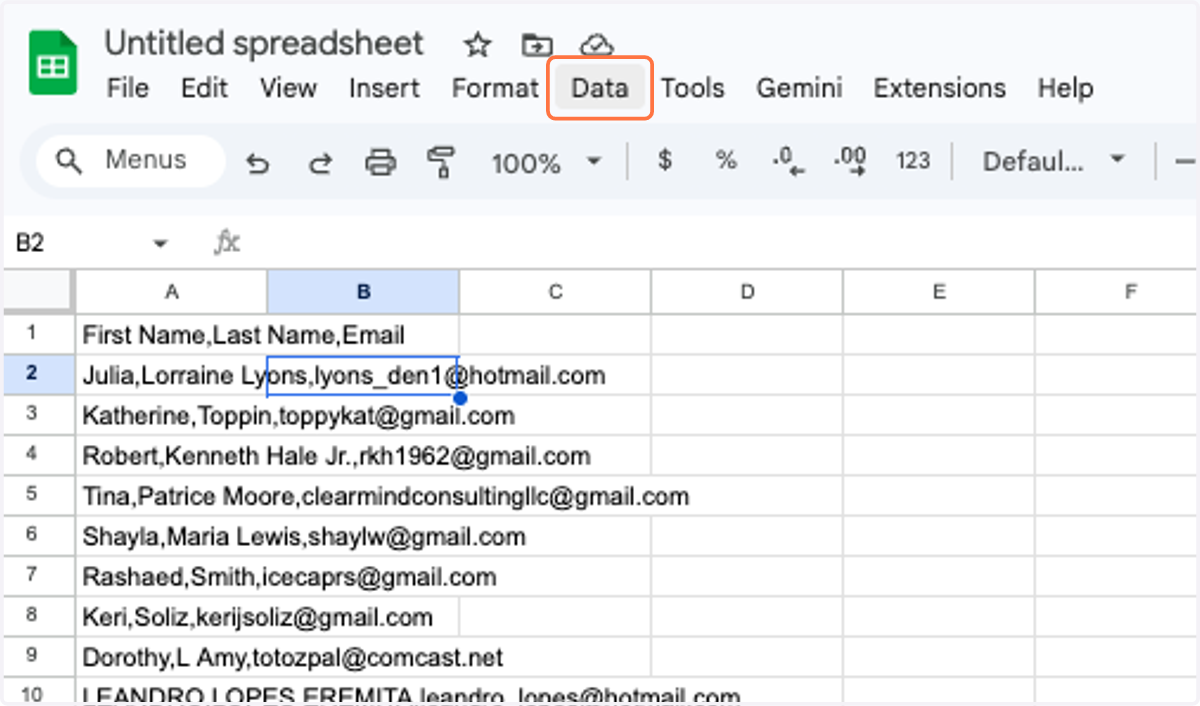
6. On your toolbar, Click on the Data menu
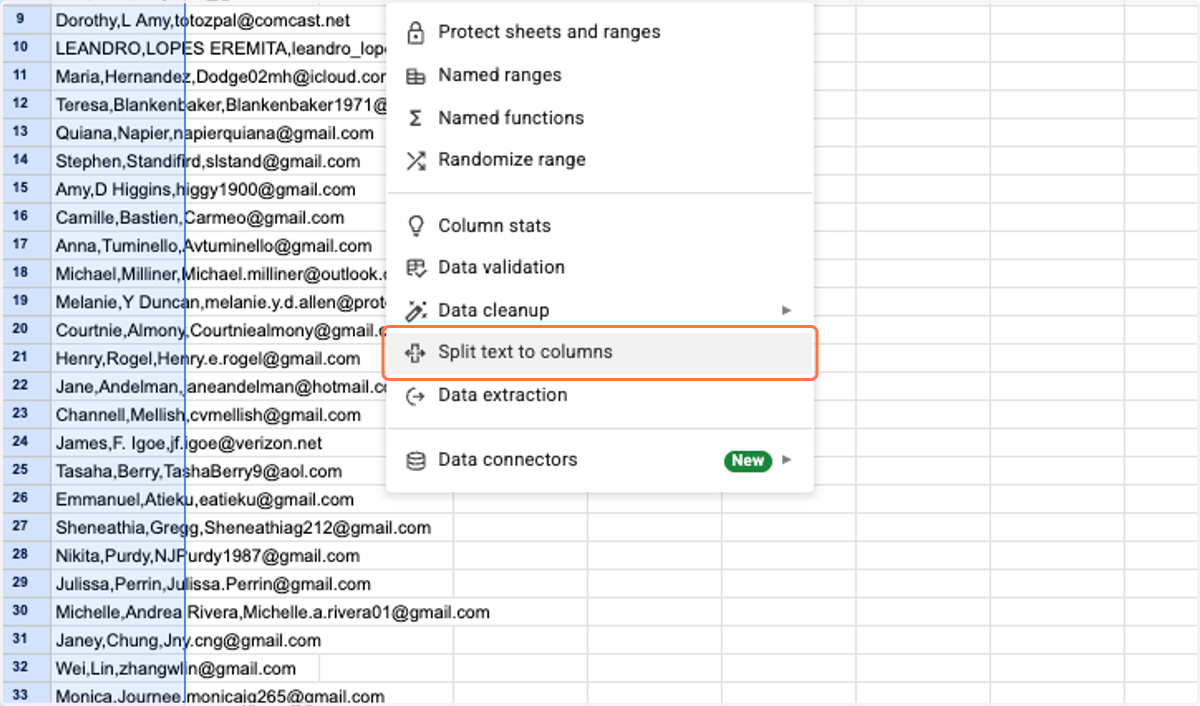
7. Select Split text to columns
8. Your mail merge should now be separated into 3 different columns: First Name, Last Name, and Email. Ready to send!