Creating extra classes in Banqer High
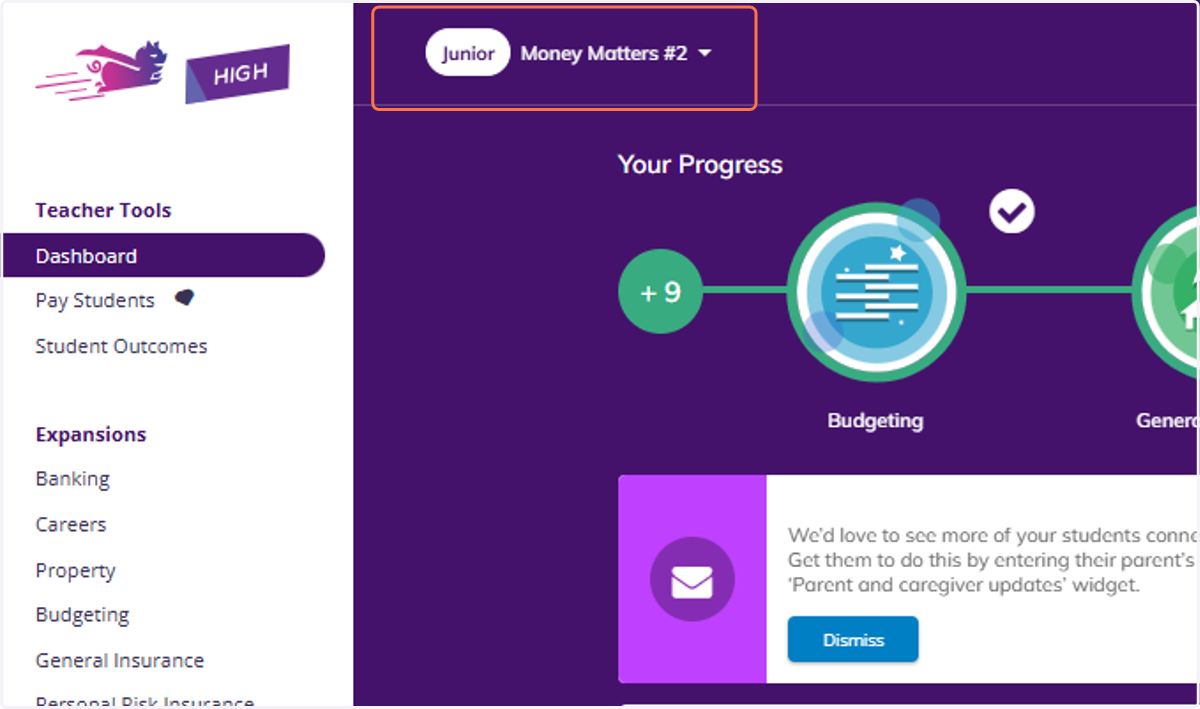
1. Click on the name of your class in the top right of your screen.
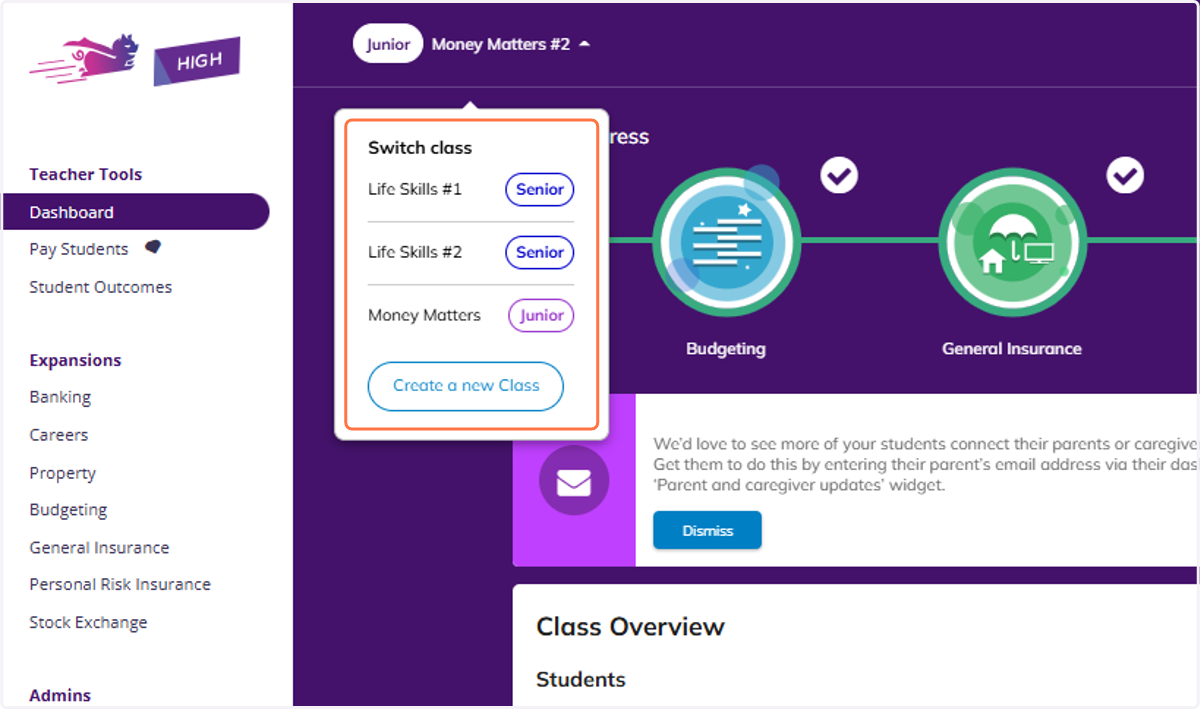
2. You will see a dropdown, if you have any other classes they will appear.
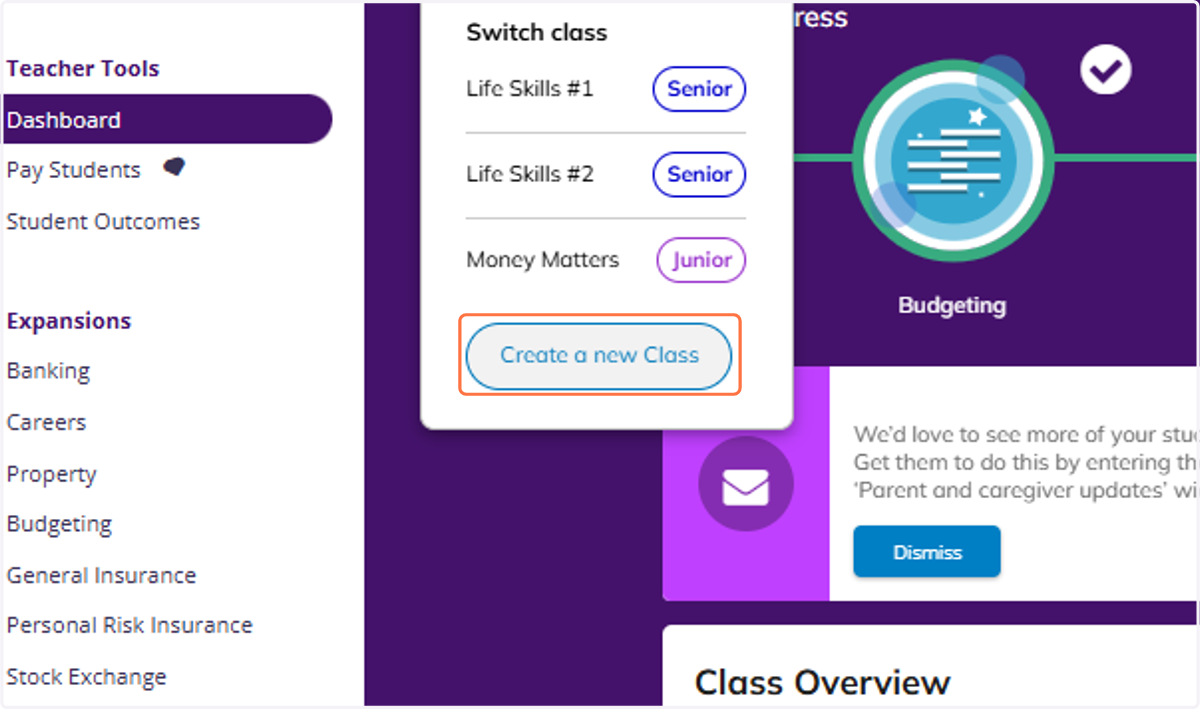
3. Click on Create a new Class.
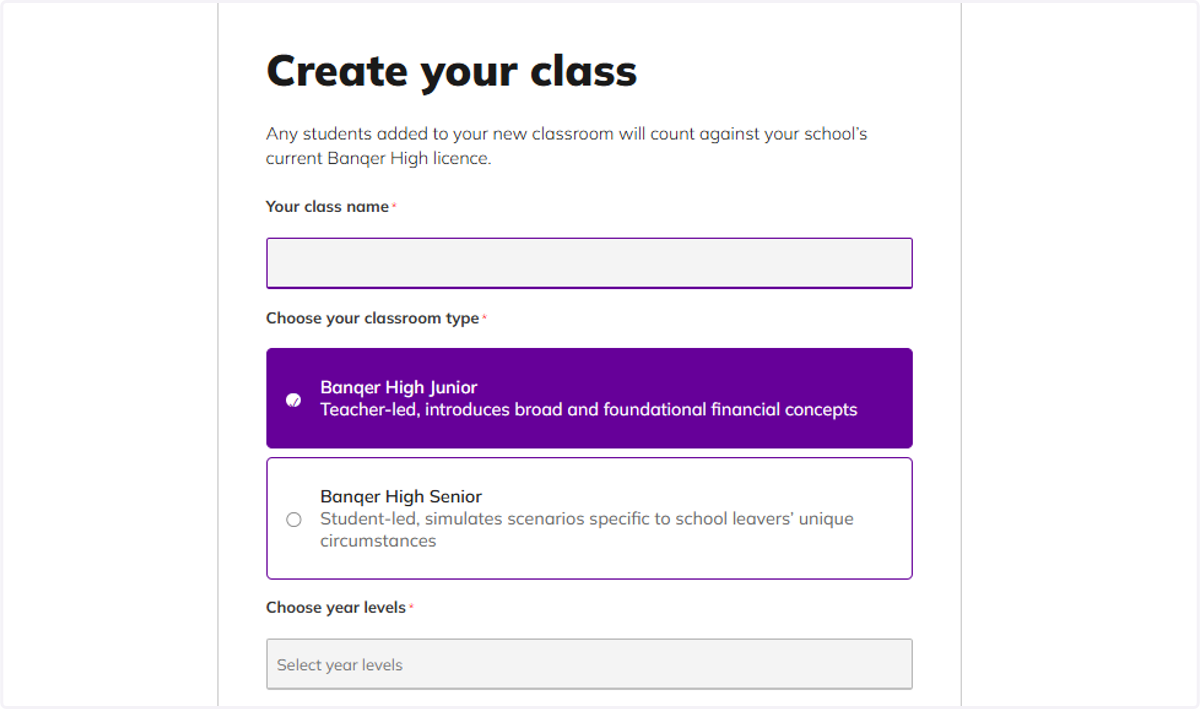
4. The Create your class screen will appear for you to complete.