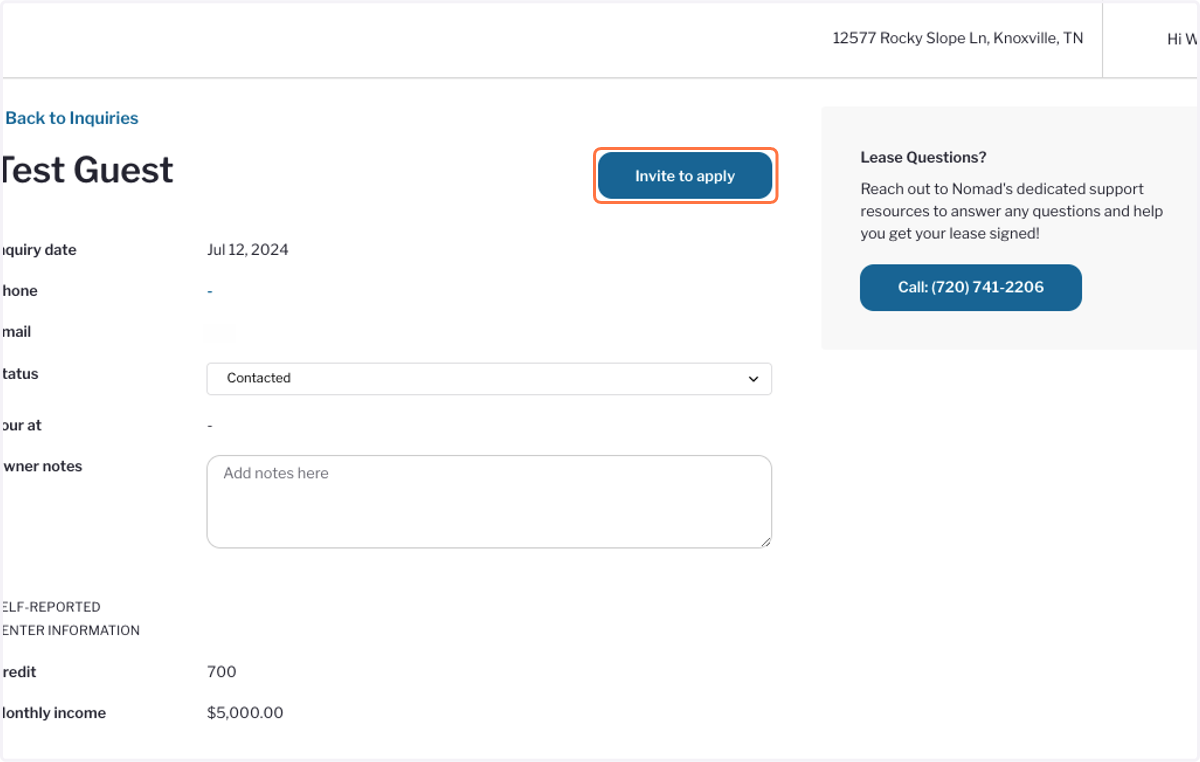
How do I send my unique application link?
Nomad
1. On your home page, click on Copy Application Link. This will copy it to your clipboard and you can paste it in an email or text message.
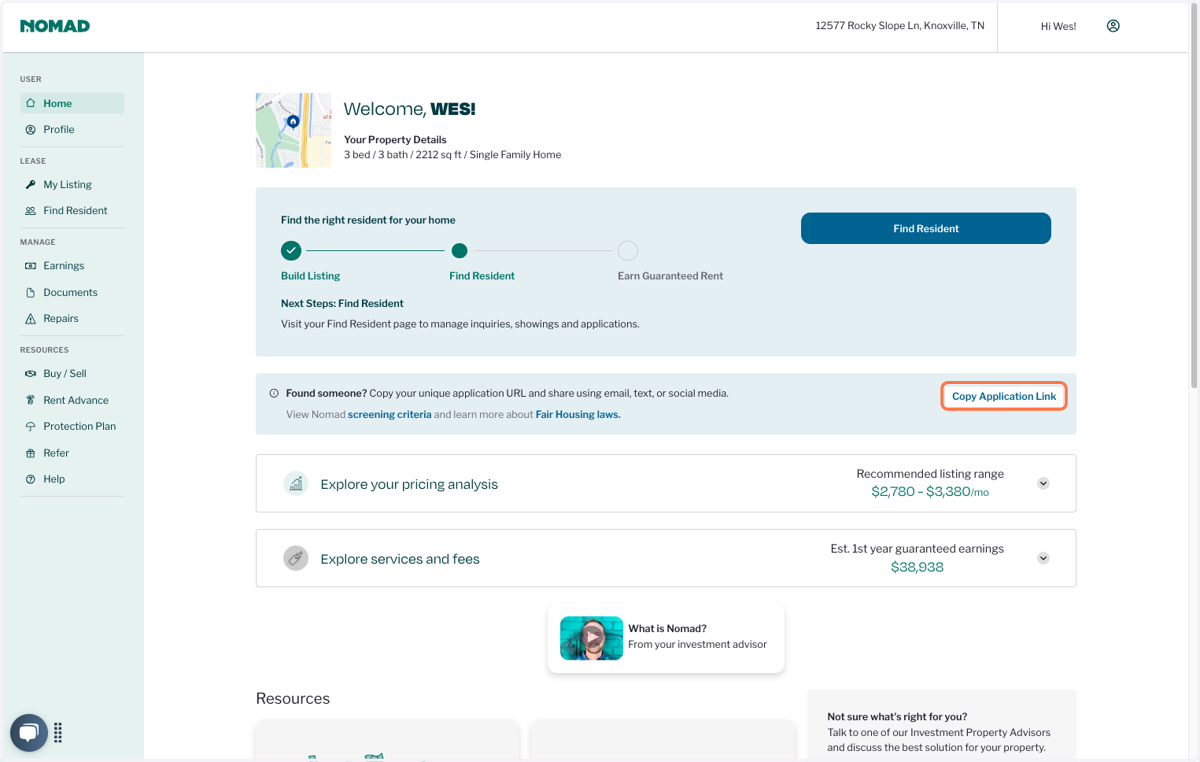
2. To send a link directly to a prospect's email, click on Find Resident
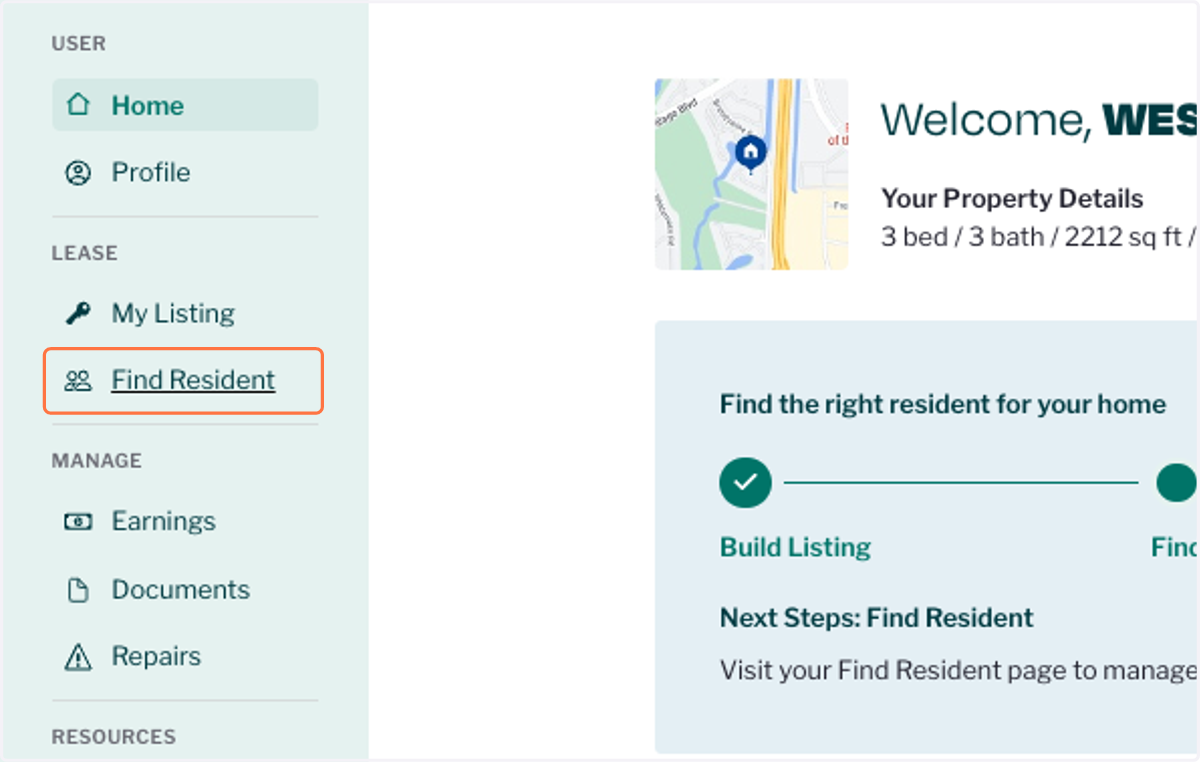
3. Click on Prospect's Name
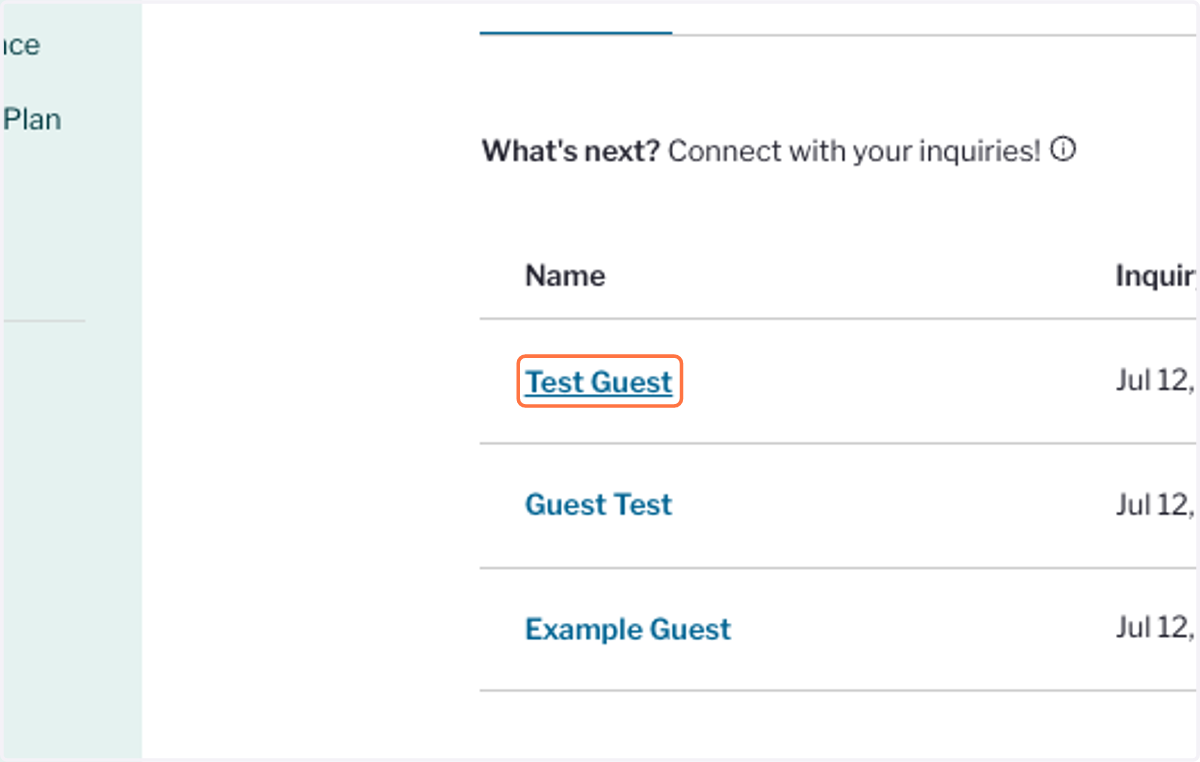
4. Click on Invite to apply. You will see a confirmation that we've sent an application link.