How to Complete Your OSCPA Member Profile
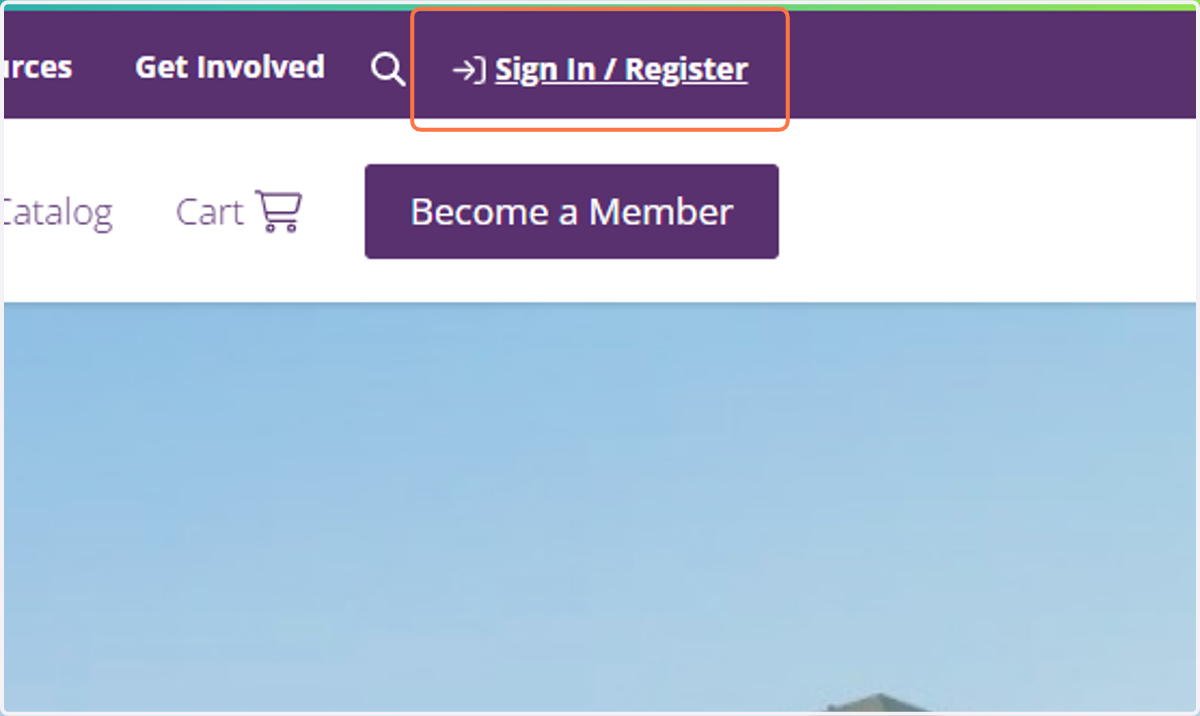
1. Click on Sign In / Register
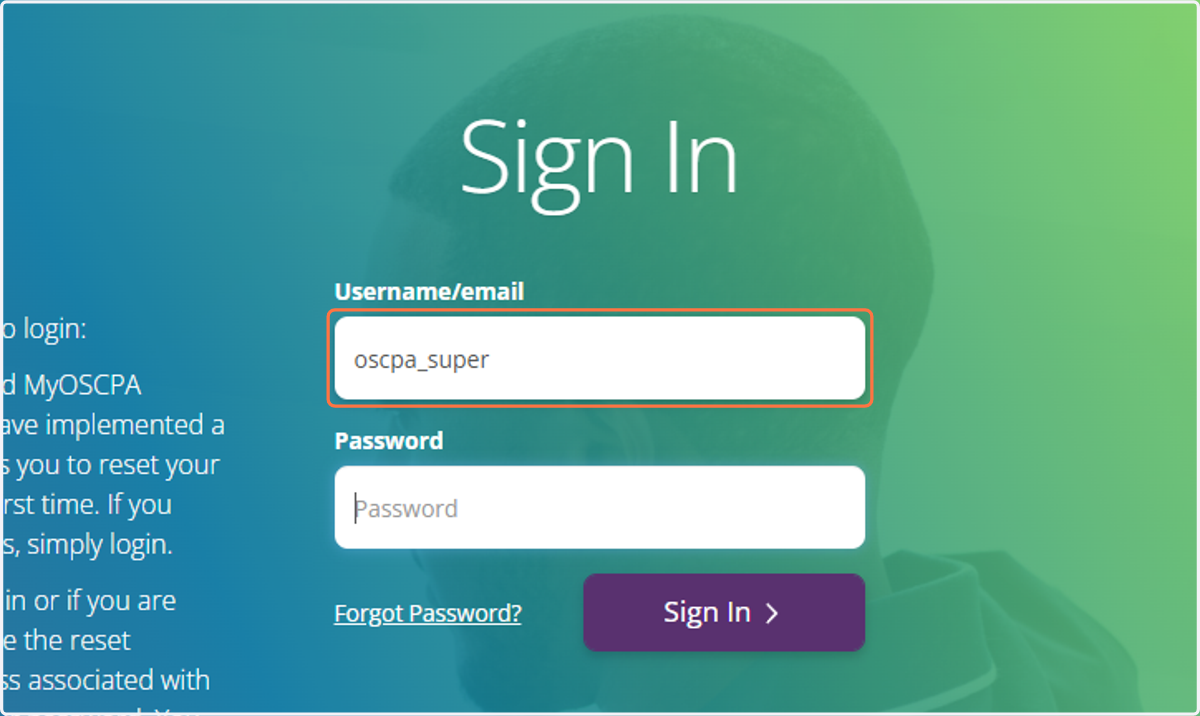
2. Type in your password
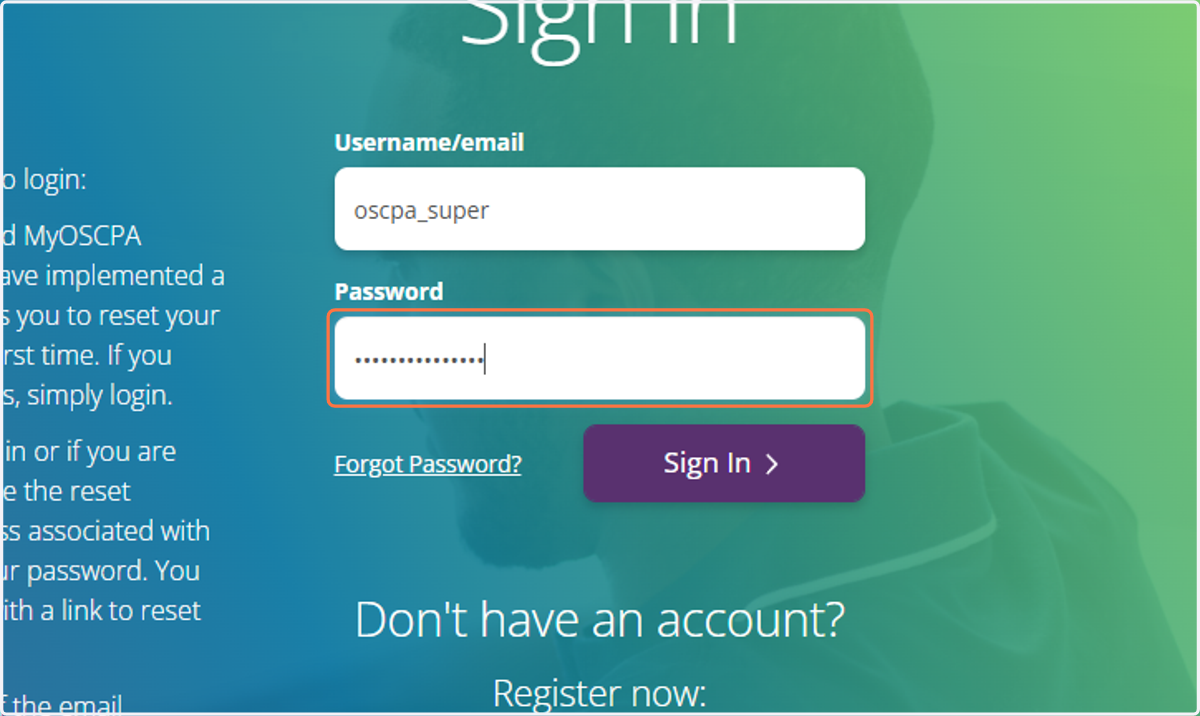
3. Type password
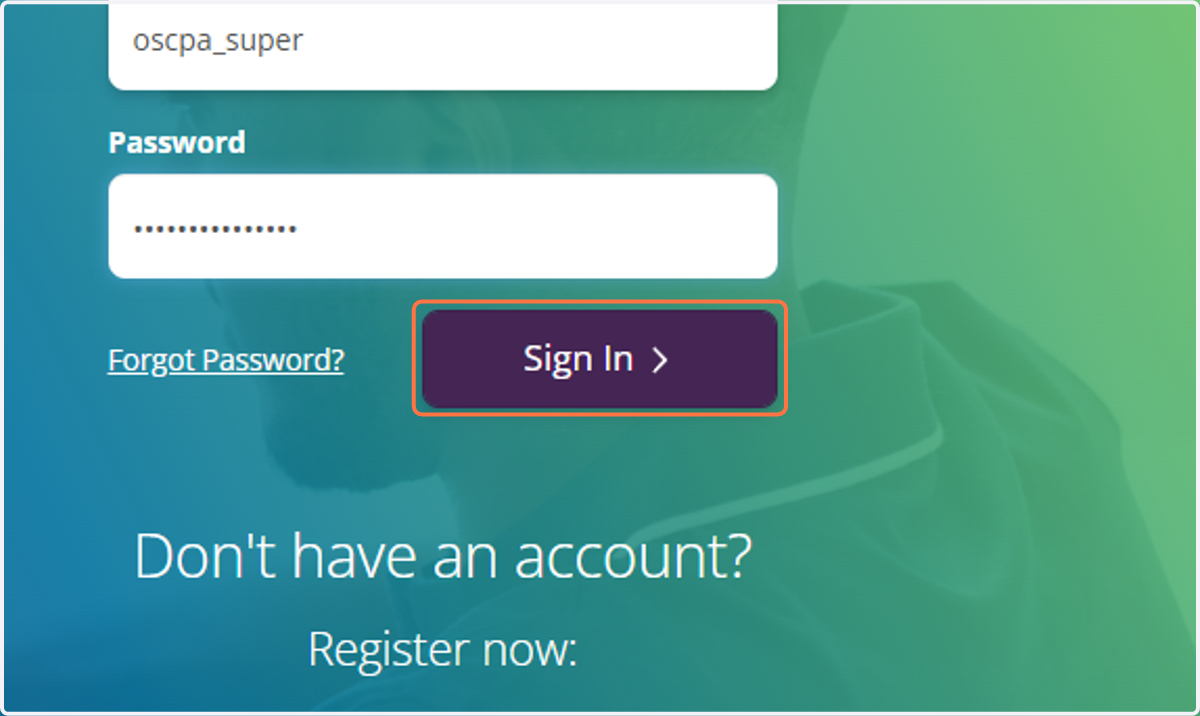
4. Click on Sign In
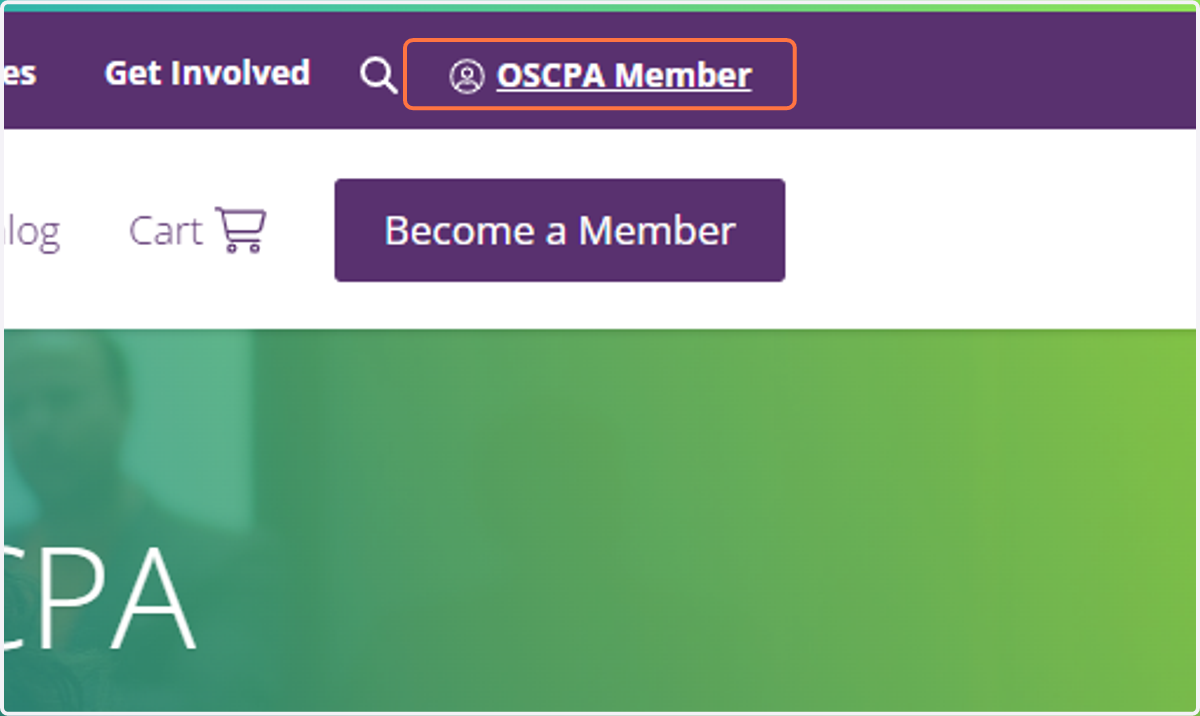
5. Click on your name
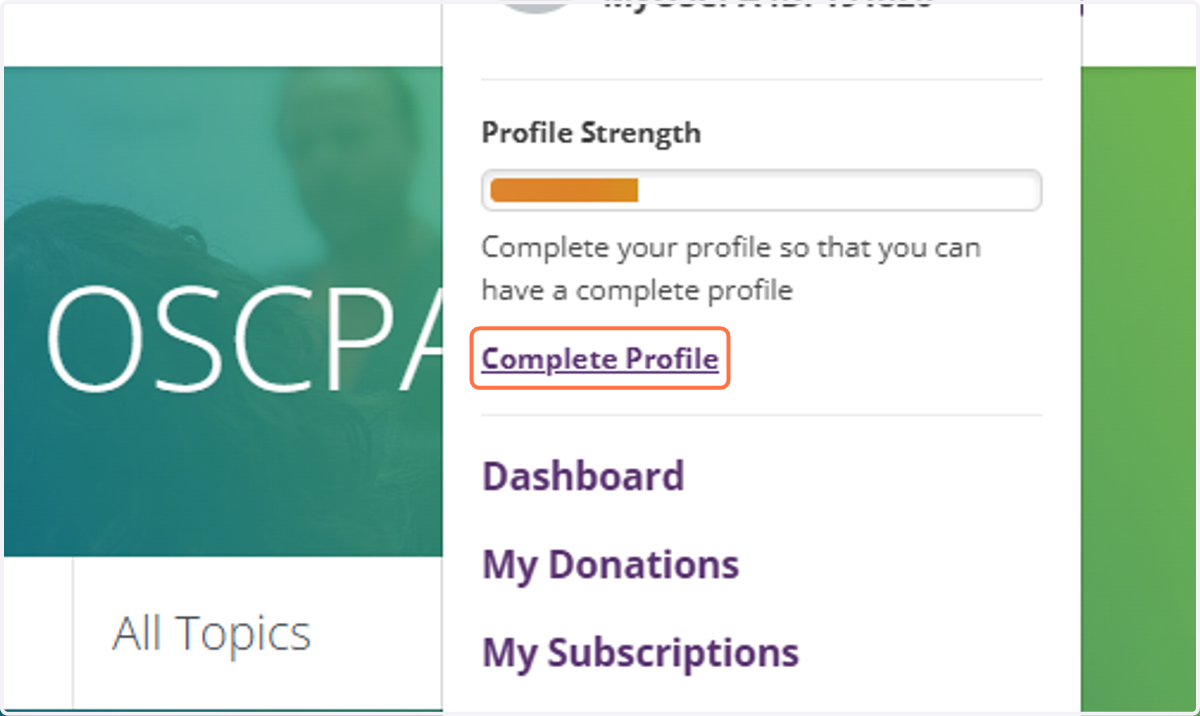
6. Click on Complete Profile
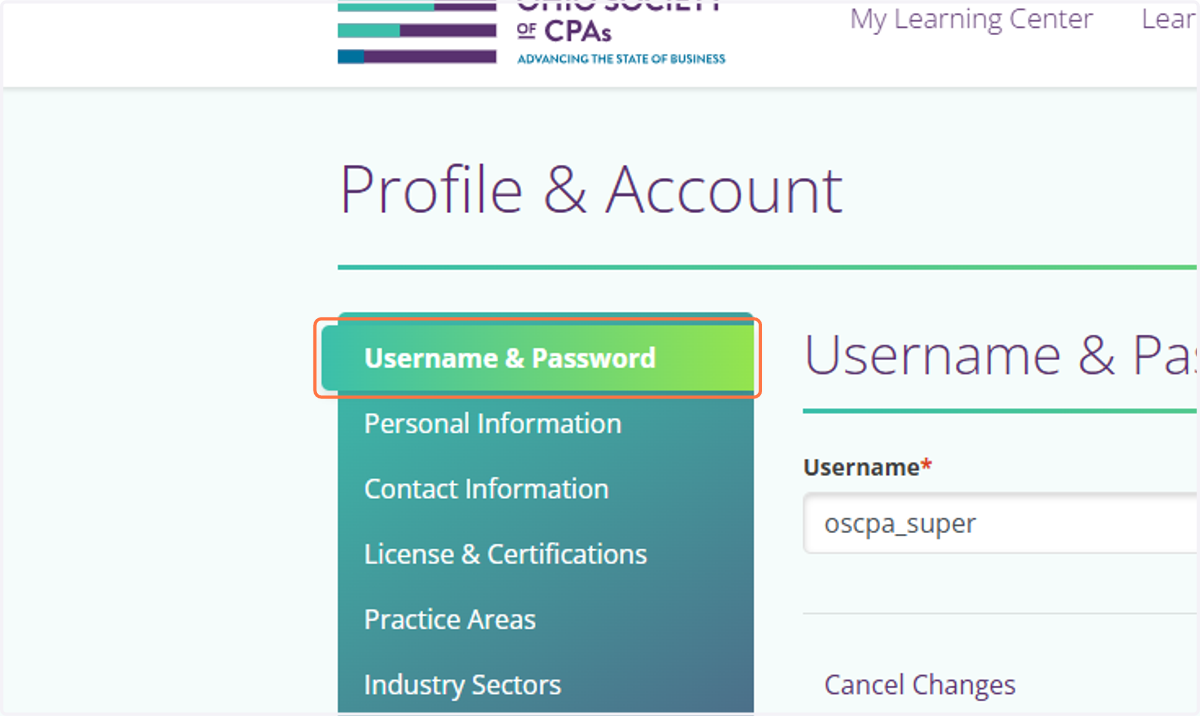
7. Update your username or password by clicking on Username & Password
8. Update your personal information by clicking on Personal Information
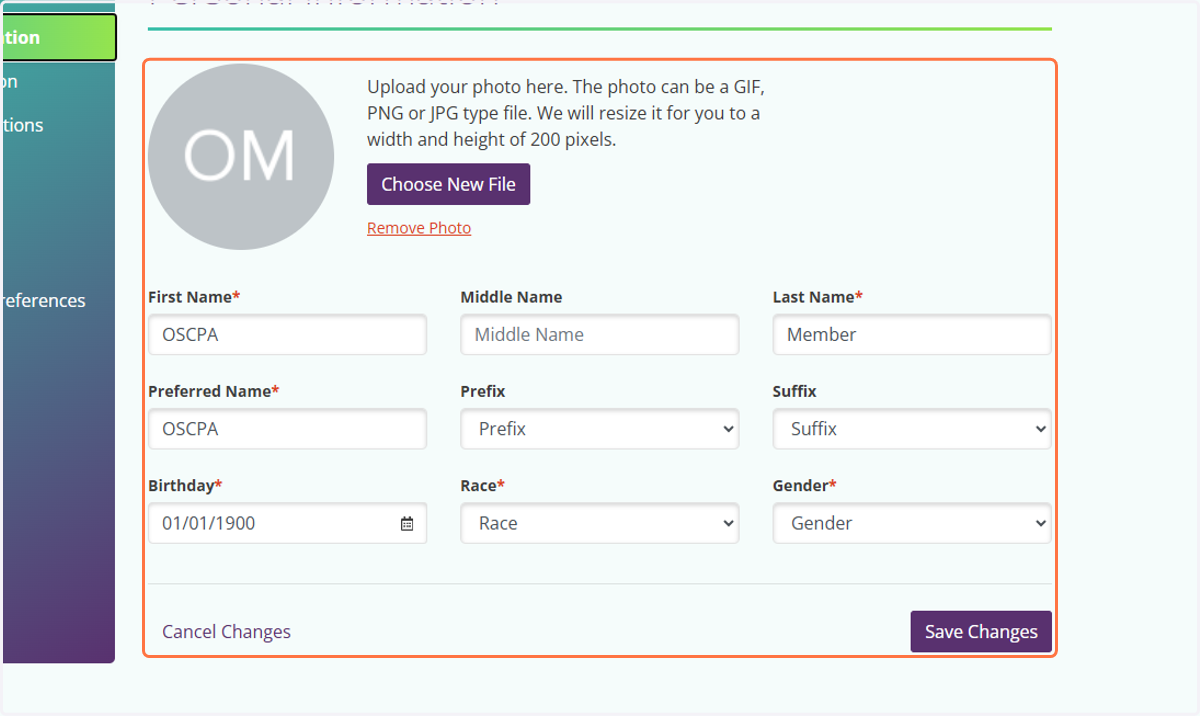
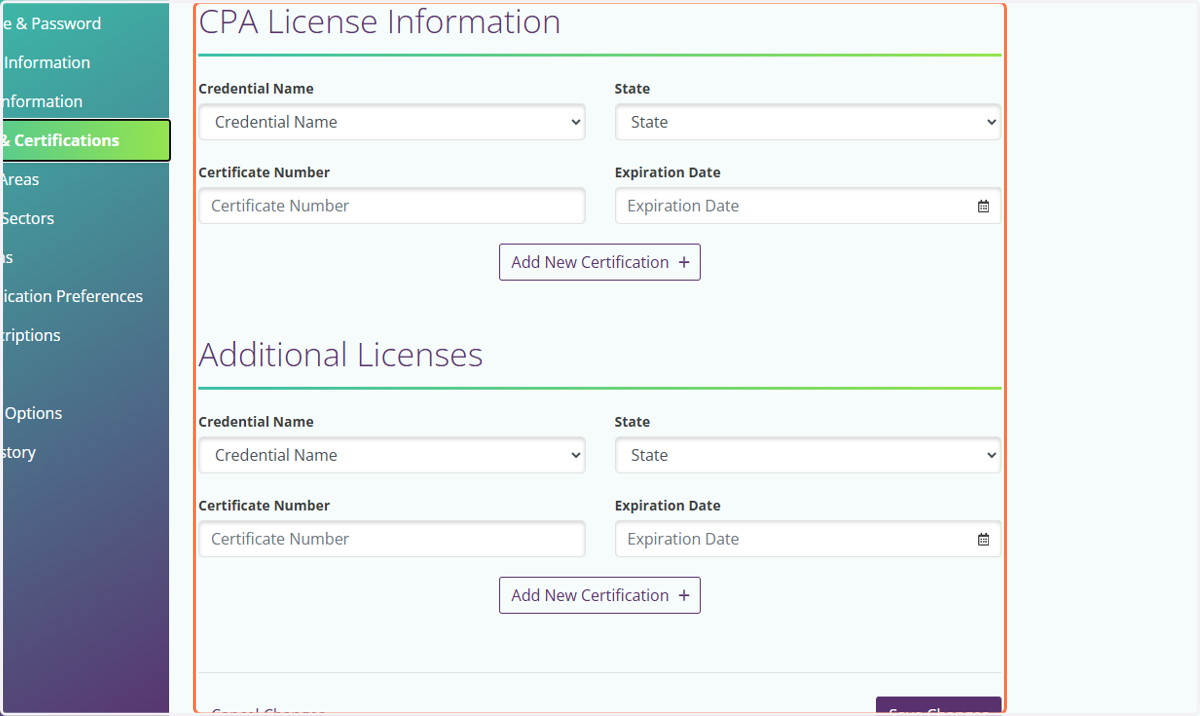
9. Update your license information by clicking on CPA License Information…
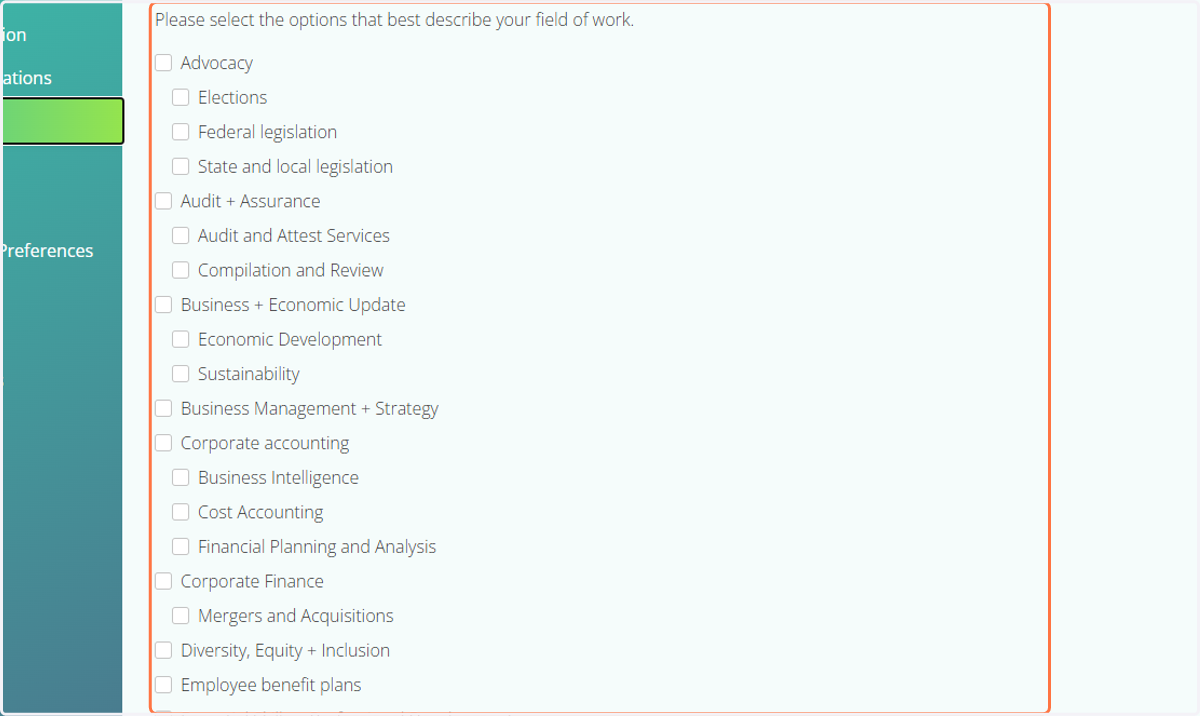
10. Click on Practice Area to update your field of work
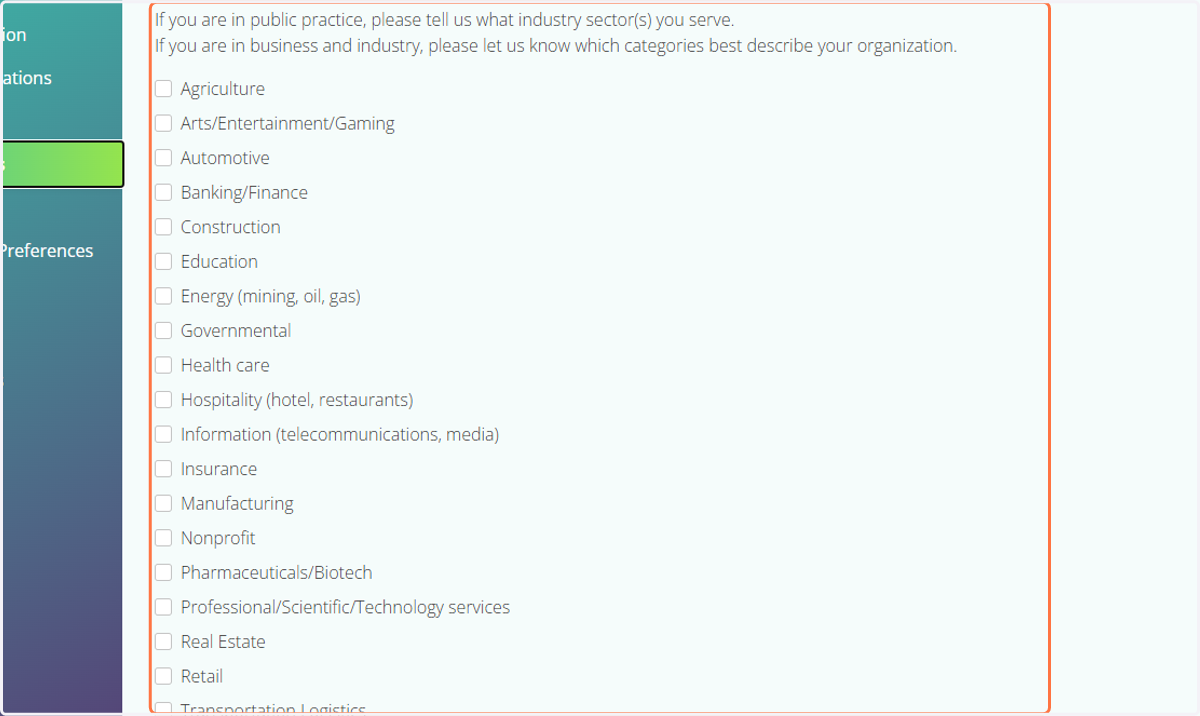
11. Click on Industry Sectors to update your sectors you serve.
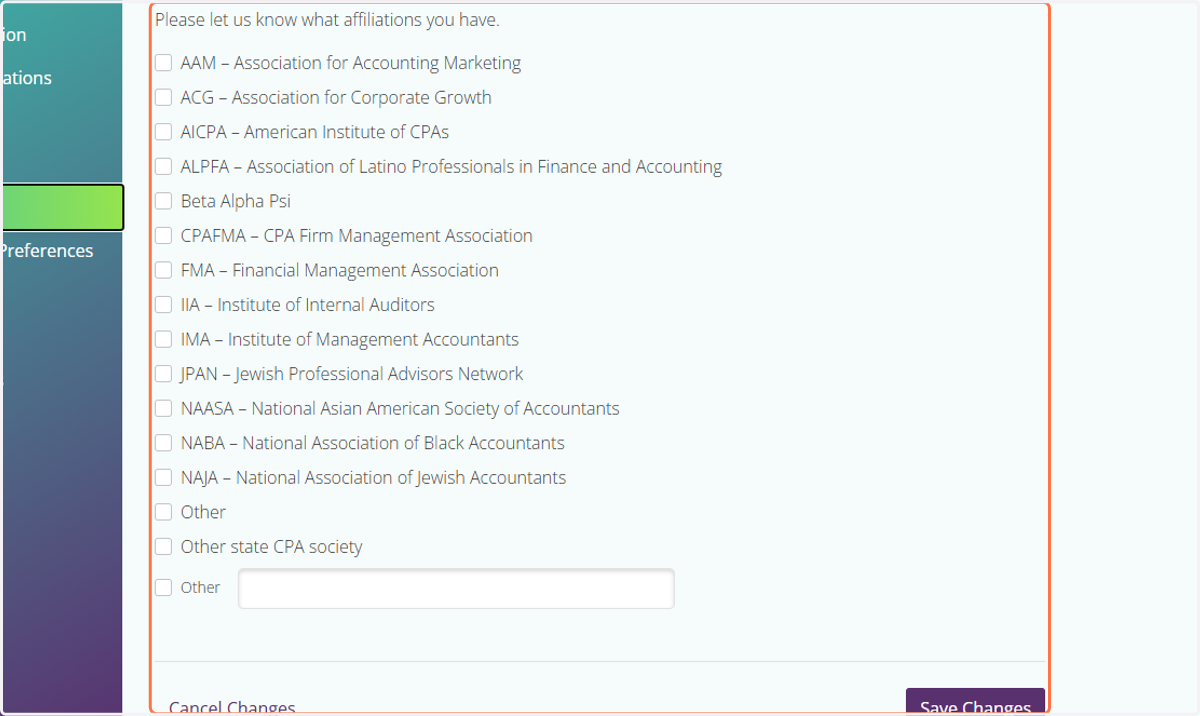
12. Click on Affiliations to update your affiliation status.
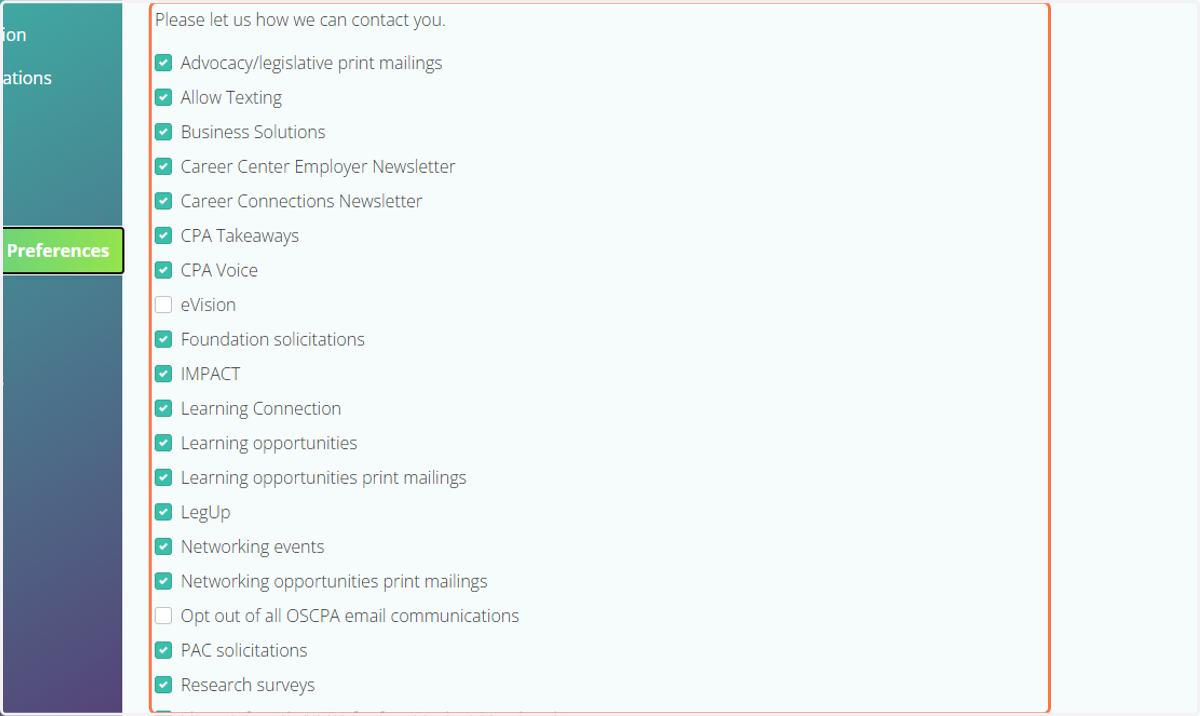
13. Click on Communication Preferences to update your communication method.