Setting up a TUx Program
Chateau
Prune your TUx Change Why Picklists
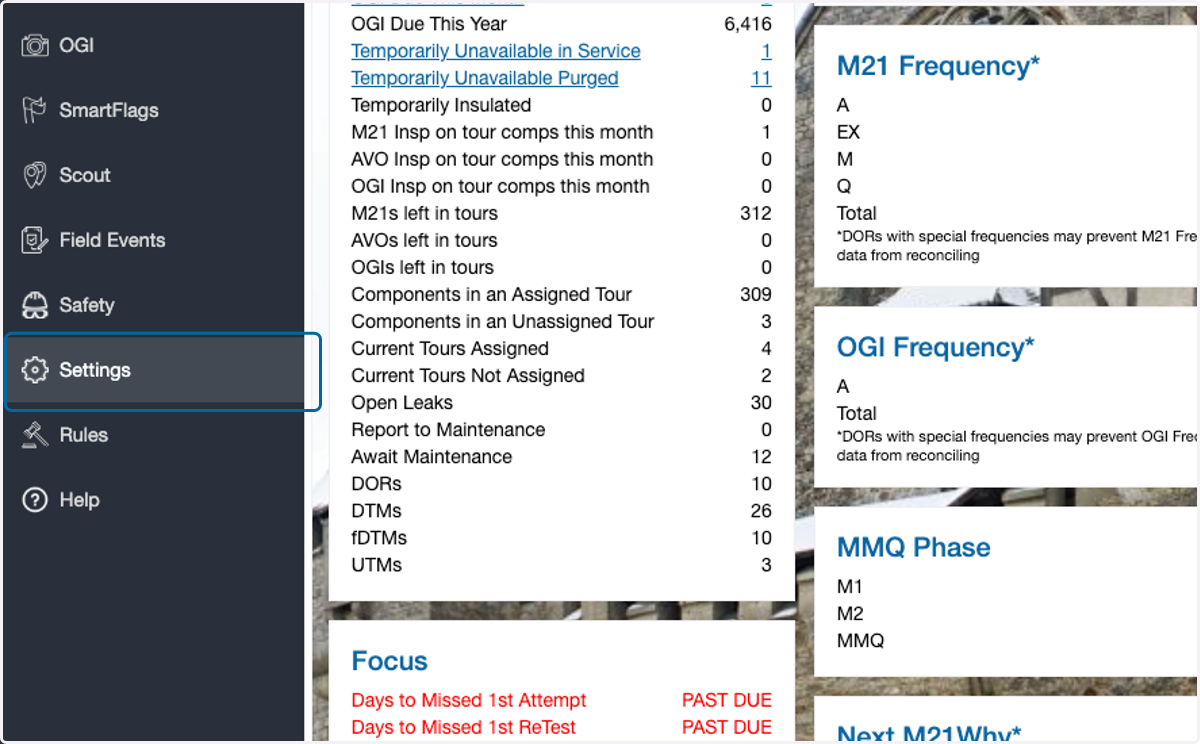
1. Click on Settings
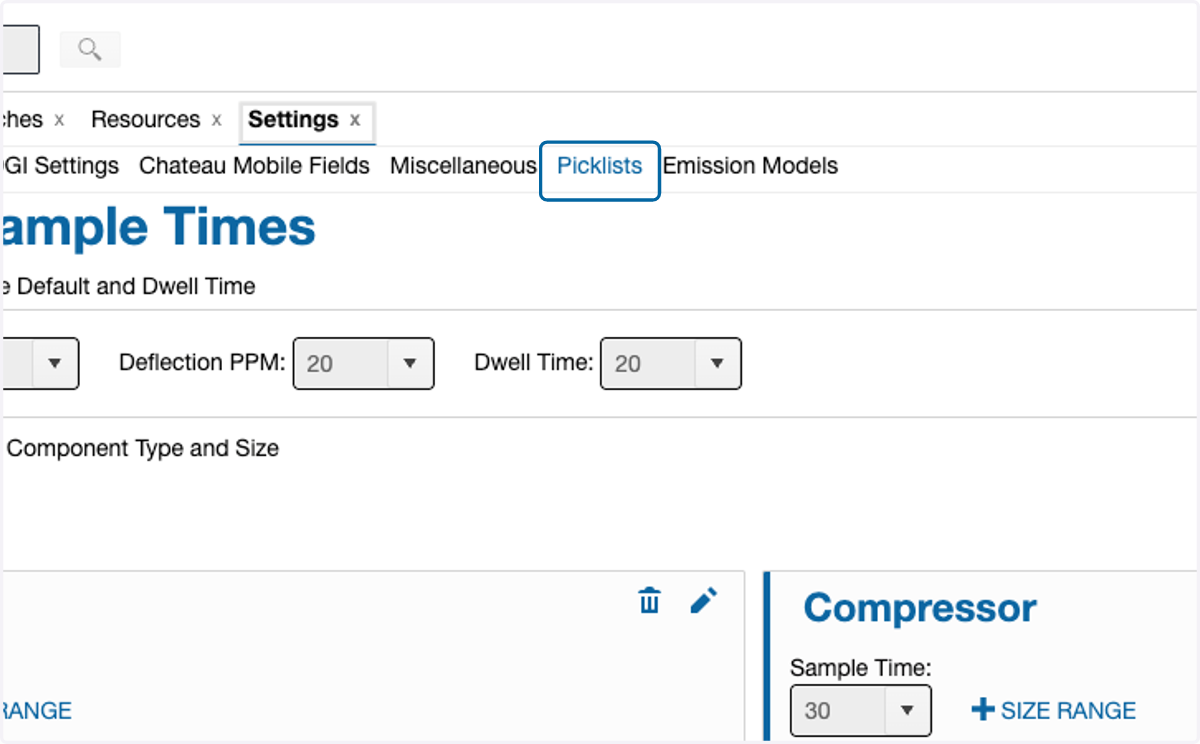
2. Click on Picklists
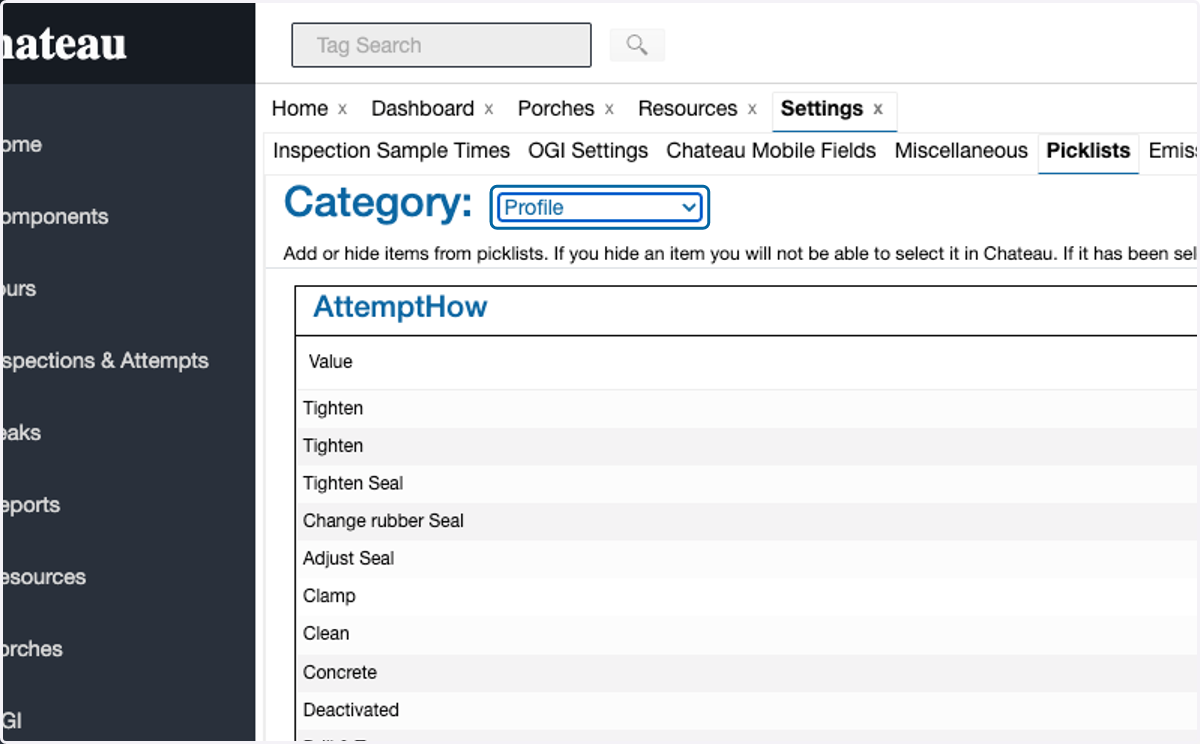
3. Select Profile in the Category selection
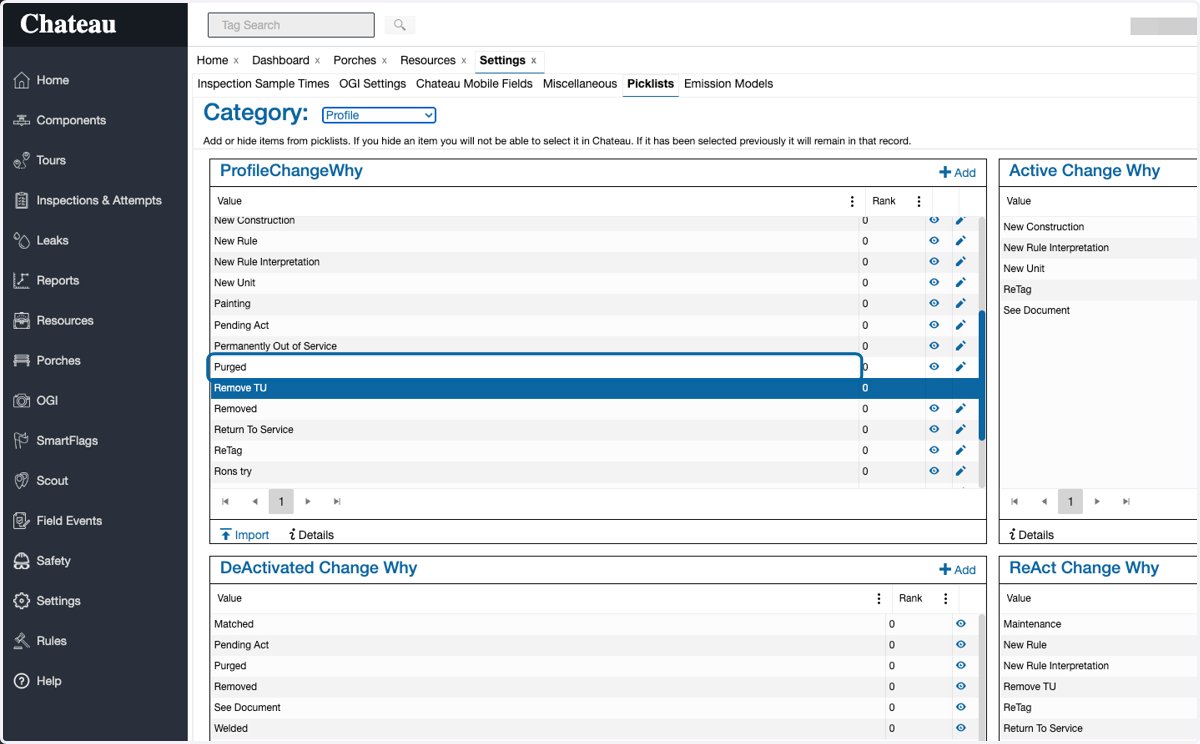
4. Review the ProfileChangeWhy list to ensure all preferred reasons are listed
Note: all options must be in this list before they are available in the other ChangeWhy picklists
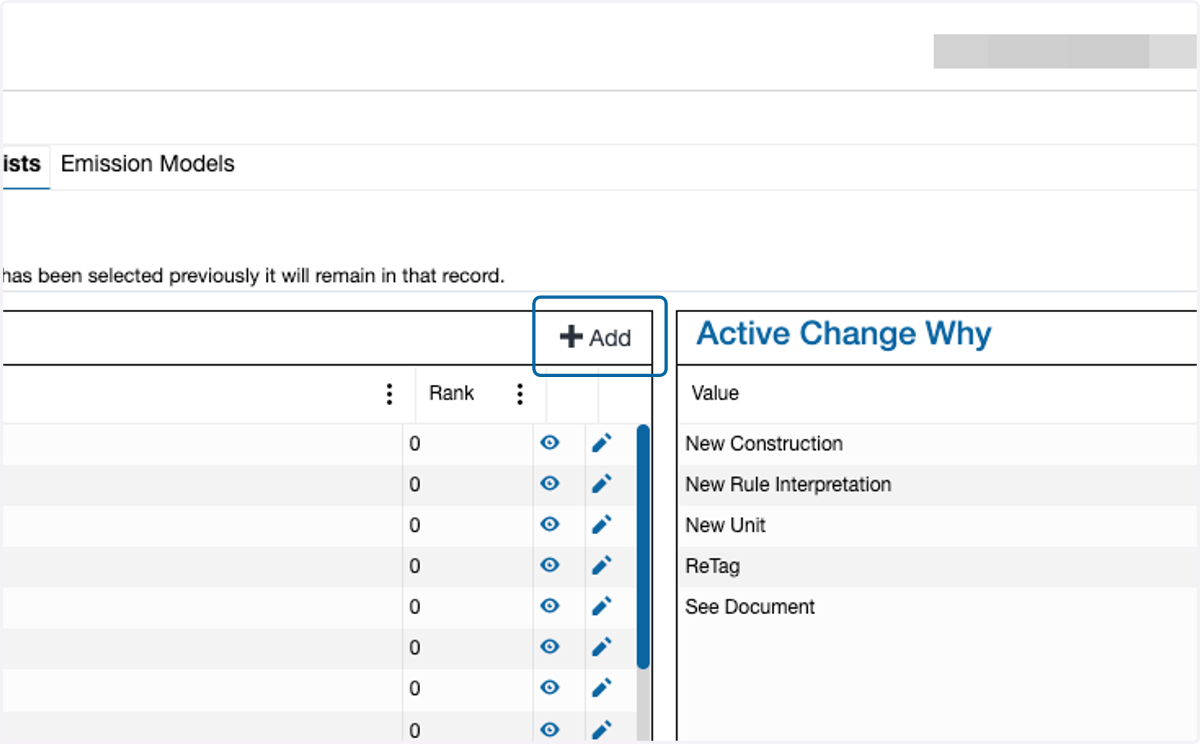
5. To add picklist item to the ProfileChangeWhy list, click +Add in the top right corner
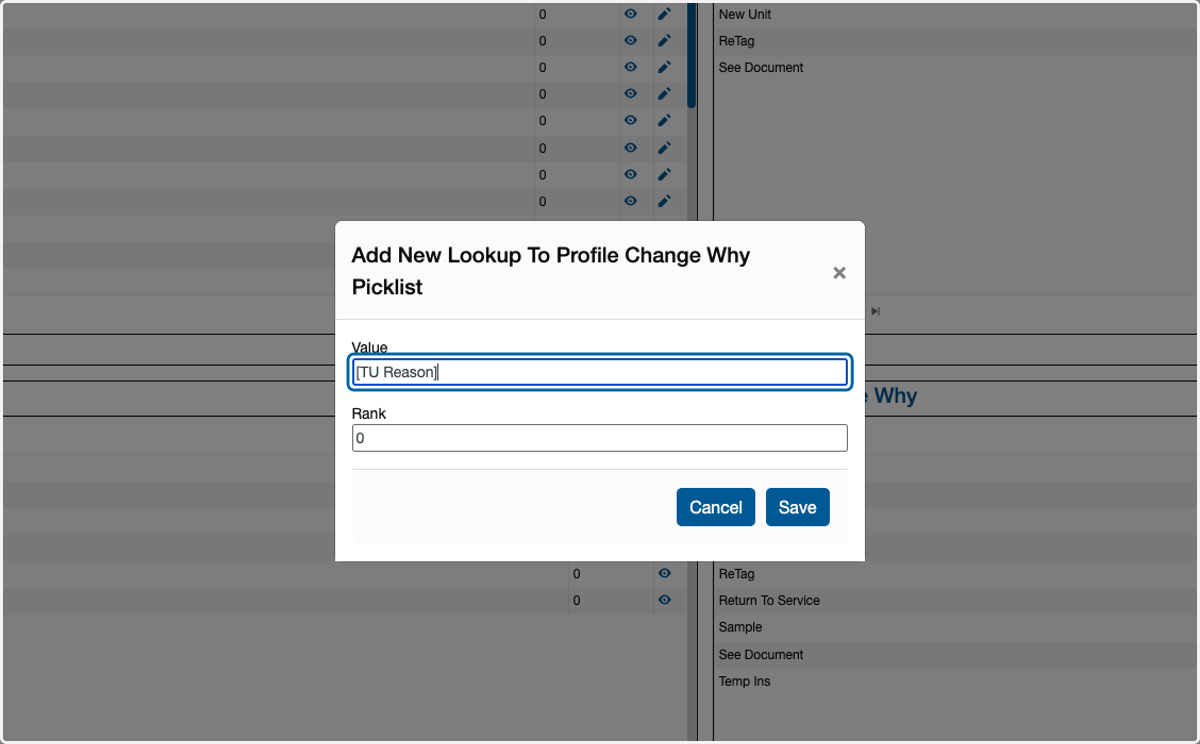
6. Type the new picklist item name into the Value box
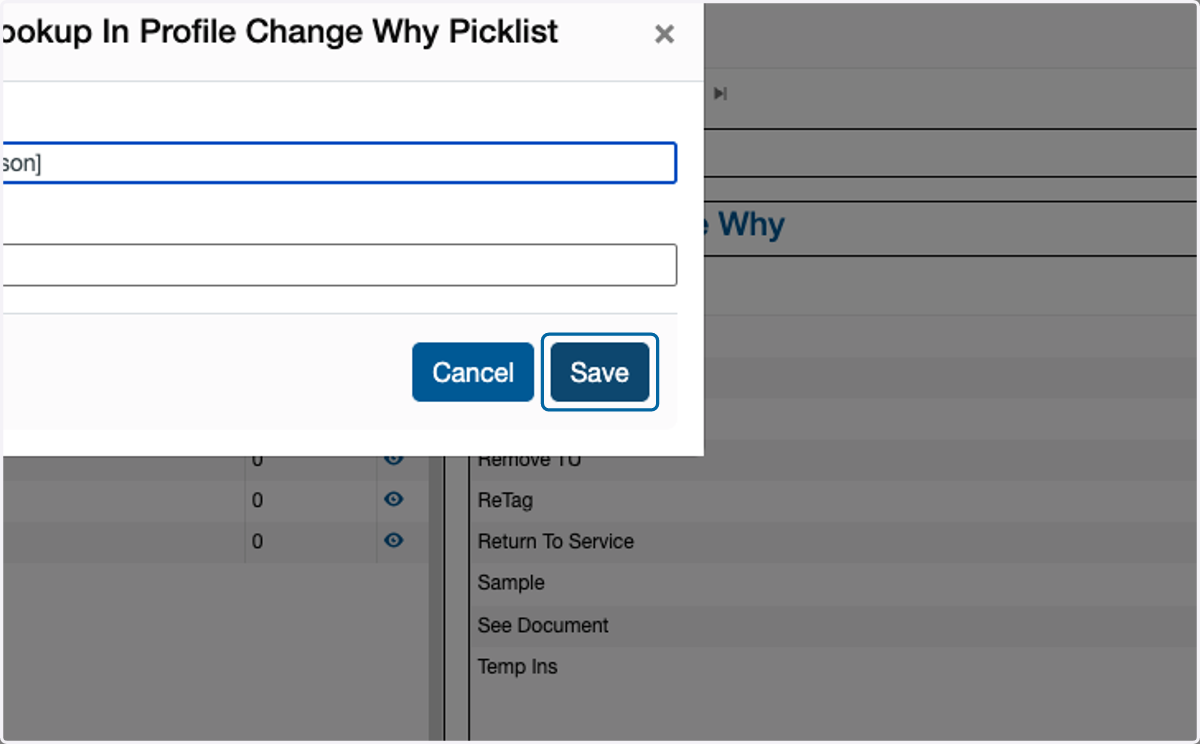
7. Click on Save
8. Next, add the preferred reasons to the TUinService picklist by clicking add to at the top right
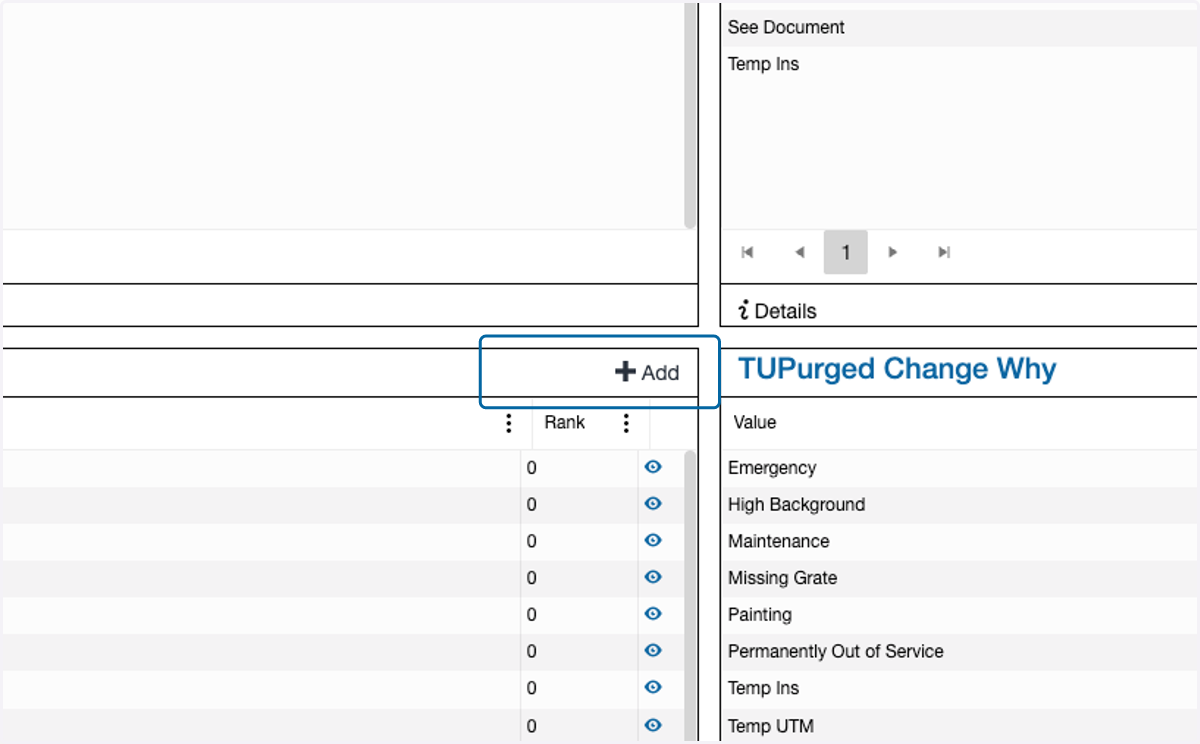
9. Click on the preferred reason
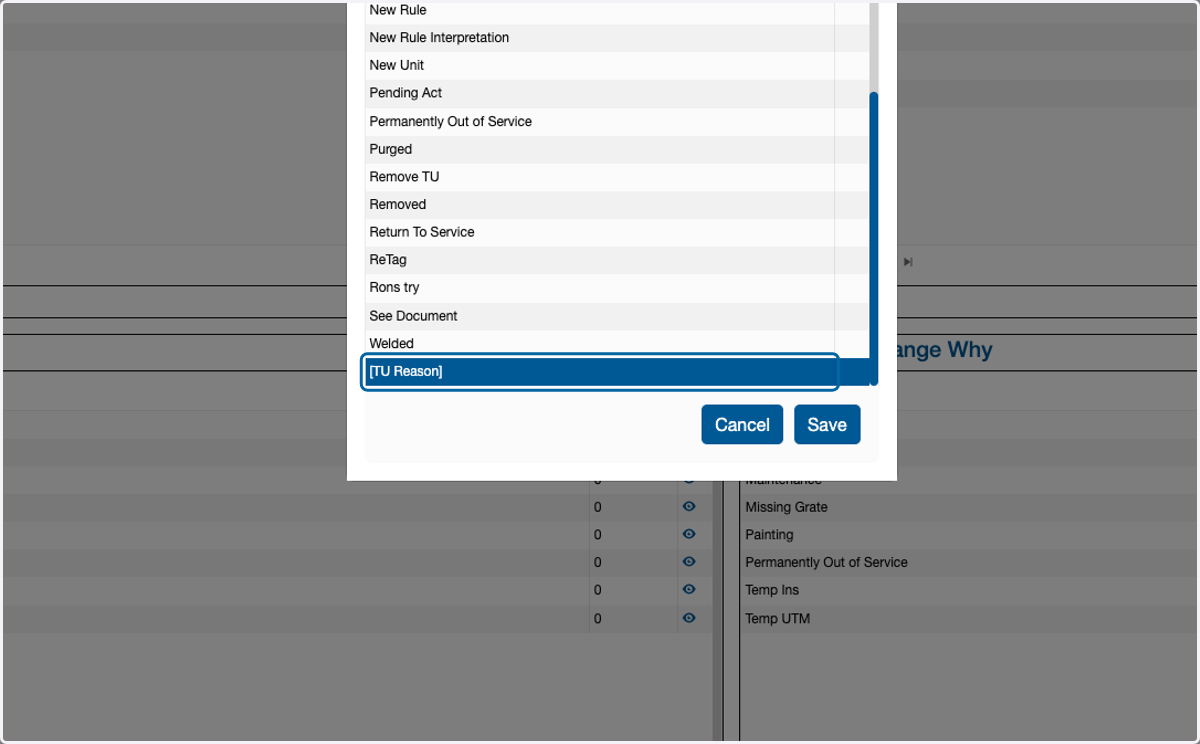
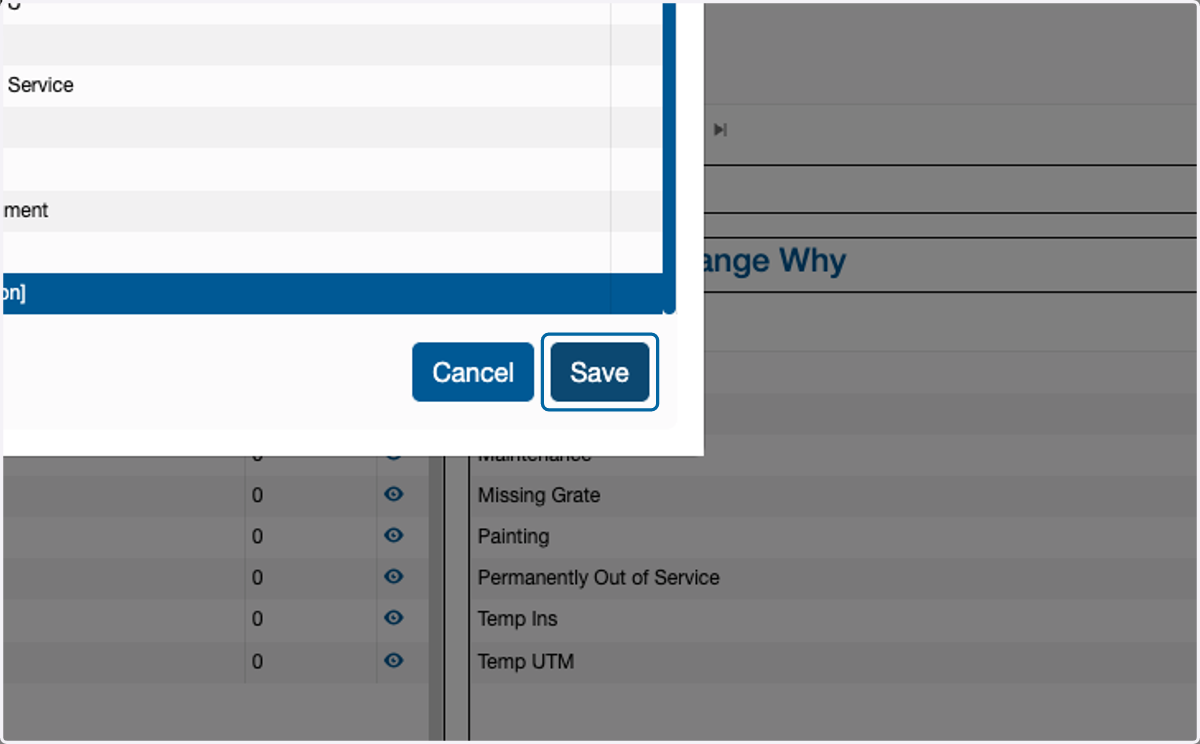
10. Click on Save
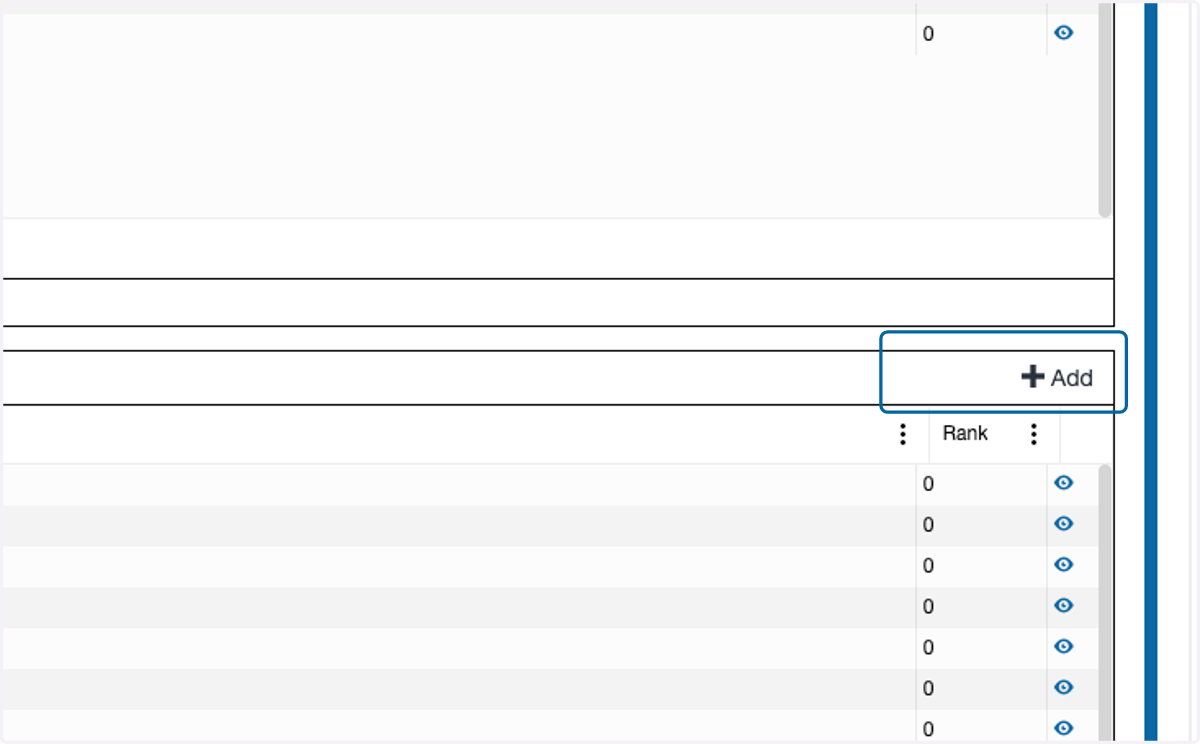
11. Click +Add at the top right of the TUPurged Change Why picklist
12. Click on the preferred reason
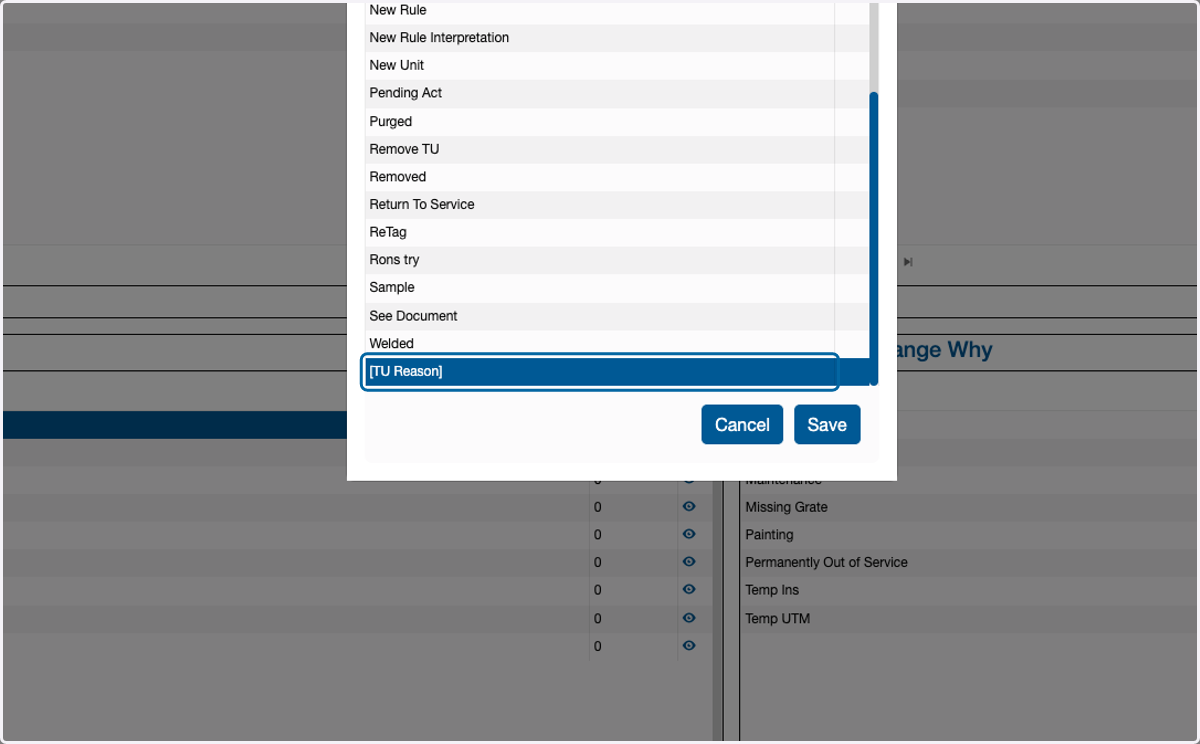
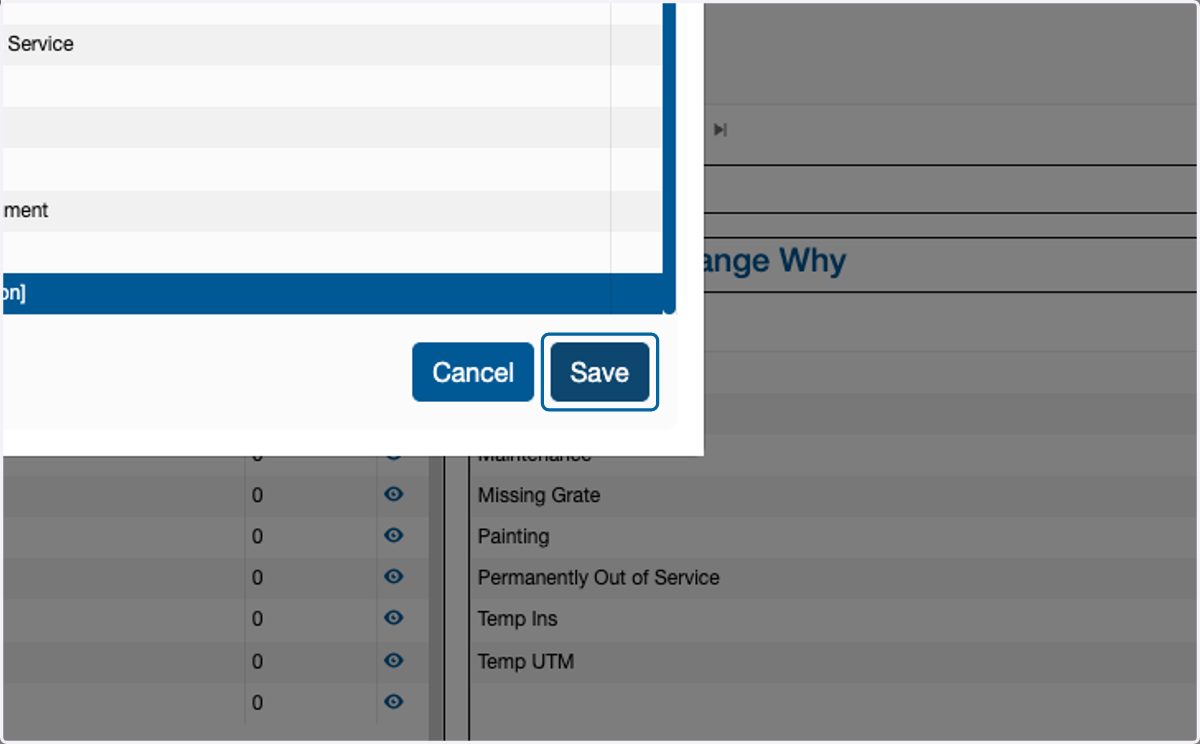
13. Click on Save
Turn on the TUx Porches you want to use
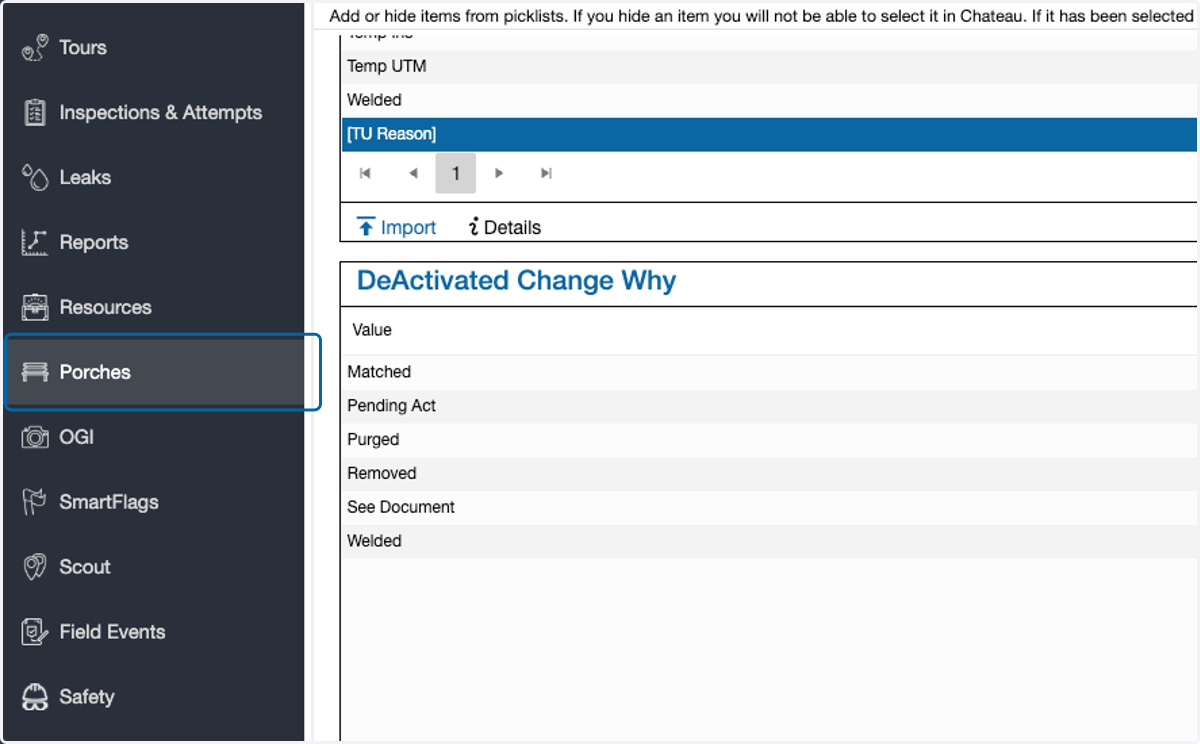
14. Click on Porches
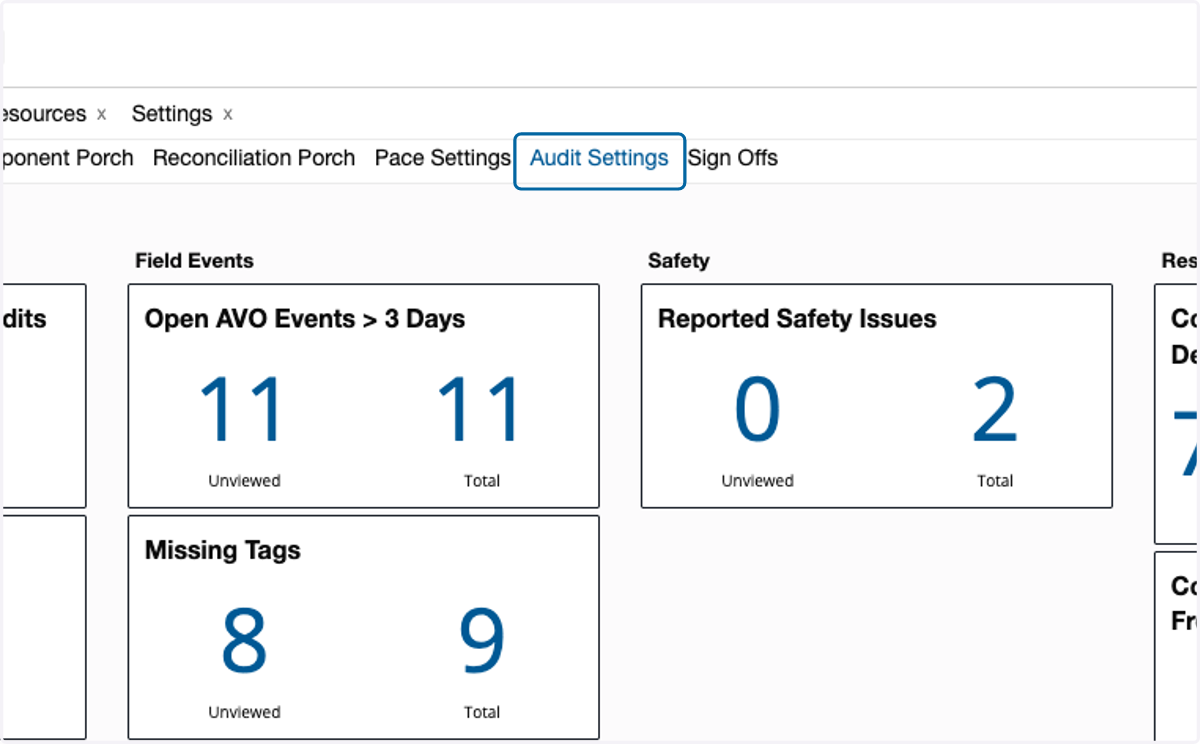
15. Click on Audit Settings
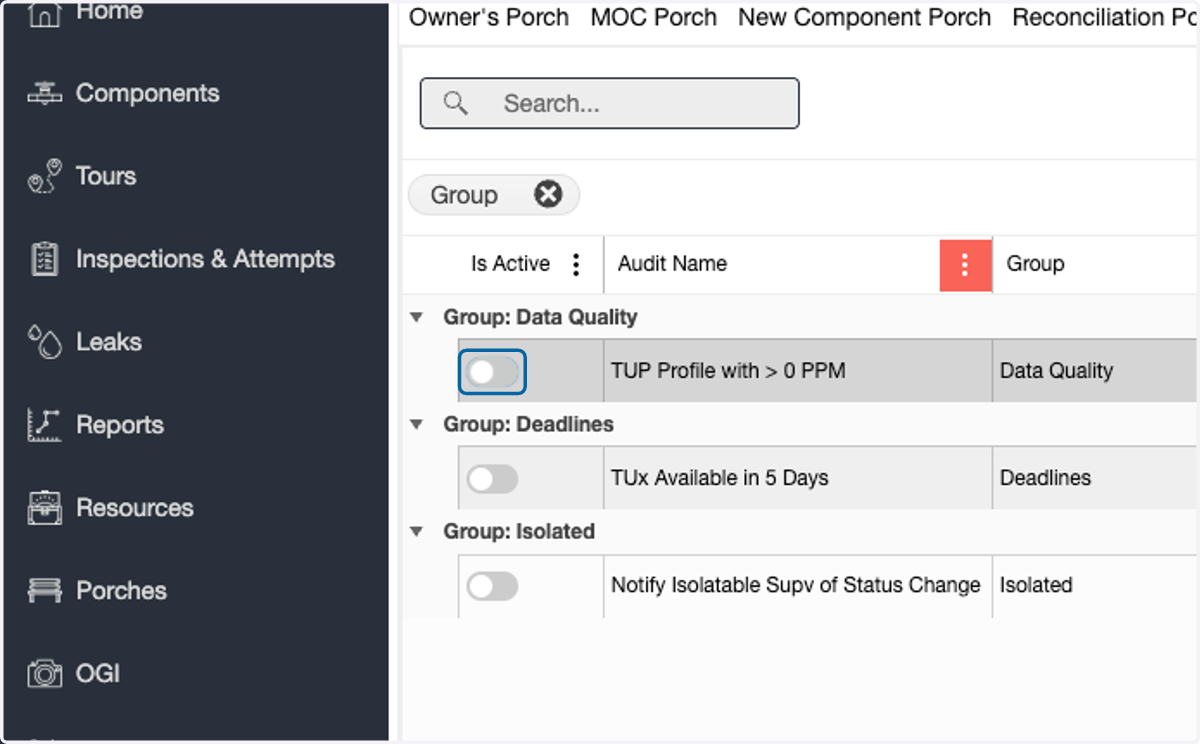
16. Click the slider next to the audit name(s) to turn it on
Set up Email Alerts
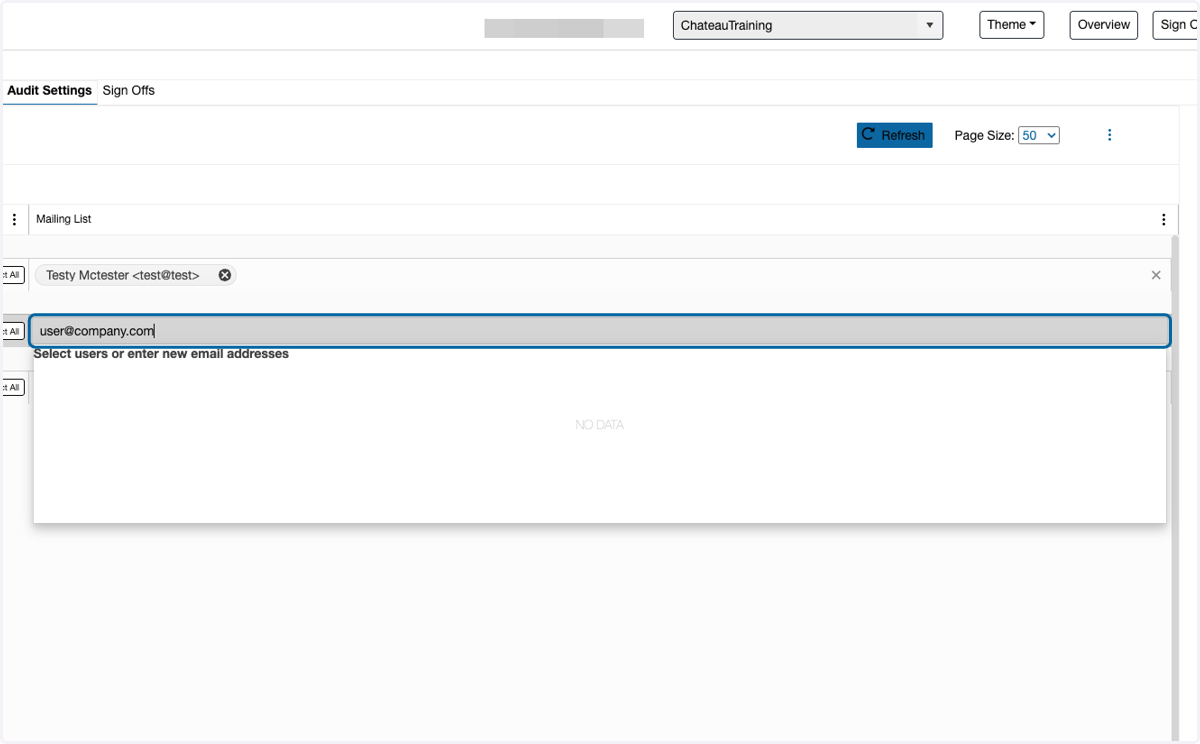
17. On the preferred auditt, select the user from the picklist in the Mailing List field
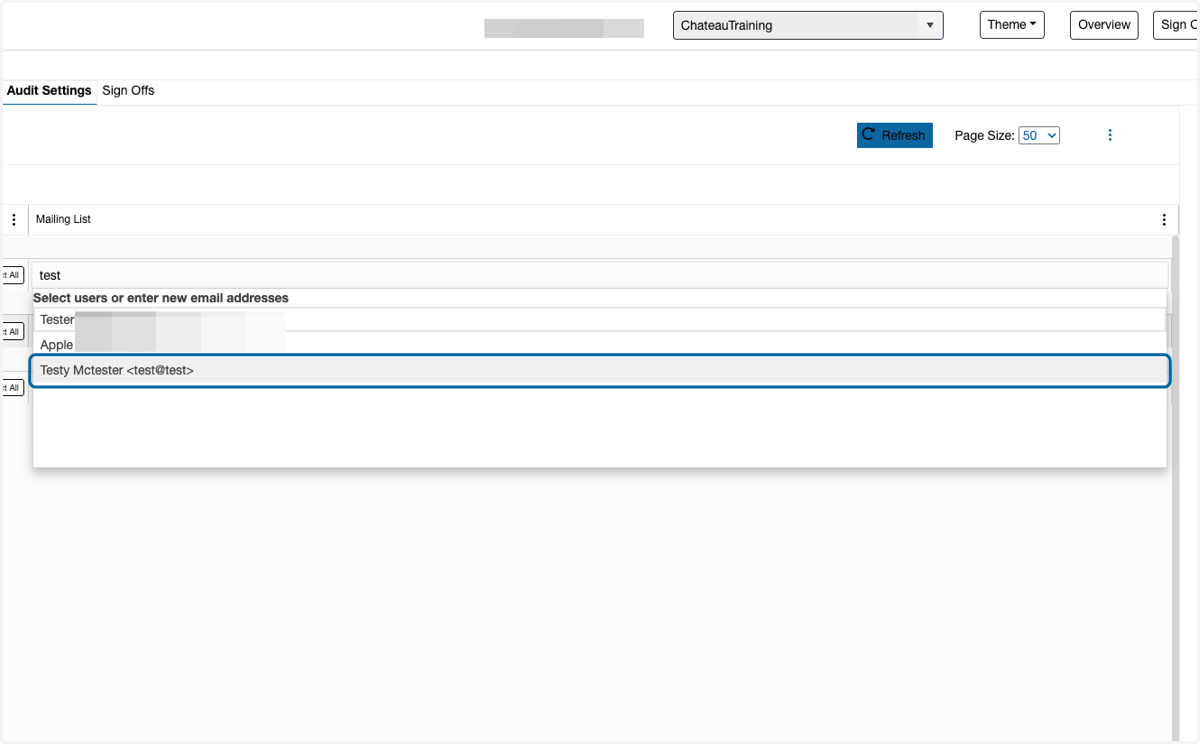
18. If the user is not in the picklist, type in the preferred email address