AI Feature Overview

FollowUpCRM

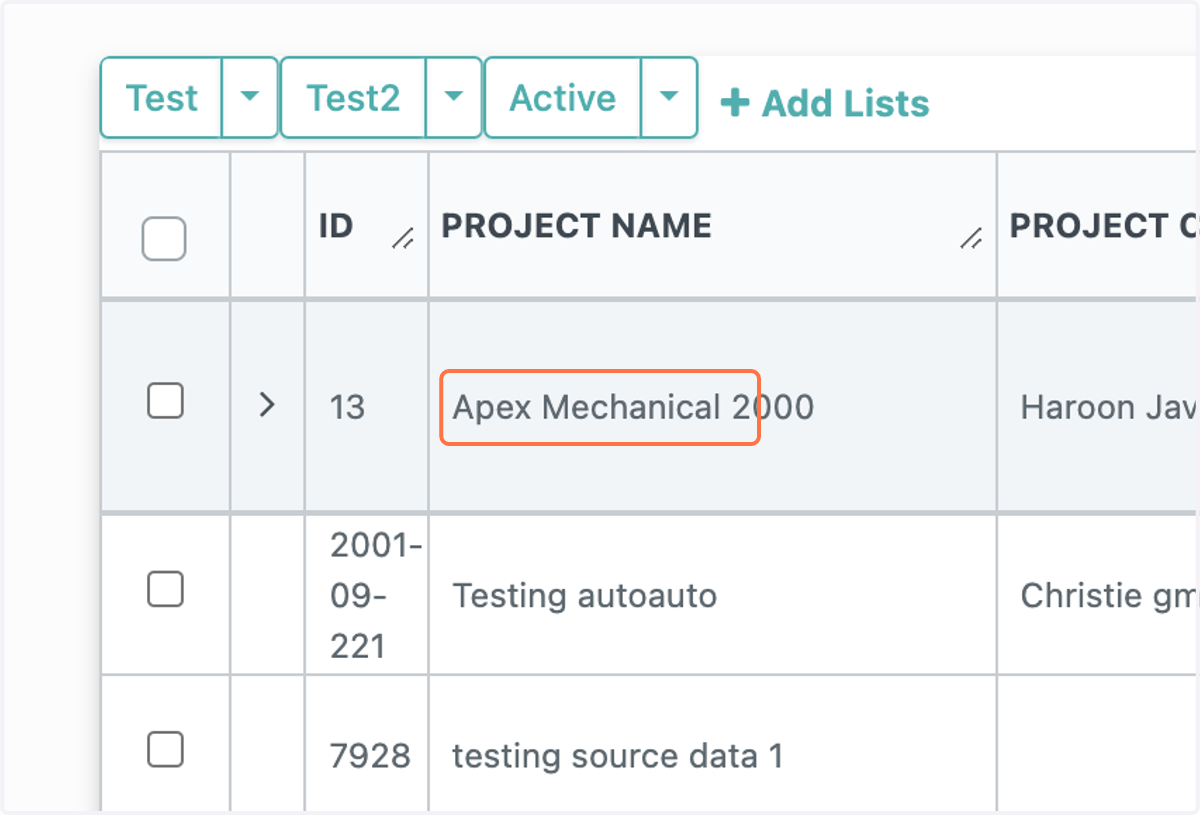
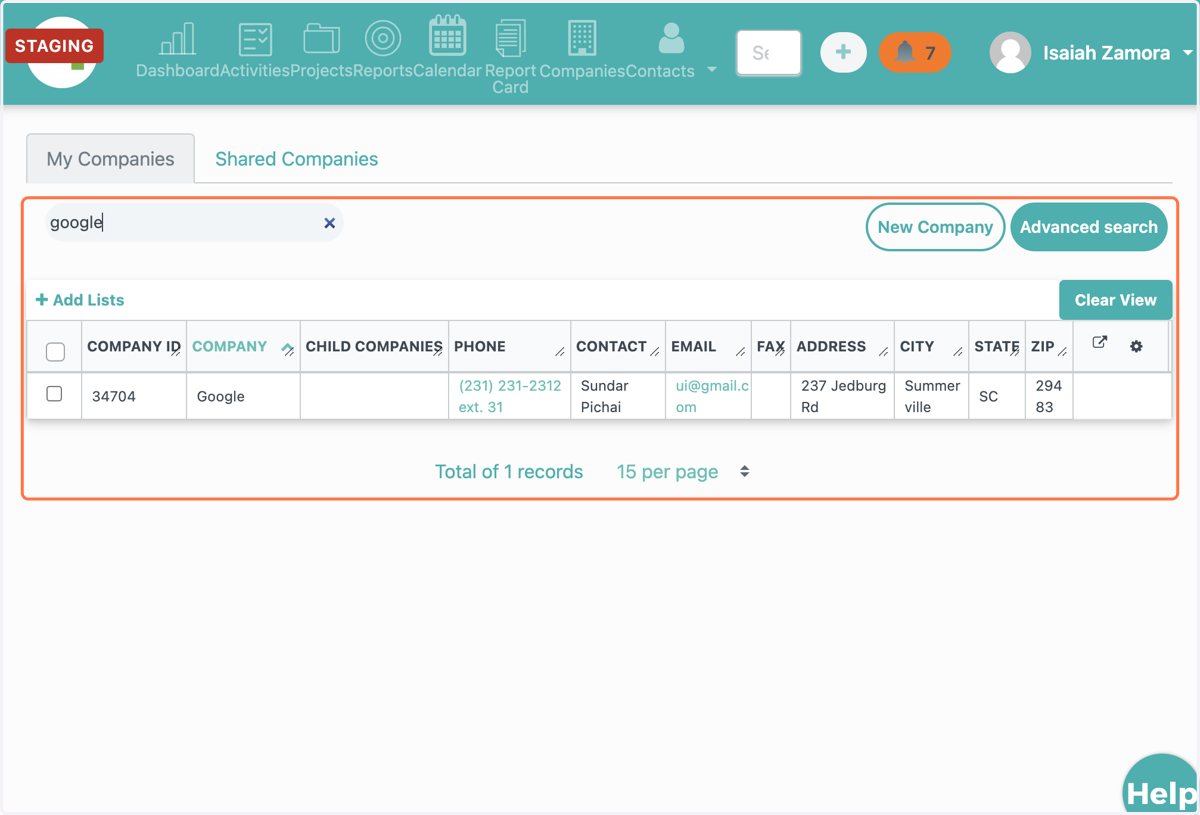
  1. 1. Select a company

    Select a company
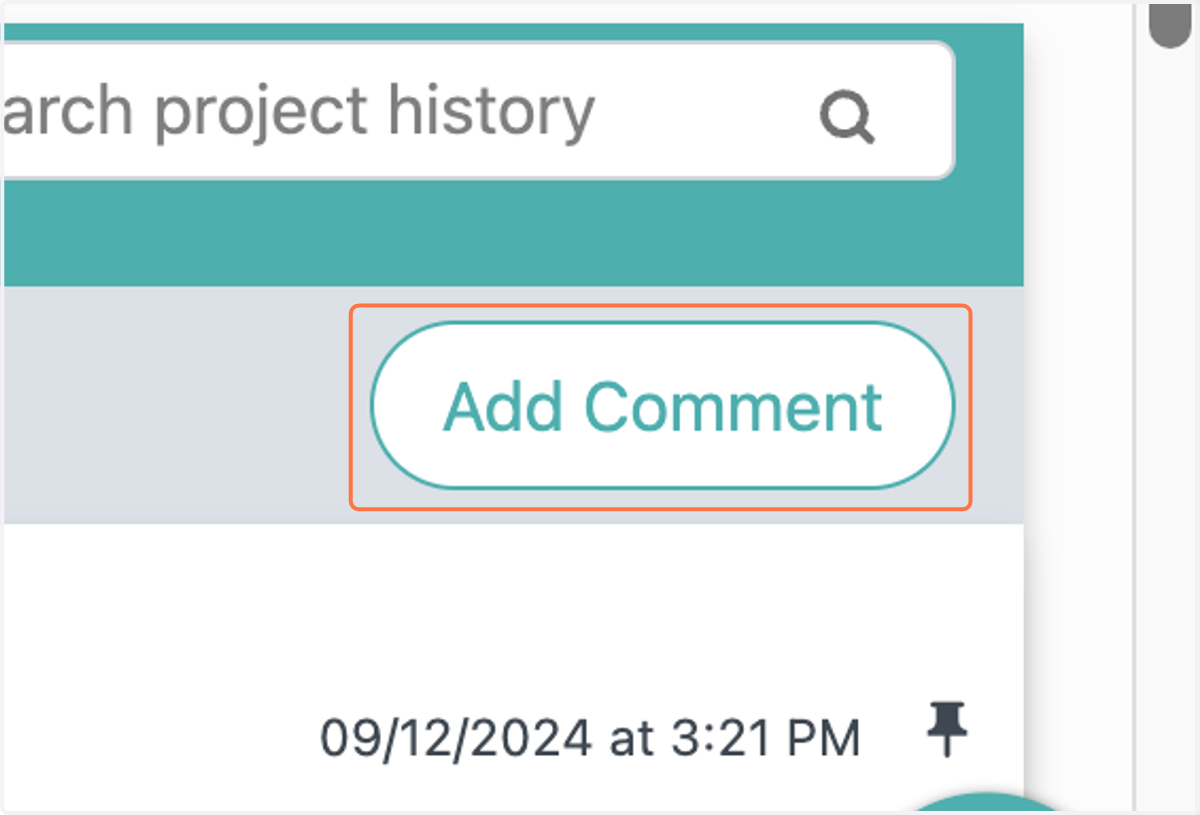
  2. 2. Click on Add Comment

    Click on Add Comment
  3. 3. Click on Summarize project with AI
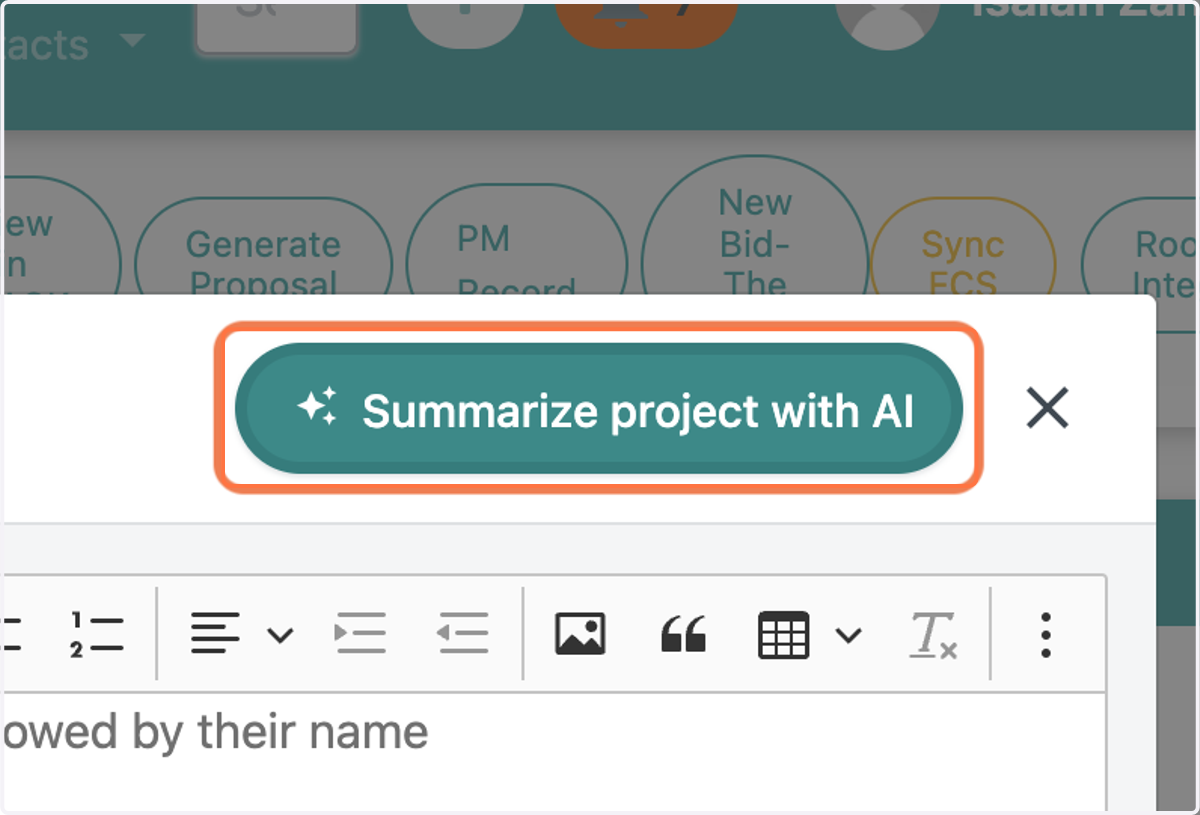
    Click on Summarize project with AI
  4. 4. The AI Feature summarizes your project
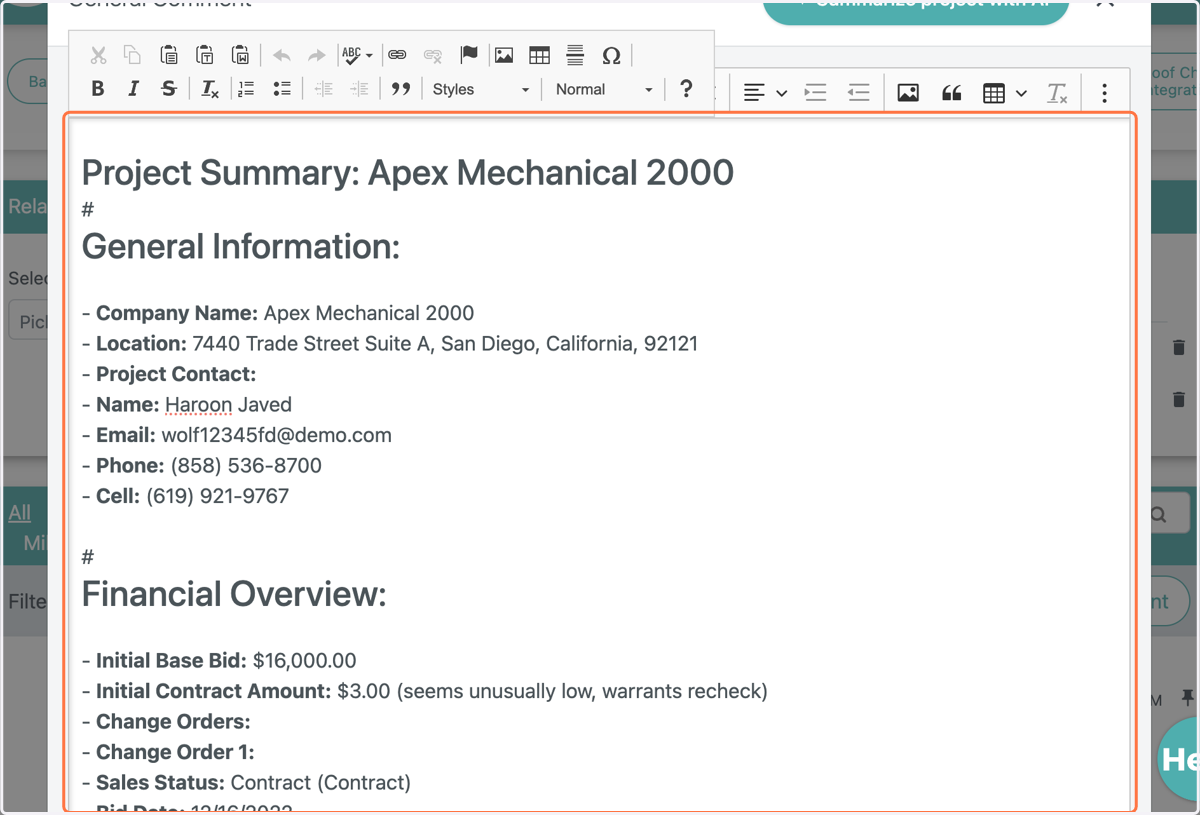
    The AI Feature summarizes your project
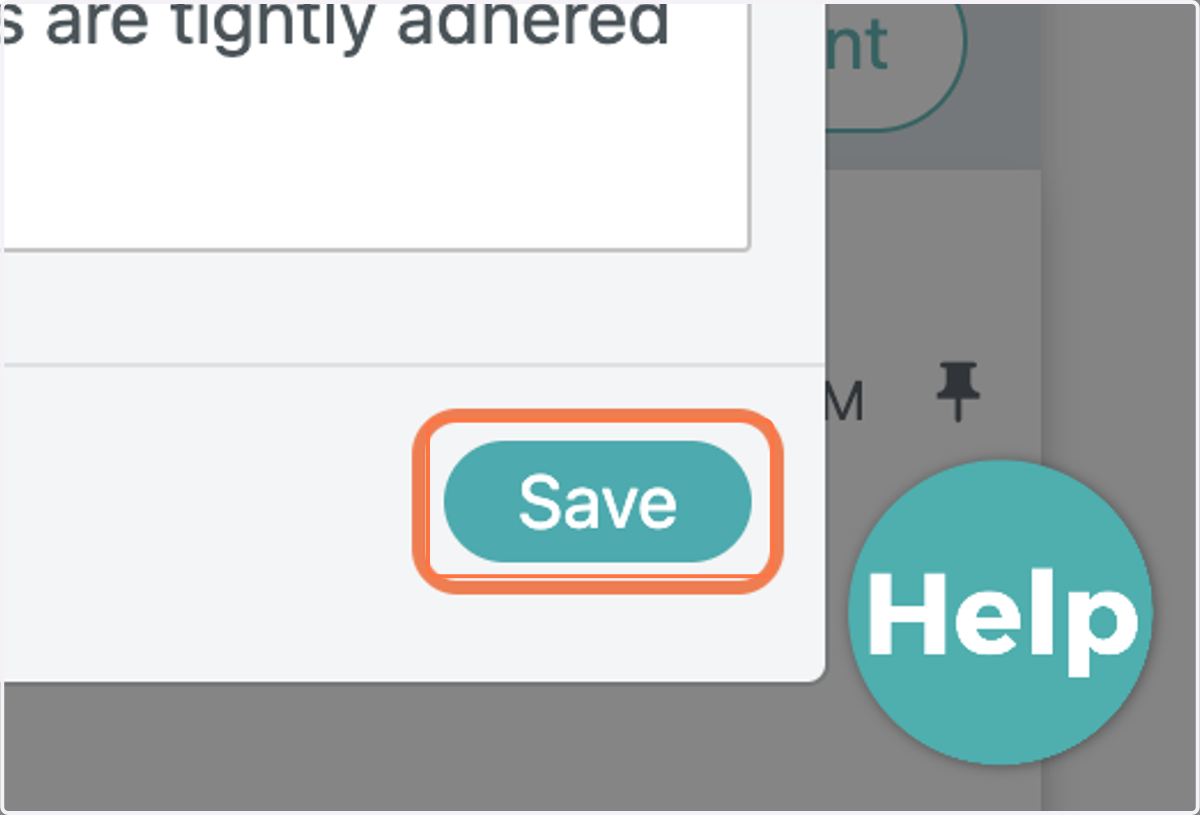
  5. 5. Click on Save

    Click on Save
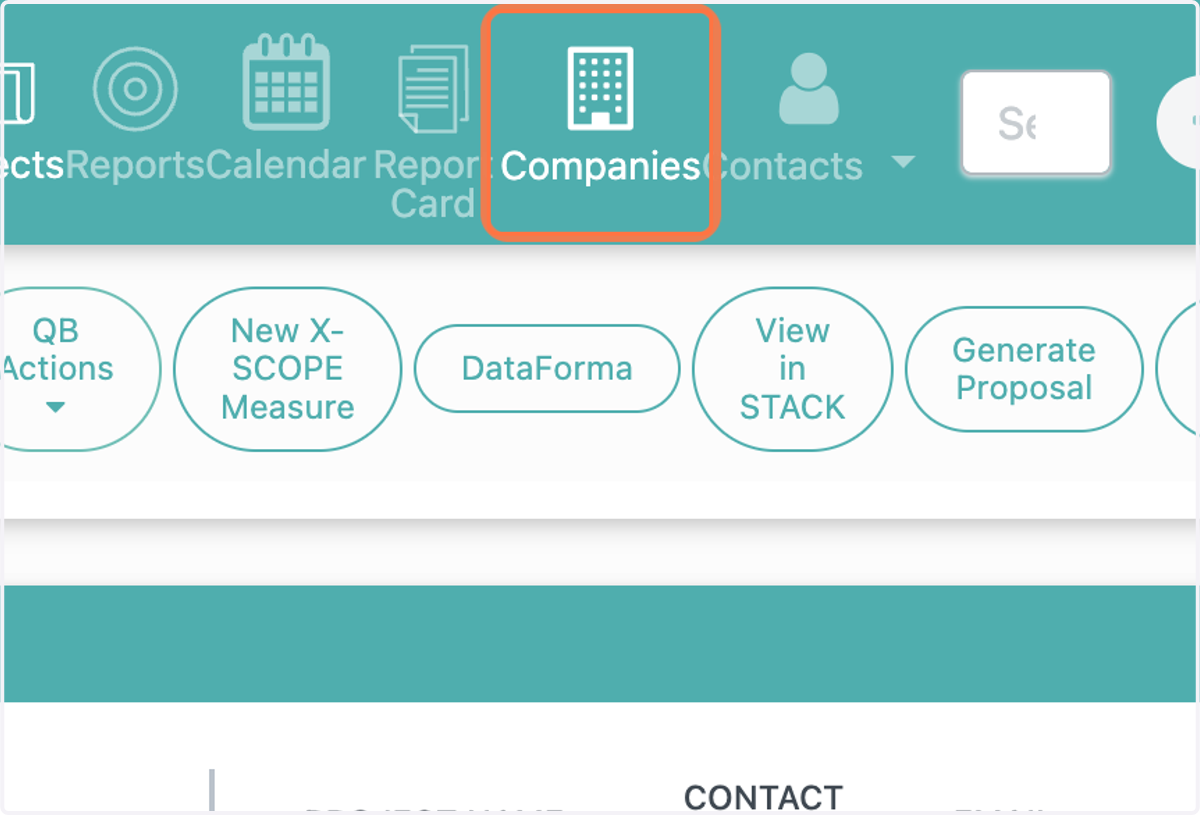
  6. 6. Click on Companies

    Click on Companies
  7. 7. Select a company

    Select a company
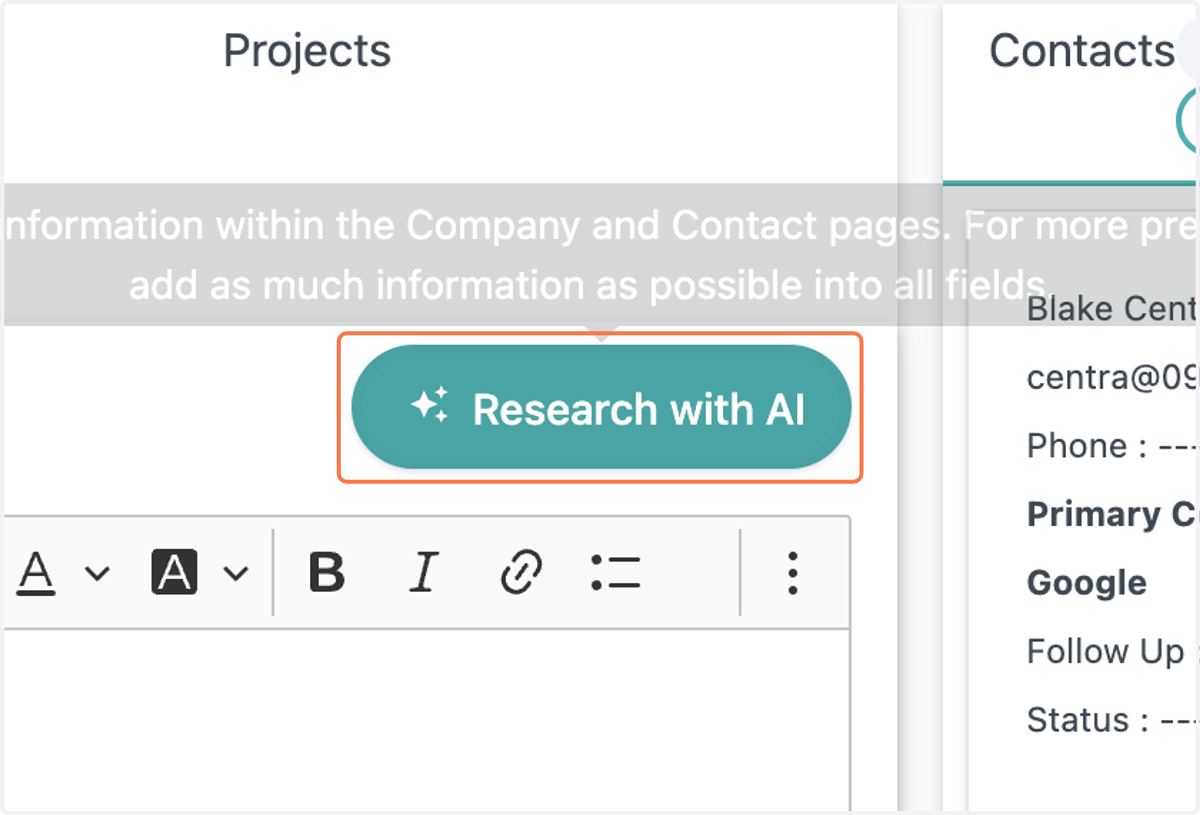
  8. 8. Click on Research with AI

    Click on Research with AI
  9. 9. The AI feature summarizes the company, as well as gives you their website and social media profiles
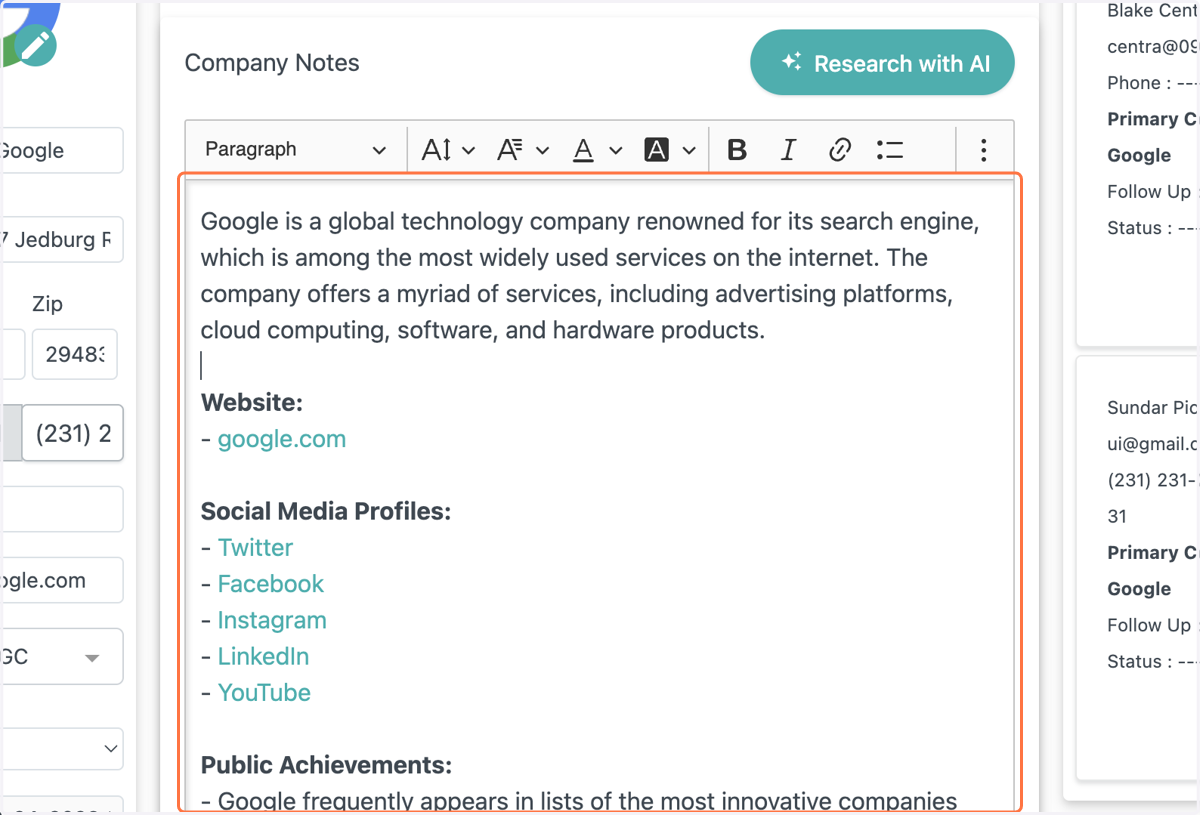
    The AI feature summarizes the company, as well as gives you their website and social media profiles
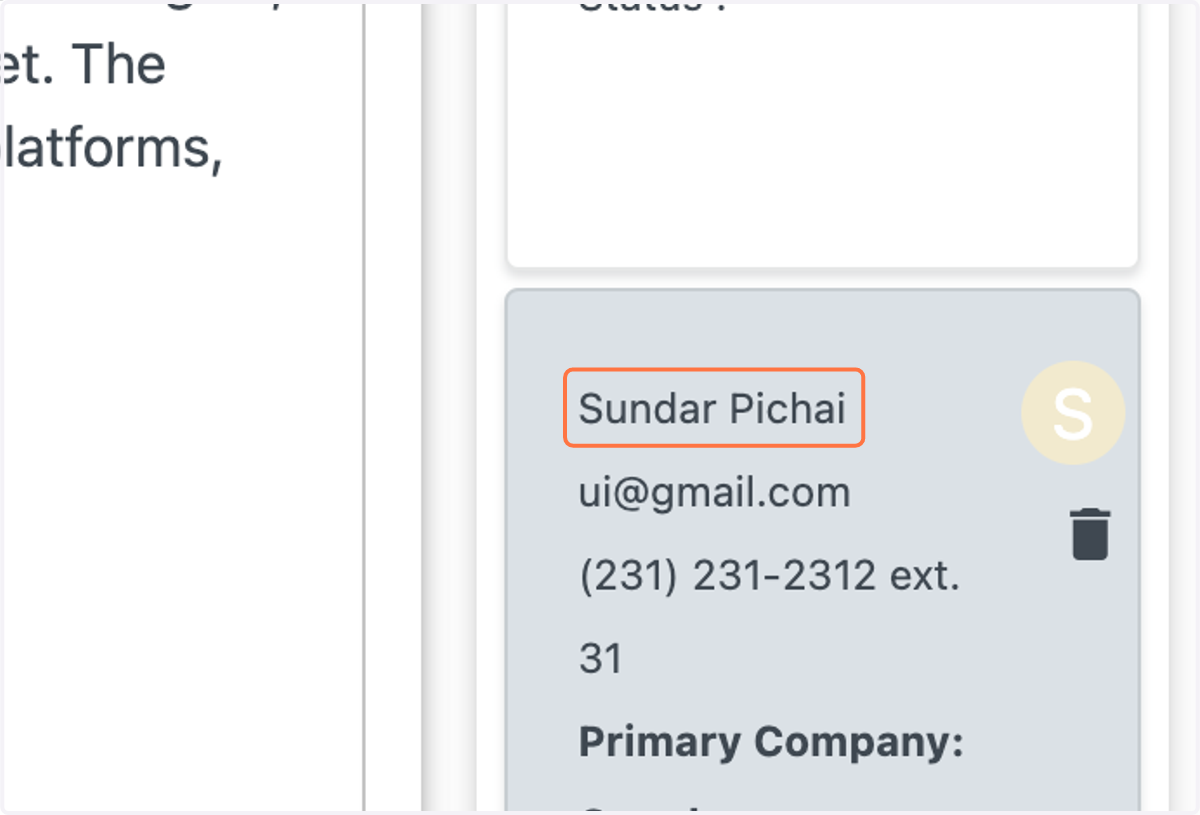
  10. 10. Click on a contact

    Click on a contact
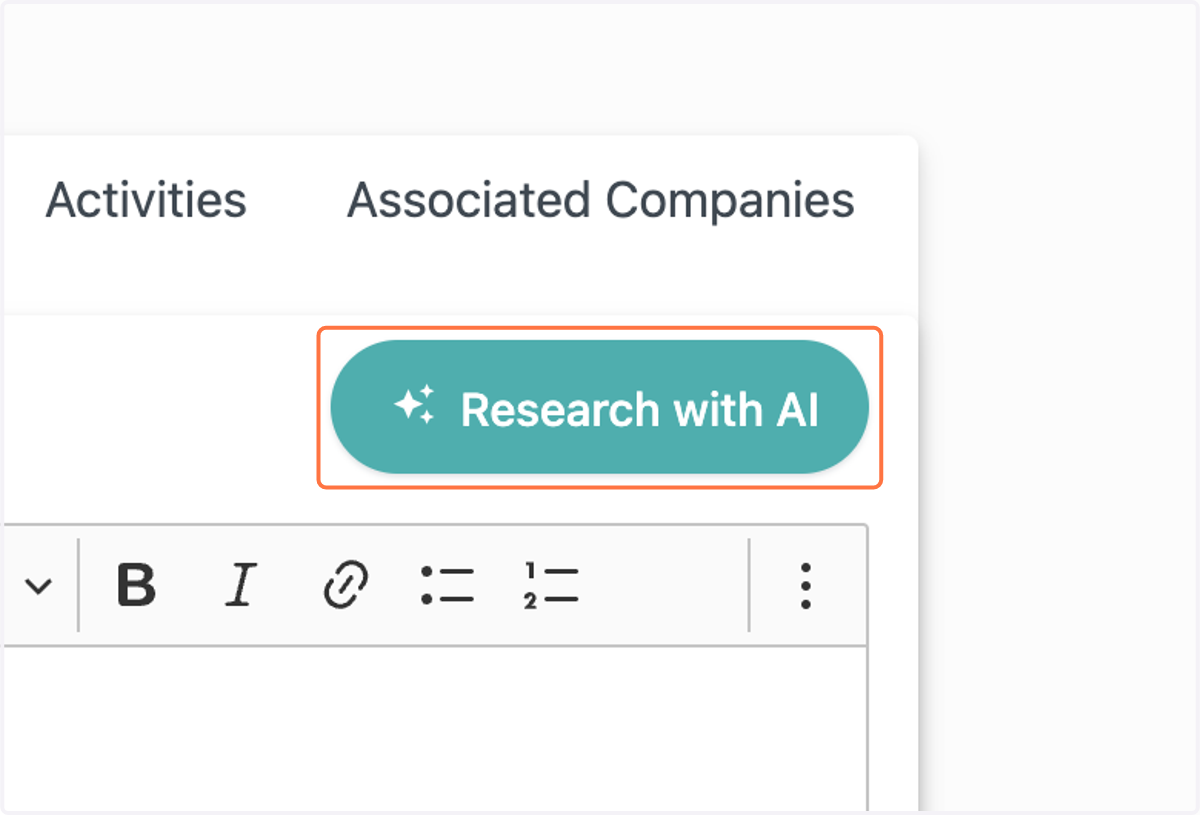
  11. 11. Click on Research with AI

    Click on Research with AI
  12. 12. The AI feature summarizes your contact, gives their achievements, public mentions, and social media profiles
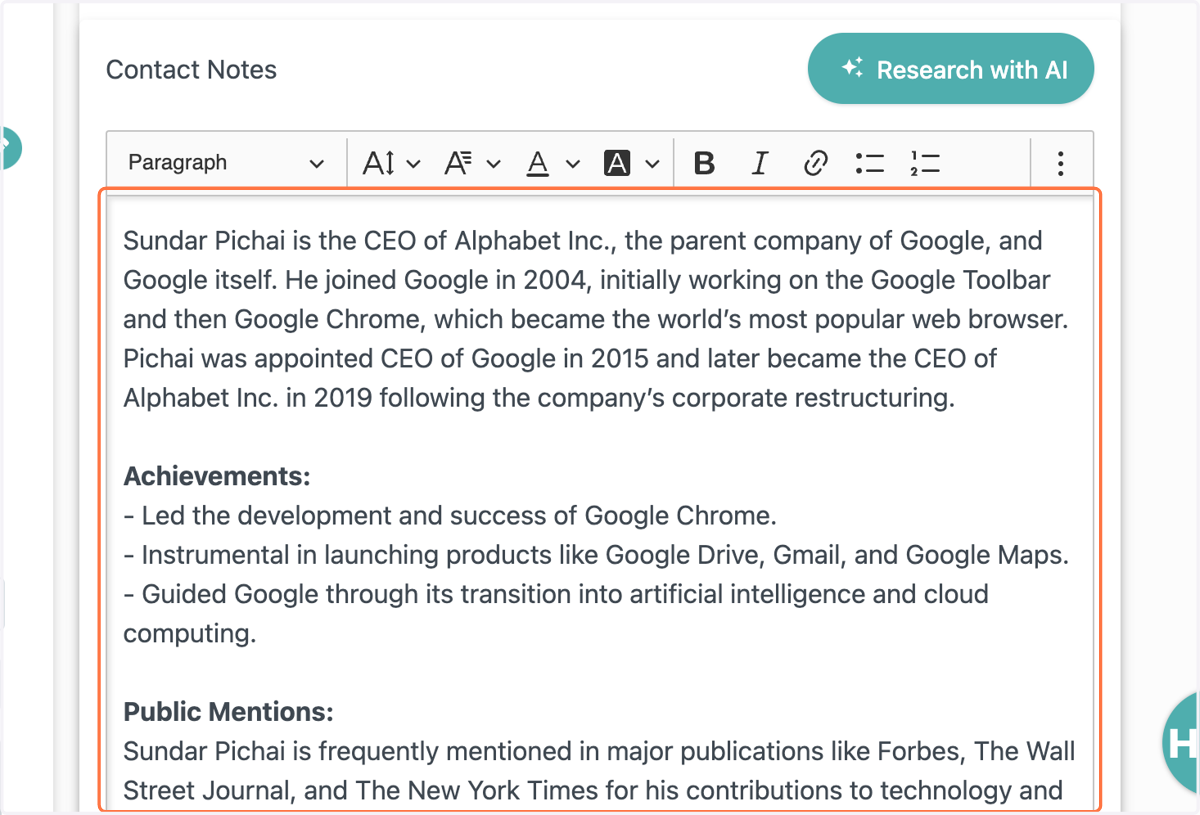
    The AI feature summarizes your contact, gives their achievements, public mentions, and social media profiles