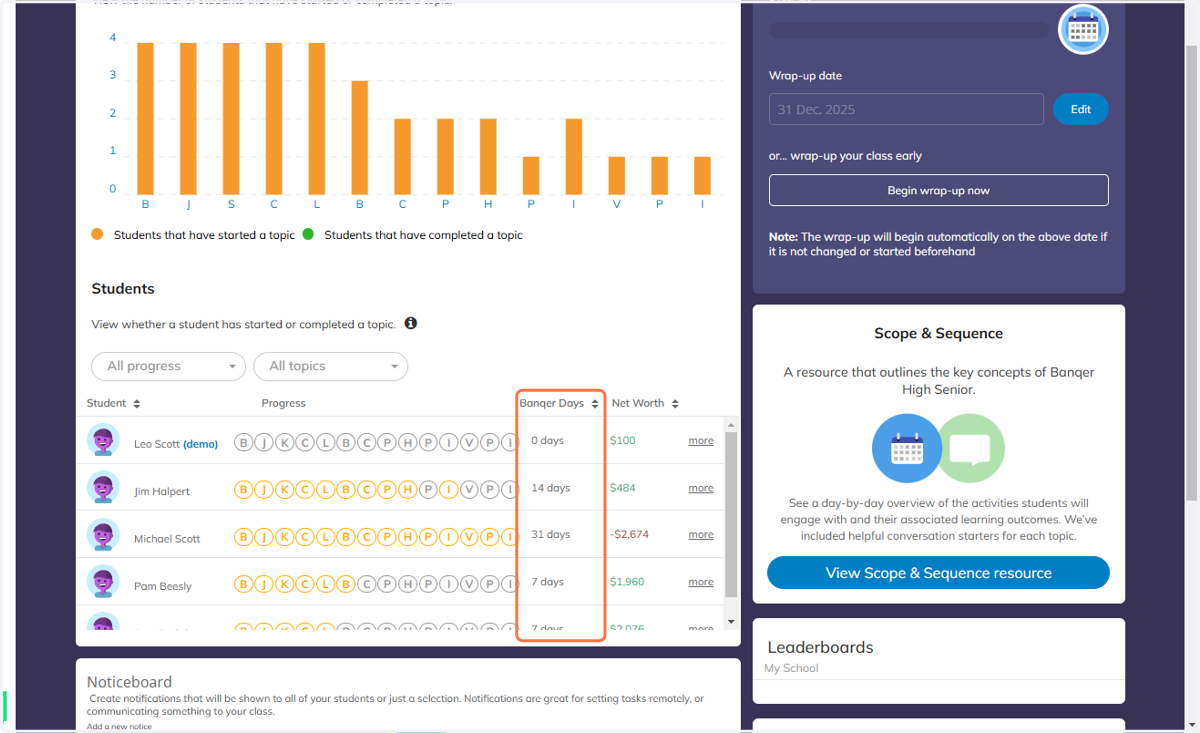
Navigating to the Banqer High Senior Scope and Sequence Doc
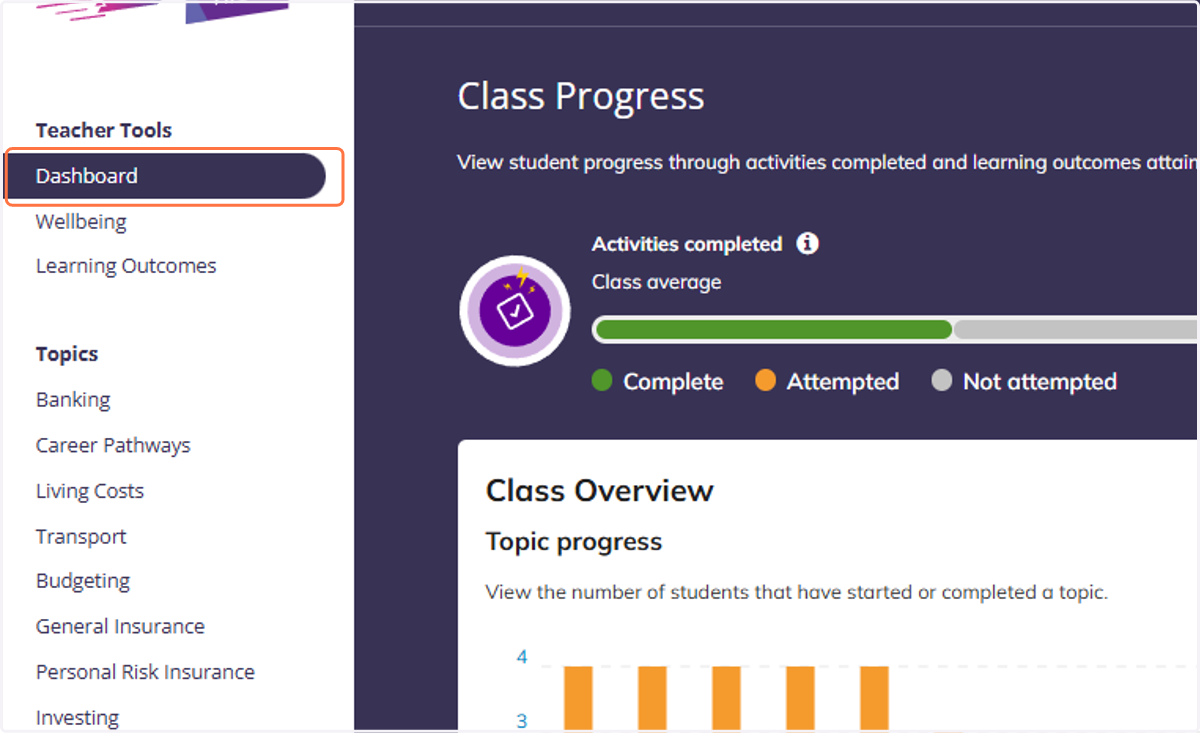
1. Navigate to the Teacher Dashboard
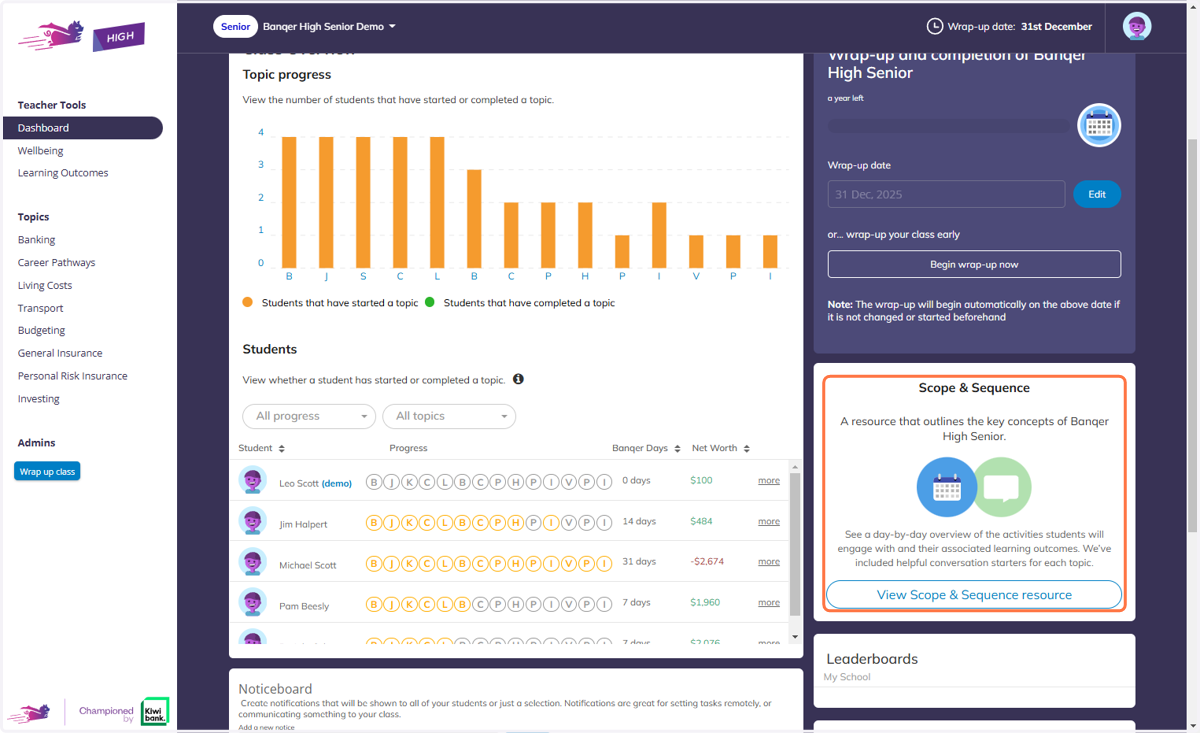
2. Find the Scope and Sequence section on the right-hand side.
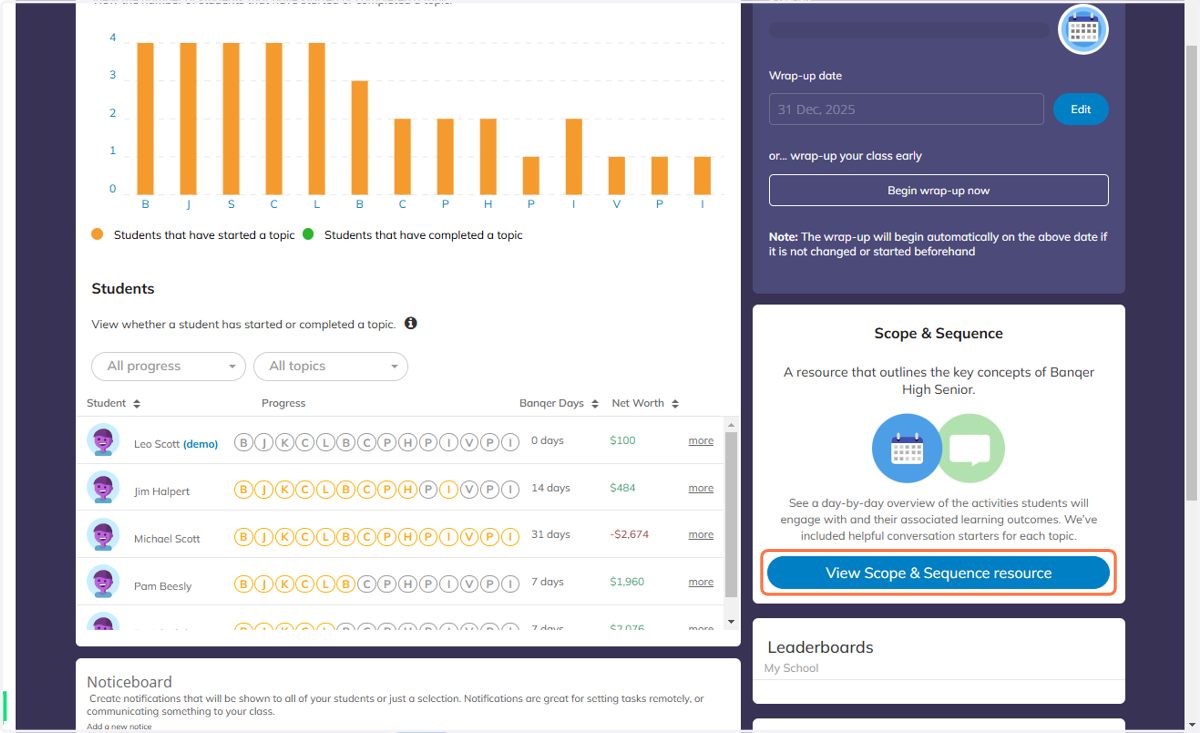
3. Click on the 'View Scope & Sequence resource' button.
4. Use the Banqer Days column in your Class Overview to know what Banqer Day each student is on.