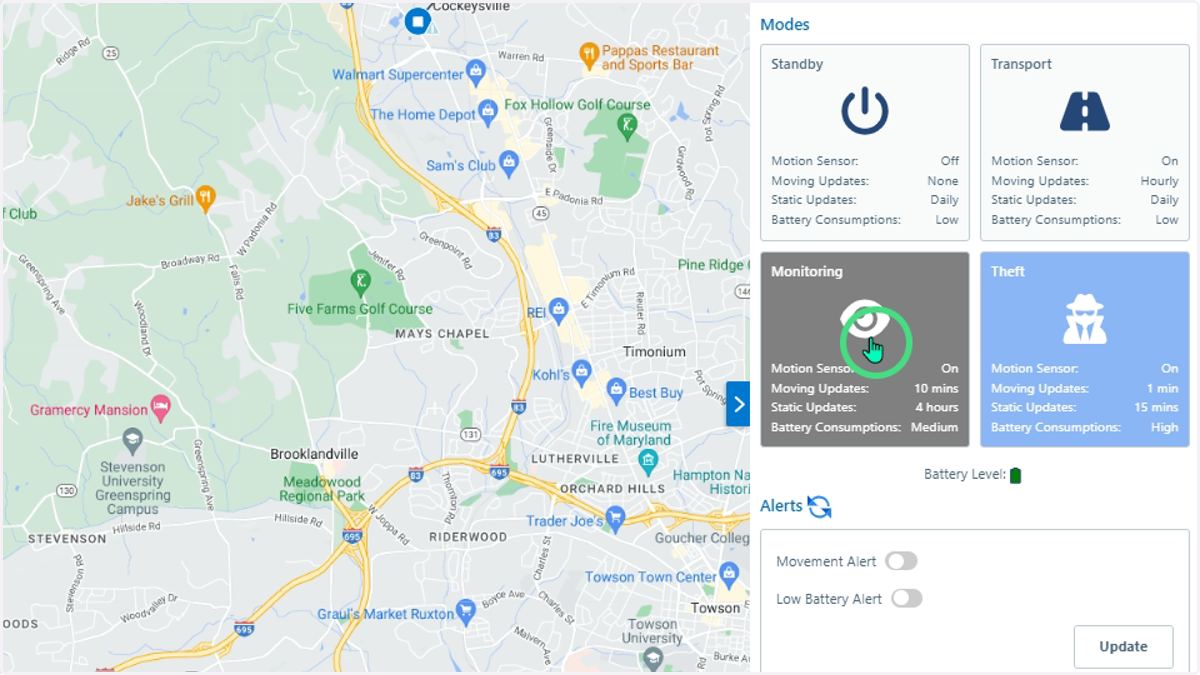
Changing GPS Frequency Via Modes
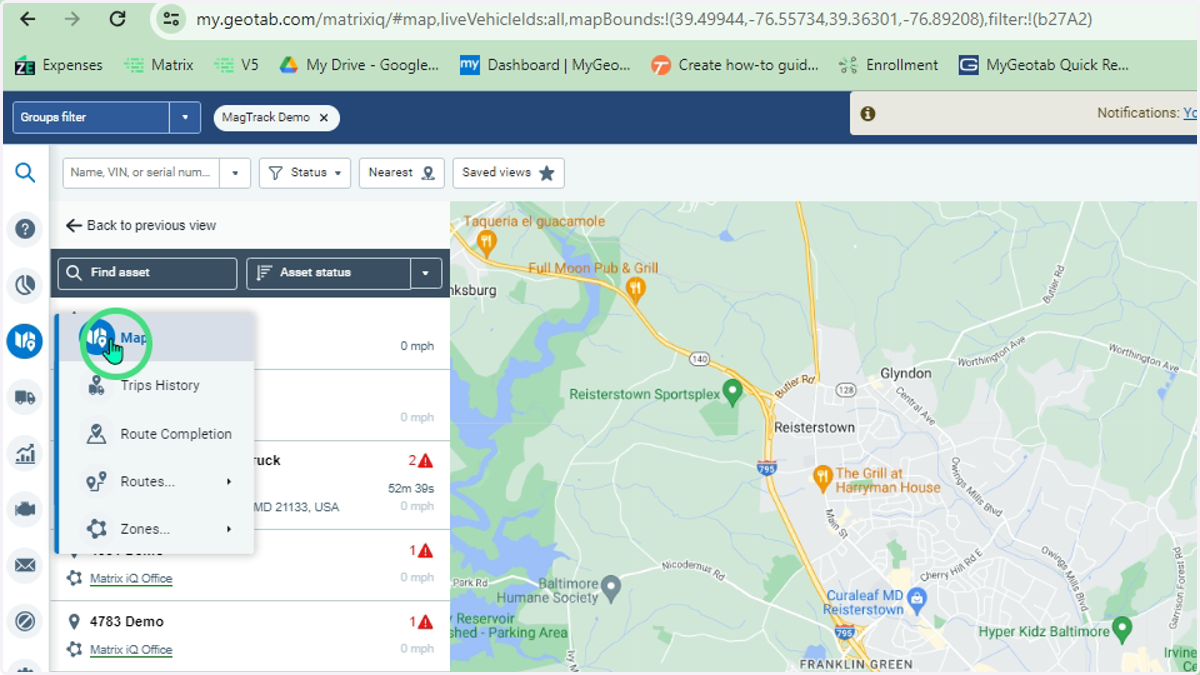
1. Enter the Map Area in MyGeotab
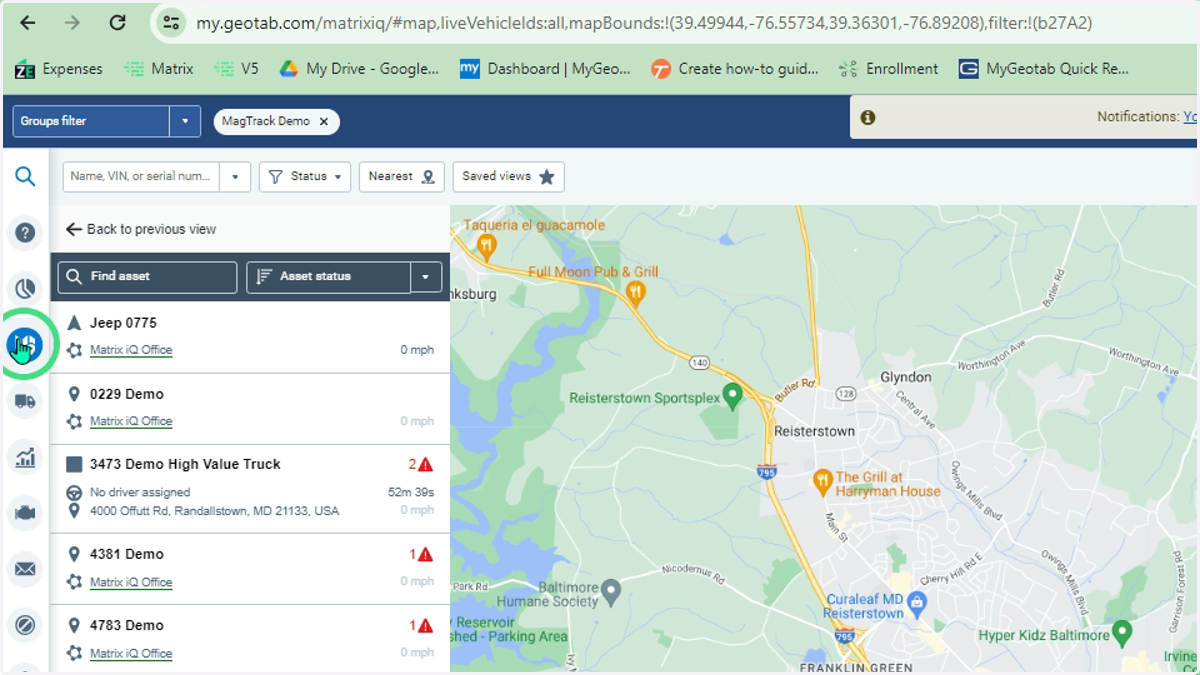
2. Click here
3. Open the MagTrack+ Add-In by clicking on the chevron on the right side of the screen.
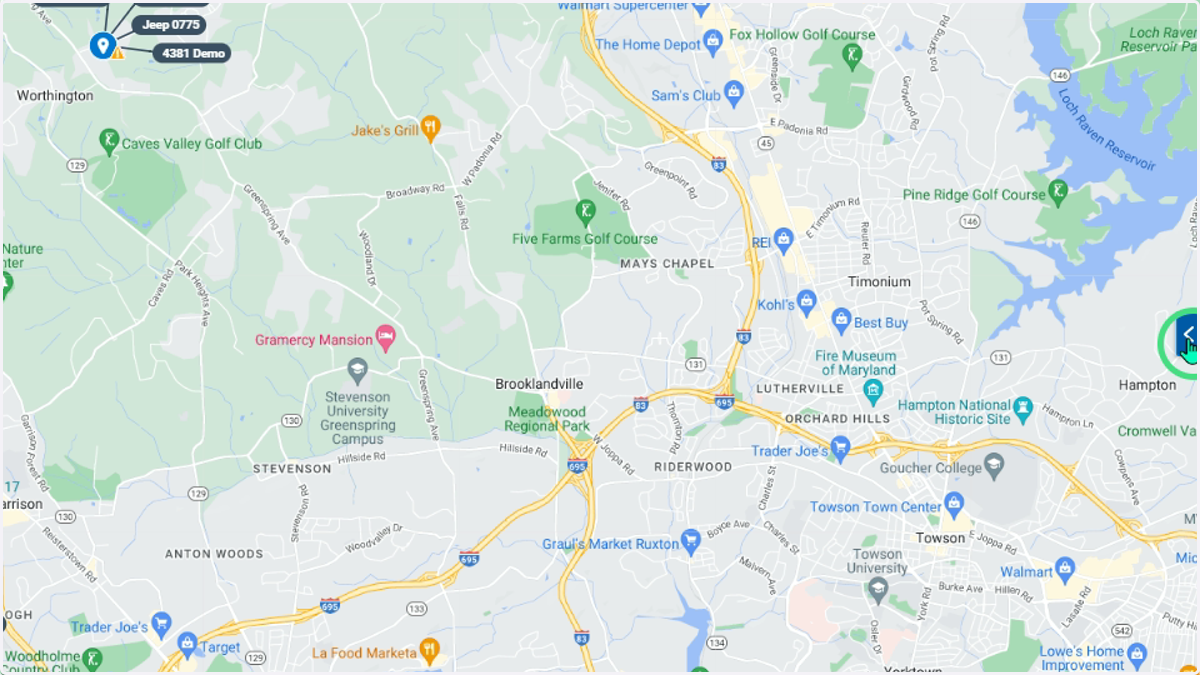
4. This opens the Add-In panel
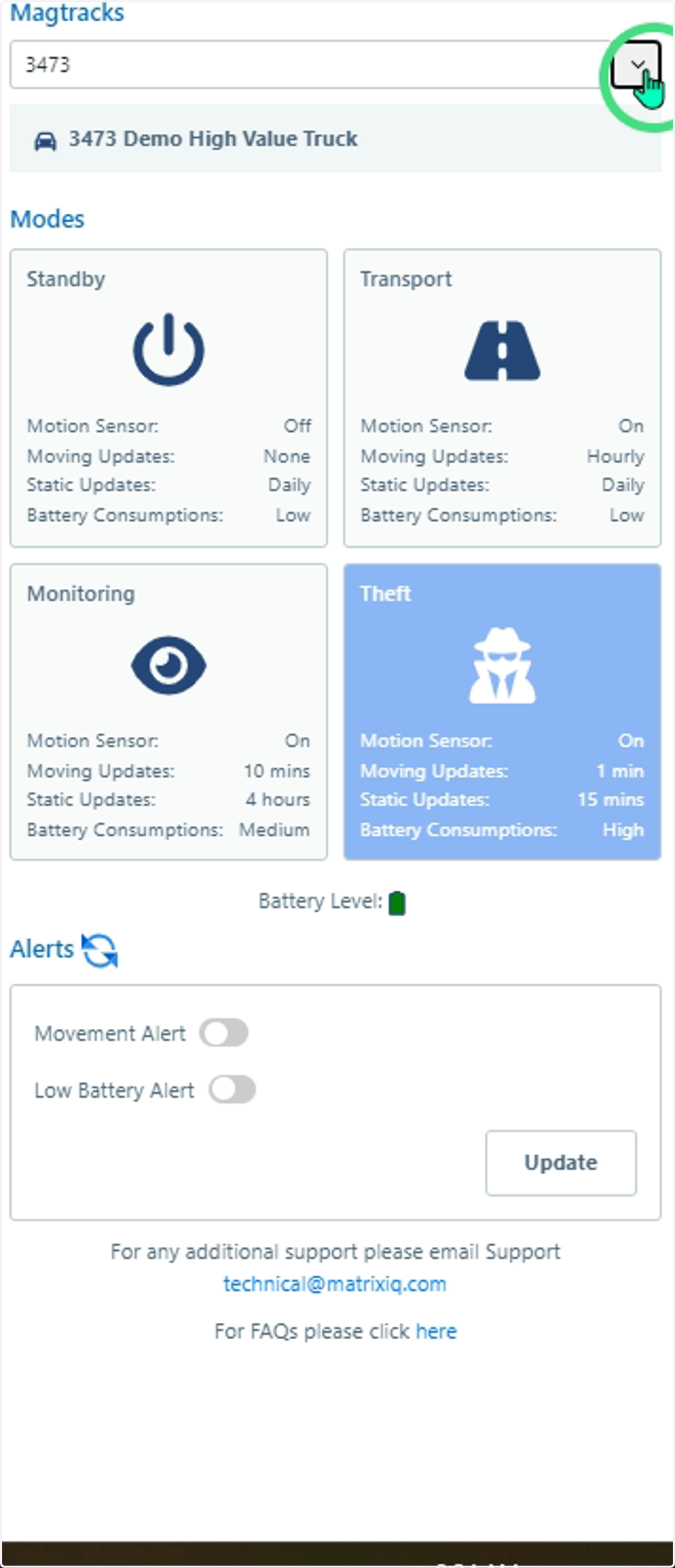
5. Choose the asset to change Mode
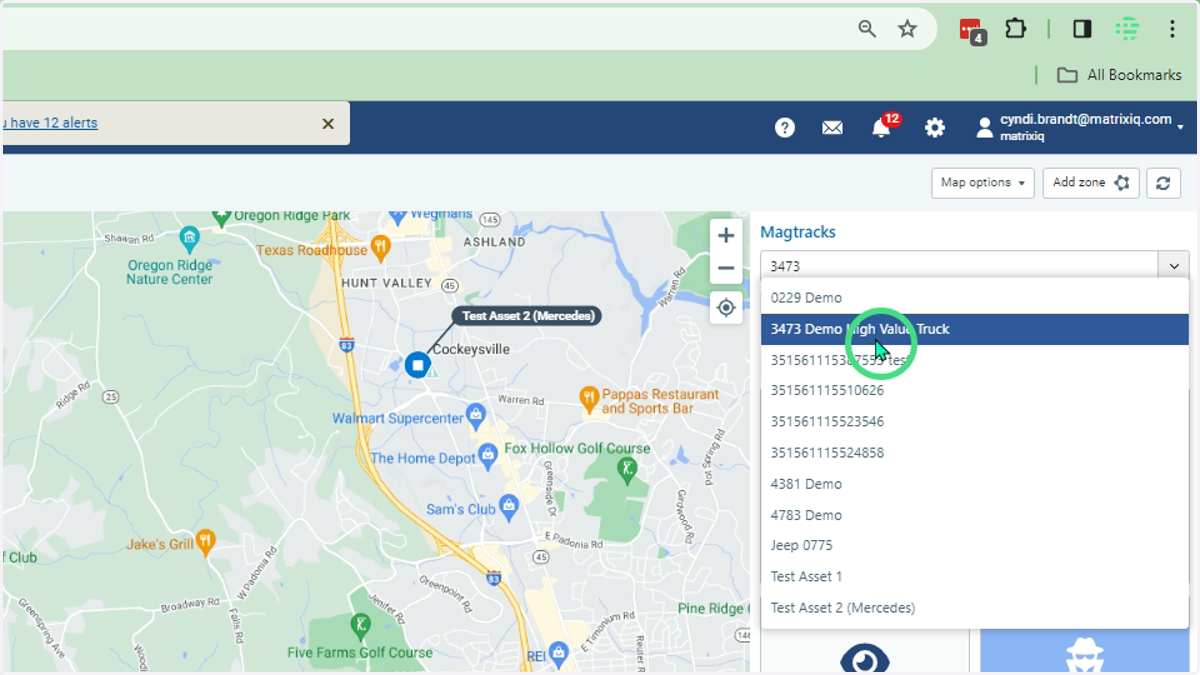
6. The current Mode is highlighted in blue, click on the new mode desired
The Mode will be updated at the next communication with the MagTrack+ based on the previous Mode setting.