Deploy an Optimization in Magento Admin
🚀 Deploy an Optimization in Magento Admin
In this step you will the deploy your first optimization, which means it will start optimizing real traffic on your website.
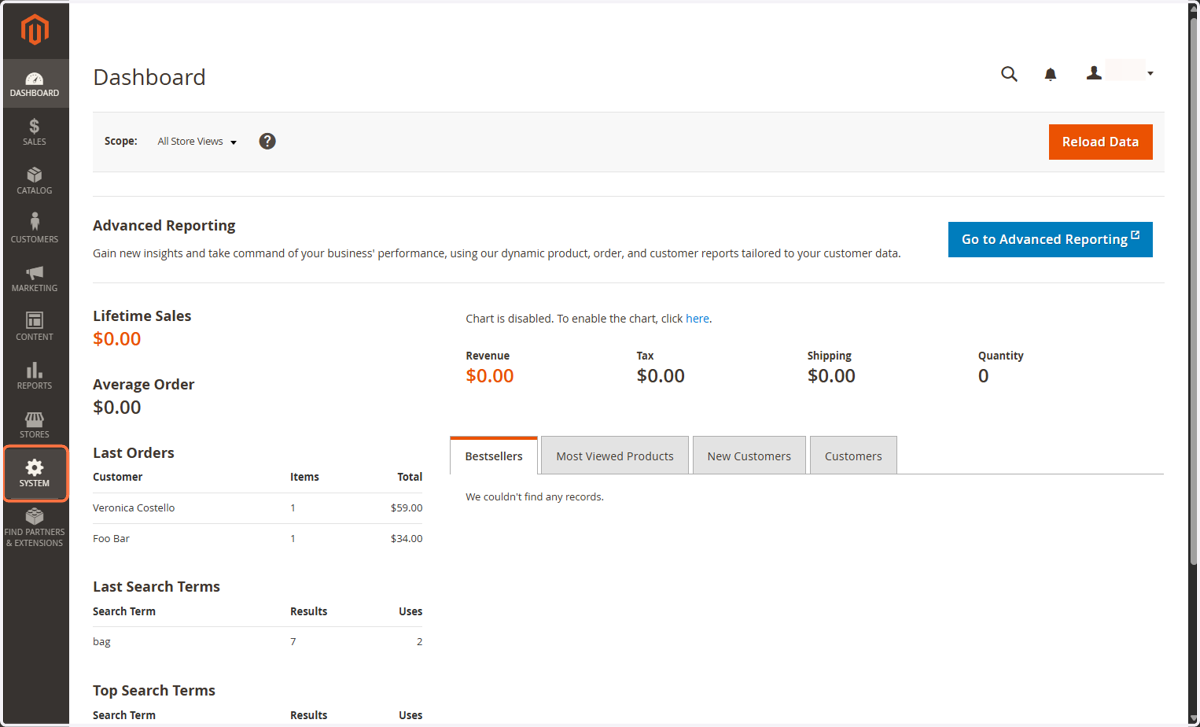
1. Click on SYSTEM
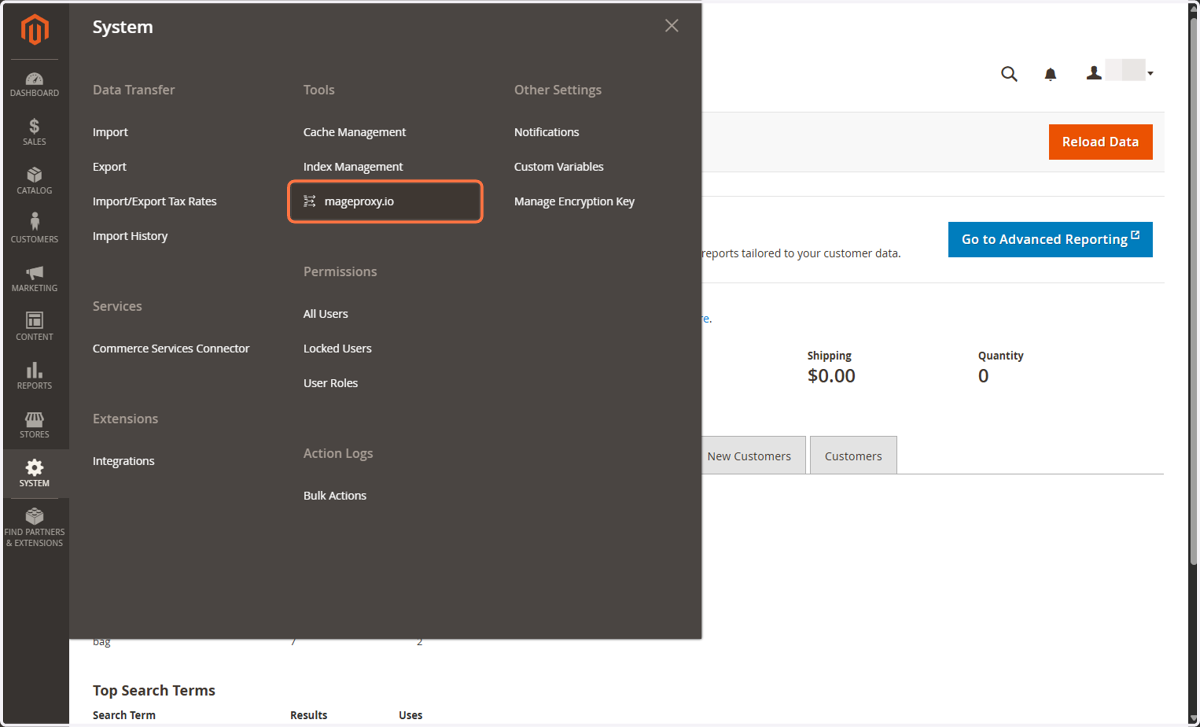
2. Click on mageproxy.io
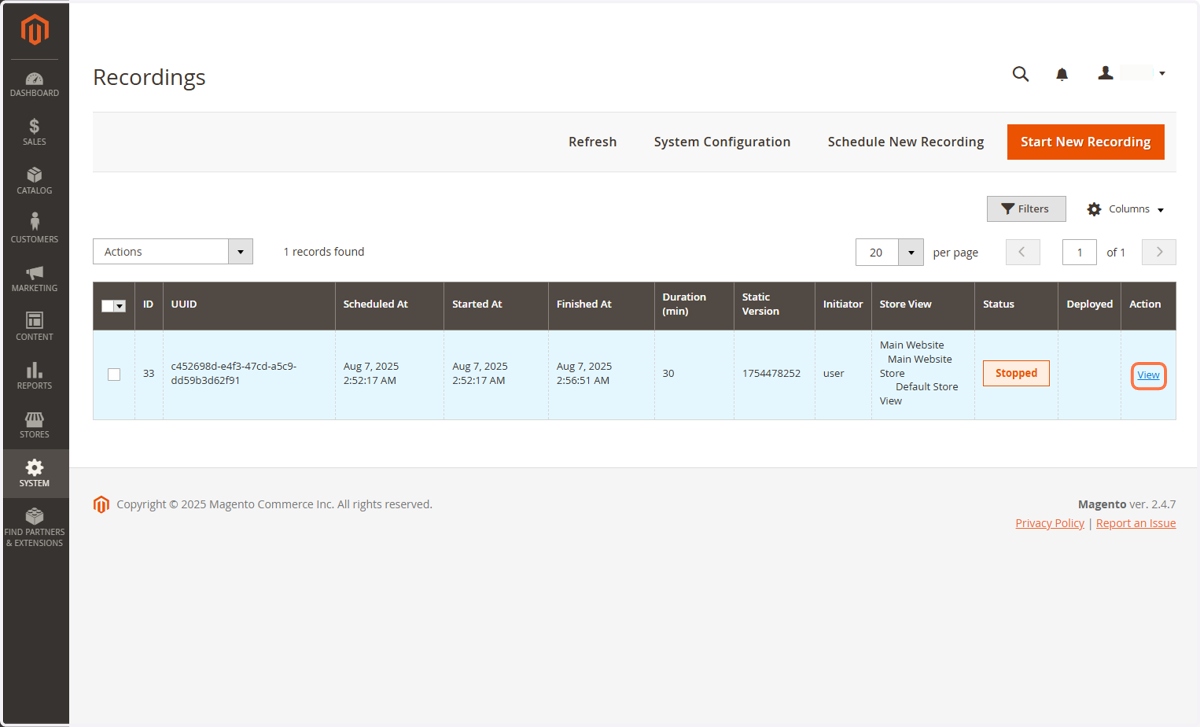
3. Click on View
4. Click on Optimizations
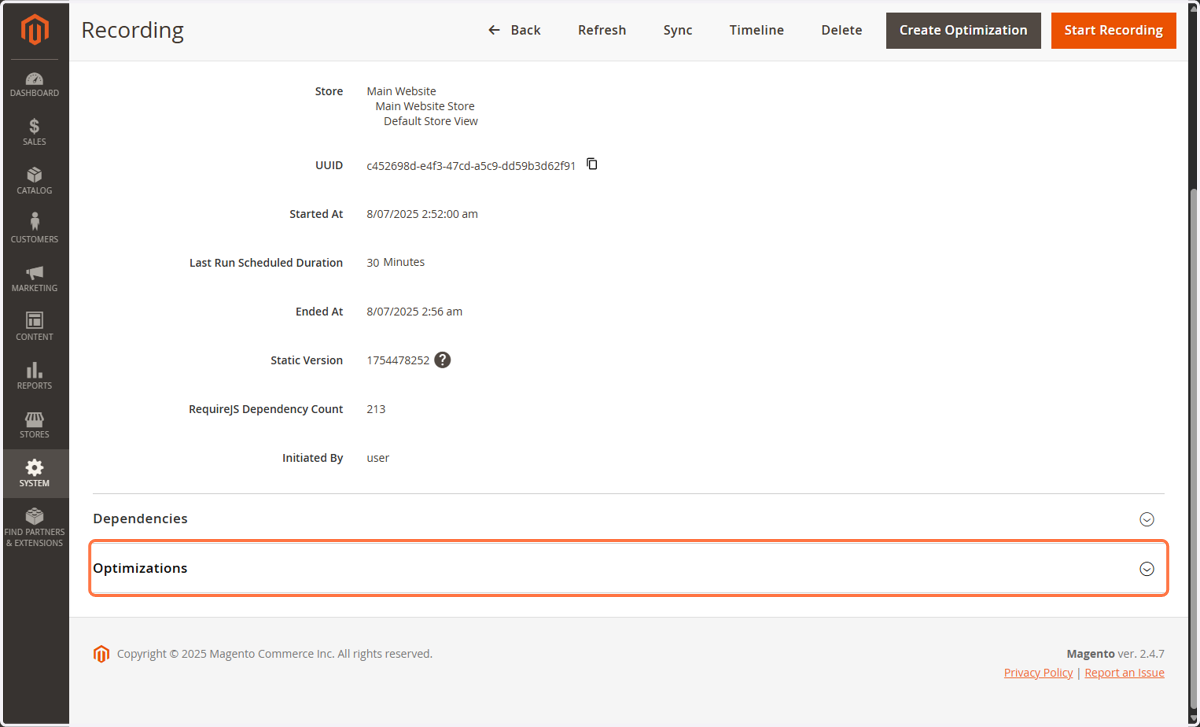
5. Click on View
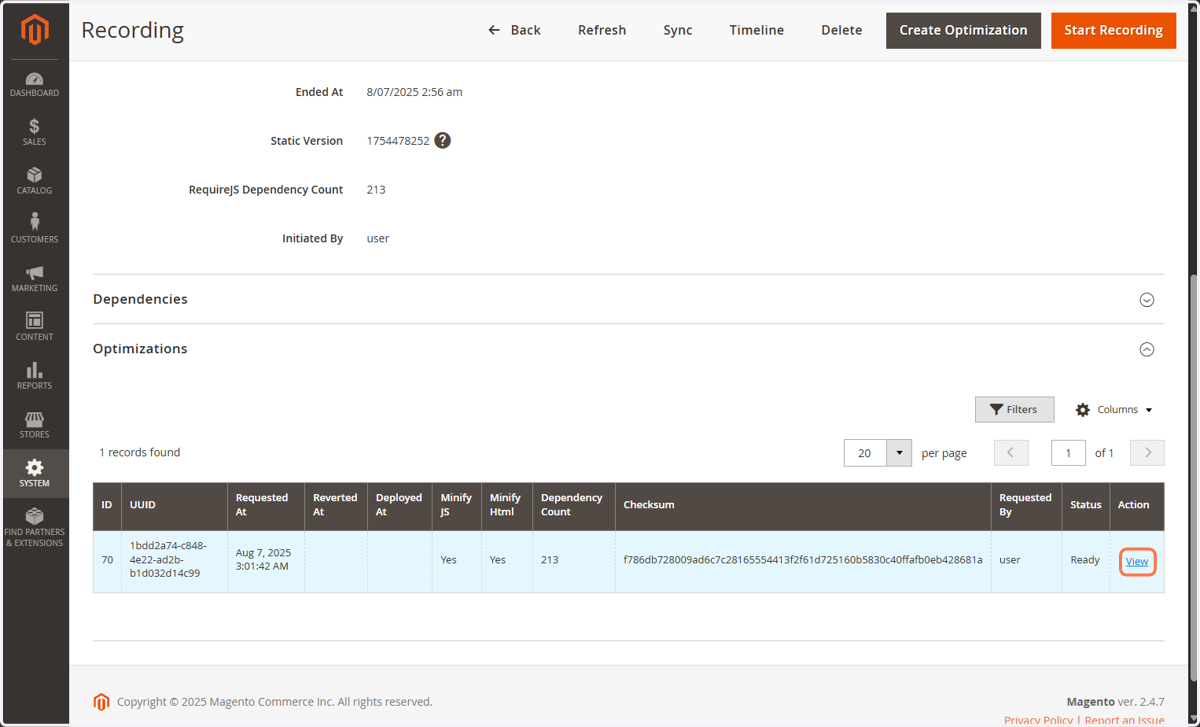
6. Click on Deploy
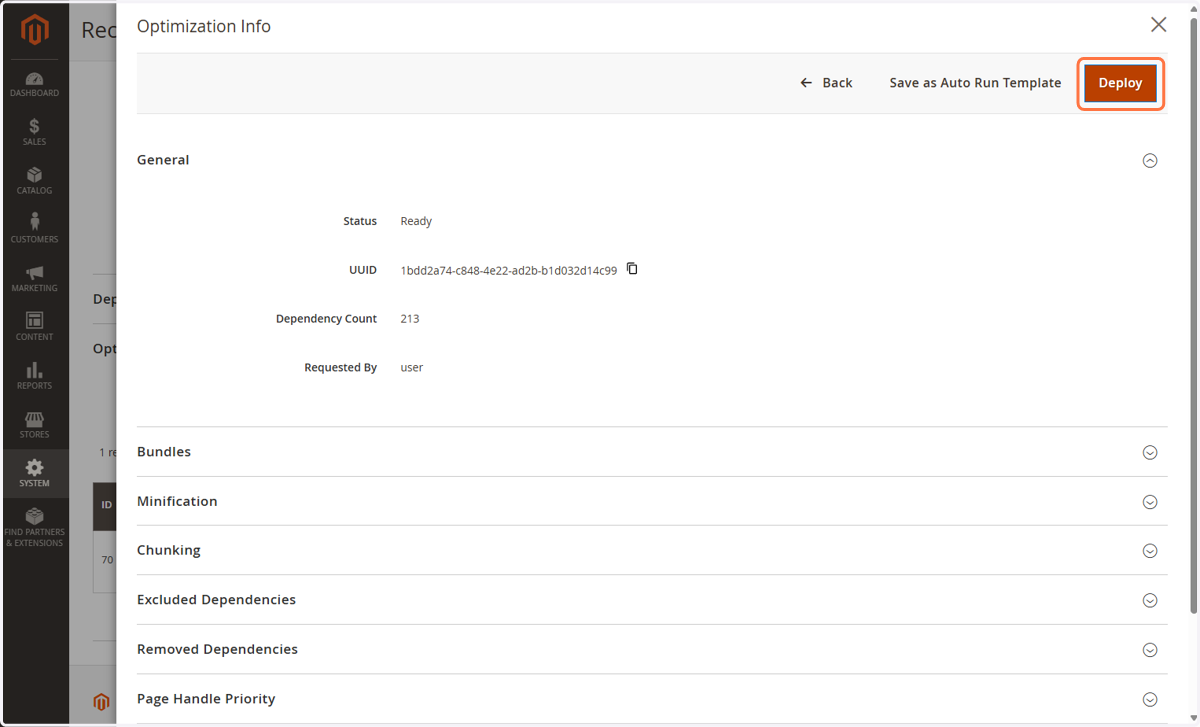
7. Click on OK
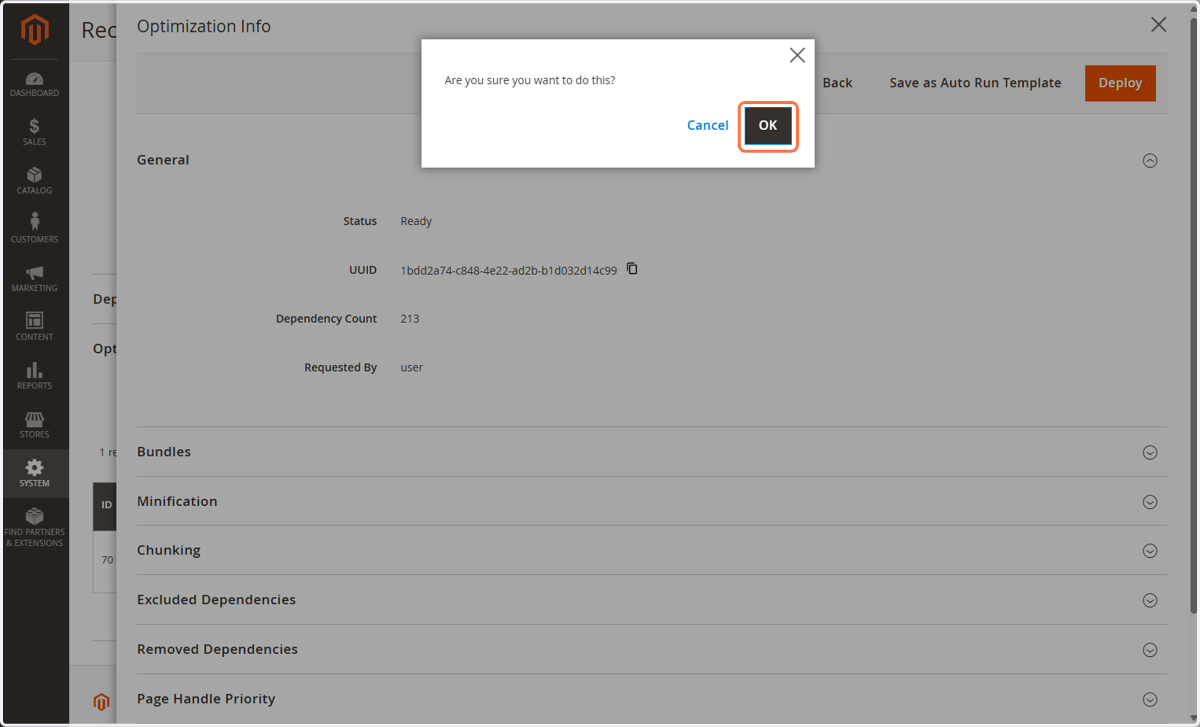
8. The optimisation was deployed and is already used to speed up your website
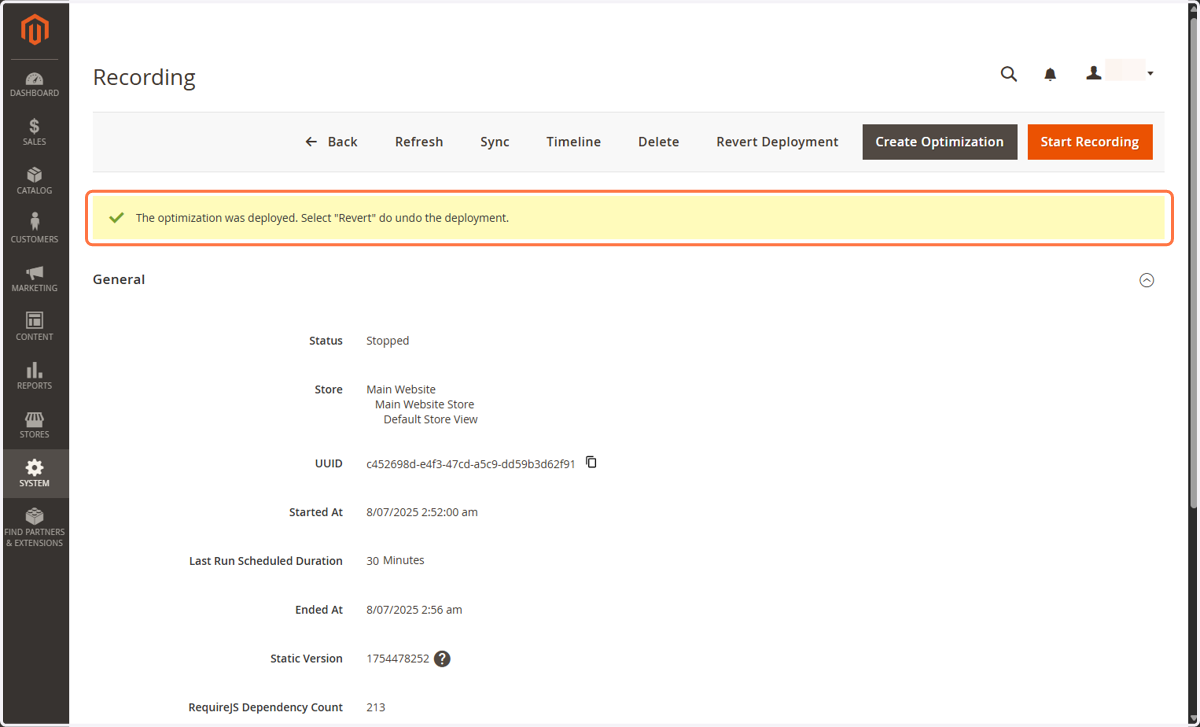
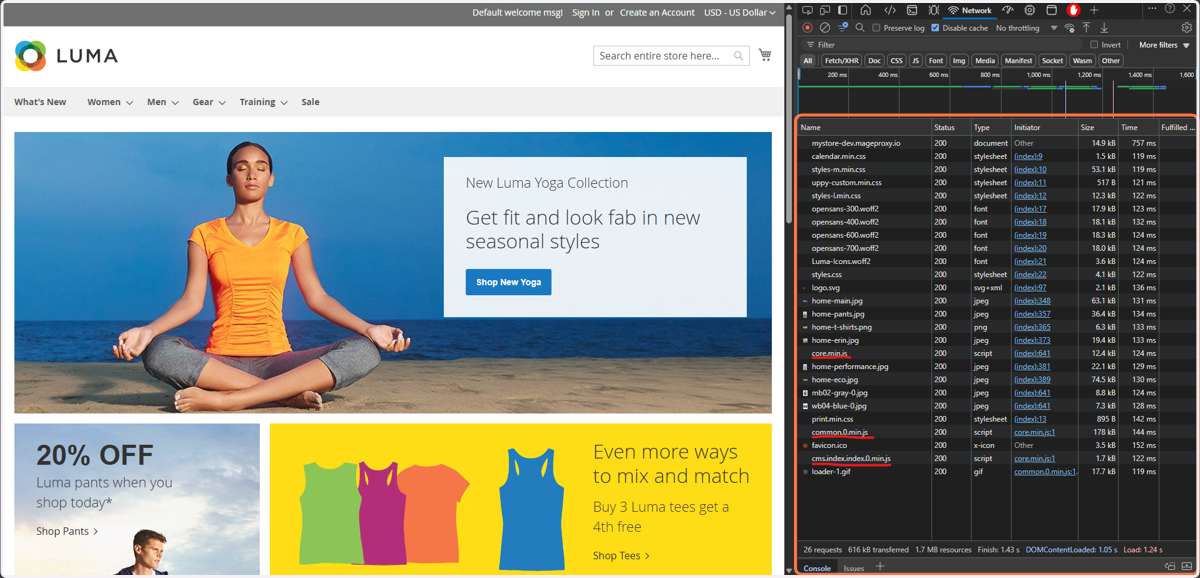
9. (Optional) Visit your website
If you want to see if the optimisation is actually working; you can open Developer Tools with [CTRL] + [SHIFT] + [I] shortcut. In the Network tab, you should see only a few JavaScript files being downloaded, instead of hundreds.