Navigating the Stock Exchange Teacher Tools
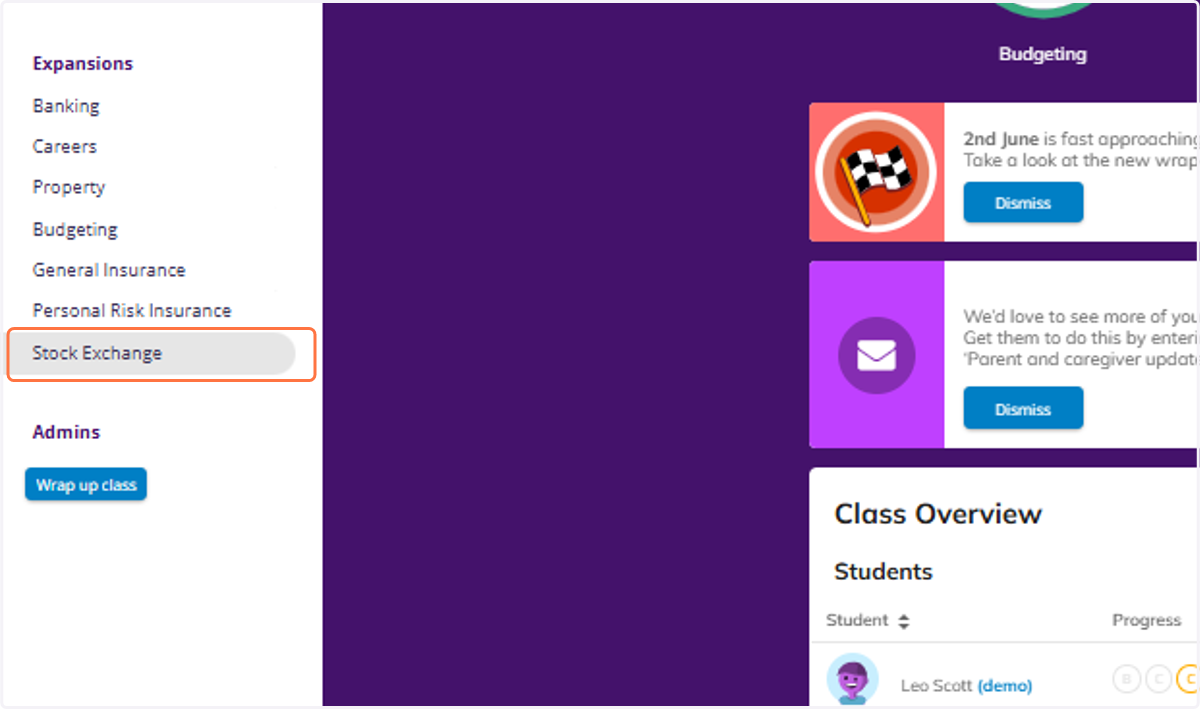
1. Click on Stock Exchange
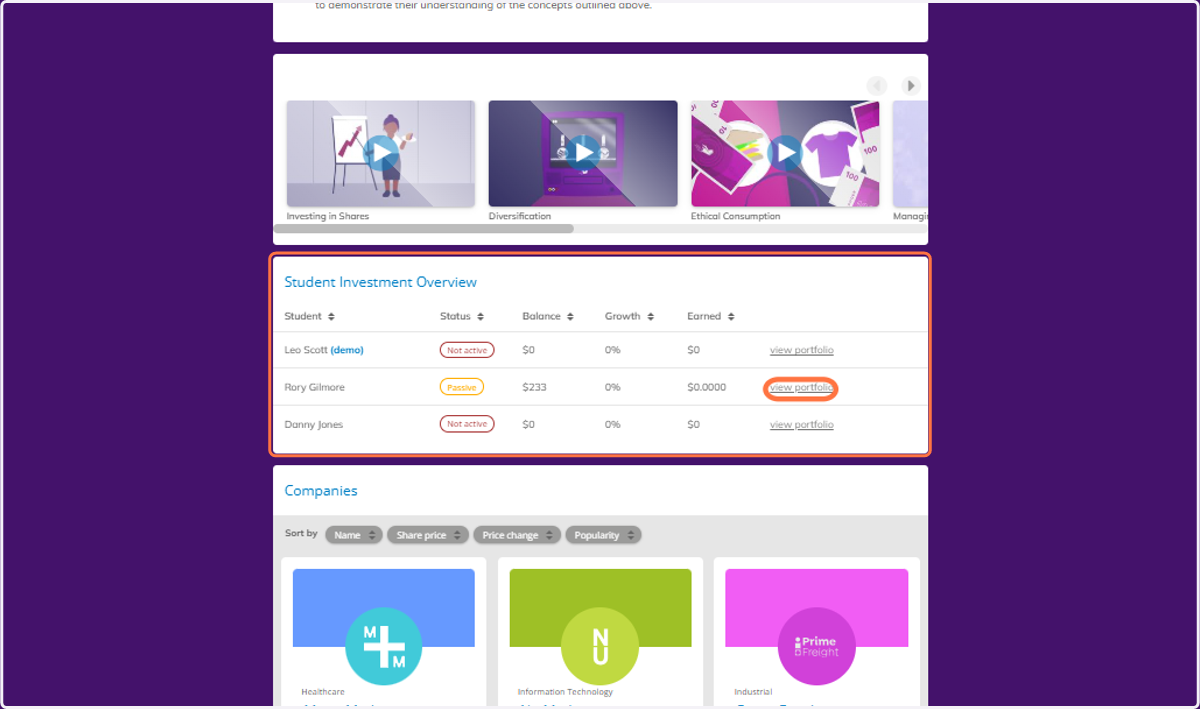
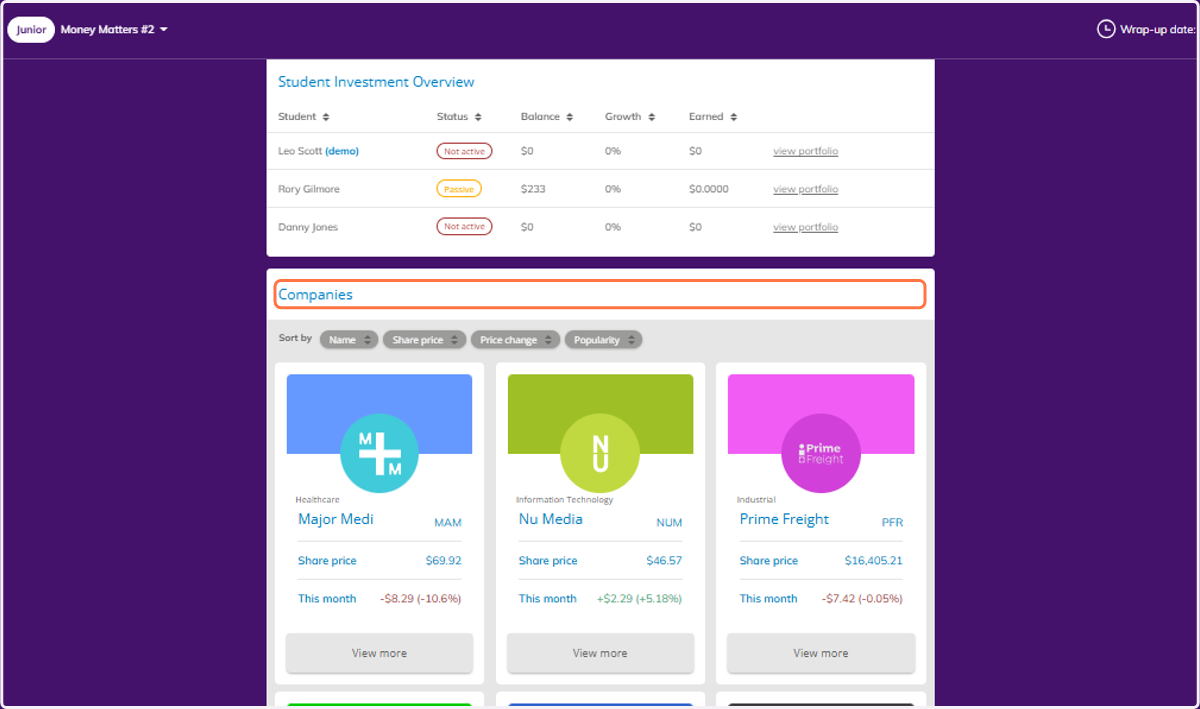
2. Scroll down to view the Student Investment Overview. You can click on view portfolio to see the full detail of each students investments.
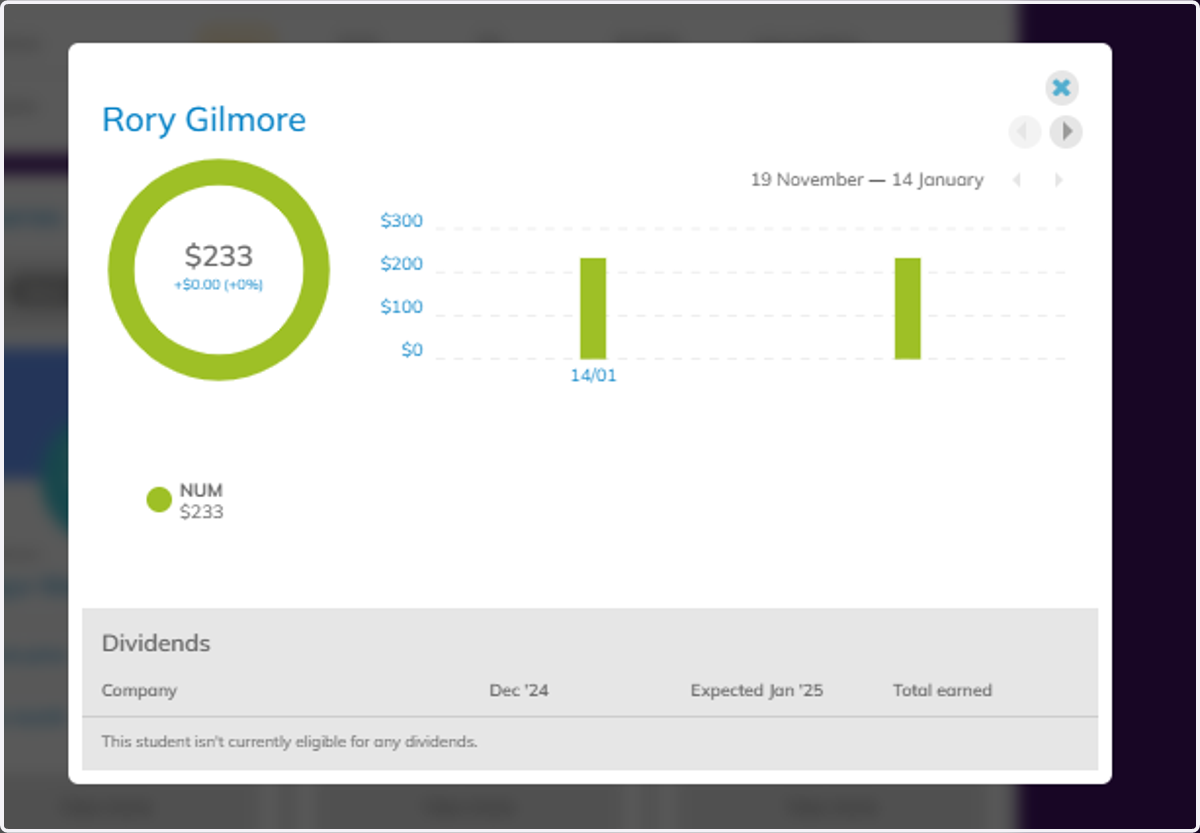
3. You can see a full view of individual students investment portfolio's.
4. Below this table is the view of the Companies available via the BHX.
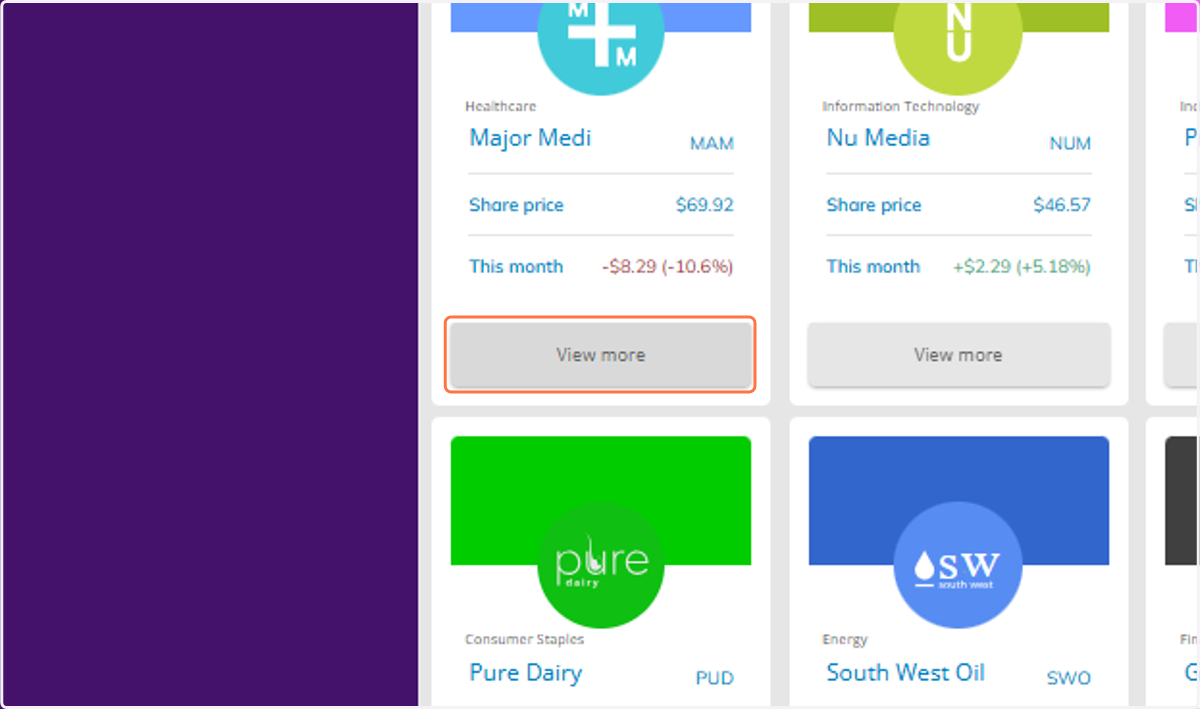
5. Click on View more on any company to view more detail.
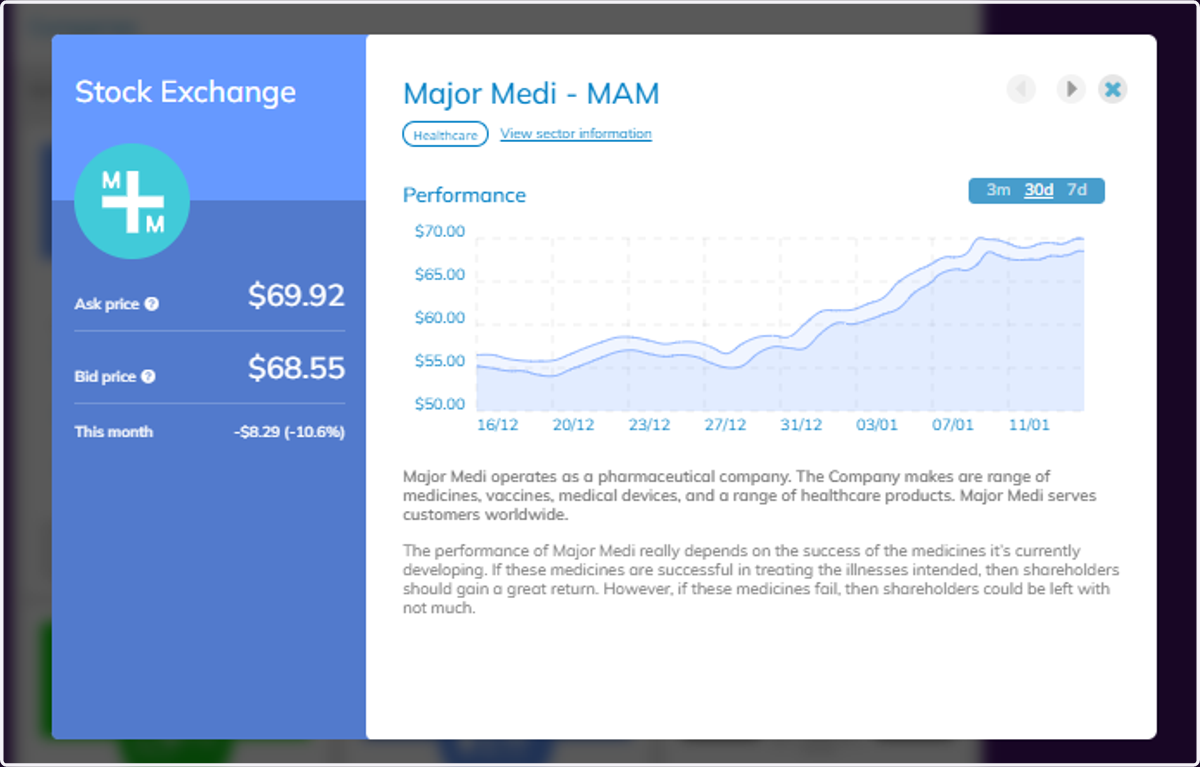
6. Here you can view all of the information on each company, which is the same as what your students will see.
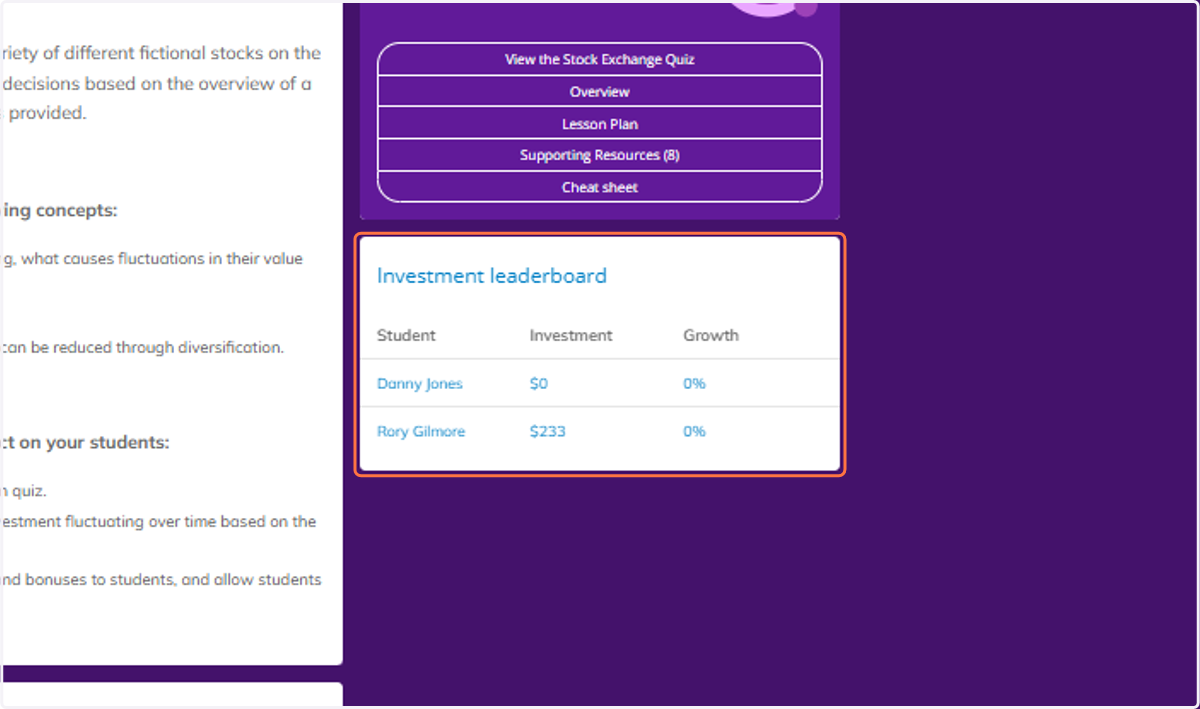
7. Finally you can see a view of the Investment leaderboard for your class.